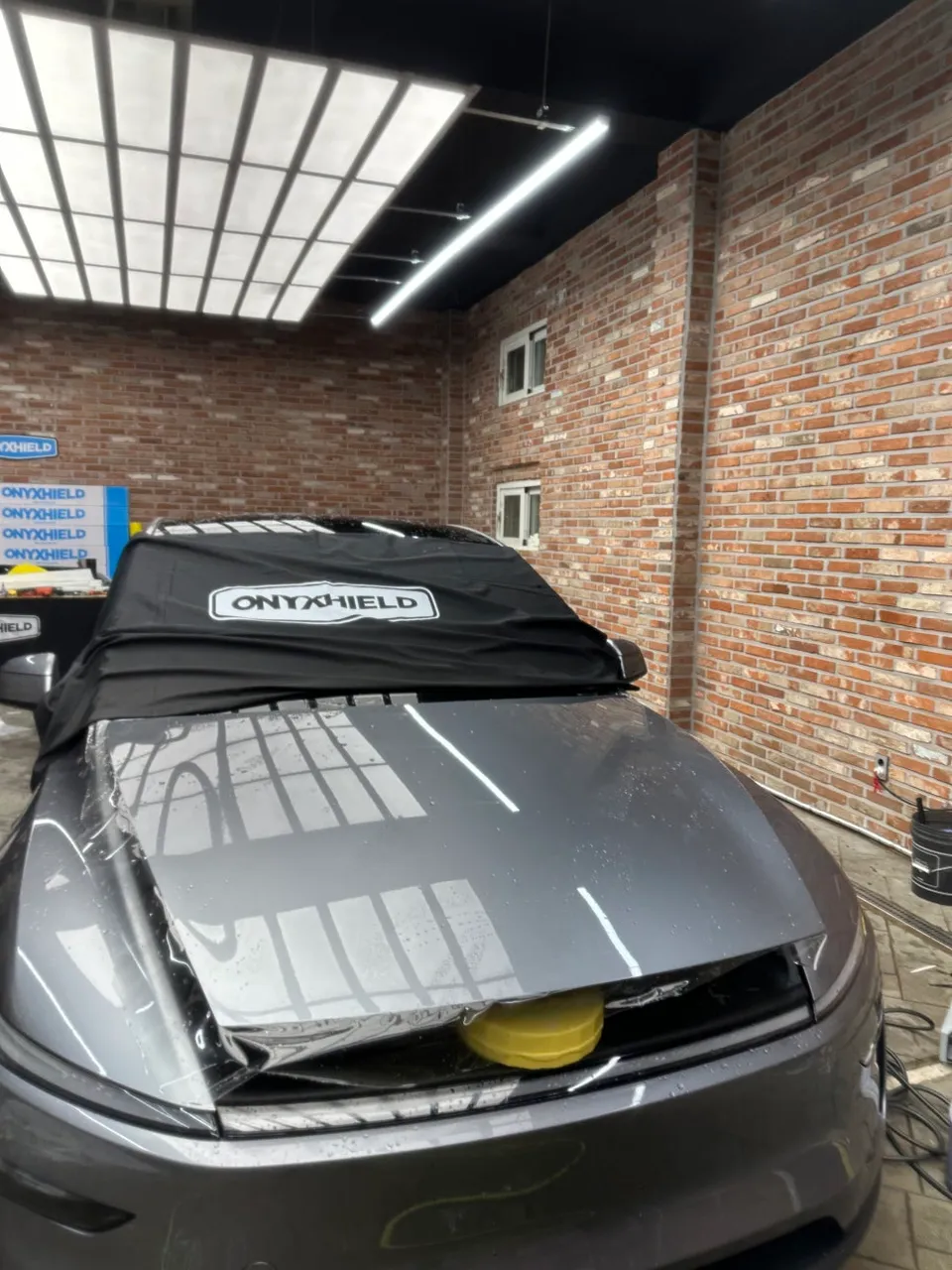
Tesla Model Y Dash Cam Installation Review
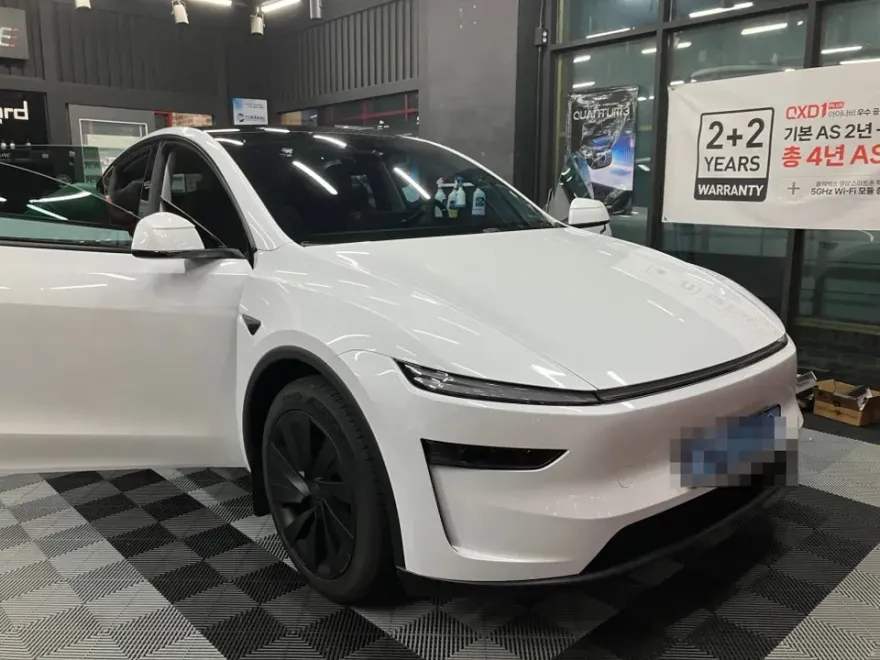
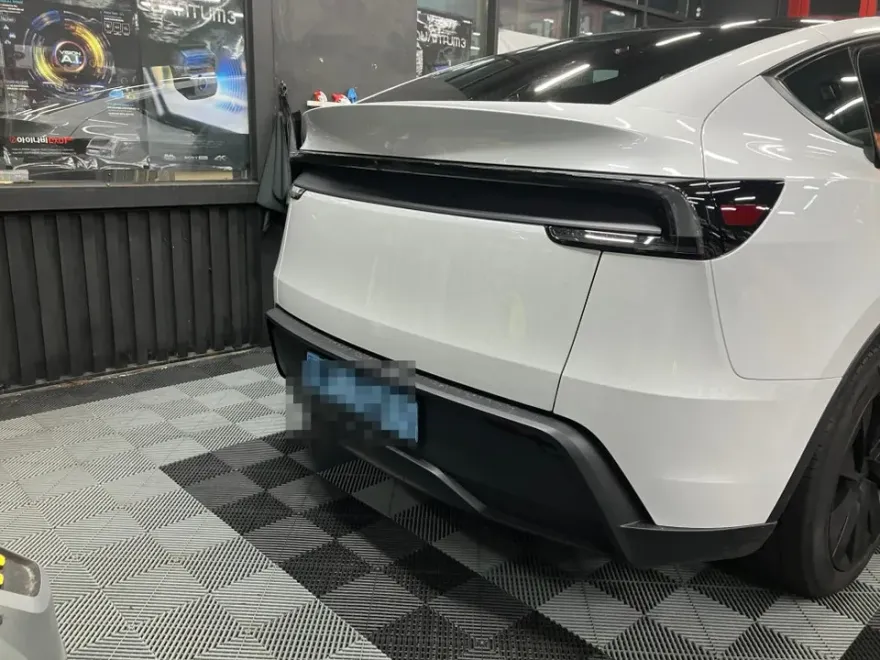
Thinkware QXD3000 dash cam installation on Tesla Model Y. Professional hardwiring ensures parking mode and clean install. Cost varies.
Tesla Model Y Dash Cam Installation: Thinkware QXD3000 Review
For Tesla Model Y owners, a reliable dash cam is often considered a crucial accessory. This review delves into the professional installation of the Thinkware QXD3000, a popular 2-channel black box camera system, focusing on the installation process, key features, and why expert hardwiring matters. The goal is to provide a clear understanding of the benefits, potential costs, and overall value proposition for those considering this upgrade.
Thinkware QXD3000 Features and Benefits
The Thinkware QXD3000 stands out with its high-quality recording capabilities. The front camera captures footage in 4K UHD resolution, while the rear camera records in QHD, ensuring exceptionally clear video evidence. This clarity is vital for capturing critical details in the event of an accident or incident. Beyond raw video quality, the QXD3000 integrates seamlessly with the Thinkware Link app. This allows for convenient smartphone connectivity, enabling real-time video monitoring, playback of recorded footage, and easy adjustment of camera settings without needing to interact directly with the device. This user-friendly interface makes advanced features accessible to all drivers, regardless of technical expertise.
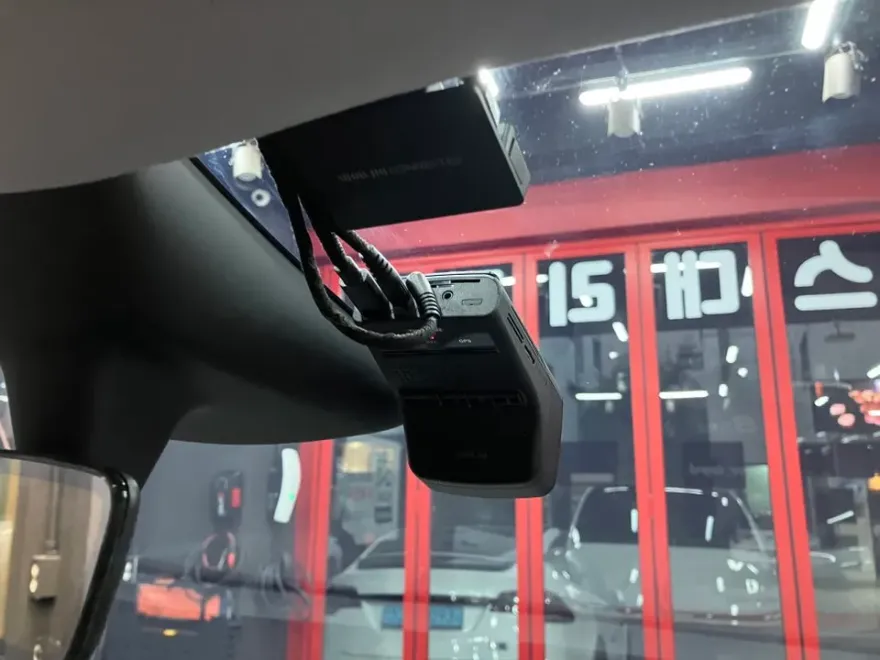
The Importance of Professional Dash Cam Hardwiring
When installing a dash cam, particularly a system with parking mode capabilities like the QXD3000, professional hardwiring is paramount. This process involves connecting the dash cam directly to the vehicle's power supply, often bypassing the standard cigarette lighter socket. This ensures continuous power for parking mode recording, which is essential for capturing events when the car is parked. Furthermore, professional installers focus on meticulous cable management. All wiring is concealed within the vehicle's trim panels, preventing unsightly clutter and potential rattles or noise during driving. This attention to detail not only enhances the vehicle's interior aesthetics but also ensures the longevity and reliability of the installation. Utilizing the vehicle's original power sources through a properly installed socket adapter minimizes potential interference with the car's electrical system and helps preserve the manufacturer's warranty. The result is a clean, integrated look that maximizes the dash cam's performance and your peace of mind.
Installation Process:
- Power Connection: The installer carefully taps into the vehicle's fuse box or a designated power source to provide continuous power to the dash cam, enabling parking mode functionality.
- Cable Routing: All wiring for both the front and rear cameras is discreetly routed through the vehicle's interior trim, headliner, and door seals to remain completely hidden.
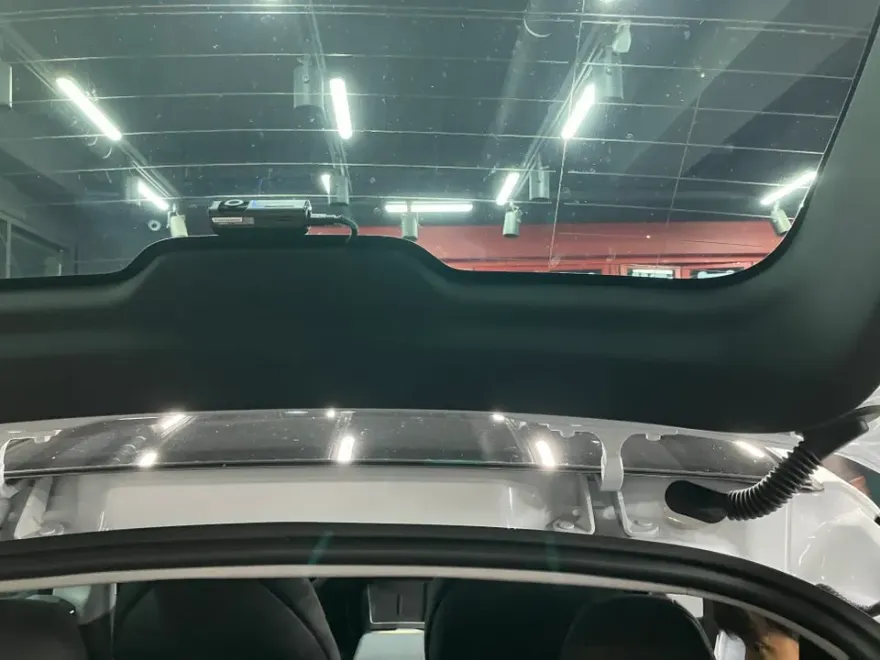
- Camera Mounting: The front and rear cameras are securely mounted in optimal positions on the windshield and rear window, respectively, ensuring a clear field of view.
- System Testing: After installation, the system is thoroughly tested to confirm proper recording, parking mode activation, and connectivity with the smartphone app.
The decision to install a dash cam like the Thinkware QXD3000 on a Tesla Model Y should consider compatibility and the installation method. While the QXD3000 is a highly-rated option, the quality of the wiring job is as critical as the device itself. Opting for professional installation ensures that the system functions optimally and integrates seamlessly with your vehicle without compromising its electrical integrity or warranty. Exact costs can vary based on the specific installer and any additional services required, so consulting directly with a reputable installation service is recommended for an accurate quote.
Frequently Asked Questions
Q. How much does dash cam installation cost for a Tesla Model Y?
Professional dash cam installation for a Tesla Model Y, including hardwiring, typically ranges from $150 to $300 USD, depending on the complexity and specific shop rates. The Thinkware QXD3000 installation detailed here would fall within this general range.
Q. How long does dash cam installation take on a Tesla Model Y?
Professional dash cam installation, including hardwiring, usually takes about 1 to 2 hours for a Tesla Model Y. To ensure longevity, keep the camera lenses clean with a microfiber cloth and periodically check the app for firmware updates.
Q. Is a hardwired dash cam worth it over a self-install for a Tesla Model Y?
A hardwired dash cam is highly recommended for Tesla Model Y owners seeking reliable parking mode recording and a clean, integrated look. Professional hardwiring ensures proper power management and avoids potential warranty issues associated with incorrect self-installation.
Q. How is a dash cam professionally installed on a Tesla Model Y?
Professional installation involves discreetly routing all wiring through the vehicle's interior trim for a clean finish. The dash cam is then connected to the vehicle's power system, often via the fuse box, to enable features like parking mode recording.
Q. What is the difference between a 1-channel and 2-channel dash cam for a Tesla Model Y?
A 2-channel dash cam, like the Thinkware QXD3000, records both front and rear views, providing comprehensive coverage. A 1-channel system only records the front, making the 2-channel option a more complete solution for overall vehicle security.
Q. What should I know before getting Dash Cam on a Tesla Model Y? (common regrets and mistakes)
The most common regret is not opting for professional hardwiring, which can lead to battery drain or unreliable parking mode. Always ensure the installer uses clean wiring techniques and consults your vehicle's manual regarding electrical system modifications.
OhCar Partner Shop