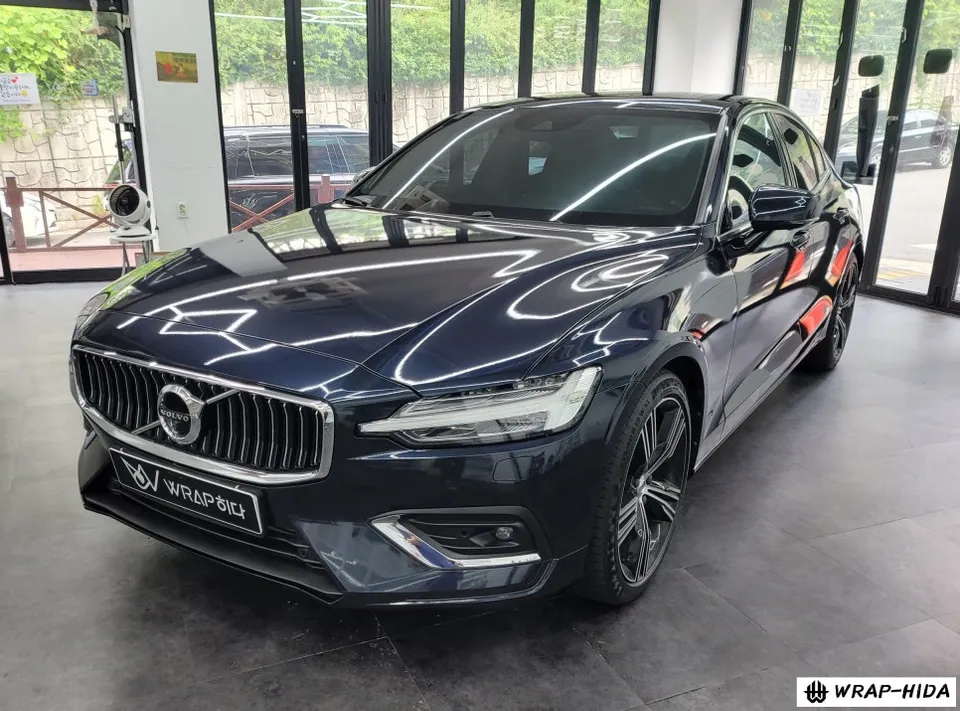
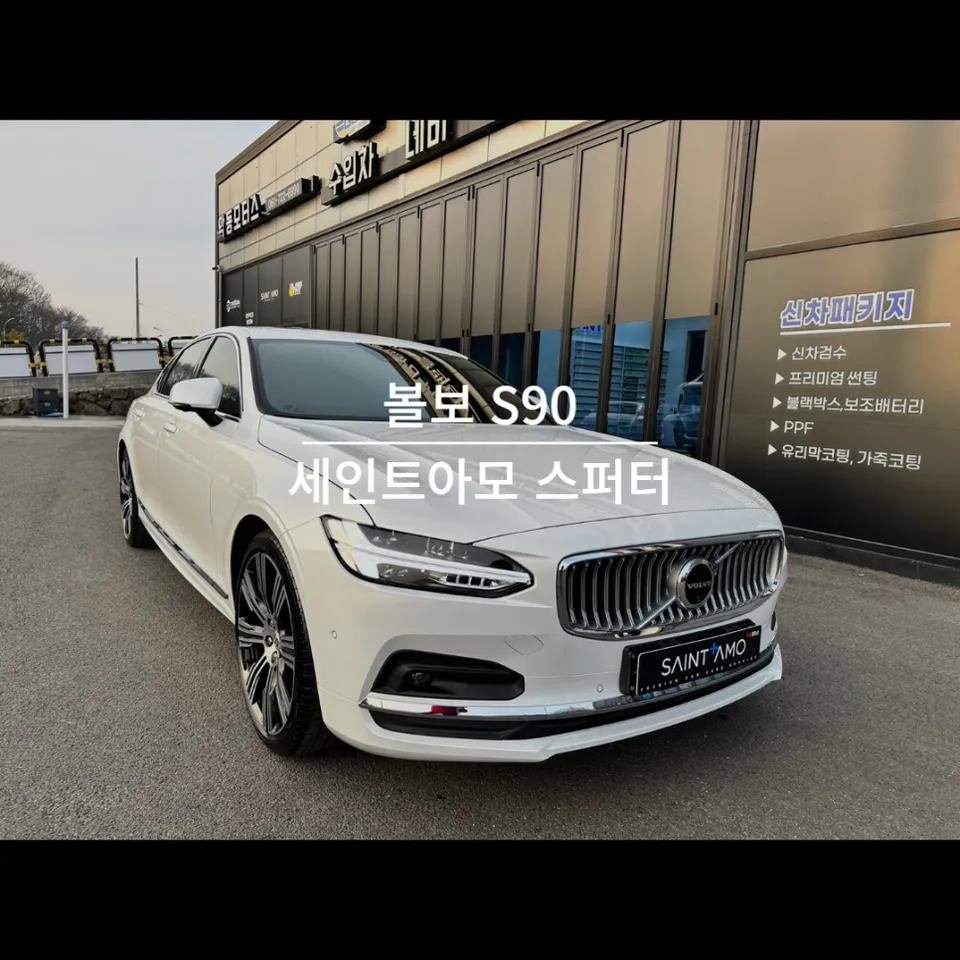
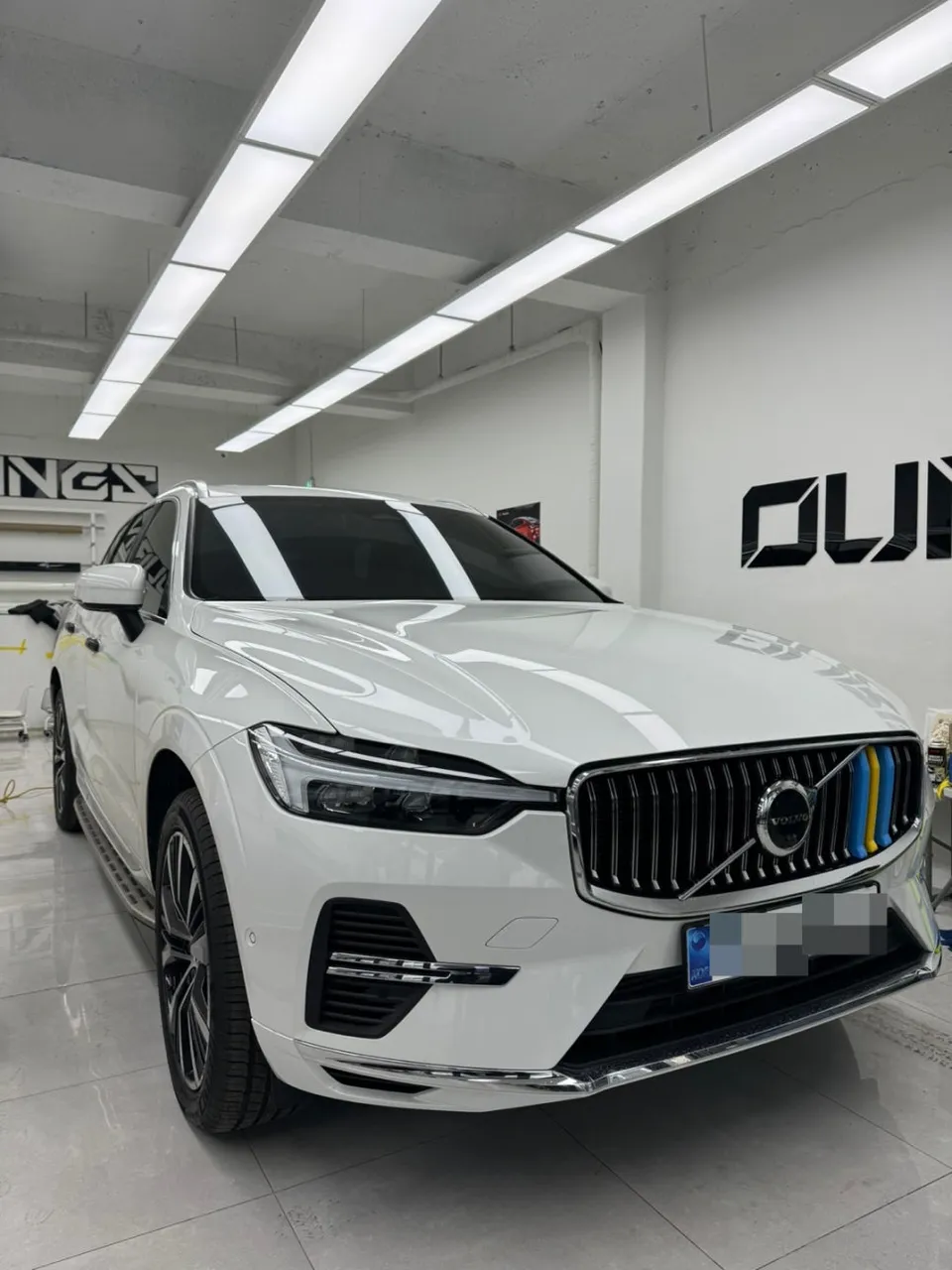
Volvo XC90 OEM Options Review — Enhanced Features
Service Price
$40–80
Estimated price · Actual price may vary by shop
Before

After
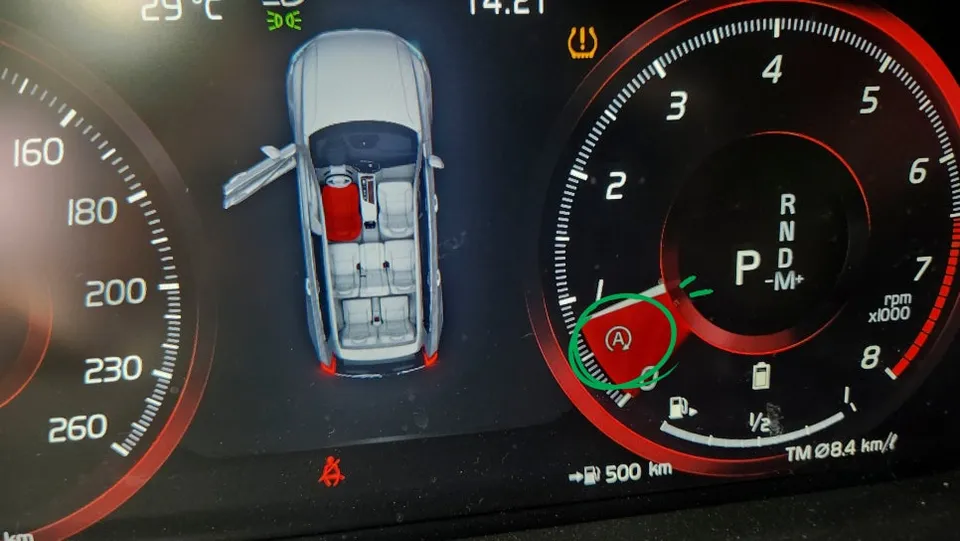
Process photos
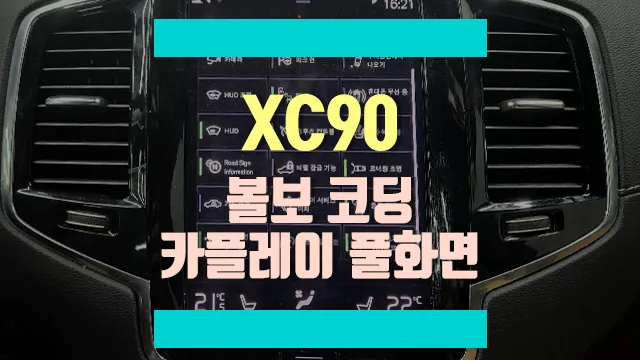
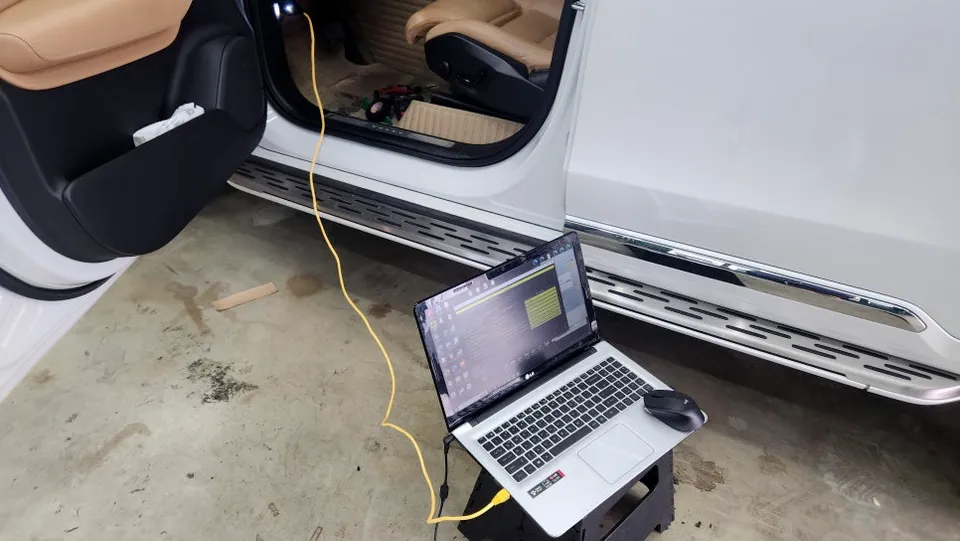
Volvo XC90 OEM Options: Coding, remote start, and full-screen CarPlay upgrade for approximately ₩100,000-₩1,500,000. Enhances usability and convenienc
Unlock Your Volvo XC90's Hidden Potential with OEM Options
Many Volvo XC90 owners are interested in enhancing their vehicle's functionality without adding aftermarket hardware. This is where 'coding' or OEM options come into play. These services activate features that are already built into the car's software but are disabled by default. This process involves using a laptop connected to the vehicle's OBD port to enable these hidden functions, offering a safe and non-invasive way to upgrade your driving experience. Unlike aftermarket installations, coding utilizes the car's existing wiring and components, preserving the vehicle's integrity.
Key Volvo XC90 Features Activated Through Coding
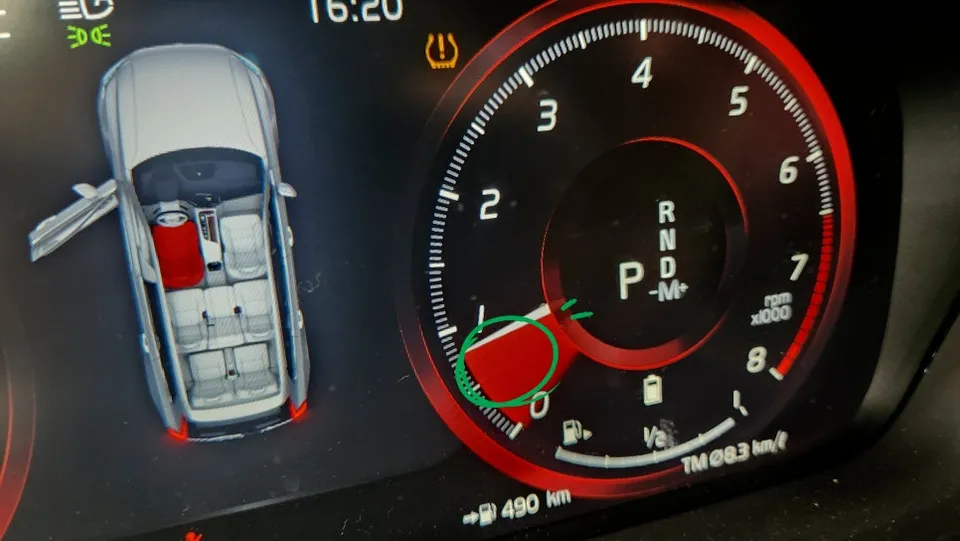
Several popular features can be unlocked on the Volvo XC90 through coding. One common request is disabling the 'Stop & Go' function, which automatically shuts off the engine at idle. While intended for fuel efficiency, many drivers find it intrusive. Coding can completely remove this feature, including its indicator on the dashboard. Additionally, the 180 km/h speed limiter can be removed, and the 'Curve Speed Assist' can be activated to improve stability when cornering. Other desirable features that can be enabled include smart key warnings, automatic headlight functions, bending lights, and even the Polestar mode, offering a more personalized and responsive drive.
Adding Convenience: Remote Start and Full-Screen CarPlay
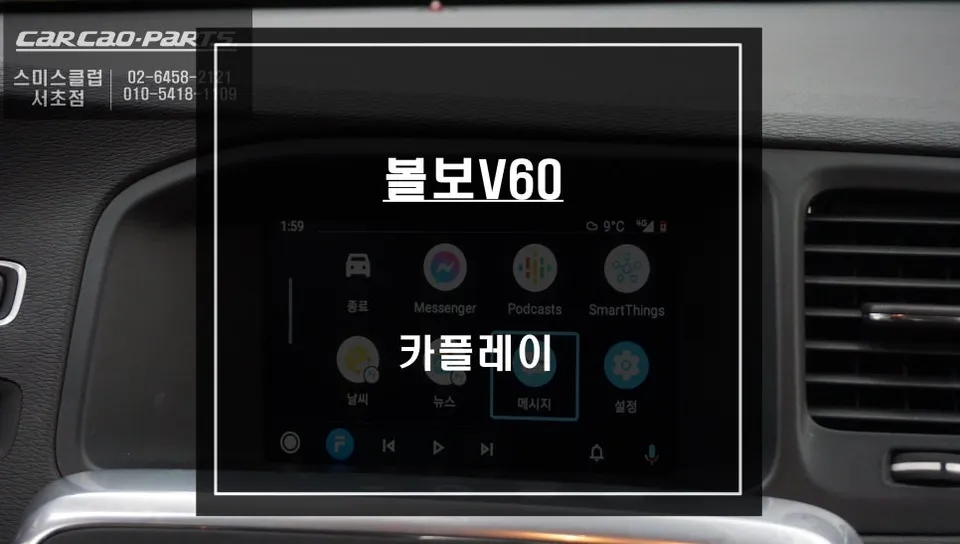
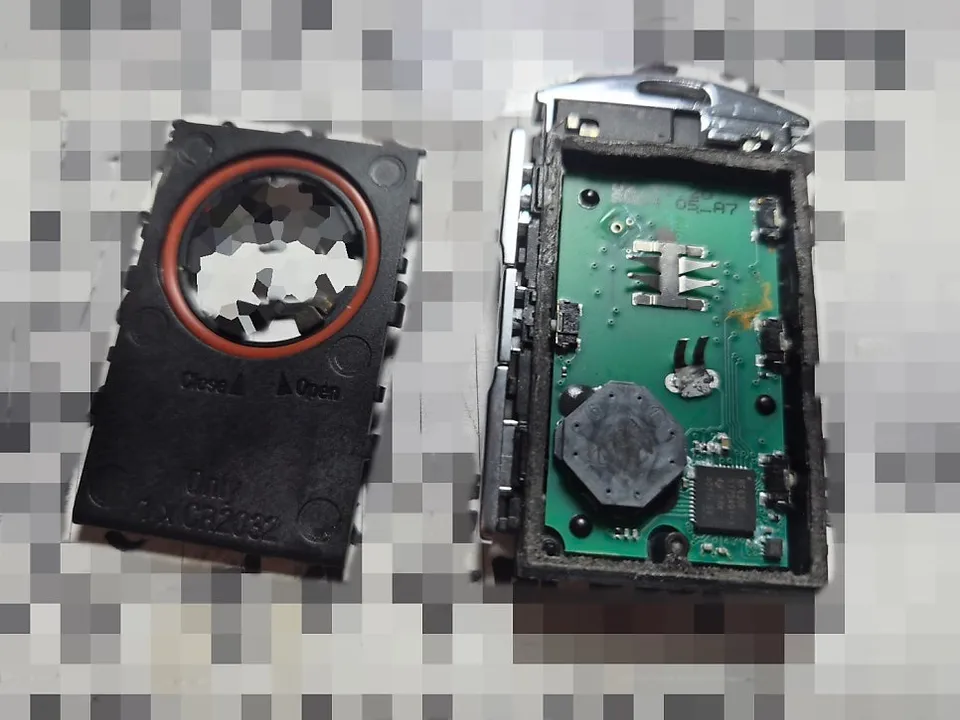
Beyond software coding, this Volvo XC90 also received a smart key remote start system and a full-screen CarPlay/Android Auto module. The remote start allows the engine to be started or stopped using the original smart key, eliminating the need for an extra remote. This system also includes an auto-window function, enabling users to close all windows remotely via the smart key – a convenient feature for those who occasionally forget to close them before leaving the vehicle. Furthermore, the CarPlay and Android Auto experience is significantly improved. Previously limited to half the screen, a new module allows these smartphone integration systems to display full-screen, making navigation, music, and app usage much more immersive and user-friendly.
Installation Process:
- Diagnostic Connection: The technician connects a laptop equipped with specialized coding software to the vehicle's OBD-II port.
- Feature Selection: The desired features to be activated or modified (e.g., Stop & Go disable, remote start, CarPlay full-screen) are selected within the software.
- Software Programming: The software is used to modify the vehicle's existing control modules to enable the selected functions.
- Module Installation (if applicable): For features like full-screen CarPlay, a small hardware module is installed, typically behind the infotainment screen or dashboard.
- Verification: After programming and installation, all new and existing functions are tested to ensure they operate correctly.
The entire process, including coding and module installation, typically takes around 2 to 3 hours to complete.
Frequently Asked Questions
Q. How much does OEM option and factory upgrade installation cost for a Volvo XC90?
In Korea, the cost for these OEM options on a Volvo XC90 can range from approximately ₩100,000 for basic coding to ₩1,500,000 for comprehensive upgrades like remote start and full-screen CarPlay. Typical US pricing can be significantly higher, often starting from $200 for coding and upwards of $1000 for integrated systems.
Q. How long does OEM options installation take on a Volvo XC90?
The installation time for OEM options on a Volvo XC90 typically ranges from 2 to 3 hours, depending on the complexity of the features being activated or installed. Proper maintenance involves ensuring software is up-to-date and periodically checking for any system errors, which is usually handled during routine vehicle servicing.
Q. Are OEM options worth adding after purchase for a Volvo XC90?
OEM options are highly recommended for Volvo XC90 owners who want to enhance convenience and usability without compromising the vehicle's factory integration. They offer significant value by unlocking hidden features and improving existing functionalities, making the driving experience more enjoyable and modern.
Q. How are OEM factory options installed on a Volvo XC90?
OEM factory options are typically installed through a process called coding, where specialized software is used to activate pre-existing features within the car's computer system via the OBD-II port. For hardware-based upgrades like full-screen CarPlay, a small module is discreetly installed, usually behind the dashboard or infotainment unit, integrating seamlessly with the car's electronics.
Q. What is the difference between dealer-installed options and aftermarket upgrades for a Volvo XC90?
Dealer-installed OEM options utilize the vehicle's original factory software and hardware, ensuring perfect integration and maintaining warranty coverage. Aftermarket upgrades, while sometimes offering more customization, may require separate installations, potentially voiding parts of the factory warranty and sometimes leading to compatibility issues.
OhCar Partner Shop