Audi A7 Android Head Unit Upgrade Review — Enhanced Connectivity
Service Price
$under approx. $400
Estimated price · Actual price may vary by shop
Before
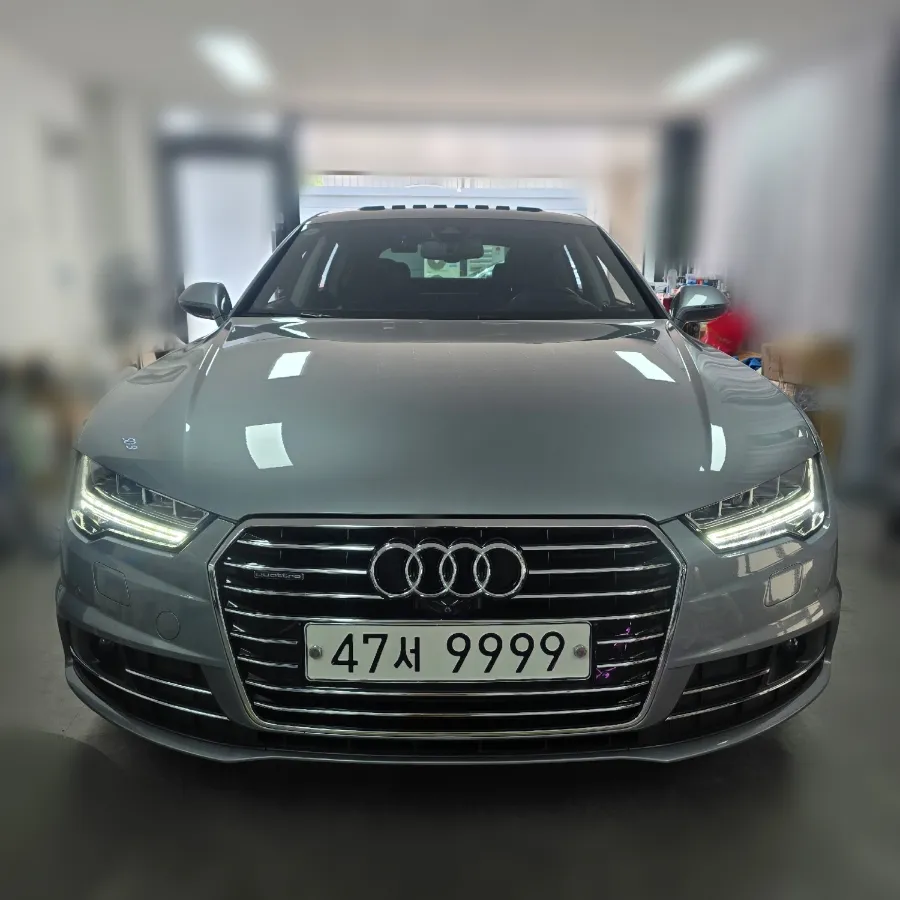
After
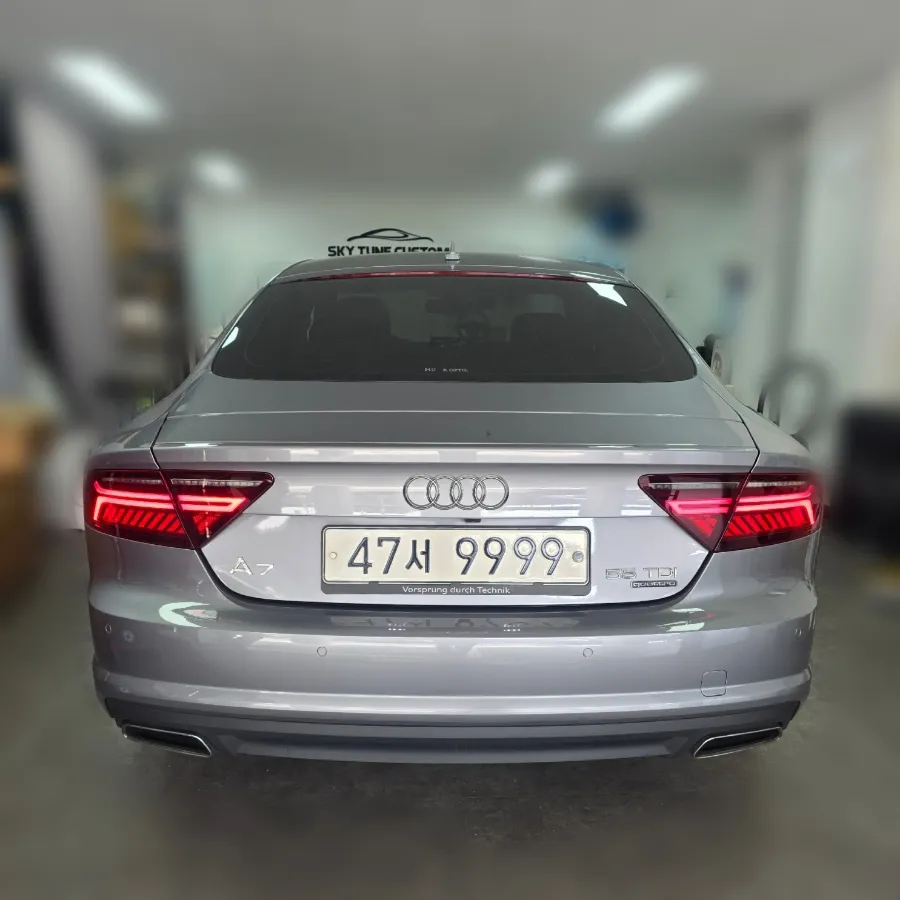
Process photos
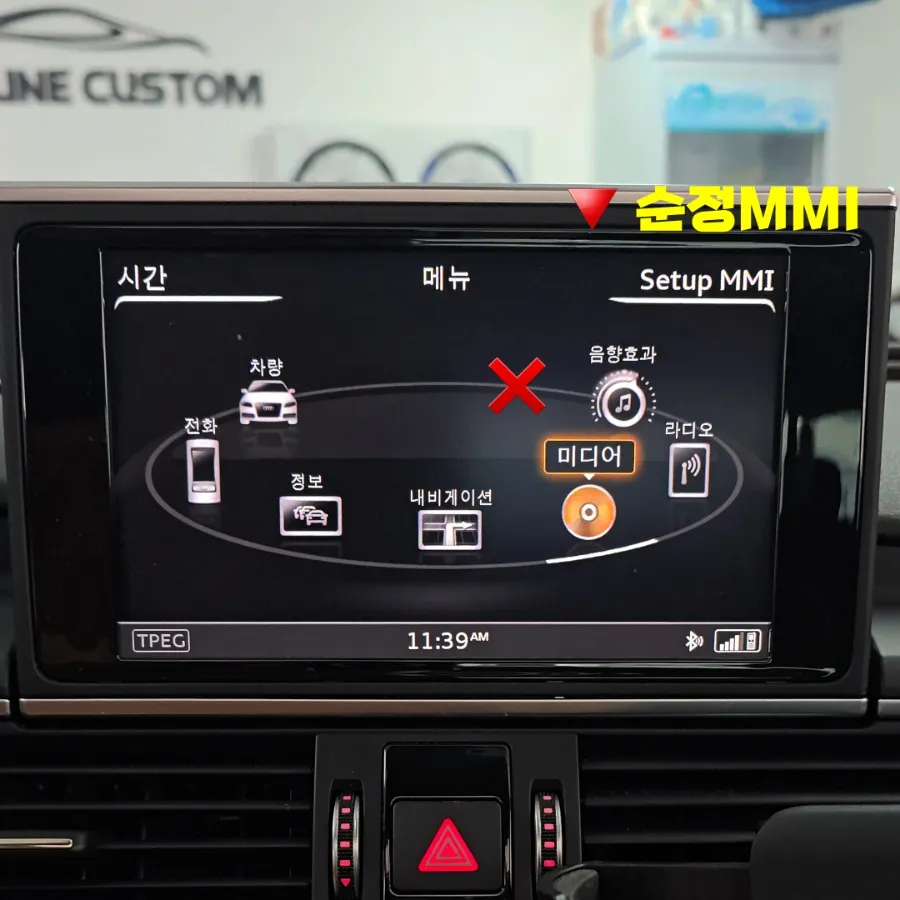
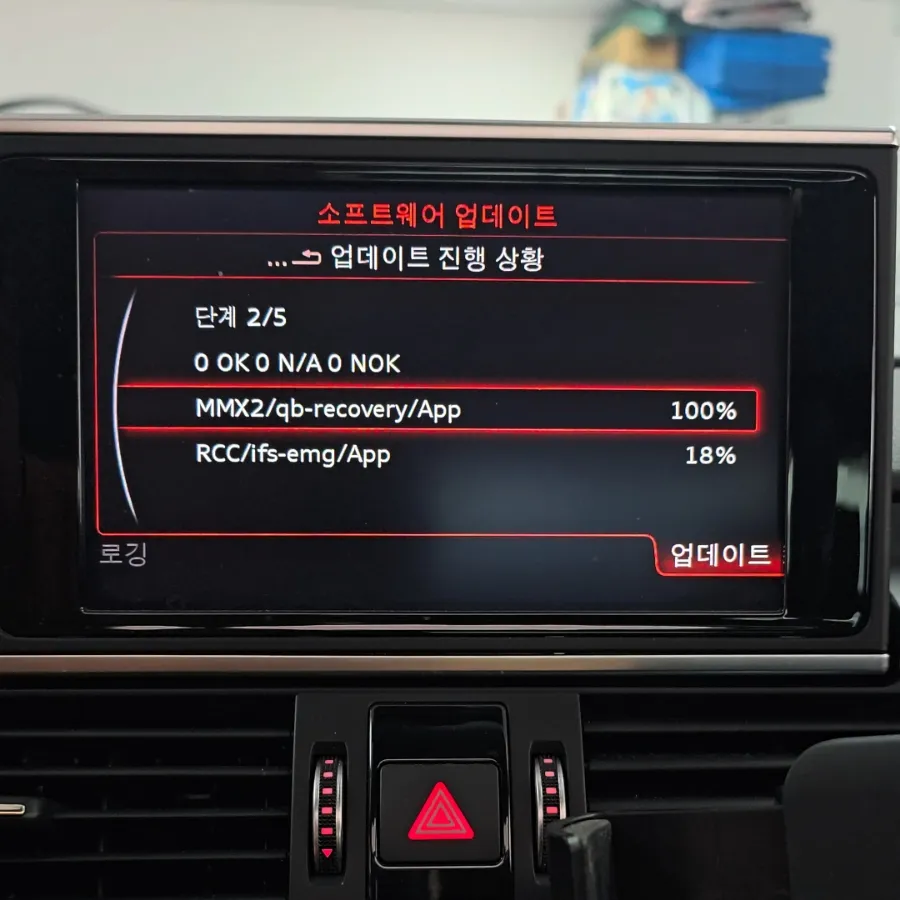
Audi A7 Android Head Unit activation enables native Android Auto/CarPlay. Seamless integration for navigation & music. Enhances driving convenience.
Upgrade Your Audi A7 with Integrated Smartphone Connectivity
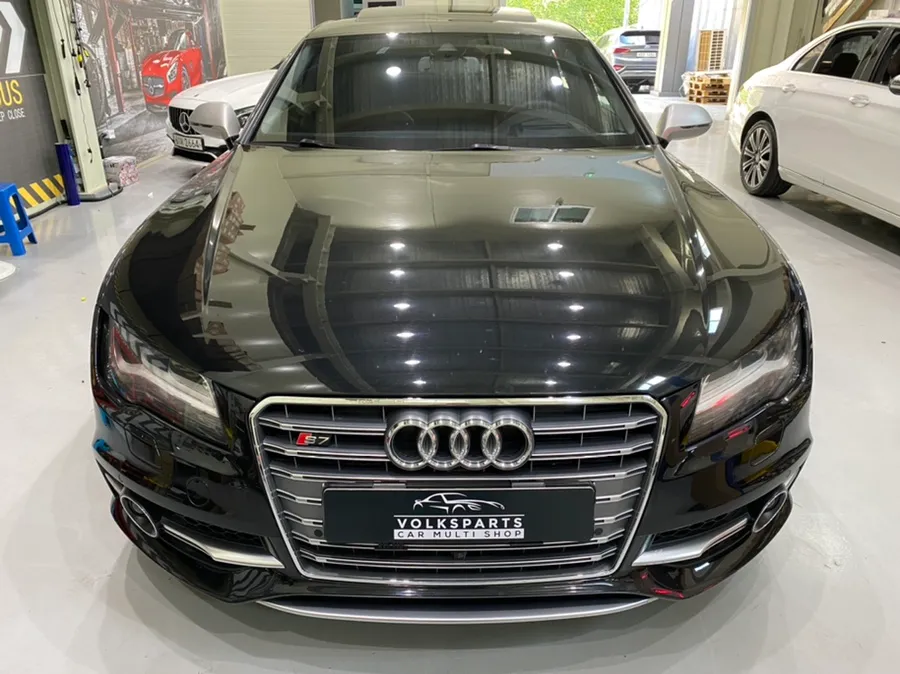
The 2016 Audi A7 55TDI, a car celebrated for its sporty design, can feel a bit dated when it comes to modern in-car technology. Many owners find themselves wishing for the convenience of smartphone integration like Apple CarPlay and Android Auto. This review details the process and benefits of activating the native Audi Smartphone Interface on your A7, transforming your driving experience by bringing your digital life seamlessly into the car's MMI system. If you've been frustrated by the lack of native support or the unreliability of third-party wireless dongles, this upgrade is for you.
Why Activate the Audi Smartphone Interface?
The primary reason to activate the native Audi Smartphone Interface is to unlock the full potential of your smartphone while driving. This feature allows you to mirror essential apps like navigation (Google Maps, Waze), music streaming services (Spotify, Apple Music), and communication tools (calls, messages) directly onto your Audi A7's MMI display. This means you can control your favorite apps using the car's interface, often with voice commands, significantly enhancing safety and convenience. For A7 owners who rely on their smartphones for navigation and entertainment, this upgrade bridges the gap between the car's sophisticated design and modern technological expectations. It provides a more integrated and stable experience compared to aftermarket solutions.
How the Audi Smartphone Interface Activation Works
Activating the Audi Smartphone Interface on your A7 is a software-based process. Unlike installations that require complex wiring or additional hardware modules, this upgrade involves a firmware update to your vehicle's existing MMI system. This ensures a completely native and integrated experience, meaning the interface will look and feel like it was always part of the car. The process is non-invasive and does not risk data loss or damage to your vehicle's original systems. It's a clean and efficient way to add a highly sought-after feature.
Installation Process:
- The technician connects specialized diagnostic equipment to your Audi A7's OBD-II port.
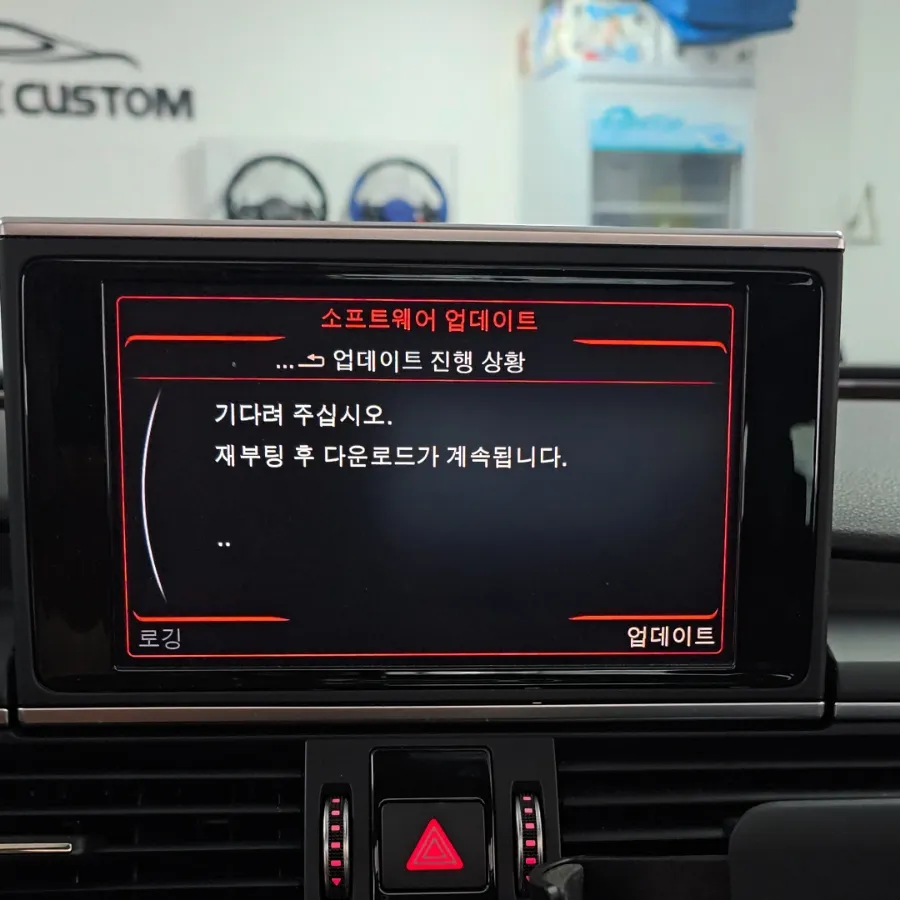
- The MMI system's software is updated to enable the 'Audi Smartphone Interface' function.
- The system is rebooted, and the new interface options become available on the MMI screen.
- A smartphone is connected via USB to test the functionality of Android Auto and/or Apple CarPlay.
Real-World Performance and User Experience
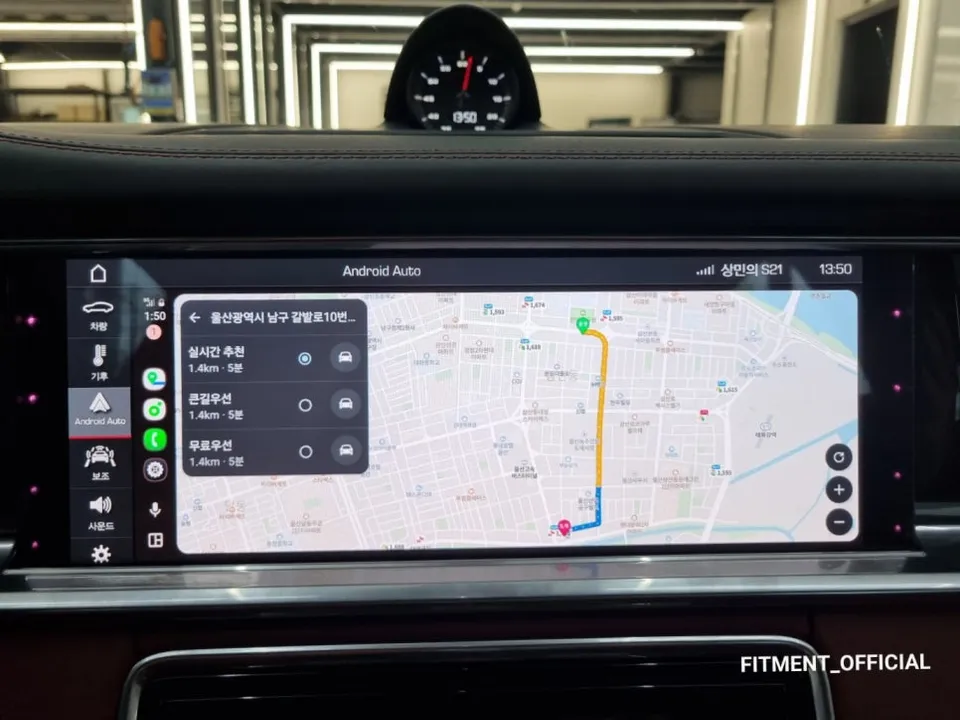
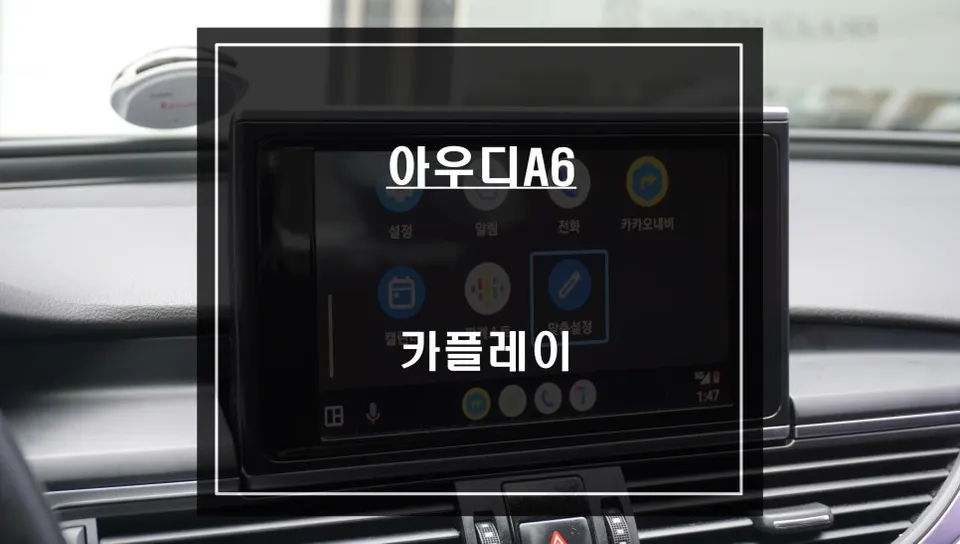
Once the software update is complete, a new 'Audi Smartphone Interface' icon appears on your MMI screen. Connecting your smartphone, typically via a USB port located in the center console armrest, is straightforward. For Android users, a prompt will appear on the phone asking for permission to connect to Android Auto. Upon acceptance, the Android Auto interface populates the car's display. The performance is remarkably smooth and responsive, providing a lag-free experience for navigation and media playback. This native activation also unlocks the potential for using wireless dongles, offering the ultimate convenience of wireless Android Auto or Apple CarPlay. The transition from a non-integrated system to this seamless connectivity significantly improves the daily usability and enjoyment of your Audi A7.
Frequently Asked Questions
Q. How much does activating the Audi Smartphone Interface cost for an Audi A7?
The cost for activating the Audi Smartphone Interface on an Audi A7 typically ranges from ₩200,000 to ₩400,000 in Korean Won. In the US, similar software activations can range from $200 to $500 depending on the dealership or independent shop.
Q. How long does the Audi Smartphone Interface activation take on an Audi A7?
The activation process usually takes between 15 to 30 minutes to complete. To ensure longevity, always use high-quality USB cables for a stable connection and keep your MMI software updated when prompted.
Q. Is activating the Audi Smartphone Interface worth it for an Audi A7?
Activating the Audi Smartphone Interface is highly recommended for Audi A7 owners who frequently use their smartphones for navigation and entertainment. It offers a significant upgrade in convenience and safety, providing a native, integrated experience that enhances the car's overall usability.
Q. How is the Audi Smartphone Interface activated on an Audi A7?
Activation is performed via a software update to the vehicle's MMI system using specialized diagnostic tools. 1. Connect diagnostic equipment to the OBD-II port. 2. Upload the necessary firmware to enable the smartphone interface. 3. Reboot the MMI system to finalize the activation.
Q. What is the difference between activating the native Audi Smartphone Interface and using a wireless dongle on an Audi A7?
Activating the native interface integrates Android Auto/CarPlay directly into the car's MMI system via USB, offering stability and a seamless look. Wireless dongles are aftermarket devices that attempt to add wireless functionality but can be less reliable and may introduce latency; native activation is the preferred and more robust solution.
OhCar Partner Shop