Audi A7 C7 Android Head Unit Upgrade Review
Service Price
$150+
Estimated price · Actual price may vary by shop
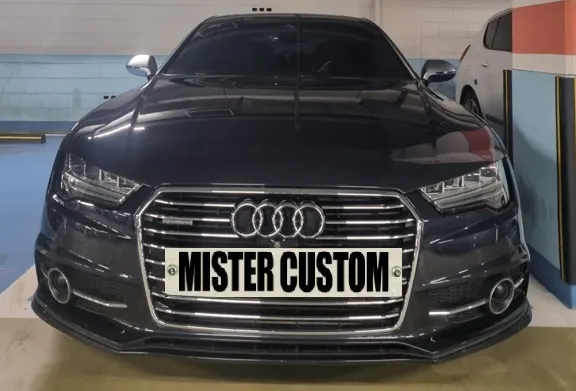
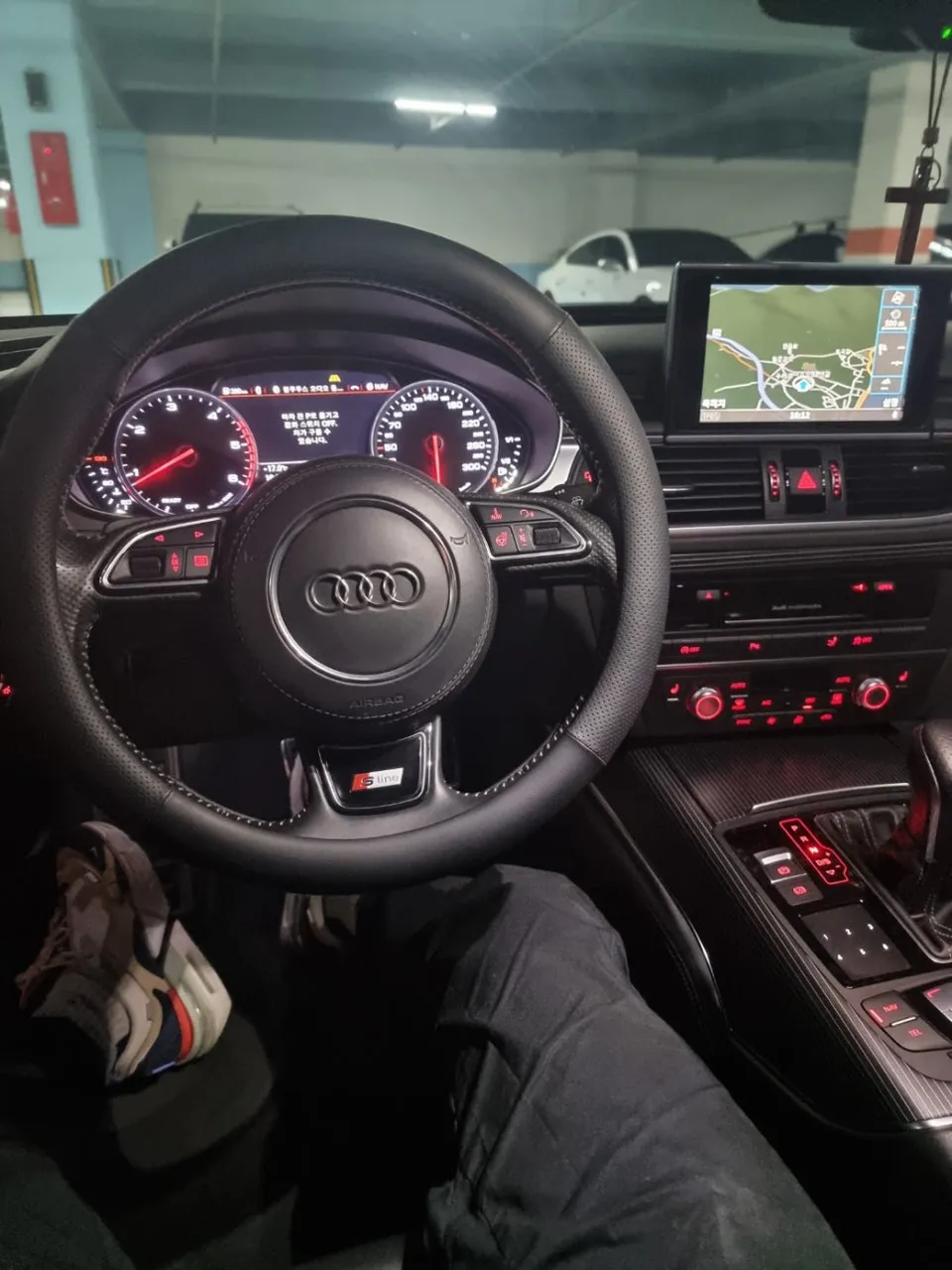
Audi A7 C7 Android Head Unit Upgrade: Seamless smartphone integration and modern infotainment. Enjoy Car Play, YouTube, and real-time navigation.
Audi A7 C7 All-in-One Navigation Upgrade: A Seamless Integration
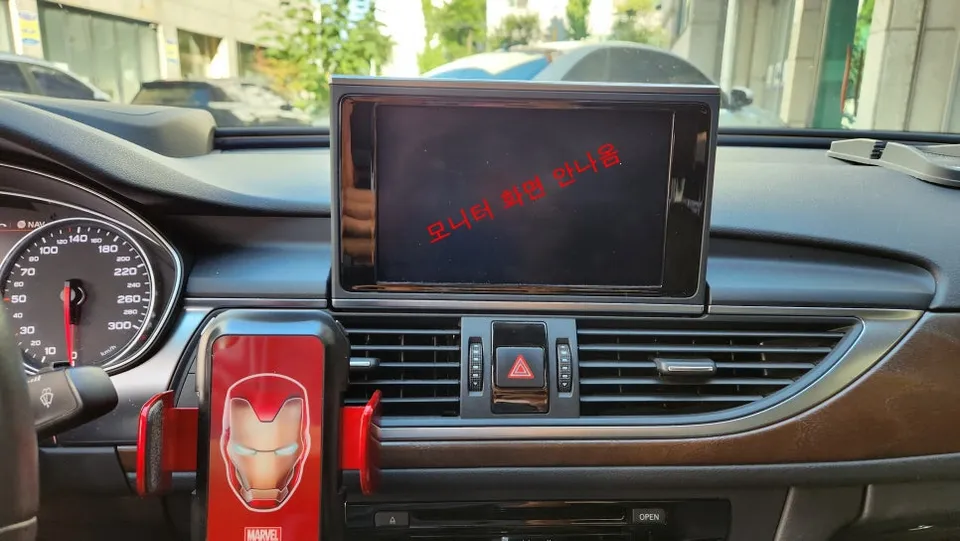
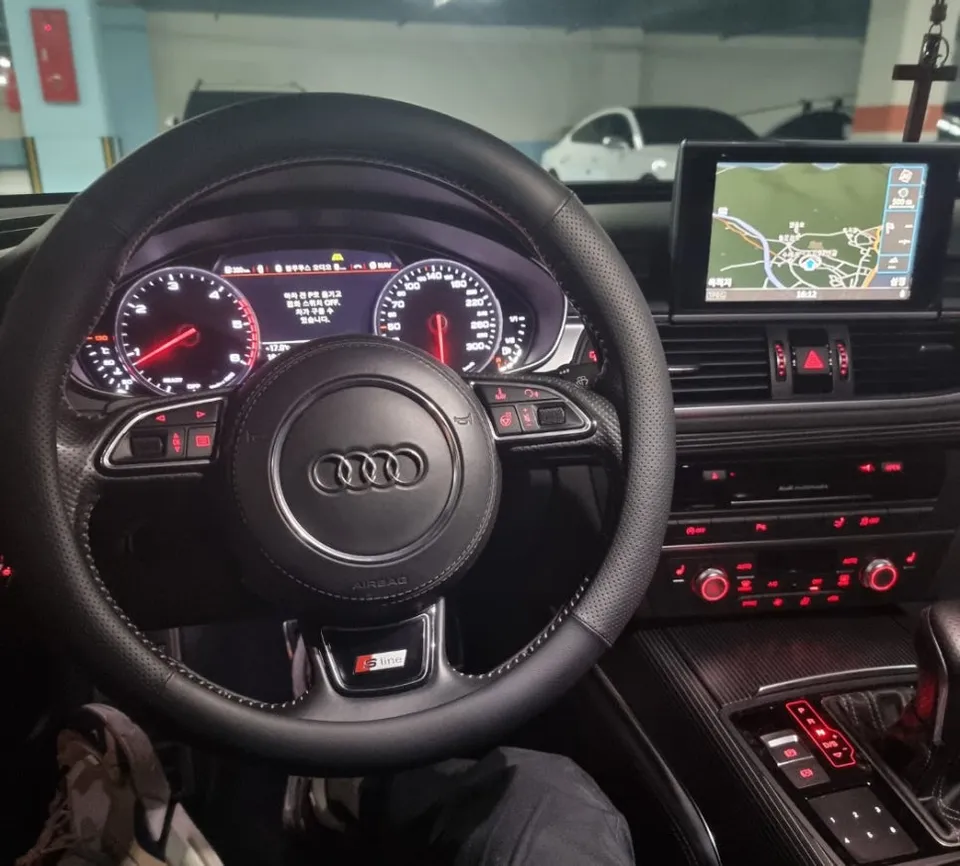
This review details the process of upgrading an Audi A7 C7 with a 12.3-inch all-in-one Android head unit. The owner of this facelifted A7 C7 felt the original navigation system looked dated and sought a significant interior and technological enhancement. Replacing the stock unit with a larger, modern display transforms the cabin, bringing it into the digital age. Beyond just a larger screen, this upgrade revolutionizes the driving experience by enabling seamless integration with smartphones via Car Play and Android Auto, opening up a world of apps like YouTube, music streaming, and advanced navigation.
Pre-Installation Checks and Preparation
Before any work begins, a thorough inspection of the existing navigation system and its wiring is crucial. Audi vehicles utilize a precise German wiring system, and incorrect manipulation can affect other electronic components. To prevent issues, a detailed wiring map is created, documenting the function and location of each wire before the original unit is removed. The stock navigation unit is then carefully detached. This process requires caution, as numerous connectors are housed within the dashboard, and excessive force can damage fragile plastic tabs. Potential interferences with air vents and steering wheel controls are also assessed beforehand.
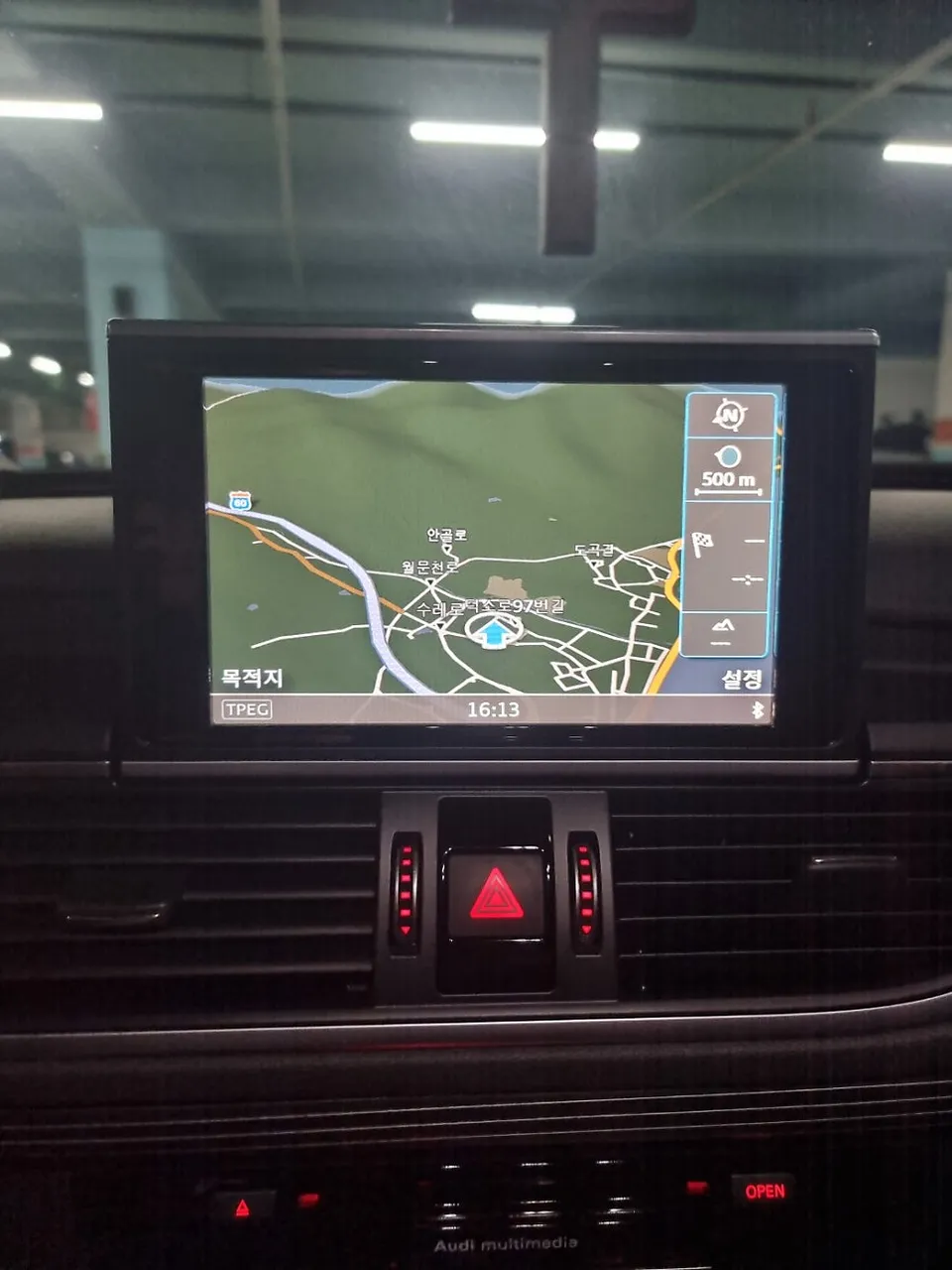
Wiring Integration and Compatibility Verification
The most critical aspect of installing an all-in-one navigation system is the wiring integration. The Audi A7 operates on a CAN-BUS (Controller Area Network) protocol, meaning the new unit must accurately interpret these signals. The wiring process involves more than just matching colors; it requires precise connections for power (12V), ground (GND), and CAN High/Low signals to ensure functionalities like steering wheel controls, voice commands, and other integrated features work correctly. A custom wiring harness adapter is used to consolidate these connections. Furthermore, meticulous attention is paid to cable management. Wires are bundled and secured to prevent rattles and vibrations, with sound-dampening material applied in high-vibration areas to ensure a quiet cabin and long-term satisfaction.
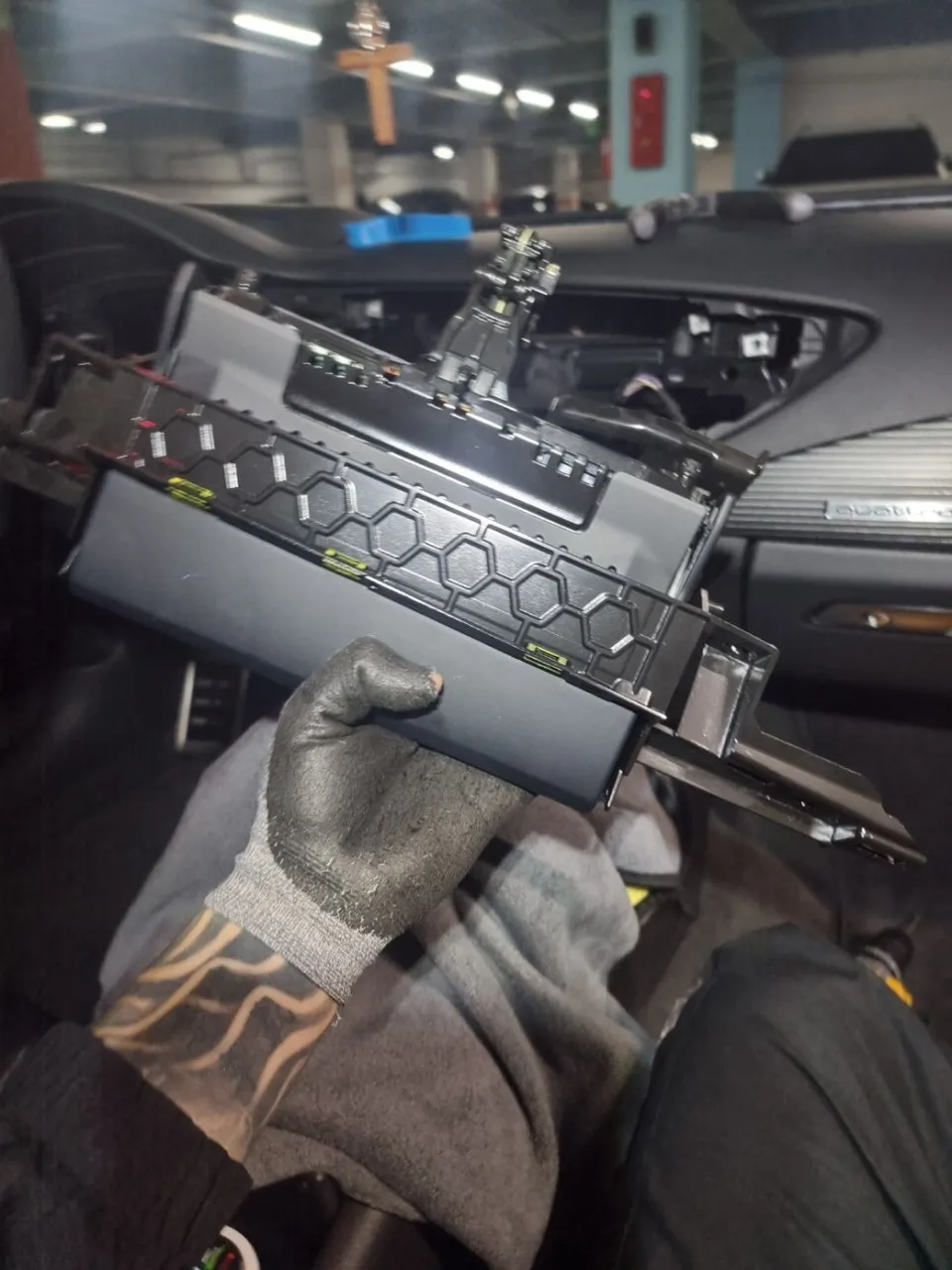
Installation Process:
- Carefully remove the original navigation unit and disconnect all wiring harnesses.
- Connect the new all-in-one unit using a custom wiring harness adapter, ensuring all CAN-BUS signals are correctly interpreted.
- Securely mount the 12.3-inch display into the dashboard, ensuring a flush fit with the surrounding trim.
- Test all integrated features, including Car Play, Android Auto, steering wheel controls, and audio output.
- Reassemble dashboard trim panels and perform a final system check.
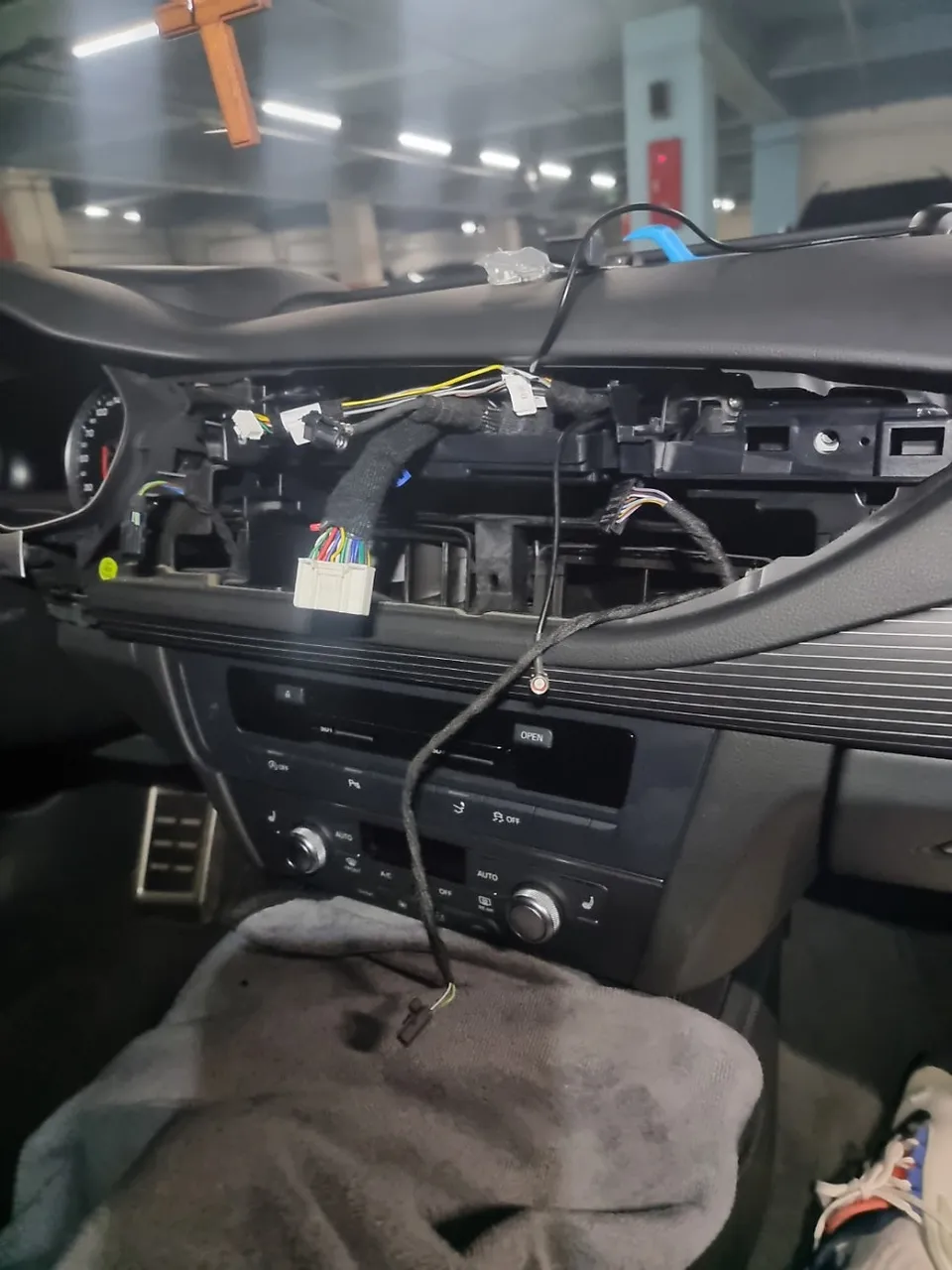
Display Installation and Feature Testing
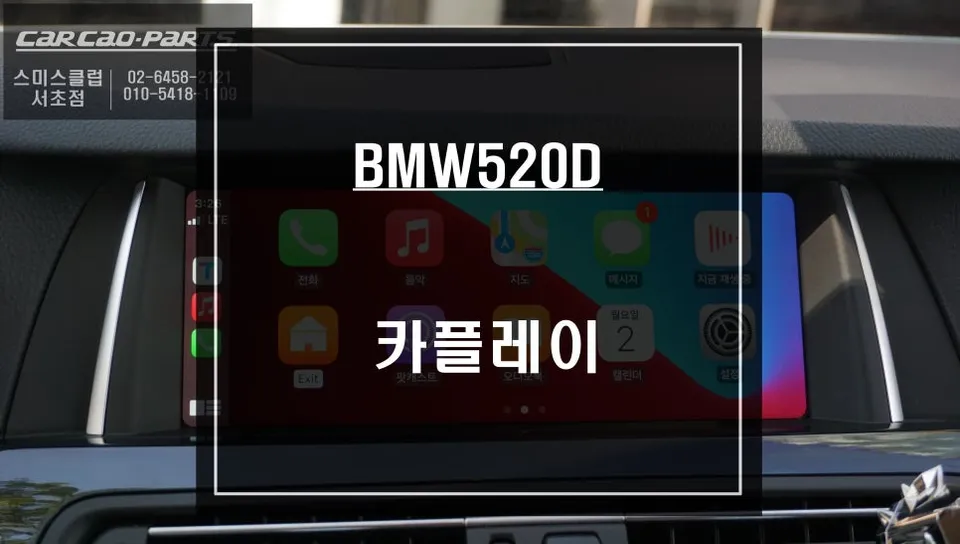
The new all-in-one unit is designed for a perfect fit within the A7's dashboard, featuring a bezel that contours precisely with the car's interior lines, giving it an OEM appearance. Post-installation, the primary focus is verifying Car Play and Android Auto compatibility. Connecting a smartphone, either wirelessly or via USB, allows navigation apps (like Google Maps or Waze), music streaming services (Spotify, Apple Music), and video applications (YouTube, Netflix) to function seamlessly on the large display. Unlike older systems with static map data, this unit provides real-time traffic updates and supports voice commands through Google Assistant or Siri, significantly enhancing driving safety and convenience.
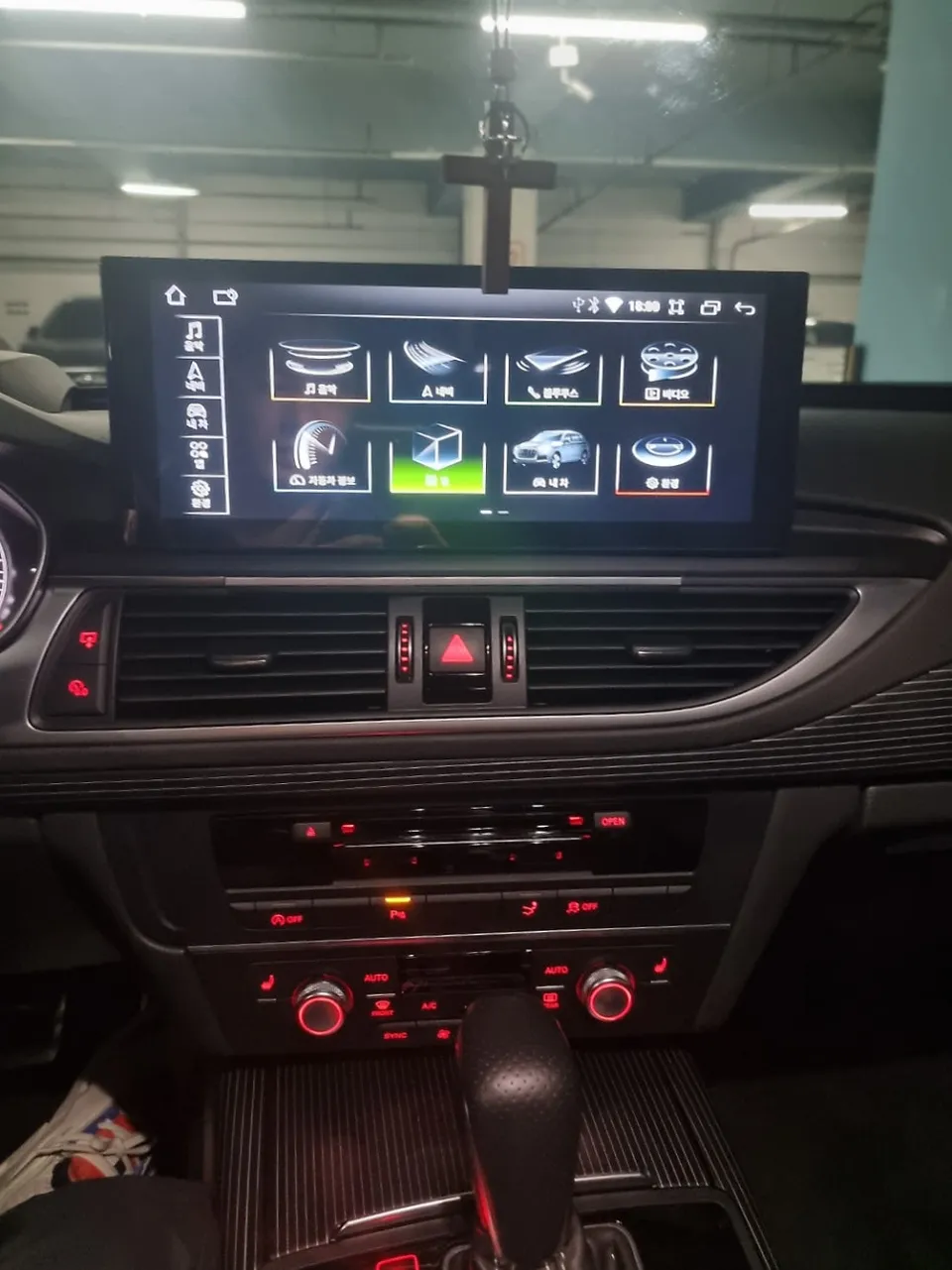
Finishing Touches and Final Inspection
Once the display is securely installed, the surrounding interior trim panels are meticulously restored to their original positions. Every button and control is tested to ensure proper functionality and that the new unit does not obstruct air conditioning vents. A rigorous multi-point inspection confirms that the steering wheel's multifunction buttons (volume, call, menu navigation) communicate flawlessly with the new head unit. Given the Audi's CAN signal architecture, it's vital to eliminate any signal delay or misinterpretation for a smooth user experience.
Frequently Asked Questions
Q. What is the typical cost for an Audi A7 C7 Android Head Unit installation?
The installation of a 12.3-inch Android head unit for an Audi A7 C7 typically ranges from ₩1,000,000 to ₩2,000,000 in Korea. In the US, similar upgrades can range from $800 to $1500 depending on the unit's features and installation complexity.
Q. How long does the Audi A7 C7 Android Head Unit installation take?
The installation process for an Audi A7 C7 Android head unit usually takes between 3 to 5 hours. Proper wiring integration and system testing are key to ensuring a smooth and reliable upgrade.
Q. Is an Android Head Unit upgrade worth it for an Audi A7 C7?
An Android head unit upgrade is highly recommended for Audi A7 C7 owners seeking modern infotainment features like seamless smartphone integration and access to a wide range of apps. It significantly enhances the driving experience and cabin aesthetics.
Q. How is the Android Head Unit installed in an Audi A7 C7?
Installation involves carefully removing the original navigation unit, meticulously integrating the new unit's wiring harness with the car's CAN-BUS system, mounting the larger display for a flush fit, and thoroughly testing all functions including Car Play/Android Auto and steering wheel controls before reassembling the dashboard trim.
Q. What's the difference between an Android Head Unit and the original Audi A7 C7 navigation?
The Android head unit offers a significantly larger display, seamless smartphone integration (Car Play/Android Auto), access to online apps like YouTube and streaming services, and real-time navigation updates. The original system is limited to basic navigation and older interface.
OhCar Partner Shop