BMW M3 Android Head Unit Installation & Review
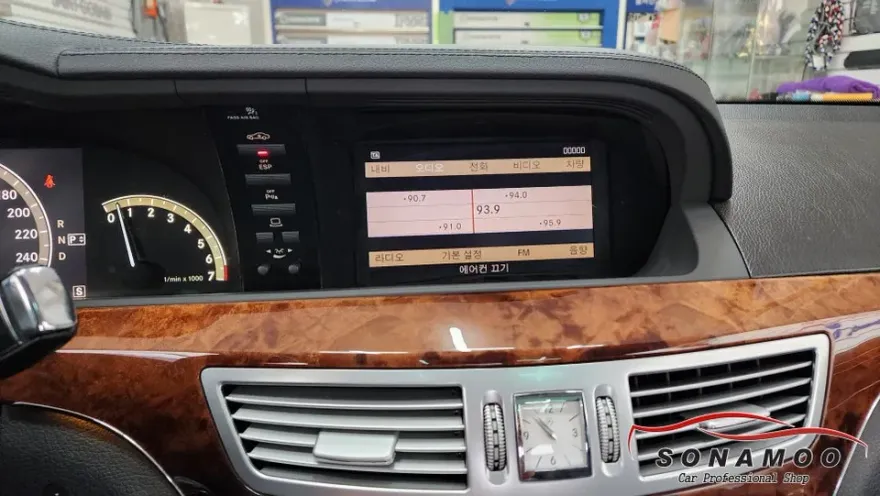
Before

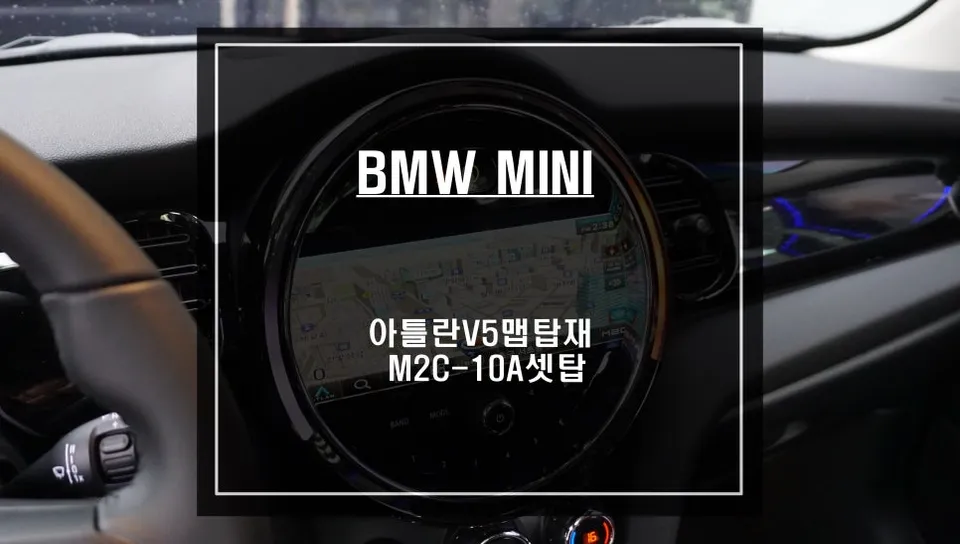
After

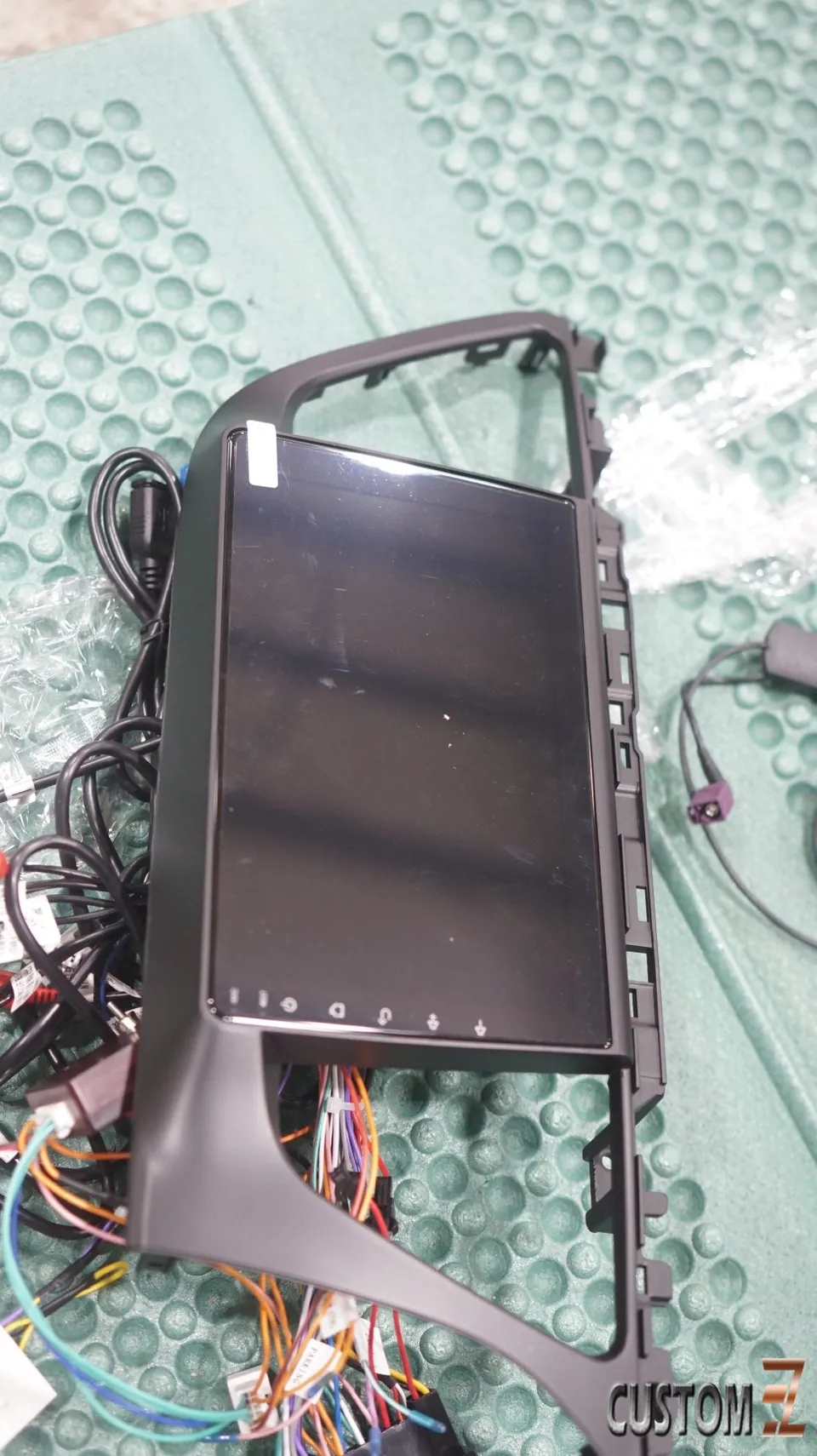
Process photos
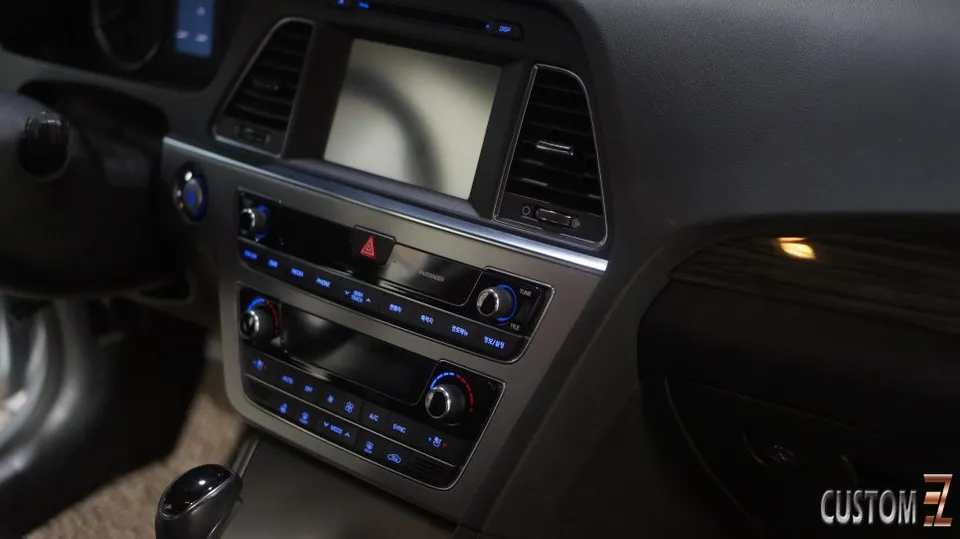
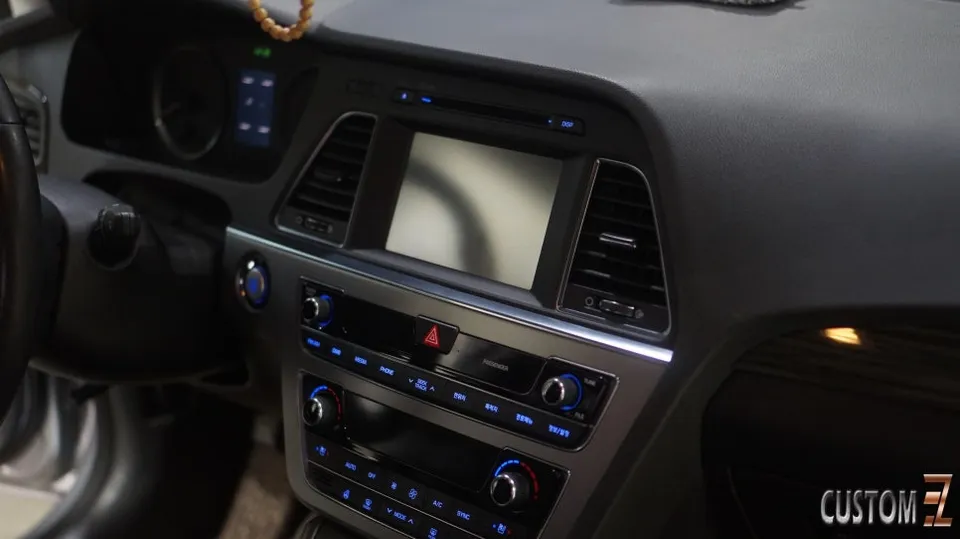
BMW M3 Android Head Unit upgrade: Enhances infotainment with apps, navigation, and connectivity. Seamless integration.
Transform Your BMW M3 with an Android Head Unit
The BMW M3, a performance icon, deserves an infotainment system that matches its capabilities. This review explores the installation and benefits of upgrading to a modern Android Head Unit, offering a significant leap in functionality and user experience compared to the stock system. This upgrade integrates seamlessly, providing access to a world of apps, improved navigation, and enhanced connectivity.
Installation Process and Notable Features
The installation of an Android Head Unit in a BMW M3 is a detailed process that requires precision. While specific models may vary, the general steps involve carefully removing the existing dashboard trim, disconnecting the factory head unit, and connecting the new unit's wiring harness. Adapters are often used to ensure compatibility with the M3's existing electrical systems, including steering wheel controls and amplifier integration.
Installation process:
- Careful removal of dashboard panels to access the factory head unit.
- Disconnecting the original unit and its wiring harness.
- Connecting the new Android Head Unit using a vehicle-specific wiring adapter.
- Testing all functions, including touch screen, audio, navigation, and connectivity.
- Reassembling dashboard panels for a clean, factory-like finish.
Once installed, the Android Head Unit unlocks a host of features. Expect a responsive touchscreen interface, built-in GPS for navigation apps like Google Maps or Waze, Bluetooth connectivity for hands-free calls and audio streaming, and the ability to install various Android applications directly onto the unit. This transforms the driving experience, making it more connected and entertaining.
Performance and User Experience
The performance of the Android Head Unit in the BMW M3 is generally impressive, offering faster processing speeds and smoother operation compared to older systems. The user interface is intuitive, allowing drivers to easily switch between different functions and apps. The integration with the car's existing systems, such as climate control and vehicle settings, is typically well-handled by specialized adapters, ensuring that essential functions remain accessible and controllable through the new unit.
Frequently Asked Questions
Q. How much does an Android Head Unit cost for a BMW M3?
The cost for an Android Head Unit for a BMW M3 can range from $500 to $1500 USD, depending on the specific model and features. This price typically covers the unit itself, but installation costs may be additional.
Q. How long does an Android Head Unit installation take on a BMW M3?
Installation typically takes 2-4 hours for a professional. Proper care during installation ensures the longevity of the unit and your vehicle's electrical system.
Q. Is an Android Head Unit worth it for a BMW M3?
An Android Head Unit is highly recommended for M3 owners seeking modern infotainment features. It significantly enhances the driving experience by providing access to current apps and connectivity.
Q. How is an Android Head Unit installed in a BMW M3?
Installation involves: 1. Removing dashboard trim panels. 2. Disconnecting the factory head unit. 3. Connecting the new unit using a vehicle-specific wiring harness and adapters. 4. Testing all functions before reassembling the dashboard.
Q. What is the difference between an Android Head Unit and the factory BMW system?
The key difference is functionality: Android units offer app support, modern navigation, and greater customization, while the factory system is more limited. For enhanced features, the Android unit is a clear upgrade.
OhCar Partner Shop