BMW X1 Android Head Unit Installation Review
Service Price
$150+
Estimated price · Actual price may vary by shop
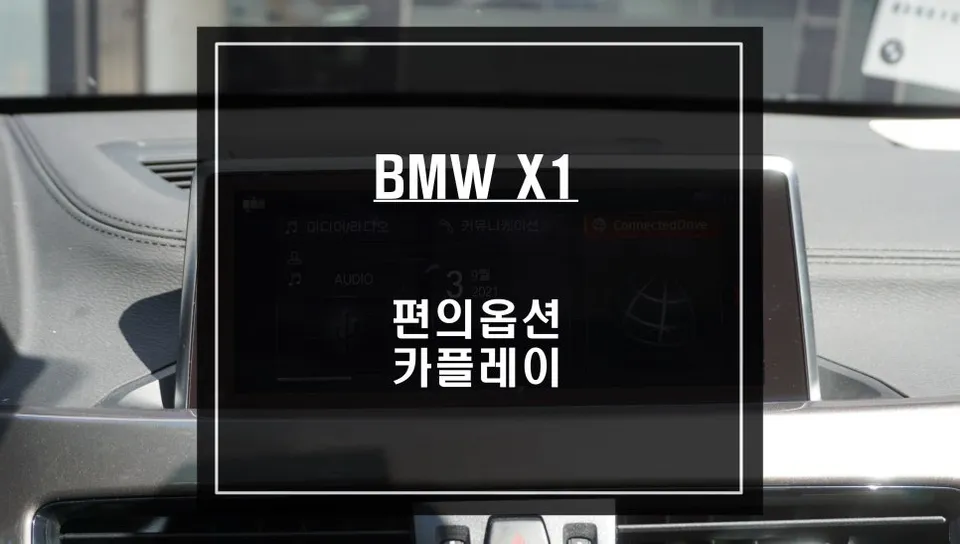
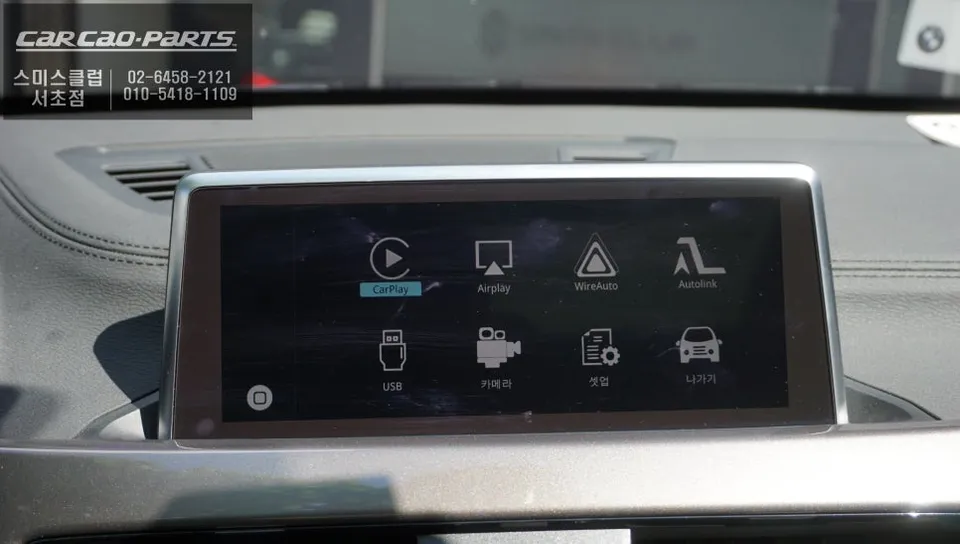
BMW X1 Android Head Unit upgrade integrates TMAP/KakaoMap. Enjoy seamless navigation and media. Wired connection recommended for stability.
Why Your BMW X1 Needs an Android Head Unit Upgrade
Many BMW X1 owners face a common challenge: the inability to directly use smartphone navigation apps like TMAP or KakaoMap on their car's display. This is especially true for models without a built-in navigation system. The solution is a CarPlay/Android Auto module installation. This upgrade seamlessly integrates your smartphone with your BMW X1's original monitor, allowing you to use popular mobile map applications directly on the car's screen. Let's explore what this feature entails and how it's installed.
What Does an Android Head Unit Module Do?
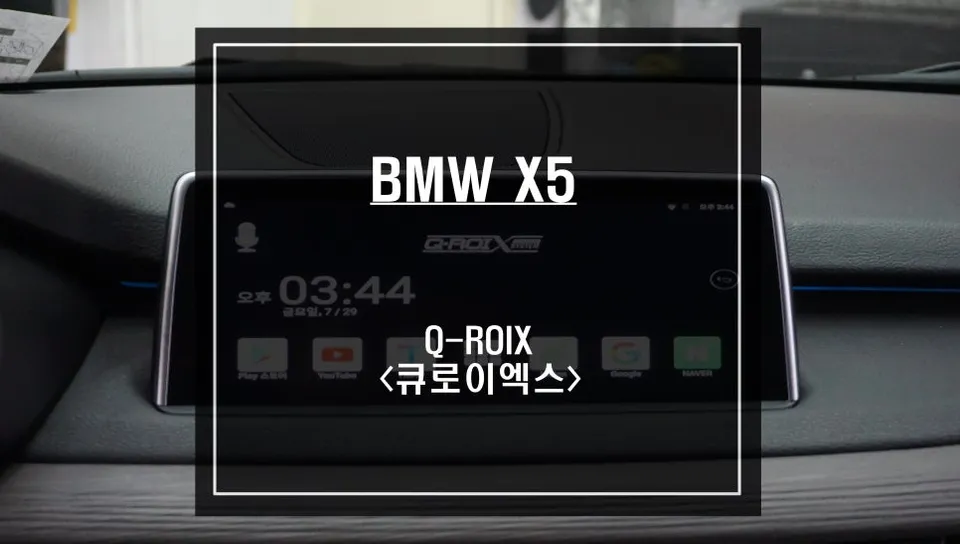
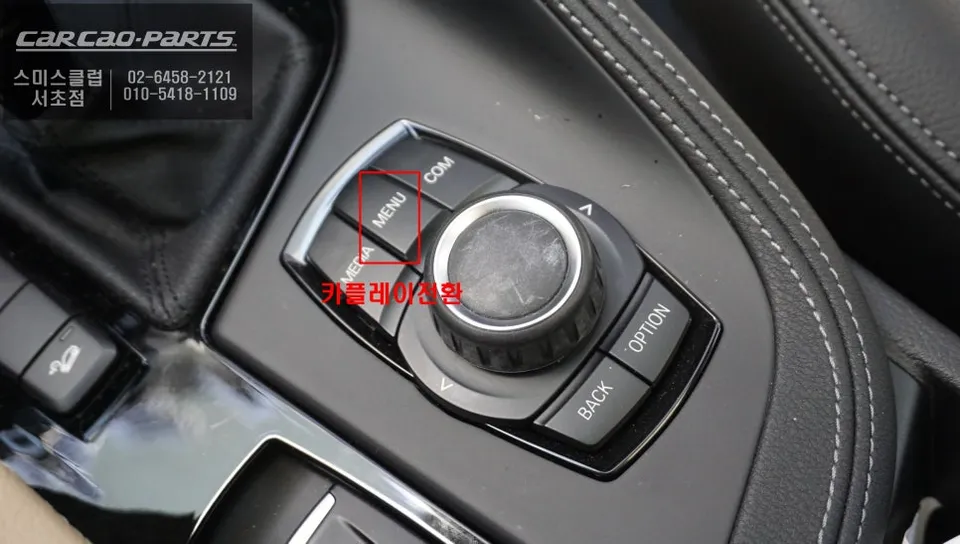
A CarPlay/Android Auto module is a technology that links your smartphone to your car's display. For the BMW X1, a dedicated module compatible with the original iDrive system is installed. This module typically uses a plug-and-play method, meaning it connects without damaging the existing wiring. A key feature is its control method: instead of touch, you operate it using voice commands or the iDrive's rotary dial. This allows you to select map locations or receive voice-guided directions using the familiar iDrive controller, significantly enhancing driving safety.
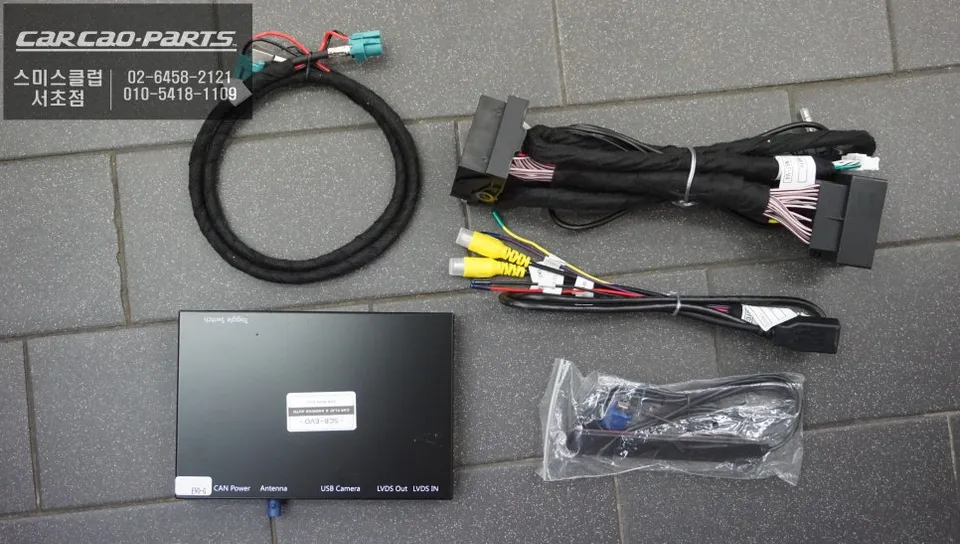
Apple CarPlay vs. Android Auto: Both Supported?
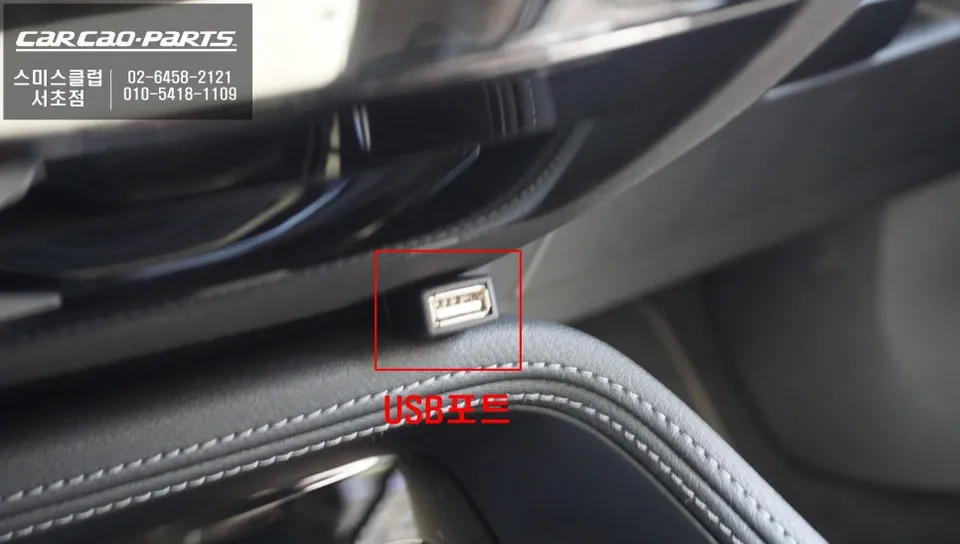
Yes, both are supported. The modules available typically support both Apple CarPlay and Android Auto, meaning whether you have an iPhone or an Android device, you can connect using the same module. While wireless connection is an option, a wired USB connection is generally recommended for greater stability, especially when simultaneously streaming audio and navigation data.
Wired vs. Wireless Connection
While wireless connectivity is convenient, a wired connection offers superior stability and reduces the risk of disconnections, particularly when handling both audio and navigation data simultaneously. For the best audio quality through your car's speakers, a wired connection is the preferred choice.
Using TMAP & KakaoMap Directly in Your BMW X1
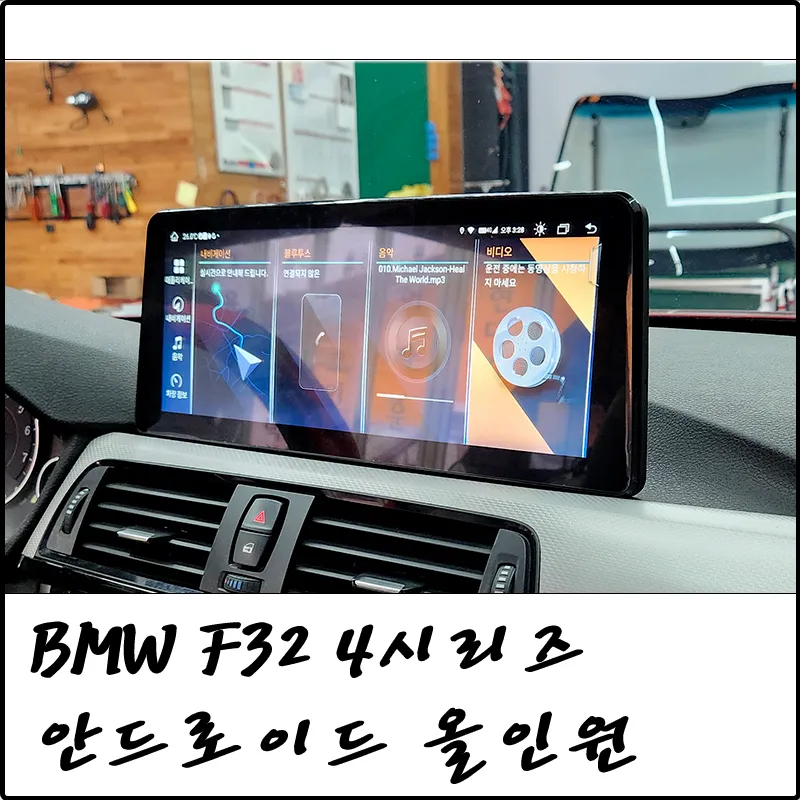
The primary advantage of this module for the BMW X1 is the ability to use navigation apps like TMAP and KakaoMap, complete with real-time traffic information and optimal routing, directly on the original monitor. It essentially mirrors your smartphone's navigation capabilities onto your car's screen. Switching to the CarPlay/Android Auto interface is usually as simple as pressing and holding the iDrive menu button for two seconds. Once connected via USB, you can select destinations using the iDrive dial or initiate voice commands for navigation.
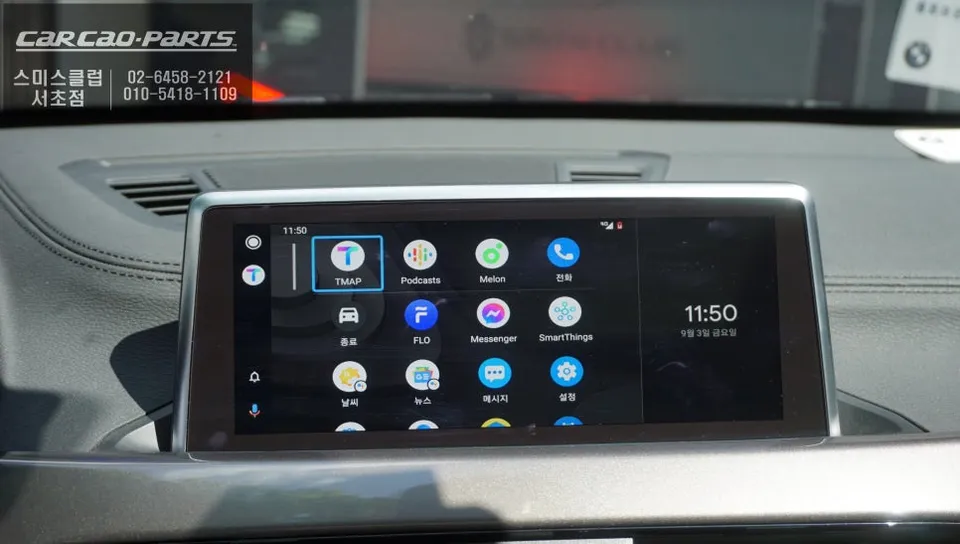
Enjoy Smartphone Videos and Music Too
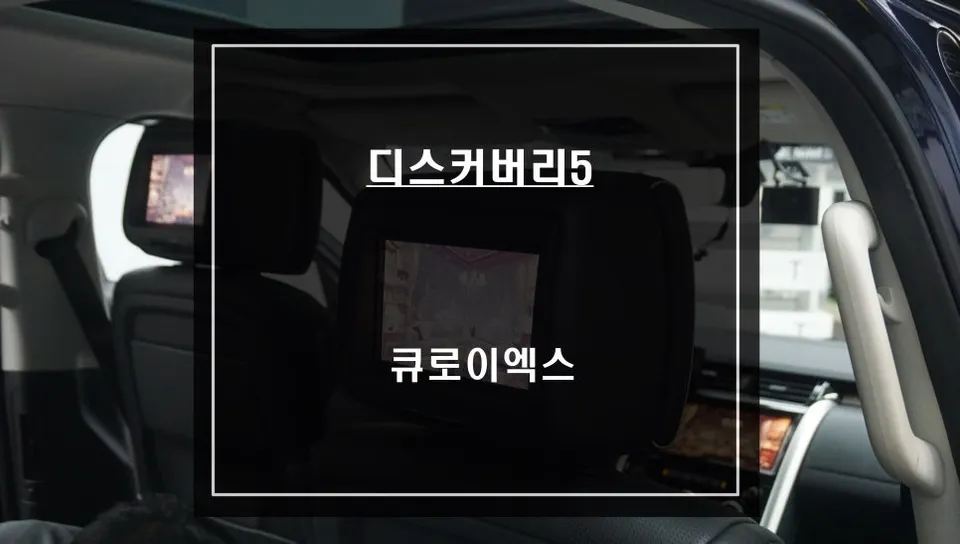
Beyond navigation, the module also enables the use of music streaming apps like Melon or YouTube Music through your car's speakers. This often requires an additional USB AUX conversion module for integrated audio management. Furthermore, a mirroring function allows you to display your smartphone's screen content directly on the car monitor, which is useful for watching videos or viewing photos. This can be particularly enjoyable for rear-seat passengers when the vehicle is parked.
Installation Process:
- Disconnect the vehicle's battery for safety.
- Carefully remove the original iDrive display unit and associated trim panels.
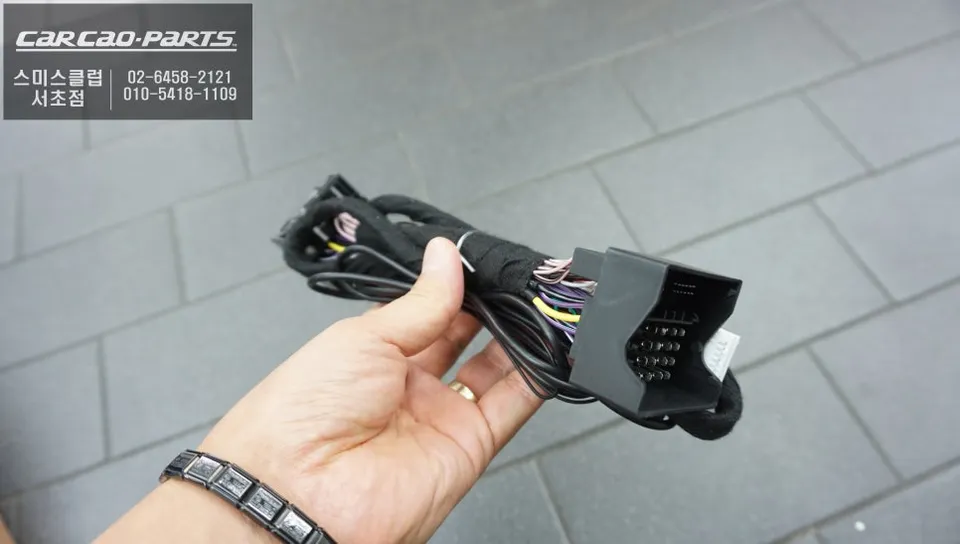
- Connect the CarPlay/Android Auto module's wiring harness to the original display connectors and the vehicle's wiring.
- Connect the module's control interface to the iDrive system.
- Reinstall the display unit and trim panels, then reconnect the battery.
Frequently Asked Questions
Q. How much does an Android Head Unit upgrade cost for a BMW X1?
The cost for an Android Head Unit upgrade for a BMW X1 can vary, but typically ranges from $300 to $800 in the US, depending on the specific module and features.
Q. How long does the Android Head Unit installation take on a BMW X1?
Installation typically takes 2-4 hours. Regular maintenance involves ensuring software is up-to-date and checking connections periodically.
Q. Is an Android Head Unit upgrade worth it for a BMW X1?
An Android Head Unit upgrade is highly recommended for BMW X1 owners who frequently use smartphone navigation and media apps. It significantly enhances the infotainment experience by providing modern functionality on the original display.
Q. How is the Android Head Unit installed on a BMW X1?
Installation involves carefully removing the original iDrive display, connecting the new module's wiring harness without altering factory wiring, and then reassembling the unit. The process is typically plug-and-play.
Q. What is the difference between wired and wireless connection for the Android Head Unit on a BMW X1?
Wired connections offer superior stability and reliability for data transfer, especially for navigation and audio streaming, while wireless offers convenience. For the best performance, a wired USB connection is recommended.
Kakao Parts