BMW X3 Surround View Camera Installation Review
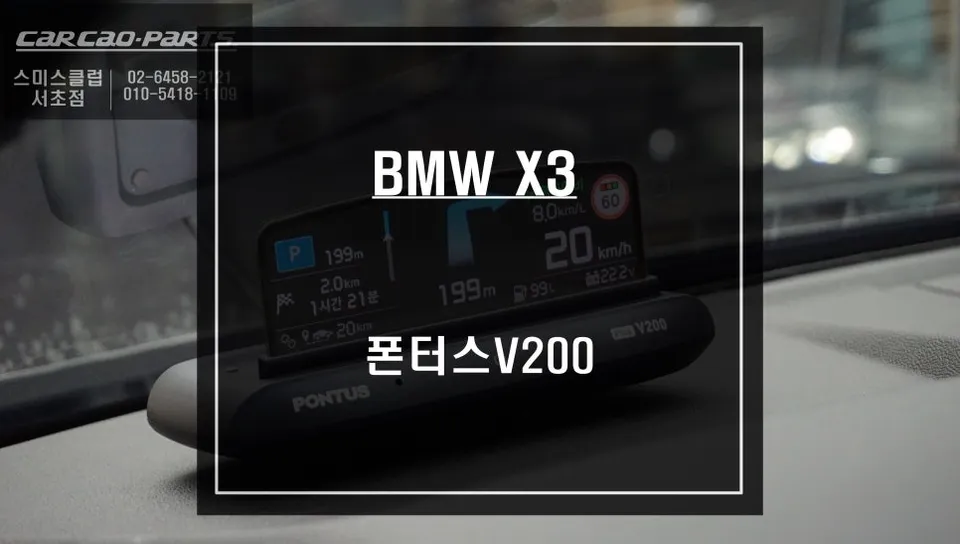
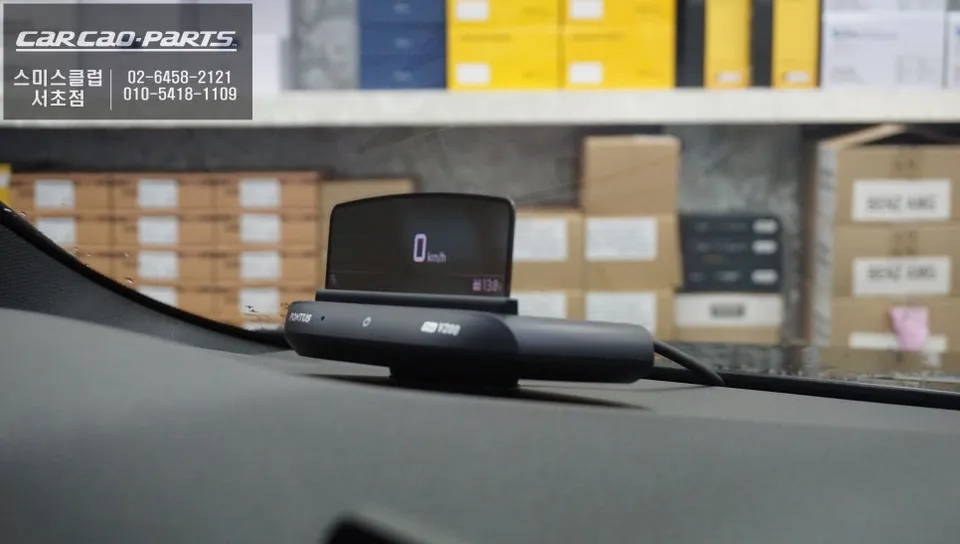
BMW X3 Surround View Camera with HUD: Seamless navigation integration. Enhanced safety and reduced driver distraction.
Enhancing Your BMW X3 Driving Experience with a Surround View Camera
The BMW X3 is a sophisticated mid-size SUV designed for comfort and performance. However, navigating busy city streets or long highway stretches can demand significant driver attention, especially when checking navigation. A common challenge is the need to divert your gaze from the road to the center console or instrument cluster for directions. This is where integrating a high-quality Surround View Camera system, particularly one with Heads-Up Display (HUD) functionality, becomes invaluable. This review focuses on a specific installation that significantly improves the X3's driver-centric features, offering a more intuitive and safer way to stay on course.
The Benefits of Integrated Navigation and Visibility
Modern vehicles like the BMW X3 offer advanced technology, but the way information is presented can sometimes detract from the primary task of driving. A Surround View Camera system, when paired with a HUD, projects crucial navigation data directly onto the windshield in the driver's line of sight. This means you can follow turn-by-turn directions, speed limits, and other vital information without ever taking your eyes off the road ahead. This seamless integration enhances situational awareness and reduces the cognitive load on the driver, making every journey more relaxed and secure. The system reviewed here specifically integrates with popular navigation apps, ensuring that your preferred mapping service works flawlessly with the HUD.
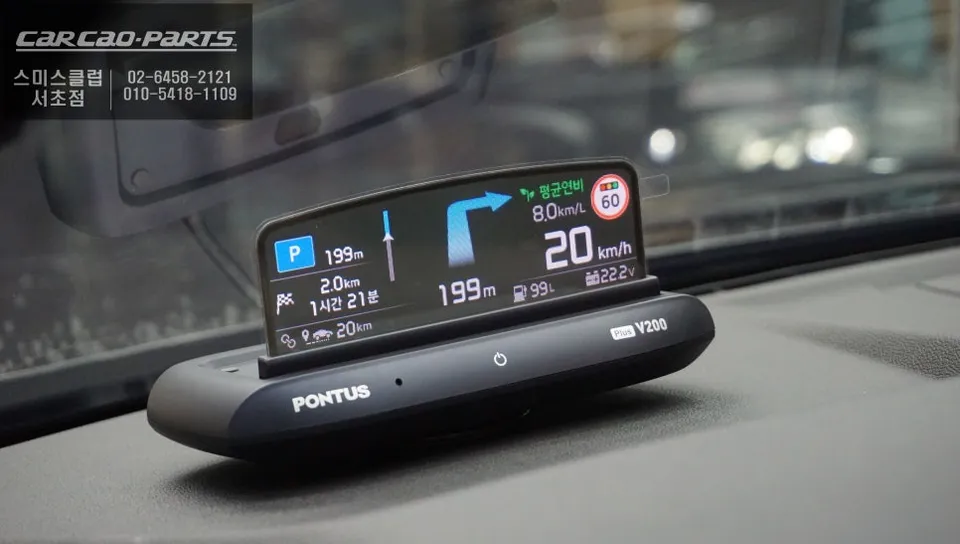
Installation Process:
- Careful disassembly of interior trim panels to access necessary wiring points.
- Secure mounting of the HUD unit and connection to the vehicle's infotainment system and power source.
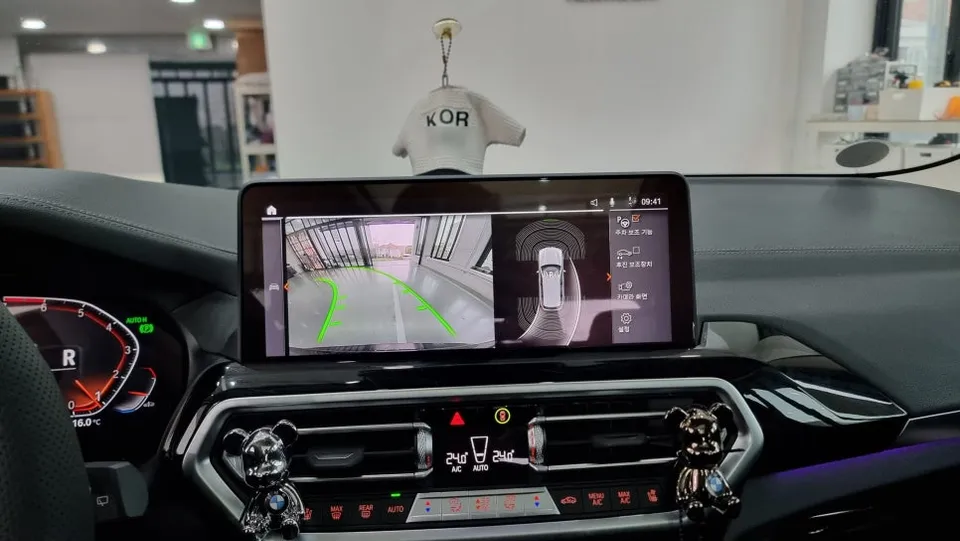
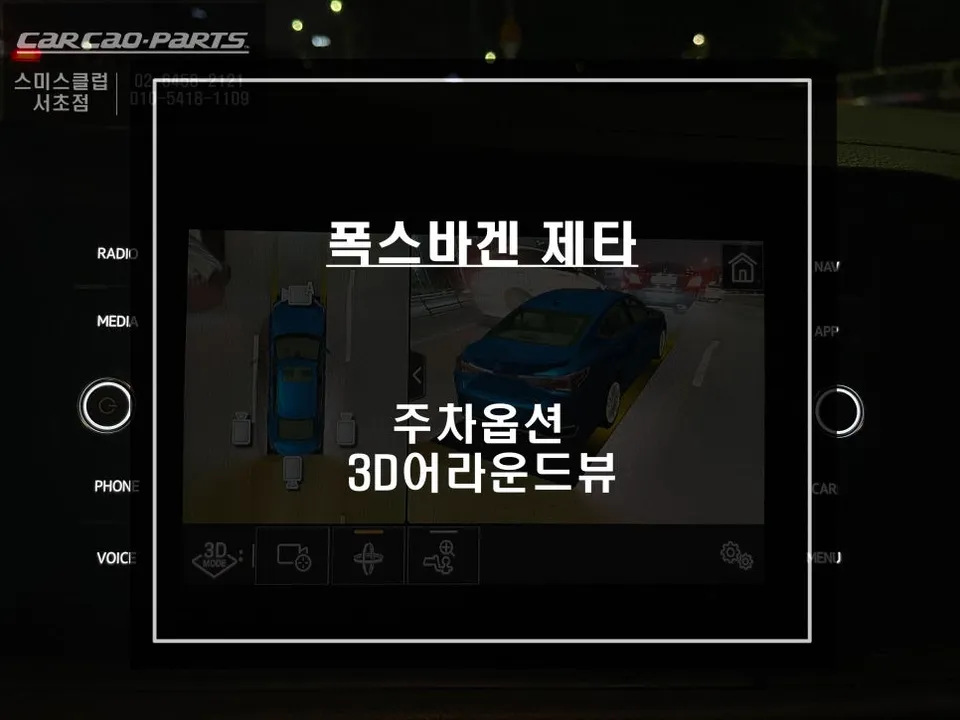
- Integration with the vehicle's existing cameras or installation of new ones for a comprehensive 360-degree view.
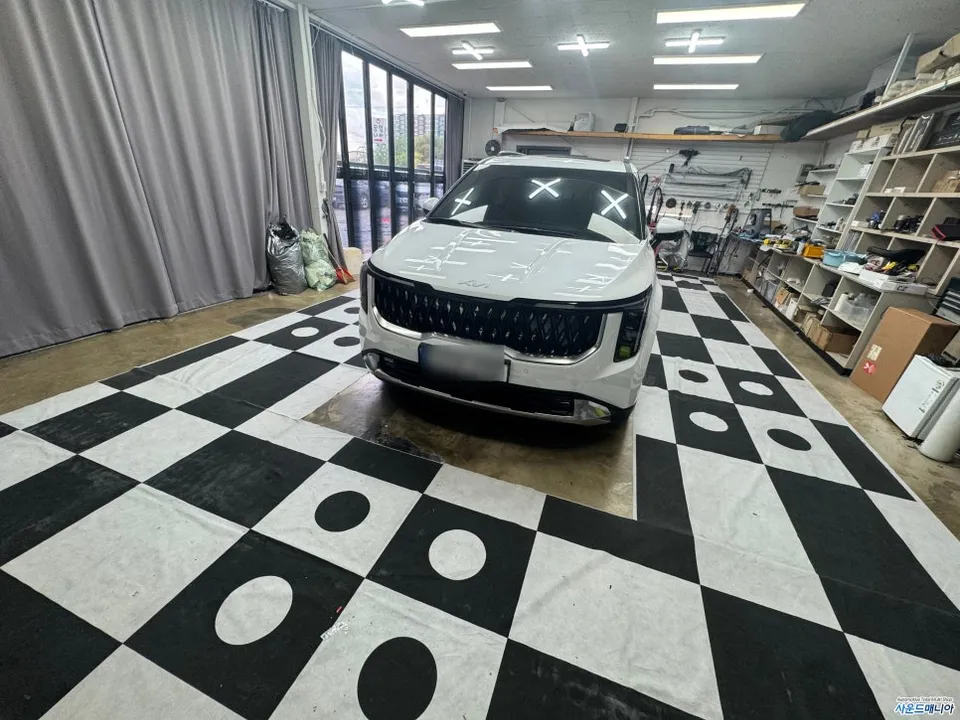
- Configuration and calibration of the HUD and camera system to ensure accurate display and functionality with navigation apps.
- Reassembly of trim panels and final testing of all features.
The result is a cleaner, more integrated look within the BMW X3's cabin, with all new components blending seamlessly with the original design. The enhanced visibility and direct-to-windshield navigation significantly elevate the driving experience, making it a worthwhile upgrade for any X3 owner prioritizing safety and convenience.
Frequently Asked Questions
Q. How much does Surround View Camera cost for a BMW X3?
The specific installation reviewed, including the Pontus V200 HUD with navigation app integration, is priced at 499,000 Korean Won. Typical US pricing for similar advanced Surround View Camera systems with HUD functionality can range from $1,000 to $3,000 depending on the brand and features.
Q. How long does Surround View Camera last on a BMW X3?
High-quality Surround View Camera systems, when professionally installed, are designed to last for the lifespan of the vehicle, often 5-10 years or more. Regular cleaning of the camera lenses and ensuring the HUD unit is free from dust will help maintain optimal performance.
Q. Is Surround View Camera worth it for a BMW X3?
A Surround View Camera system is highly worth it for a BMW X3, especially for drivers who frequently navigate in urban environments or appreciate enhanced safety features. It significantly reduces blind spots and improves parking ease, while HUD integration offers unparalleled convenience for navigation.
Q. How is Surround View Camera done on a BMW X3?
Installation involves carefully mounting the camera units, often replacing existing ones or integrating them into the vehicle's bodywork, and connecting them to a central control module. The system is then linked to the car's display, often the infotainment screen or a HUD, and calibrated for a seamless 360-degree view.
Q. What is the best Surround View Camera option for a BMW X3?
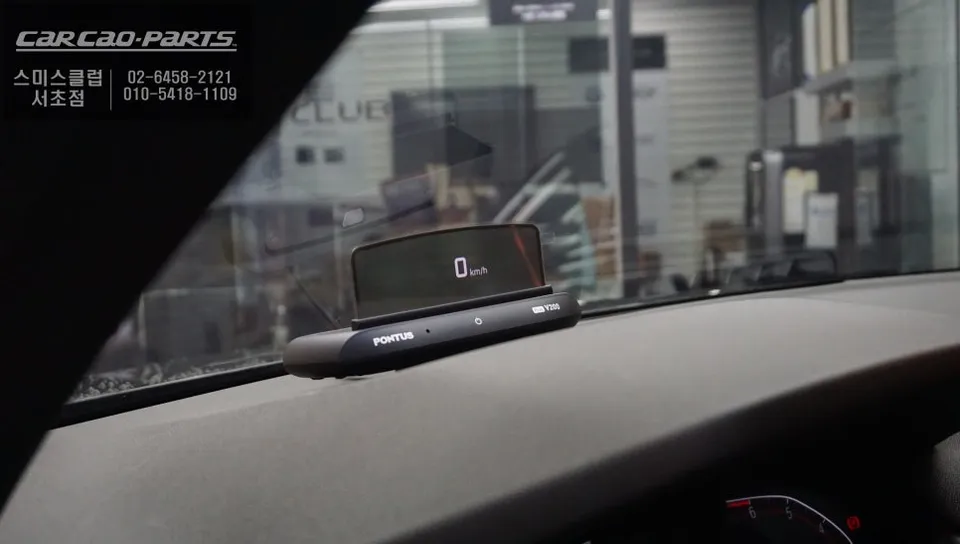
For the BMW X3, an integrated system that includes Heads-Up Display (HUD) functionality, like the Pontus V200 reviewed, offers the most significant benefit by projecting navigation directly into the driver's line of sight. This combination provides superior convenience and safety compared to systems that only display on the infotainment screen.
Kakao Parts