BMW X4 Android Head Unit Upgrade Review
Service Price
$approx. $1,150–1,500
Estimated price · Actual price may vary by shop
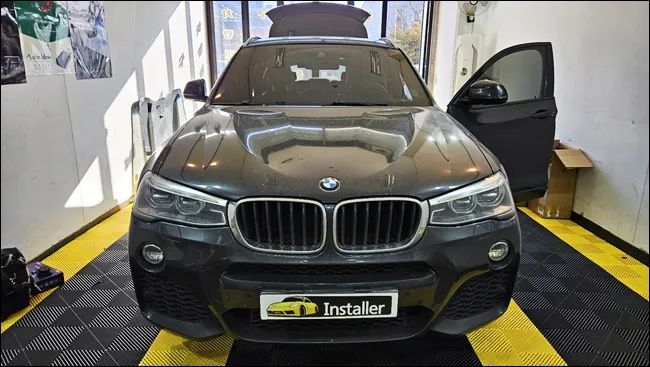
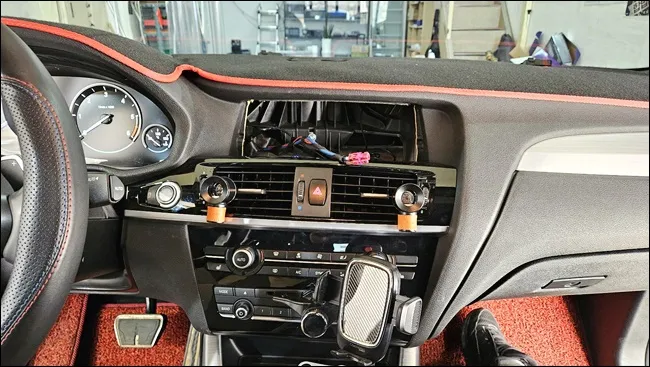
BMW X4 Android All-in-One upgrade with a 12.3-inch EVO EUnavi display. Retains original functions, adds wireless CarPlay/Android Auto. Approx. 3 hours
Upgrading Your BMW X4 with an Android All-in-One System
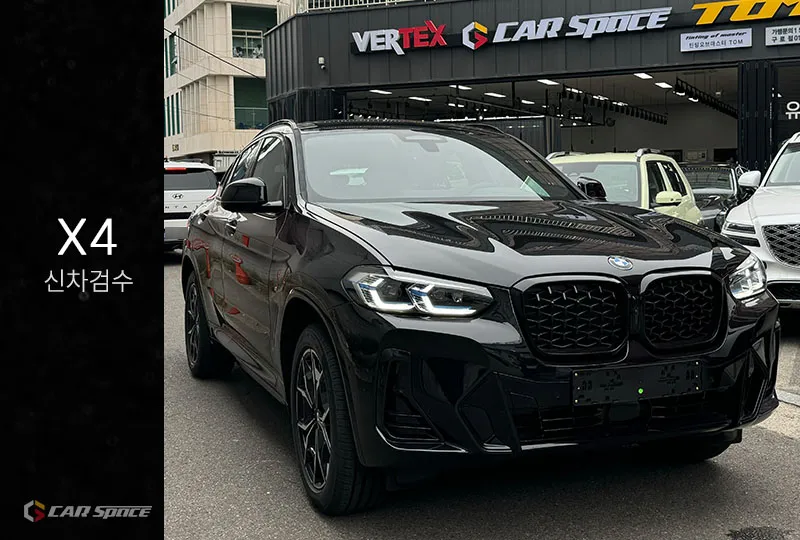
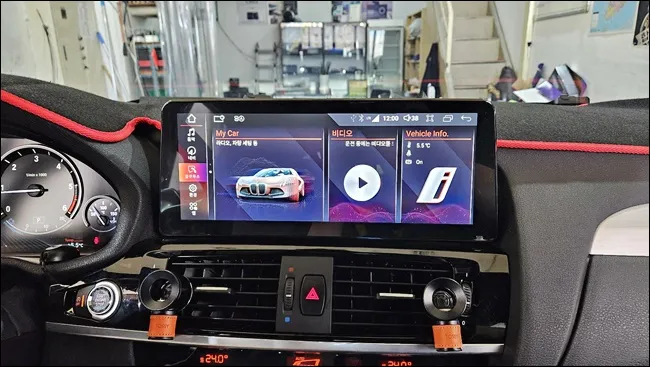
This review details the installation of a cutting-edge Android All-in-One system on a BMW X4 XDrive. The primary goal was to replace the factory display with a new 12.3-inch EVO EUnavi unit while ensuring all original BMW functionalities were preserved. Extensive testing confirmed seamless operation of wireless CarPlay, Android Auto, GPS, and steering wheel controls.
Vehicle: BMW X4 XDrive
Service: Android All-in-One System Installation
Key Features: Wireless CarPlay, Android Auto, Voice Navigation, ADAS DVR
Display: EVO EUnavi 12.3-inch
Installation Location: Today's Car Ansan Branch
Duration: Approximately 3 hours (including testing)
This upgrade is ideal for BMW X4 owners seeking to enhance their infotainment system. While BMW's stock system is capable, it often lacks support for the latest smartphone integration features like real-time navigation updates and extensive app compatibility. An Android All-in-One system bridges this gap, offering the full power of Android within the familiar BMW interior, without compromising essential features like steering wheel controls, the rearview camera, and vehicle sensors.
The Installation Process: Precision is Key
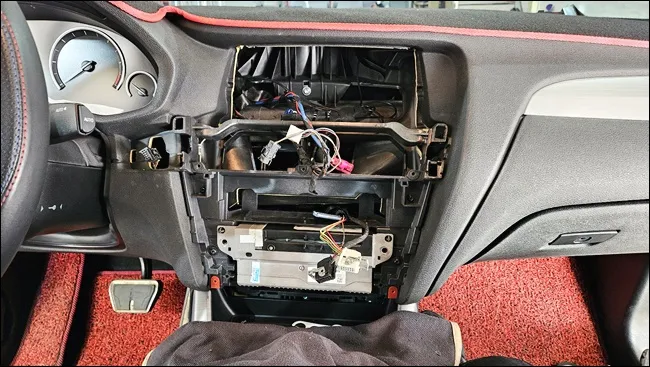
The installation begins with the careful disassembly of the dashboard panels. Understanding the BMW's internal structure is crucial for safely removing the original display and disconnecting the wiring harness. Any damage to these components can lead to costly repairs, making a meticulous approach essential.
Following the removal of the factory display, the wiring harness is meticulously organized. With dozens of connectors and wires, neat arrangement is vital for future maintenance and ensures the new Android All-in-One system correctly recognizes all connections. Proper interfacing is critical for the system's functionality.
Installation Process:
- Carefully remove the original dashboard trim and display unit.
- Disconnect and meticulously organize all factory wiring harnesses.
- Connect the new 12.3-inch EVO EUnavi Android All-in-One system, ensuring all interfaces match.
- Reassemble the dashboard trim and power on the system for initial testing.
- Perform comprehensive functional tests, including wireless CarPlay, Android Auto, GPS, and all original vehicle controls.
Seamless Integration and Enhanced Features
Once the new display is securely mounted and aligned for optimal viewing angles, all connections are re-established. The system is then powered on to verify a successful boot-up.
The initial boot-up is followed by a thorough UI test. This includes checking the responsiveness of the home screen, the speed of application loading, and the accuracy of touch inputs. Navigation and music applications, which are frequently used while driving, must operate smoothly. Screen layout and font sizes are also adjusted for driver convenience and visibility.
The most anticipated feature is wireless CarPlay. Unlike traditional wired CarPlay, the wireless version automatically connects your smartphone as soon as you enter the vehicle, offering unparalleled convenience. Android Auto functions similarly, providing seamless access to your favorite apps on the larger, upgraded display.
Frequently Asked Questions
Q. How much does an Android Head Unit upgrade cost for a BMW X4?
The Android Head Unit upgrade for the BMW X4 in this review was performed in South Korea, with an approximate cost equivalent to ₩1,000,000 to ₩2,000,000. In the US, similar systems typically range from $800 to $2,000 depending on the brand and features.
Q. How long does an Android Head Unit installation take on a BMW X4?
The installation process for an Android Head Unit on a BMW X4, including thorough testing, typically takes around 3 hours. To ensure longevity, it's recommended to periodically check for software updates and keep the display clean.
Q. Is an Android Head Unit upgrade worth it for a BMW X4?
An Android Head Unit upgrade is highly recommended for BMW X4 owners who want modern smartphone integration and app access, especially if the original infotainment system feels outdated. It offers a significant enhancement in functionality and user experience while retaining essential factory features.
Q. How is an Android Head Unit installed on a BMW X4?
Installation involves carefully removing the original dashboard trim and display, then meticulously disconnecting and organizing the factory wiring. The new 12.3-inch Android unit is then connected, ensuring all interfaces are correctly matched, before reassembling the dashboard and performing comprehensive functional tests.
Q. What is the difference between wireless and wired CarPlay/Android Auto on a BMW X4 Android Head Unit?
Wireless CarPlay and Android Auto offer automatic connection upon entering the vehicle, eliminating the need for cables, while wired versions require a physical USB connection each time. For convenience, wireless is generally preferred.
OhCar Partner Shop