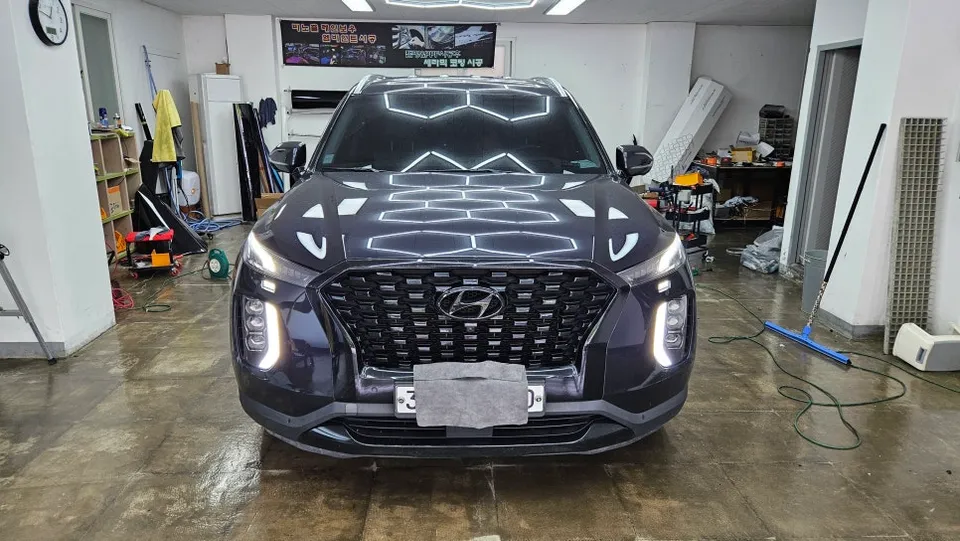
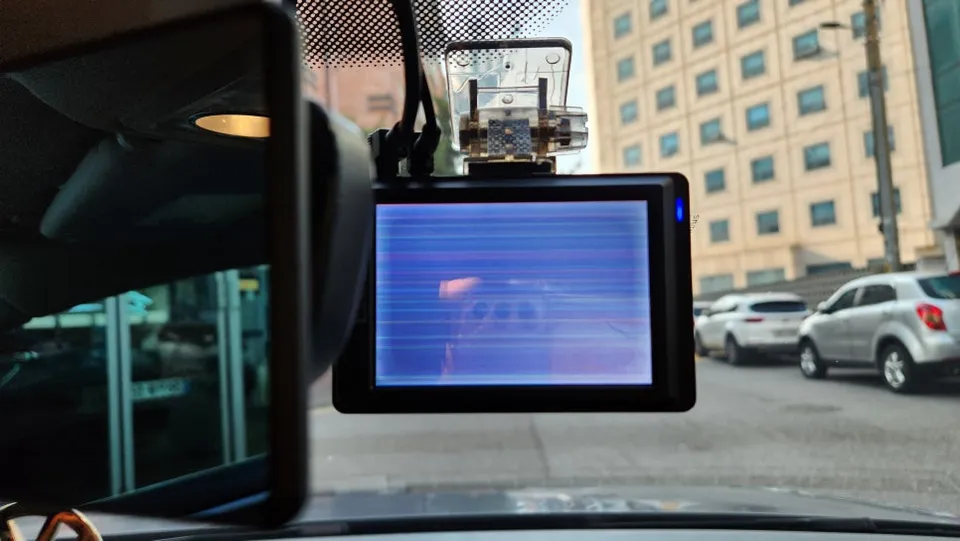
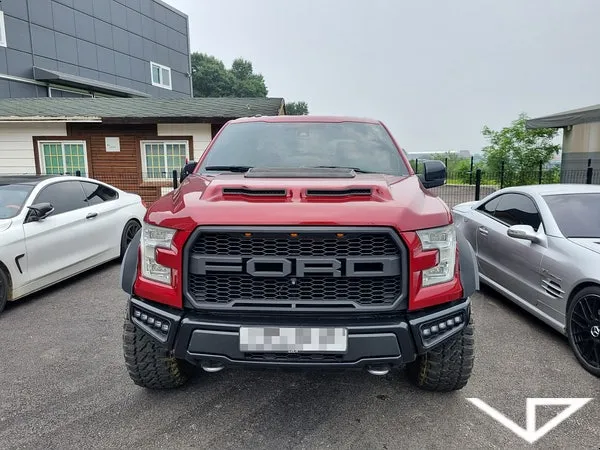
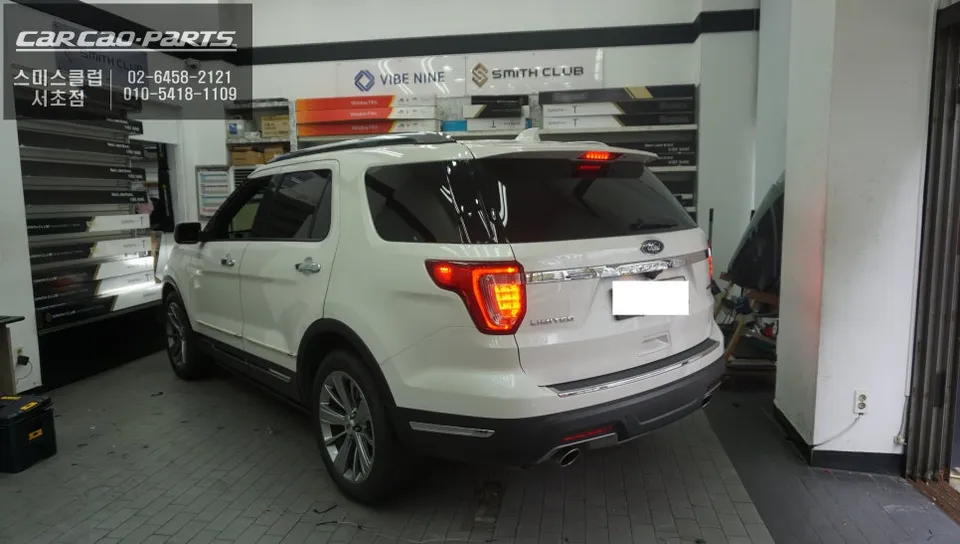
Ford Explorer Dash Cam Installation Review
Service Price
$75–115
Estimated price · Actual price may vary by shop
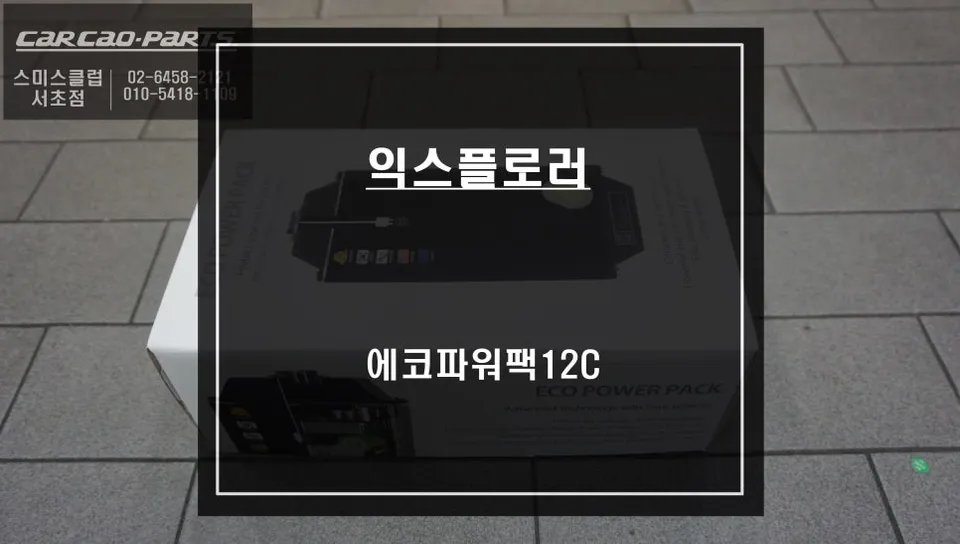
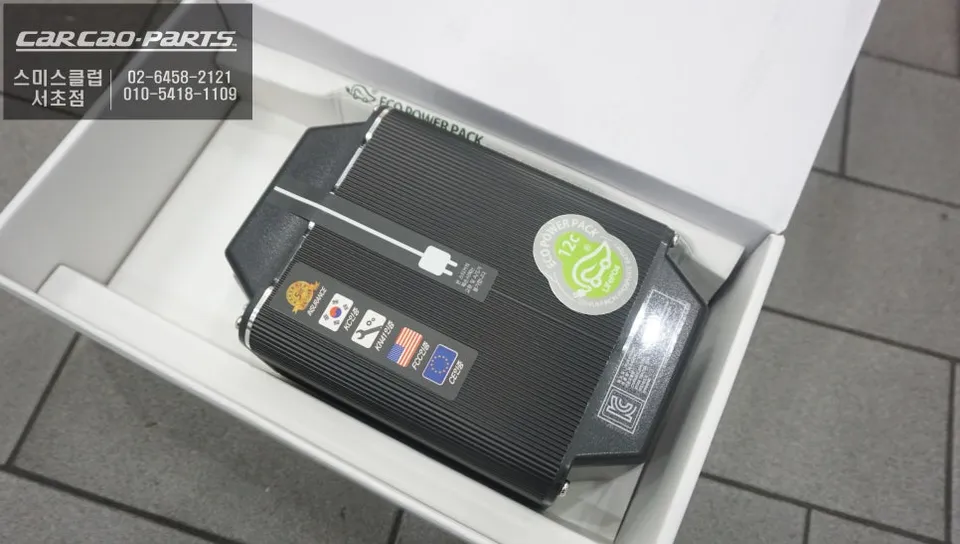
Dash cam installation for Ford Explorer: $75–115. Ensures stable parking mode power, protecting your main battery.
Why Your Ford Explorer Needs a Dash Cam Power Solution
The Ford Explorer, a spacious SUV, has significant power demands. Running a dash cam 24/7, especially in parking mode, can place a considerable strain on your vehicle's main battery. This is a common concern we address: "My battery keeps draining while parked, what can I do?" The solution lies in a dedicated auxiliary battery system. This setup alleviates the burden on your primary battery while ensuring a stable power supply for your dash cam. We'll explore how this works, using a Ford Explorer installation as an example.
Lithium Iron Phosphate Auxiliary Battery: Safety and Efficiency
For this installation, we utilized the EcoPowerPack 12C, a Lithium Iron Phosphate (LiFePO₄) auxiliary battery. Why choose this type? Unlike standard lithium-ion batteries, LiFePO₄ is highly resistant to heat and has proven safety features, minimizing risks of fire or explosion. It offers rapid charging and discharging while meeting stringent safety standards. With over 3,000 charge cycles, the EcoPowerPack 12C offers exceptional longevity, contributing to high customer satisfaction due to its reliability.
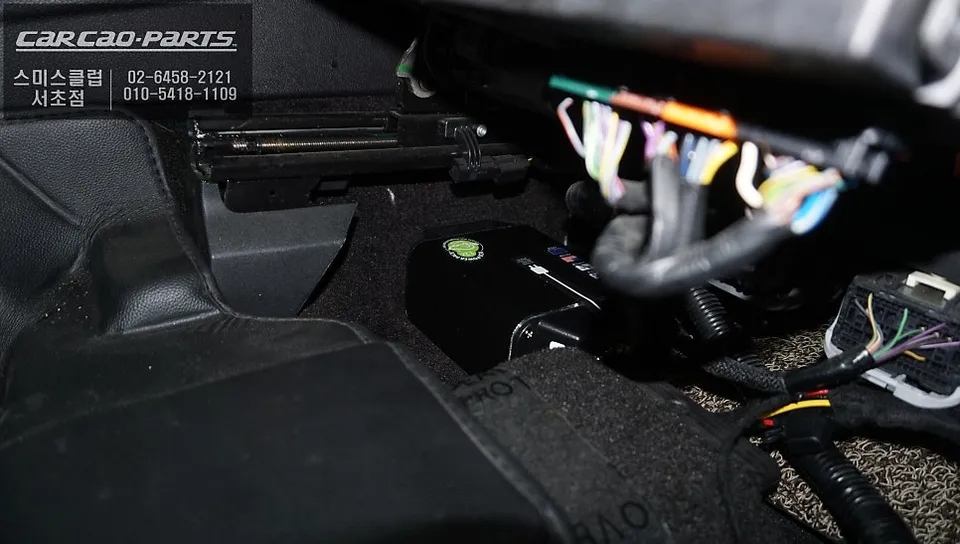
Installation Location: Under the Driver's Seat
While the Ford Explorer offers ample interior space, the auxiliary battery's placement requires careful consideration. The optimal location is beneath the driver's seat. This position minimizes collision risk, allows for effective cooling, and keeps the battery away from passengers. Crucially, the battery is housed in a protective case to prevent external impacts. Installing it on the dashboard or in the engine bay is strongly discouraged due to heat management issues.
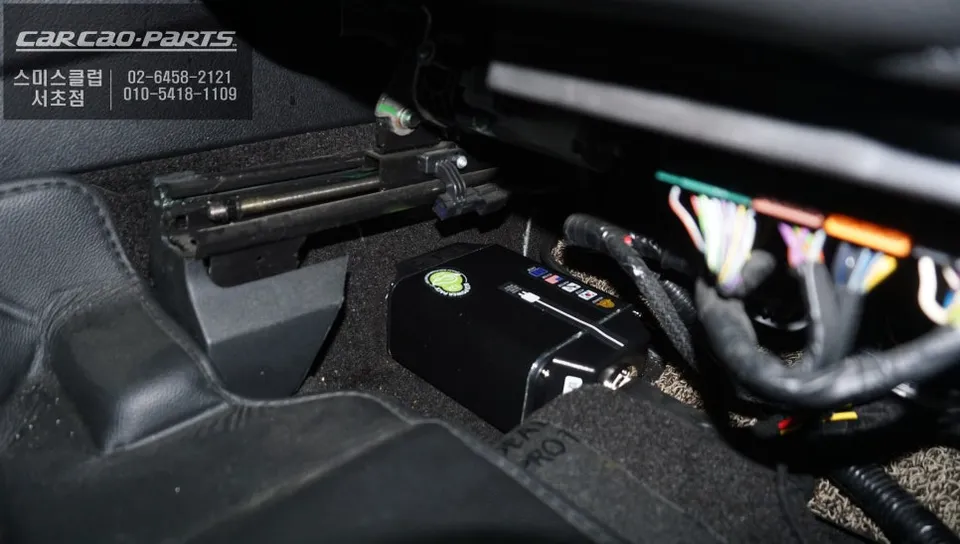
Charging Principle: Driving vs. Parking
This system intelligently manages power. When driving, your main battery is typically at sufficient charge. A converter transforms the AC current to DC, charging the auxiliary battery. A full charge can be achieved in about 50 minutes of driving. When parked, the dash cam exclusively draws power from the charged auxiliary battery, safeguarding your main battery from damage. It essentially acts as a dual protection system.
Real-World Parking Recording Time
The EcoPowerPack 12C boasts a capacity of approximately 4,000mAh. With a dash cam consuming an average of 320mA, this translates to roughly 36 hours of continuous parking recording. While actual duration can vary slightly based on battery health and ambient temperature, this provides over a day and a half of reliable recording in typical parking scenarios. This setup can also support additional electronic devices like drive recorders or rear cameras simultaneously, requiring precise power calculations.
Installation Process: Precision Wiring is Key
Dash cam auxiliary battery installation might seem straightforward, but meticulous wiring is essential. Correctly identifying the main battery's positive (+) and negative (-) terminals is critical, as reversed polarity can instantly damage the battery. We always install a fuse (current cutoff device) on the battery cable to protect the circuit in case of overcurrent. All wiring is routed to avoid interfering with the vehicle's existing harness and secured with electrical tape and heat-shrink tubing for complete insulation.
Post-Installation Care: Regular Checks Recommended
After installation, a few maintenance points are important. Firstly, check the battery's status once or twice a month, as frequent charge/discharge cycles can gradually degrade performance. Secondly, after extended parking periods, it's advisable to start the engine to recharge the main battery. Relying solely on the auxiliary battery for prolonged periods without occasional main battery charging isn't ideal.
Frequently Asked Questions
Q. How much does dash cam installation cost for a Ford Explorer?
Professional dash cam installation for a Ford Explorer typically ranges from $75 to $115 in the US. This cost covers the labor and expertise required for a safe and efficient setup.
Q. How long does dash cam installation take on a Ford Explorer?
Dash cam installation on a Ford Explorer usually takes between 1 to 3 hours, depending on the complexity of the system and vehicle specifics. Regular checks, like monitoring battery status monthly, are recommended for longevity.
Q. Is a hardwired dash cam worth it over a self-install for a Ford Explorer?
A hardwired dash cam installation is often worth it for a Ford Explorer owner seeking reliable parking mode functionality without draining the main battery. It provides a professional, integrated solution that minimizes risks associated with improper self-installation.
Q. How is a dash cam professionally installed on a Ford Explorer?
Professional installation involves identifying the main battery terminals, connecting the dash cam's power source (often an auxiliary battery) with proper fusing, and securing all wiring neatly. The system is then tested to ensure correct charging during driving and power delivery during parking.
Q. What is the difference between a 1-channel and 2-channel dash cam for a Ford Explorer?
A 1-channel dash cam records only the front view, while a 2-channel system includes a rear-facing camera for comprehensive coverage. For most Ford Explorer owners, a 2-channel system is recommended for complete protection.
Kakao Parts