Genesis G90 Dash Cam Installation Review
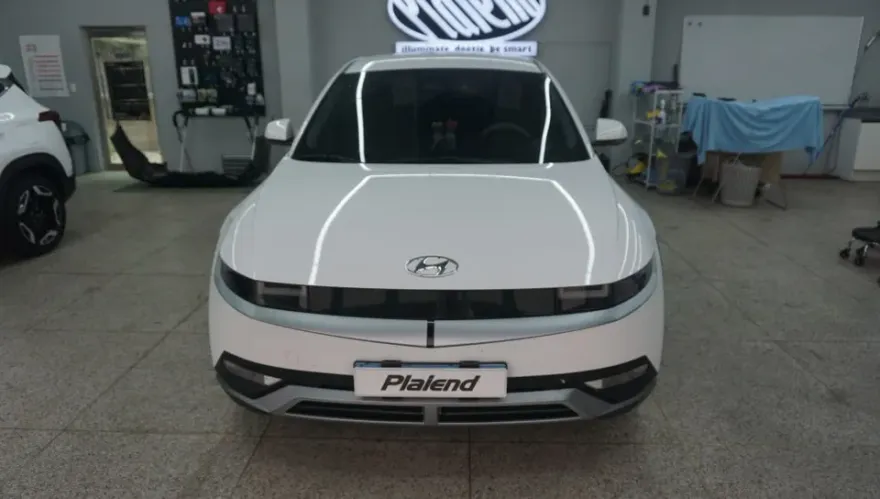
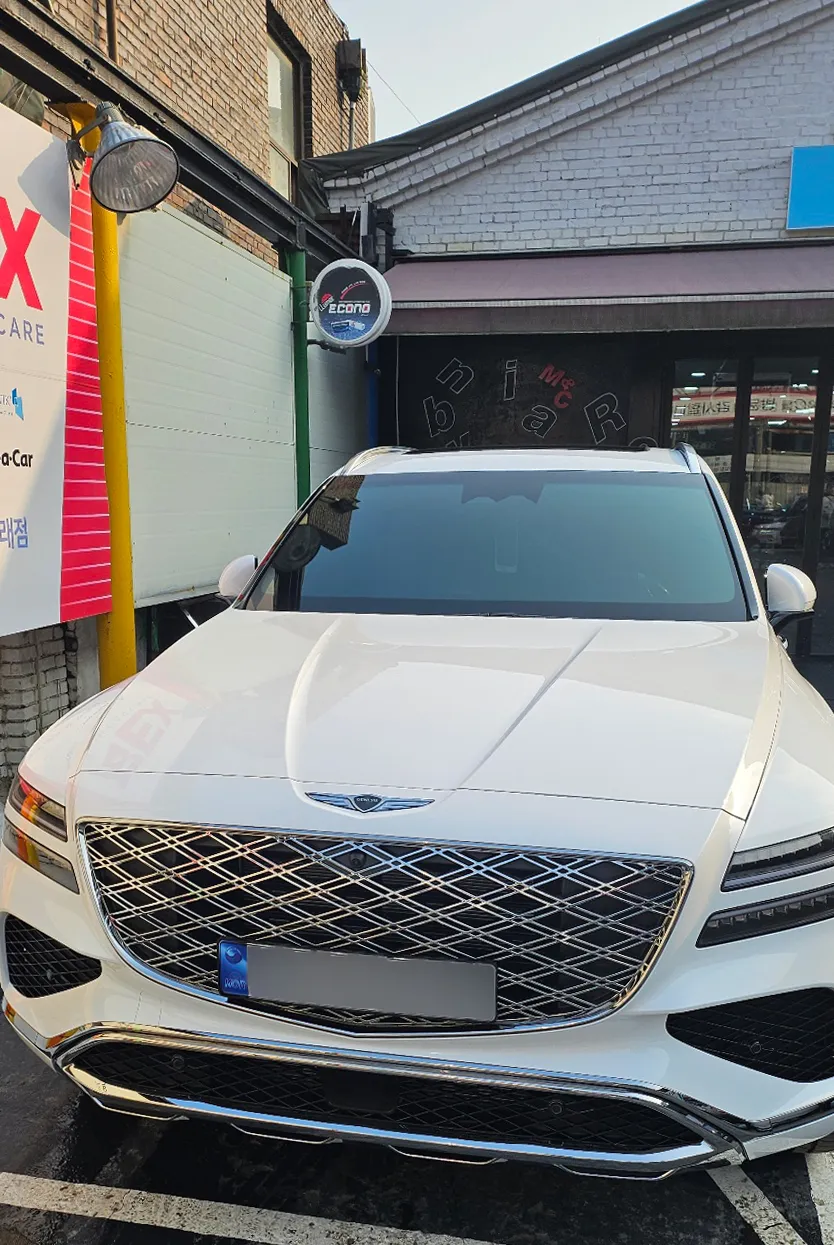
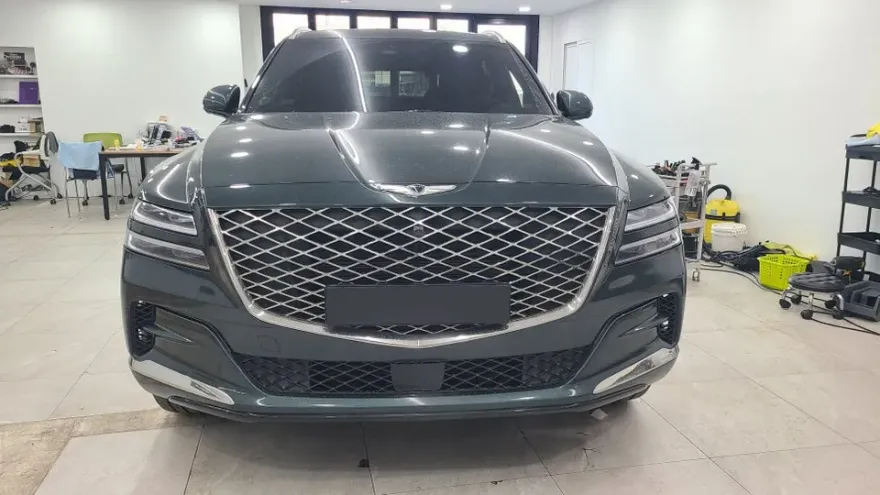
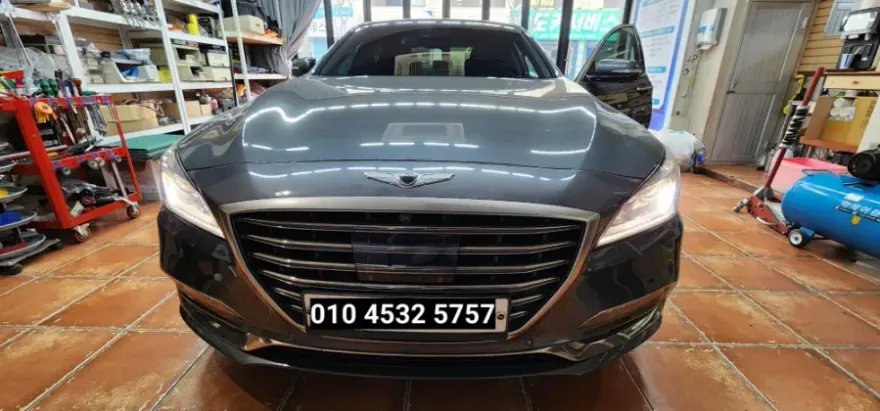
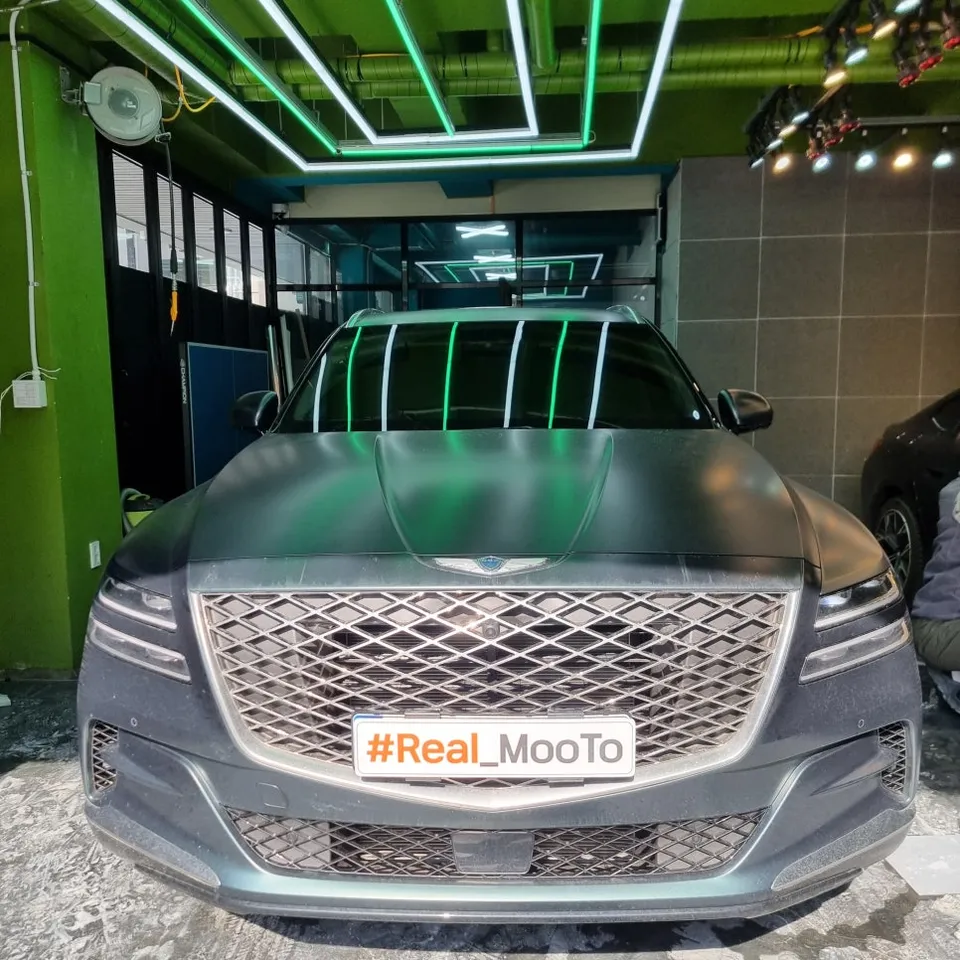
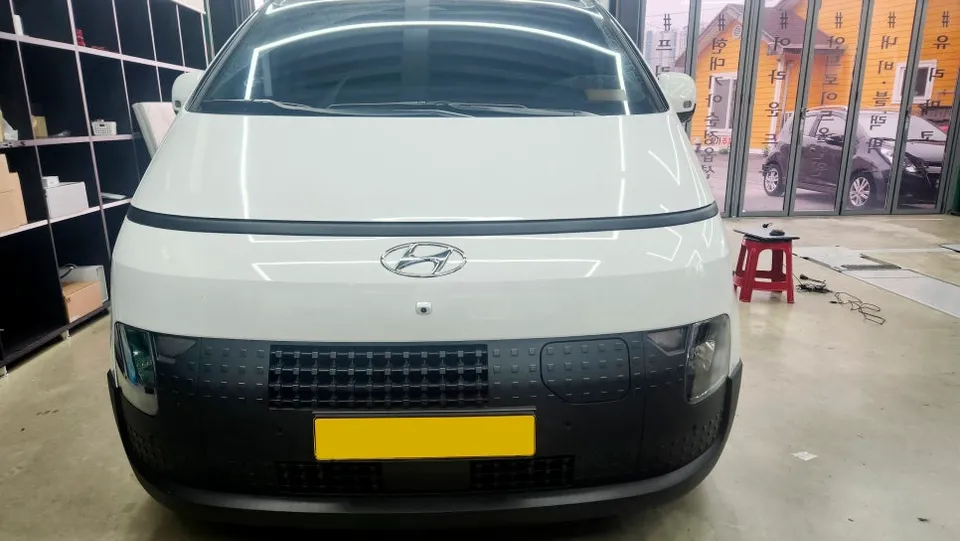
Before

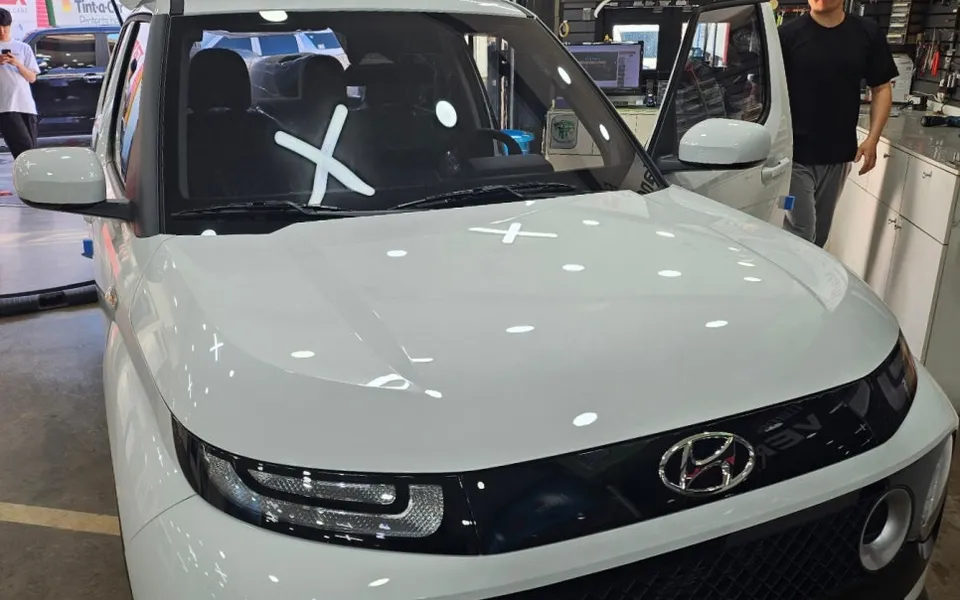
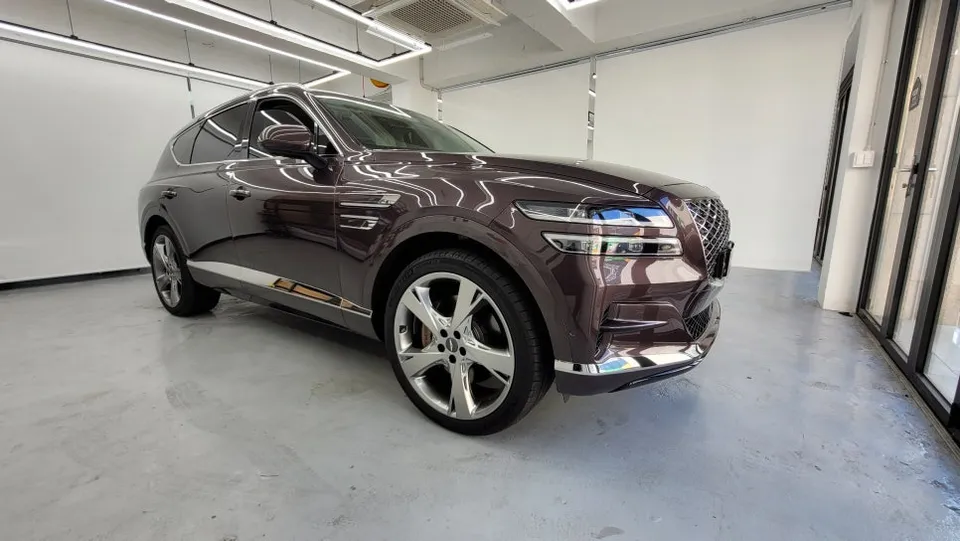
After

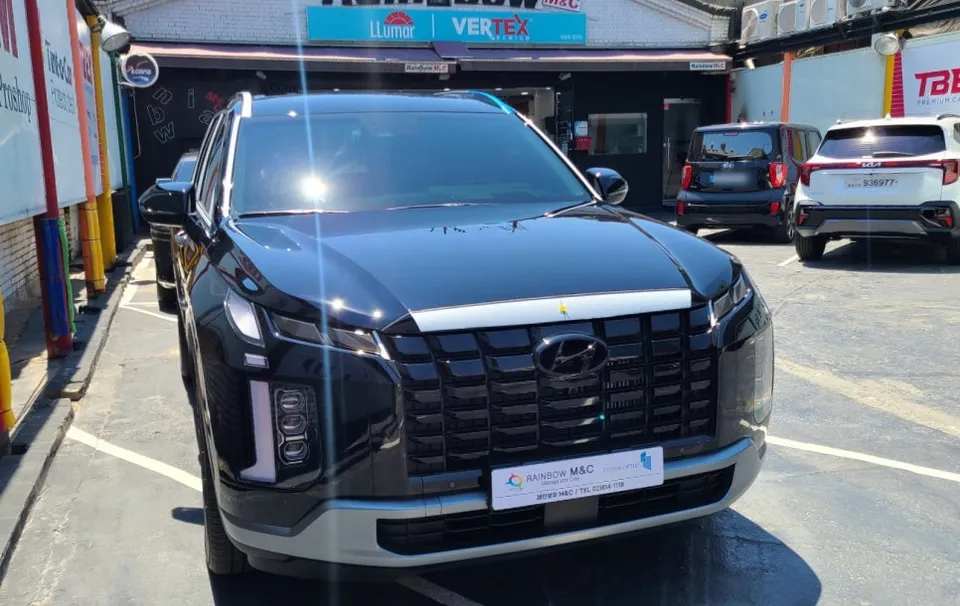
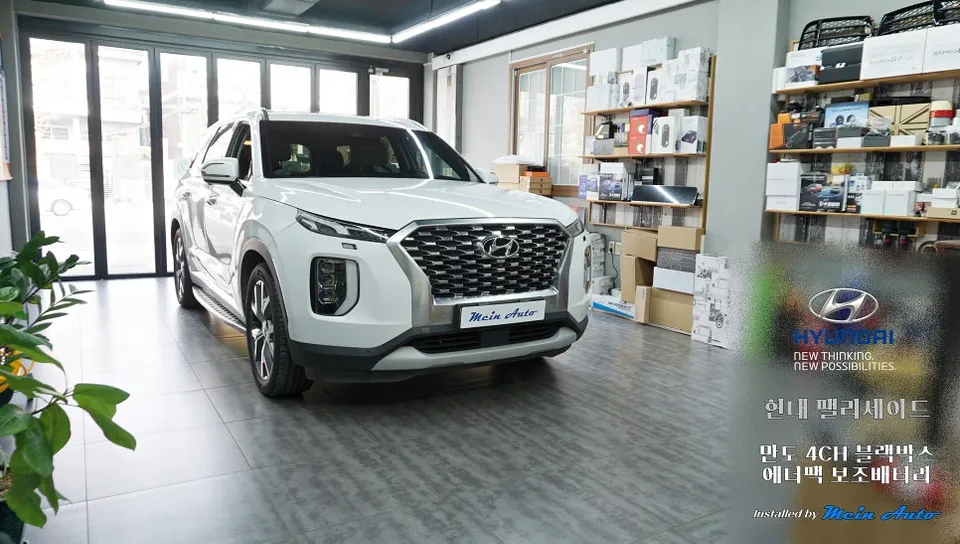
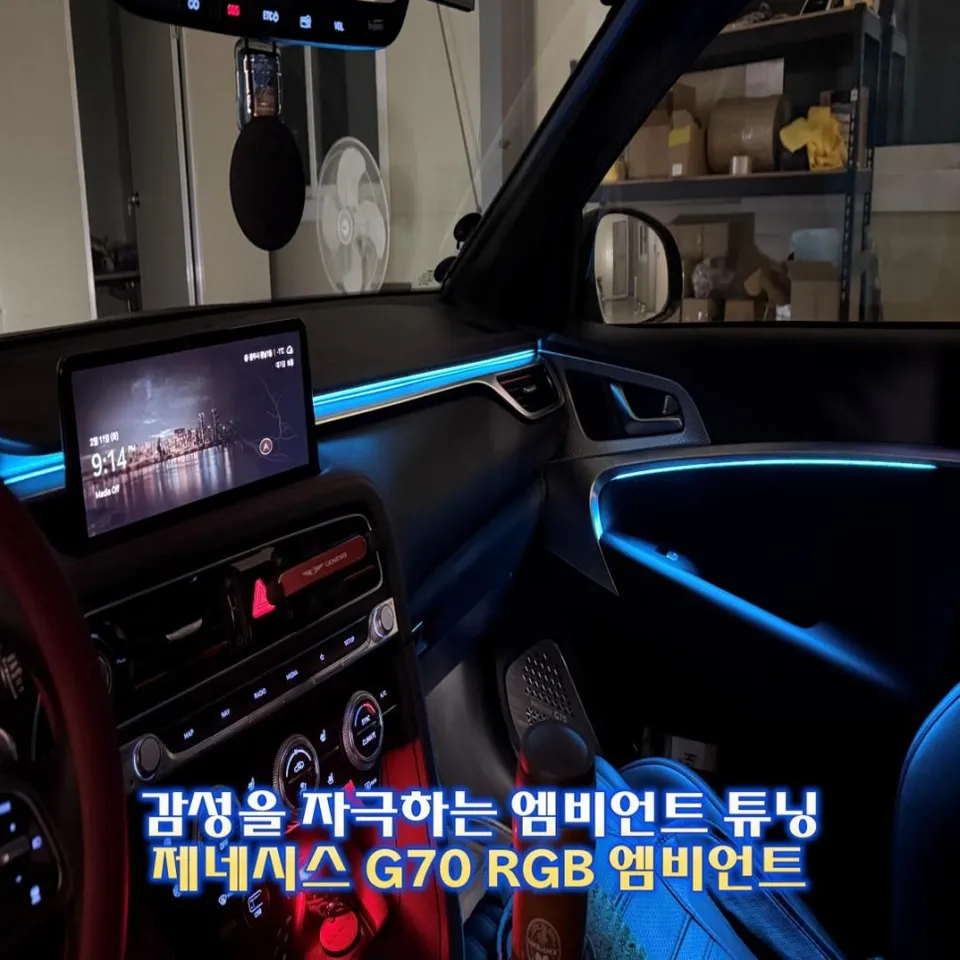
Process photos


Genesis G90 dash cam installation: Professional setup ensures durability and parking mode. Worth it for enhanced security.
Professional Dash Cam Installation for Your Genesis G90
When you invest in a luxury vehicle like the Genesis G90, protecting that investment is paramount. While the G90 comes equipped with advanced safety features, adding a dash cam, often referred to as a black box camera, provides an extra layer of security and documentation. This review delves into the specifics of a professional dash cam installation on a Genesis G90, covering the process, potential outcomes, and whether the service justifies the cost.
Understanding the Dash Cam Installation Process
The installation of a dash cam, especially a front and rear dash cam setup with parking mode capabilities, requires careful attention to detail. For this Genesis G90, the chosen setup was the Thinkware QXD8000 Smart Edition with a 128GB card and Connected Pro module. The process, which took approximately 4 hours, involved meticulous routing of wires to ensure a clean, factory-like finish. A key consideration for high-end vehicles like the G90 is the potential for electrical system damage if not handled correctly. This is why professional installation is often recommended, particularly for hardwiring the dashcam to enable parking mode. The installer in this case was based in South Korea, and the specific context involved a dual sunroof installation alongside the dash cam. The installer noted that some shops avoid G90 sunroof installations due to the risk of water damage to the electrical systems, highlighting the need for experienced technicians.
Results and Durability Considerations
The primary goal of a dash cam installation is to ensure reliable recording and functionality. The QXD8000, when properly installed, provides clear video footage, acting as a crucial witness in case of accidents or incidents. The 'Connected Pro' feature allows for remote monitoring and notifications, adding significant value. Durability is largely dependent on the quality of the installation and the components used. Professional hardwiring ensures that the dash cam operates seamlessly, even when the vehicle is parked, thanks to the parking mode feature. Maintenance typically involves occasional cleaning of the lens and ensuring the memory card is functioning correctly. For the Genesis G90, the installer took extra precautions, such as using covering tape around the sunroof area during installation to prevent any potential water ingress, demonstrating a commitment to preserving the vehicle's integrity. The choice of film for the windows, while not directly related to the dash cam, also impacts the interior environment and visibility, with the installer carefully balancing tint levels for aesthetics and functionality.

Is a Dash Cam Installation Worth It for Your Genesis G90?
Deciding whether to invest in a dash cam and professional installation comes down to weighing the benefits against the cost. For a vehicle like the Genesis G90, the peace of mind offered by a reliable dash cam can be invaluable. It provides documented evidence in the event of an accident, helps deter vandalism, and can even offer insights into driving habits. The cost of professional installation, while an added expense, ensures that the system is integrated correctly without compromising the vehicle's complex electrical systems. Considering the potential costs of accidents, insurance claims, or even minor damages, a dash cam can prove to be a cost-effective investment in the long run. The specific installation detailed here was part of a larger package in South Korea, and while exact pricing for US/UK markets will vary, the principle of professional integration remains the same.

Frequently Asked Questions
Q. How much does dash cam installation cost for a Genesis G90?
The specific installation detailed was performed in South Korea as part of a larger package. Typical professional dash cam installation costs in the US can range from $100 to $300, depending on the complexity and features.
Q. How long does dash cam installation take on a Genesis G90?
Professional dash cam installation on a Genesis G90 typically takes around 2 to 4 hours. Proper maintenance involves keeping the lens clean and ensuring the memory card is in good working order.
Q. Is a hardwired dash cam worth it over a self-install for a Genesis G90?
A hardwired dash cam is highly recommended for enabling parking mode features and ensuring continuous power without draining the battery. Professional installation ensures correct integration with the vehicle's electrical system, preventing potential damage and maximizing the dash cam's lifespan.
Q. How is a dash cam professionally installed on a Genesis G90?
Professional installation involves carefully routing wires for a clean look, often tucking them behind trim panels. 1. The installer connects the dash cam's power cable to the vehicle's fuse box for continuous power (parking mode) or accessory power. 2. They then route the cables discreetly throughout the cabin, often along the headliner and A-pillars. 3. Finally, they test the dash cam's functionality, including recording and parking mode activation.
Q. What is the difference between a 1-channel and 2-channel dash cam for a Genesis G90?
A 1-channel dash cam records only the front view, while a 2-channel (front and rear) dash cam records both front and rear views. For comprehensive coverage and enhanced security, a 2-channel dash cam is generally recommended for a vehicle like the Genesis G90.
Q. What should I know before getting Dash Cam on a Genesis G90? (common regrets and mistakes)
The most common regret is not opting for professional hardwiring, leading to battery drain or a non-functional parking mode. To avoid this, ensure your installer hardwires the dash cam correctly to utilize the vehicle's power management system.
OhCar Partner Shop