Hyundai Palisade Dash Cam Installation Review
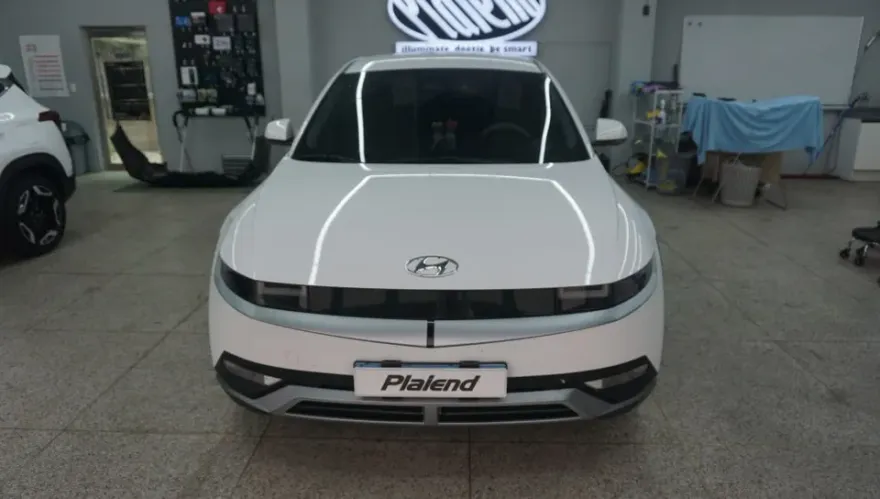
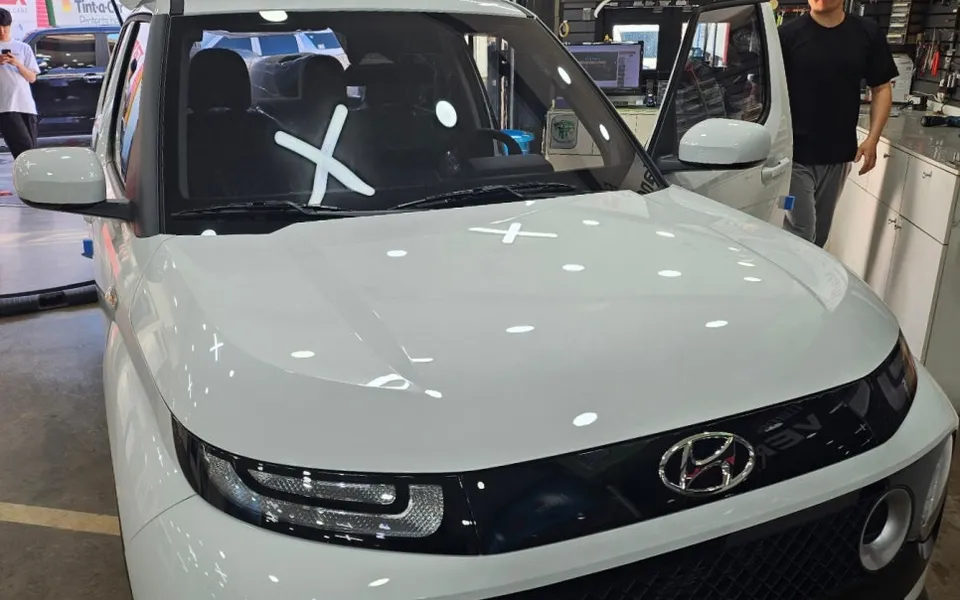
Before
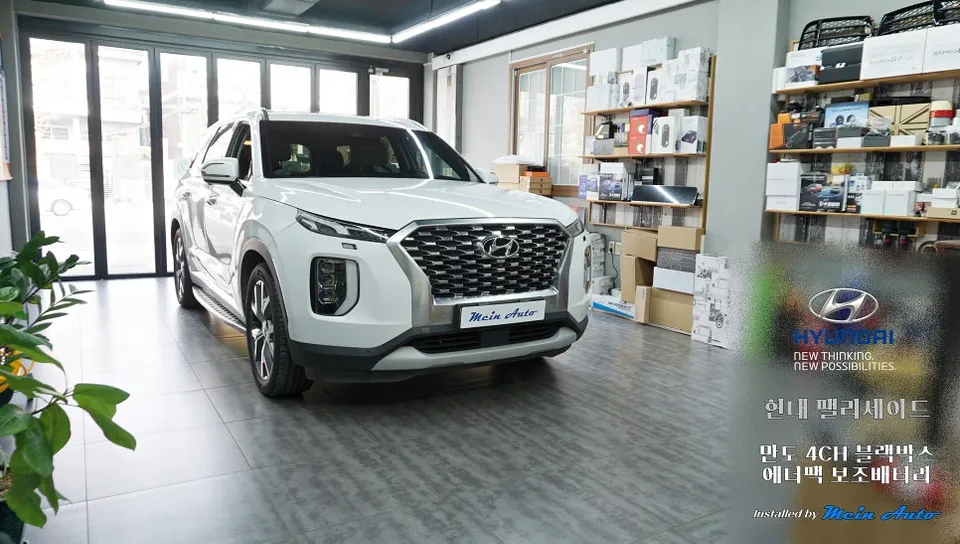
After

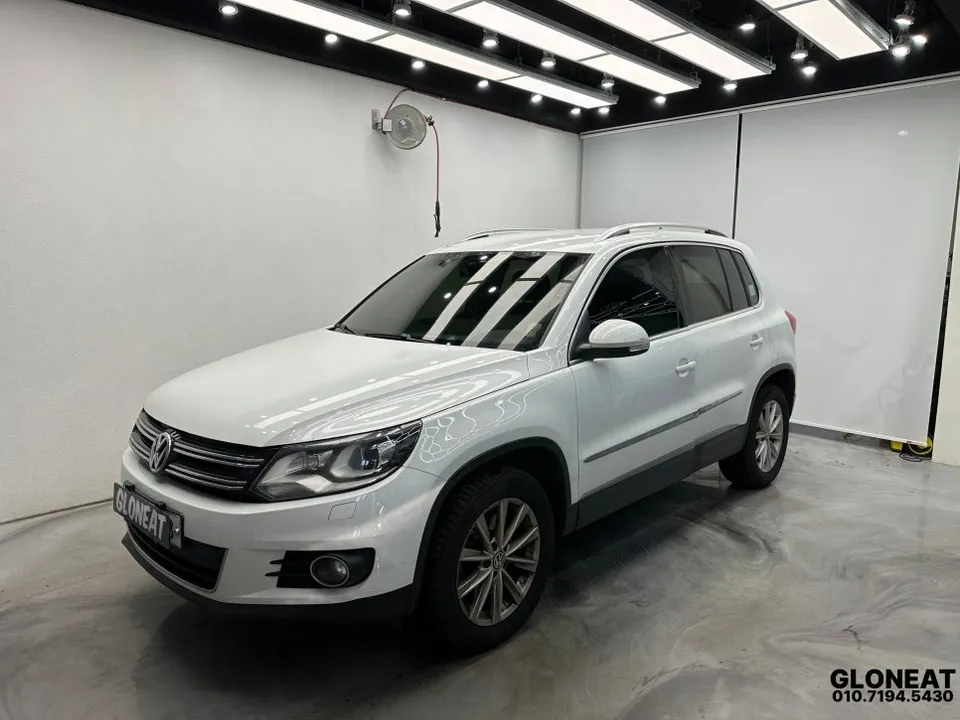
Process photos
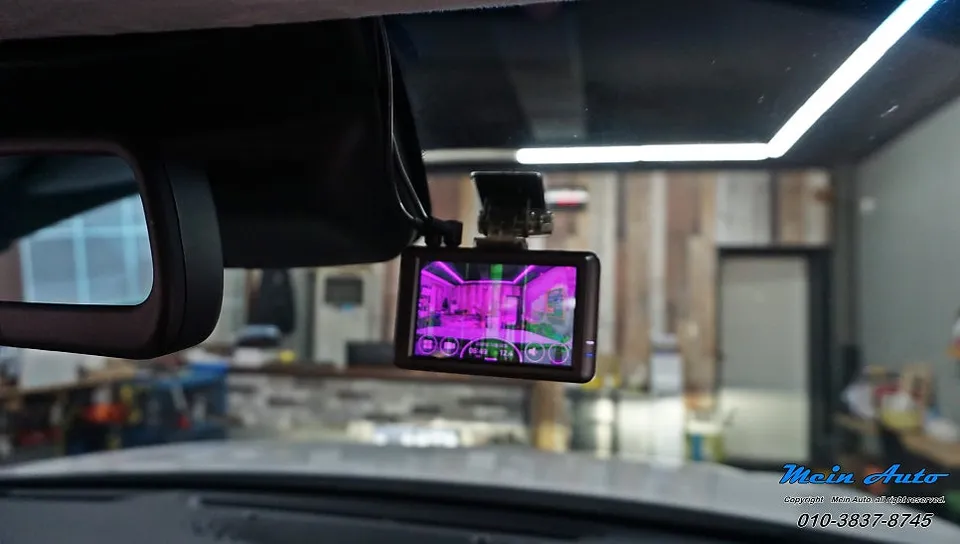
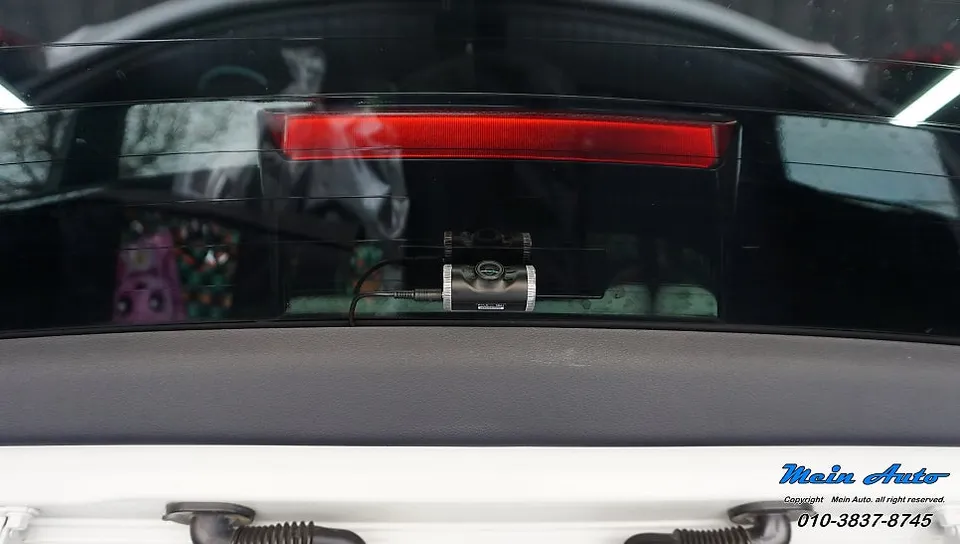
4-channel dash cam & battery install on Hyundai Palisade: Cost not specified in USD. Provides full coverage & parking mode.
Professional Dash Cam and Battery Installation for Your Hyundai Palisade
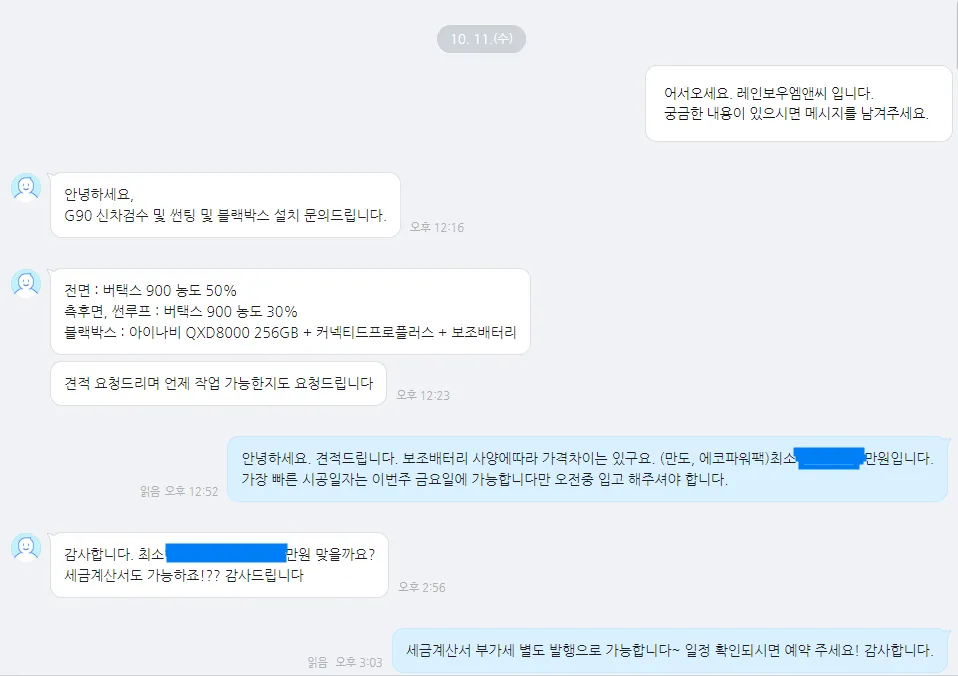
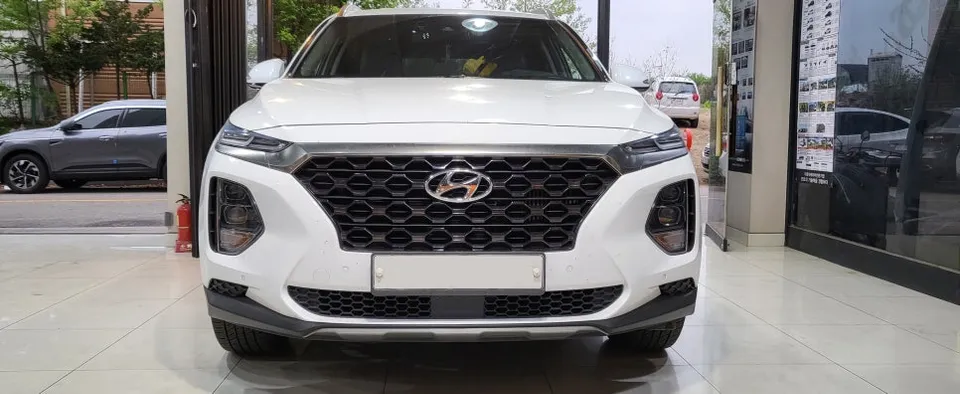
This review covers the installation of a 4-channel dash cam system and an auxiliary battery for a 2020 Hyundai Palisade. The owner opted to transfer a previously used Mando Z9 4-channel dash cam and Enerpac Pro auxiliary battery from a Kia Carnival to their Palisade. This setup provides comprehensive recording, including front, rear, and side views, along with extended parking mode functionality without draining the vehicle's main battery.
Installation Process and Components
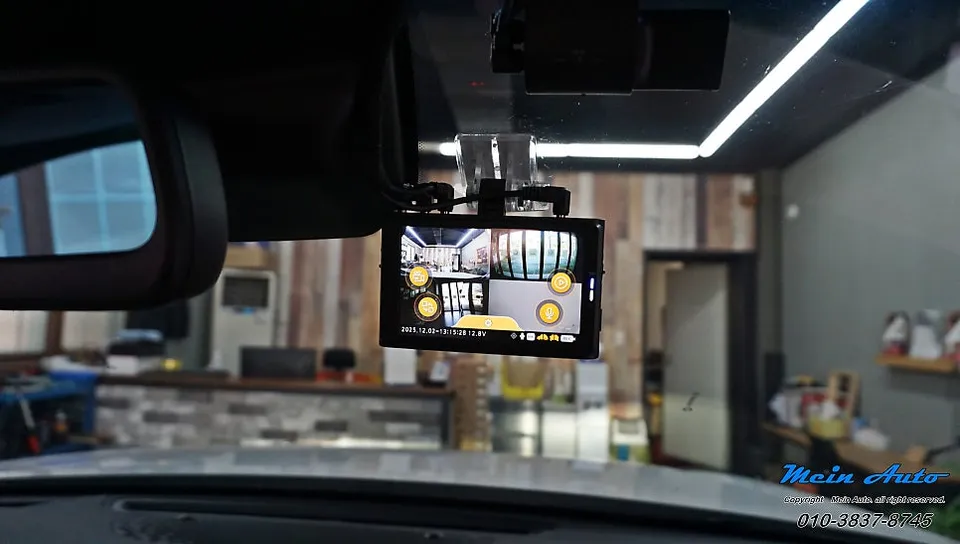
The installation involved removing the existing, older dash cam unit before fitting the 4-channel system. The front and rear cameras were installed in their standard positions. Notably, the side cameras were mounted on the exterior fenders. This placement is particularly useful for capturing potential damage from car doors opening in parking lots, effectively covering almost the entire vehicle perimeter. The Enerpac Pro auxiliary battery was neatly installed beneath the driver's seat, ensuring it didn't impede vehicle access or comfort. This battery is crucial for enabling long-duration parking recording by preventing the vehicle's primary battery from discharging.
The dash cam system records footage in separate folders, organized by date and time, making it easy to locate specific recordings. When the vehicle's ignition is turned off, the dash cam automatically switches to parking recording mode. The duration of this parking mode is determined by the auxiliary battery's charge level and the specific parking environment.
Durability, Maintenance, and Decision Making
While the original context doesn't specify the exact cost in USD, the installation was performed in South Korea. The components, a Mando Z9 4-channel dash cam and an Enerpac Pro battery, are designed for durability. Maintenance typically involves occasional cleaning of the camera lenses and ensuring the memory card is functioning correctly. The setup prioritizes parking recording, with settings optimized for this function rather than low-voltage or time-based cutoffs, thanks to the auxiliary battery.
The decision to install a multi-channel dash cam with an auxiliary battery offers significant benefits for drivers concerned about vehicle security and documenting incidents. The comprehensive coverage from the 4-channel system, especially with the side cameras, provides a much broader view than standard front-facing units. The auxiliary battery ensures that the parking mode can operate for extended periods without risking a dead vehicle battery, offering peace of mind when the vehicle is parked.
Installation Process:
- Remove the old dash cam unit if present.
- Mount the front, rear, and side cameras in their designated locations.
- Install the auxiliary battery, typically under a seat, ensuring secure placement.
- Connect all cameras and the battery to the vehicle's power system and each other.
- Test all camera views and recording functions.
Frequently Asked Questions
Q. How much does dashcam installation cost for a Hyundai Palisade?
The specific cost for this 4-channel dash cam and battery installation in South Korea was not detailed in USD. Professional hardwiring and installation for a front and rear dash cam in the US typically ranges from $100 to $300, depending on the complexity and location.
Q. How long does dashcam installation take on a Hyundai Palisade?
While the exact time for this specific installation wasn't stated, professional dash cam hardwiring usually takes 1-3 hours. Basic maintenance involves ensuring the lens is clean and the memory card is functioning.
Q. Is a hardwired dashcam worth it over a self-install for a Hyundai Palisade?
A hardwired dashcam is highly recommended for features like parking mode, which requires a constant power source. Professional installation ensures a clean, safe setup that preserves your vehicle's battery life and avoids potential electrical issues.
Q. How is a dashcam professionally installed on a Hyundai Palisade?
Professional installation involves routing wires discreetly through the vehicle's interior panels. 1. The cameras are mounted securely on the windshield and rear window (or fenders, as in this case). 2. The power wire is connected to the vehicle's fuse box, often using a hardwire kit for parking mode. 3. An auxiliary battery may be installed under a seat for extended parking recording.
Q. What is the difference between a 1-channel and 2-channel dashcam for a Hyundai Palisade?
A 1-channel dash cam records only the front view, while a 2-channel system records both front and rear views. For comprehensive coverage, a 2-channel or multi-channel system like the 4-channel unit reviewed here is superior.
Q. What should I know before getting Dash Cam on a Hyundai Palisade? (common regrets and mistakes)
The most common regret is not opting for a system with parking mode or an auxiliary battery, leading to a dead car battery. Always ensure your installation includes a solution for continuous power if you intend to use parking surveillance.
OhCar Partner Shop