Hyundai IONIQ 5 Dash Cam Installation Review
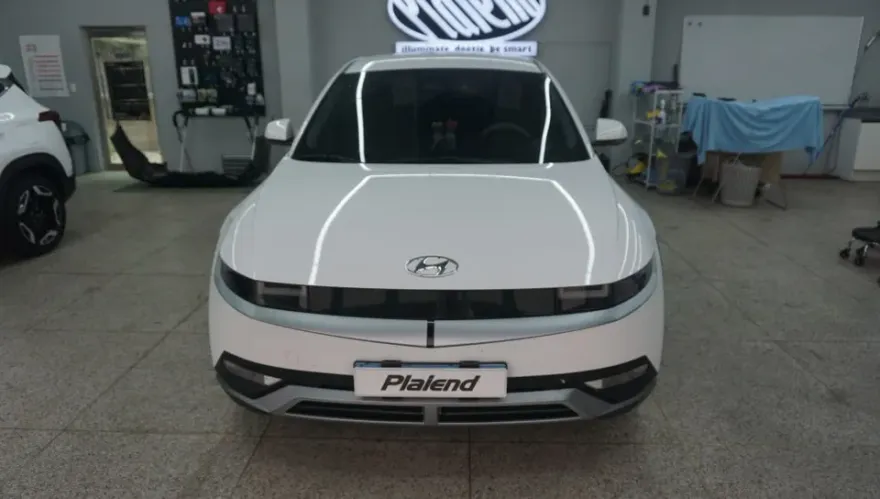
4-channel dash cam & battery install on Hyundai IONIQ 5: Comprehensive 360° coverage, parking mode. Professional installation.
Upgrading Your Hyundai IONIQ 5's Security with a 4-Channel Dash Cam
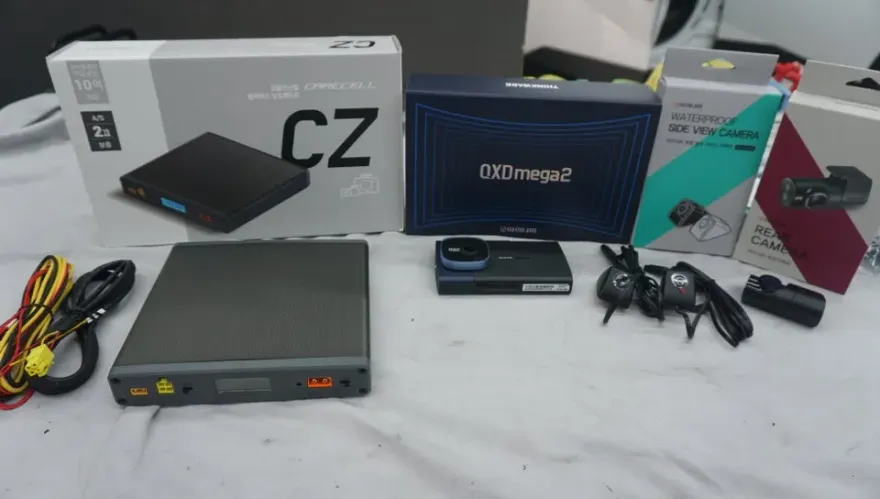
For Hyundai IONIQ 5 owners in Jeju, South Korea, enhancing vehicle security is a growing concern, especially with incidents like door dings. This review details the installation of a 4-channel dash cam system, the Inavi QXD Mega 2, along with a Carecell CZ auxiliary battery, on an IONIQ 5. The goal was to provide comprehensive, 360-degree surveillance, eliminating blind spots that traditional front-and-rear dash cams might miss. The owner specifically sought this upgrade after experiencing multiple door dings, highlighting the need for side-view recording.
Comprehensive Coverage and Parking Mode Benefits
The Inavi QXD Mega 2 system offers significant advantages over standard dash cams. Its 4-channel setup includes cameras for the front, rear, and both sides of the vehicle. This all-around recording capability is crucial for capturing incidents that occur outside the typical forward or backward view, such as side-swipe collisions or the aforementioned door dings. The front camera records in QHD resolution, while the side and rear cameras capture footage in Full HD. A key feature is the parking mode, powered by an auxiliary battery, which ensures continuous recording even when the vehicle is turned off. This prevents battery drain, a common issue with dash cams, especially in electric vehicles like the IONIQ 5. The system includes a 4-inch touchscreen display for easy viewing and settings adjustment. The installation process prioritizes clean wiring, using sound-absorbing tape to prevent rattles and ensure a visually appealing finish.
Installation Process and Considerations
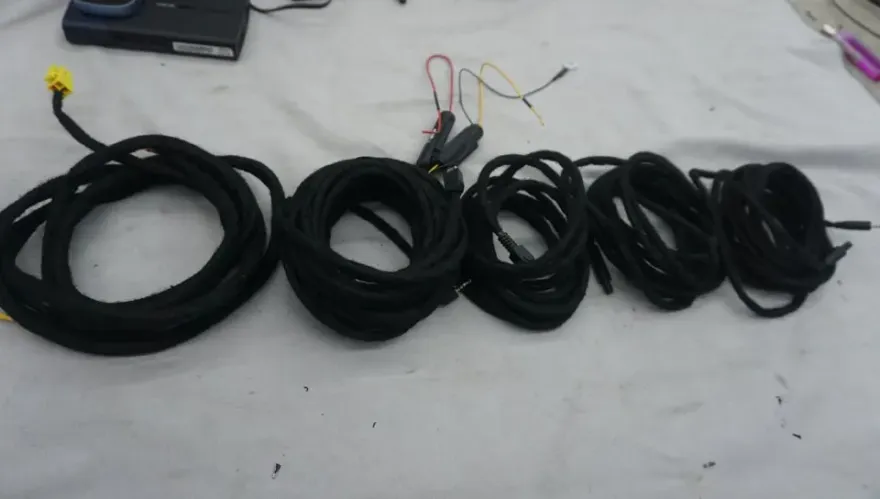
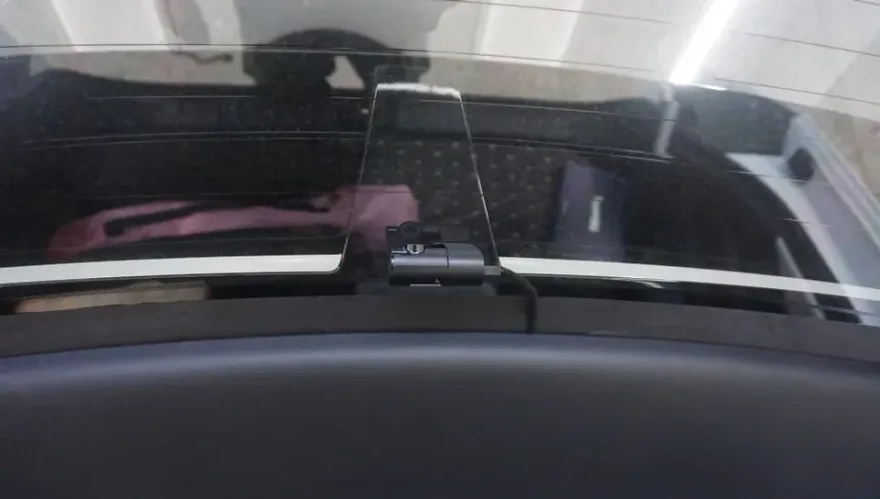
The installation of the 4-channel dash cam and auxiliary battery on the Hyundai IONIQ 5 was performed meticulously to ensure optimal performance and a clean look. The process involved careful routing of all wiring, using sound-dampening tape to secure cables and prevent any unwanted noise. The rear and side cameras were strategically placed to maximize coverage with minimal visible wiring. The main unit was mounted on the front windshield, with the rear camera installed inside the cabin facing backward, and the side cameras mounted externally to capture lateral views. The Carecell CZ auxiliary battery was installed discreetly under the driver's seat, with its wiring integrated along the vehicle's original lines to remain hidden. This comprehensive setup ensures that the IONIQ 5 is protected from all angles, providing peace of mind for the owner, particularly concerning parking lot incidents.
Installation process:
- Securely mount the front, rear, and side cameras, ensuring minimal wire exposure.
- Route all wiring discreetly along the vehicle's interior, using sound-absorbing tape.
- Install the auxiliary battery (e.g., Carecell CZ) in a suitable location, typically under a seat, and connect it to the dash cam system.
- Connect the dash cam to the vehicle's power, ensuring proper integration for both driving and parking modes.
- Test all camera feeds and system settings via the 4-inch touchscreen display.
For IONIQ 5 owners concerned about blind spots and parking lot incidents, a 4-channel dash cam system like the Inavi QXD Mega 2, coupled with an auxiliary battery, offers a robust solution. The combination provides complete visual coverage and reliable parking mode recording without compromising the vehicle's battery life. The service in Jeju, South Korea, was completed with an emphasis on professional, clean installation, ensuring customer satisfaction.
Frequently Asked Questions
Q. How much does dash cam installation cost for a Hyundai IONIQ 5?
The installation of the Inavi QXD Mega 2 4-channel dash cam and Carecell CZ battery on the Hyundai IONIQ 5 in Jeju was performed. While specific US pricing varies, professional hardwiring and installation for similar multi-channel dash cam systems in the US can range from $200 to $600 depending on the complexity and features.
Q. How long does dash cam installation take on a Hyundai IONIQ 5?
Professional dash cam installation, especially for multi-channel systems with hardwiring and auxiliary batteries, typically takes 2-4 hours. Proper maintenance involves periodically checking camera lens clarity and ensuring the recording system is functioning correctly, which is straightforward with modern dash cams.
Q. Is a hardwired dash cam worth it over a self-install for a Hyundai IONIQ 5?
A hardwired dash cam is highly recommended for vehicles like the Hyundai IONIQ 5, especially for utilizing parking mode effectively and avoiding battery drain. Professional installation ensures a clean, safe setup that integrates seamlessly with your vehicle's electrical system, offering greater reliability and peace of mind than a DIY approach.
Q. How is a dash cam professionally installed on a Hyundai IONIQ 5?
Professional dash cam installation involves discreetly routing wires, often using sound-dampening tape, to connect cameras and the power source. 1. Cameras are mounted on the windshield and other locations for optimal views. 2. Wiring is carefully tucked away, following factory lines. 3. The system is hardwired to the vehicle's fuse box for continuous power, often with an added battery pack for parking mode.
Q. What is the difference between a 1-channel and 2-channel dash cam for a Hyundai IONIQ 5?
A 1-channel dash cam records only the front view, while a 2-channel system adds a rear camera for both front and back recording. For comprehensive protection, especially against side-impacts or door dings, a 4-channel system like the one reviewed, which covers front, rear, and both sides, offers significantly better all-around surveillance.
Q. What should I know before getting Dash Cam on a Hyundai IONIQ 5? (common regrets and mistakes)
The most common regret is not opting for a system with sufficient coverage, like a 4-channel setup, leading to missed incident details. To avoid this, carefully consider your primary concerns (e.g., parking lot incidents) and choose a dash cam system that provides the necessary viewing angles and features like parking mode with an auxiliary battery.
OhCar Partner Shop