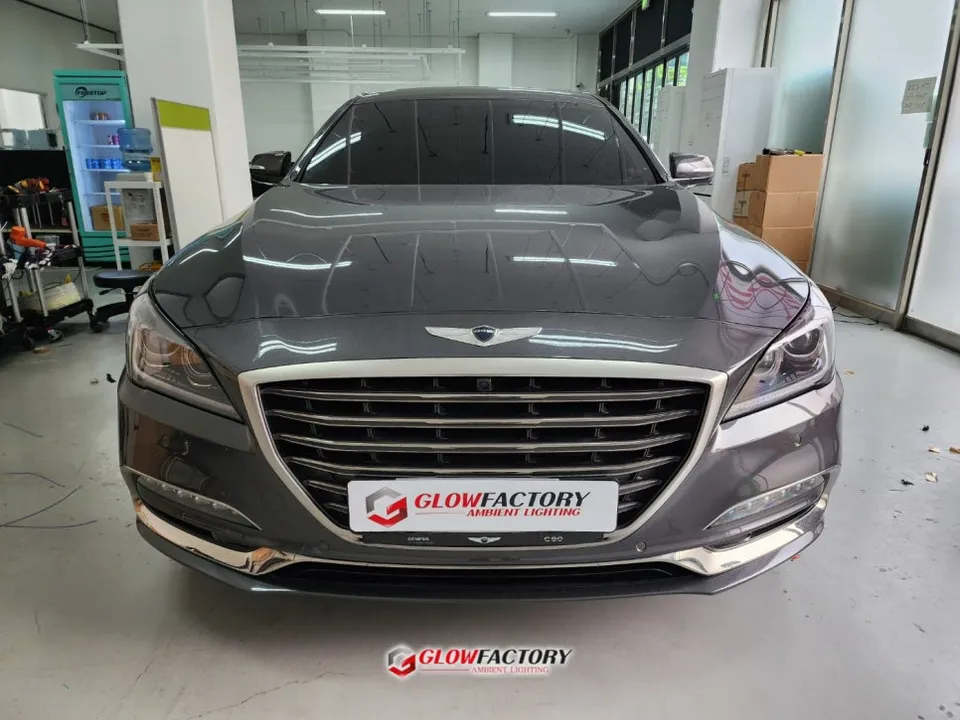
Genesis G90 OEM Options Review: Rear Monitor Upgrade
Service Price
$40–80
Estimated price · Actual price may vary by shop
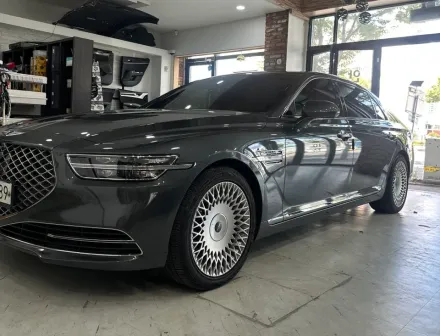
Before
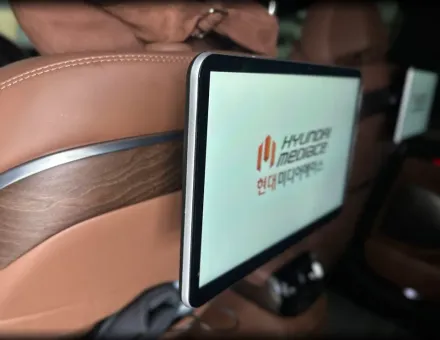
After
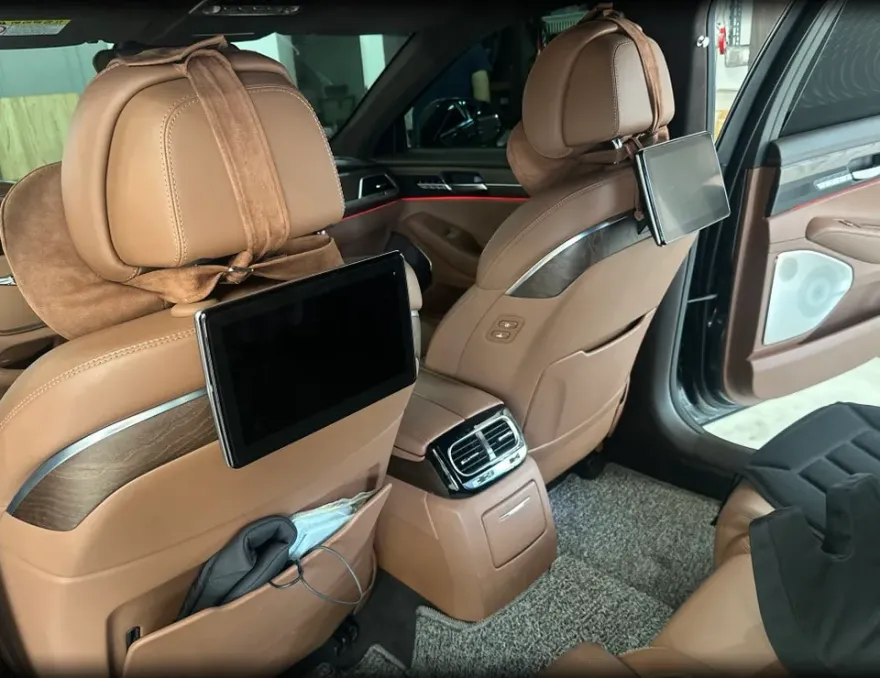
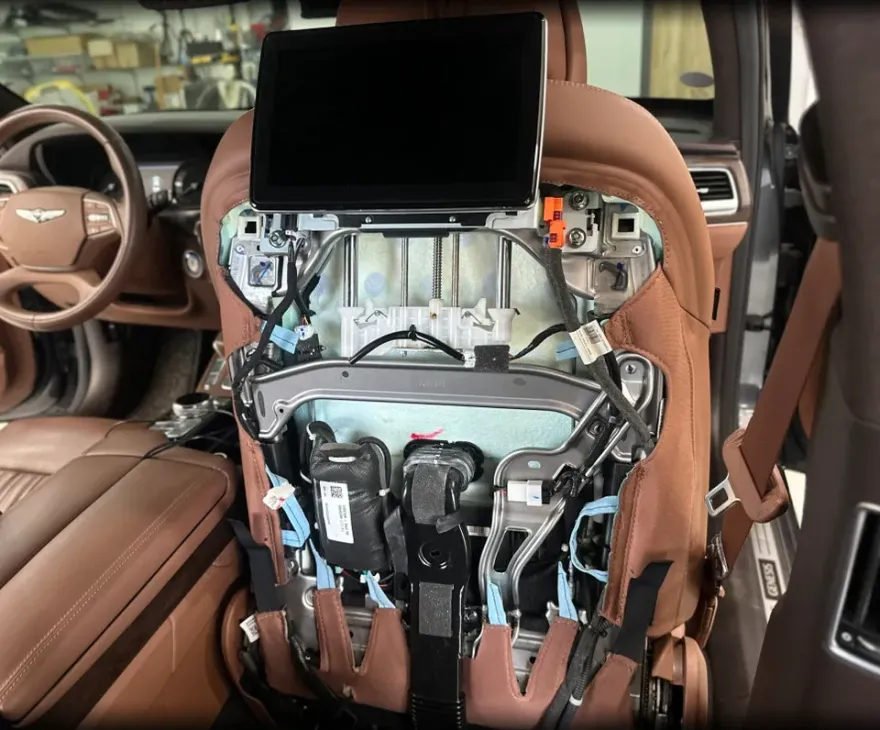
Process photos
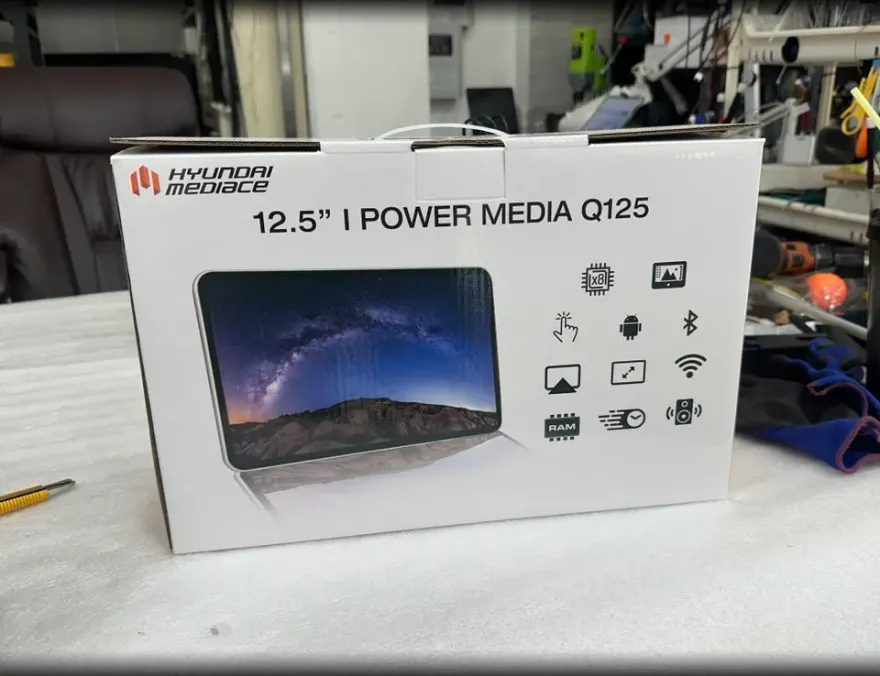
Genesis G90 Q125 Android rear monitor upgrade: ~$40-80. Enhances entertainment with apps and a larger screen.
Upgrade Your Genesis G90's Rear Entertainment System
Many Genesis G90 owners find the factory-installed rear monitors lacking in functionality. If you're looking to enhance your G90's second-row entertainment experience, upgrading to an aftermarket Android rear monitor like the Q125 can be a game-changer. This unit offers a larger screen, higher resolution, and the full capabilities of the Android operating system, allowing access to streaming services, apps, and games. This review details the installation process, benefits, and overall value of retrofitting the Q125 Android monitor into a Genesis G90.
Q125 Android Monitor vs. Factory Options
The primary advantage of the Q125 Android monitor over the standard OEM option is its versatility. While the factory unit is limited to basic functions, the Q125 provides access to the Google Play Store, enabling users to install popular applications like Netflix, YouTube, and various games. This transforms the rear seats into a dynamic entertainment hub, perfect for long journeys or keeping passengers engaged. The Q125 also boasts a wider, higher-definition display compared to many stock monitors, offering a superior viewing experience. Furthermore, it supports independent use for each monitor, allowing passengers to enjoy different content simultaneously. The installation process, performed in Korea, focused on integrating the unit seamlessly, aiming for a factory-like finish.
Seamless Installation for a Factory Look
Achieving a clean, integrated look is crucial when upgrading a luxury vehicle like the Genesis G90. This installation utilized the original rear monitor bracket, ensuring a perfect fit and eliminating the need for additional modifications or drilling. The process involved carefully removing the original rear monitors from the seat back covers.
Installation process:
- Remove the 1st-row seat back covers.
- Carefully detach the original rear monitor and its surrounding trim.
- Secure a custom-made bracket, utilizing the factory mounting points, into the vacated space.
- Install the Q125 Android monitor onto the custom bracket, ensuring a flush and secure fit.
- Reconnect all wiring and reassemble the seat back covers.
Upon powering on the vehicle, the Q125 monitor boots up automatically, displaying its brand logo followed by the Android interface. This method ensures the upgrade looks and feels like a factory option, maintaining the G90's premium interior aesthetic. The estimated installation time for this retrofit is approximately 3 hours.
Frequently Asked Questions
Q. How much does OEM option and factory upgrade installation cost for a Genesis G90?
The Q125 Android rear monitor installation for the Genesis G90 is estimated at $40–80 USD. Typical US pricing for similar aftermarket rear entertainment system retrofits can range from $500 to $1500 depending on the system and installation complexity.
Q. How long does OEM options installation take on a Genesis G90?
The Q125 Android rear monitor installation on a Genesis G90 typically takes around 3 hours. These systems are generally durable, but proper maintenance involves keeping the screen clean with a soft, dry cloth and ensuring software updates are applied regularly.
Q. Are OEM options worth adding after purchase for a Genesis G90?
Adding the Q125 Android rear monitor is highly recommended for Genesis G90 owners who frequently use their rear seats for entertainment or travel with children. It offers significantly more functionality and a better user experience than the standard factory option, providing a substantial value proposition for enhanced passenger comfort.
Q. How are OEM factory options installed on a Genesis G90?
Installation involves removing the original rear monitors from the seat back covers. A custom bracket is then securely mounted using the factory mounting points, followed by the installation of the Q125 Android monitor. Finally, all wiring is reconnected, and the seat covers are reassembled for a seamless, factory-like finish.
Q. What is the difference between dealer-installed options and aftermarket upgrades for a Genesis G90?
Dealer-installed options are typically OEM parts designed specifically for the vehicle, often installed during manufacturing or by the dealership. Aftermarket upgrades, like the Q125 Android monitor, are third-party products that enhance or replace factory features, offering more advanced functionality or customization, as seen with the Q125's superior app integration.
OhCar Partner Shop