Honda Accord Android Head Unit Upgrade Review — Enhanced Smart Ca
Service Price
$approx. $1,500+
Estimated price · Actual price may vary by shop
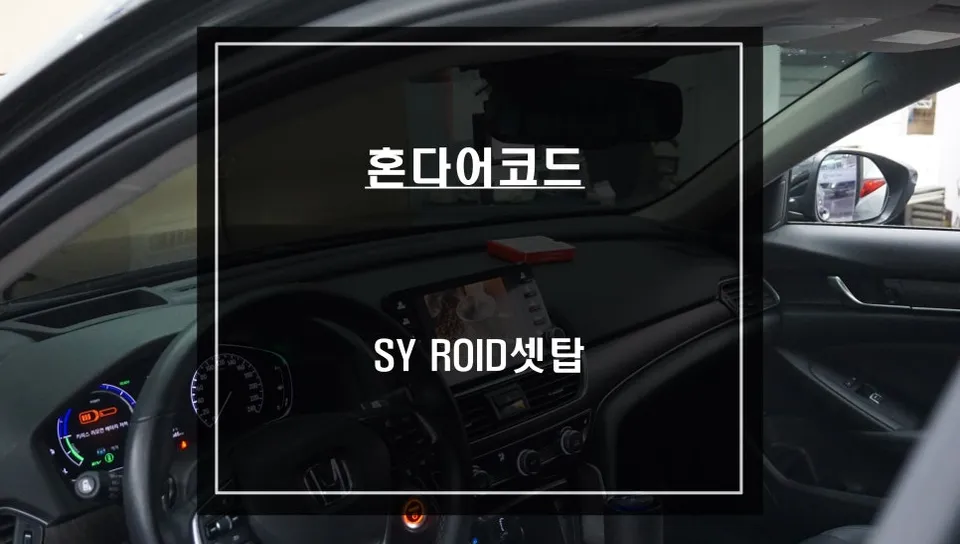
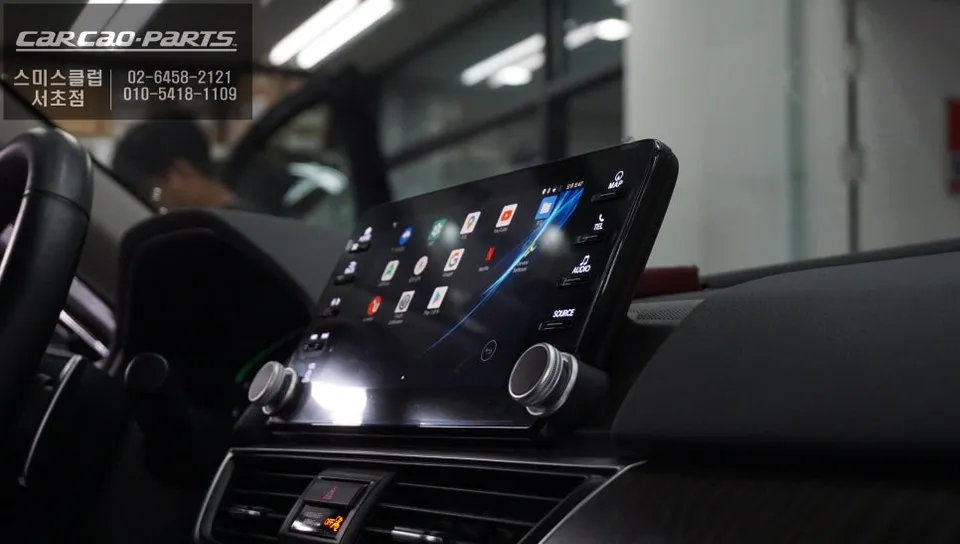
Honda Accord Android Head Unit upgrade: Seamless integration, app access, and enhanced navigation. Retains original functions.
Honda Accord Evolves with Android OS Set-Top Navigation
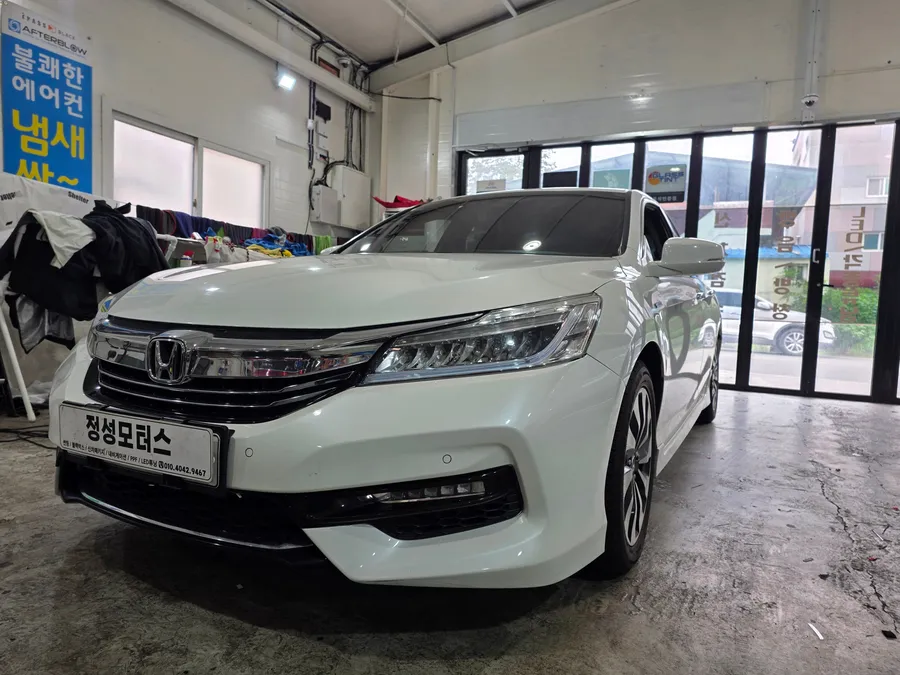
What do Honda Accord 10th and 10.5th generation owners desire most? A smarter infotainment system. It's natural to want the ability to use various applications freely in your car, just like on a smartphone. Today, we introduce an Android OS set-top box installation specifically for the Accord. Let's dive into how this solution, which perfectly integrates with the original monitor, is installed and what features you can actually use.
Pre-Installation Vehicle Check and Compatibility Review
Installing an Android set-top box is more than just plugging in a device; it requires precision. First, we meticulously examined the Honda Accord's original monitor specifications, wiring conditions, and the connection structure with the existing infotainment system. The Honda Accord has a unique dashboard structure, making a pre-installation inspection crucial to ensure the product fits precisely.
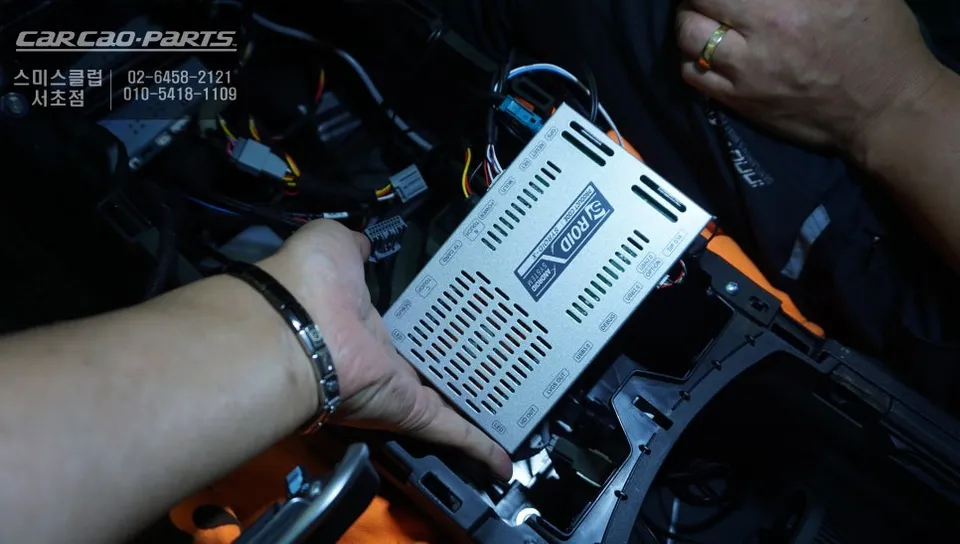
The key is to integrate the Android OS without damaging the original wiring. Today's Car Seocho Branch uses a product developed exclusively for the Accord, characterized by its "plug-and-play" design, meaning the connector pin layout matches perfectly. This allows for complete compatibility without altering the existing wiring.
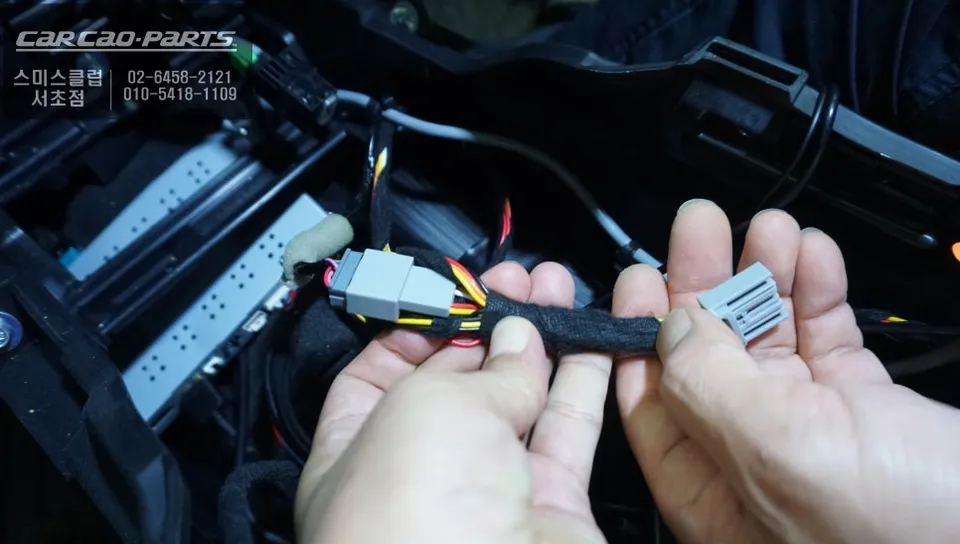
Android Set-Top Box Installation and Integration
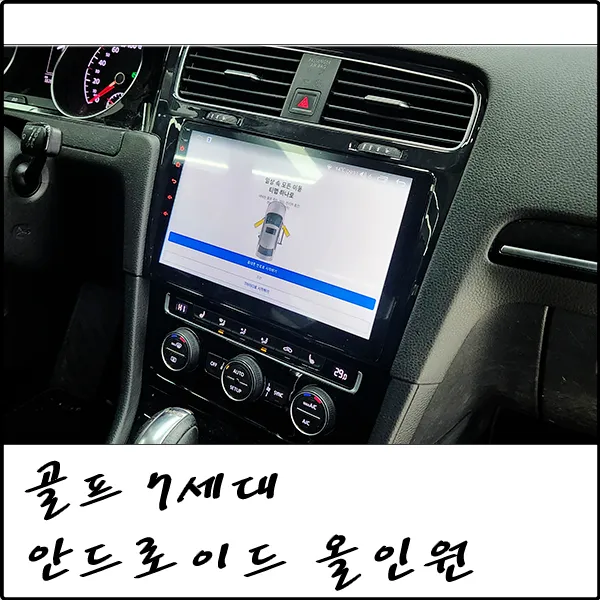
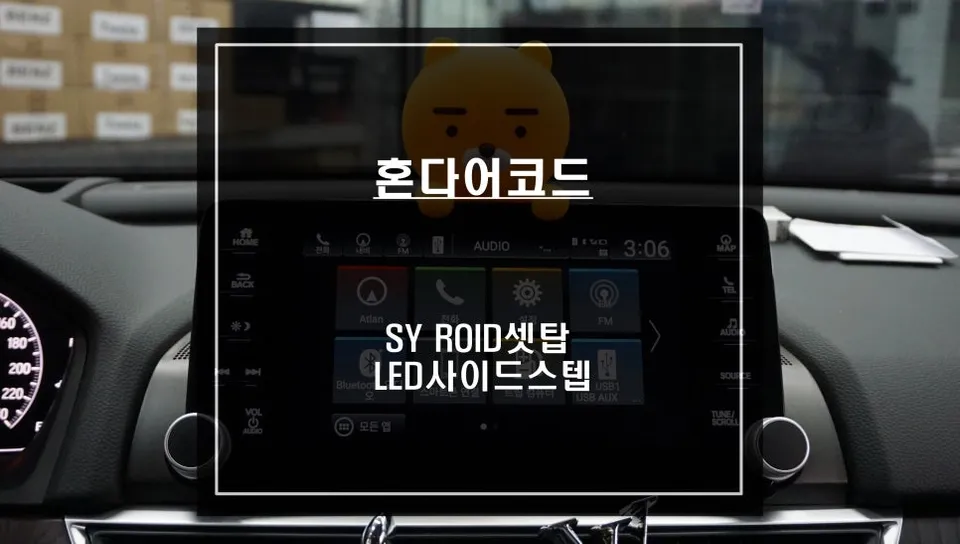
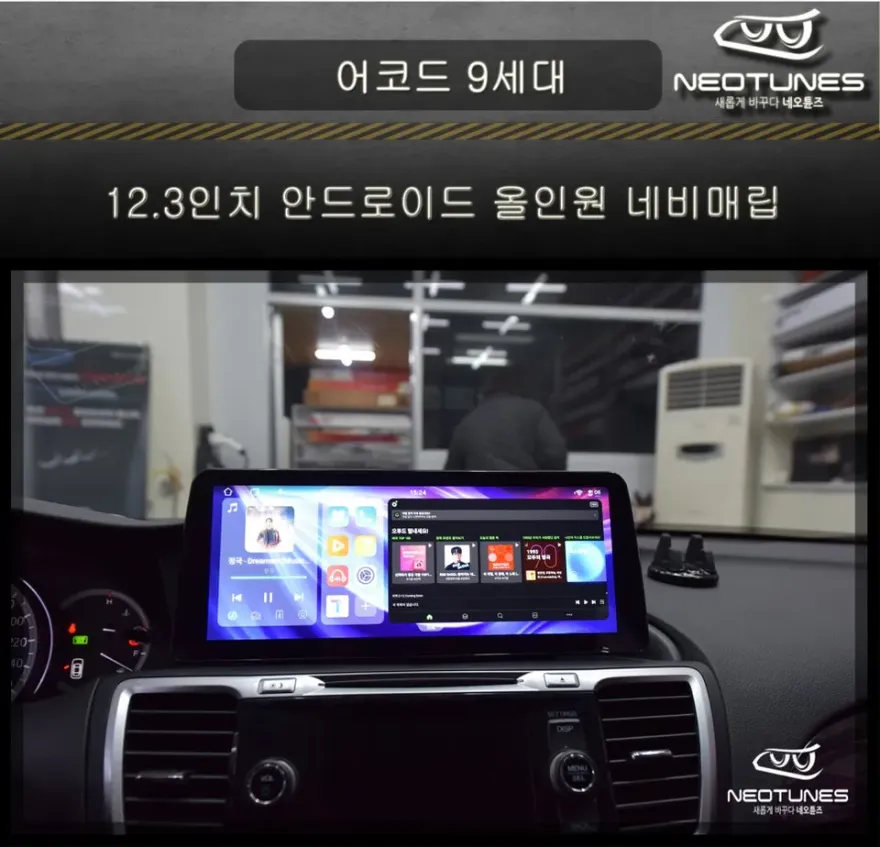
The most critical phase of the installation is connecting the Android OS-based set-top box to the original monitor. The device supports a high-resolution 1280x720P output, allowing you to experience the same clarity as your smartphone screen.
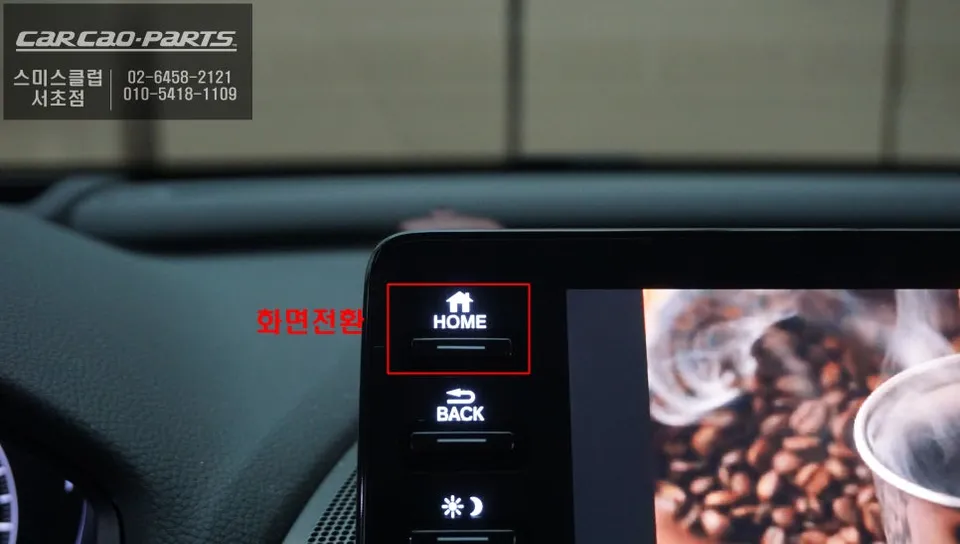
Pairing after installation is straightforward. First, connect your smartphone to the set-top box via Wi-Fi, and the Android interface will activate on your car monitor. It's configured so you can freely switch between the original screen and the Android screen by pressing the original HOME button. A significant advantage is that you can enjoy new features while retaining all existing vehicle functions.
Diverse Application Installation and Execution Environment
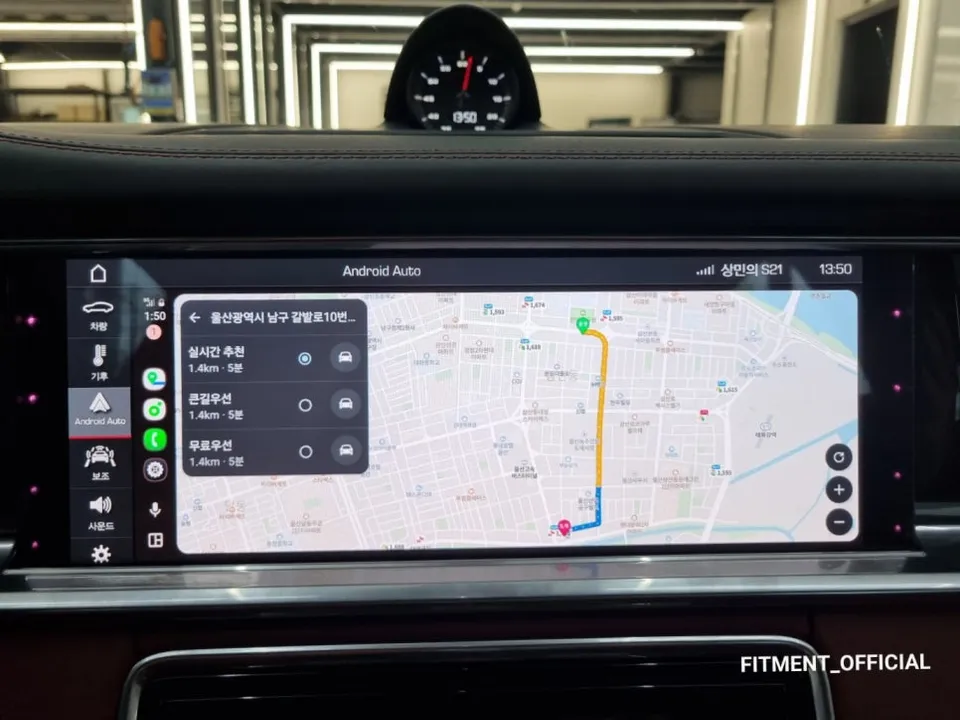
The true appeal of Android OS lies in its freedom. You can download and run most navigation and multimedia apps you use on your smartphone directly on your car monitor.
For navigation apps, you can utilize real-time map updates from services like T Map and Kakao Map. Unlike the original Atlant V5 map, these apps update traffic information daily, ensuring you always receive the optimal route. GPS reception is not an issue—it maintains the same accuracy level as the original map.
The same applies to multimedia apps. You can stream YouTube, Netflix, and mobile TV directly on your car monitor. However, a point to note: since there's no AUX port for audio, sound must be outputted through the car speakers via Bluetooth or a USB-to-AUX conversion module. High-frequency filtering is applied during this process to minimize sound quality loss.
Home Screen Customization and Usability Optimization
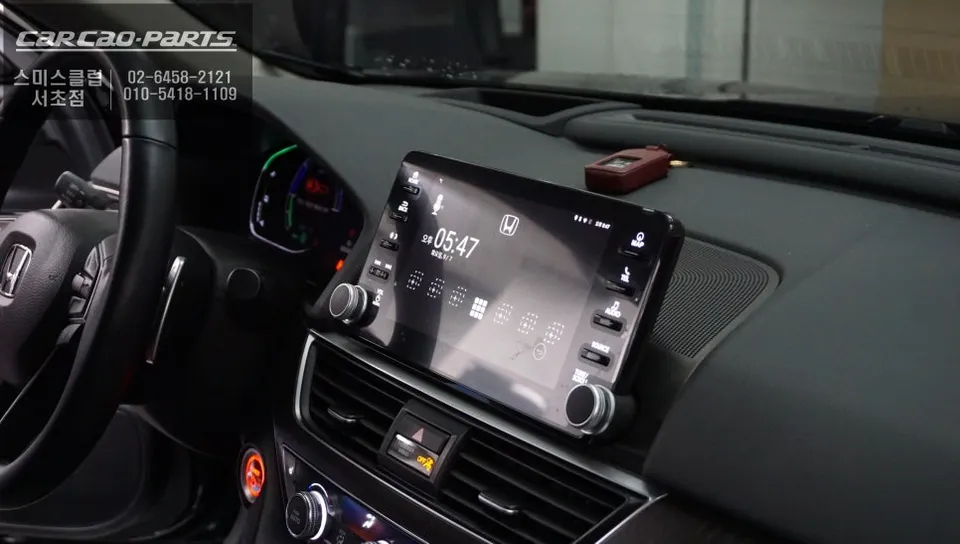
After installation, the customization process begins. Similar to a smartphone, the Android set-top box allows you to drag and arrange app icons on the home screen. Organizing frequently used navigation, music streaming, and dashcam playback apps in easily touchable positions enhances driving safety.
Screen brightness, touch sensitivity, and volume settings can also be optimized for the vehicle environment. You can increase brightness during the day and set it to automatically decrease at night, reducing eye strain. Touch response time is typically around 150-200ms, providing a smooth user experience.
Frequently Asked Questions
Q. What is the price for an Android Head Unit upgrade on a Honda Accord 10?
The cost for this Android Head Unit upgrade in Korea is approximately ₩700,000. In the US, similar integrated Android systems for vehicles typically range from $500 to $1200, depending on features and installation complexity.
Q. How long does the Android Head Unit installation take for a Honda Accord 10?
Installation typically takes about 2-3 hours, ensuring all connections are secure and functions are optimized. To maintain longevity, avoid exposing the unit to extreme temperatures and ensure proper ventilation.
Q. Is an Android Head Unit upgrade worth it for a Honda Accord 10?
This upgrade is highly beneficial for drivers seeking modern smartphone-like functionality, including access to diverse apps like YouTube and real-time navigation. It offers significant value by transforming the car's infotainment system without replacing the original display.
Q. How is the Android Head Unit installed on a Honda Accord 10?
1. Compatibility check of the original monitor and wiring. 2. Connection of the Android set-top box using plug-and-play connectors without altering factory wiring. 3. Pairing the device via Wi-Fi and configuring the home screen. 4. Optimizing settings like brightness and touch sensitivity.
Q. What's the difference between an Android Head Unit and the original infotainment system?
The key difference is the ability to run third-party Android applications directly on the car's screen, offering vastly expanded functionality beyond the original system's capabilities. The Android unit provides a modern, app-driven experience while retaining all original vehicle functions.
Kakao Parts