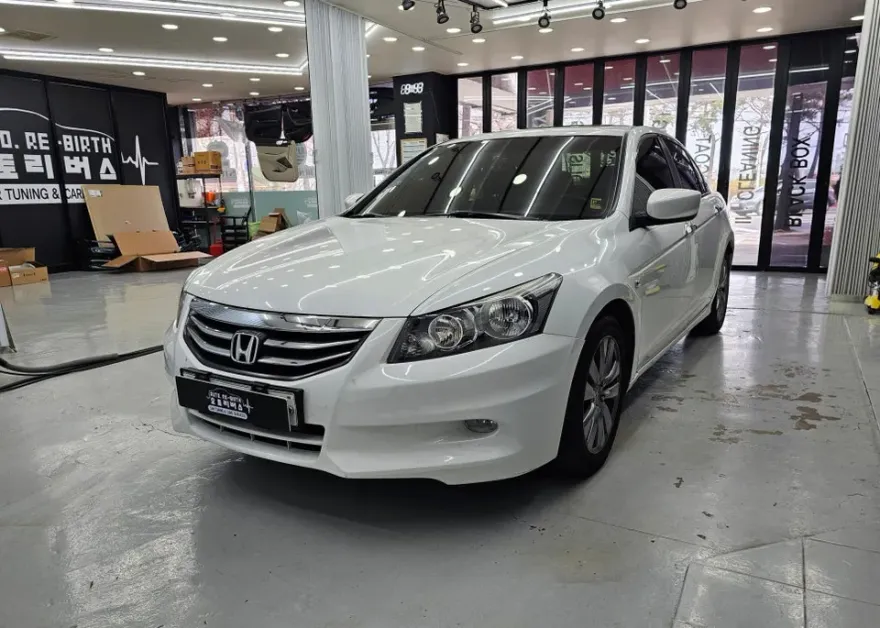
Honda Pilot Dash Cam Installation & Battery Review
Service Price
$150+
Estimated price · Actual price may vary by shop
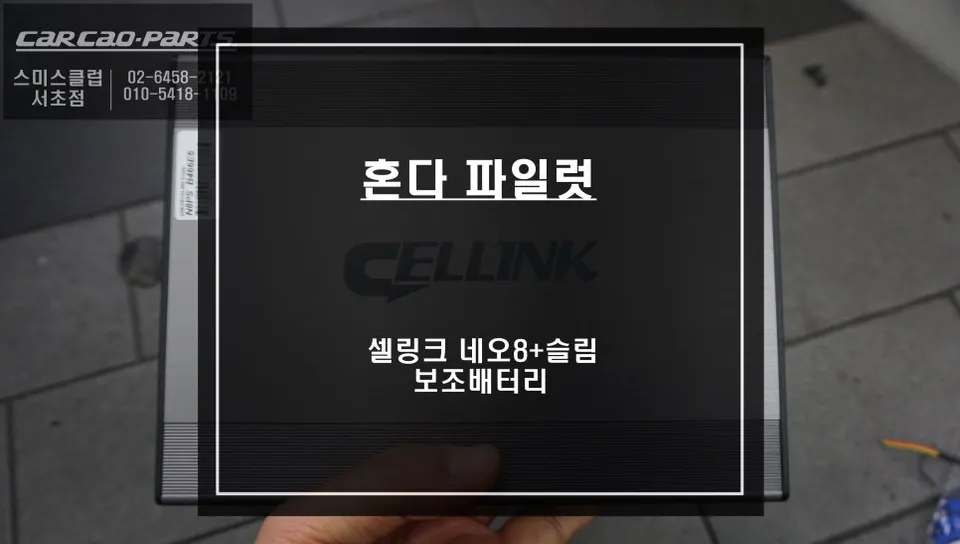
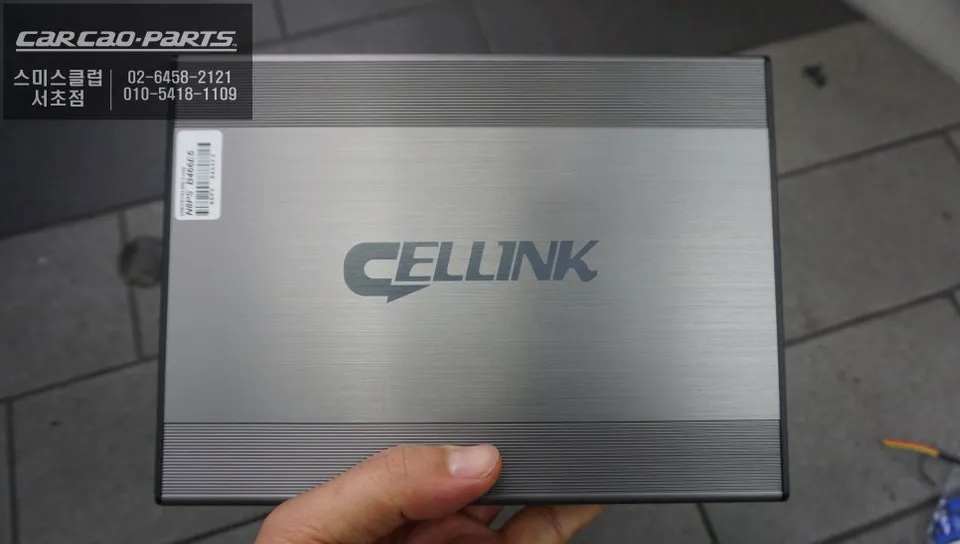
Honda Pilot dash cam installation with Cellink Neo 8+ Slim auxiliary battery for 24+ hours of parking recording.
Why Your Honda Pilot Needs an Auxiliary Dash Cam Battery
The Honda Pilot, a spacious large SUV, faces a common challenge with aftermarket electronics like dash cams: the risk of draining the main battery, especially during extended parking periods. To ensure continuous recording without compromising your vehicle's starting power, an auxiliary battery system is often essential. The Pilot's complex electrical system means improper battery management can affect the entire vehicle. Relying solely on the main battery for constant dash cam operation can lead to the frustrating situation of a car that won't start, making an auxiliary battery installation increasingly popular among Pilot owners.
Optimizing Space: Auxiliary Battery Placement
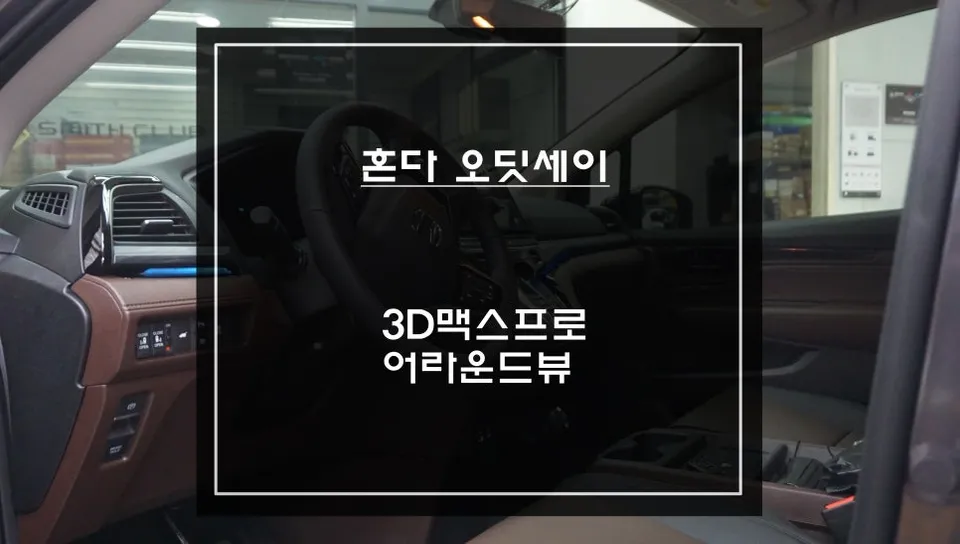
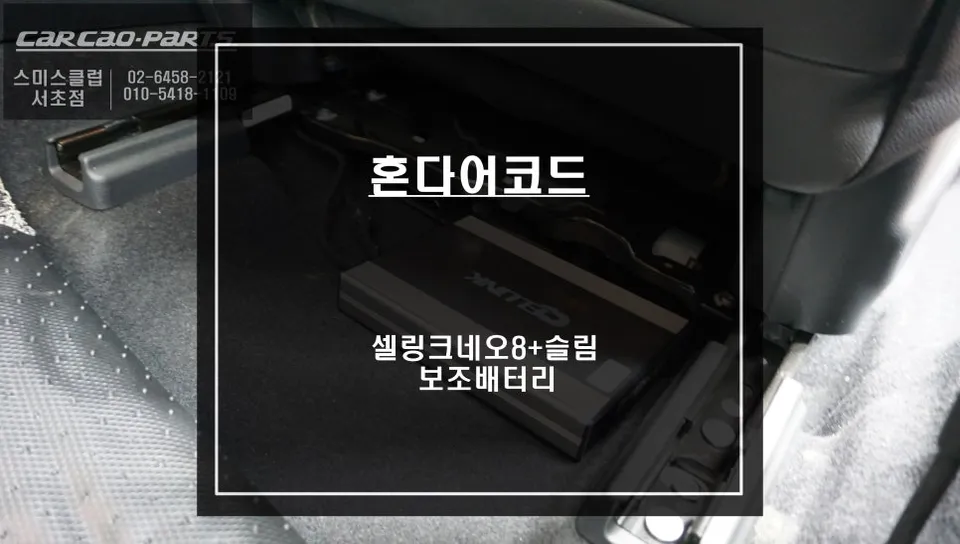
For this Honda Pilot installation, we utilized the space beneath the passenger seat for the auxiliary battery. This location is ideal because it perfectly accommodates slim-profile batteries, like the Cellink Neo 8+ Slim, without interfering with passenger legroom. The proximity to the main battery also simplifies wiring connections. Furthermore, the area under the seat offers a more stable temperature and humidity environment compared to the trunk or engine bay, which is crucial for battery longevity. Extreme temperatures can significantly degrade battery performance and lifespan.
Cellink Neo 8+ Slim: Key Features and Benefits
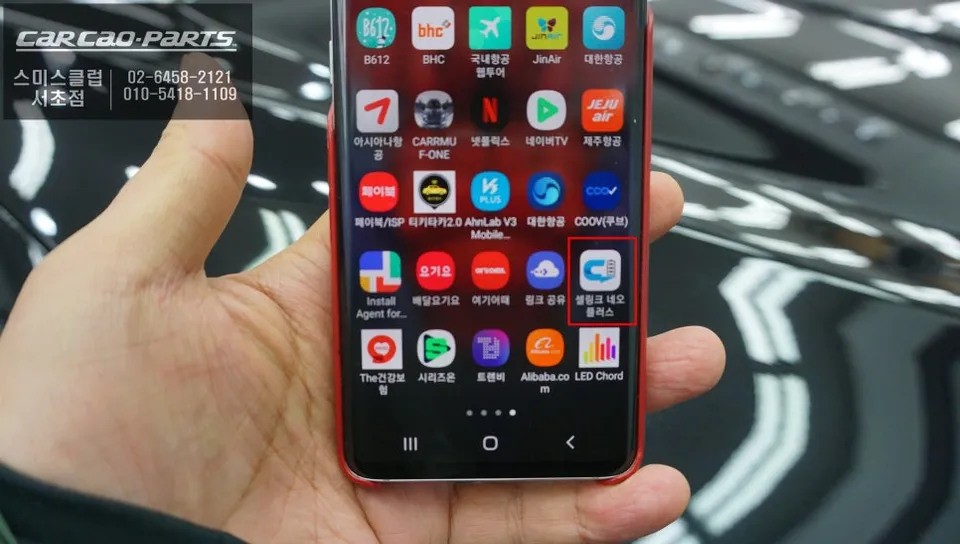
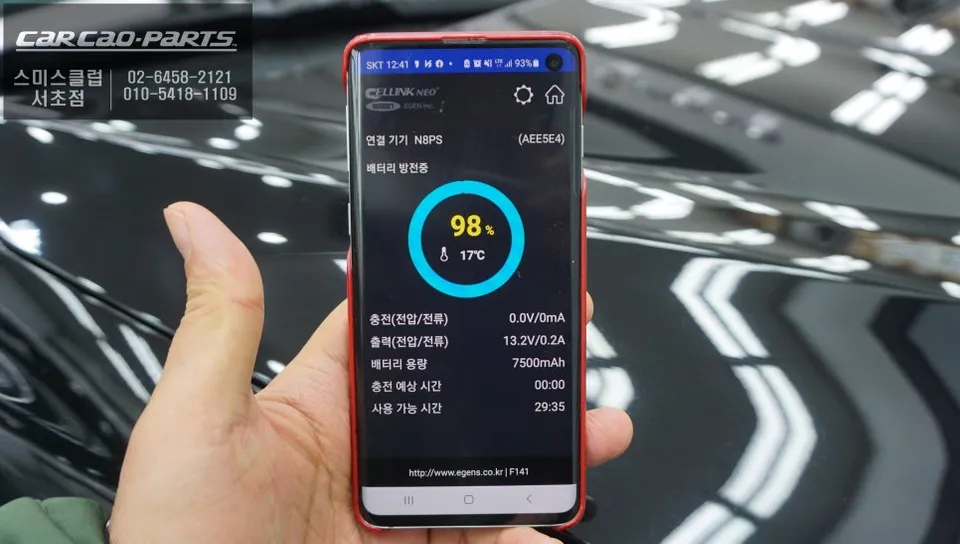
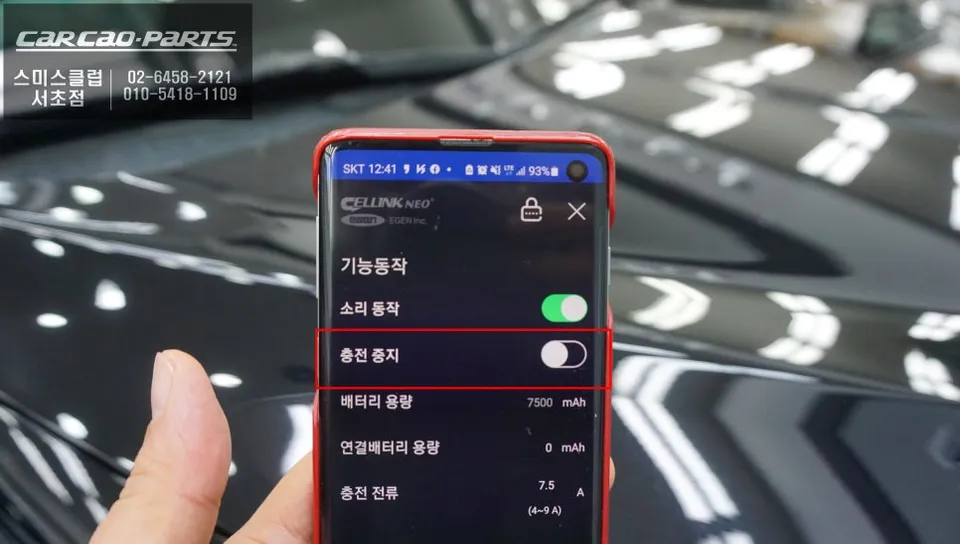
The installed unit is the Cellink Neo 8+ Slim, distinguished by its stable ACC (Accessory) charging method. This system powers the auxiliary battery only when the car's ignition is on, drastically reducing the risk of main battery drain. Unlike some direct-wired systems that can cause battery damage if misconfigured, the ACC method leverages the vehicle's inherent circuit protection for safer operation. The accompanying Bluetooth-enabled app provides real-time monitoring of the battery's charge status, voltage, and current. A standout feature is the ability to adjust charging parameters, including a variable charging current from 4.5A to 9A. This allows for slower charging (4.5A) in cold weather or when the engine is weak, and faster charging (9A) during normal driving, extending the auxiliary battery's overall lifespan.
Performance: Charging and Parking Recording Capabilities
With a 7.5A charging current, the Cellink Neo 8+ Slim can be fully recharged in approximately one hour of typical driving – often achievable within a daily commute. In terms of parking recording, a fully charged battery can power a dash cam (consuming an average of 320mA) for over 24 hours. Considering the recommended practice of using only 80% of the battery's capacity to preserve its health, users can expect around 20 hours of continuous parking recording.
Installation Process:
- Secure the auxiliary battery under the passenger seat, ensuring it fits snugly and does not impede legroom.
- Connect the battery's power harness to the vehicle's fuse box, utilizing ACC and constant power circuits.
- Route the dash cam's power cable from the dash cam to the auxiliary battery, managing wires neatly along interior trim.
- Connect the dash cam power cable to the auxiliary battery's output.
- Test the system by turning the ignition on and off to confirm the dash cam powers correctly and the auxiliary battery charges.
Frequently Asked Questions
Q. How much does dash cam installation cost for a Honda Pilot?
Professional dash cam installation for a Honda Pilot, including an auxiliary battery, typically ranges from $300 to $600 USD. This price reflects the complexity of integrating the system and ensuring optimal performance.
Q. How long does dash cam installation take on a Honda Pilot?
Dash cam installation on a Honda Pilot, especially with an auxiliary battery, usually takes between 2 to 4 hours. Proper wiring and component placement are key to ensuring durability and longevity.
Q. Is a hardwired dash cam worth it over a self-install for a Honda Pilot?
A professionally hardwired dash cam is highly recommended for a Honda Pilot, particularly when incorporating an auxiliary battery. It ensures correct integration with the vehicle's electrical system, preventing potential damage and maximizing performance.
Q. How is a dash cam professionally installed on a Honda Pilot?
Professional installation involves routing power from the vehicle's fuse box (often using an add-a-circuit for ACC and constant power) to an auxiliary battery, typically placed under a seat. The dash cam is then powered from this battery, with all wiring neatly concealed along trim panels for a clean finish.
Q. What is the difference between a 1-channel and 2-channel dash cam for a Honda Pilot?
A 1-channel dash cam records only the front view, while a 2-channel system includes a second camera for rear recording. For comprehensive coverage of a large vehicle like the Honda Pilot, a 2-channel system is generally recommended.
Kakao Parts