Hyundai Azera CarPlay Retrofit Installation Review — Cost
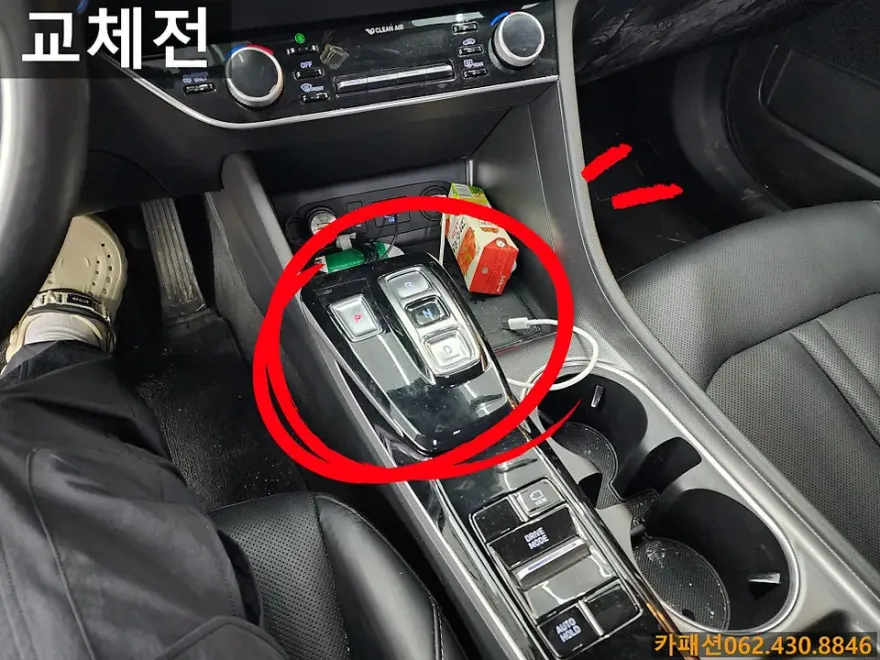
Before
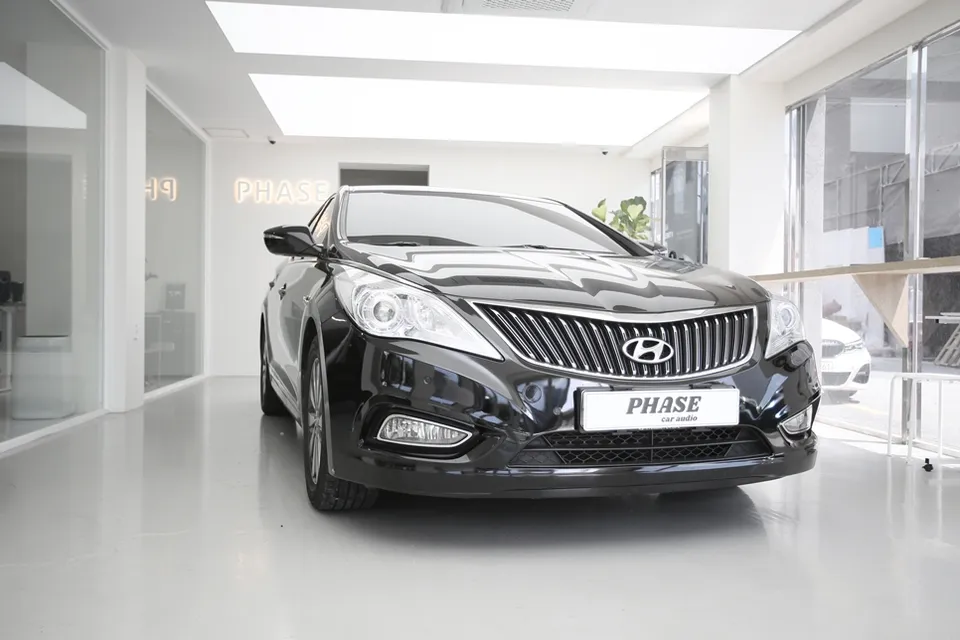
After

Process photos
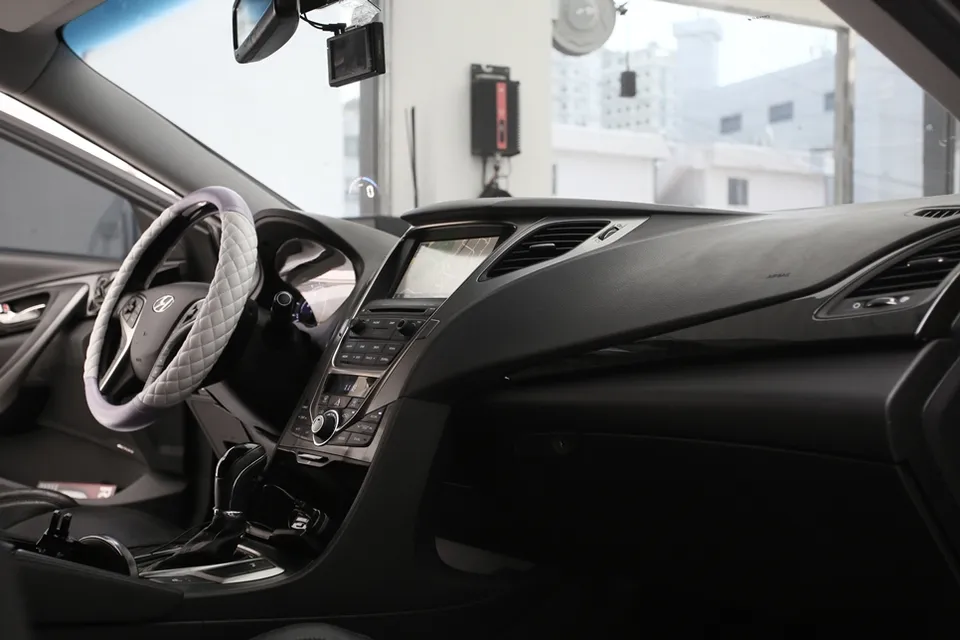
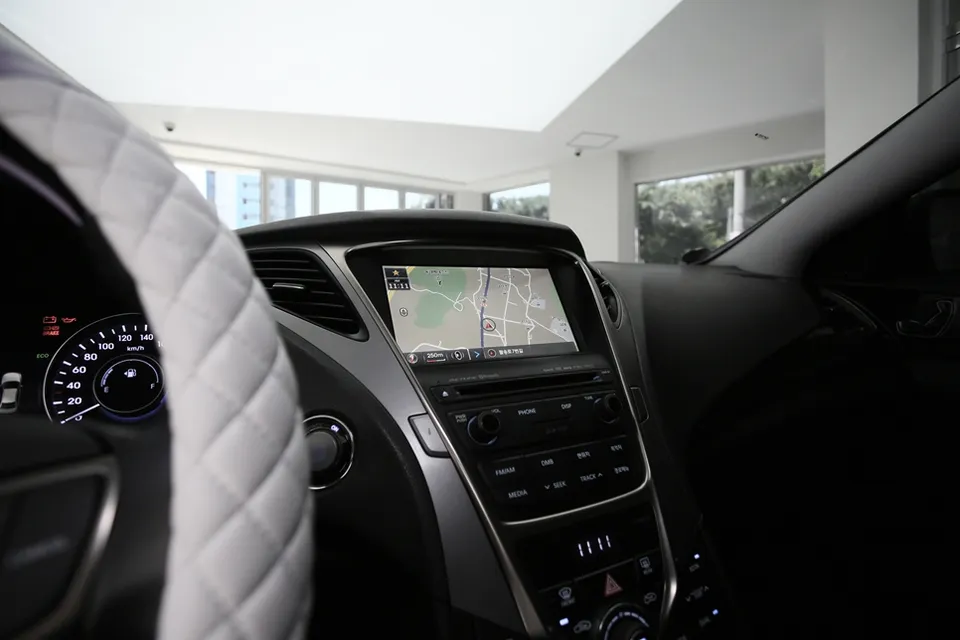
Hyundai Azera Android head unit upgrade: Modernizes infotainment with a 9-inch screen. Enhances navigation and app access.
Upgrading Your Hyundai Azera's Infotainment System
This review covers the installation of a 9-inch Android All-in-One navigation system in a Hyundai Azera (HG model), including its application on a hybrid variant. The upgrade aims to modernize the vehicle's infotainment, offering enhanced functionality beyond the factory system. We'll explore the installation process, the visual and functional changes, and whether this infotainment upgrade is a worthwhile investment for Azera owners.
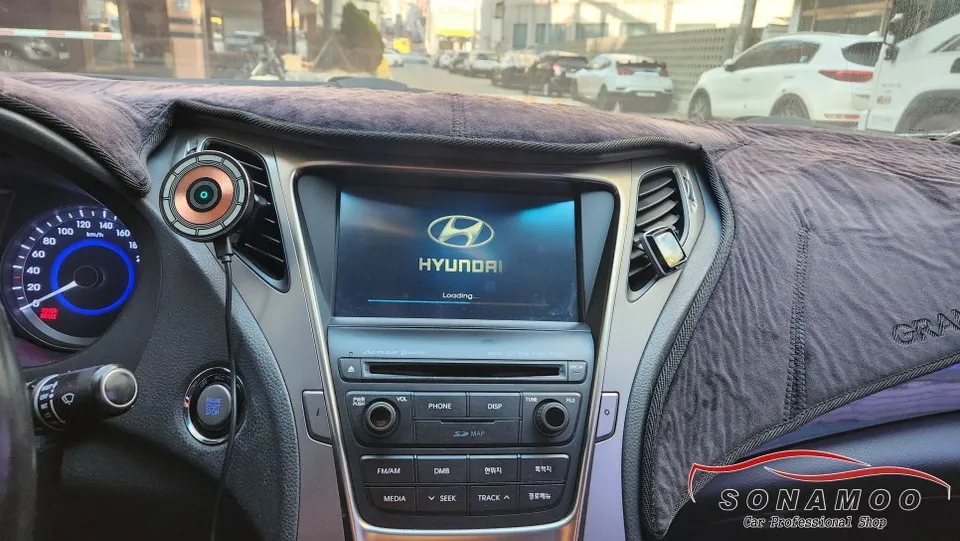
Before and After: A Modernized Cockpit
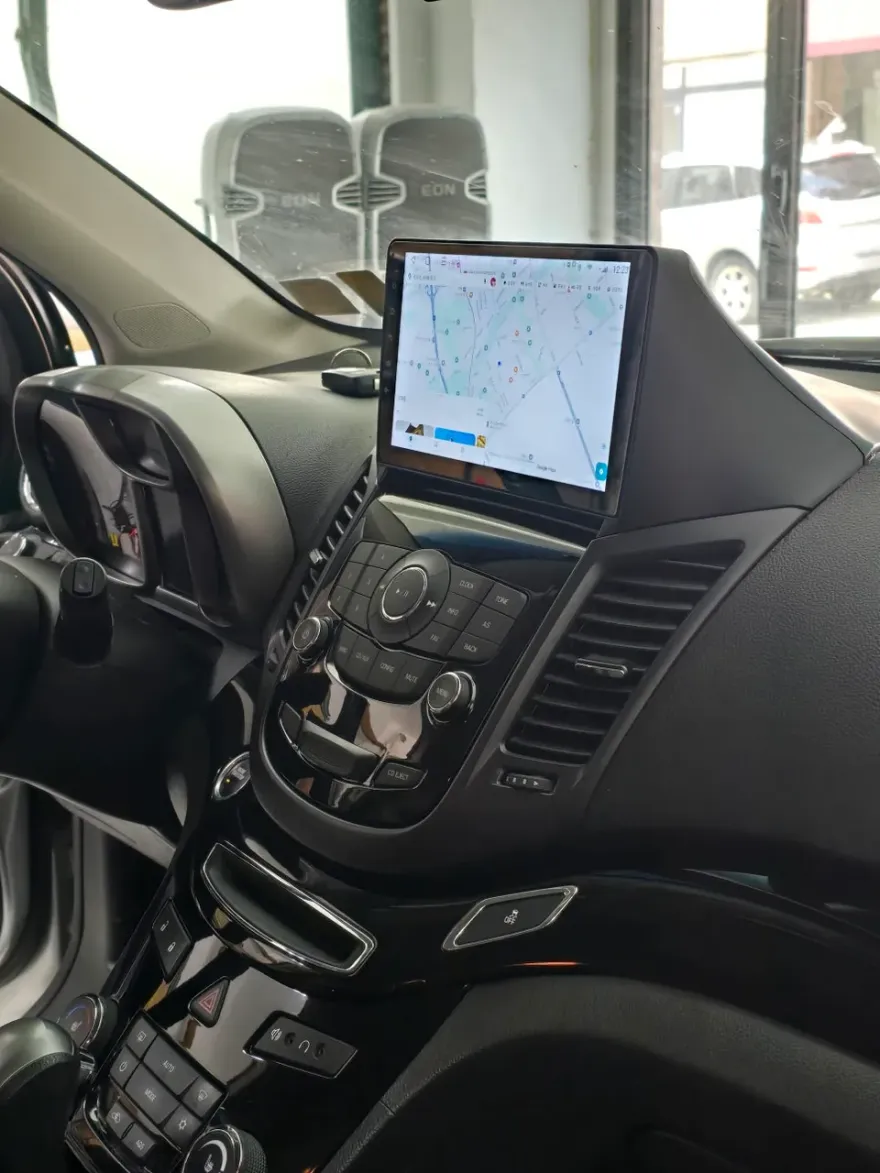
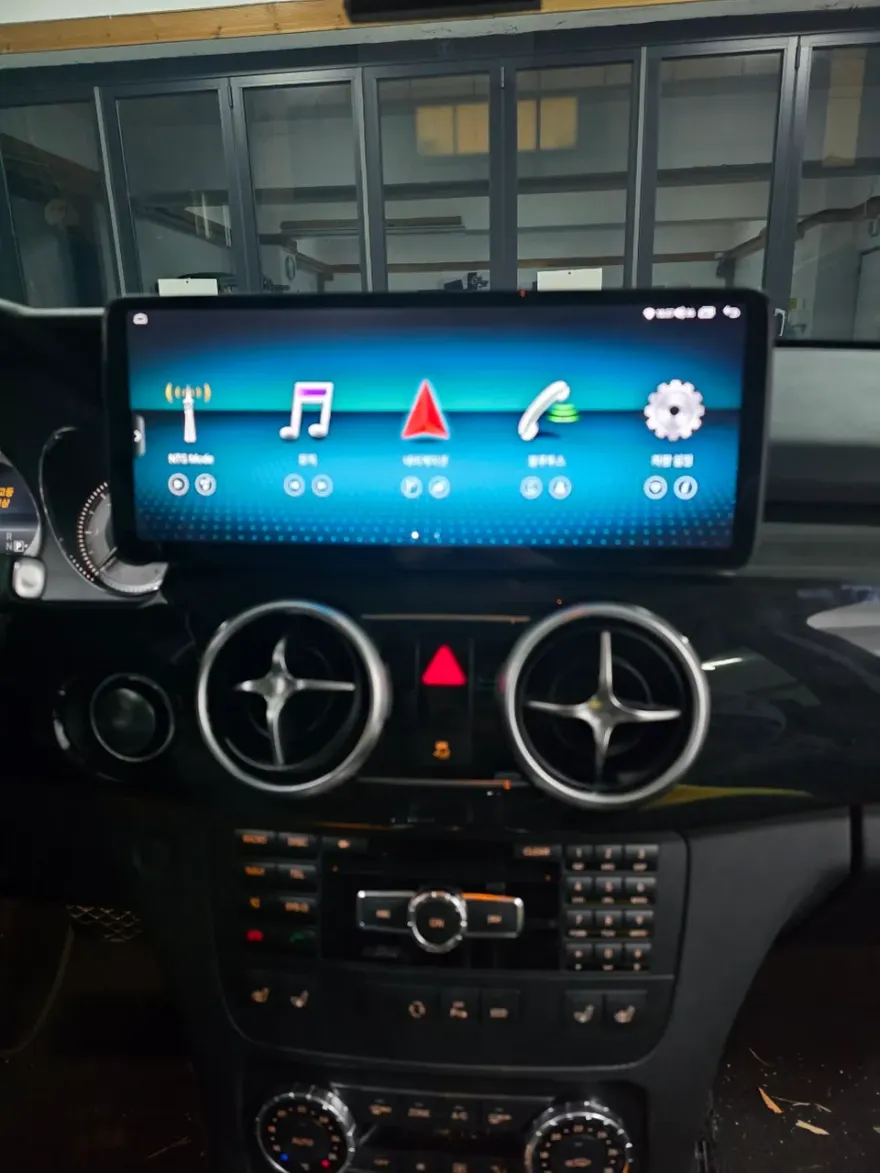
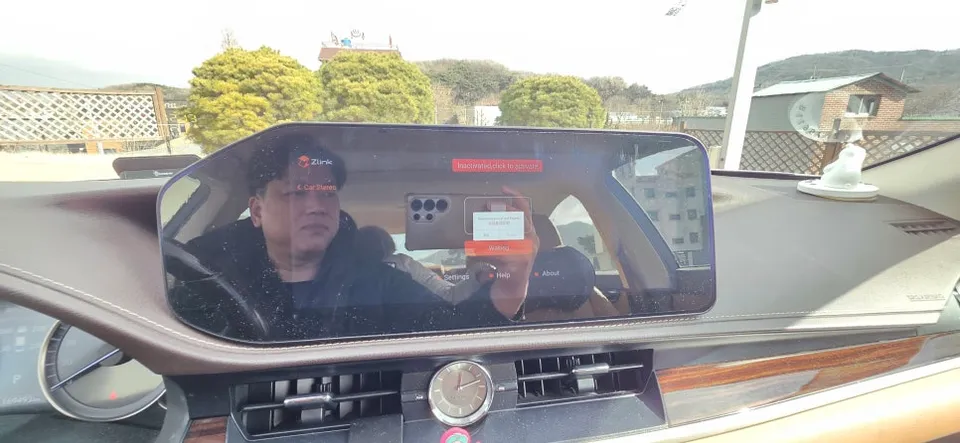
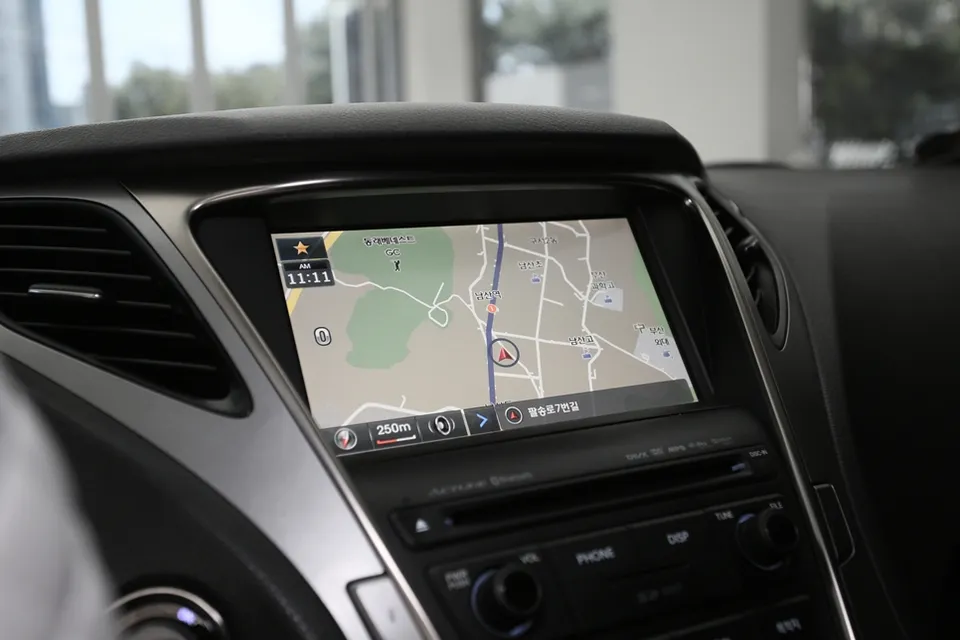
The factory infotainment system in many Hyundai Azeras can feel dated compared to modern vehicles. This Android head unit replacement transforms the dashboard, offering a larger, more responsive touchscreen with access to a vast array of apps. The 'before' state typically involves a smaller, less capable screen with limited connectivity. The 'after' presents a sleek, integrated look with a significantly improved user interface. The 9-inch screen fits seamlessly into the Azera's dash, providing an all-in-one navigation solution that includes GPS, media playback, and smartphone integration like CarPlay and Android Auto.
Installation Process and Durability Considerations
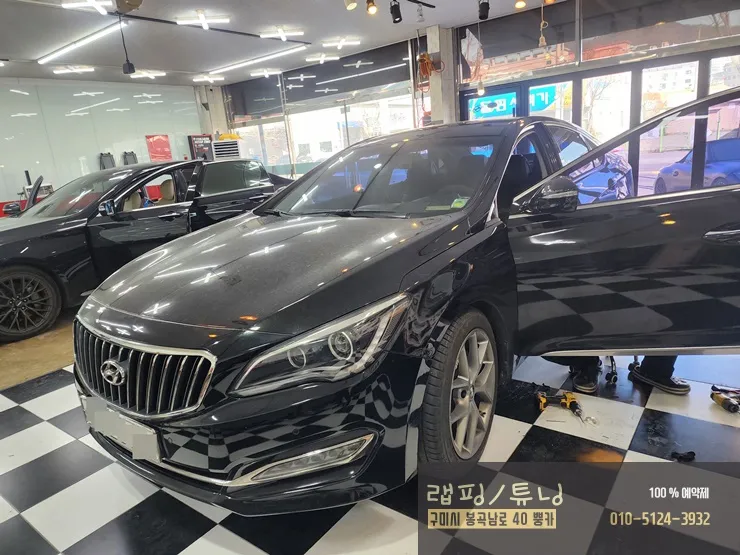
The installation of an Android head unit in a Hyundai Azera is a specialized process. While specific details can vary by installer and unit model, the general steps involve carefully removing the existing factory unit, making necessary wiring connections, and securely mounting the new Android head unit. The unit reviewed here was installed by Phase Car Audio in South Korea. The process is designed to be a clean integration, ensuring all dashboard elements fit back properly. For durability, these units are generally built to withstand typical automotive conditions. Regular cleaning with a microfiber cloth is recommended to maintain the screen's clarity. Software updates, often available through the unit's interface, help ensure long-term usability and access to the latest features.
Installation process:
- Careful removal of the original factory head unit.
- Connection of wiring harnesses for power, speakers, and other functions.
- Integration of GPS antenna and any additional sensors.
- Secure mounting of the new 9-inch Android head unit into the dashboard.
- Testing of all functions, including audio, navigation, and connectivity.
Frequently Asked Questions
Q. How much does Android head unit or CarPlay installation cost for a Hyundai Azera?
The installation reviewed in Korea cost approximately 790,000 KRW (around $570 USD). Typical US installation costs for similar Android head units can range from $400 to $1000 depending on the vehicle and unit complexity.
Q. How long does Android head unit installation take on a Hyundai Azera?
While this review doesn't specify the exact installation time, such upgrades typically take between 2 to 4 hours. Proper maintenance involves keeping the screen clean with a microfiber cloth and ensuring software is updated for optimal performance.
Q. Is a CarPlay or Android Auto retrofit worth it for a Hyundai Azera?
An Android Auto or CarPlay retrofit is highly recommended for Azera owners seeking modern smartphone integration and advanced navigation features. It significantly enhances the driving experience by bringing familiar apps and interfaces to the car's dashboard.
Q. How is an Android head unit installed in a Hyundai Azera?
Installation involves removing the factory head unit, connecting the new unit's wiring harness for power and audio, and then securely mounting the larger Android screen into the dashboard. Finally, all functions are tested to ensure proper operation.
Q. What is the difference between an Android head unit and a factory infotainment system for a Hyundai Azera?
An Android head unit offers a vastly upgraded experience with a larger touchscreen, access to third-party apps, and seamless smartphone integration, unlike the typically more limited factory system. For enhanced functionality and a modern feel, the Android head unit is the superior choice.
OhCar Partner Shop