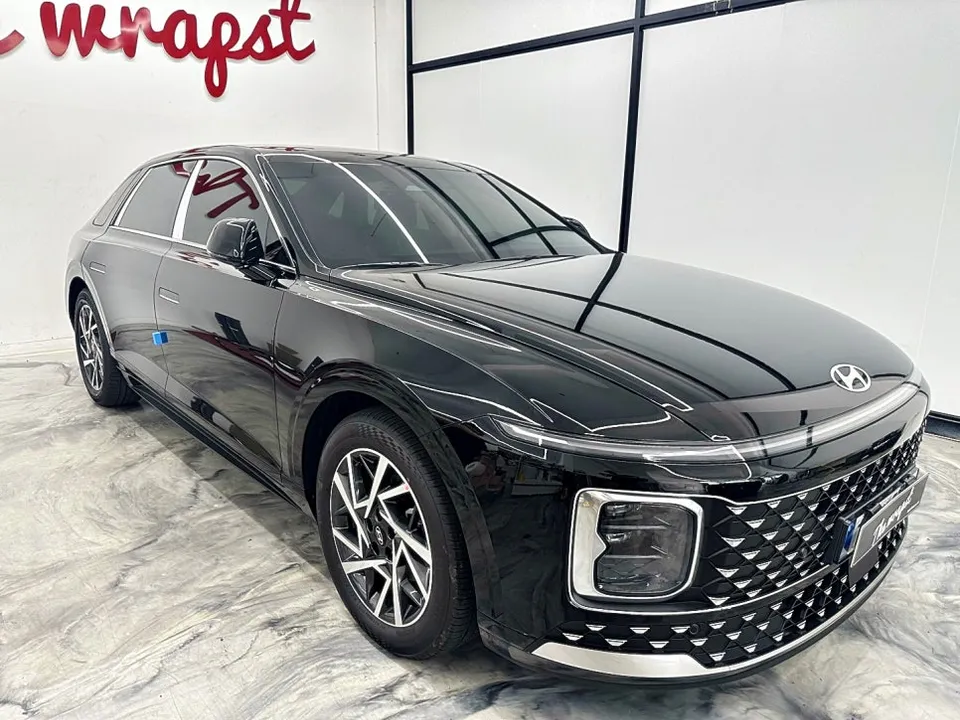
Hyundai Azera Dash Cam Installation Review — Cost & Results
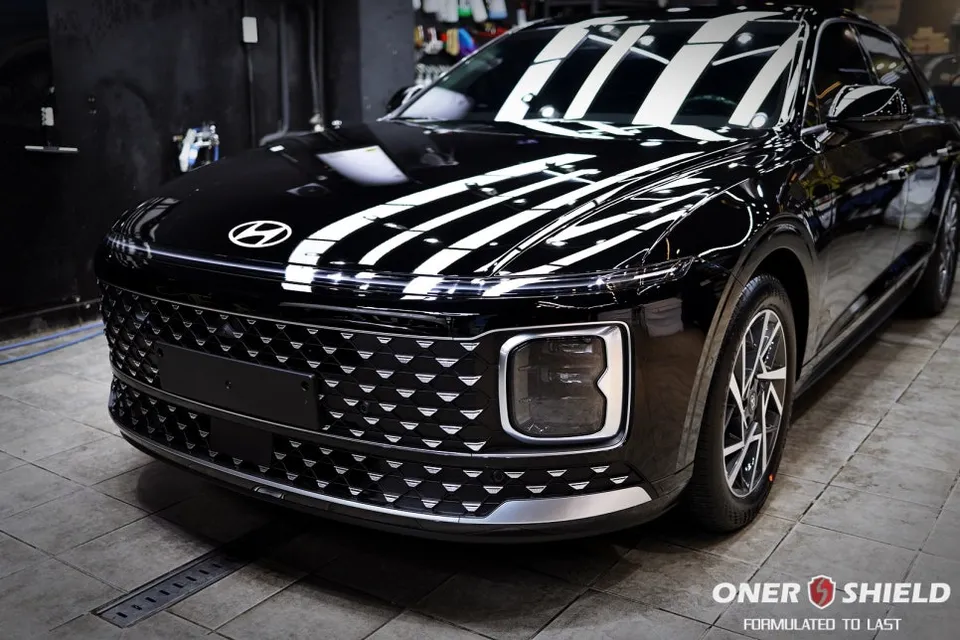
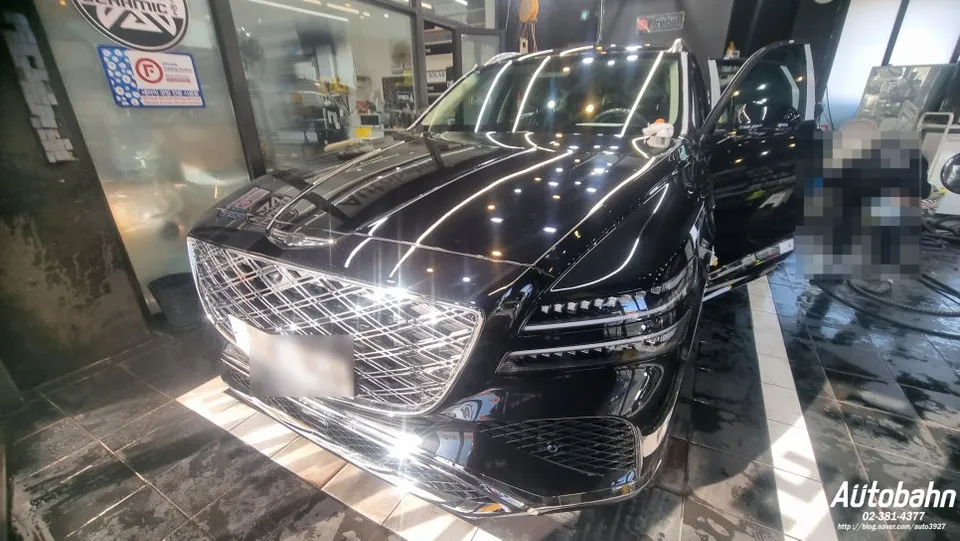
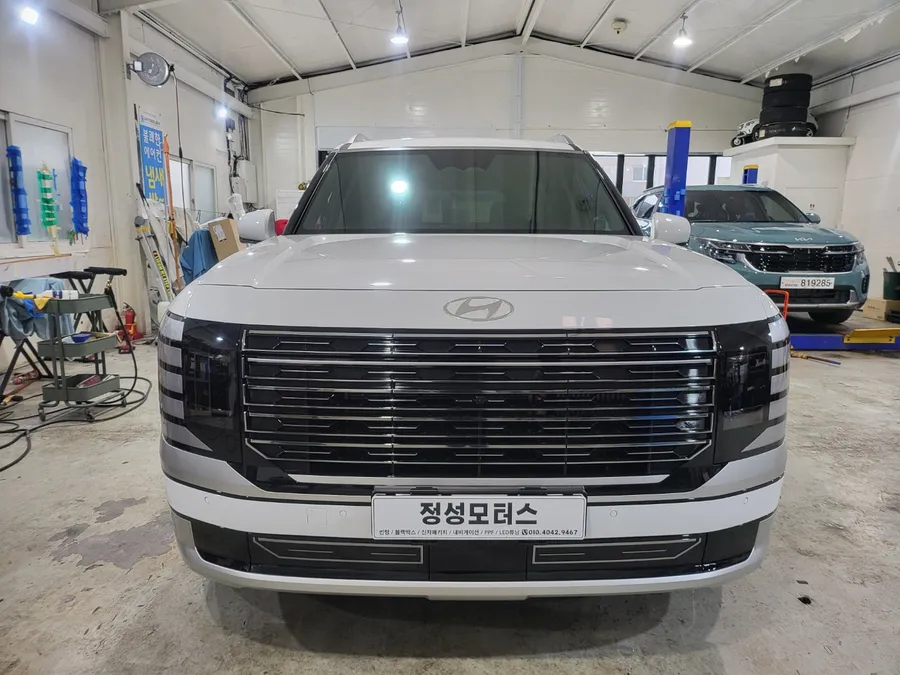
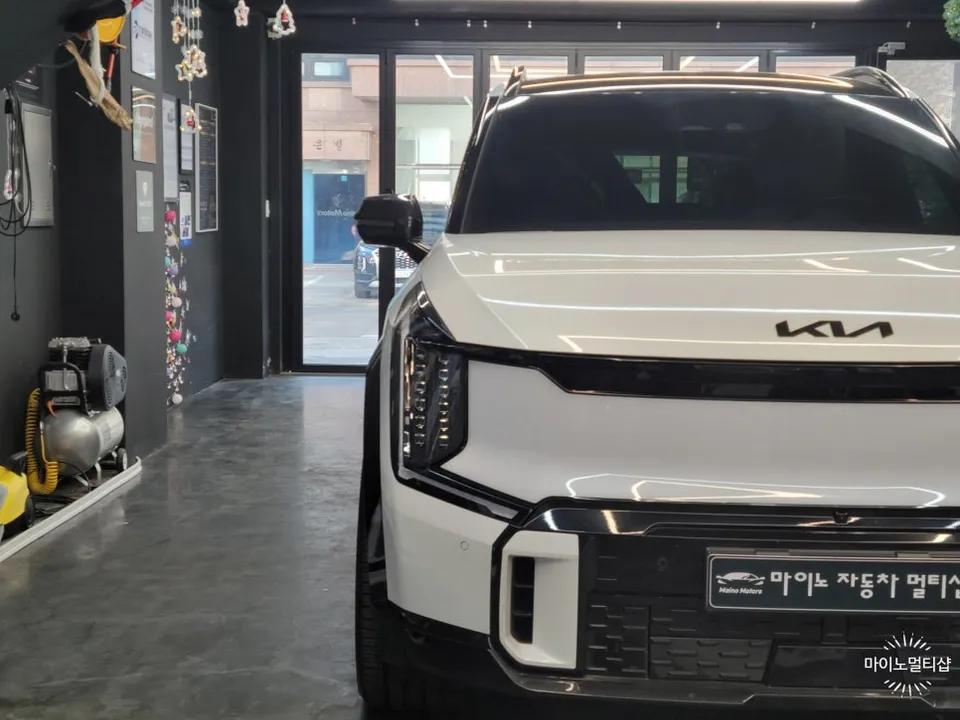
Before
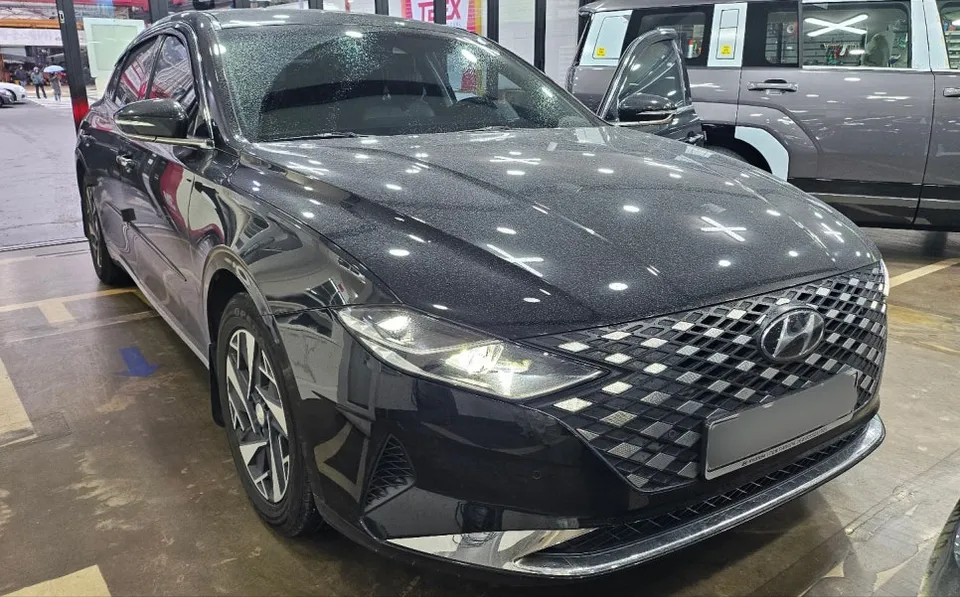
After
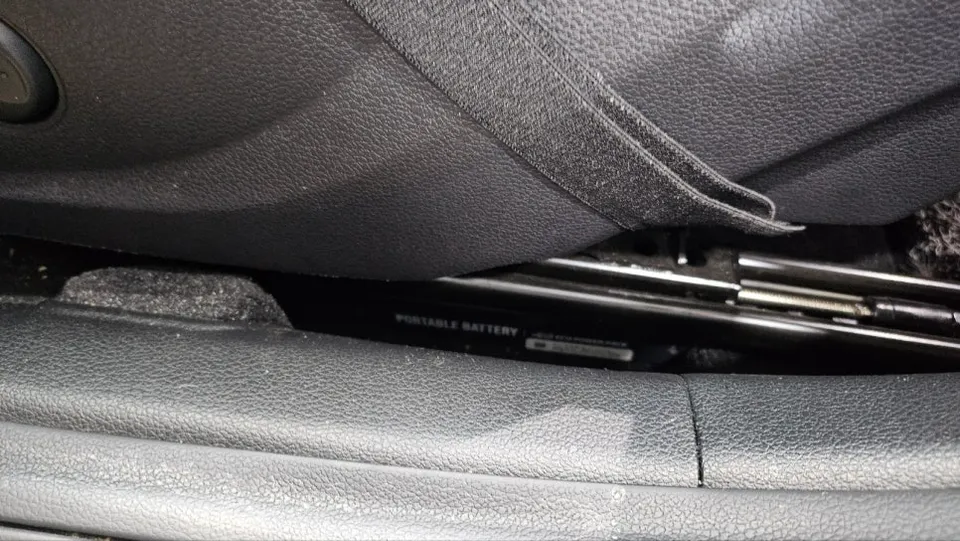
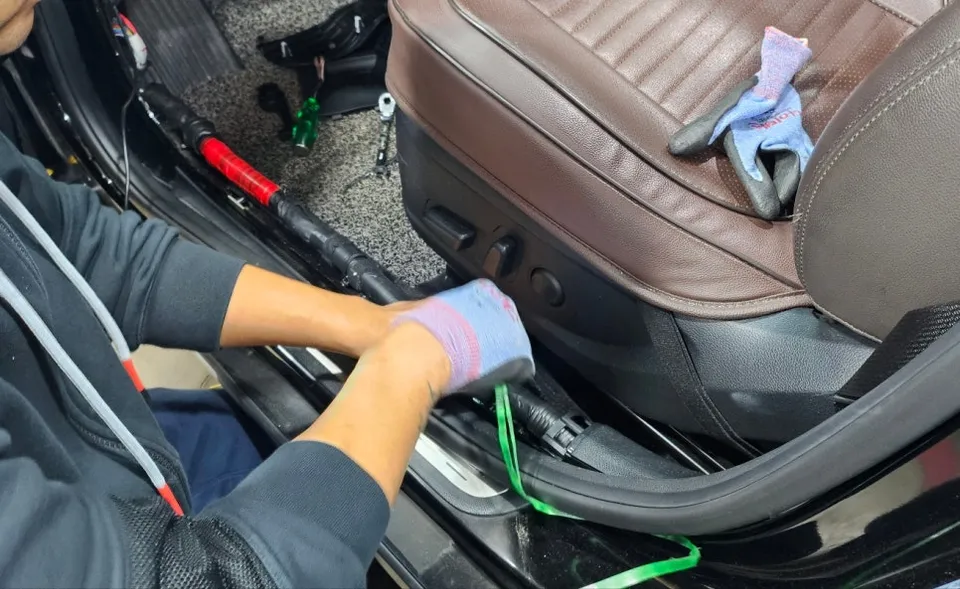
Process photos
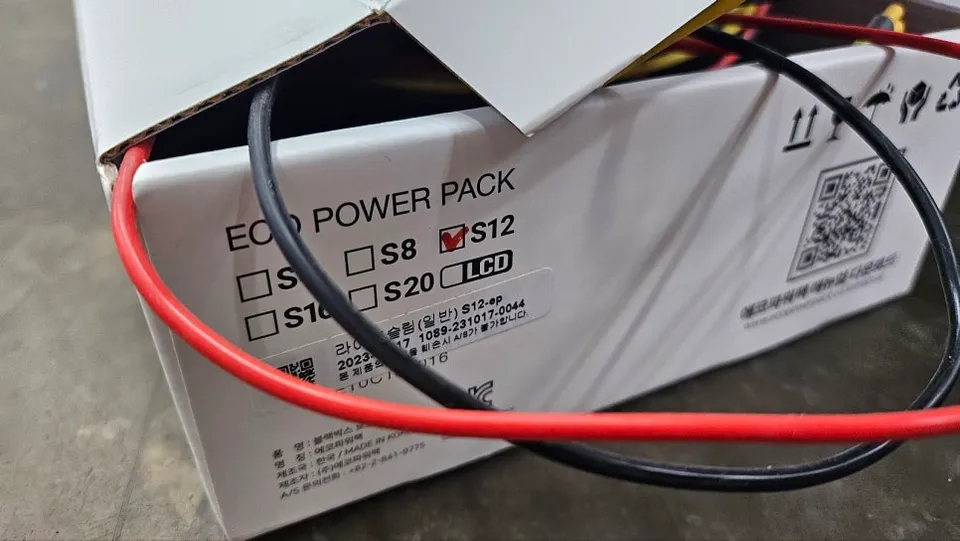
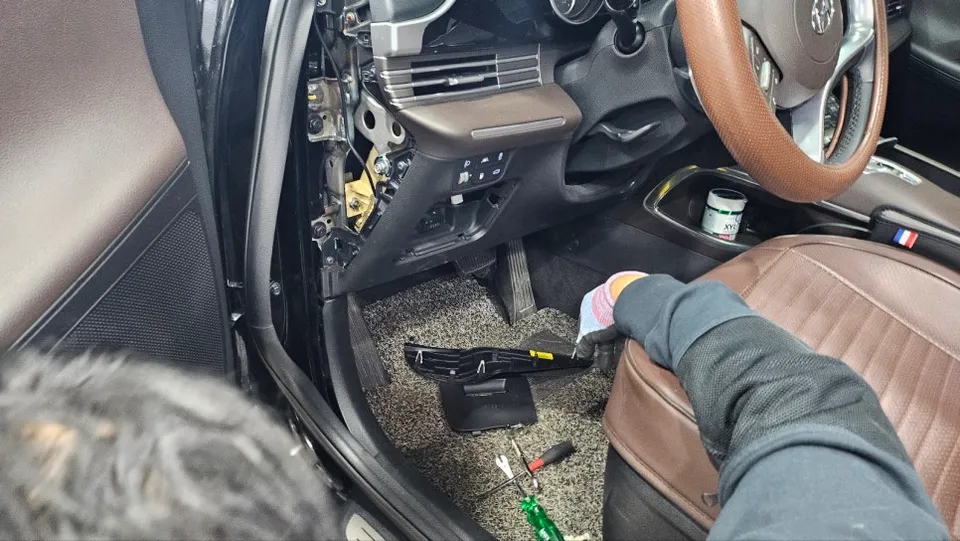
Dash cam installation on Hyundai Azera: Cost varies. Provides recording and helps prevent battery drain.
Professional Dash Cam Installation for Your Hyundai Azera
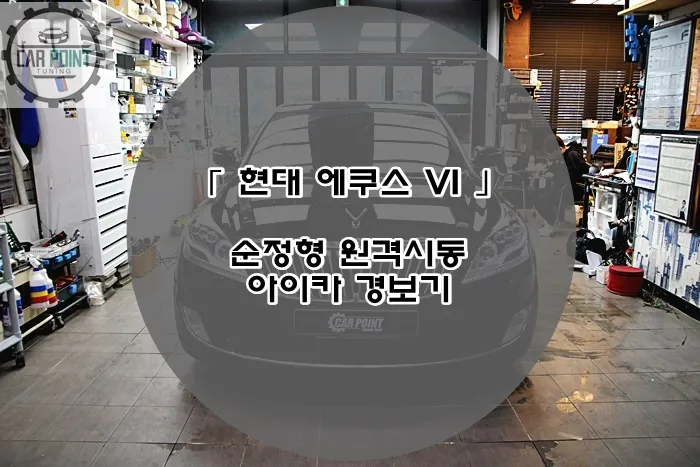
This review details the process and outcomes of installing a dash cam system, specifically focusing on a Hyundai Azera experiencing frequent battery drain. The original context from Korea highlights an installation of an Eco Powerpack S12 auxiliary battery and a black box camera system to combat recurring battery issues. While the original post doesn't explicitly name the dash cam model, it emphasizes the need for a reliable recording solution, especially when dealing with power management problems. The goal is to provide continuous recording and peace of mind, preventing further issues like battery discharge.
Dash Cam Installation Process and Benefits
The installation process, as performed by Rainbow M&C in Korea, involved integrating an auxiliary battery system alongside the dash cam. This dual approach addresses both the need for continuous power for the dash cam, particularly in parking mode, and the underlying issue of the vehicle's battery draining too quickly. For a Hyundai Azera owner, this means a more robust power solution that supports the dash cam's functionality without compromising the car's primary battery. The 'before' scenario involved the frustration of frequent battery failures, while the 'after' aims for a stable, reliable system. The materials used would typically include the dash cam unit(s), the auxiliary battery pack, and necessary wiring harnesses and connectors, all chosen for durability and compatibility with the vehicle's electrical system.
Durability, Maintenance, and Decision Making
Dash cams and auxiliary battery systems are designed for long-term use. Durability depends on the quality of the components and the professional installation. Regular maintenance is minimal, often limited to checking the camera lens for obstructions and ensuring the system is functioning correctly during routine vehicle checks. The decision to install a dash cam, especially with a hardwiring kit and potentially an auxiliary battery, hinges on individual needs. For drivers concerned about parking security, accident evidence, or managing battery issues like those experienced by the Hyundai Azera in the original context, the investment is often deemed worthwhile. The cost of dash cam installation can vary, but the benefits of having a reliable witness on the road and preventing costly battery-related repairs often outweigh the initial expense.
Installation process:
- The vehicle's battery and electrical system are assessed for compatibility.
- The dash cam and any auxiliary battery are mounted securely in discreet locations.
- Wiring is carefully routed through the vehicle's interior, often using existing channels to maintain a clean look.
- Connections are made to the vehicle's power source, typically via the fuse box for hardwiring, ensuring proper fusing for safety.
- The system is tested to confirm correct operation, including parking mode functionality.
Frequently Asked Questions
Q. How much does dash cam installation cost for a Hyundai Azera?
The installation described in Korea involved an auxiliary battery and dash cam, with costs varying significantly. Professional dash cam installation in the US typically ranges from $100 to $300, depending on the complexity and vehicle.
Q. How long does dash cam installation take on a Hyundai Azera?
Professional dash cam installation usually takes 1-3 hours. For long-term durability, ensure the wiring is neatly tucked away and connections are secure, and periodically check the camera lens for clarity.
Q. Is a hardwired dashcam worth it over a self-install for a Hyundai Azera?
A hardwired dashcam is often worth the professional installation for its seamless integration and access to parking mode features without draining the car battery. It provides a more reliable and discreet setup for drivers prioritizing security and convenience.
Q. How is a dashcam professionally installed on a Hyundai Azera?
Professional installation involves securely mounting the dash cam, carefully routing and hiding the wiring through the vehicle's interior, and hardwiring it to the car's electrical system, often using a fuse tap for power. The system is then tested to ensure all features, including parking mode, function correctly.
Q. What is the difference between a 1-channel and 2-channel dashcam for a Hyundai Azera?
A 1-channel dashcam records only the front view, while a 2-channel (front and rear dash cam) records both front and rear views for comprehensive coverage. For maximum protection, a 2-channel system is recommended.
OhCar Partner Shop