Hyundai Elantra AD Android Head Unit Review: Cost & Results
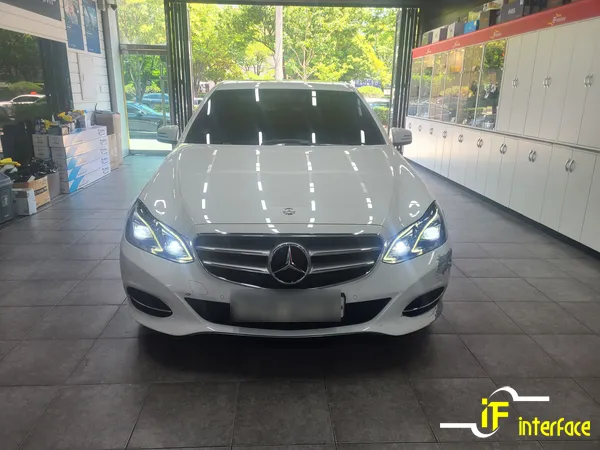
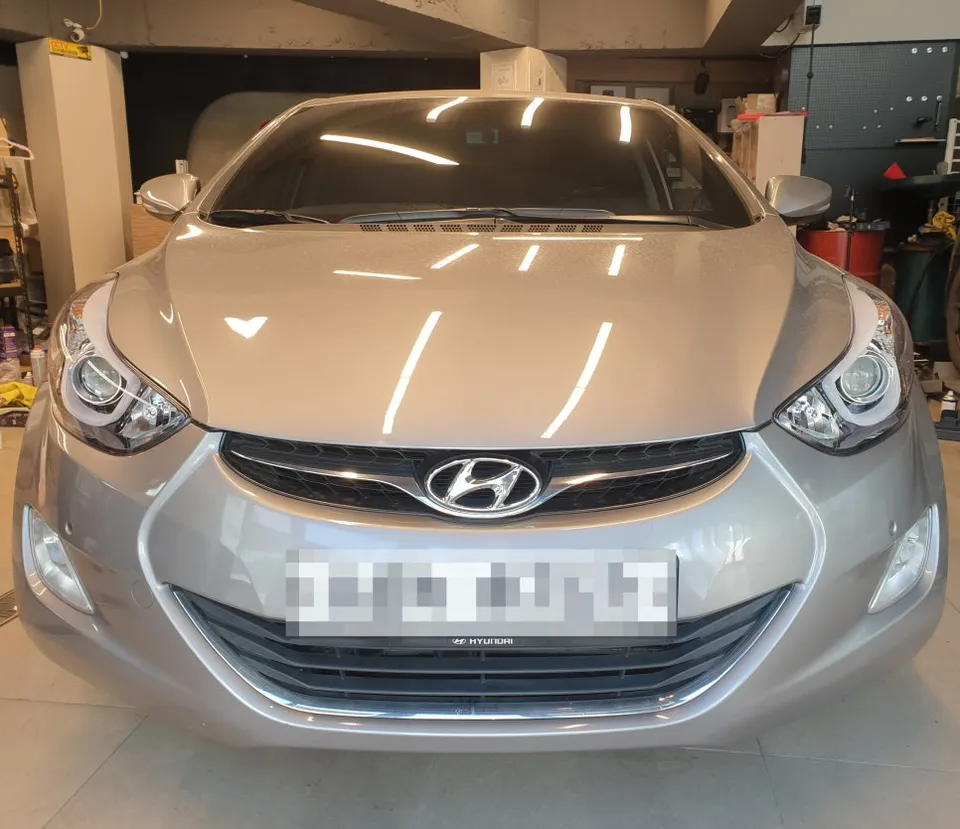
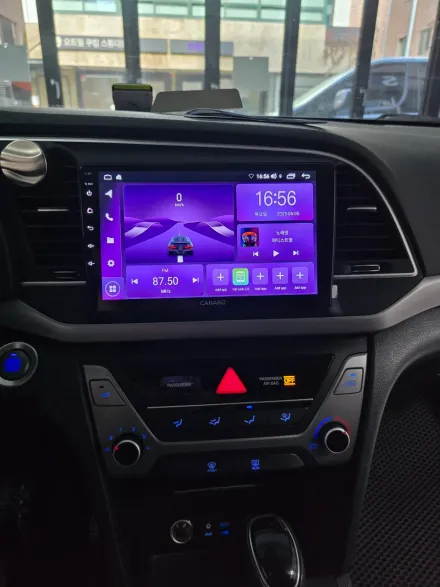
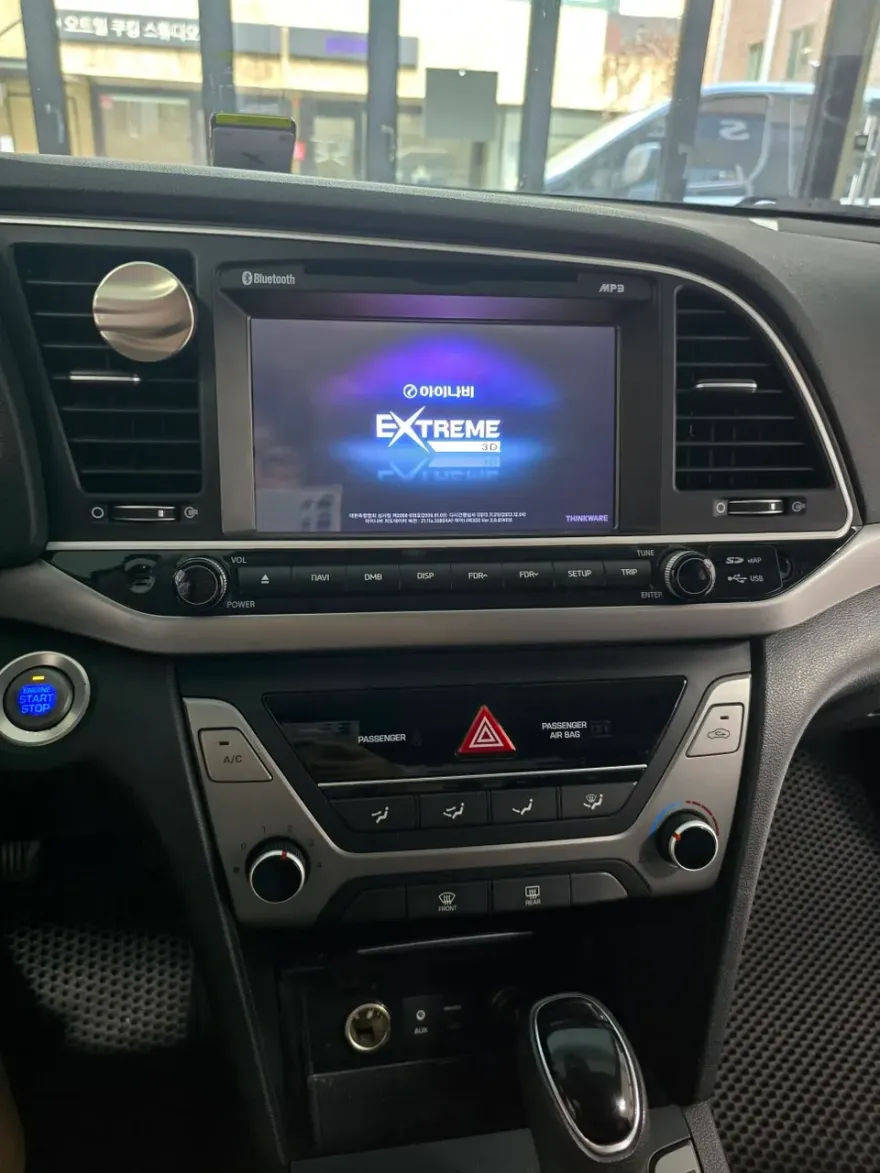
Before
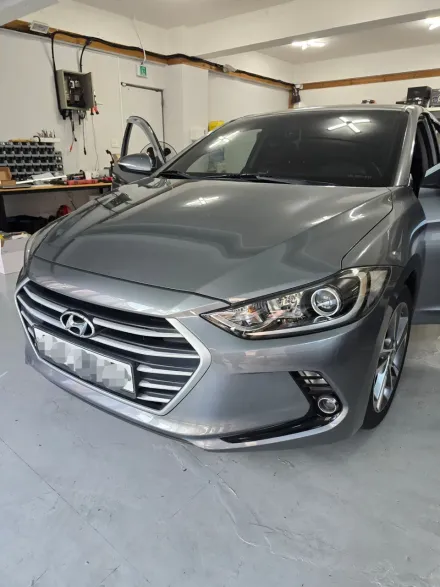
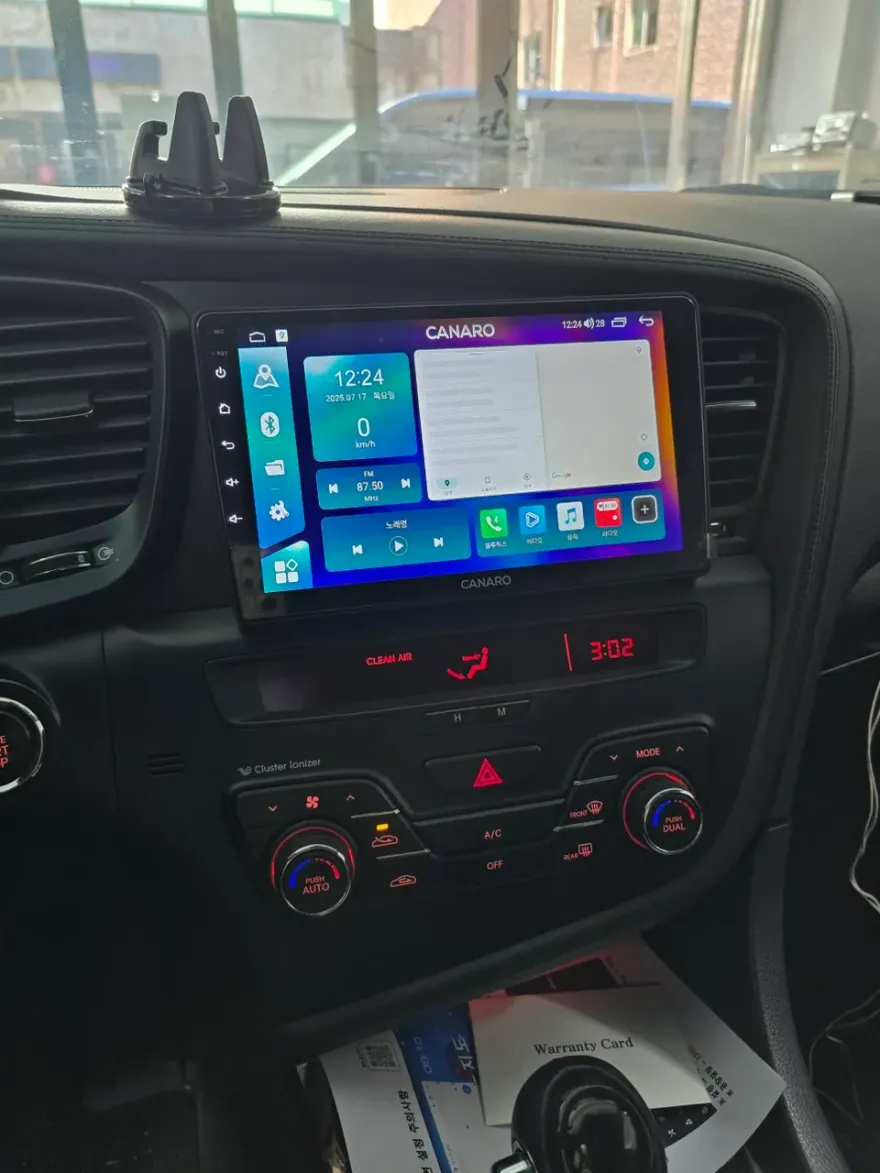
After
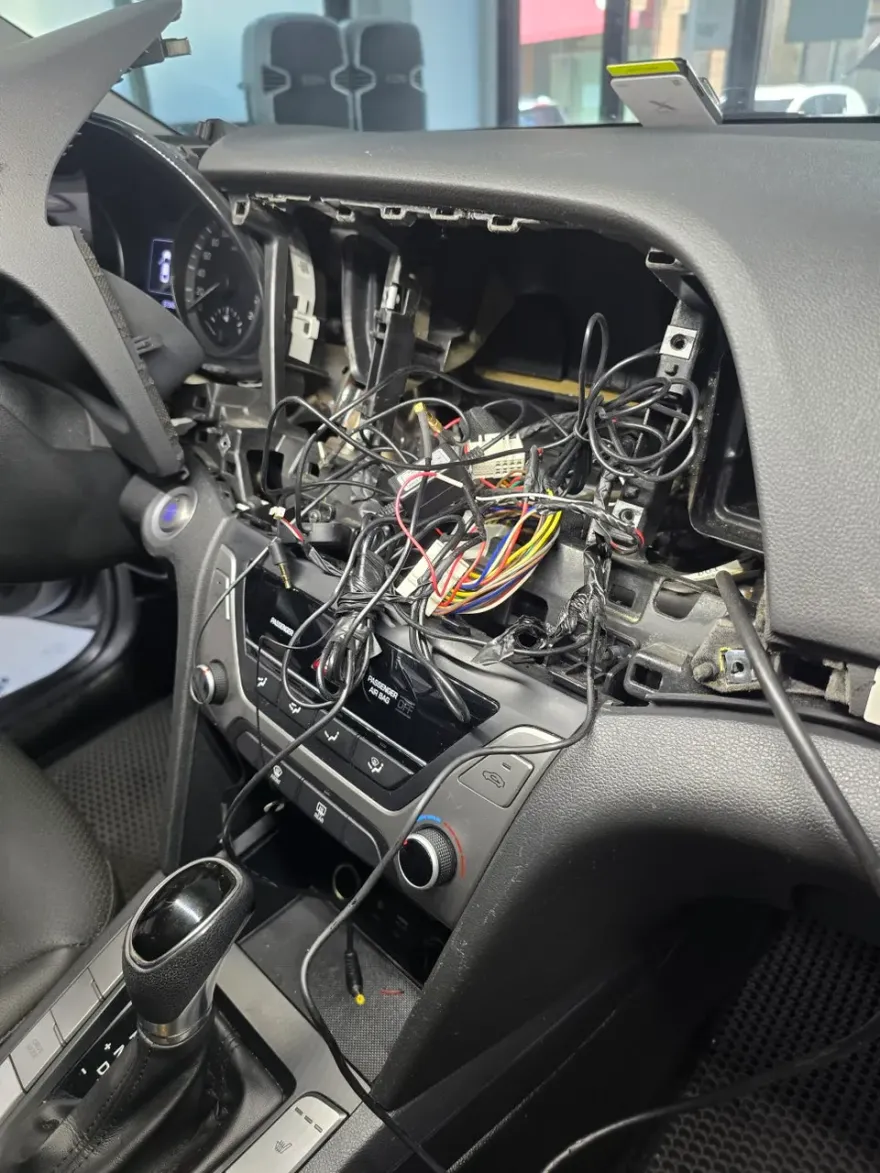
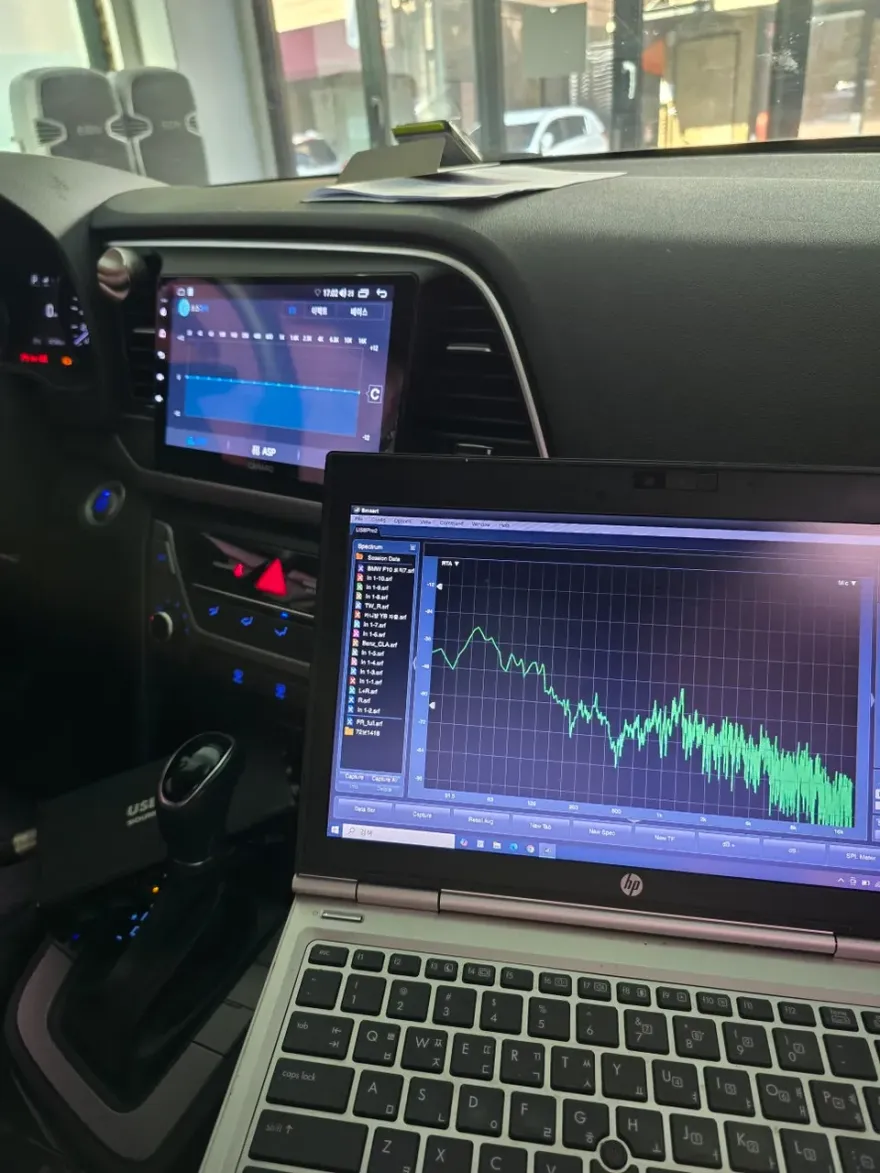
Process photos
Hyundai Elantra AD Kanaro A Plus Android head unit upgrade: Approx. ₩500,000-₩800,000. Enjoy seamless smartphone integration and apps.
Upgrade Your Hyundai Elantra AD with an Android All-in-One System
If you're an owner of a Hyundai Elantra AD and looking to significantly enhance your car's tech capabilities, consider an Android all-in-one head unit upgrade. Many drivers find that factory or older aftermarket navigation systems lack the modern features and app compatibility they desire. This is especially true for those who want seamless integration with popular navigation apps like Tmap, streaming services like YouTube, and other smartphone functionalities directly on their car's display. This review details the installation of the Kanaro A Plus Android all-in-one system and an AHD rearview camera on a Hyundai Elantra AD, offering a glimpse into the process and benefits.
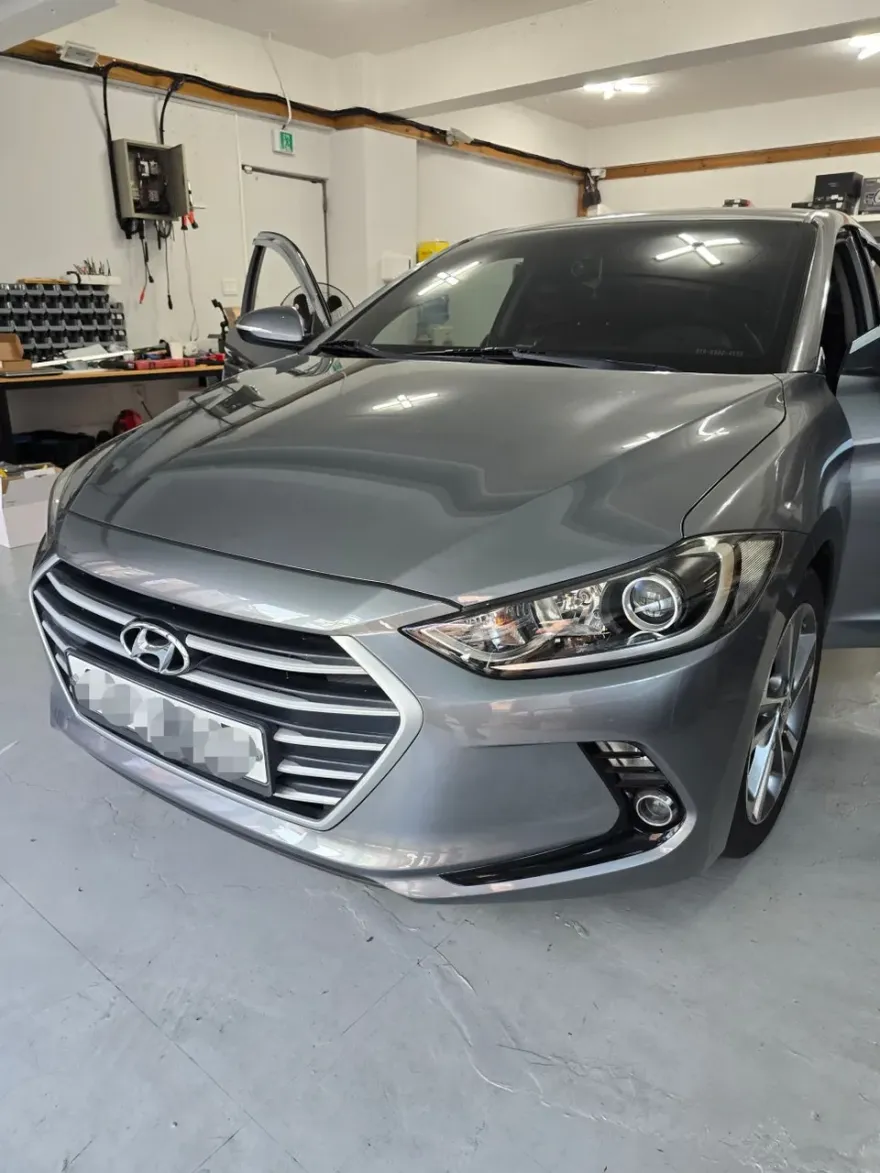
Kanaro A Plus: Features and Benefits for Your Elantra AD
The Kanaro A Plus is specifically designed for Android Auto and CarPlay connectivity, ensuring excellent smartphone integration. By simply connecting your smartphone via a USB cable, you can access a wide range of applications directly on the head unit. This includes navigation apps such as Tmap and Kakao Navi, music streaming, and even video playback. A significant advantage of the Kanaro A Plus is its excellent performance-to-price ratio, making it a cost-effective choice for many drivers. It offers a user-friendly interface that mirrors the convenience of a smartphone, ideal for those who prioritize ease of use and access to familiar apps without complex setup.
Key Features of the Kanaro A Plus:
- Smartphone Integration: Supports both Android Auto and CarPlay.
- App Versatility: Access to navigation, music, and video streaming apps.
- User-Friendly Interface: Intuitive controls for easy operation.
- Affordable Performance: Offers great value for its features.
Hyundai Elantra AD Android Head Unit Installation Process
The installation process for the Kanaro A Plus Android all-in-one system and AHD rearview camera on the Hyundai Elantra AD is carried out by specialized technicians. The process typically involves the careful removal of the existing factory navigation or audio system. Following removal, technicians perform thorough compatibility and functionality tests to ensure the new system integrates seamlessly with the vehicle's electronics. Custom-fit trim pieces are used to ensure the new head unit blends perfectly with the car's interior aesthetics. For enhanced usability, the USB cable is often routed discreetly, for example, into the glove compartment, providing convenient access for smartphone connection. The addition of an AHD (Analog High Definition) rearview camera provides a clear and sharp image, significantly improving safety and convenience when reversing.
Installation process:
- Careful removal of the original factory head unit and related components.
- Installation of the new Kanaro A Plus Android all-in-one unit, ensuring a secure fit.
- Integration of the AHD rearview camera and routing of its wiring.
- Final testing of all functions, including touch screen responsiveness, app connectivity, and camera display.
This upgrade transforms the Elantra AD's infotainment system, offering a modern, app-driven experience that significantly enhances daily driving.
Frequently Asked Questions
Q. How much does an Android head unit or CarPlay installation cost for a Hyundai Elantra AD?
In Korea, the Kanaro A Plus Android head unit for the Hyundai Elantra AD typically costs between ₩500,000 and ₩800,000 (approximately $370-$590 USD). US pricing can vary significantly based on the brand, features, and installation complexity.
Q. How durable is an Android head unit installation on a Hyundai Elantra AD?
Android head units, like the Kanaro A Plus, are generally durable with proper installation and use, designed to last many years. Basic maintenance involves keeping the screen clean and ensuring software updates are applied for optimal performance and security.
Q. Is a CarPlay or Android Auto retrofit worth it for a Hyundai Elantra AD?
An Android Auto or CarPlay retrofit is highly recommended for Hyundai Elantra AD owners seeking modern infotainment features and seamless smartphone integration. It offers a significant upgrade in usability and access to familiar apps, enhancing the overall driving experience.
Q. How is an Android head unit installed in a Hyundai Elantra AD?
Installation involves carefully removing the factory head unit, connecting the new Android unit's wiring harness, and fitting it into the dashboard using custom trim pieces. A rearview camera is also integrated, and all functions are tested before completion.
Q. What is the difference between an Android head unit and a factory infotainment system for a Hyundai Elantra AD?
An Android head unit offers full app support and smartphone mirroring (Android Auto/CarPlay), providing a much more versatile and up-to-date experience than most factory infotainment systems. Factory systems are often limited to pre-installed features and may not support the latest apps or updates.
OhCar Partner Shop