Hyundai Elantra AD Android Head Unit Review — Enhanced Driving Ex
Service Price
$approx. $1,150–1,500
Estimated price · Actual price may vary by shop
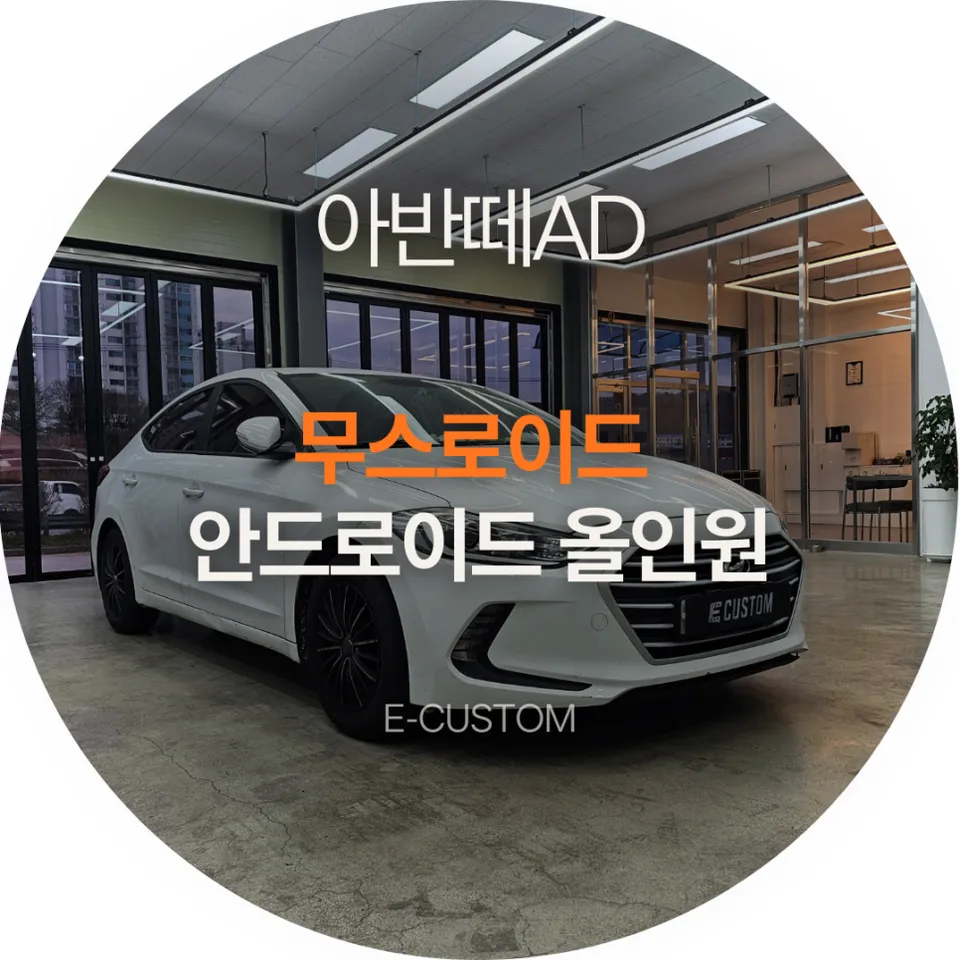
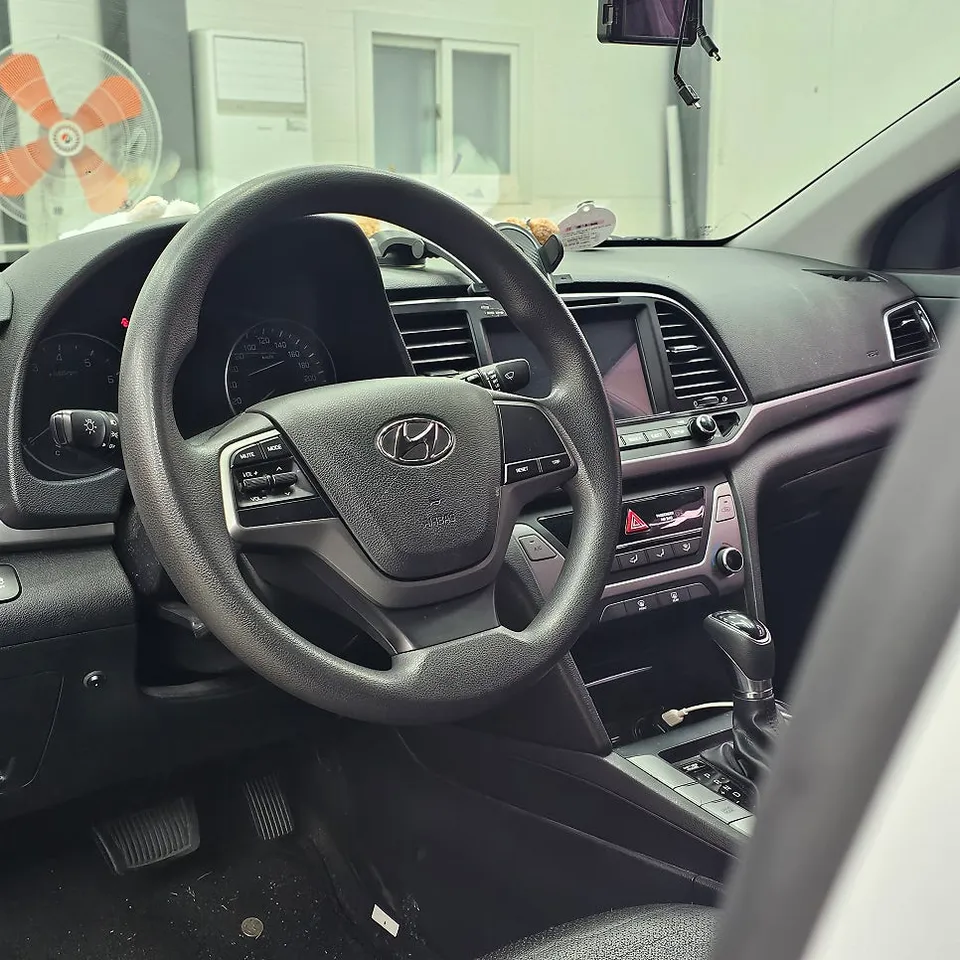
Hyundai Elantra AD Android Head Unit upgrade: ~₩700,000-₩1,500,000. Enjoy wireless CarPlay/Android Auto & faster performance.
Revitalize Your Hyundai Elantra AD with an Android Head Unit
Is your Hyundai Elantra AD's factory navigation system feeling sluggish and outdated? Many vehicles, especially those a few years old, suffer from slow touch response, errors, and screen freezing. The solution? Upgrading to an Android All-in-One (AIO) head unit. This review details the process of installing a Musroid Android AIO in an Elantra AD, covering everything from initial inspection to final completion.
Why Upgrade Your Elantra AD's Head Unit?
- Slow touch response and map loading times
- Frequent system errors and screen freezes
- Desire for modern features like wireless CarPlay/Android Auto
- Improved audio quality and connectivity
Expert Installation at Today's Car Namyangju
Today's Car Namyangju specializes in head unit replacements, handling over 20 Elantra and Elantra AD installations monthly. They focus on meticulous wiring management and audio tuning, preventing common issues like radio static or rear camera malfunctions often seen after aftermarket installations. Their expertise ensures a seamless integration.
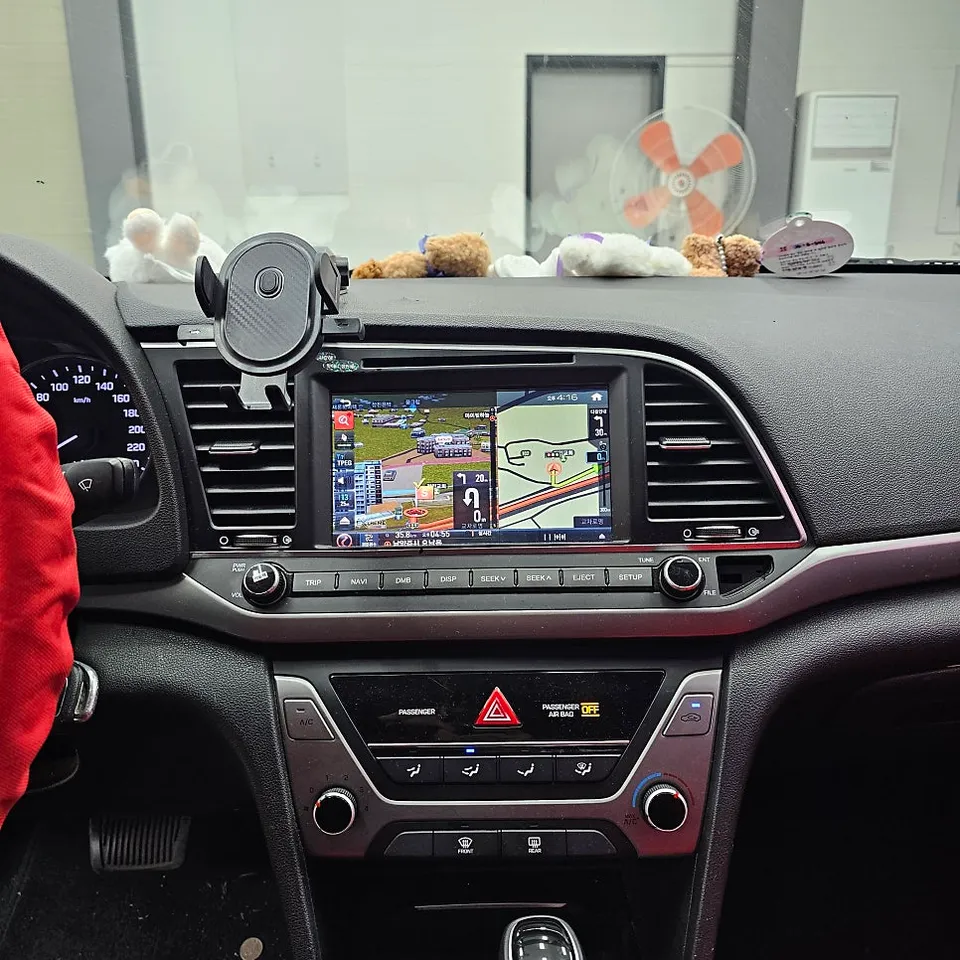
The Installation Process: From Old to New
Before installing the new Android AIO, a thorough inspection of the existing factory navigation is crucial. The Elantra AD in this case had a FineDrive navigation system exhibiting significant touch lag and delayed map loading, posing a safety risk due to potential navigation errors.
Installation process:
- Removal of Factory Unit: Carefully detach the original navigation system, exposing the wiring harness.
- Wiring Management: Remove any previous aftermarket wiring and meticulously organize the factory harness for clean integration.
- Musroid Unit Installation: Connect the Musroid Android AIO, ensuring all connections for power, audio, and cameras are secure.
- System Configuration: Power on the new unit, configure initial settings, and test all functions, including wireless CarPlay/Android Auto and the rear camera.
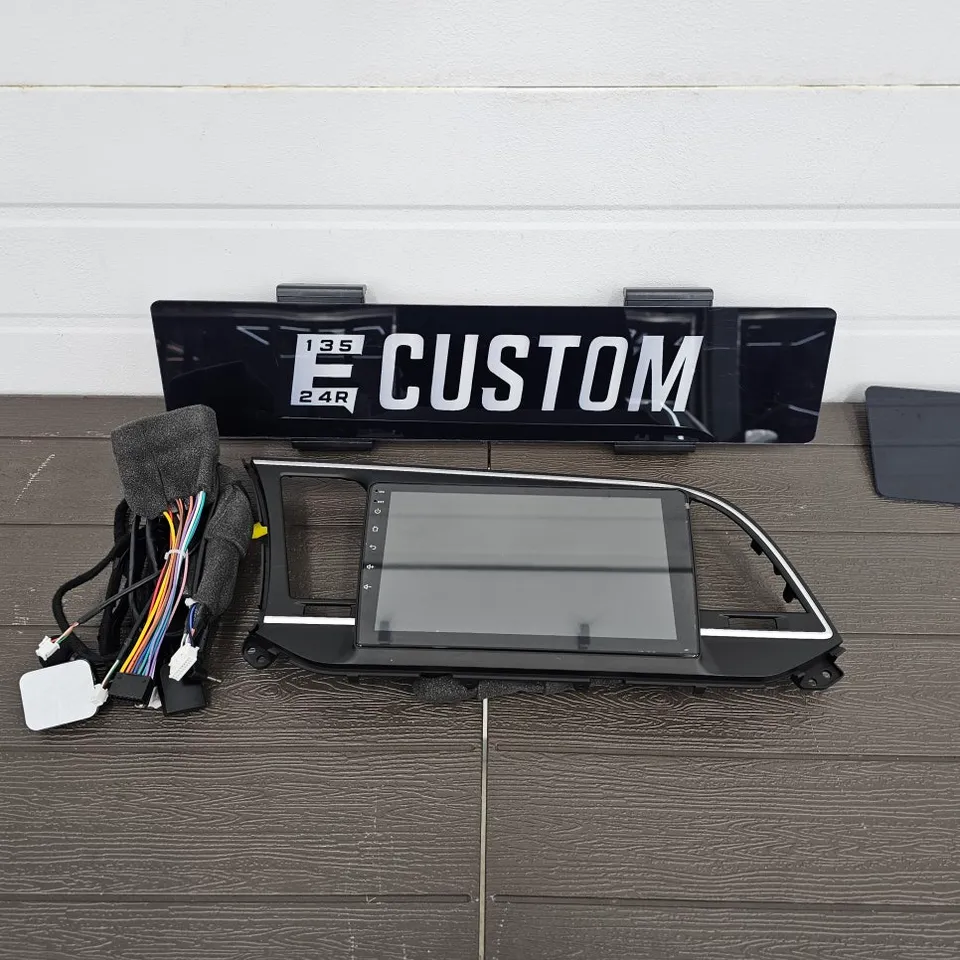
Musroid Android AIO: Features and Benefits
The Musroid All-in-One unit is designed to fit the Elantra AD's dashboard perfectly. It's a popular choice due to its robust performance and user-friendly features:
Wireless Connectivity: The Game Changer
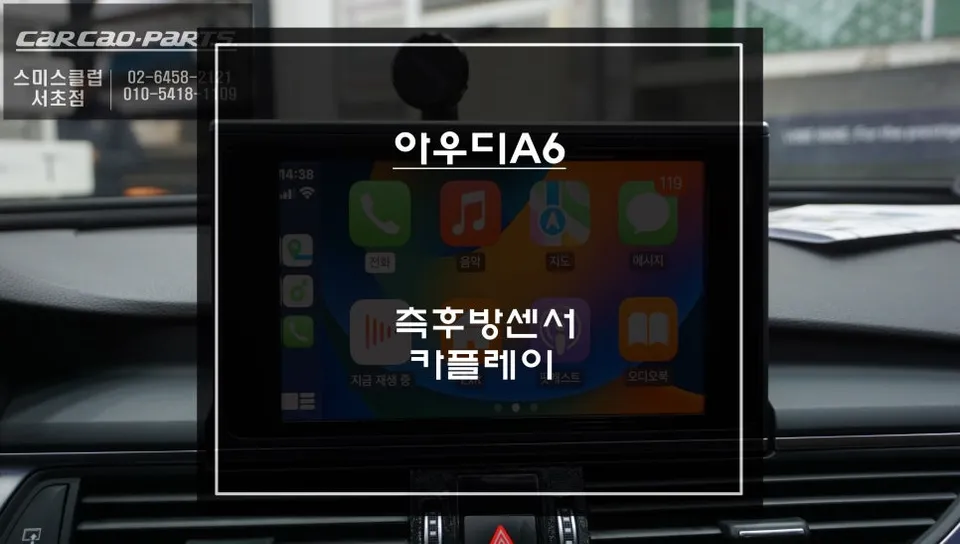
Unlike older systems requiring constant USB connections, the Musroid unit offers seamless wireless Apple CarPlay and Android Auto. Simply pair your smartphone via Wi-Fi, and it connects automatically upon starting the car. This allows for easy access to navigation, music, and calls without fumbling with cables, enhancing driving convenience and safety.
Performance and Versatility
Equipped with a high-performance CPU and ample RAM, the Musroid unit offers tablet-like speed. It supports multitasking and running various applications simultaneously, such as Naver Maps, Kakao Navi, YouTube, and Netflix, without lag. This transforms your car's infotainment system into a versatile digital hub.
Audio Quality and Customization
Beyond navigation and entertainment, the Musroid unit can significantly improve your car's audio experience. With proper wiring and potential tuning, it can deliver clearer sound and richer bass compared to the factory system. The system also allows for extensive customization of audio settings to suit your preferences.
Cost and Time
The installation of the Musroid Android AIO in the Elantra AD typically takes around 2-3 hours. While specific pricing varies, such upgrades generally range from ₩700,000 to ₩1,500,000 (approximately $500-$1100 USD) depending on the unit's specifications and any additional features.
Frequently Asked Questions
Q. How much does an Android Head Unit upgrade cost for a Hyundai Elantra AD?
The Android Head Unit upgrade for a Hyundai Elantra AD typically costs between ₩700,000 and ₩1,500,000 KRW. This price range reflects the unit's specifications and installation complexity, offering a significant upgrade over the factory system.
Q. How long does an Android Head Unit installation take for a Hyundai Elantra AD?
The installation process for an Android Head Unit in a Hyundai Elantra AD usually takes about 2 to 3 hours. Proper wiring management and system configuration are key to ensuring optimal performance and longevity.
Q. Is an Android Head Unit upgrade worth it for a Hyundai Elantra AD?
Yes, upgrading to an Android Head Unit is highly recommended for Hyundai Elantra AD owners seeking enhanced infotainment features. It provides a modern, responsive interface with wireless connectivity, significantly improving the driving experience.
Q. How is an Android Head Unit installed in a Hyundai Elantra AD?
Installation involves removing the factory unit, carefully managing and connecting the wiring harness, installing the new Android unit, and configuring its settings. This process ensures seamless integration and full functionality.
Q. What is the main advantage of an Android Head Unit over the factory system in a Hyundai Elantra AD?
The primary advantage is the seamless integration of wireless Apple CarPlay and Android Auto, offering a much faster and more responsive interface than the often-laggy factory system. This provides access to modern apps and features effortlessly.
OhCar Partner Shop