Hyundai Elantra AD Android Head Unit Review — Cost & Upgrade


Hyundai Elantra AD Android head unit upgrade: Approx. ₩500,000-₩900,000. Restores navigation & adds smart features.
Hyundai Elantra AD: Upgrading Your Infotainment System
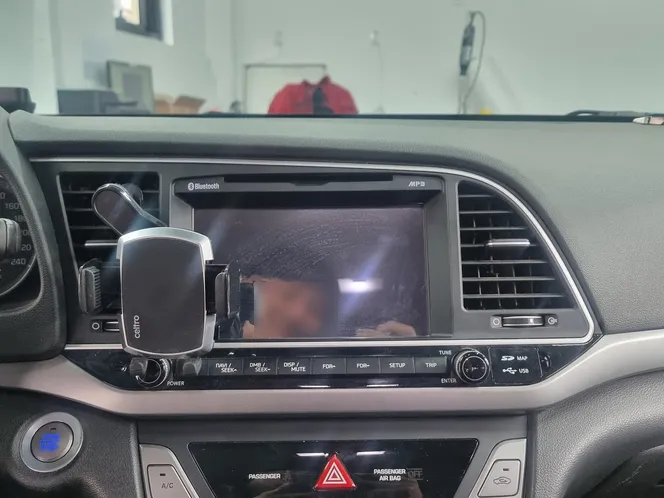
Is your Hyundai Elantra AD's factory navigation system acting up? For many owners of older vehicles, a malfunctioning navigation unit can be more than just an inconvenience; it can impact safety by disabling crucial features like speed camera alerts and real-time traffic guidance. Fortunately, there's a smart solution: upgrading to an Android all-in-one navigation system. This upgrade not only restores essential functions but also significantly enhances your car's connectivity and entertainment options. Even if your backup camera is still working, replacing a faulty head unit with an Android system can transform your driving experience.
Kanar X-PLUS Android All-in-One: Specs and Installation
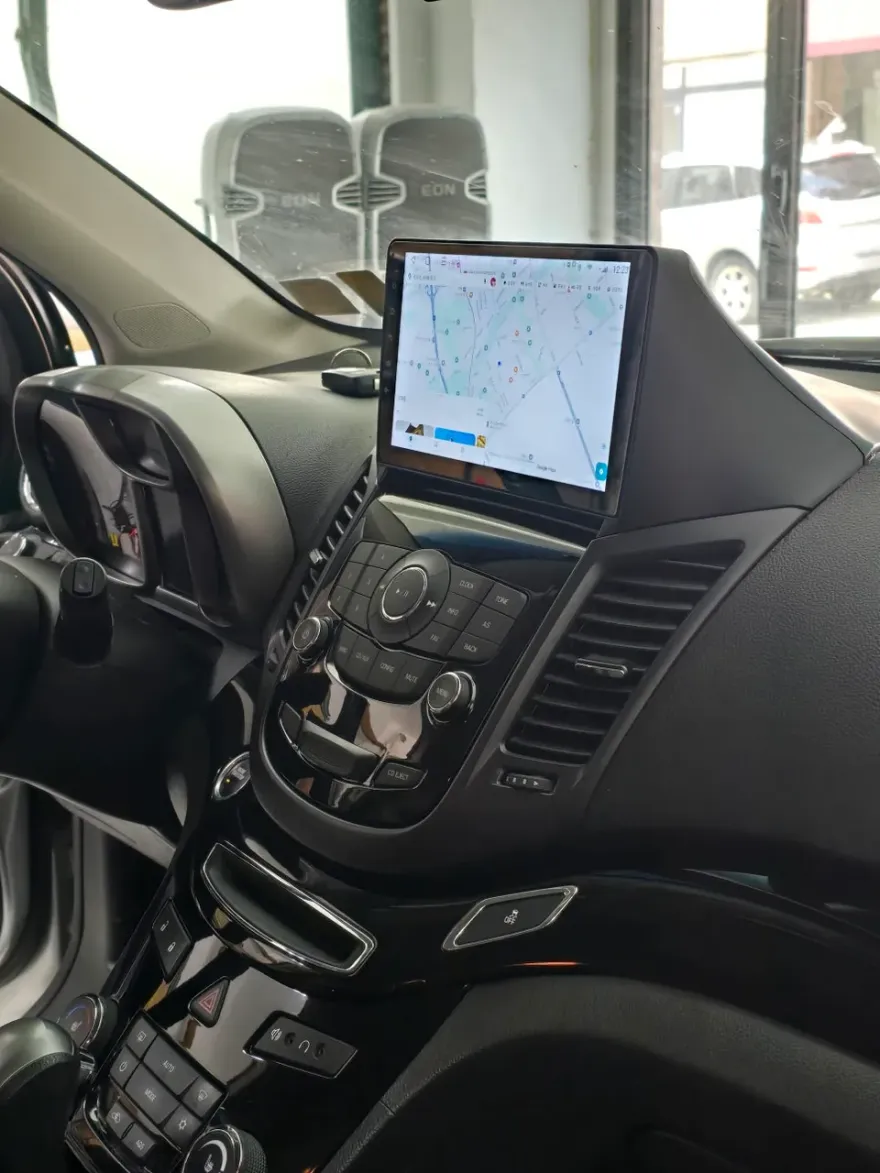
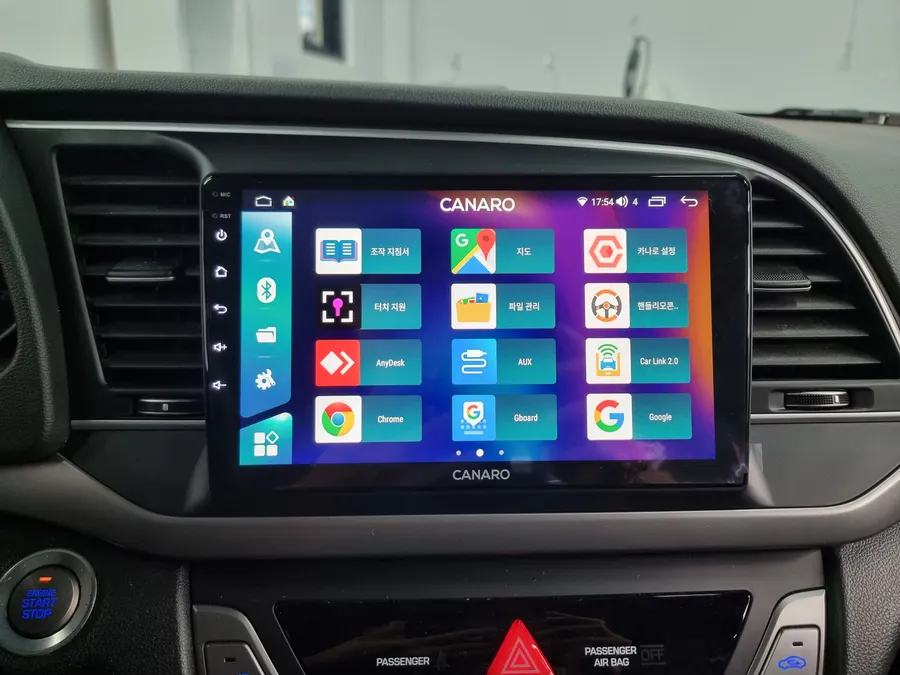
This review focuses on the installation of the Kanar X-PLUS Android all-in-one unit in a Hyundai Elantra AD. This particular vehicle's original navigation system had failed, but the reverse camera remained functional. The upgrade involved replacing the old unit with a 9-inch Kanar X-PLUS, seamlessly integrating it using a custom-fit dash kit designed specifically for the Elantra AD. This ensures a factory-like appearance, maintaining the aesthetic harmony of the center console. The entire installation process, including meticulous wiring and finishing, typically takes around 3 to 4 hours.
Enhancing Your Drive with Android Features
The Kanar X-PLUS Android all-in-one unit offers a wealth of features that go far beyond basic navigation. It supports app installations from the Google Play Store, allowing you to use familiar applications like YouTube and various streaming services directly on your car's display. Internet connectivity is achieved via a built-in SIM card slot or by tethering to your smartphone's hotspot. The unit also supports split-screen functionality, enabling you to run navigation and media apps simultaneously. For seamless integration, it retains functionality of the original backup camera and steering wheel controls. The USB and SIM card ports are discreetly installed within the glove compartment for a clean look and easy access.
Installation Process:
- Removal of the original navigation system and associated wiring.
- Installation of the Elantra AD-specific dash kit for a flush fit of the 9-inch screen.
- Connection of the Kanar X-PLUS unit, integrating the existing backup camera and steering wheel controls.
- Careful wiring management, including soundproofing the cables with materials like Shinsulator to minimize road noise.
- Final testing of all functions, including touch screen responsiveness, app performance, and connectivity.
This comprehensive upgrade transforms the Elantra AD's infotainment system, offering a modern, connected, and enjoyable driving experience. The cost for this type of upgrade in Korea can range from approximately ₩500,000 to ₩900,000 (roughly $370 to $670 USD), depending on the specific unit and installation shop.
Frequently Asked Questions
Q. How much does Android head unit or CarPlay installation cost for a Hyundai Elantra AD?
In Korea, the installation cost for an Android head unit upgrade on a Hyundai Elantra AD typically ranges from ₩500,000 to ₩900,000 (approximately $370-$670 USD). US pricing can vary significantly based on the specific unit and installer.
Q. How long does Android head unit installation take on a Hyundai Elantra AD?
The installation process for an Android head unit in a Hyundai Elantra AD generally takes about 3 to 4 hours to complete. Proper maintenance involves keeping the software updated and ensuring connections remain secure.
Q. Is a CarPlay or Android Auto retrofit worth it for a Hyundai Elantra AD?
An Android head unit retrofit is highly recommended for Hyundai Elantra AD owners whose factory navigation has failed or who desire modern smartphone integration. It offers a significant value proposition by vastly expanding the vehicle's infotainment capabilities.
Q. How is an Android head unit installed in a Hyundai Elantra AD?
Installation involves removing the old unit, fitting a vehicle-specific dash kit for the new Android screen, connecting the wiring harness while integrating existing components like the backup camera, and securing all connections with sound-dampening materials.
Q. What is the difference between an Android head unit and a factory infotainment system for a Hyundai Elantra AD?
An Android head unit offers vastly more functionality, including app support and internet connectivity, compared to a limited factory system. For an Elantra AD, upgrading to an Android unit is recommended if you seek modern features and a more versatile interface.
OhCar Partner Shop