Hyundai Elantra CarPlay Retrofit Installation Review — Cost

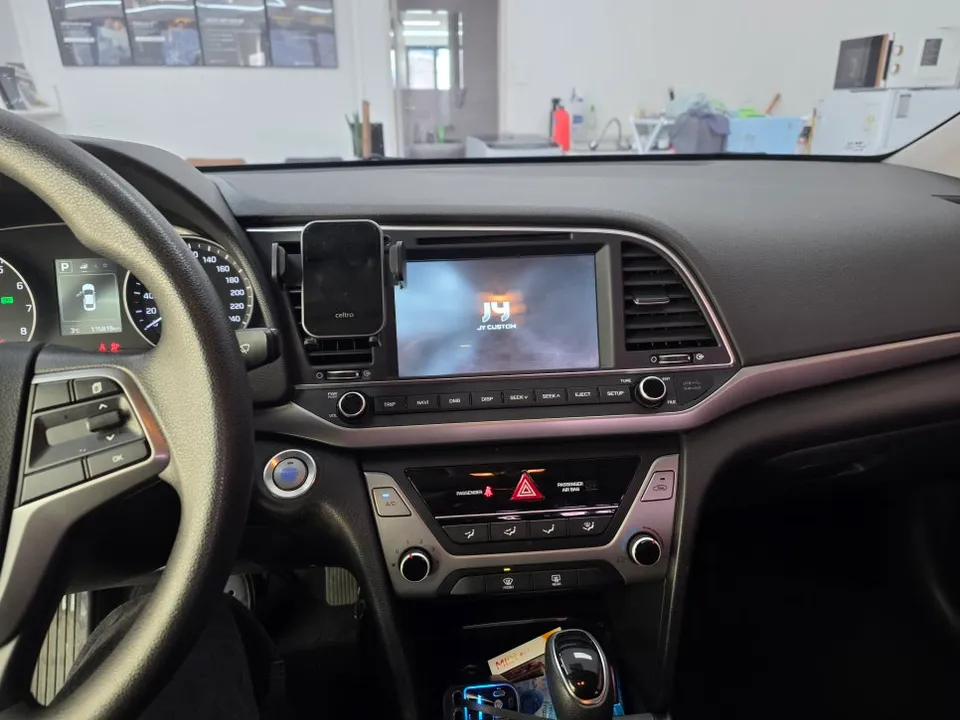
Hyundai Elantra AD Android head unit upgrade with soundproofing: Enhanced infotainment, CarPlay/Android Auto. Improves driving experience.
Transform Your Hyundai Elantra with an Android Head Unit
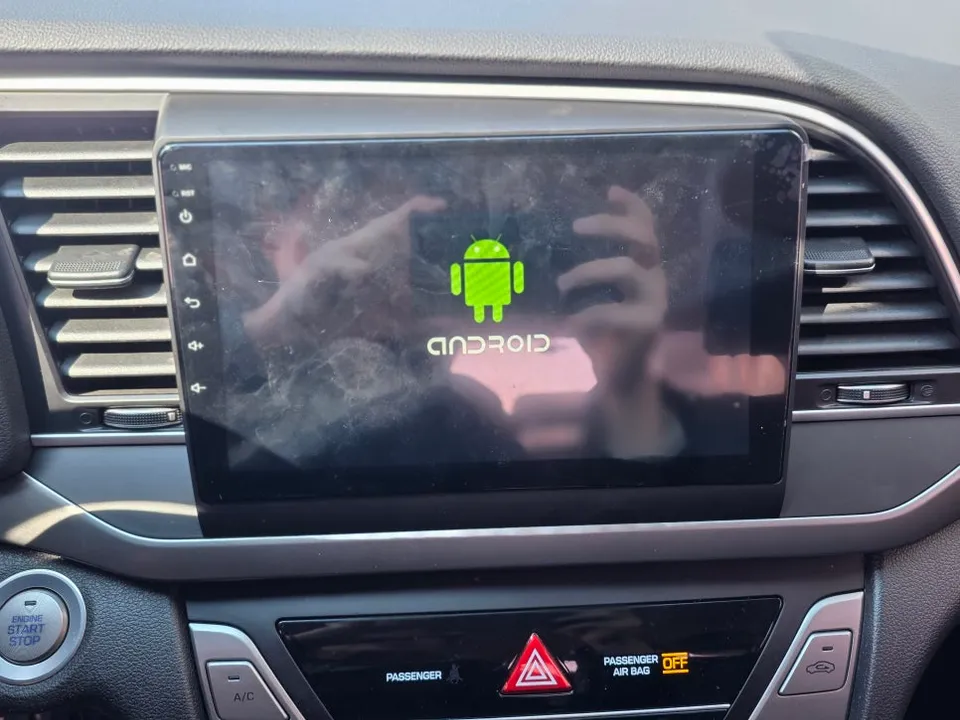
Many car owners look to upgrade their vehicle's infotainment system to enjoy modern features like seamless smartphone integration, advanced navigation, and a larger, more responsive touchscreen. For the Hyundai Elantra, an Android head unit offers a compelling solution. This review details the installation of an AMS C-CLASS Android All-in-One unit in an Elantra AD, focusing on the smart driving experience it provides, including a notable mention of sound-dampening (soundproofing) work to eliminate rattles often associated with aftermarket installations. The goal is to provide a comprehensive look at the before and after, the installation process, and whether this infotainment upgrade is worth the investment for your Elantra.
Before and After: A Smarter Driving Experience
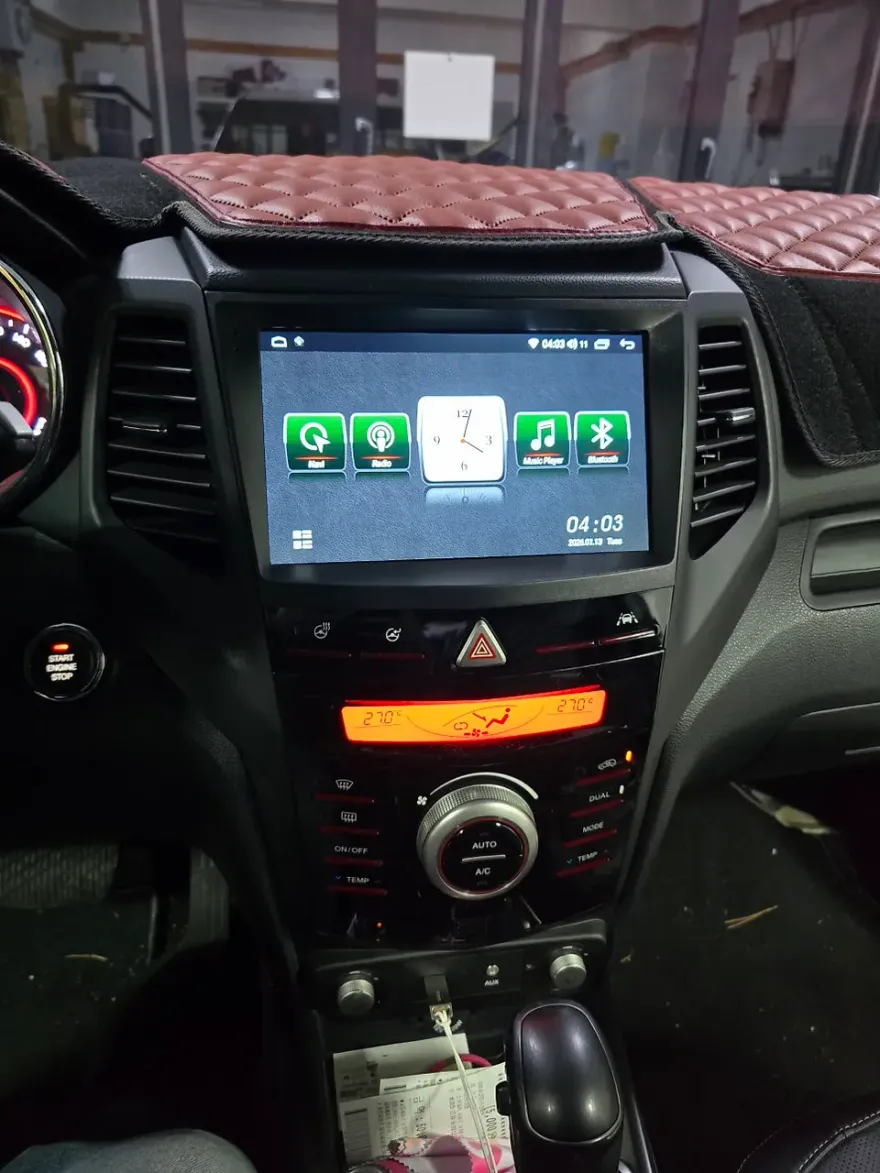
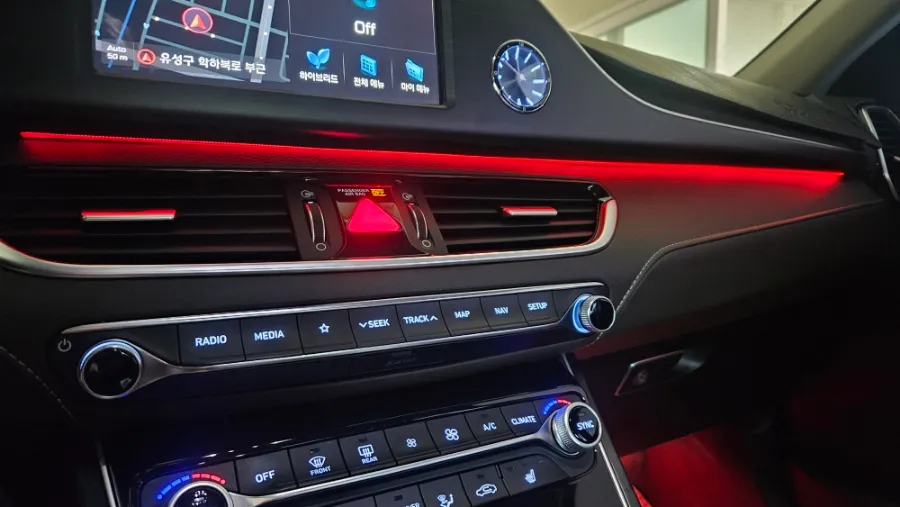
The factory infotainment system in many Elantra models, while functional, can feel dated compared to current technology standards. Upgrading to an Android head unit like the AMS C-CLASS brings a significant transformation. The most immediate change is the display – typically larger, higher resolution, and more responsive than the original screen. This allows for a much-improved user interface for navigation apps, media playback, and accessing vehicle settings. Features like Apple CarPlay and Android Auto are standard, offering a familiar and intuitive way to use your smartphone's apps on the car's display. Beyond the visual upgrade, the system often provides enhanced audio processing capabilities and access to a wider range of apps directly from the Google Play Store, turning your Elantra into a more connected and entertaining space. The included sound-dampening work is crucial; it ensures that the new unit integrates smoothly without introducing unwanted noise, preserving the cabin's comfort.
Installation Process and Durability Considerations
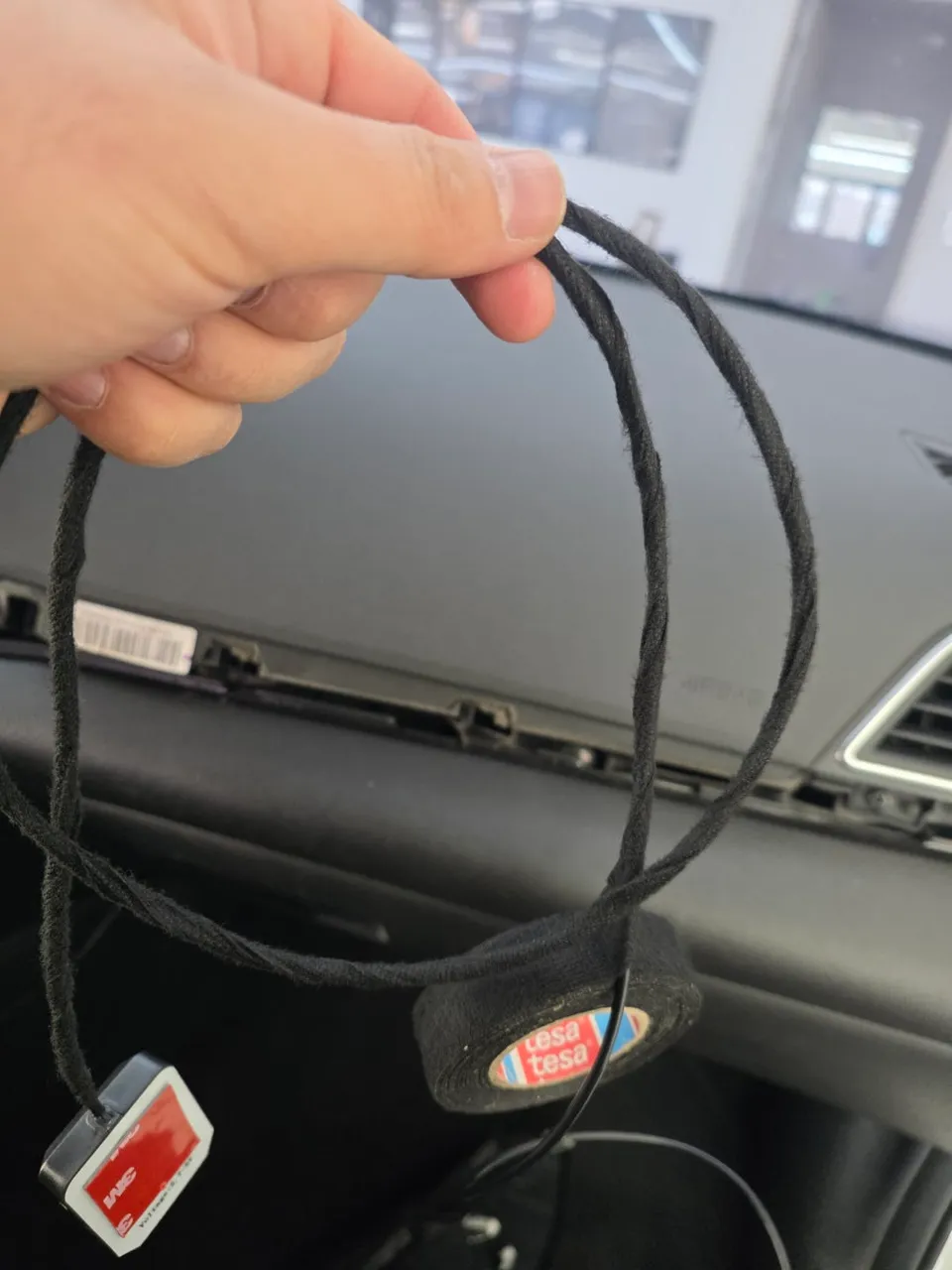
Installing an Android head unit involves carefully removing the factory unit and integrating the new system. This process requires precision to ensure all connections are secure and the unit fits seamlessly into the dashboard. The sound-dampening aspect involves applying specialized materials around the mounting points and wiring harnesses to absorb vibrations and prevent rattles. This attention to detail is key for long-term satisfaction and maintaining a quiet cabin environment. The durability of these aftermarket units is generally good, with modern components designed for automotive use. Regular maintenance typically involves keeping the software updated and cleaning the screen. The AMS C-CLASS unit, when installed correctly with proper soundproofing, is designed to be a long-lasting upgrade, enhancing your driving experience for years to come.
Installation process:
- Careful removal of the original Elantra infotainment system.
- Integration of the new Android head unit, connecting all necessary wiring harnesses for power, speakers, and data.
- Application of sound-dampening materials around the unit's mounting points and wiring to prevent rattles and vibrations.
- Testing all functions, including touch response, audio output, and smartphone connectivity (CarPlay/Android Auto).
- Final reassembly of dashboard trim pieces for a factory-like finish.
Frequently Asked Questions
Q. How much does Android head unit or CarPlay installation cost for a Hyundai Elantra?
The AMS C-CLASS Android head unit installation for this Hyundai Elantra AD was performed in Korea. While specific US pricing varies, similar comprehensive Android head unit upgrades with professional installation typically range from $500 to $1500 in the United States.
Q. How long does Android head unit installation take on a Hyundai Elantra?
Android head unit installations, especially when including sound-dampening work, usually take between 2 to 4 hours. Proper installation ensures durability, and regular maintenance primarily involves software updates and keeping the screen clean.
Q. Is a CarPlay or Android Auto retrofit worth it for a Hyundai Elantra?
An Android Auto or CarPlay retrofit is highly recommended for Elantra owners seeking modern smartphone integration and a significantly upgraded infotainment experience. It's particularly valuable for those who rely heavily on navigation, music streaming, and hands-free communication.
Q. How is an Android head unit installed in a Hyundai Elantra?
Installation involves removing the factory head unit, connecting the new Android unit's wiring harness, and carefully fitting it into the dashboard for a seamless look. Sound-dampening materials are often applied to prevent rattles, followed by thorough testing of all functions.
Q. What is the difference between an Android head unit and a factory infotainment system for a Hyundai Elantra?
An Android head unit offers a more modern, feature-rich experience with access to apps, larger touchscreens, and often superior processing power compared to a factory system. For most users, an Android head unit provides a significant upgrade in functionality and user experience.
OhCar Partner Shop