Hyundai Kona Android Head Unit Review: Smart Infotainment Upgrade
Service Price
$under approx. $400
Estimated price · Actual price may vary by shop
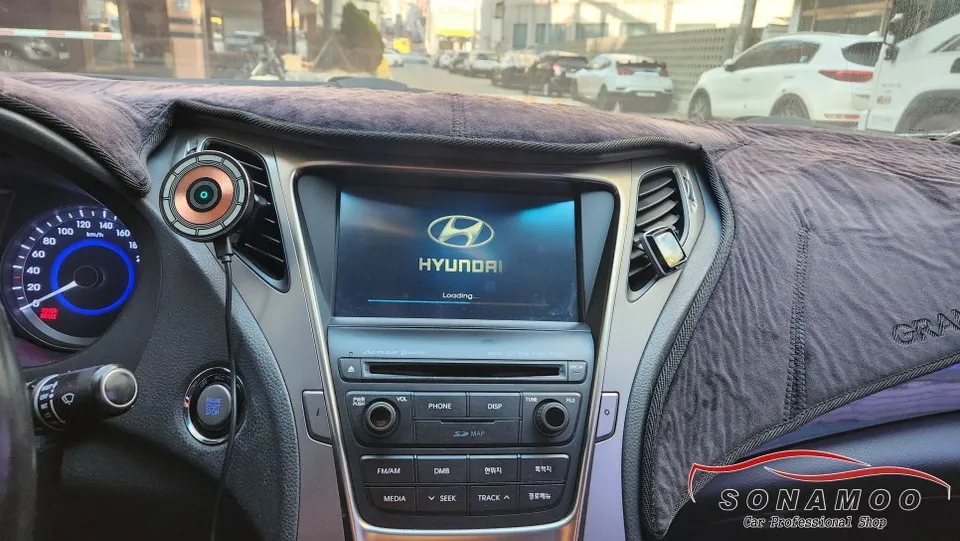
Before
After
Process photos
Hyundai Kona Android head unit upgrade with CarPlay/Android Auto costs under 400,000 KRW. Enjoy a 9-inch screen with T Map, YouTube Music, and more.
Smart Navigation Upgrade for Your Hyundai Kona
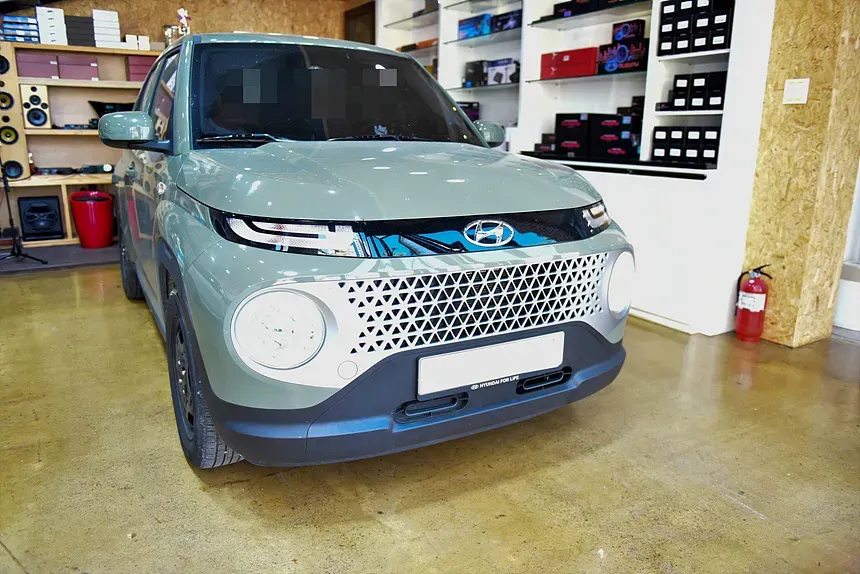
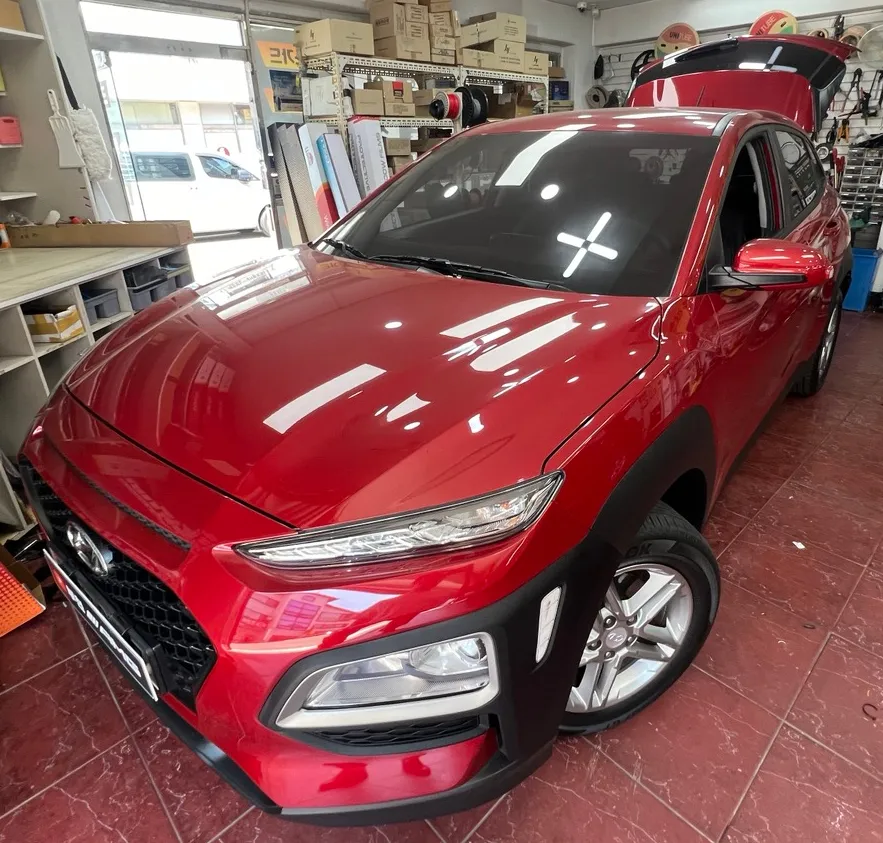
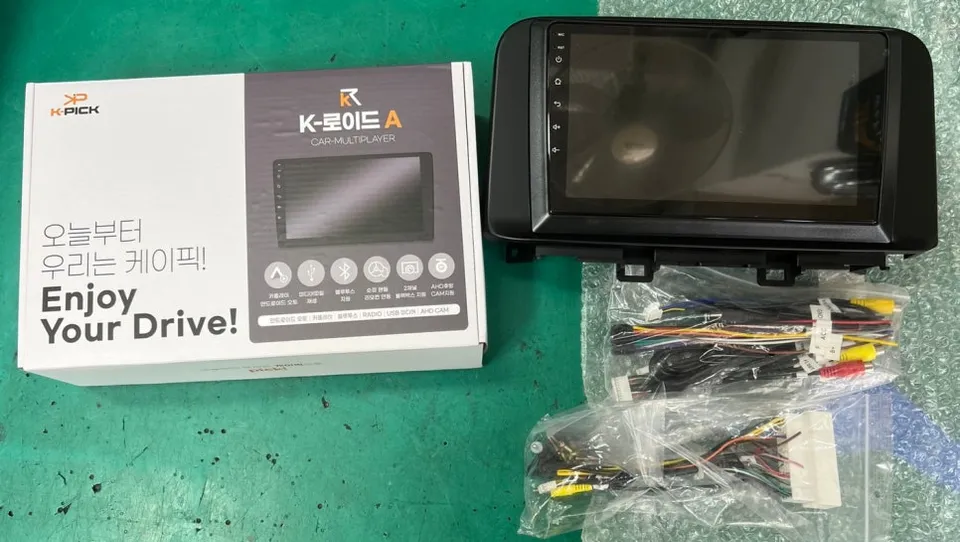
This review covers the installation of an Android head unit, specifically the K-Lloyd A model, for a 2018 Hyundai Kona. The goal was to enhance the factory infotainment system, addressing common frustrations with stock navigation and unlocking access to a wider range of applications. If you're considering an Android Auto upgrade for your Kona, this provides valuable insights into the process, benefits, and costs involved. This type of system is compatible with most Korean car models and offers a compelling alternative to expensive factory navigation options.
K-Lloyd A System: Key Features and Benefits
The K-Lloyd A system boasts a large 9-inch touchscreen display, significantly improving visibility. When installed with vehicle-specific trim kits, it offers a seamless, factory-like integration. This applies equally to CarPlay retrofit installations, ensuring a cohesive look. A major advantage is the cost-effectiveness; the K-Lloyd A unit and installation are available for under 400,000 Korean Won (approximately $300 USD, subject to exchange rates). This price point is considerably lower than many aftermarket navigation systems that require additional components like trim, wiring harnesses, and SD card extenders.
Professional Android Head Unit Installation is Crucial
While Android-based systems offer extensive app compatibility and convenience, improper installation can lead to errors and malfunctions. Our specialized installation service ensures that even imported Android head units are fitted safely and function correctly. Installing an Android head unit in a Hyundai Kona involves more than just plugging in cables; it requires expertise in vehicle CAN bus communication, stable power delivery, and optimal software configuration. Incorrect installation can potentially disrupt your vehicle's existing systems, making it essential to rely on experienced professionals.
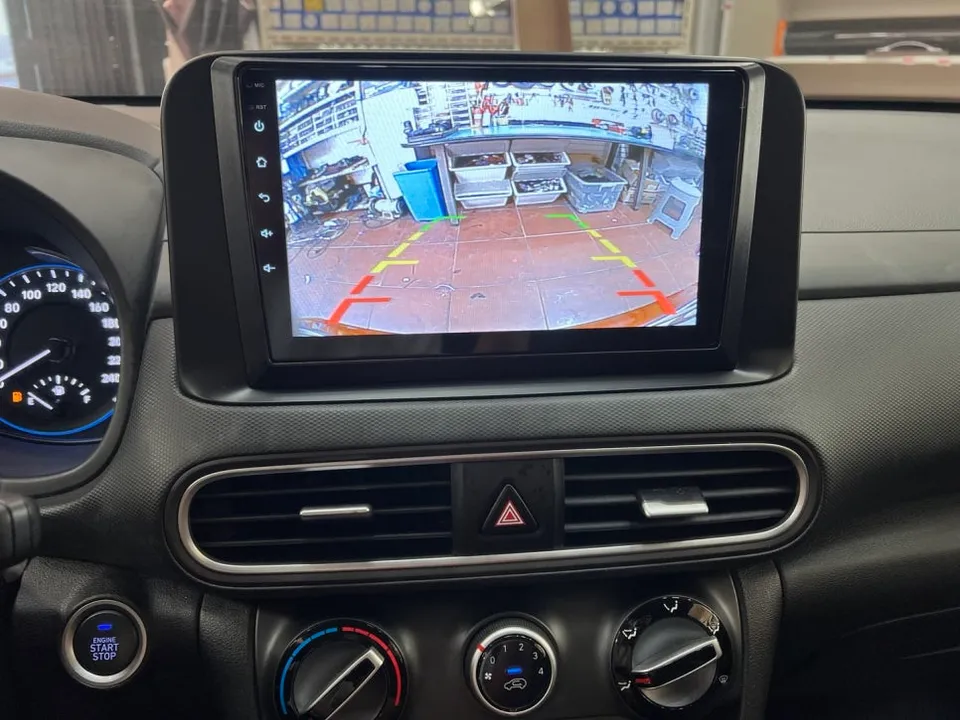
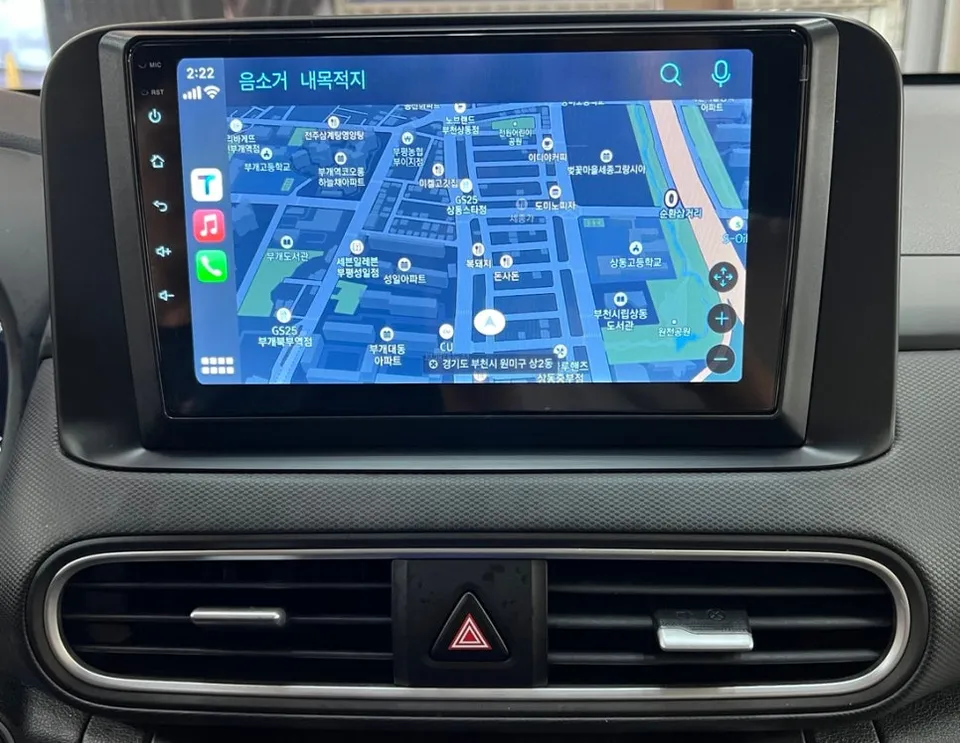
The Transformation: Before and After Your Kona's Infotainment
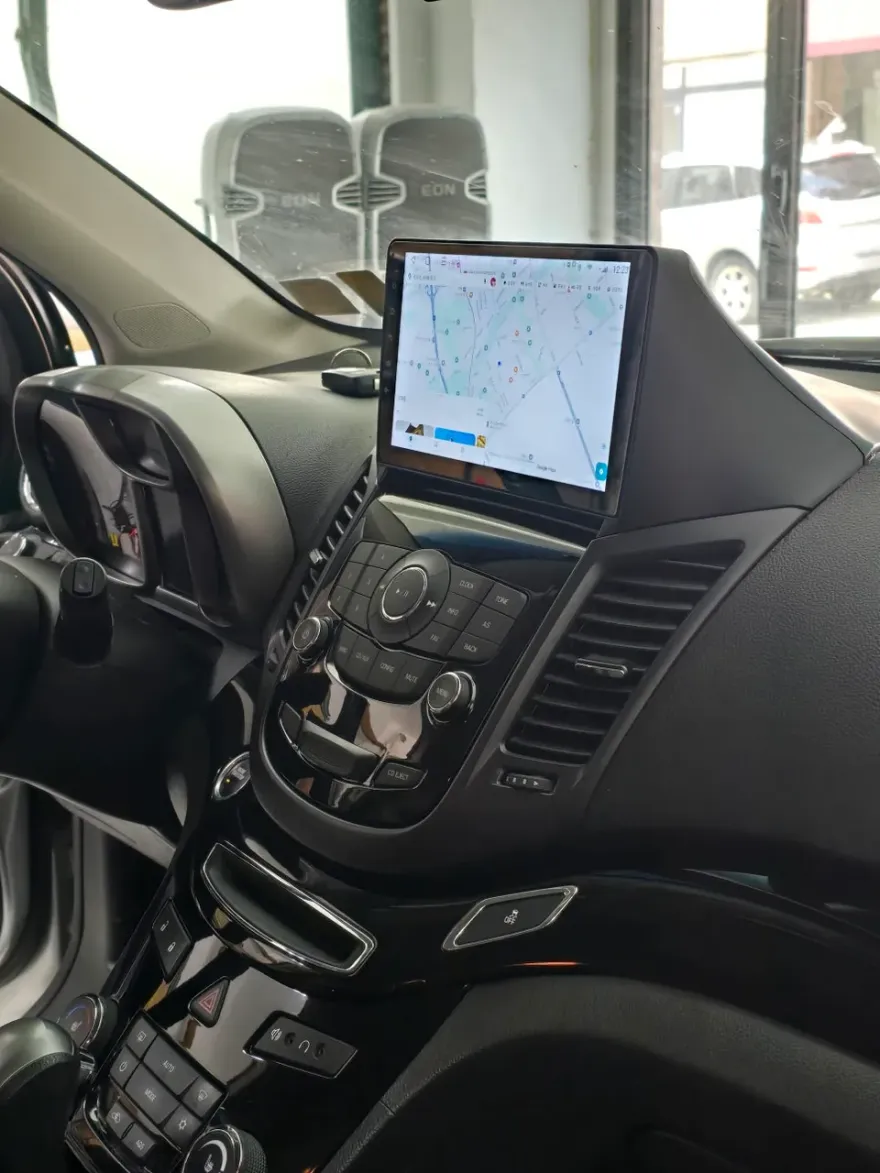
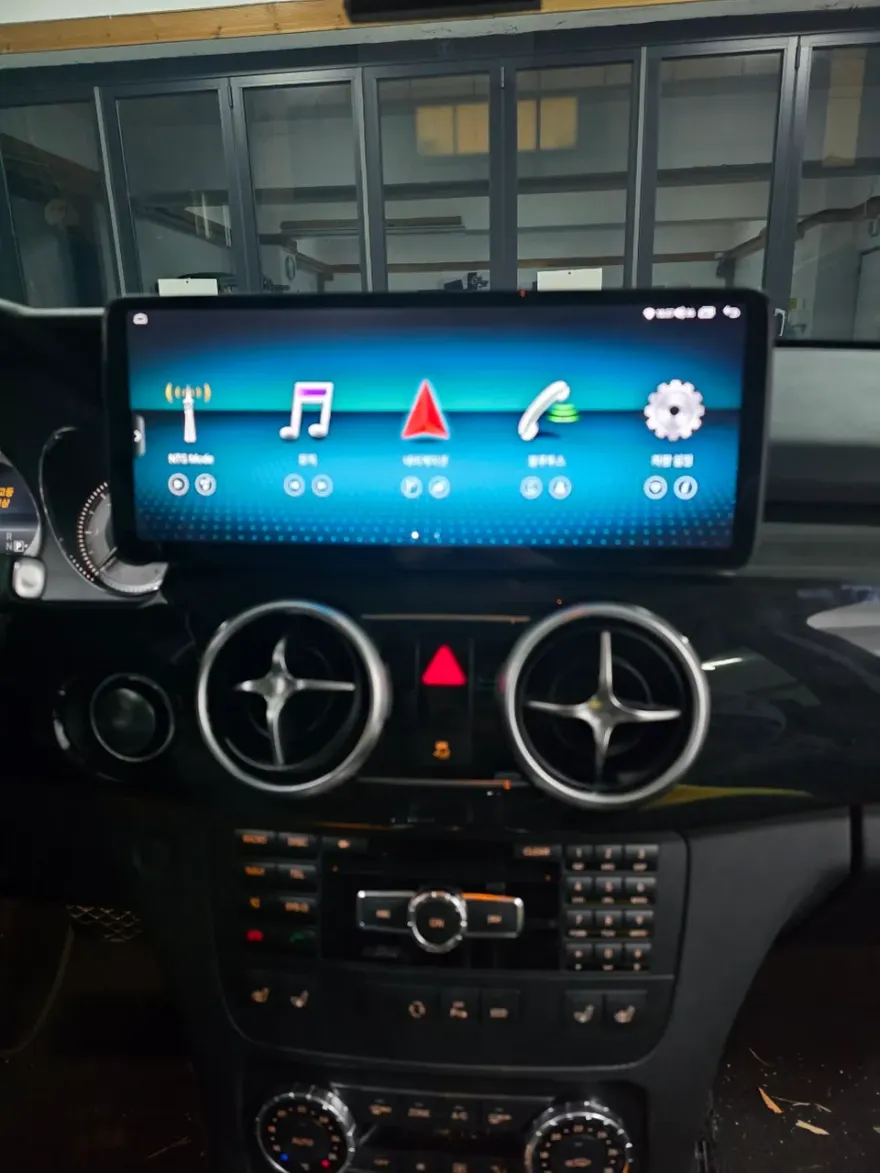
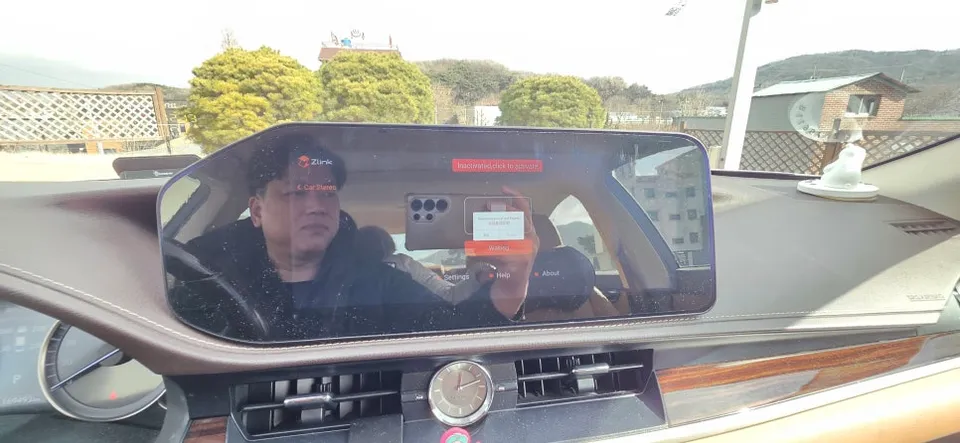
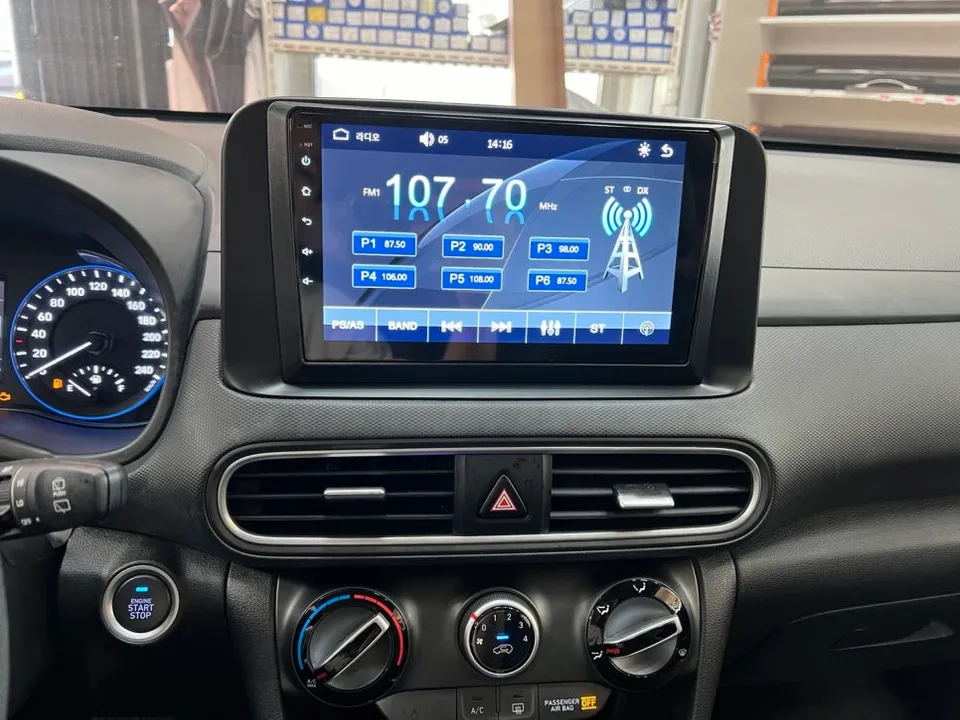
After installation, the Hyundai Kona features a significantly larger and more responsive 9-inch display. This allows for comfortable use of popular navigation apps like T Map, Kakao Navi, and Naver Maps, alongside streaming services such as Melon and YouTube Music. The system also integrates seamlessly with the rear-view camera, enhancing parking safety. The Android Auto upgrade greatly improves smartphone connectivity, providing quicker access to essential driving information. The entire process typically takes about 2 to 3 hours, allowing for same-day completion.
Installation Process:
- Removal of the factory infotainment unit.
- Connection of the new Android head unit, integrating with the vehicle's wiring harness and CAN bus system.
- Installation of any necessary trim pieces for a factory-fit appearance.
- Software configuration and testing of all functions, including navigation apps, Bluetooth, and camera integration.
Frequently Asked Questions
Q. How much does Android head unit or CarPlay installation cost for a Hyundai Kona?
In Korea, the K-Lloyd A Android head unit installation for a Hyundai Kona costs under 400,000 KRW. Similar aftermarket Android head unit installations in the US can range from $300 to $1000+ depending on the unit's features and complexity.
Q. How long does Android head unit installation take on a Hyundai Kona?
The installation process for an Android head unit on a Hyundai Kona typically takes around 2 to 3 hours. Proper maintenance involves keeping the software updated and ensuring connections remain secure, which is usually handled during professional installation.
Q. Is a CarPlay or Android Auto retrofit worth it for a Hyundai Kona?
A CarPlay or Android Auto retrofit is highly recommended for Hyundai Kona owners seeking a modern infotainment experience with access to familiar apps on a larger screen. It offers significant functional and entertainment upgrades at a fraction of the cost of some factory options.
Q. How is an Android head unit installed in a Hyundai Kona?
Installation involves removing the factory head unit, connecting the new Android unit to the vehicle's wiring harness and CAN bus system, fitting any necessary trim pieces for a clean look, and configuring the software for optimal performance. This process typically takes 2-3 hours.
Q. What is the difference between an Android head unit and a factory infotainment system for a Hyundai Kona?
An Android head unit offers significantly more flexibility with app support (like T Map, YouTube Music) and often a larger screen compared to a factory system. Factory systems are typically more integrated but limited in functionality and app choices.
OhCar Partner Shop