Kia K3 Android Head Unit Upgrade Review
Service Price
$75–115
Estimated price · Actual price may vary by shop
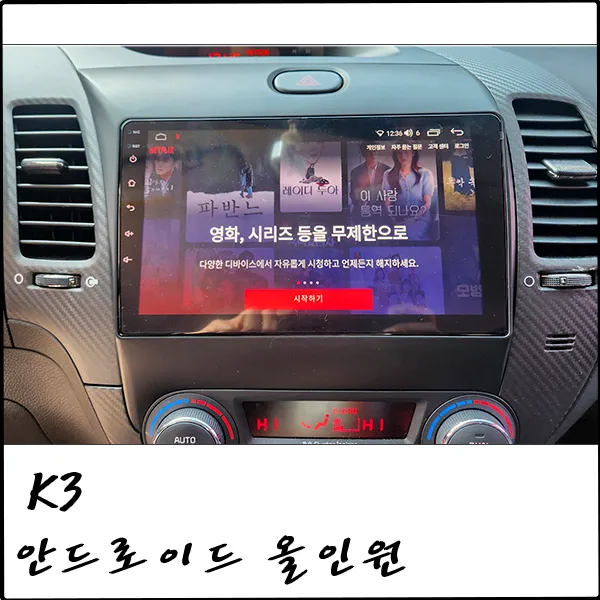
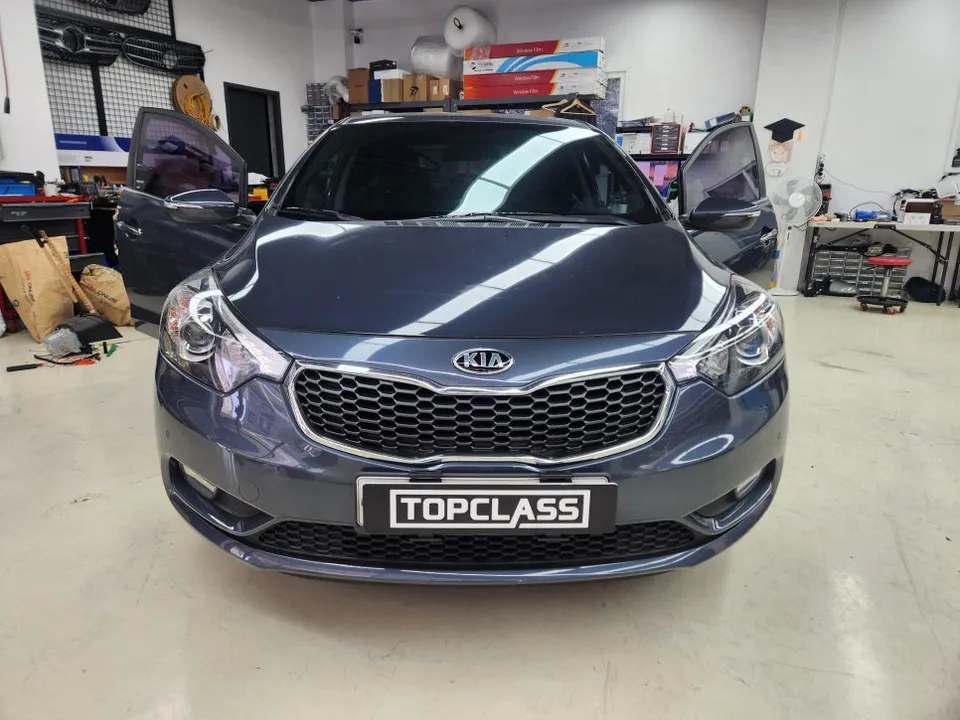
Kia K3 1st Gen Android Head Unit upgrade brings smartphone features to your car. Seamless integration, app access, and multitasking.
Transform Your Kia K3 1st Gen with an Android Head Unit
Is your Kia K3 1st Generation feeling a bit dated with its original navigation system? Many vehicles over a decade old, like the K3 YD model, suffer from small screens and complex button layouts that scream 'old tech.' Fortunately, you can bring your car's infotainment into the 21st century with a modern Android Head Unit. This upgrade replaces your outdated system with a versatile, smart device that offers a smartphone-like experience right in your dashboard.
The Android All-in-One Advantage
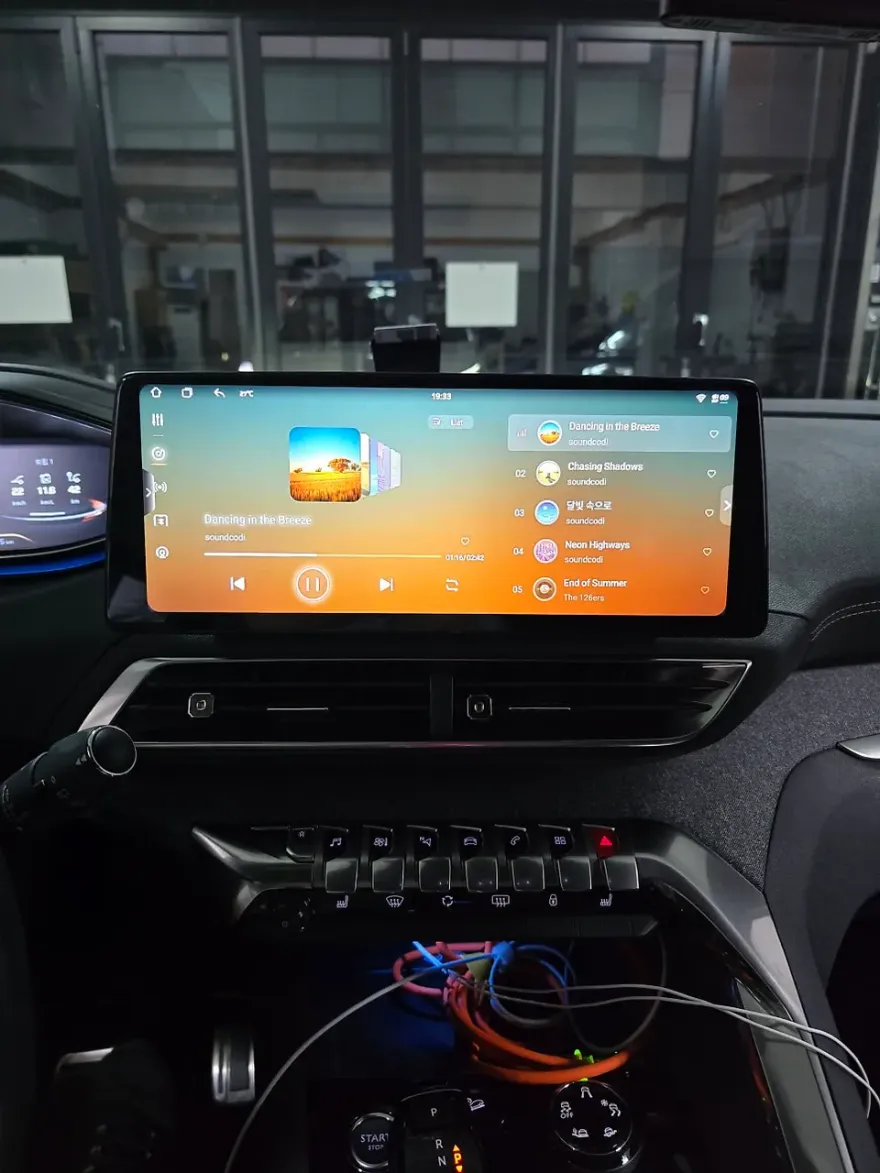
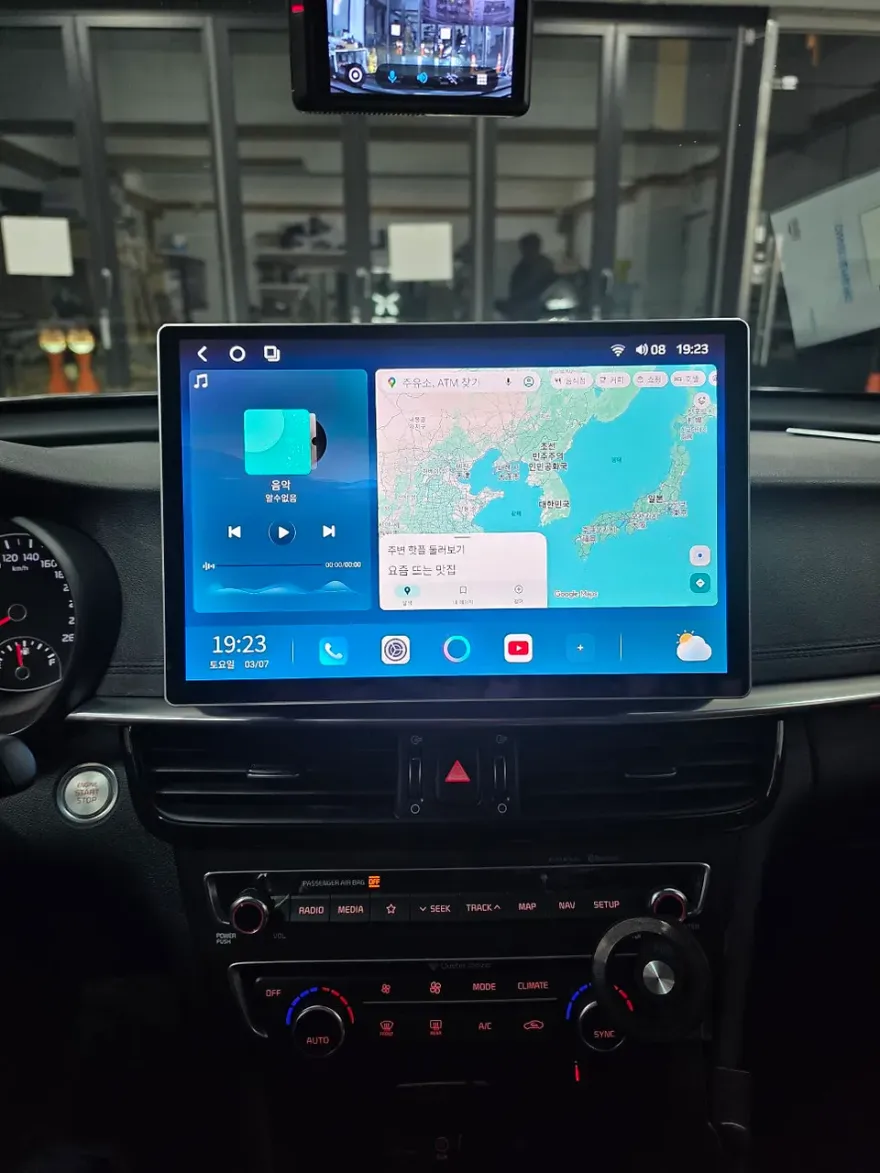
The Android All-in-One unit is more than just a new screen; it's a complete infotainment overhaul. Unlike a tablet that might require extra gadgets for car integration, the Android All-in-One is designed for seamless compatibility. It connects effortlessly with your car's existing systems, including the reverse camera and parking sensors, providing a unified and convenient user experience. With an internet connection (via mobile data or Wi-Fi), you gain access to the Google Play Store, allowing you to download a vast array of apps. Stream your favorite music, watch YouTube or Netflix, and utilize the latest navigation apps with real-time traffic updates – all on one integrated display. The MotorsValue 9-inch unit, for example, supports split-screen functionality, letting you multitask by running two apps simultaneously. You can navigate while listening to music or watch a video without compromise. Plus, it fully integrates with your original steering wheel controls, so adjusting volume or changing audio modes remains simple and safe while driving.
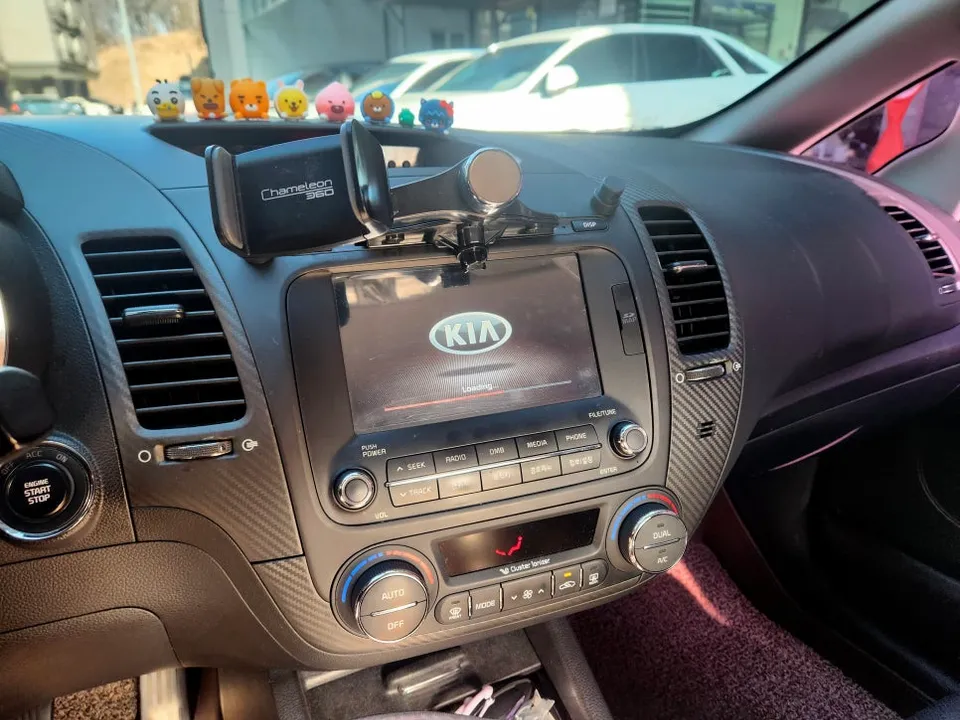
Why Upgrade to an Android Head Unit?
As vehicles age, their original infotainment systems often become obsolete. Updates cease, app compatibility issues arise, and the overall user experience degrades. An Android Head Unit addresses these shortcomings by offering:
- Modern Android OS: Enjoy the familiar interface and functionality of a smartphone, with access to continuous updates and a world of apps.
- Enhanced Connectivity: Seamlessly integrate with reverse cameras, front cameras, and other vehicle sensors for improved safety and awareness.
- Multitasking Capabilities: Utilize split-screen features to view navigation and entertainment simultaneously.
- Steering Wheel Control Integration: Maintain the convenience of your original steering wheel controls for audio and system functions.
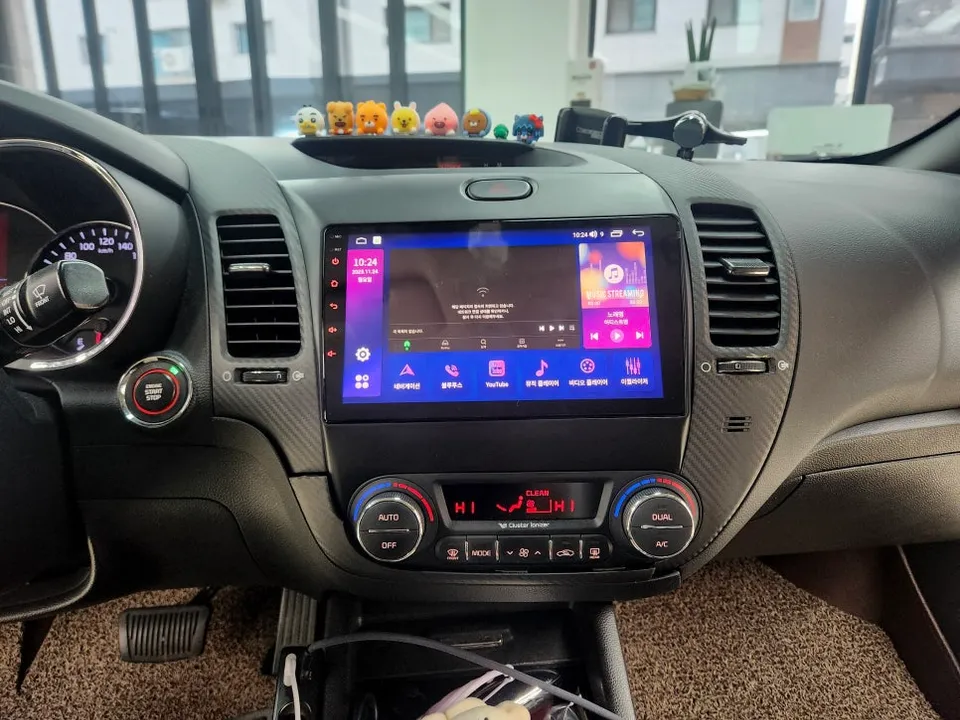
Installation Process:
- Carefully remove the original Kia K3 1st Gen factory head unit and surrounding trim.
- Connect the wiring harness of the new Android Head Unit to the vehicle's existing connectors, ensuring all cables are securely seated.
- Mount the Android Head Unit into the dashboard using a custom-fit fascia adapter designed for the K3 YD model.
- Test all functions, including audio, navigation, reverse camera, and steering wheel controls, to ensure proper operation.
This upgrade not only modernizes your Kia K3's interior but also significantly enhances its functionality and your driving experience, making even older vehicles feel new again.
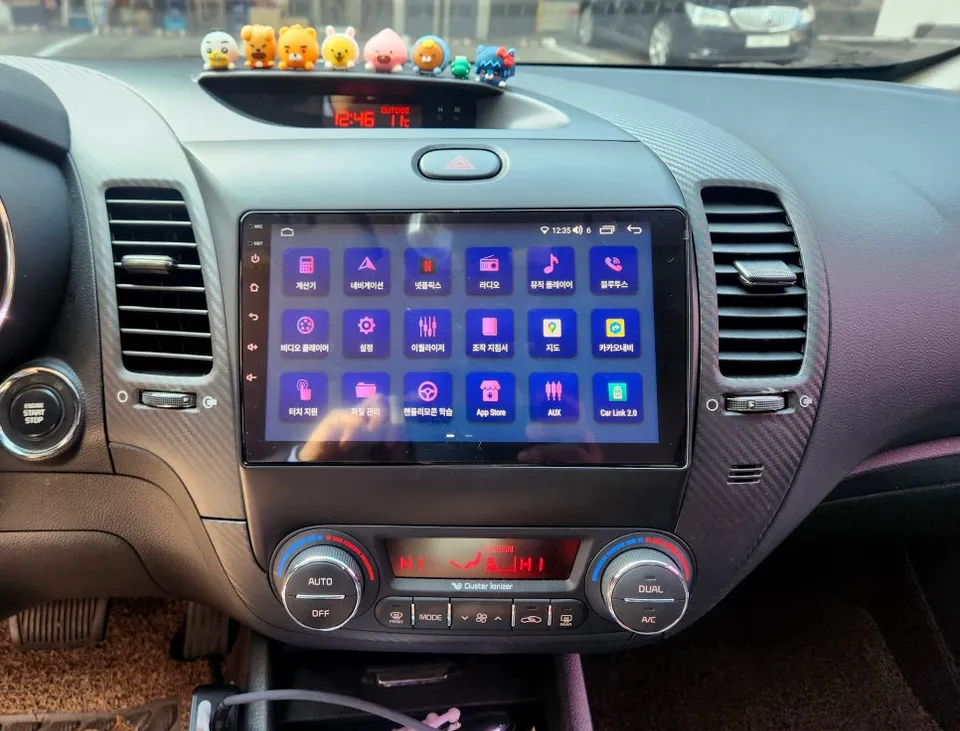
Frequently Asked Questions
Q. How much does an Android Head Unit upgrade cost for a Kia K3?
The cost for this Android Head Unit upgrade for the Kia K3 1st Gen is not specified in the original content, but similar installations in the US typically range from $400 to $1000 depending on the unit's features and complexity.
Q. How long does an Android Head Unit installation take on a Kia K3?
Installation typically takes a few hours, ensuring all connections and features are properly integrated. Regular maintenance involves keeping the software updated and cleaning the screen.
Q. Is an Android Head Unit upgrade worth it for a Kia K3?
This upgrade is highly recommended for Kia K3 1st Gen owners seeking modern infotainment features. It offers significant value by transforming an outdated system into a smart, versatile hub.
Q. How is an Android Head Unit installed in a Kia K3?
Installation involves removing the factory unit, connecting the new unit's wiring harness, mounting it with a custom fascia, and testing all integrated features like the reverse camera and steering controls.
Q. What's the difference between an Android Head Unit and a factory navigation system?
An Android Head Unit runs on the Android OS, offering app access via Google Play Store and smartphone-like features, whereas factory systems are often proprietary, limited in updates, and lack app flexibility.
OhCar Partner Shop