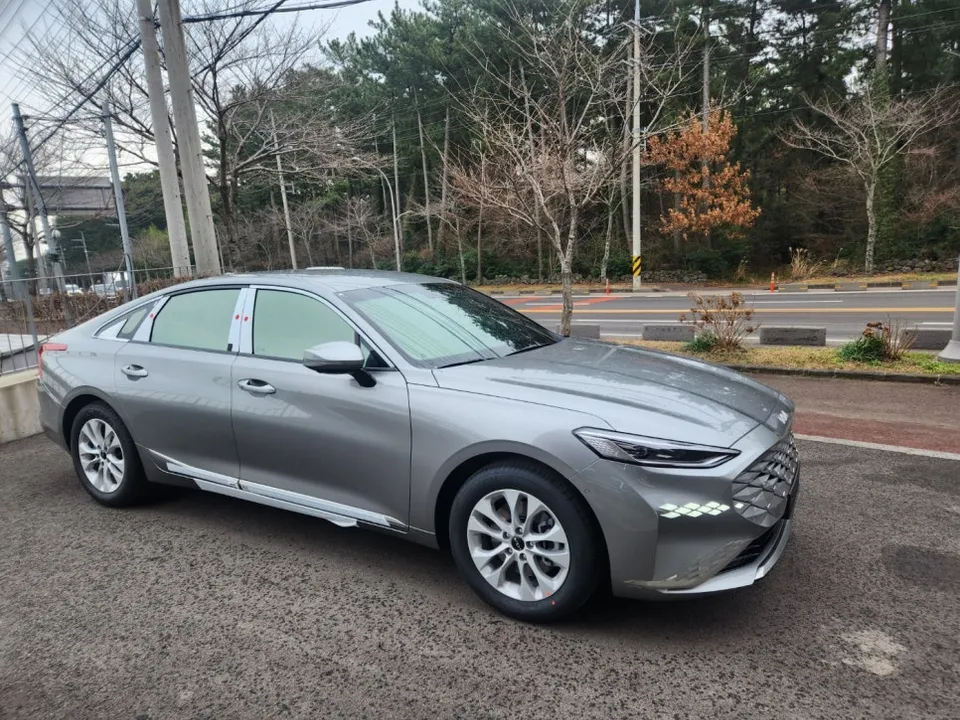
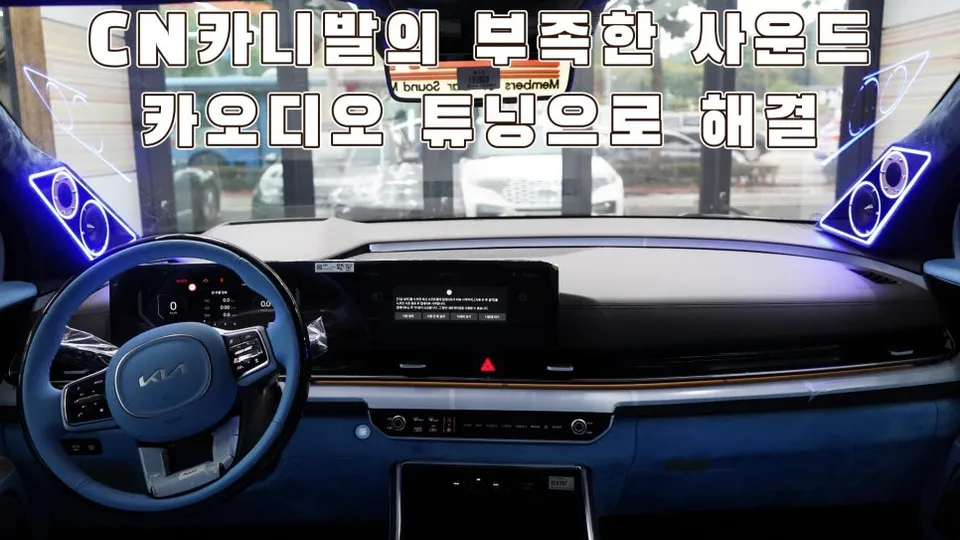
Kia K5 Android Head Unit Review: Big Screen Upgrade
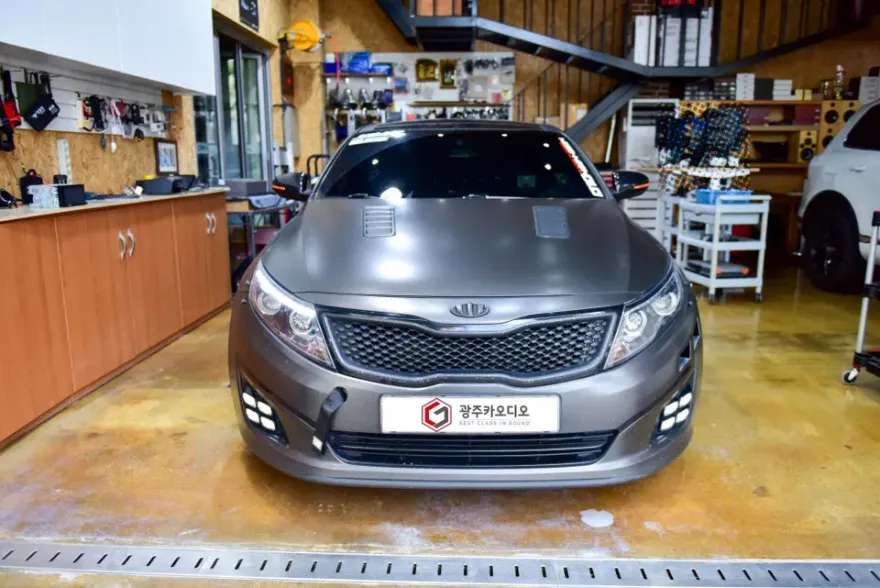
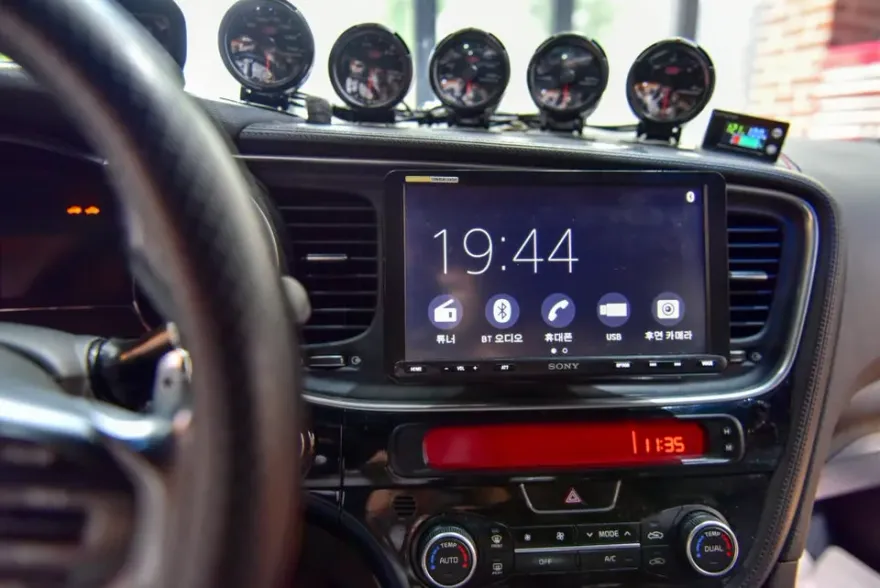
Kia K5 Android head unit upgrade: Enhances infotainment with a 13-inch screen. Improves navigation and media.
Kia K5 13-Inch Android All-in-One Infotainment Upgrade
This review covers the installation of a CDT Audio A1 13-inch Android All-in-One head unit for the Kia K5. This aftermarket infotainment system offers a significant upgrade over the factory setup, bringing modern features and a much larger display to your driving experience. The goal is to provide a comprehensive look at the process, the results, and whether this upgrade is a worthwhile investment for K5 owners.
Installation Process and Before/After Results
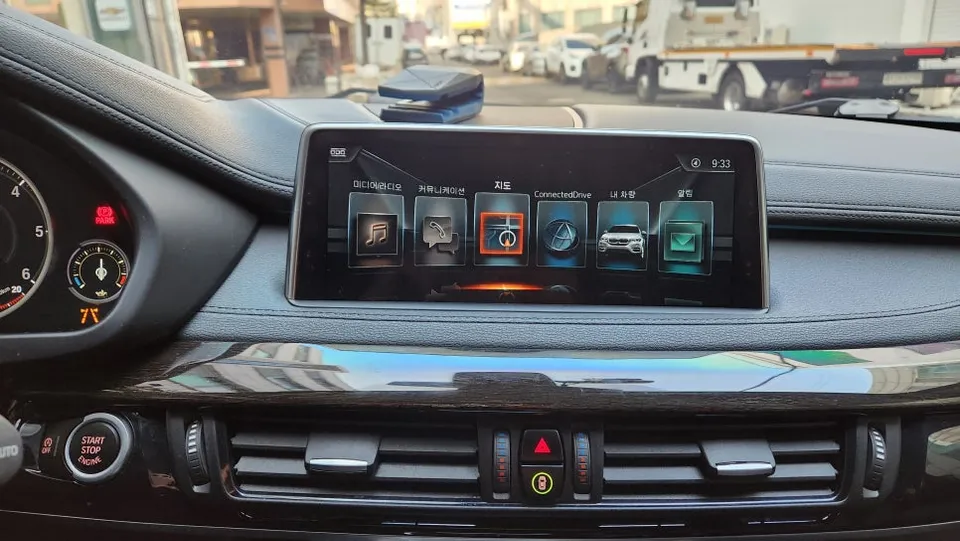
The installation of an Android head unit involves replacing the factory infotainment screen and associated controls with a new, larger unit. This process typically requires careful removal of interior trim panels to access the wiring harness and mounting points. The new unit integrates seamlessly, often featuring a larger touchscreen that provides access to a wide range of applications, navigation, and media playback. The before and after is striking: the original, smaller screen is replaced by a vibrant, expansive display that modernizes the entire dashboard. This upgrade enhances usability with features like built-in navigation apps, streaming services, and improved connectivity options, making it a significant step up from the stock system.
Durability, Maintenance, and Decision Making
Android head units, like the CDT Audio A1, are designed for durability, using robust components to withstand daily use in a vehicle environment. Maintenance is generally minimal, often involving software updates to ensure optimal performance and security. Keeping the screen clean with a microfiber cloth is usually sufficient. When considering this upgrade, potential buyers should weigh the benefits of enhanced functionality and a modern aesthetic against the cost and the installation process. For drivers who frequently use navigation, streaming music, or desire a more connected car experience, an Android head unit can significantly improve daily commutes and longer journeys. The decision often comes down to prioritizing a more advanced and visually appealing infotainment system over the original factory setup.
Installation Process:
- Carefully remove dashboard trim panels surrounding the factory head unit.
- Disconnect the factory wiring harness and any other components.
- Connect the new Android head unit's wiring harness, ensuring all connections are secure.
- Mount the new 13-inch head unit into the dashboard opening.
- Reassemble trim panels and test all functions of the new system.

Frequently Asked Questions
Q. How much does Android head unit or CarPlay installation cost for a Kia K5?
The installation cost for this specific Android head unit in Korea was approximately ₩790,000 (around $600 USD at the time of review). Prices for similar CarPlay or Android Auto retrofits in the US can range from $500 to $1500 depending on the unit and complexity.
Q. How long does Android head unit installation take on a Kia K5?
The installation of an Android head unit typically takes between 2 to 4 hours. For long-term durability, ensure the unit is securely mounted and all connections are properly insulated to prevent electrical issues.
Q. Is a CarPlay or Android Auto retrofit worth it for a Kia K5?
A CarPlay or Android Auto retrofit is highly worth it for Kia K5 owners who prioritize a modern, feature-rich infotainment experience with seamless smartphone integration. It significantly enhances daily driving by providing easy access to navigation, music, and communication apps on a larger, more responsive screen.
Q. How is an Android head unit installed in a Kia K5?
Installation involves removing the factory dashboard trim, disconnecting the original head unit, and connecting the new Android unit's wiring harness. The new unit is then securely mounted into the dashboard, and the trim panels are reassembled.
Q. What is the difference between an Android head unit and a factory infotainment system for a Kia K5?
The primary difference is screen size and functionality; Android head units offer much larger, high-resolution displays and access to a vast ecosystem of apps, unlike the more limited, proprietary systems found in factory setups. For enhanced connectivity and a modern user interface, an Android head unit is a superior choice.
OhCar Partner Shop