Volkswagen Golf 7th Gen CarPlay Retrofit Review — Cost
Service Price
$40–80
Estimated price · Actual price may vary by shop
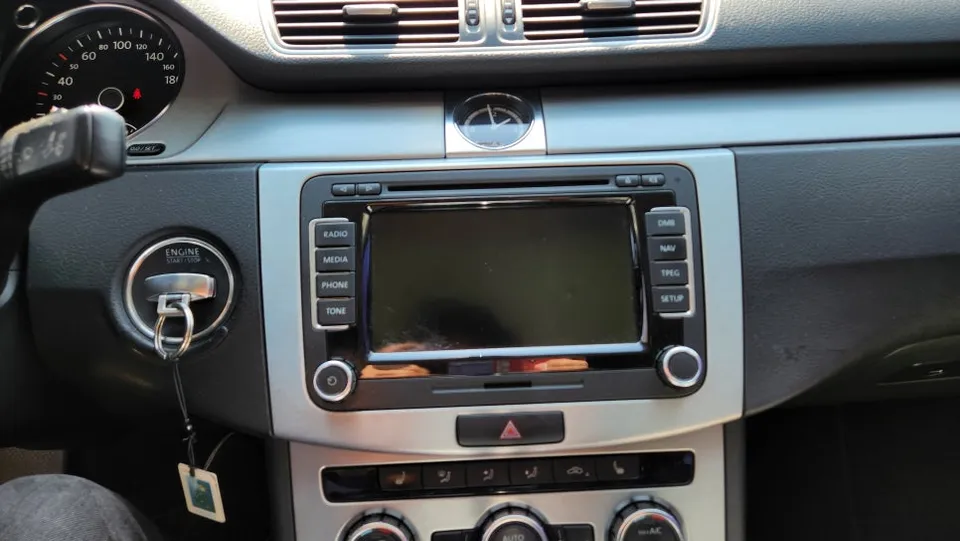
Before
After
Process photos
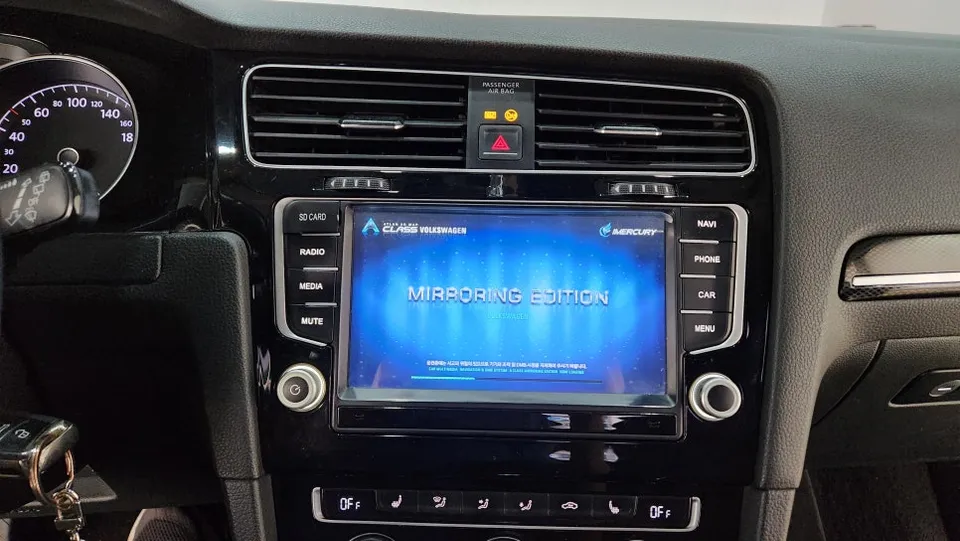
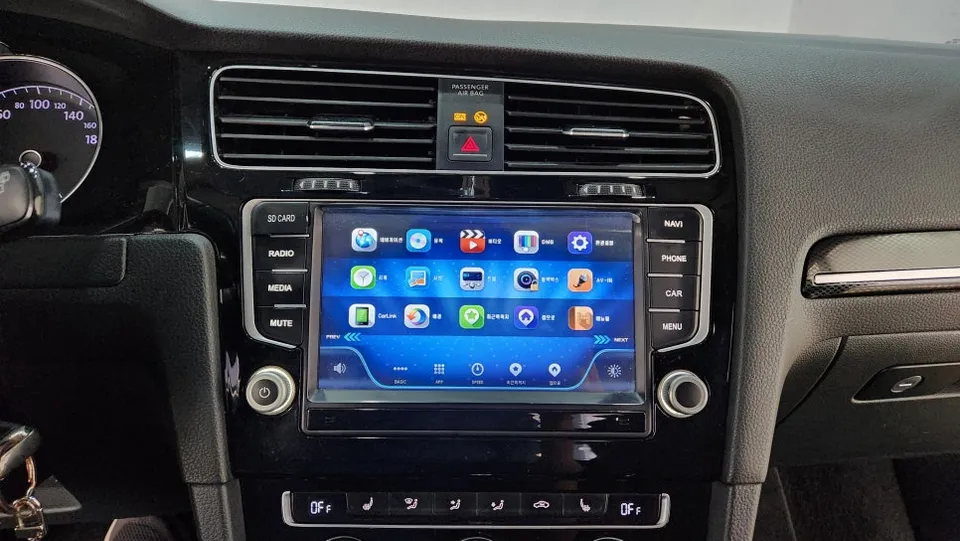
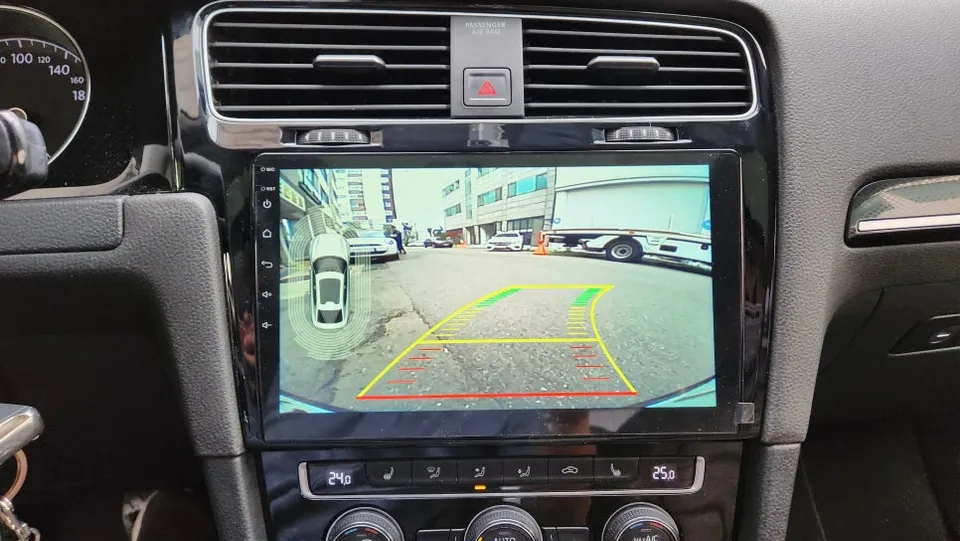
VW Golf 7th Gen Android head unit upgrade: ~$40-80. Replaces dated navigation with a 10-inch touchscreen, app access, and fixed backup camera.
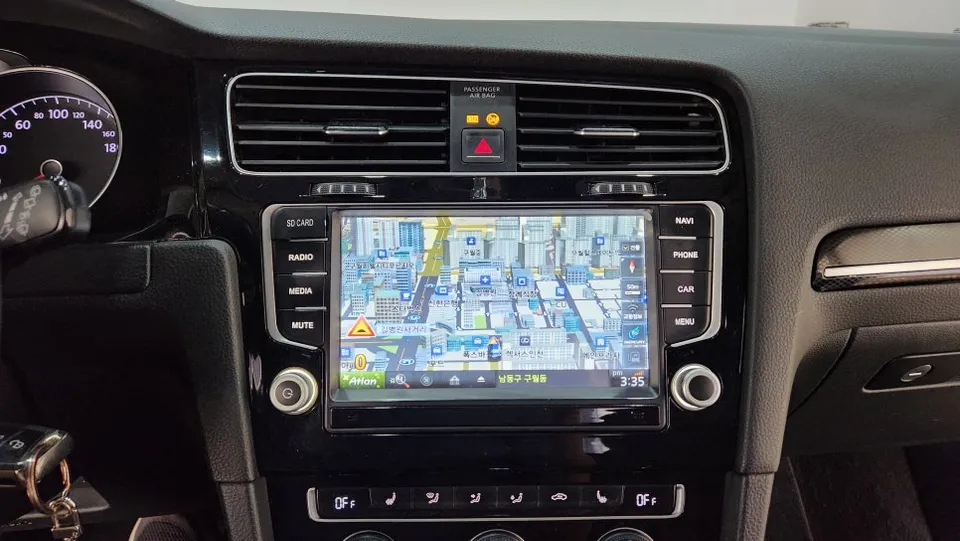
Tired of Your Golf 7th Gen's Stock Navigation? An Android Head Unit Upgrade Awaits
Many Volkswagen Golf 7th Gen owners love their cars for their fuel efficiency and solid build. However, the factory navigation system can start to feel dated, leading to frustrating experiences like system freezes during destination searches or a non-functional backup camera. If you've encountered these issues, an Android head unit retrofit might be the perfect solution. This upgrade transforms your car's infotainment system, bringing it up to par with modern smartphones and offering a much more seamless and enjoyable driving experience. While the original 8-inch navigation was cutting-edge for its time, the current trend is towards versatile Android all-in-one units that unlock a world of apps and features.
The primary reason for considering this upgrade is the limitations of the original system. Dedicated navigation units that integrate with the stock monitor are convenient but lack the flexibility for software updates and accessing the latest applications. Issues with the backup camera, in particular, can be difficult to diagnose – is it the camera itself or the navigation unit? An Android all-in-one unit addresses these pain points directly, offering a comprehensive solution.
Seamless 10-Inch Android All-in-One Installation Process
In a recent installation at a specialist shop in South Korea, a Volkswagen Golf 7th Gen received a new 10-inch Android all-in-one head unit. The process began with the careful removal of the original factory monitor and navigation system. Once the old unit was out, the new Android all-in-one unit was securely fitted into place, followed by meticulous wiring connections. Crucially, the steering wheel controls were integrated, ensuring that drivers can conveniently operate the new system without taking their hands off the wheel.
Installation process:
- Carefully remove the existing factory infotainment screen and navigation unit.
- Connect the wiring harness for the new Android all-in-one unit, ensuring all connections are secure.
- Mount the new 10-inch display into the dashboard, ensuring a flush and integrated fit.
- Test all functions, including audio, navigation apps, and steering wheel controls.
Upon completion, the difference is striking: a large, vibrant 10-inch touchscreen replaces the smaller factory display. This particular unit, a 'Kainone' model, offers extensive app compatibility. By connecting to a smartphone's hotspot or using a separate SIM card for data, owners can access a wide range of applications like Tmap, Kakao Navi, and YouTube directly on their car's screen. It essentially turns your car's dashboard into a powerful tablet.
Unlock Your Infotainment Potential: Apps and Backup Camera Fix
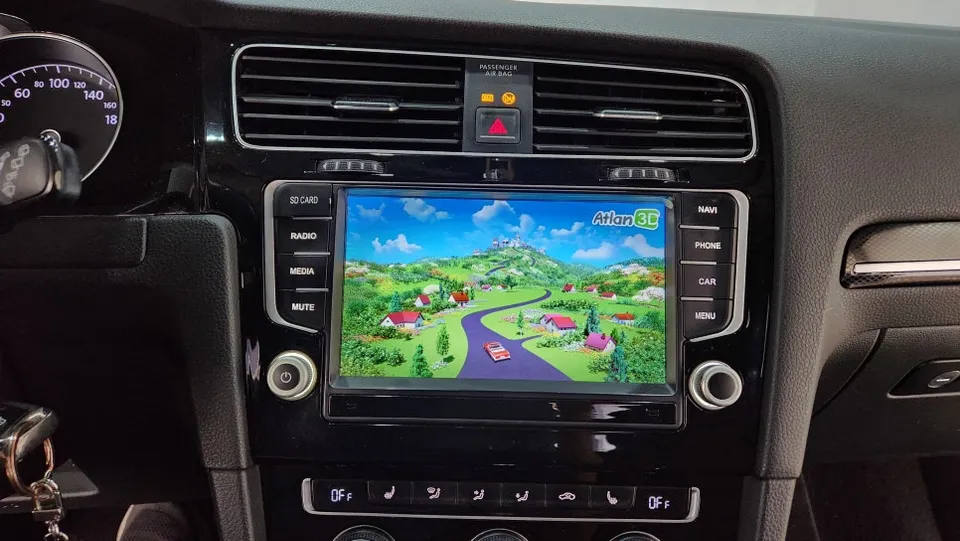
The core appeal of an Android all-in-one unit lies in its app versatility. Logging into the Google Play Store allows you to download and use your preferred navigation apps, such as Tmap, Naver Maps, or Kakao Navi. Entertainment is also on the menu, with the ability to stream YouTube, making long drives or waiting times more enjoyable. Remember, a stable data connection via Wi-Fi hotspot or SIM is essential for optimal performance and app updates. Regular updates are key to maintaining the best user experience.
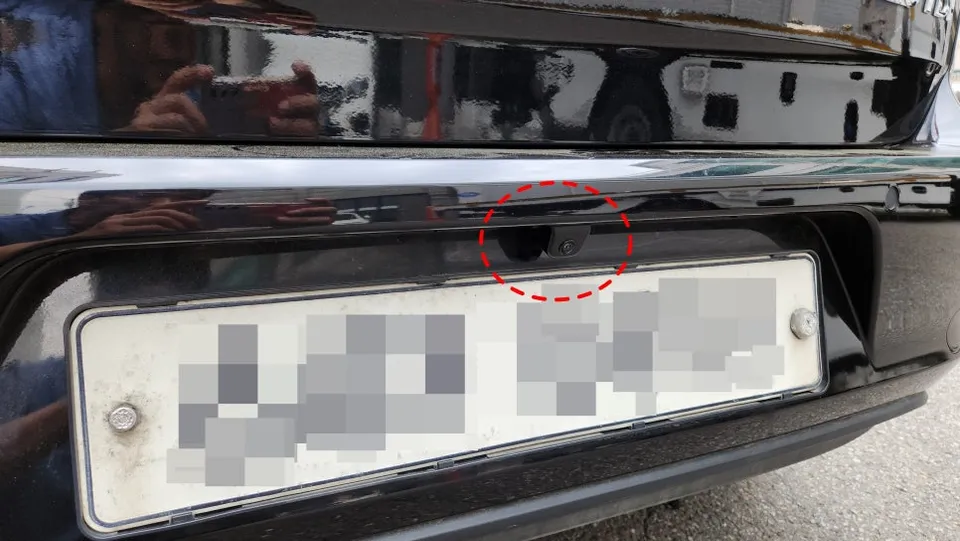
This upgrade also resolved a persistent issue with the original backup camera. Previously, the camera feed was unreliable, causing significant inconvenience. Upon inspection, it was found that the camera itself had failed. The installation included replacing it with a new backup camera, resulting in a clear and stable view of the area behind the vehicle. The final result is a modern, fully functional infotainment system that significantly enhances the driving experience in the Volkswagen Golf 7th Gen.
Frequently Asked Questions
Q. How much does Android head unit or CarPlay installation cost for a Volkswagen Golf 7th Gen?
The estimated cost for an Android head unit or CarPlay retrofit for a Volkswagen Golf 7th Gen is typically between $40-$80 in the US. This price range covers the unit itself and basic installation labor.
Q. How long does Android head unit installation take on a Volkswagen Golf 7th Gen?
Android head unit installations generally take a few hours to complete, depending on the complexity of the vehicle's wiring and any additional features being integrated. Proper maintenance involves keeping the system's software updated and ensuring the data connection is stable.
Q. Is a CarPlay or Android Auto retrofit worth it for a Volkswagen Golf 7th Gen?
A CarPlay or Android Auto retrofit is highly recommended for Golf 7th Gen owners seeking modern smartphone integration and access to a wider range of apps. It significantly enhances the infotainment experience, making it feel more current and user-friendly.
Q. How is an Android head unit installed in a Volkswagen Golf 7th Gen?
Installation involves carefully removing the original factory head unit, connecting the new Android unit's wiring harness, mounting the new display, and integrating steering wheel controls. Finally, all functions are tested to ensure proper operation.
Q. What is the difference between an Android head unit and a factory infotainment system for a Volkswagen Golf 7th Gen?
An Android head unit offers significantly more flexibility, allowing access to the Google Play Store for various apps like navigation and streaming services, unlike the limited functionality of the factory infotainment system. For most users, the enhanced features and modern interface of an Android unit make it a worthwhile upgrade.
OhCar Partner Shop