Kia K7 Dash Cam Installation Review: Clear Footage
Service Price
$under $40
Estimated price · Actual price may vary by shop
Before

After
Process photos
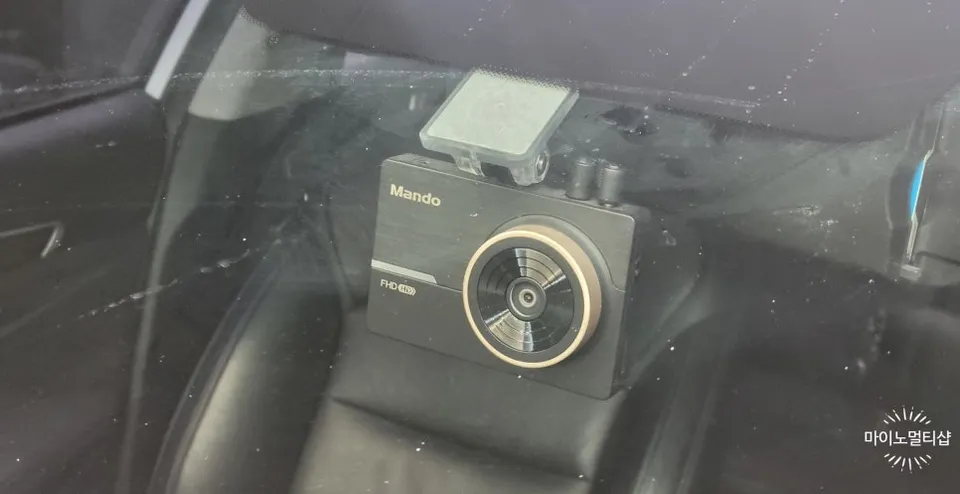
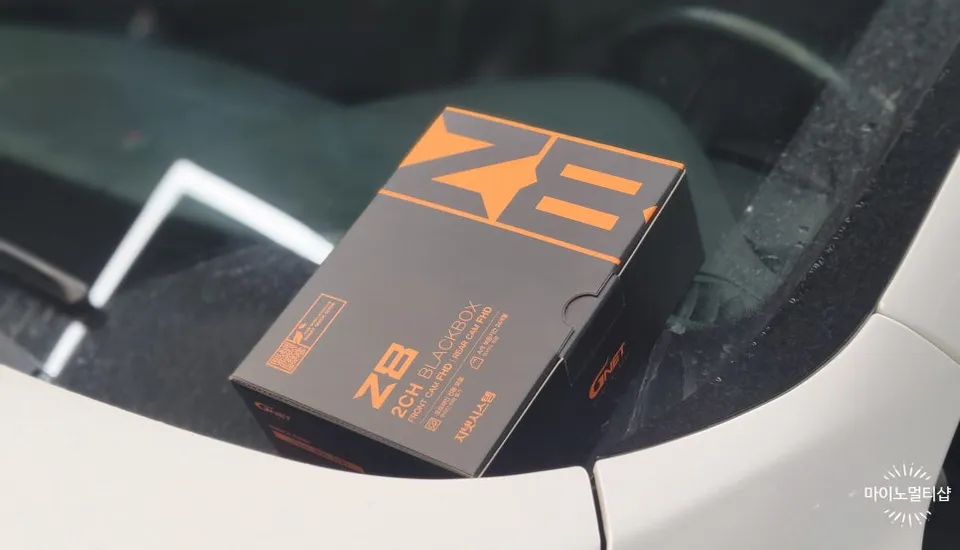
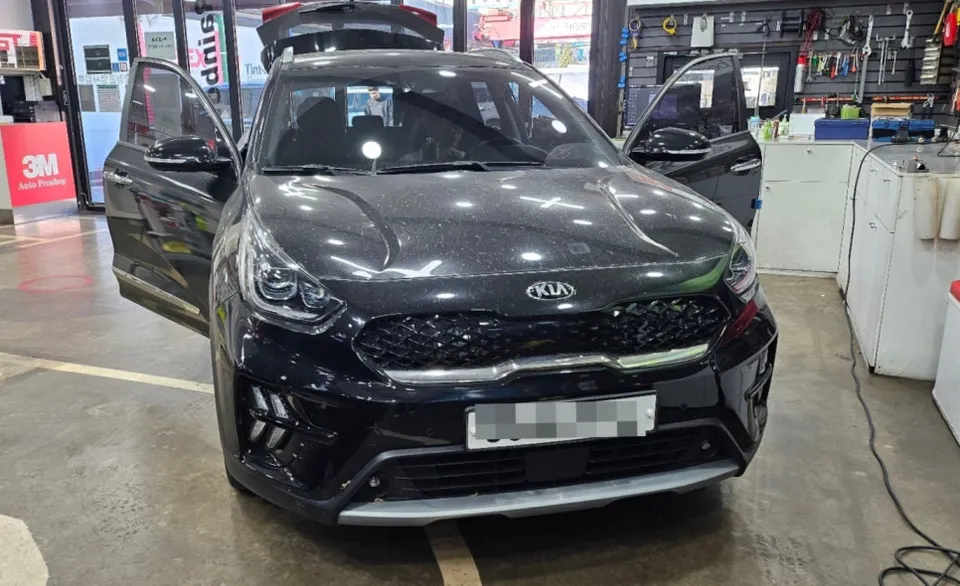
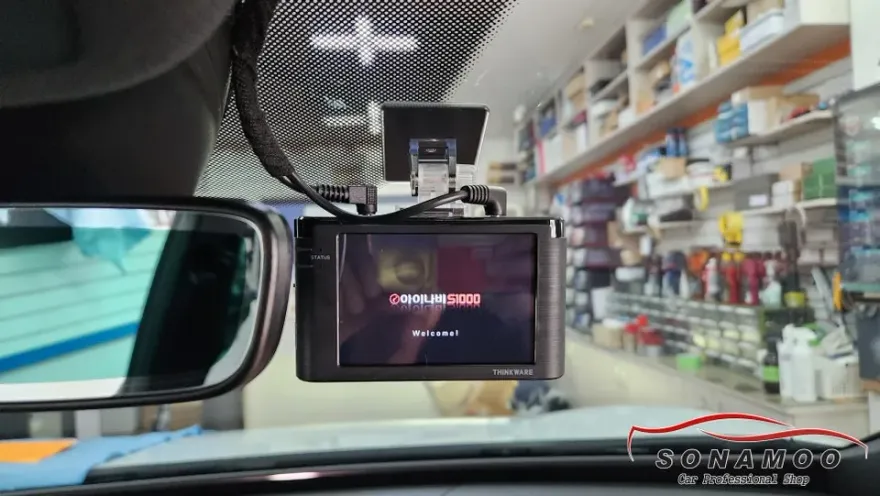
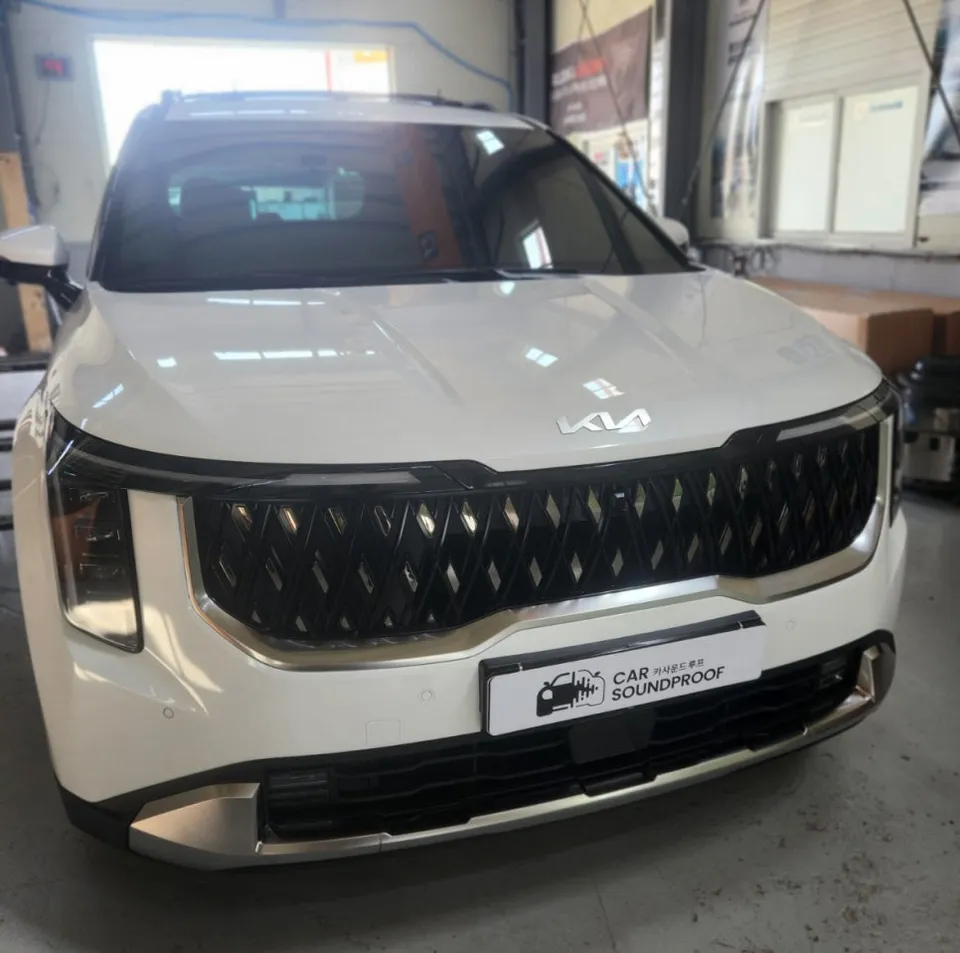
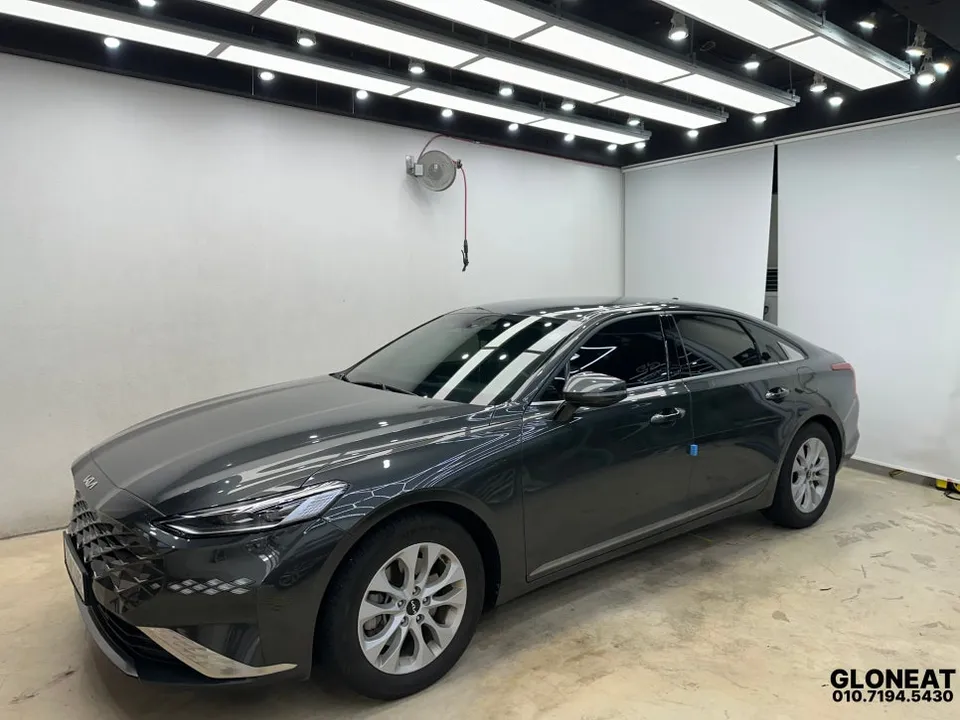
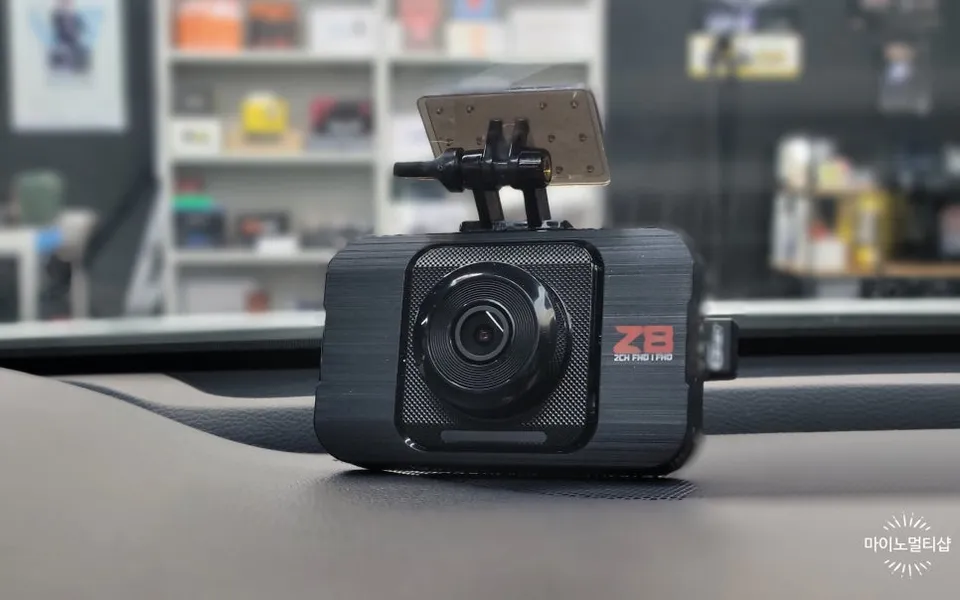
Kia K7 dash cam installation: GNET Z8 FHD front/rear for ~₩200,000. Professional hardwiring ensures durability and safety.
Why You Need a Dash Cam for Your Kia K7
In today's driving environment, a dash cam has become an essential piece of equipment for any vehicle owner, including those driving a Kia K7. It serves as a crucial witness, providing vital evidence in the event of an accident. While 1-channel systems are available, many K7 owners opt for 2-channel or even 3-channel setups to capture comprehensive footage from both the front and rear. This is especially important for drivers who log significant mileage or frequently undertake long journeys. However, simply choosing the cheapest option can lead to disappointment with poor video quality or frequent malfunctions, potentially requiring costly reinstallation. The key is to find a balance between cost-effective pricing and reliable performance, ensuring you get clear, dependable recordings.
GNET System Z8: A Closer Look
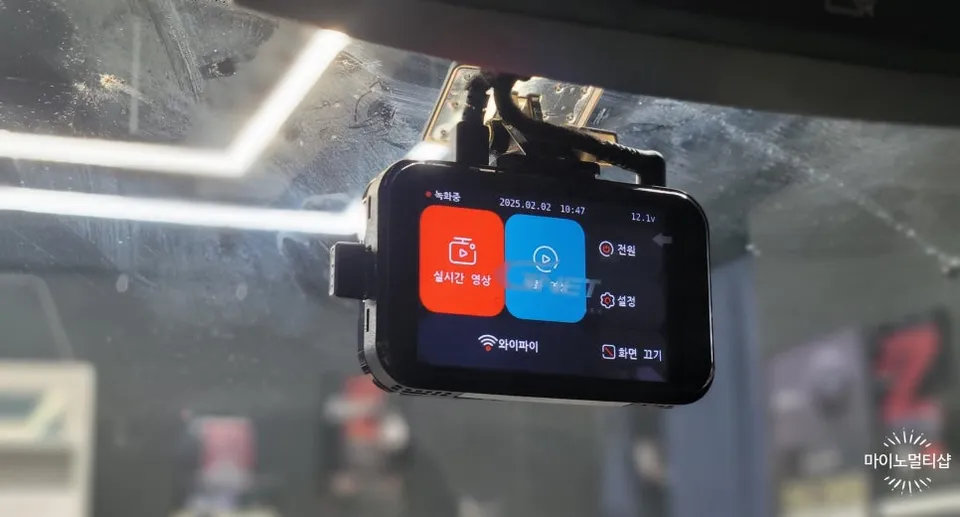
The GNET System Z8 offers a compelling solution for Kia K7 owners seeking robust dash cam functionality. It records in crisp Full HD (1920x1080) resolution for both the front and rear cameras, ensuring that details are captured clearly. The package includes a 32GB SD card for ample storage, with the option to expand to 64GB or 128GB. A standout feature is the included Wi-Fi dongle, which allows seamless integration with your smartphone via the GNET app. This enables easy real-time viewing, settings adjustments, and video downloads. The Z8 also boasts Night Vision for clear recordings in low-light conditions and a Low-Voltage Cut-off (LBP) feature to protect your car's battery during parking mode. For extended parking surveillance, it includes a Time Lapse function, capturing more footage in the same storage space. Adding an optional GPS module unlocks Advanced Driver Assistance Systems (ADAS) features like front departure alerts, forward collision warnings, and lane departure warnings, further enhancing driving safety.
Professional Dash Cam Installation Process
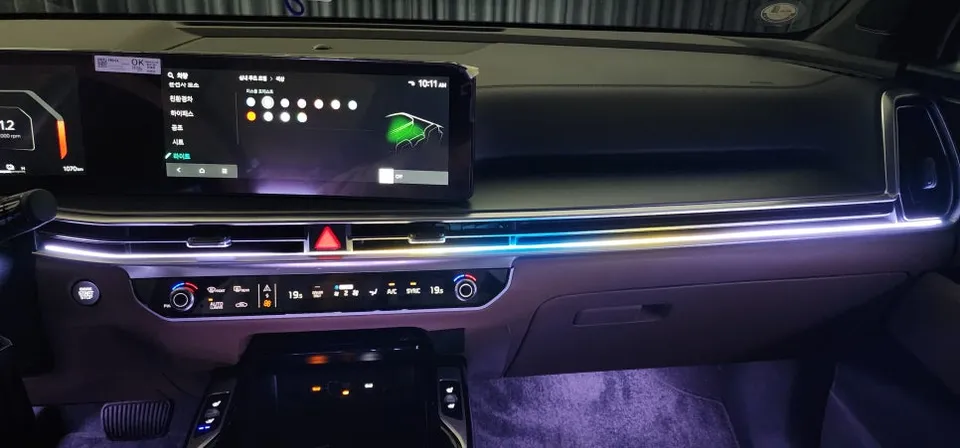
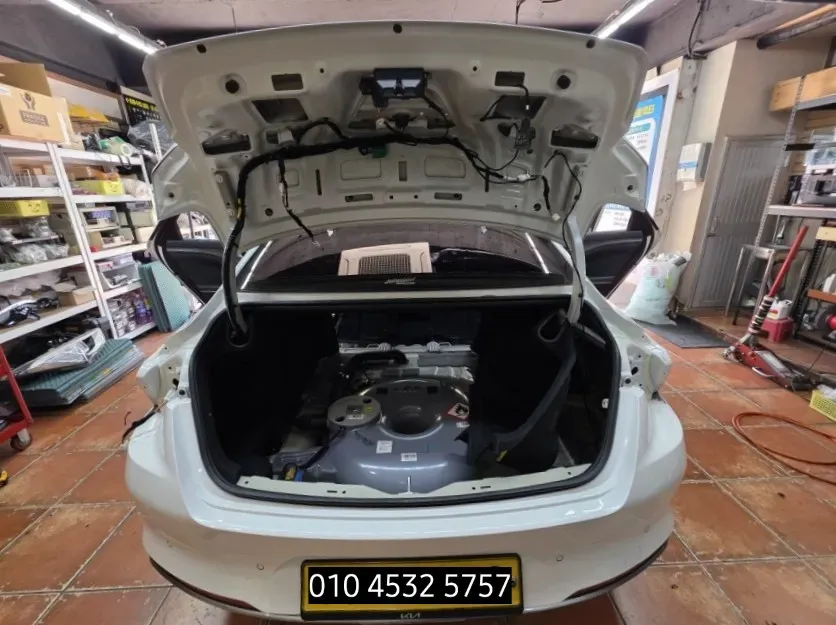
The installation of a dash cam, particularly a front and rear setup like the GNET Z8 for a Kia K7, is critical for both performance and safety. Professional installation ensures that the device is securely mounted, properly wired, and integrated seamlessly with your vehicle's electrical system. This process typically involves careful routing of cables to avoid interference with other components, such as airbags. Using high-quality materials, like the German TESSA brand sound-absorbing tape mentioned in the original context, helps to prevent rattles and vibrations from the wiring harness. The installer will carefully remove trim panels, such as the A-pillar, to route the wires along the factory paths, ensuring a clean and discreet look. This meticulous approach not only enhances durability but also guarantees that the dash cam functions optimally and safely, without compromising vehicle safety features. The estimated cost for this professional installation in Korea was in the 200,000 KRW range, which is approximately under $200 USD, including the 32GB SD card and FHD front/rear cameras.
Frequently Asked Questions
Q. How much does dashcam installation cost for a Kia K7?
Professional installation for a Kia K7 with a GNET Z8 front and rear dash cam setup in Korea costs around 200,000 KRW (under $200 USD). Typical professional installation costs in the US can range from $100 to $300 depending on the complexity and location.
Q. How long does dashcam installation take on a Kia K7?
Professional dash cam installation on a Kia K7 typically takes 1-3 hours, ensuring all wiring is neatly concealed and functional. Proper maintenance involves periodically checking the SD card for errors and cleaning the camera lens for optimal recording clarity.
Q. Is a hardwired dashcam worth it over a self-install for a Kia K7?
A hardwired dashcam is worth it for Kia K7 owners seeking reliable parking mode functionality and a cleaner installation without dangling wires. Professional hardwiring ensures the system is safely integrated and won't interfere with vehicle electronics or safety features.
Q. How is a dashcam professionally installed on a Kia K7?
Professional installation involves: 1. Carefully routing wiring along the vehicle's interior, often using factory pathways. 2. Securing cables with sound-absorbing tape to prevent rattles and ensure a clean look. 3. Connecting the dash cam to the vehicle's power source, often via the fuse box for parking mode functionality, while ensuring safety systems like airbags are not obstructed.
Q. What is the difference between a 1-channel and 2-channel dashcam for a Kia K7?
A 1-channel dash cam records only the front view, while a 2-channel dash cam records both front and rear views. For comprehensive protection, a 2-channel dash cam is recommended for a Kia K7 to capture incidents from multiple angles.
OhCar Partner Shop