Kia Porter 2 Dash Cam Installation Review
Before

After
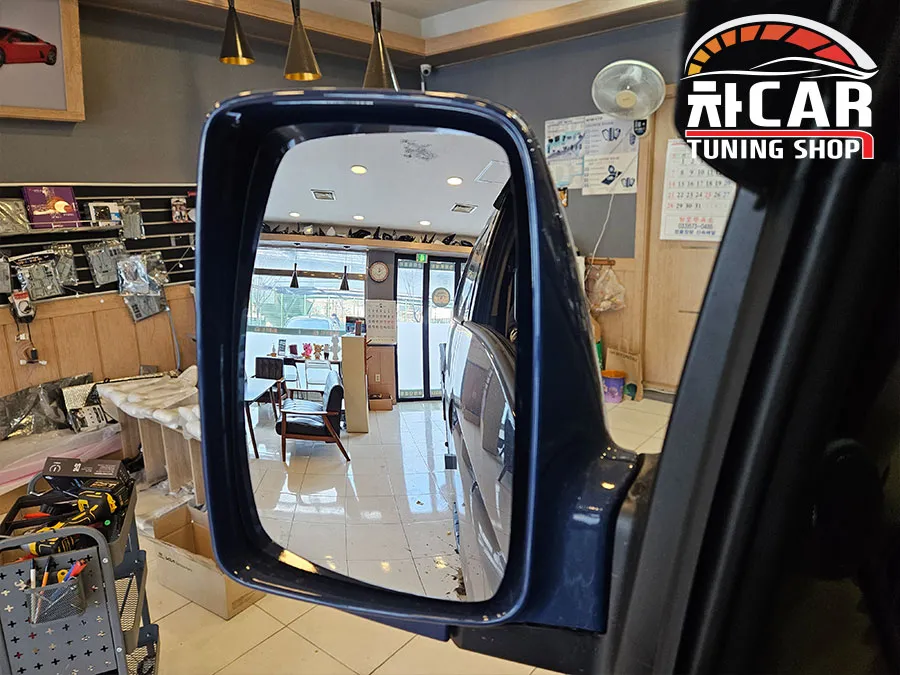
Process photos
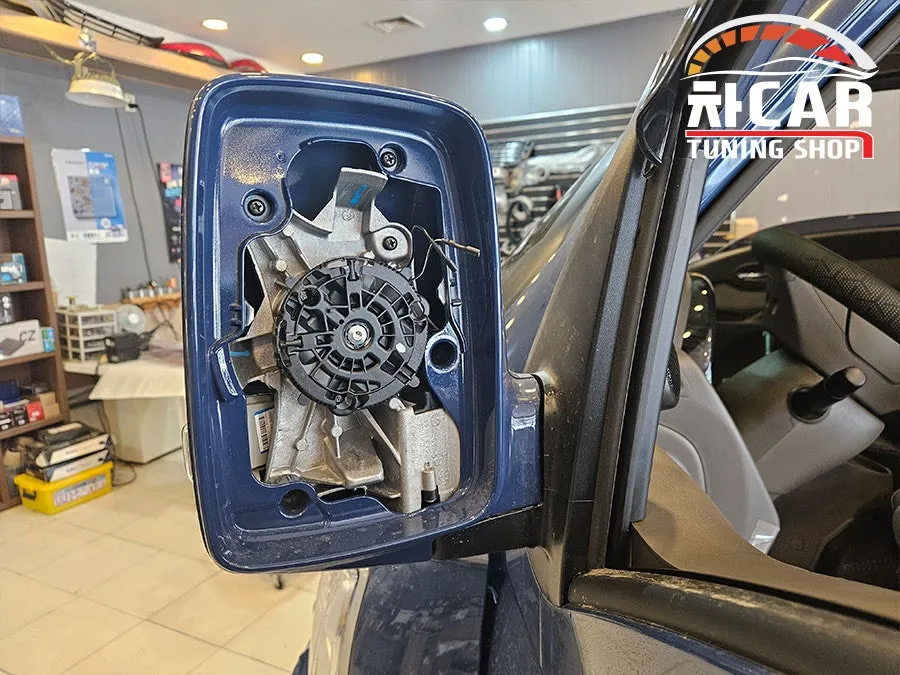

Dash cam installation on Kia Porter 2: Professional service for enhanced safety and evidence. Clear footage guaranteed.
Professional Dash Cam Installation for Your Kia Porter 2
Enhance the safety and security of your Kia Porter 2 with a professional dash cam installation. This review covers the process, benefits, and notable features of adding a dash cam to your commercial vehicle. We focus on providing clear, reliable footage for accident reconstruction, insurance claims, and deterring vandalism. The installation ensures optimal placement and wiring for seamless operation.
Installation Process and Notable Features
The installation process for a dash cam in a Kia Porter 2 is straightforward yet requires precision to ensure longevity and optimal performance. Our service includes careful routing of wires to maintain a clean interior aesthetic and prevent interference with vehicle functions. We ensure the dash cam is securely mounted to withstand vibrations and varying road conditions. Key features often include wide-angle lenses for comprehensive coverage, high-definition recording, and sometimes parking mode capabilities that monitor your vehicle even when it's turned off.
Installation process:
- Vehicle Preparation: Thoroughly clean the windshield and surrounding areas where the dash cam and its wiring will be installed.
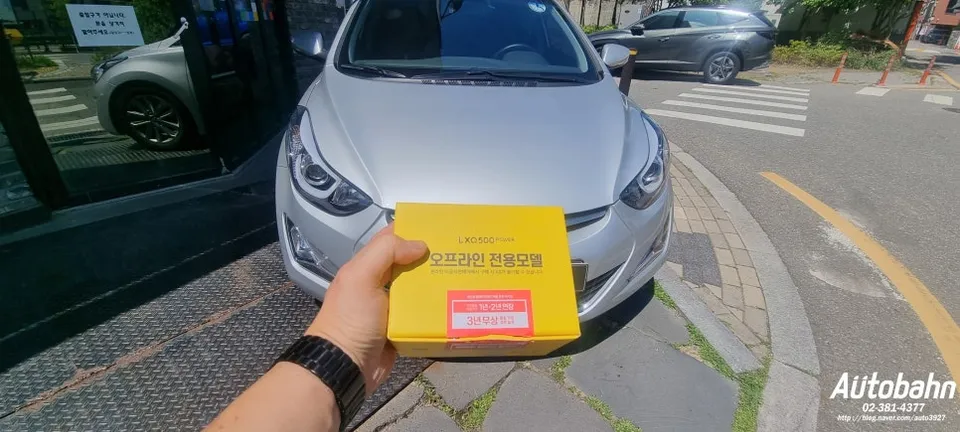
- Mounting the Dash Cam: Securely attach the dash cam unit to the windshield using the provided adhesive mount, ensuring it has a clear view of the road ahead.
- Wire Routing: Carefully route the power cable from the dash cam to the vehicle's power source (e.g., cigarette lighter or fuse box), concealing it behind trim panels for a tidy finish.
- Connecting Power: Connect the power cable to the vehicle's electrical system, ensuring a stable power supply. For parking mode, this often involves hardwiring into the fuse box.
- Testing: Power on the vehicle and the dash cam to confirm it is recording correctly and all functions are operational.
The result is a discreetly installed dash cam that provides peace of mind. The wide-angle lens captures a broad view, and the high-resolution recording ensures clear identification of license plates and other crucial details. For the Kia Porter 2, a reliable dash cam is an essential upgrade for any driver who values safety and protection on the road.
Frequently Asked Questions
Q. How much does dash cam installation cost for a Kia Porter 2?
Professional dash cam installation for a Kia Porter 2 typically ranges from ₩100,000 to ₩200,000 in Korea. In the US, similar professional installations can cost between $100 and $250.
Q. How long does dash cam installation take on a Kia Porter 2?
Dash cam installation on a Kia Porter 2 usually takes about 1 to 2 hours to complete. Regular maintenance involves checking the lens for cleanliness and ensuring the recording is functioning daily.
Q. Is a hardwired dash cam worth it over a self-install for a Kia Porter 2?
A hardwired dash cam is worth it for Kia Porter 2 owners who want continuous recording, including parking mode, without draining the car battery. Professional hardwiring ensures a clean installation and proper power management, offering greater reliability and peace of mind.
Q. How is a dash cam professionally installed on a Kia Porter 2?
Professional installation involves securely mounting the dash cam to the windshield, carefully routing and concealing the power cable behind interior trim, and connecting it to the vehicle's power source, often via the fuse box for continuous power. Finally, the system is tested to ensure it's recording correctly.
Q. What is the difference between a 1-channel and 2-channel dash cam for a Kia Porter 2?
A 1-channel dash cam records only the front view, while a 2-channel dash cam records both the front and rear views simultaneously. For comprehensive protection, a 2-channel dash cam is recommended for the Kia Porter 2 to capture incidents from multiple angles.