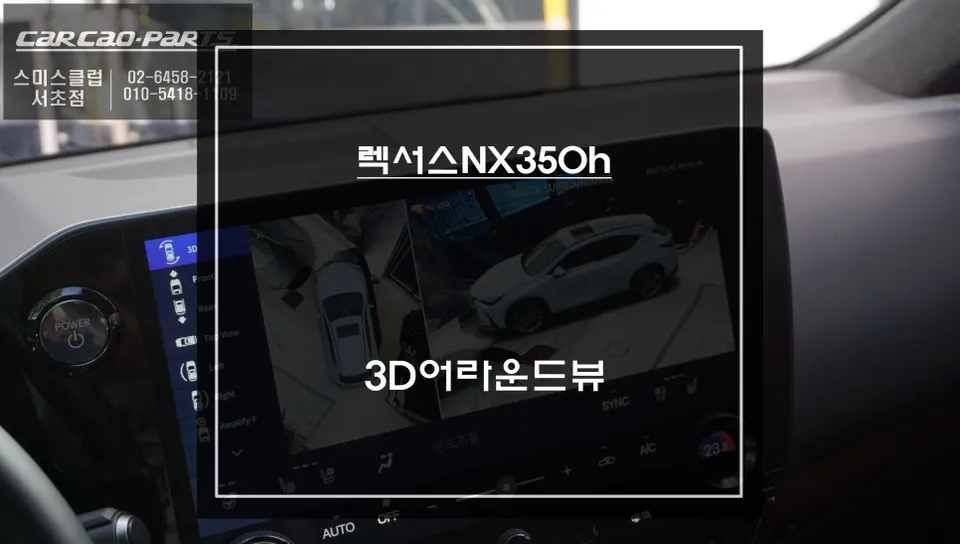
Lexus NX300h CarPlay Installation Review — $800–1200
Service Price
$115–150
Estimated price · Actual price may vary by shop
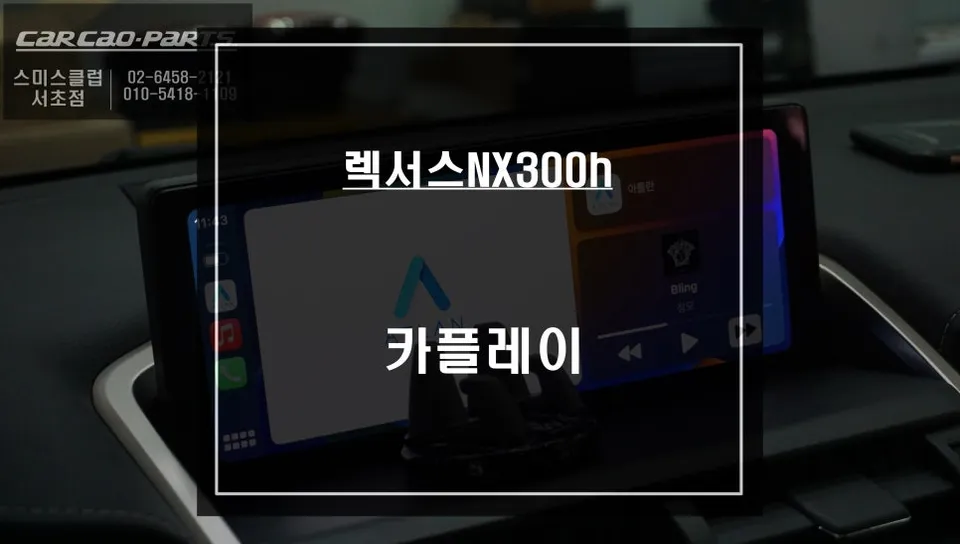
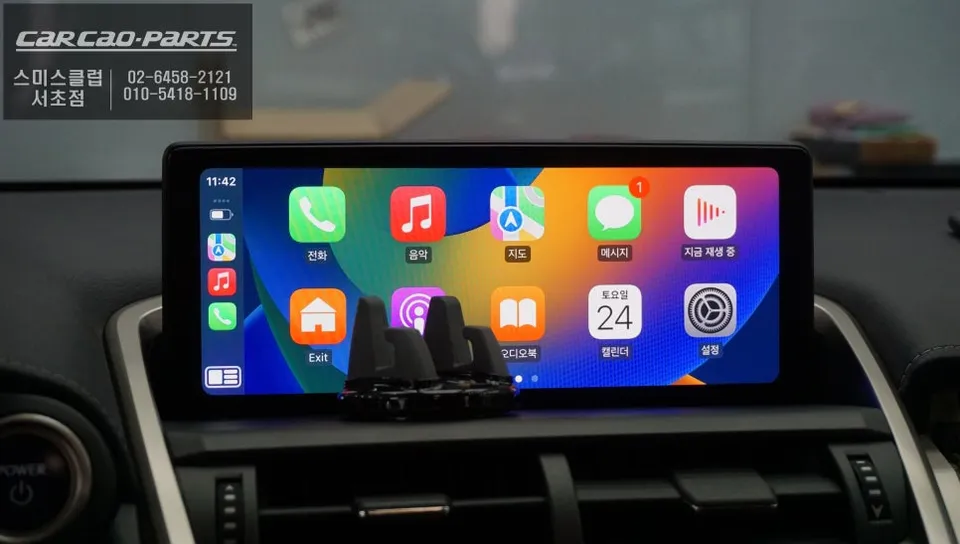
CarPlay installation on Lexus NX300h: $800–1200. Factory monitor preserved; dual CarPlay/Android Auto support via dashboard button toggle.
Upgrade Your Lexus NX300h with Seamless CarPlay and Android Auto
Purchasing a Lexus NX300h is a significant investment, and discovering it lacks the modern convenience of Apple CarPlay or Android Auto can be a letdown. In today's connected world, smartphone integration is no longer a luxury but a necessity for a truly enjoyable driving experience. Fortunately, the absence of native CarPlay or Android Auto doesn't mean you have to miss out. Aftermarket CarPlay modules offer a sophisticated solution, allowing you to bring these essential features to your existing infotainment system without compromising your vehicle's original setup. This review details a recent CarPlay installation on a Lexus NX300h, showcasing the transformation and benefits.
Preserving Your Lexus's Original System with Enhanced Functionality
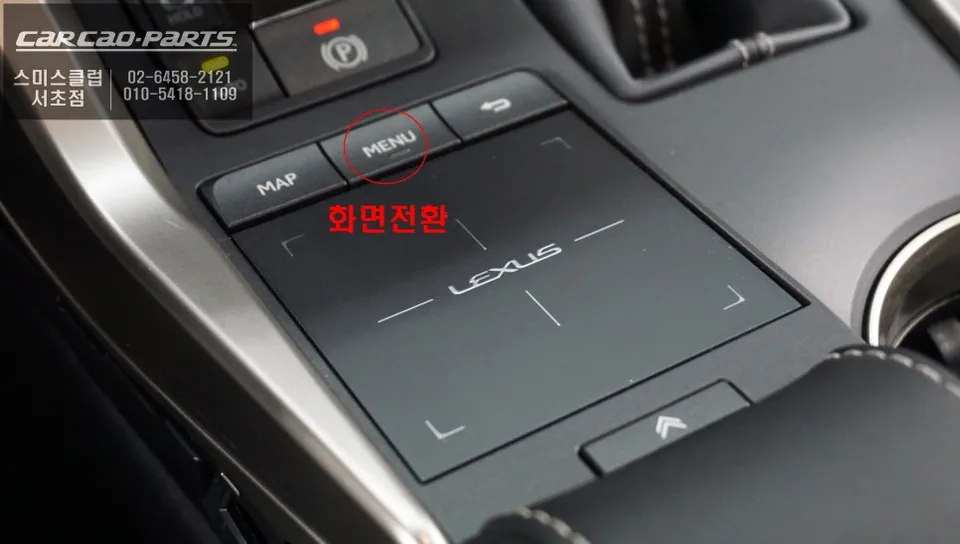
A key advantage of this CarPlay installation for the Lexus NX300h is its non-invasive nature. The process utilizes a "plug-and-play" (direct connection) method, meaning no original wiring is cut or altered. Your car's factory monitor remains intact; the new module simply integrates with it. The magic happens with a simple press of the MENU button on your dashboard. Holding it for two seconds seamlessly switches the display from your car's native interface to the CarPlay or Android Auto screen. Another press reverts it back to the original system, functioning much like an intuitive remote control for your display.
Installation Process:
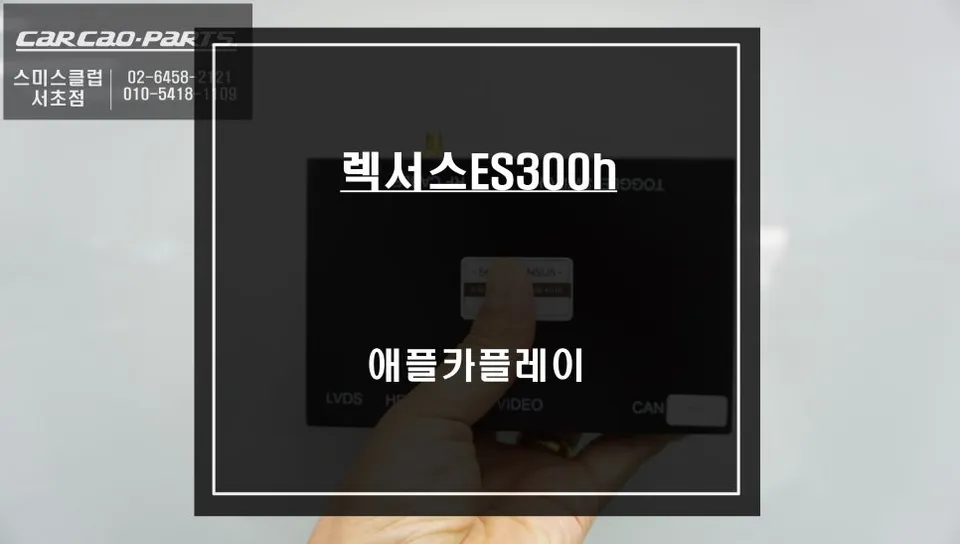
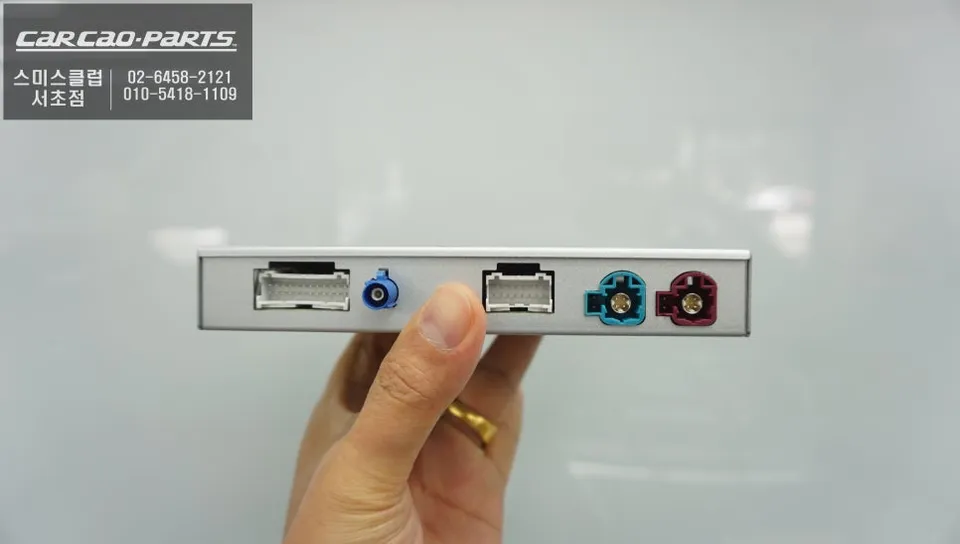
- The specialized CarPlay module designed specifically for the Lexus NX300h is connected using the vehicle's existing wiring harness via plug-and-play connectors.
- The module is discreetly housed within the dashboard, ensuring a clean and factory-like appearance.
- The system is configured to activate CarPlay/Android Auto by pressing and holding the 'MENU' button on the dashboard for two seconds.
- Testing is performed to ensure seamless switching between the native Lexus interface and the smartphone mirroring system.
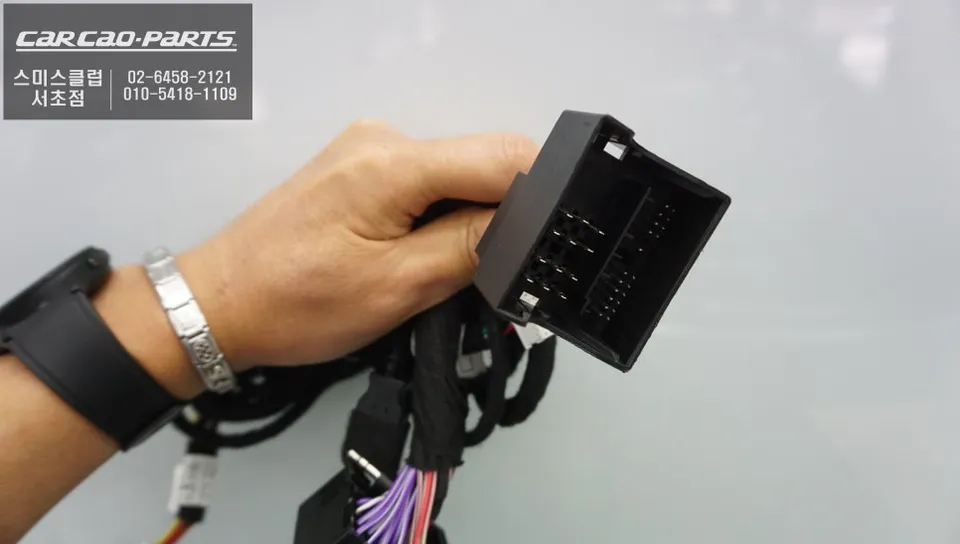
Apple CarPlay vs. Android Auto: Your Connected Driving Choice
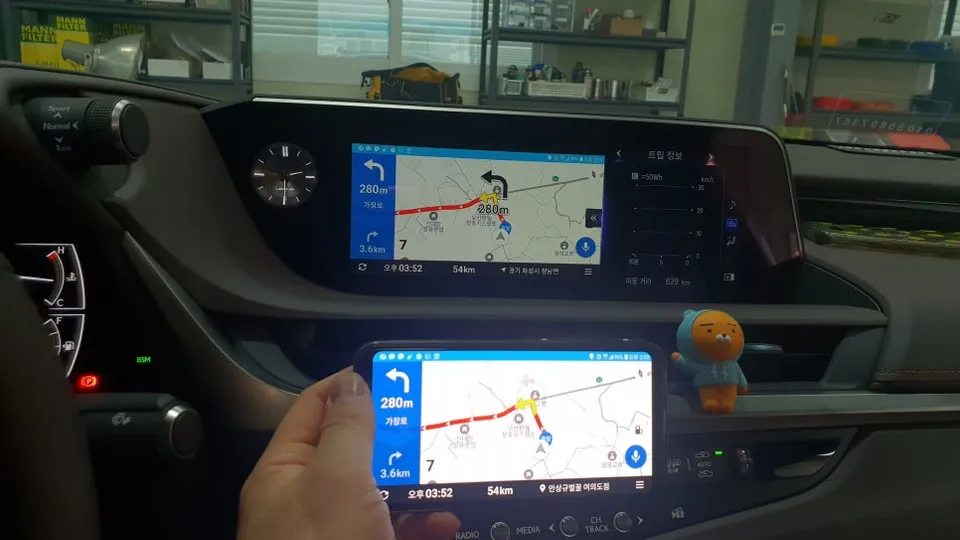
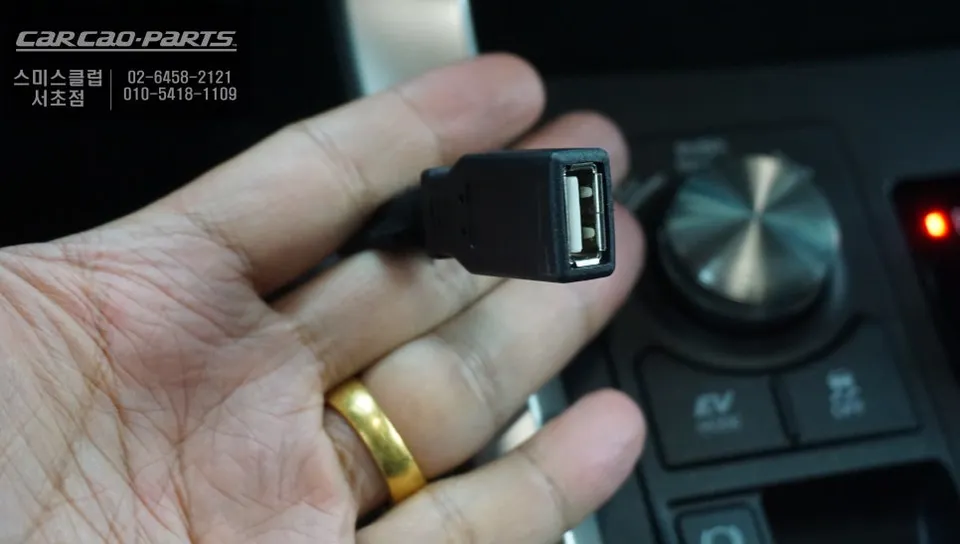
Once installed, the module supports both Apple CarPlay and Android Auto, catering to both iPhone and Android users. Simply connect your smartphone via USB, and its interface will be mirrored onto your car's display. Apple CarPlay leverages the stable iOS ecosystem, offering intuitive control through Siri for navigation, calls, and messages. Android Auto, powered by Google Assistant, provides similar voice-controlled functionality and benefits from the vast array of Android applications. While both systems mirror your phone's screen, it's important to remember that for safety reasons, certain apps may be restricted while driving. The focus remains on essential functions like navigation and audio playback.
Navigate Smarter with TMAP and KakaoMap on Your NX300h
The true power of CarPlay and Android Auto lies in their ability to bring real-time, traffic-aware navigation to your dashboard. Unlike built-in navigation systems that often have outdated maps, services like TMAP and KakaoMap provide up-to-the-minute routing based on current traffic conditions. This is particularly invaluable in bustling urban environments where traffic patterns can change rapidly. TMAP, for instance, integrates with police traffic data to predict signal wait times, while KakaoMap offers more comprehensive parking information. Many owners choose to have both installed, allowing them to select the best navigation app for their specific needs at any given moment.
Effortless Control: Voice Commands and Native Touchpad
One of the most appreciated aspects of the upgraded system is the ease of voice control. By switching your car's audio to AUX mode, you can issue commands like "Navigate to..." or "Launch TMAP" directly to your connected smartphone. The steering wheel's voice command button also activates this feature. Crucially, you can control the CarPlay or Android Auto interface using your Lexus's original touchpad. There's no need to learn a new control scheme; functions like skipping tracks, answering calls, and initiating voice input are all managed through the familiar factory interface, minimizing driver distraction and maximizing convenience.
Frequently Asked Questions
Q. How much does CarPlay installation cost for a Lexus NX300h?
Aftermarket CarPlay modules for the NX300h typically cost $800–1200 installed, including labor and vehicle-specific wiring harness. Prices vary by shop location and whether wireless CarPlay capability is included.
Q. How long does a CarPlay module last on a Lexus NX300h?
Quality aftermarket CarPlay modules are designed to last 5–7+ years with no moving parts or heat-sensitive components. Maintain clean connections and avoid exposing the module to extreme temperatures inside the dash.
Q. Is CarPlay installation worth it for a Lexus NX300h?
Yes, if your NX300h lacks factory CarPlay and you rely on smartphone navigation (Apple Maps, Google Maps, Waze) and hands-free calling. The retrofit preserves your factory touchscreen while adding modern connectivity without permanent modification.
Q. Can you switch between CarPlay and the factory system on a Lexus NX300h?
Yes, pressing the MENU button for 2 seconds toggles between CarPlay and the factory navigation display. This allows you to use both systems depending on your preference without any permanent changes to original wiring.
Q. Does Lexus NX300h CarPlay support wireless connection?
Standard wired USB connection comes with most modules; wireless CarPlay requires a premium module upgrade costing an additional $200–400. Wireless capability provides more convenience but wired connections are more stable for navigation.
Q. What's the difference between CarPlay and Android Auto on the NX300h?
CarPlay integrates iPhone, Siri voice control, and Apple apps (Maps, Apple Music); Android Auto connects Android phones and Google Assistant with Google Maps and Play Music. A single aftermarket module typically supports both simultaneously for multi-user households.
Kakao Parts