Lexus NX300h CarPlay Installation — Wireless Setup Review
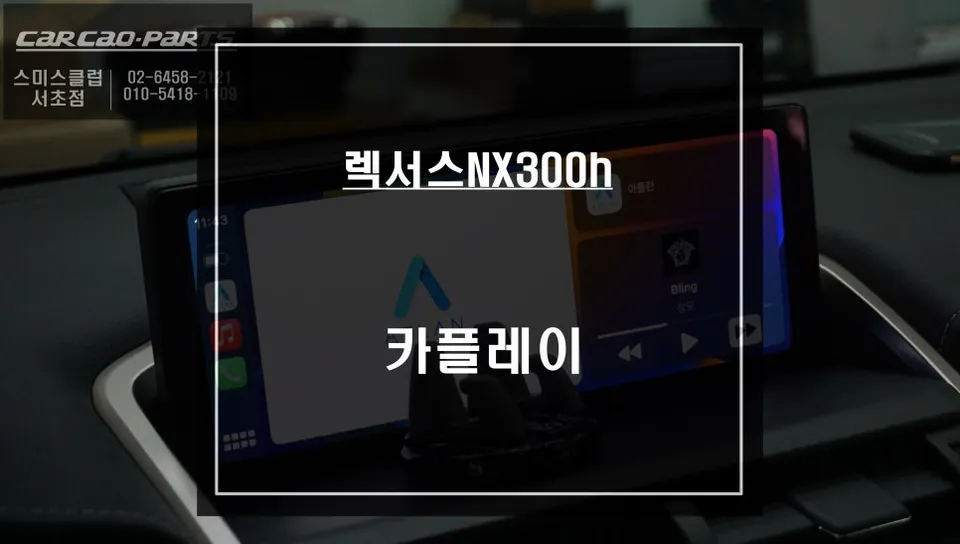
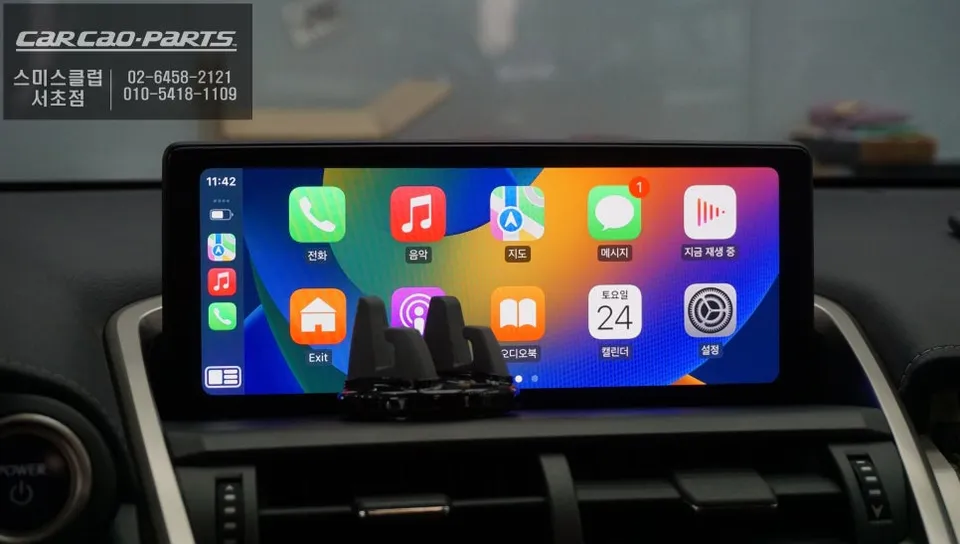
CarPlay installation on Lexus NX300h: reversible retrofit adds smartphone mirroring. Factory monitor now supports third-party navigation apps.
Upgrade Your Lexus NX300h: Seamless CarPlay and Android Auto Installation
When I first got my Lexus NX300h, I was thrilled with its luxury and comfort. However, one glaring omission quickly became apparent: the lack of native Apple CarPlay and Android Auto. In today's connected world, relying solely on the built-in navigation and audio systems feels outdated. Manually operating my smartphone for navigation or music playback while driving was not only inconvenient but also a safety concern. The inability to leverage the car's large infotainment screen for familiar apps like T Map or Kakao Map was a significant disappointment. This led me to explore aftermarket solutions, specifically a CarPlay module designed for Lexus vehicles.
The solution I opted for is a dedicated CarPlay module that integrates seamlessly with the NX300h's existing infotainment system. This module enables both Apple CarPlay and Android Auto functionality, allowing smartphone mirroring directly onto the car's display. A key advantage is that it's a non-destructive installation. The original head unit and display remain untouched; the module simply interfaces with the existing wiring. Switching between the car's native interface and the CarPlay/Android Auto screen is as simple as pressing and holding the 'MENU' button for two seconds, offering a fully reversible upgrade.
The Transformation: From Basic to Brilliant Infotainment
Before the installation, the Lexus NX300h's dashboard monitor was limited to its factory navigation system. This meant no direct access to popular navigation apps like Google Maps, Waze, T Map, or Kakao Map on the large screen. Using my smartphone for navigation was the only option, which is far from ideal for safe driving. Similarly, controlling music apps like Melon or YouTube Music required direct interaction with the phone, diverting attention from the road. The aftermarket module completely changes this experience, bringing the familiar and intuitive interfaces of smartphone apps to the car's display.
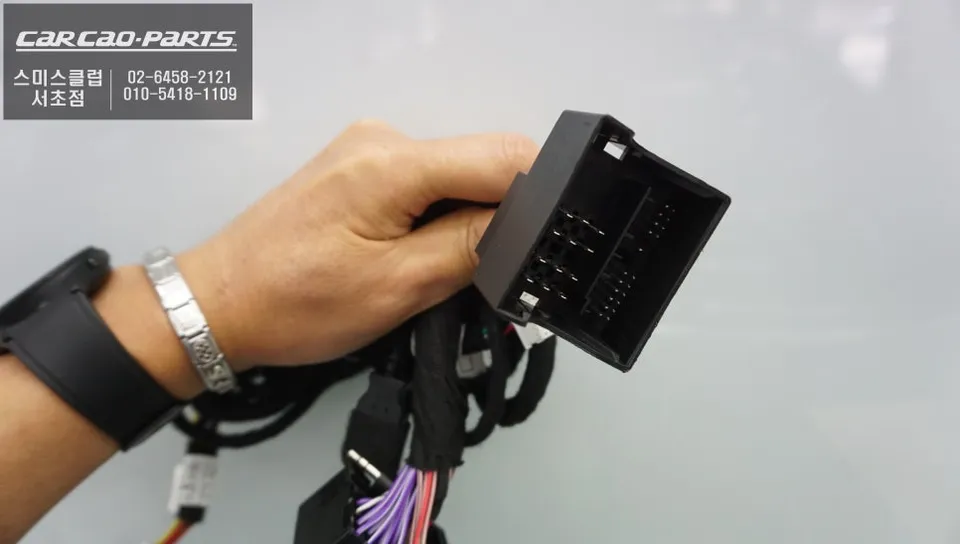
The installation process, performed at 'Today's Car Seocho Branch,' was meticulous. The technicians began by carefully disassembling the lower part of the dashboard, ensuring no damage to the original wiring. This 'jack-by-jack' (cable-by-cable) installation method prioritizes preserving the factory wiring harness, connecting only the necessary components to the new module. They verified the RGB signal lines connected to the car monitor and tested the steering wheel remote signals to ensure full compatibility. This step is crucial, especially with sophisticated systems like the NX300h's, to guarantee perfect integration with the navigation system and touchpad controls.
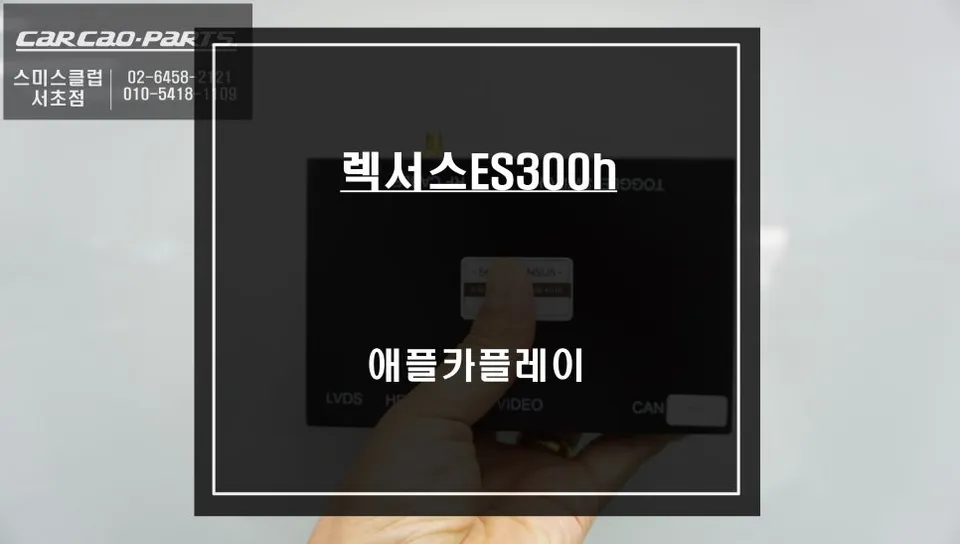
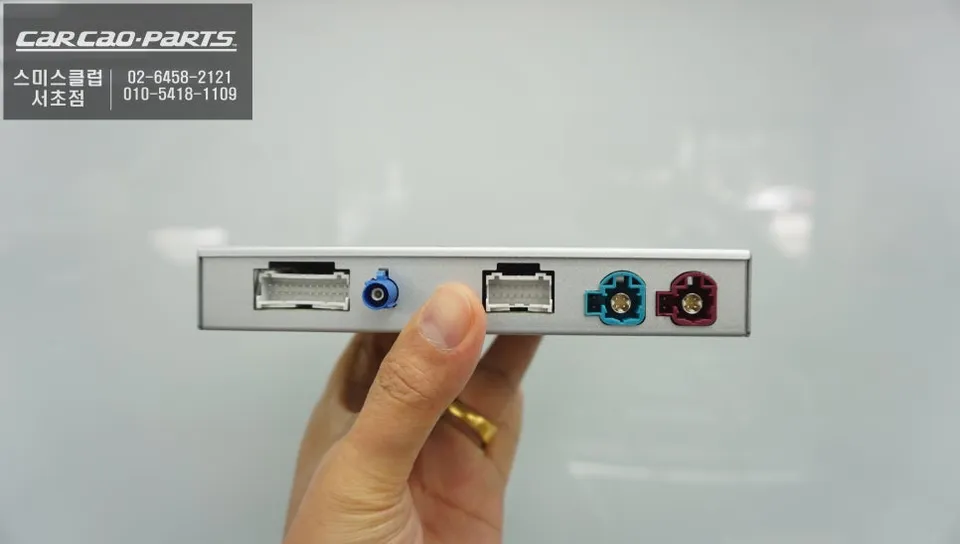
The module itself is compact, roughly the size of an A5 sheet of paper, and was discreetly installed behind the dashboard panels. Power was drawn from the ignition circuit, and a ground connection was made to the chassis, ensuring the module only activates when the car is running, thus preventing battery drain. A new USB port was strategically placed below the air vent on the right side of the dashboard, providing easy access for connecting a smartphone.
Experiencing the New Interface: CarPlay and Android Auto in Action
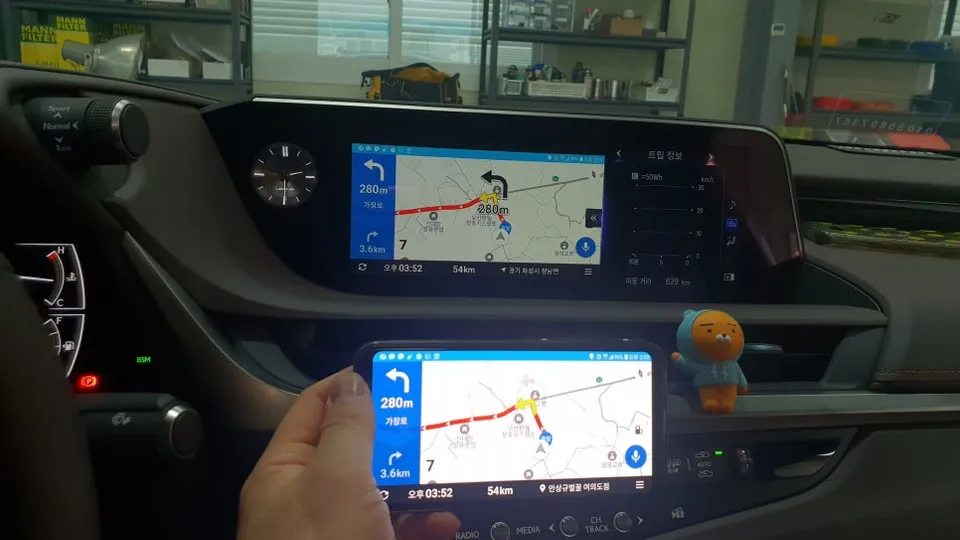
Once the installation is complete, using the new system is incredibly straightforward. Simply plug your smartphone into the newly installed USB port, and the dashboard monitor automatically switches to the CarPlay or Android Auto interface. Control is intuitive, offering two primary methods: voice commands and the car's native controls.
- Voice Commands: Activate your preferred voice assistant (Siri or Google Assistant) by saying "Hey Siri" or "OK Google." You can then dictate destinations, send messages, or control music playback hands-free.
- Touchpad/Steering Wheel Controls: Navigate maps, select destinations, and control media playback using the car's original touchpad or touchscreen interface. The steering wheel remote buttons also function seamlessly, allowing you to adjust volume, skip tracks, or answer calls without taking your hands off the wheel.
The audio output is routed through the car's existing speaker system, providing clear navigation prompts and high-quality music playback. This upgrade has fundamentally enhanced the driving experience in my Lexus NX300h, making it safer, more convenient, and far more enjoyable.
Frequently Asked Questions
Q. How much does CarPlay installation cost for a Lexus NX300h?
Aftermarket CarPlay module pricing for Lexus NX300h typically ranges from $400–$800 USD depending on wireless capability and installation labor. This review does not specify exact pricing but positions it as a cost-effective alternative to factory navigation upgrades.
Q. How long does CarPlay installation last on a Lexus NX300h?
CarPlay modules are hardware-based and designed for vehicle lifespan when properly installed; durability depends on quality of wiring and module brand. Tip: Ensure the installer uses weatherproof connectors and tests both Apple CarPlay and Android Auto before finalizing the job.
Q. Is CarPlay installation worth it for a Lexus NX300h?
Yes, especially for NX300h owners frustrated by lack of native CarPlay support; enables real-time navigation via Tmap, Kakao Maps, and Google Maps on the factory 10-inch display. Best value for drivers who frequently use smartphone navigation apps and want safer, hands-free control while driving.
Q. Can you remove CarPlay and return to factory settings on a Lexus NX300h?
Yes, the module installation is fully reversible; simply press the MENU button for 2 seconds to toggle between CarPlay and OEM navigation without any permanent modifications. No factory components are removed, preserving resale value and warranty protection.
Q. Does wireless CarPlay work on the Lexus NX300h CarPlay module?
Wireless CarPlay capability depends on the specific aftermarket module purchased; some models support both wired and wireless connections while others require USB cable tethering. Verify wireless compatibility before purchase if cable-free operation is a priority.
Kakao Parts