Lincoln Navigator Android Head Unit Upgrade Review
Service Price
$40–80
Estimated price · Actual price may vary by shop
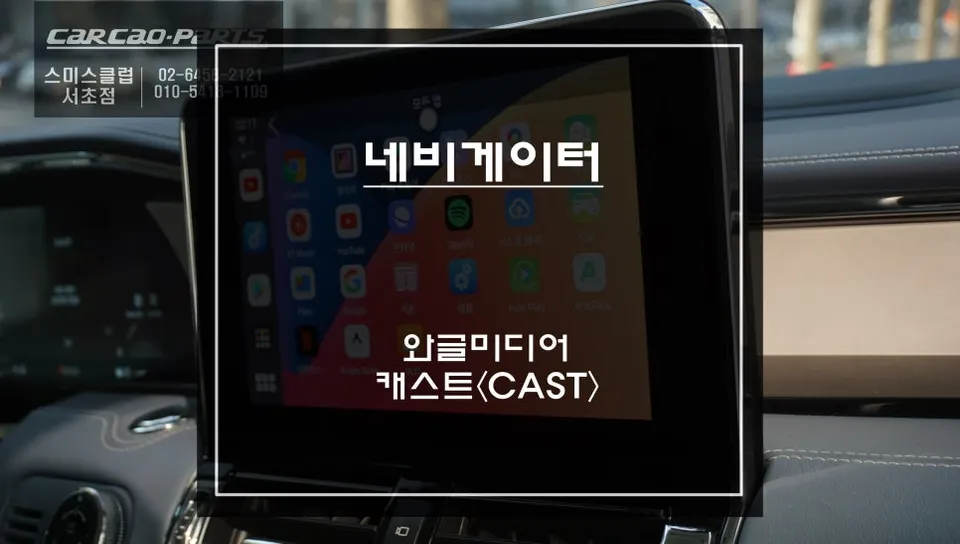
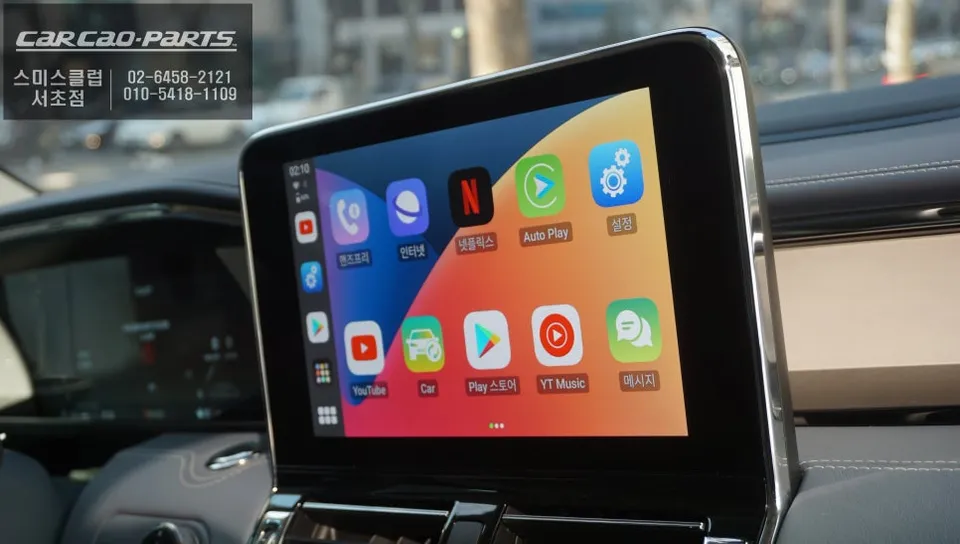
Wagle Media Cast Android Head Unit for Lincoln Navigator: Seamless wireless CarPlay & app integration. Enjoy YouTube, Netflix & more.
Transform Your Lincoln Navigator with the Wagle Media Cast Android Head Unit
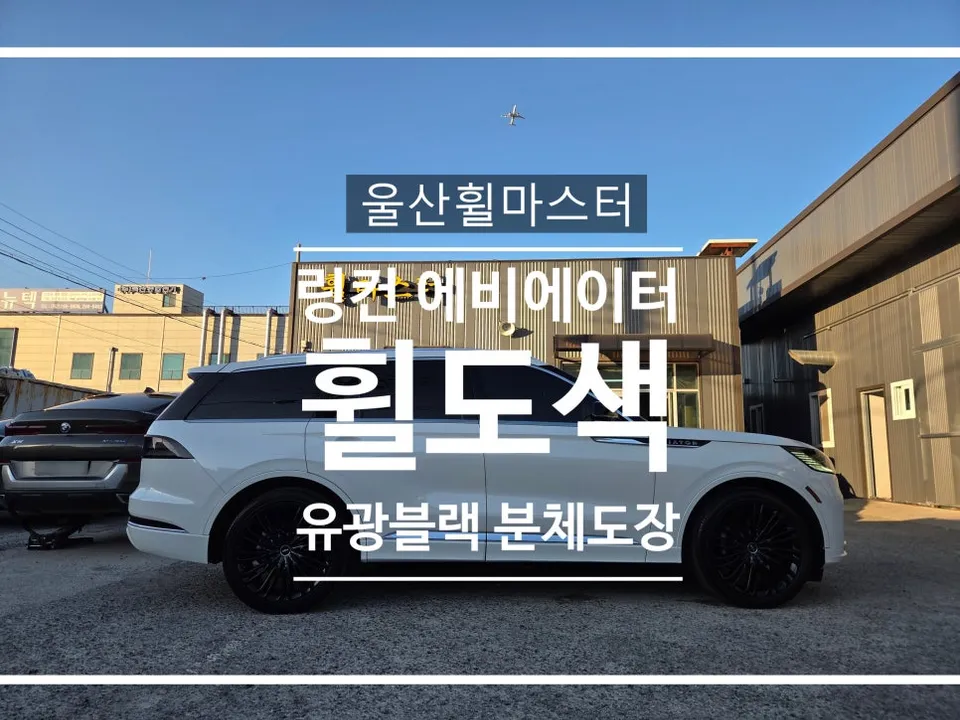
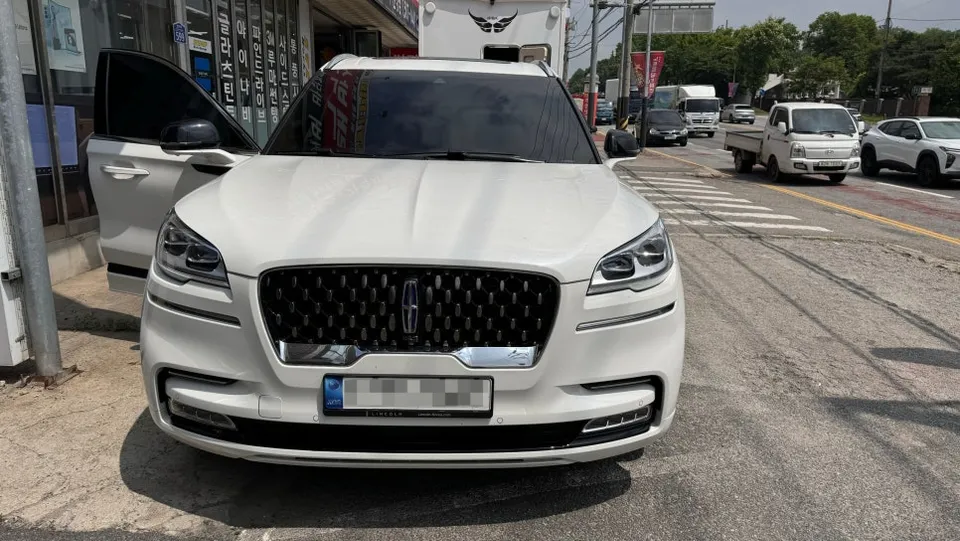
Many owners of premium vehicles like the Lincoln Navigator find themselves wanting more from their infotainment systems, especially when the factory unit doesn't support modern features like Apple CarPlay. This is where aftermarket solutions like the Wagle Media Cast come in, offering a way to bring smartphone-like functionality to your existing display. This review details the installation and performance of the Wagle Media Cast on a Lincoln Navigator, providing a seamless upgrade path for those seeking enhanced connectivity and entertainment.
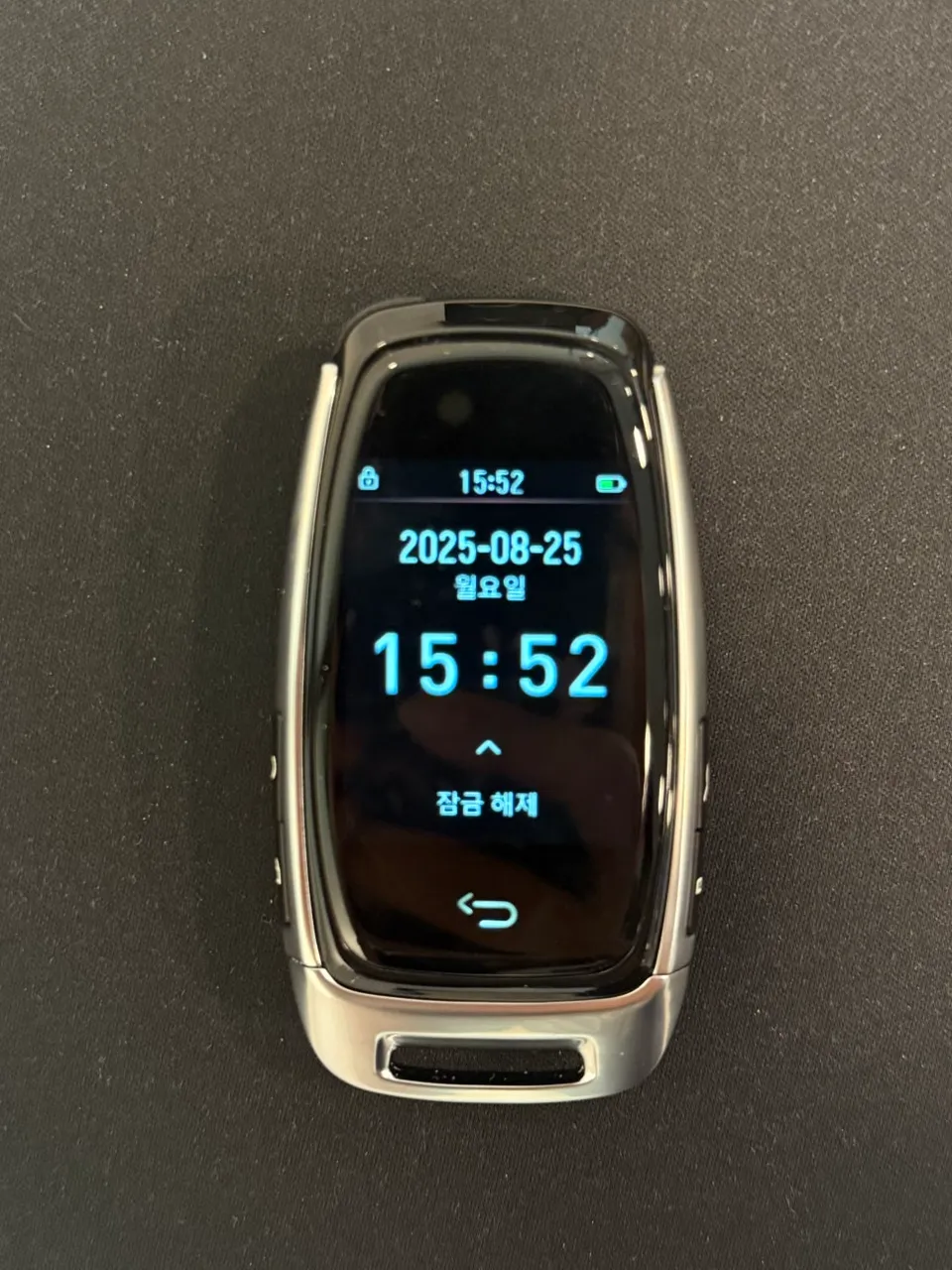
The Wagle Media Cast is designed to bridge the gap for vehicles that lack native CarPlay or Android Auto support. Unlike many generic AI boxes that can be slow or unreliable, the Wagle Media Cast boasts unique features. It includes a built-in 3.5-inch LCD display, battery, and speaker, allowing it to function independently even before connecting to your vehicle. This standalone capability sets it apart, offering a more versatile and user-friendly experience.
Advanced Features and Performance
At its core, the Wagle Media Cast runs on Android 12 and is the only product on the market with official Google GMS (Google Mobile Services) certification. This certification is crucial, ensuring that core Google apps like Netflix, YouTube, and Google Maps function flawlessly. Without GMS certification, many popular apps would be unstable or inaccessible. The device is powered by an octa-core CPU with 4GB of RAM and 64GB of internal storage, providing ample power for smooth multitasking and multimedia playback. You'll notice quick boot times and responsive touch controls, making navigation and app usage a pleasure.
Connectivity is straightforward. The Wagle Media Cast connects via the vehicle's existing USB CarPlay port, requiring no complex wiring or permanent modifications. This plug-and-play approach means it's easily reversible and won't affect your vehicle's warranty or serviceability. A key highlight is its auto-reconnection feature. If the Bluetooth signal momentarily drops, the device automatically reconnects within 0.5 seconds, ensuring an uninterrupted user experience. This stability is partly due to its internal battery, which maintains a connection even during brief power interruptions, unlike devices that rely solely on vehicle power.
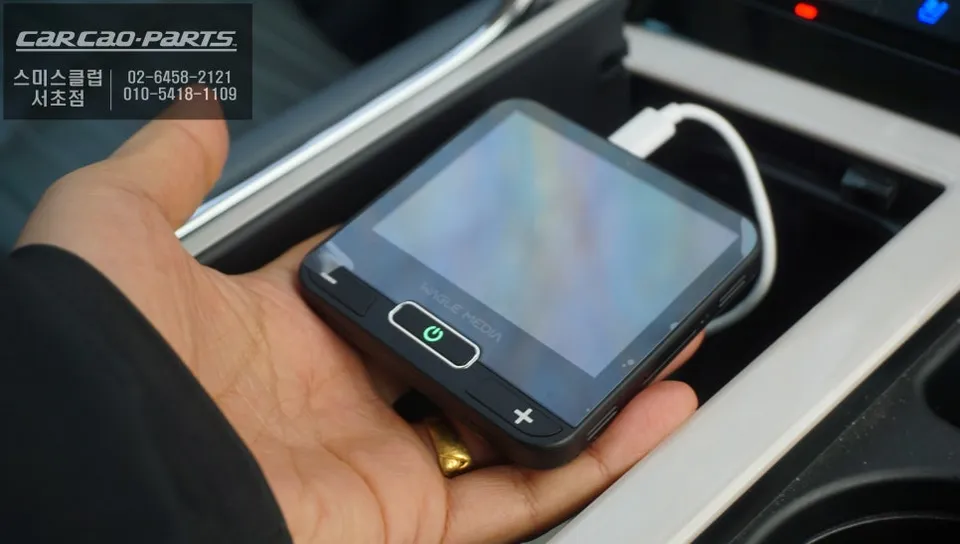
Installation Process:
- Locate the factory USB CarPlay port in your Lincoln Navigator, typically found in the center console area.
- Connect the Wagle Media Cast's USB cable to the vehicle's port. The device will be automatically recognized.
- On your smartphone, go to Bluetooth settings and pair with the Wagle Media Cast.
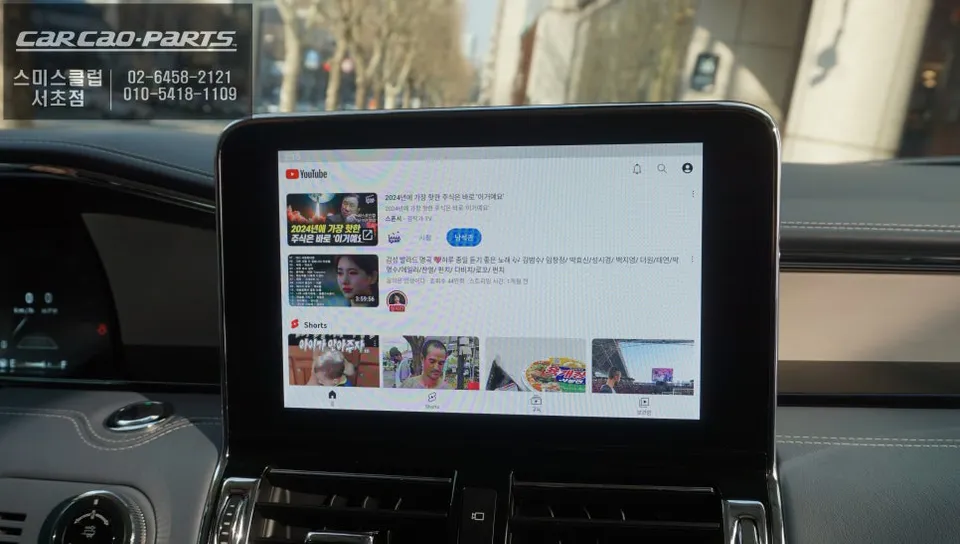
- Once paired, the head unit will display your smartphone's interface, allowing access to apps like YouTube, Netflix, and navigation services directly on your Navigator's screen.
The result is a significantly enhanced infotainment system, bringing modern streaming, navigation, and entertainment options to your Lincoln Navigator without compromising the original aesthetics or functionality of the vehicle.
Frequently Asked Questions
Q. How much does the Wagle Media Cast Android Head Unit cost for a Lincoln Navigator?
The Wagle Media Cast for the Lincoln Navigator is priced at 499,000 Korean Won. In the US, similar AI box solutions typically range from $200 to $500 depending on features and brand.
Q. How long does the Wagle Media Cast installation take for a Lincoln Navigator?
Installation is very quick, usually taking less than 15 minutes as it's a simple plug-and-play process. For long-term performance, ensure the device's firmware is updated periodically via Wi-Fi for optimal stability and new features.
Q. Is the Wagle Media Cast worth it for a Lincoln Navigator?
The Wagle Media Cast is highly recommended for Lincoln Navigator owners who want to add modern smartphone integration like wireless CarPlay and access to streaming apps. It offers a significant value proposition by upgrading the infotainment system without replacing the entire head unit.
Q. How is the Wagle Media Cast installed on a Lincoln Navigator?
1. Connect the device's USB cable to the vehicle's existing CarPlay port. 2. Power on the device and your smartphone. 3. Pair your smartphone via Bluetooth with the Wagle Media Cast. 4. The system will automatically launch, displaying your phone's interface on the car's screen.
Q. What's the difference between Wagle Media Cast and other Android AI boxes for a Lincoln Navigator?
The Wagle Media Cast stands out with its official Google GMS certification, ensuring stable app performance, and its unique built-in battery for auto-reconnection. Many other boxes lack GMS certification and can suffer from connectivity issues and slower performance.
Kakao Parts