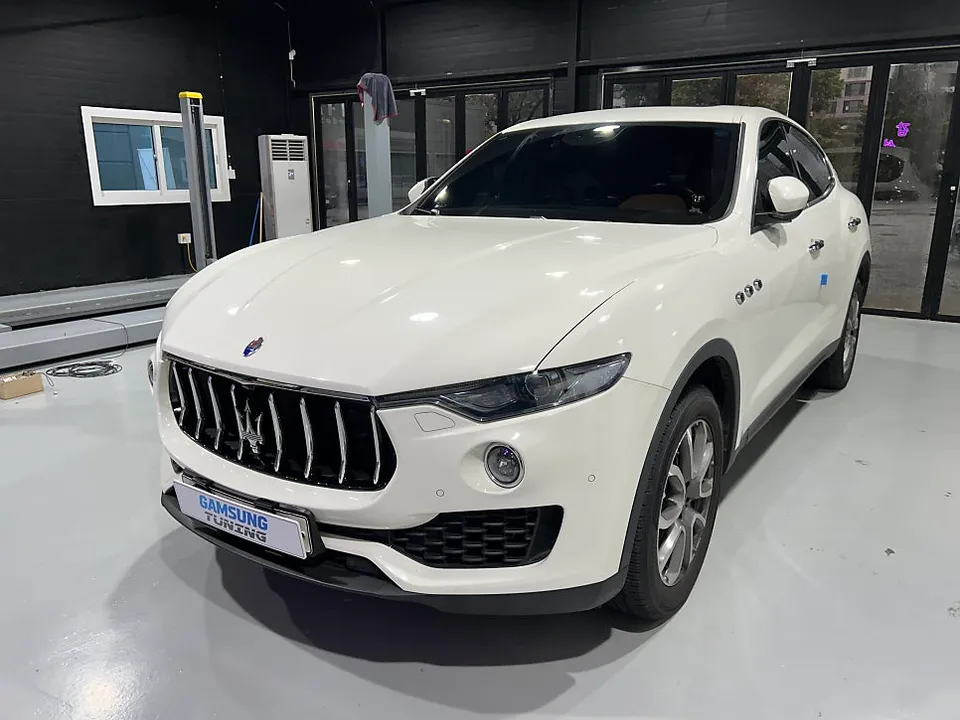
Maserati Quattroporte Wireless CarPlay & Android Auto Upgrade
Service Price
$150+
Estimated price · Actual price may vary by shop
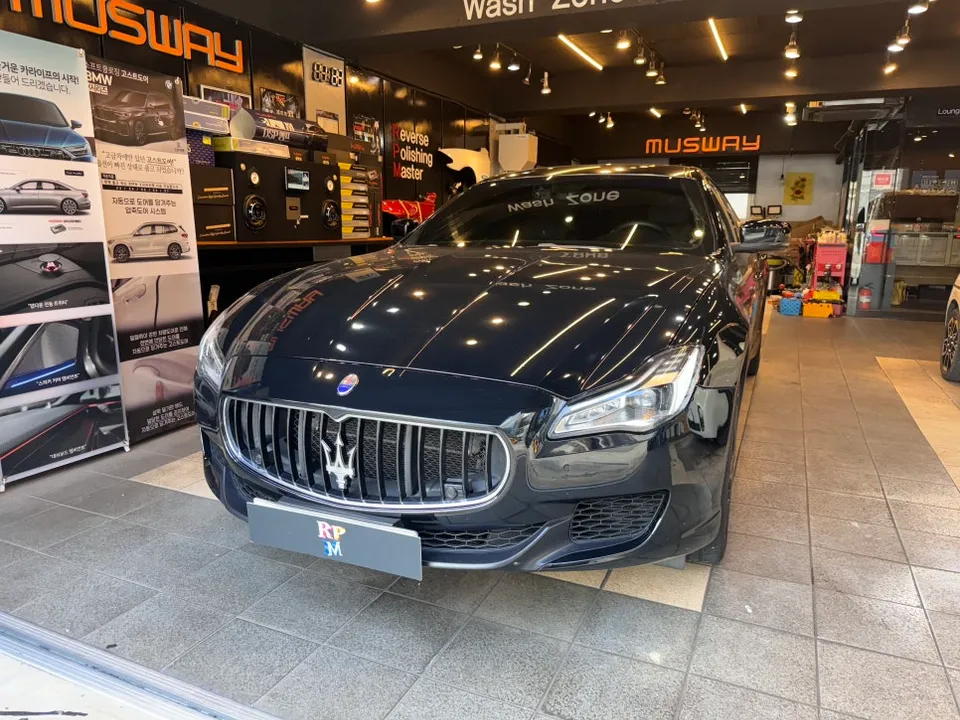
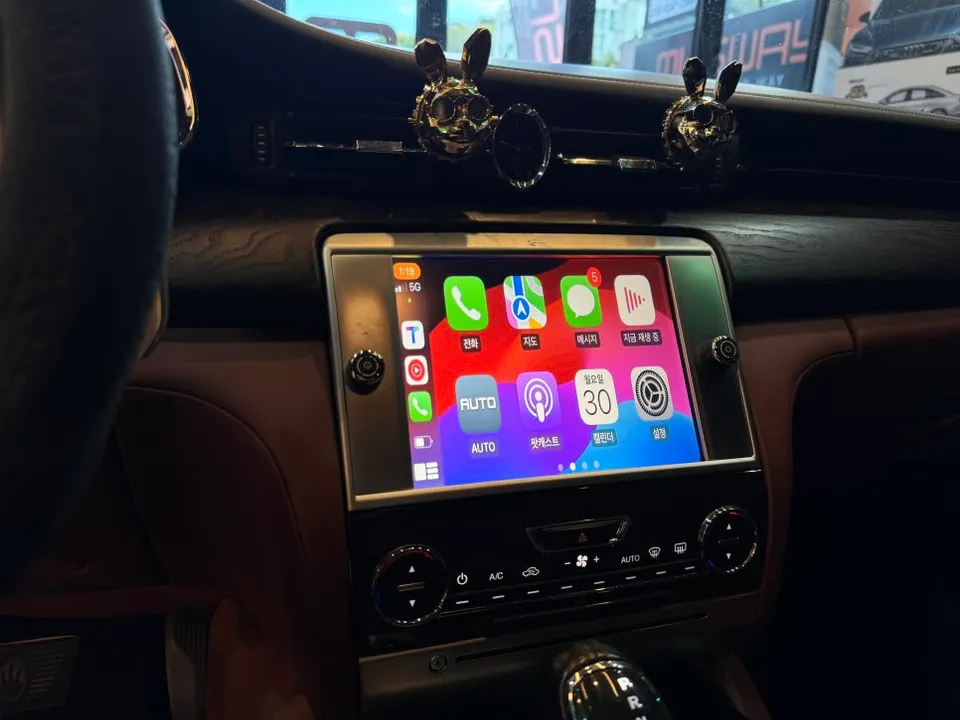
Maserati Quattroporte Wireless CarPlay & Android Auto upgrade: ₩1,200,000. Seamless smartphone integration for navigation and entertainment.
Why Your Maserati Quattroporte Needs a CarPlay & Android Auto Upgrade
Many owners of luxury vehicles like the Maserati Quattroporte find themselves frustrated with outdated infotainment systems. The original navigation can be inaccurate, and the user interface often feels archaic, forcing drivers to rely on their smartphones. In today's connected world, seamless integration with Apple CarPlay and Android Auto is no longer a luxury but a necessity. This review details how the "Today's Car" Busan branch upgraded a Maserati Quattroporte to feature wireless CarPlay and Android Auto, transforming the driving experience.
It's important to clarify the terminology: CarPlay is Apple's system for iPhones, while Android Auto is designed for Android phones like Samsung Galaxy devices. Maserati vehicles typically do not come with these features pre-installed, requiring a separate module to be fitted. As this particular owner uses an iPhone, the upgrade focused on enabling CarPlay.
Assessing the Maserati's Original Display and Preparing for Installation
The process began with a thorough inspection of the vehicle's 8-inch touchscreen. The original system displayed only the native navigation, but its responsive touch capabilities made it an ideal candidate for CarPlay integration. Before proceeding, all essential original functions were tested, including AUX audio input, the reverse camera feed, and steering wheel controls. This is crucial because the new CarPlay/Android Auto system must work harmoniously with the car's existing features. For complex European luxury cars like the Maserati, ensuring signal integrity and compatibility is paramount.
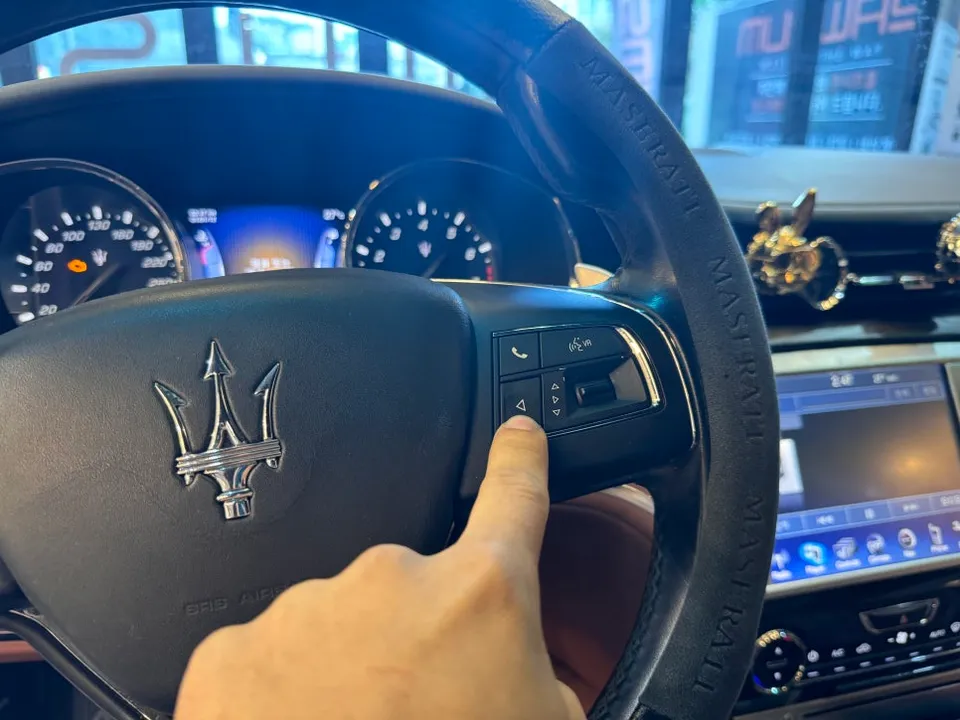
Installing the CarPlay Module and Wiring Connections
To enable wireless connectivity, a specialized module is installed behind the infotainment system. This module acts as the bridge, receiving wireless signals from the smartphone and translating them for display on the car's screen. The wiring process, while seemingly straightforward, demands meticulous attention to detail. Technicians must protect the original wiring harness while ensuring the new CarPlay signals are routed correctly. Improper connections in high-end vehicles like Maseratis can trigger warning lights due to their sophisticated ECU monitoring systems. Professional tuning shops possess the expertise and protective techniques to mitigate these risks.
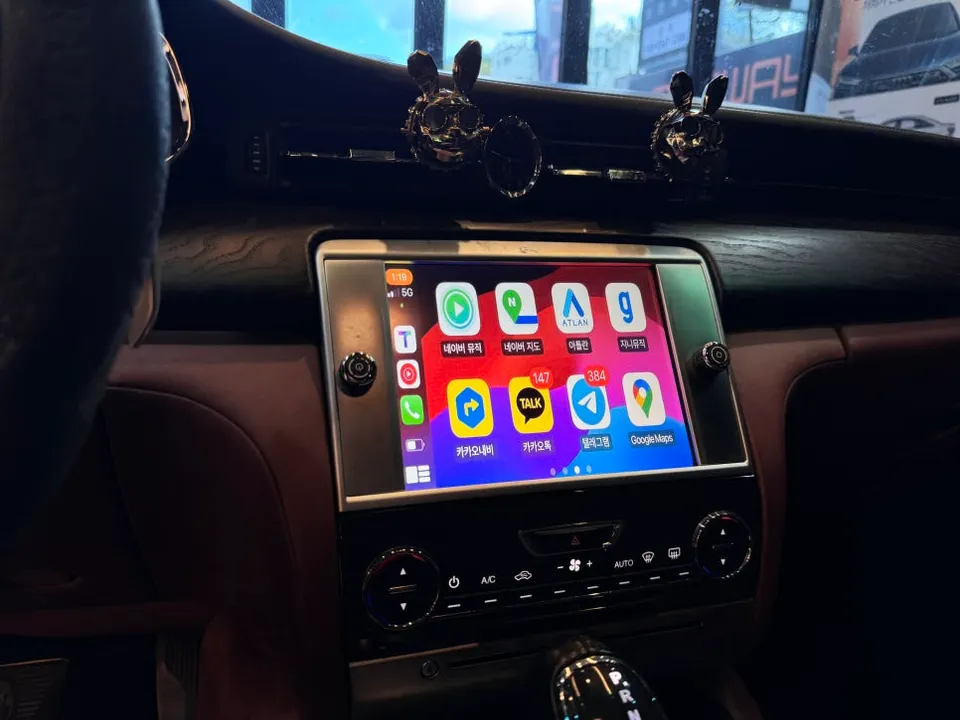
Mapping Steering Wheel Controls and Screen Transition Settings
The next step involves configuring the steering wheel's existing buttons to control the new CarPlay interface. This allows drivers to seamlessly switch between the car's original functions and the smartphone mirroring system using familiar controls. While steering wheel control is recommended for safety during driving, the touchscreen itself offers a convenient alternative for interaction when the vehicle is parked. Supporting both control methods is a hallmark of a premium upgrade.
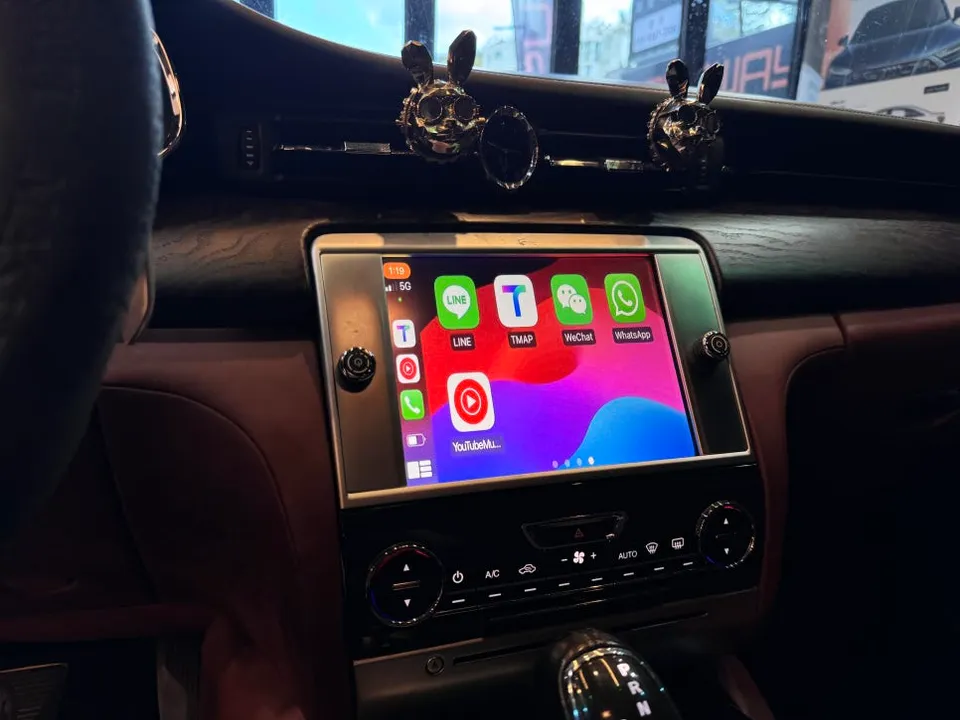
Connecting CarPlay and Smartphone Integration
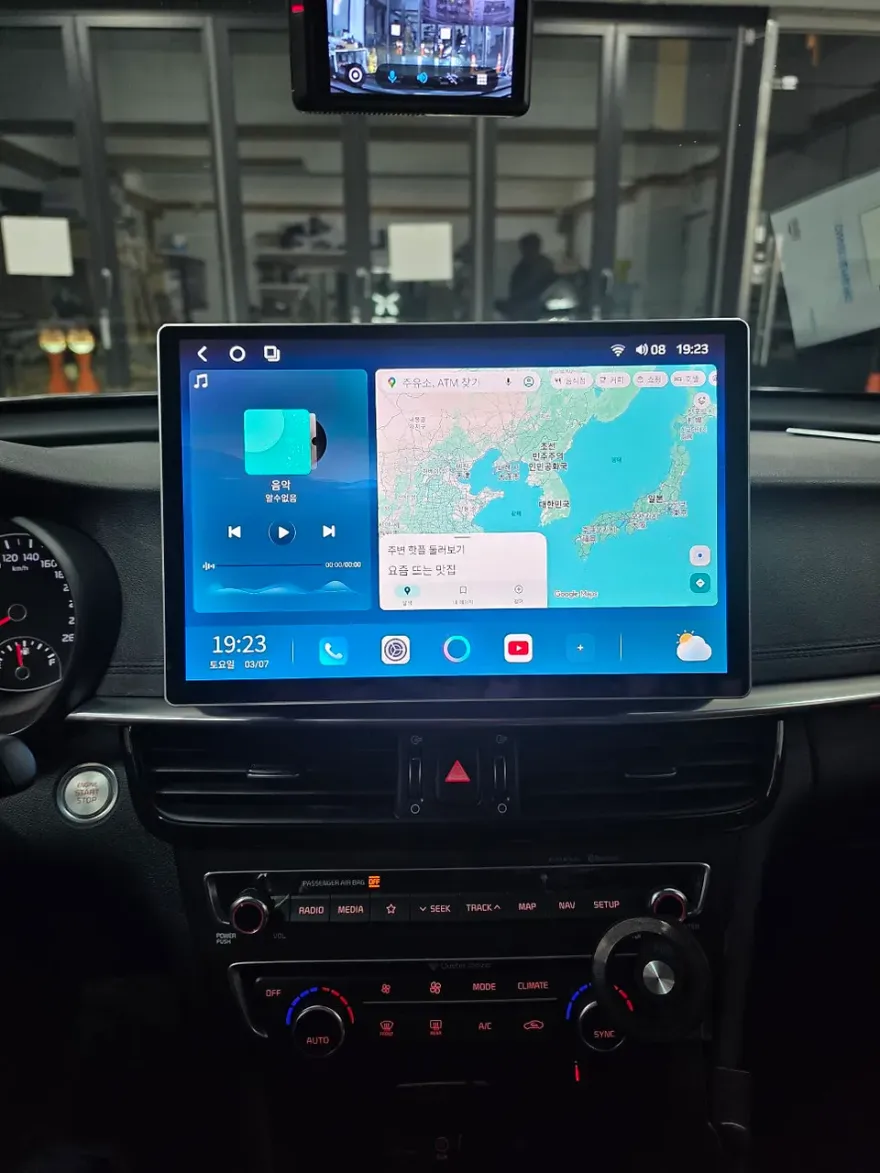
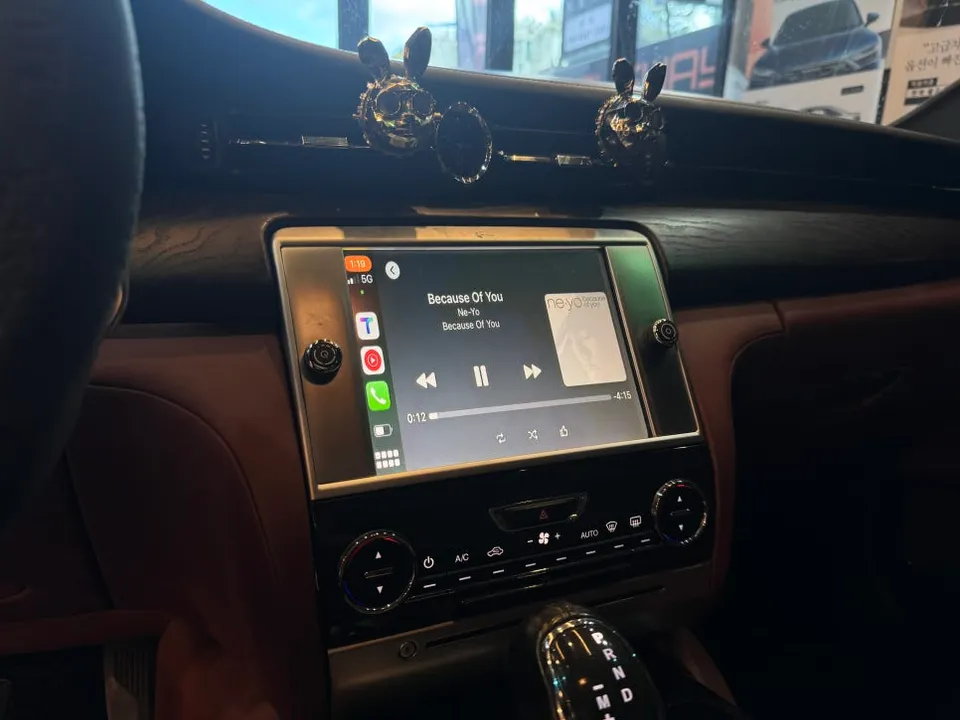
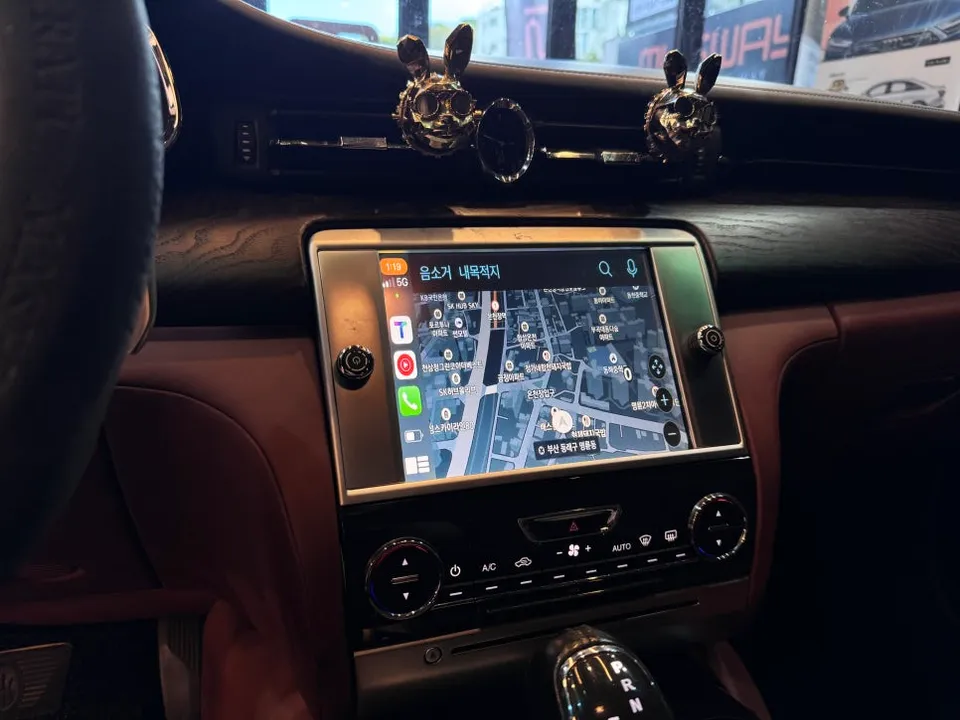
The iPhone was wirelessly paired with the car's system. The initial connection requires a one-time wired pairing via USB, after which the system automatically connects wirelessly. This pairing process typically takes only one to two minutes. Once connected, the CarPlay interface appears on the screen, replacing the original navigation. This allows the use of preferred navigation apps like Apple Maps, Google Maps, or Korean-specific apps such as T-Map or KakaoMap. Music streaming apps are also fully compatible, enabling simultaneous control of music playback and navigation through the split-screen feature, allowing users to select music while viewing directions.
Final Testing and Performance Verification
After installation and initial setup, the system underwent rigorous testing. This included verifying audio output quality through the car's speakers, ensuring the reverse camera functioned correctly, and confirming that all steering wheel controls operated as expected with the new interface. The wireless connection stability was also assessed during a test drive to ensure a smooth and uninterrupted user experience. The result is a significantly enhanced infotainment system that brings modern smartphone convenience to the classic luxury of the Maserati Quattroporte.
Frequently Asked Questions
Q. How much does a wireless CarPlay & Android Auto upgrade cost for a Maserati Quattroporte?
The upgrade for a Maserati Quattroporte starts at ₩1,200,000 (approximately $900 USD). Typical US pricing for similar professional installations can range from $600 to $1500 depending on the vehicle and system complexity.
Q. How long does the CarPlay & Android Auto installation take for a Maserati Quattroporte?
The installation process typically takes between 2 to 4 hours to complete. Proper maintenance involves ensuring your smartphone's operating system and the car's module firmware are kept up-to-date for optimal performance.
Q. Is a wireless CarPlay & Android Auto upgrade worth it for a Maserati Quattroporte?
Yes, it's highly recommended for Maserati Quattroporte owners who find the original infotainment system outdated. The upgrade significantly enhances usability, providing access to modern navigation, music, and communication apps seamlessly.
Q. How is the wireless CarPlay & Android Auto system installed in a Maserati Quattroporte?
1. The vehicle's original infotainment system is carefully disassembled. 2. A dedicated CarPlay/Android Auto module is installed behind the screen. 3. Wiring harnesses are connected to integrate the module with the car's audio and control systems. 4. Steering wheel controls and screen functions are mapped for seamless operation. 5. The system is tested for wireless connectivity and functionality.
Q. What's the difference between wired and wireless CarPlay/Android Auto?
Wired connections use a USB cable for a direct link, while wireless uses Bluetooth and Wi-Fi for a cable-free experience. Wireless offers greater convenience, but wired connections can sometimes provide slightly more stable performance and faster charging.
OhCar Partner Shop