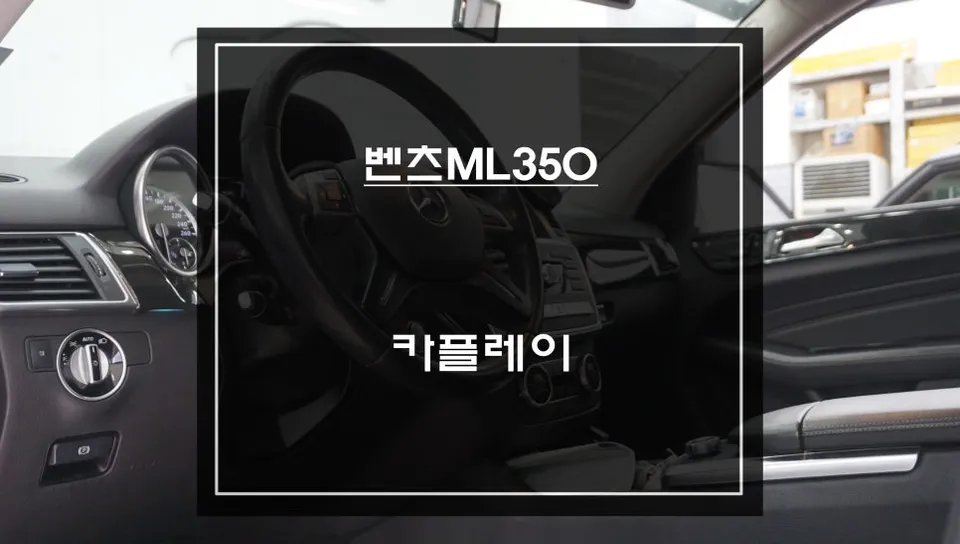
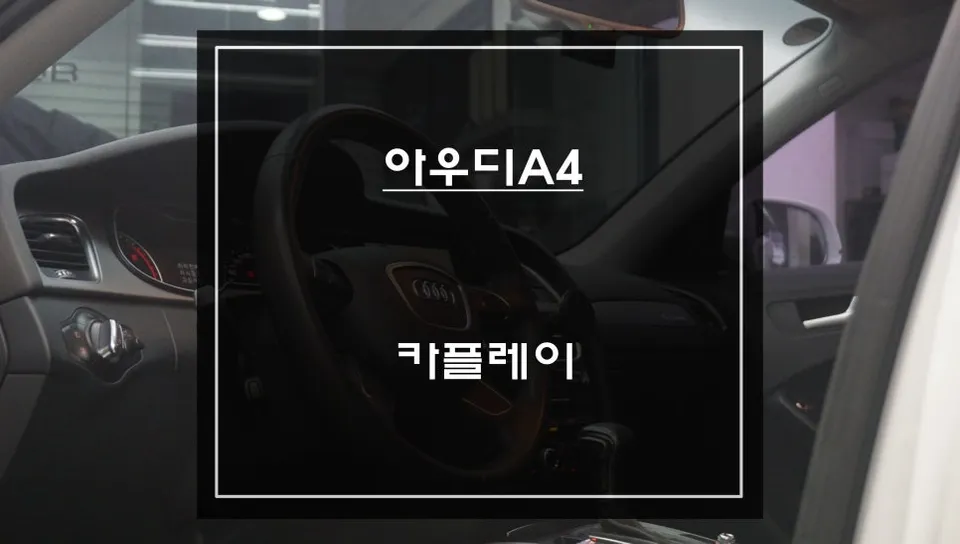
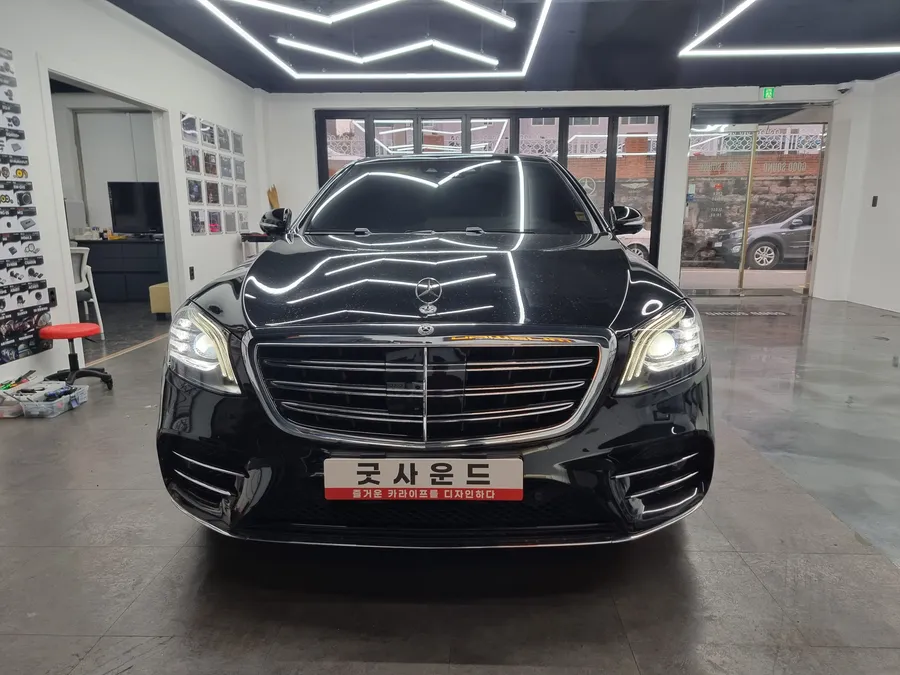
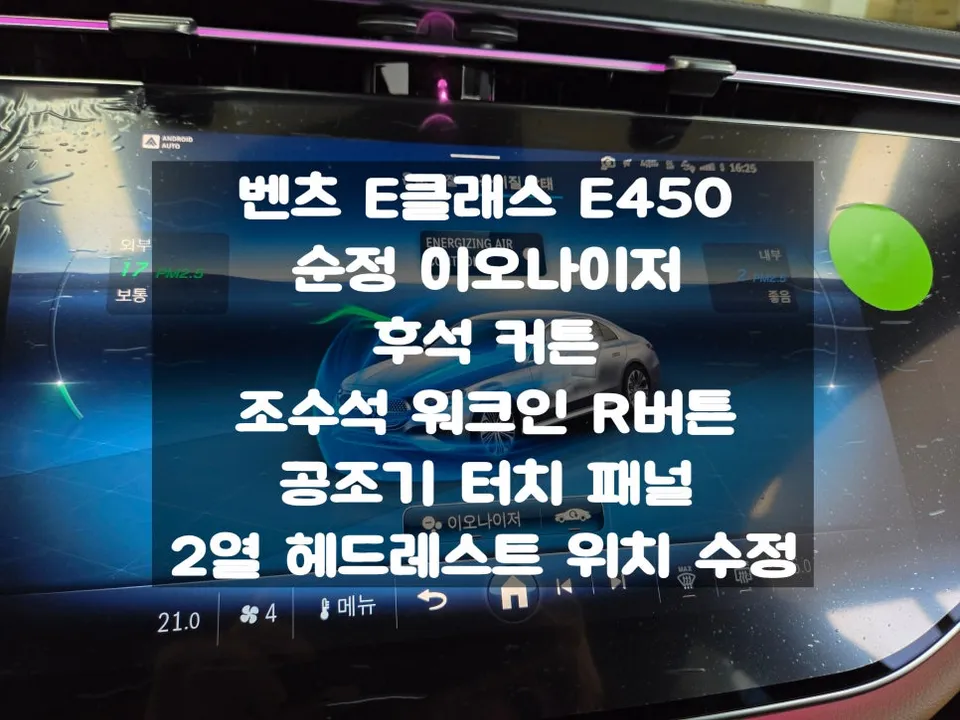
Mercedes-Benz C200 CarPlay Installation — Real Results
Service Price
$115–150
Estimated price · Actual price may vary by shop
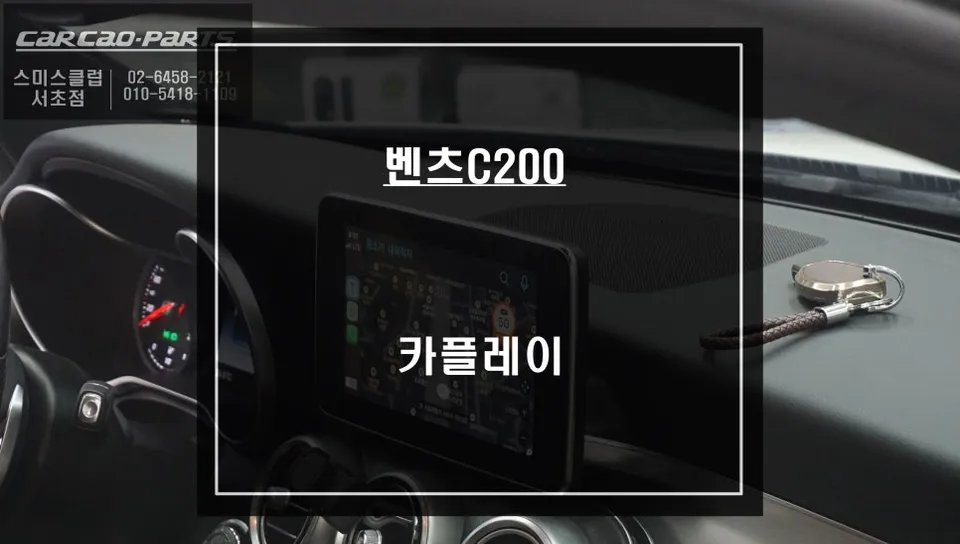
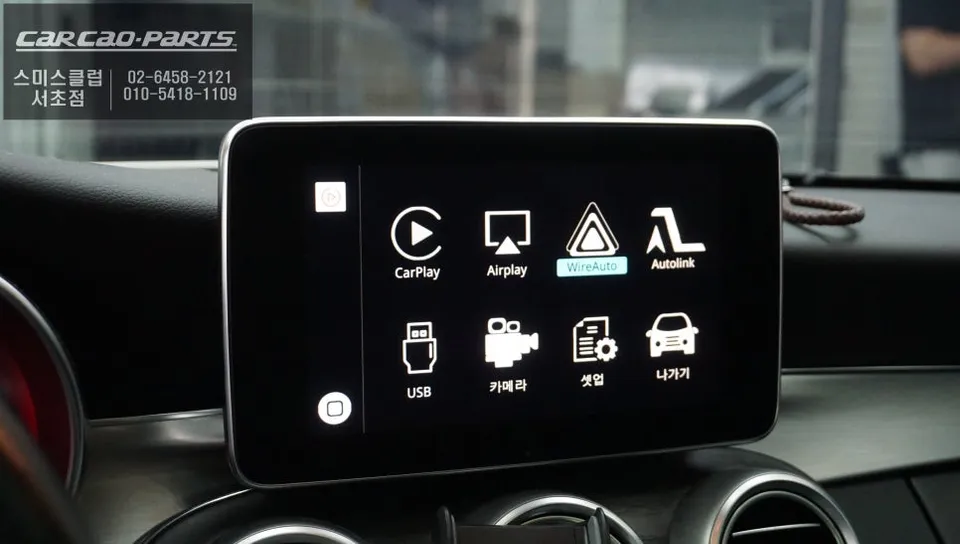
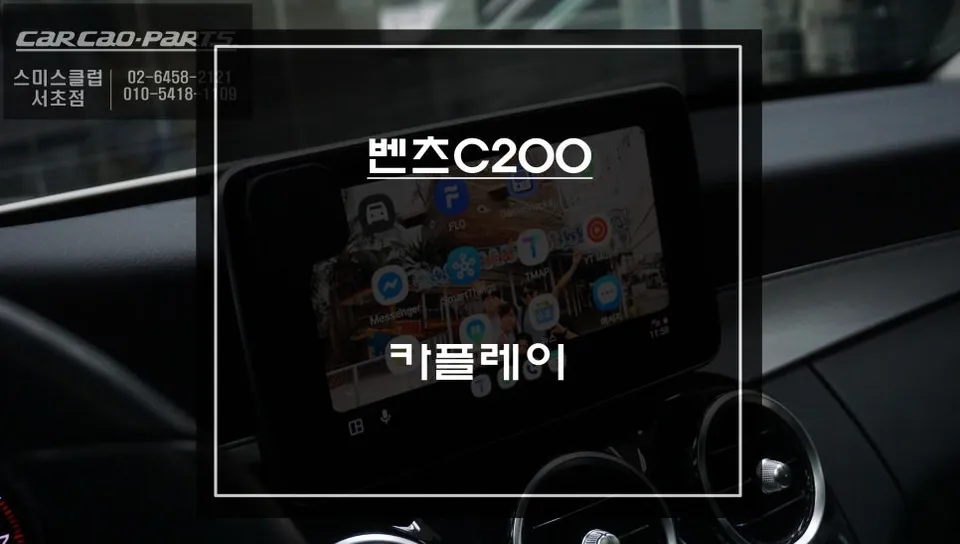
CarPlay installation on Mercedes-Benz C200: Seamless dual-mode operation (factory nav + smartphone maps). Preserves all original systems without rewir
Upgrade Your Mercedes-Benz C200 with a CarPlay Module: Seamless Smartphone Integration
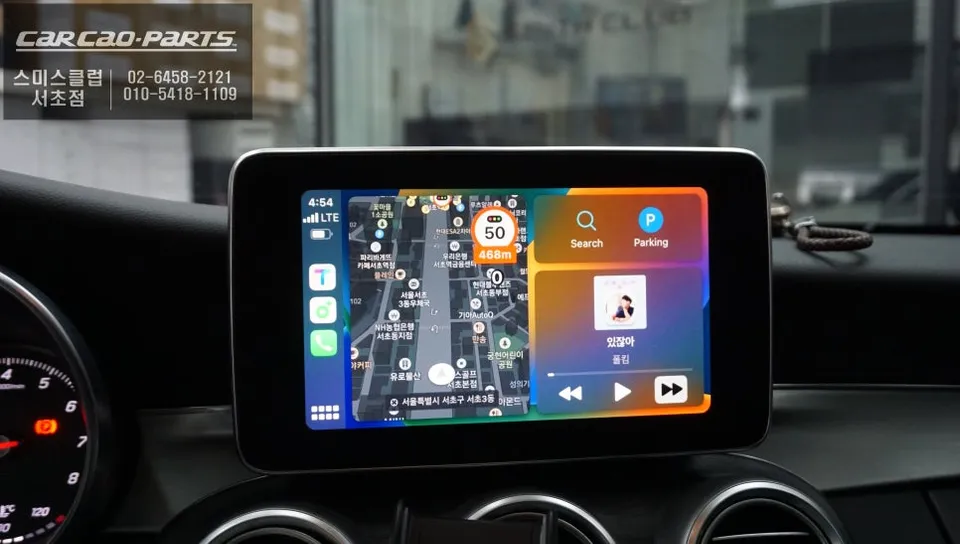
The Mercedes-Benz C200 boasts a luxurious interior and a sophisticated infotainment system. However, many drivers find the native navigation system to be less than ideal. Issues like slow real-time traffic updates or outdated road maps are common frustrations. This is where a CarPlay module installation becomes a game-changer. It allows you to mirror your smartphone's navigation apps, such as T Map or Kakao Map, directly onto your car's factory display. This means you get optimized routing with the most current traffic information, all through an interface you're already familiar with. Let's explore how this upgrade can enhance your driving experience in a Mercedes-Benz C200.
Seamless Integration: Preserving Your Mercedes-Benz's Original Features
A primary concern for many is whether adding a CarPlay module will compromise the vehicle's original systems. Fortunately, modern CarPlay modules designed for Mercedes-Benz vehicles utilize a 'plug-and-play' (jack-by-jack) installation method. This crucial technique means no original wiring is cut or modified. The new module connects directly to existing connectors, ensuring your car's original navigation and infotainment functions remain completely intact. You gain the functionality of CarPlay without any risk to your factory system.
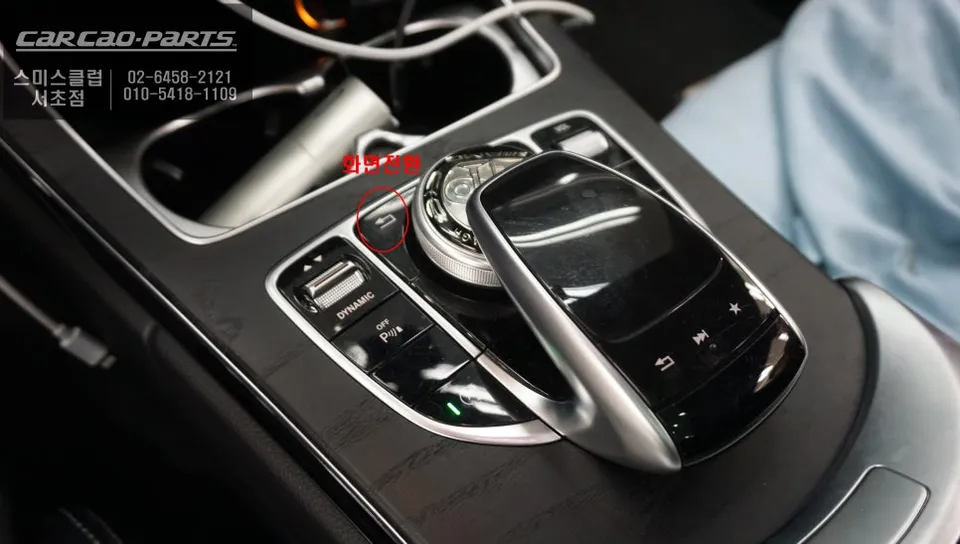
The operation is remarkably intuitive. A simple press and hold of the 'Return' button for two seconds seamlessly switches the display from your Mercedes-Benz's native interface to CarPlay. Pressing it again reverts back to the original system. This effortless switching allows you to enjoy the best of both worlds. Control is managed through the car's existing voice commands and the iDrive-style rotary dial, making it easy to navigate apps and features without a steep learning curve.
Wired vs. Wireless CarPlay: Choosing the Right Connection for Your C200
When considering a CarPlay module, the choice between wired and wireless connectivity often arises. The best option depends on your priorities: stability or convenience. Wired CarPlay, using a USB cable, offers unwavering stability. It eliminates concerns about signal interference and ensures a consistent connection. Furthermore, your smartphone's battery is directly charged via the USB connection, mitigating battery drain during extended use. For applications like navigation that require continuous operation, a wired connection is highly recommended for its reliability.
Wireless CarPlay provides undeniable convenience. Once paired, it connects automatically, offering a clutter-free experience. However, the connection can occasionally be susceptible to interruptions, especially in areas with weak Bluetooth signals or when multiple devices are connected within the vehicle. Therefore, if a stable, uninterrupted experience is paramount, especially for navigation, a wired connection is the superior choice.
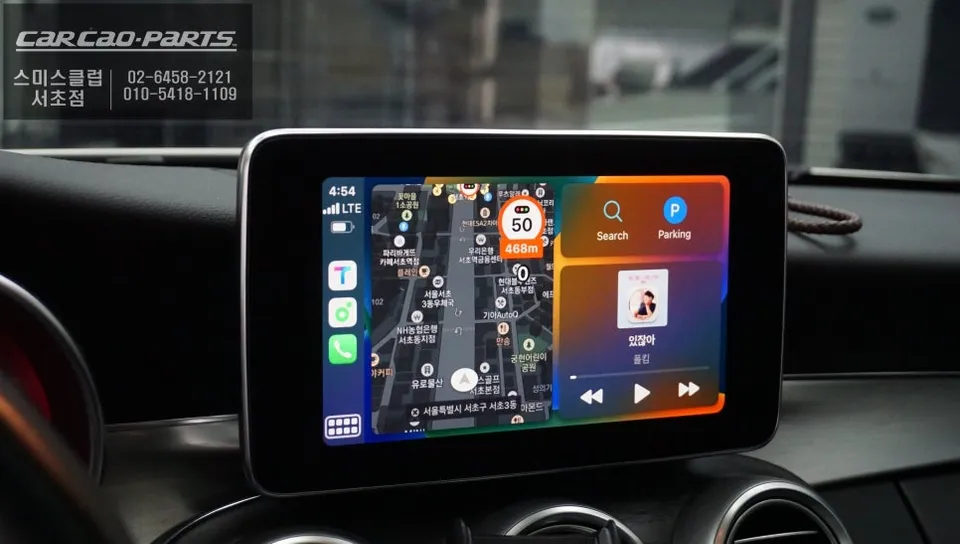
Mercedes-Benz C200 CarPlay Module Installation Process:
- Pre-Installation Inspection: The process begins with a thorough inspection of the vehicle's original monitor and wiring harness. Technicians identify the specific wiring configuration for the Mercedes-Benz C200 to ensure a precise fit.
- Module Connection: The CarPlay module is connected using the plug-and-play method. Existing connectors are utilized, ensuring no factory wires are cut, thus preserving all original vehicle functions.
- USB Port Installation: A dedicated USB port is installed discreetly within the cabin. This port allows for easy connection of your smartphone via a USB cable for wired CarPlay.
- Coding for Audio Integration: To ensure that CarPlay's audio, including navigation prompts, plays through the car's speakers, specific coding is performed. This activates the external input (AUX) within the Mercedes-Benz system, enabling seamless audio output.
Following these steps, your Mercedes-Benz C200 will be equipped with a fully functional CarPlay system, offering enhanced navigation and entertainment capabilities directly through your car's display.
Frequently Asked Questions
Q. How much does CarPlay installation cost for a Mercedes-Benz C200?
Installation costs vary by region and module type; wired USB CarPlay typically ranges $400-700 USD, while wireless systems run $800-1,200 USD. Korean market pricing (as referenced in this review) often differs due to local labor rates and module availability.
Q. How long does a CarPlay module last on a Mercedes-Benz C200?
Quality aftermarket CarPlay modules are designed to last 5-7+ years with proper installation and no factory wiring modification. Keep your smartphone software updated and avoid exposing the module to extreme heat to maintain longevity.
Q. Is CarPlay installation worth it for a Mercedes-Benz C200?
Yes, especially for drivers relying on real-time traffic apps like Tmap or Kakao Maps instead of Mercedes' standard navigation. The dual-mode toggle (factory nav + CarPlay via return button) delivers upgraded navigation without sacrificing original functionality or warranty risk.
Q. Can CarPlay installation damage my Mercedes-Benz C200's factory systems?
No, when installed by professionals using proper connection methods (non-invasive harness techniques), the factory wiring remains untouched. The module integrates via existing factory interfaces, allowing you to switch between modes without affecting Mercedes' original features.
Q. Does wireless CarPlay work better than wired USB on a Mercedes-Benz C200?
Wireless CarPlay eliminates cable clutter and offers convenience, but wired USB provides more stable connectivity and faster response times. Choose wireless if you prioritize convenience; choose wired for reliability during navigation-heavy driving.
Q. What apps work best with CarPlay on a Mercedes-Benz C200?
Navigation apps like Google Maps, Waze, Tmap, and Kakao Maps work seamlessly on CarPlay. Music apps (Spotify, Apple Music), messaging, and voice control also function flawlessly through the factory joystick and voice controls.
Kakao Parts