Mercedes-Benz CLA 200 Android Head Unit Upgrade Review
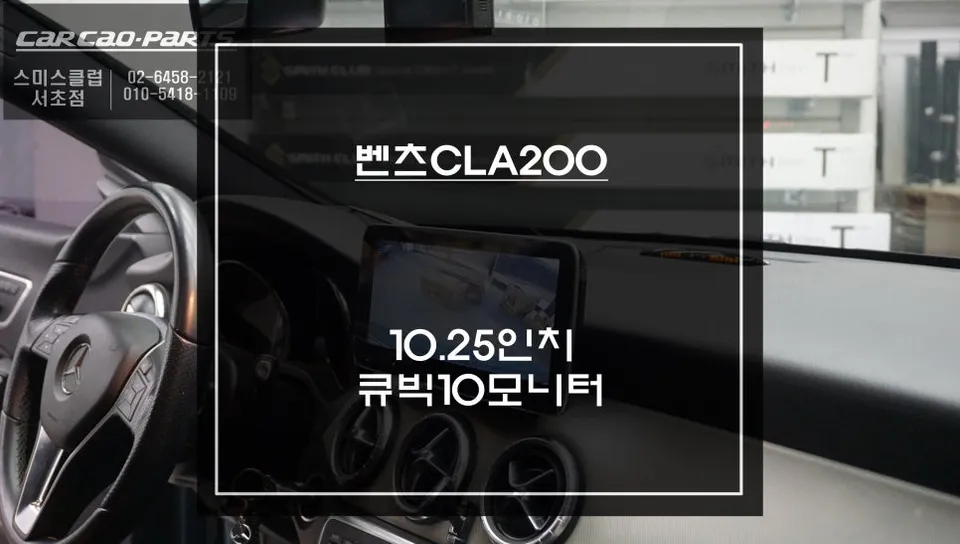
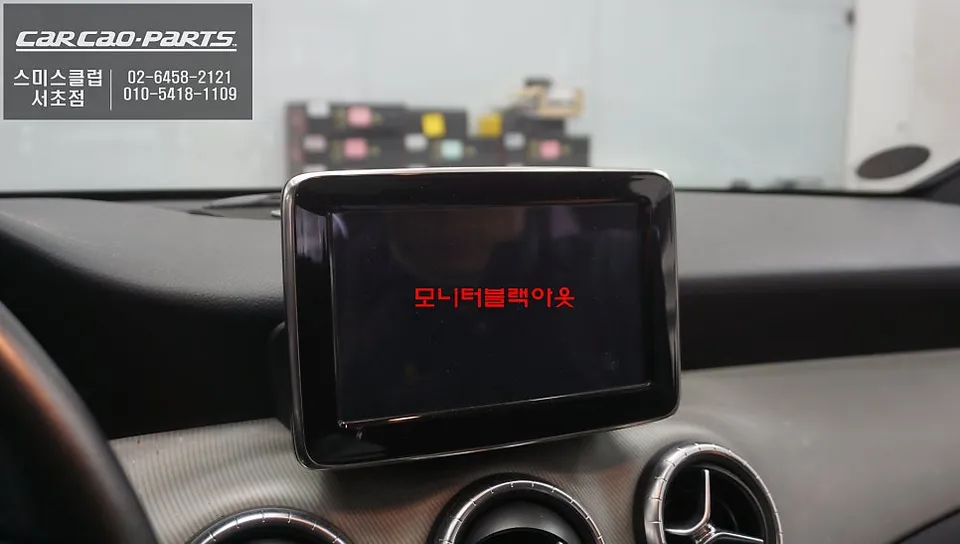
Mercedes-Benz CLA 200 Android Head Unit upgrade resolves monitor issues with a high-res Cubic10 display. Seamless integration and enhanced functionali
Why Your Mercedes-Benz CLA 200 Needs a Monitor Upgrade
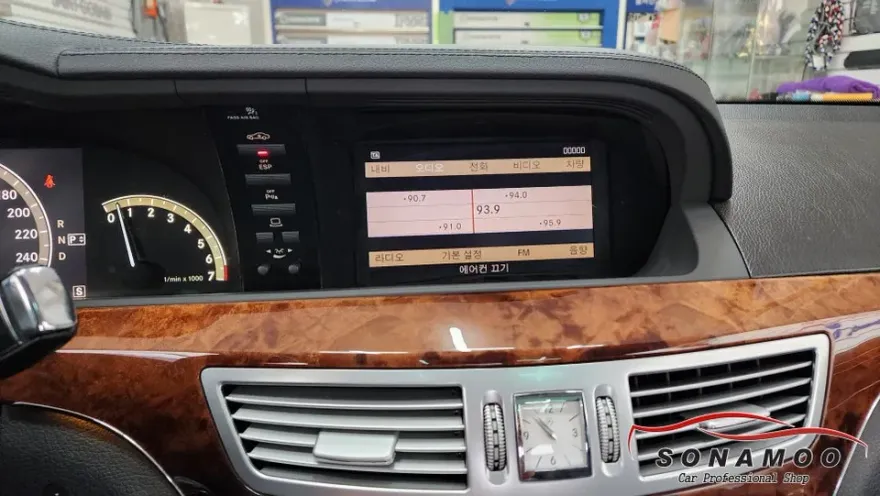
The Mercedes-Benz CLA 200, while a stylish sedan, suffers from a common issue: the NTG-4500 factory monitor's black screen symptom. This problem, where audio plays but the screen remains blank, is a well-known frustration among Mercedes owners. It also critically affects safety by preventing the display of the rearview camera feed, making parking a challenge. To address these persistent factory monitor failures, a comprehensive upgrade to a high-resolution Android head unit is the solution. This review details the process and benefits of replacing the stock monitor.
Understanding the CLA 200's Integrated Infotainment System
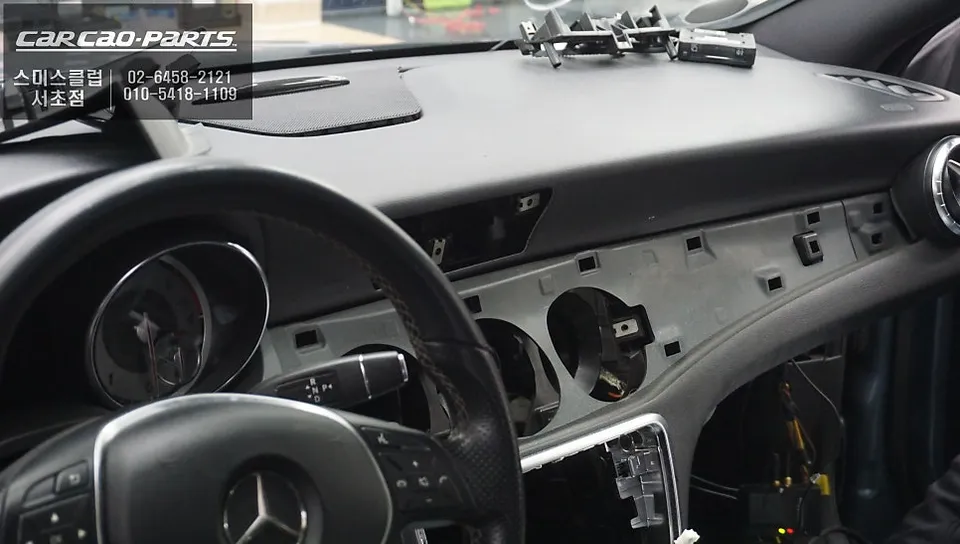
The factory monitor in the CLA 200 is not a standalone unit; it's an integral part of the NTG-4500 integrated infotainment system, deeply embedded within the dashboard. Removal requires careful disassembly of dashboard trim panels and precise disconnection of all associated cables, including radio signals, backup camera feeds, and touch inputs. Maintaining the original fitment accuracy is crucial for a seamless aesthetic. Any gap or misalignment can detract from the dashboard's overall appearance. This upgrade ensures the new unit fits perfectly within the existing bezel space, maintaining a factory-like finish.
Introducing the Cubic10 Android Head Unit
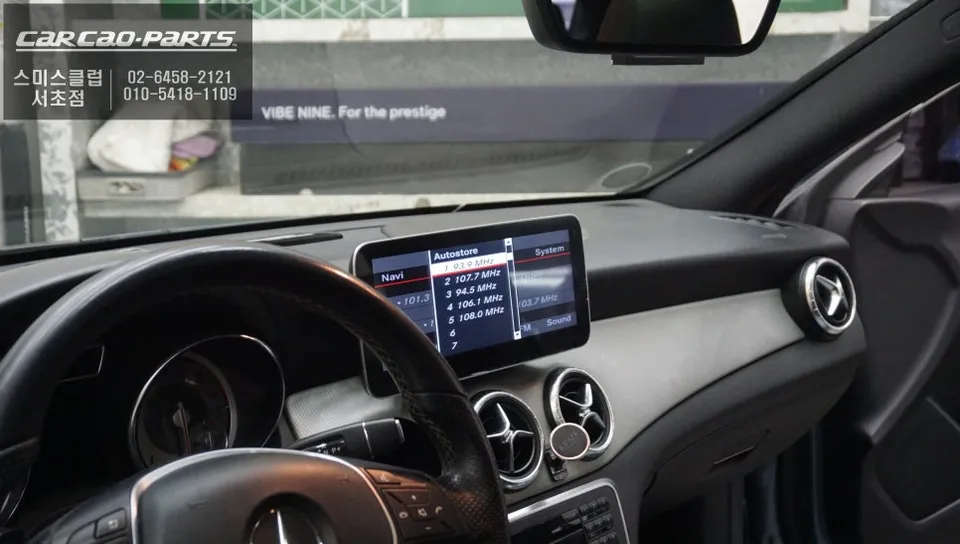
The Cubic10 stands out among aftermarket Android head units for its superior resolution and image quality. The model used in this Mercedes-Benz CLA 200 upgrade boasts a 1920x720px high resolution, delivering clarity that rivals the original Mercedes-Benz screen. It features a capacitive touch panel, known for its fast response times and long-term durability, unlike resistive panels that can degrade over time. Furthermore, the Cubic10 excels in connectivity, supporting external devices like Android set-top boxes, surround-view cameras, and Apple CarPlay without signal interference or image noise. Its robust signal integrity makes it a top-tier choice for aftermarket automotive displays.
Installation Process:
- Disconnect Battery: Essential for preventing electrical damage. Wait at least 5 minutes after disconnection for the system to fully power down.
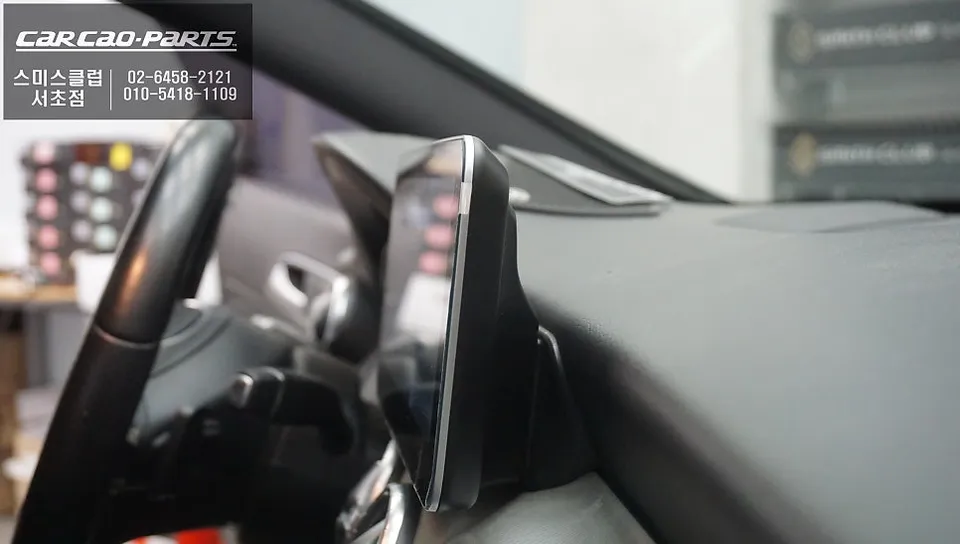
- Remove Trim Panels: Carefully detach the dashboard upper trim and air vents using specialized tools to avoid damage. Pay close attention to hidden clips.
- Access and Remove Monitor: Unscrew the existing monitor (typically 4-6 screws) and disconnect the five factory cables, including radio/navigation input, backup camera signal, and touch input.
- Connect New Unit: Attach the wiring harness for the Cubic10 unit, ensuring all connections are secure.
- Install and Test: Mount the Cubic10 monitor into the dashboard, ensuring a flush fit. Reassemble trim panels and test all functions, including touch, camera, and any connected external devices.
Frequently Asked Questions
Q. What is the typical cost for an Android head unit upgrade on a Mercedes-Benz CLA 200?
The Cubic10 Android head unit upgrade for a Mercedes-Benz CLA 200 typically costs around ₩800,000 (approximately $600 USD). In the US, similar high-resolution Android head unit installations can range from $500 to $1200 depending on the brand and features.
Q. How long does the Android head unit installation take for a Mercedes-Benz CLA 200?
The installation process for an Android head unit on a Mercedes-Benz CLA 200 usually takes 2-3 hours. To ensure longevity, it's recommended to periodically clean the screen with a microfiber cloth and avoid harsh chemicals.
Q. Is upgrading to an Android head unit worth it for a Mercedes-Benz CLA 200?
Yes, upgrading to an Android head unit is highly recommended for Mercedes-Benz CLA 200 owners experiencing factory monitor failures or seeking enhanced features. It offers a significant improvement in screen resolution, touch responsiveness, and multimedia integration, providing a modern and reliable infotainment experience.
Q. How is the Android head unit installed in a Mercedes-Benz CLA 200?
Installation involves carefully removing the dashboard trim, disconnecting the factory monitor and its associated cables, connecting the new Android head unit's wiring harness, mounting the new unit for a flush fit, and reassembling the trim panels. Finally, all functions are tested to ensure proper operation.
Q. What's the difference between a factory monitor and an aftermarket Android head unit for a Mercedes-Benz CLA 200?
The key difference lies in resolution, features, and reliability; factory units often suffer from black screen issues, while aftermarket Android units like the Cubic10 offer high-resolution displays (1920x720px), capacitive touch, and seamless integration of modern features like CarPlay and rearview cameras.
Kakao Parts