Mercedes-Benz S-Class W222 CarPlay Retrofit Review
Service Price
$150+
Estimated price · Actual price may vary by shop
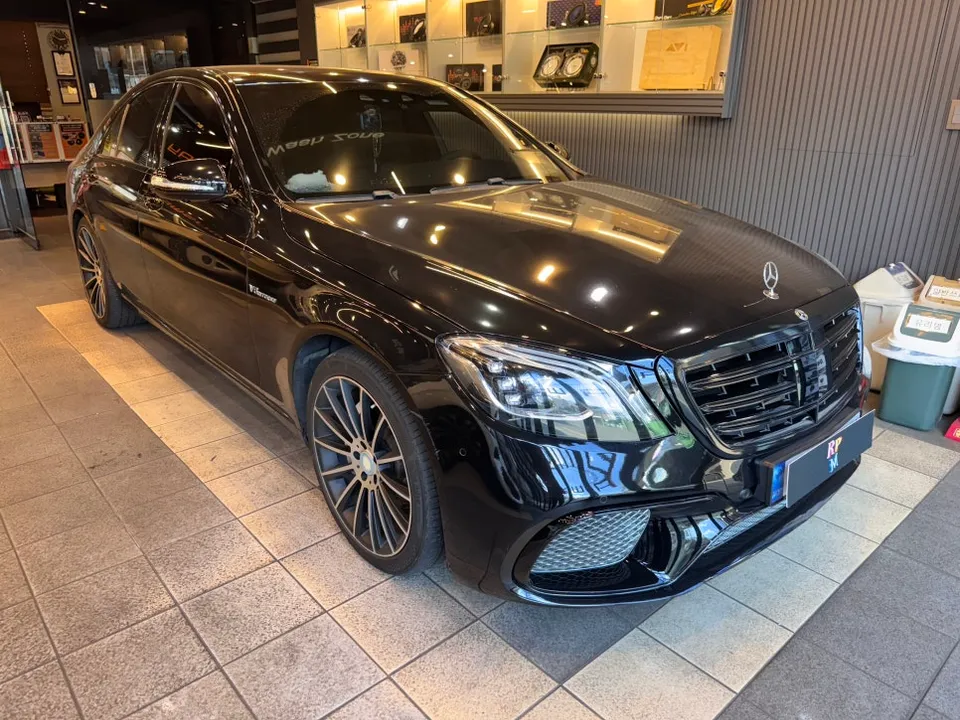
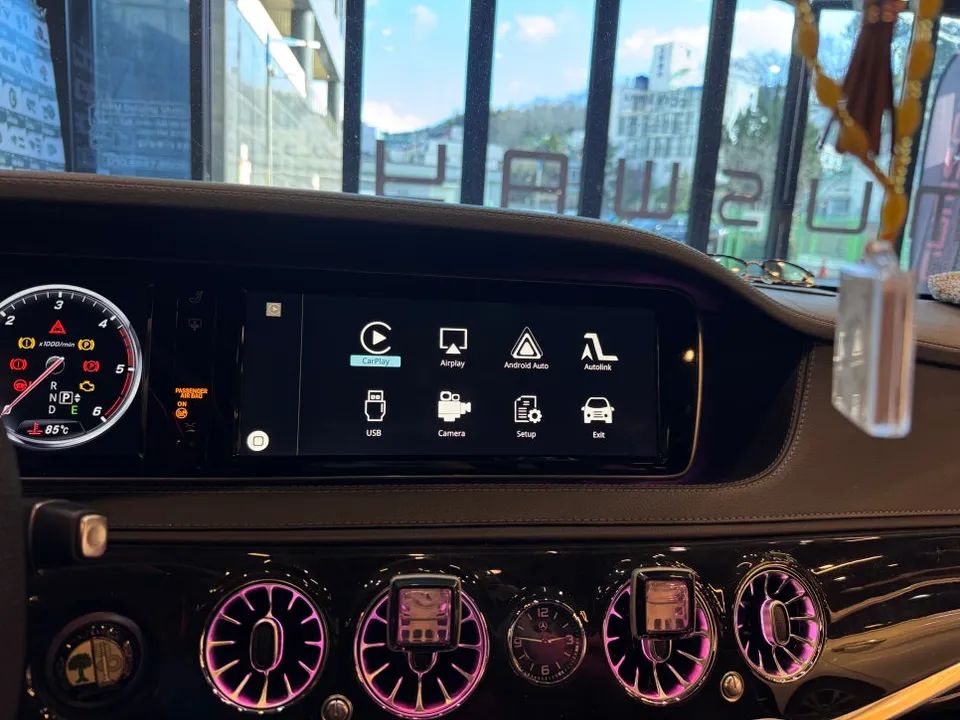
Mercedes-Benz S-Class W222 CarPlay retrofit: ~$150+. Seamless smartphone integration, navigation, and music on a larger display. Improves safety and c
From Clunky Navigation to Seamless Integration
For owners of the luxurious Mercedes-Benz S-Class W222, the factory navigation system can feel surprisingly outdated. Many drivers find themselves relying on smartphone mounts, which obstruct the view and offer a cramped display. This review details a common upgrade: installing a wireless CarPlay and Android Auto-compatible Android head unit. We'll explore the process, the results, and whether this infotainment upgrade is worth the investment for your S-Class.
Why Upgrade Your S-Class Infotainment?
It's a common irony: the more premium the vehicle, the more apparent the limitations of its original tech can become. For this W222 S-Class owner, the inability to use familiar smartphone navigation apps like Google Maps or Waze directly on the car's screen was a major frustration. Smartphone mounts not only clutter the dashboard but also present a safety concern by blocking the driver's line of sight, especially at highway speeds. Seeking a solution, the owner looked for a professional CarPlay installation service that offered both wireless Apple CarPlay and Android Auto support. The core desire was simple: to utilize their preferred smartphone apps on a larger, integrated display without a distracting mount.
The Installation Process: Precision Required
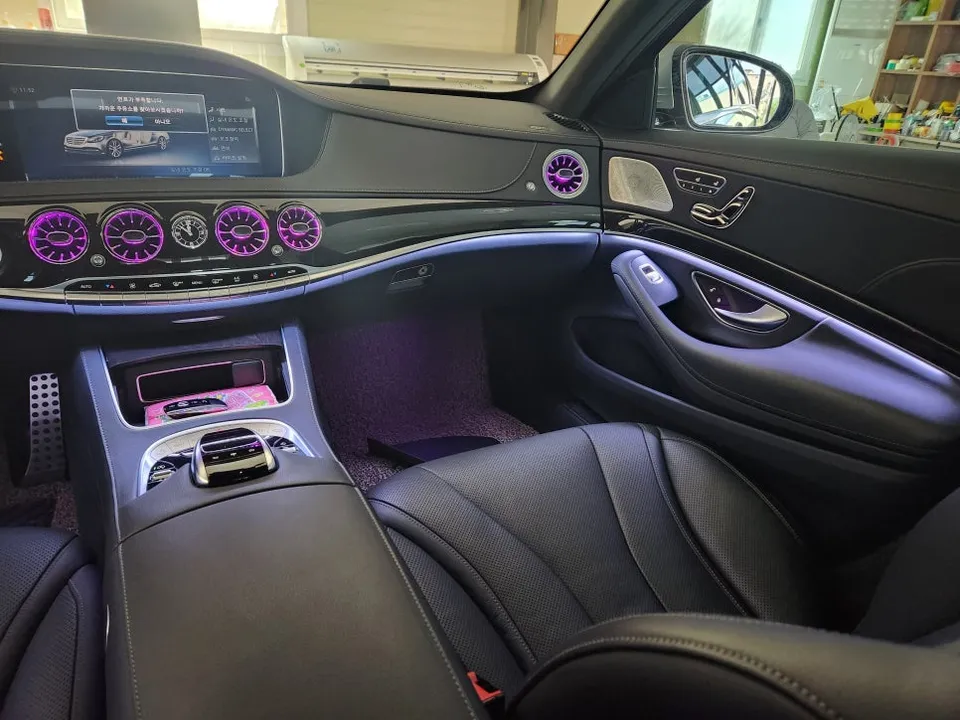
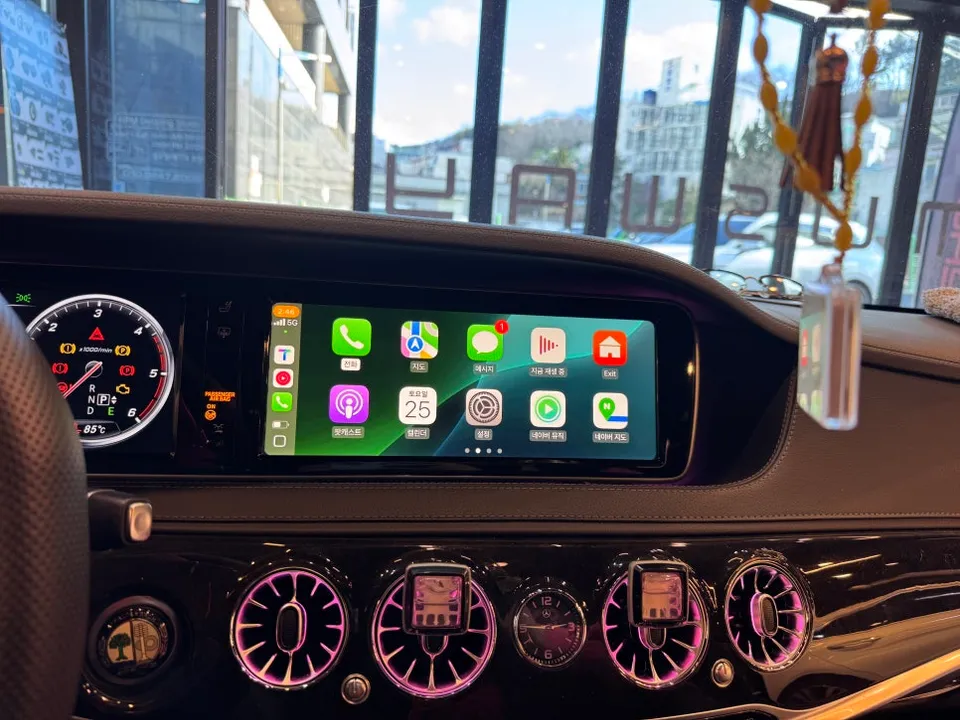
Upgrading the infotainment system in a Mercedes-Benz S-Class W222 is not a straightforward task. It requires the complete disassembly of the center console. While many shops might shy away from such intricate work, the service center performing this installation had extensive experience with over 100 similar W222 models, ensuring a high degree of precision during disassembly and reassembly. The original factory screen is not a touchscreen, meaning control is primarily managed through the car's existing physical buttons and the rotary controller. While this can be surprisingly intuitive, especially with controls accessible from the center console, an optional touch panel overlay can be added for a more direct touchscreen experience at an additional cost.
Installation time: Approximately 1 hour. This timeframe includes the complete process from center console removal, wiring connections, device installation, and final testing.
A Transformed Driving Experience
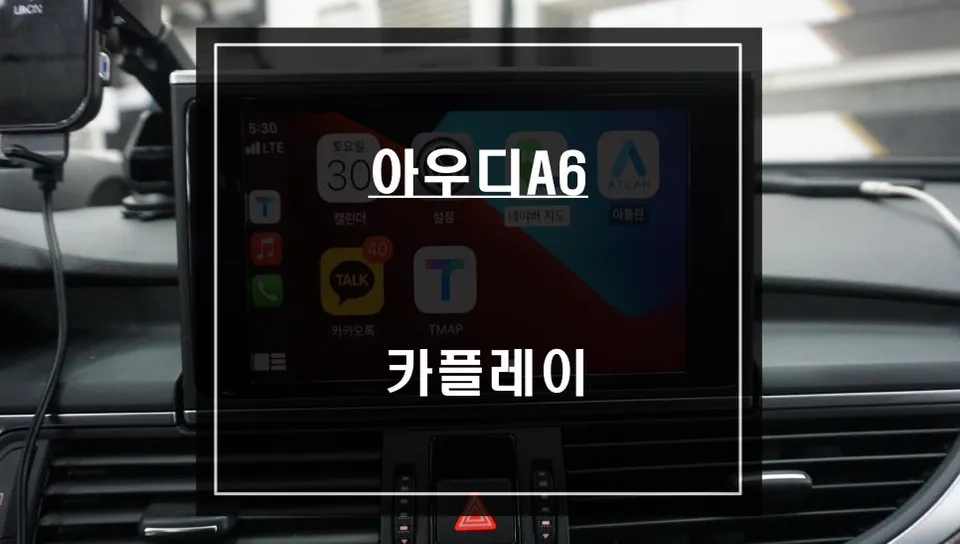
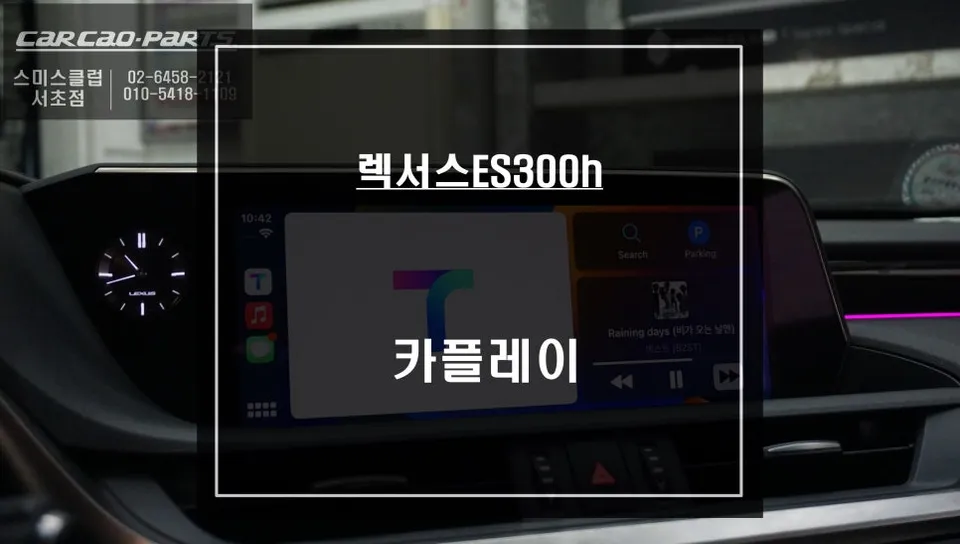
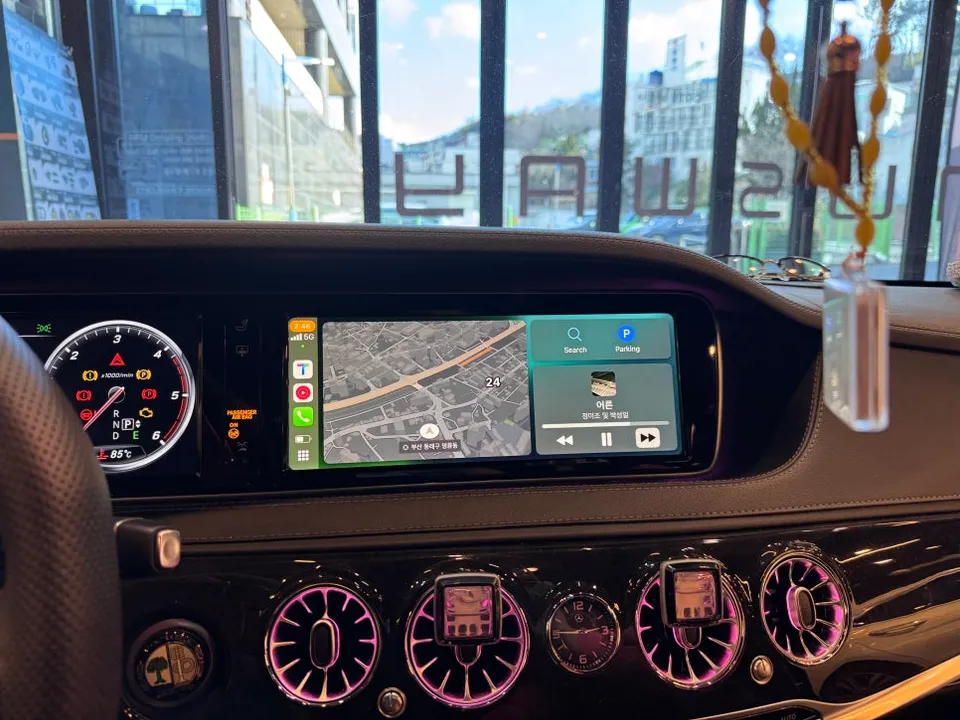
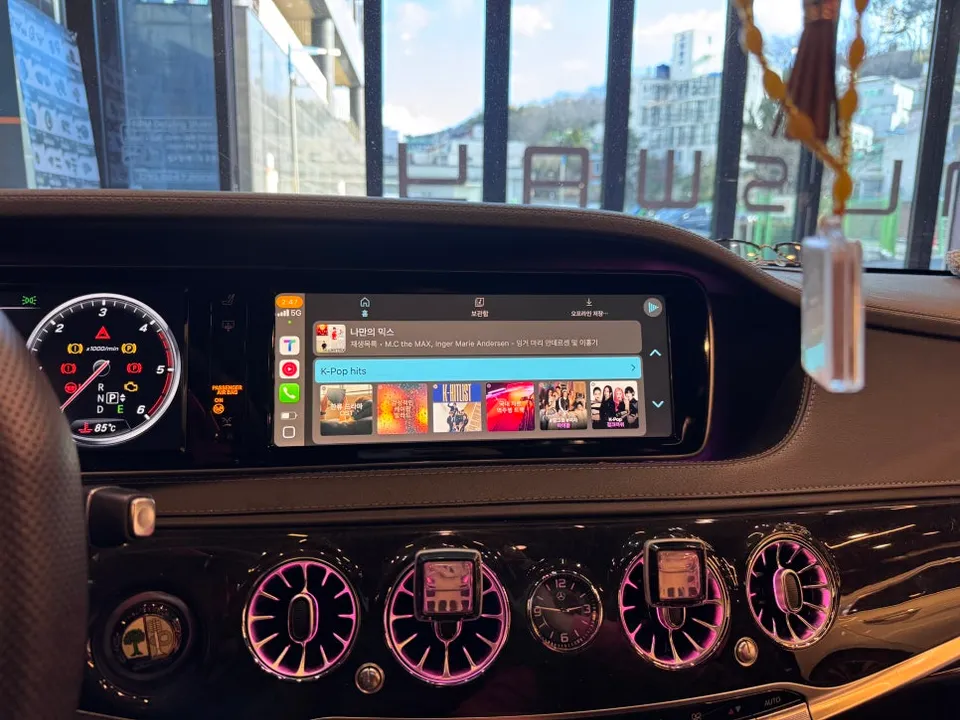
For iPhone users, the transformation is immediate. Once connected via wireless Apple CarPlay, the dashboard comes alive with familiar smartphone navigation apps. Whether you prefer Google Maps, Apple Maps, or another compatible navigation service, it displays seamlessly on the larger screen. The system also supports split-screen functionality, allowing you to view navigation directions while simultaneously controlling music playback from apps like Spotify or Apple Music. For Android users, the experience is equally robust with Android Auto, offering similar integration for navigation, music, and communication apps.
One of the most significant benefits is the integration with the steering wheel controls. This allows drivers to manage music playback, answer calls, and even interact with voice assistants without taking their hands off the wheel, significantly enhancing safety and convenience. Voice guidance from navigation apps is also integrated, providing timely alerts for turns and lane changes, allowing the driver to focus more on the road.
Limitations to Consider
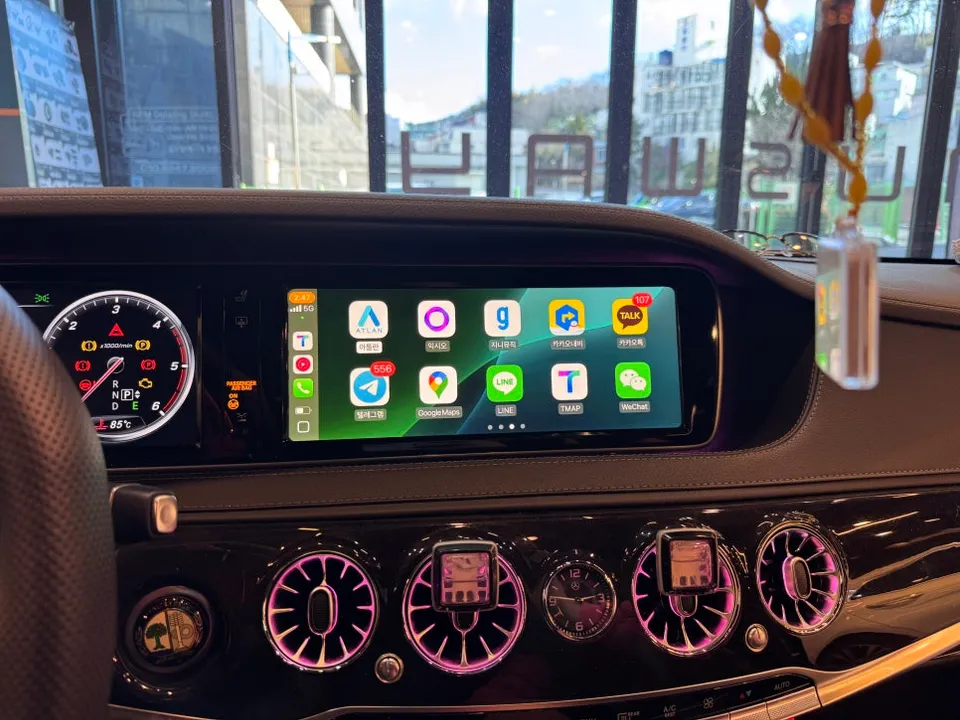
It's important to note that these CarPlay/Android Auto retrofit units are not full Android all-in-one systems. They do not support video playback or streaming apps like YouTube or Netflix. This limitation is a safety feature, designed to prevent drivers from watching videos while the vehicle is in motion.
If your primary goal is to have internet browsing and video streaming capabilities on your car's display, you would need to consider a different type of all-in-one Android unit, which typically involves a more complex installation and potentially different cost implications.
Frequently Asked Questions
Q. How much does Android head unit or CarPlay installation cost for a Mercedes-Benz S-Class W222?
The estimated cost for an Android head unit or CarPlay retrofit for a Mercedes-Benz S-Class W222 starts around $150 USD. Actual prices can vary based on the specific unit and installation complexity.
Q. How long does Android head unit installation take on a Mercedes-Benz S-Class W222?
Installation typically takes about 1 hour, including the disassembly of the center console, connecting the new unit, and reassembly. Durability is generally high, with most units designed to last the lifetime of the vehicle with no special maintenance required beyond occasional software updates.
Q. Is a CarPlay or Android Auto retrofit worth it for a Mercedes-Benz S-Class W222?
A CarPlay or Android Auto retrofit is highly recommended for W222 S-Class owners who find the factory navigation system lacking and prefer using their smartphone apps. It significantly enhances convenience and safety by providing seamless integration with familiar interfaces.
Q. How is an Android head unit installed in a Mercedes-Benz S-Class W222?
Installation involves carefully disassembling the center console to access the existing infotainment wiring. The new Android head unit's modules are then connected, followed by meticulous reassembly of the console components and system testing.
Q. What is the difference between an Android head unit and a factory infotainment system for a Mercedes-Benz S-Class W222?
An Android head unit retrofit integrates modern smartphone features like Apple CarPlay and Android Auto, offering access to familiar apps for navigation and media. The factory system is limited to its original software, often lacking the intuitive interface and app support of newer systems.
OhCar Partner Shop