Audi A6 CarPlay Retrofit Review: Seamless Integration

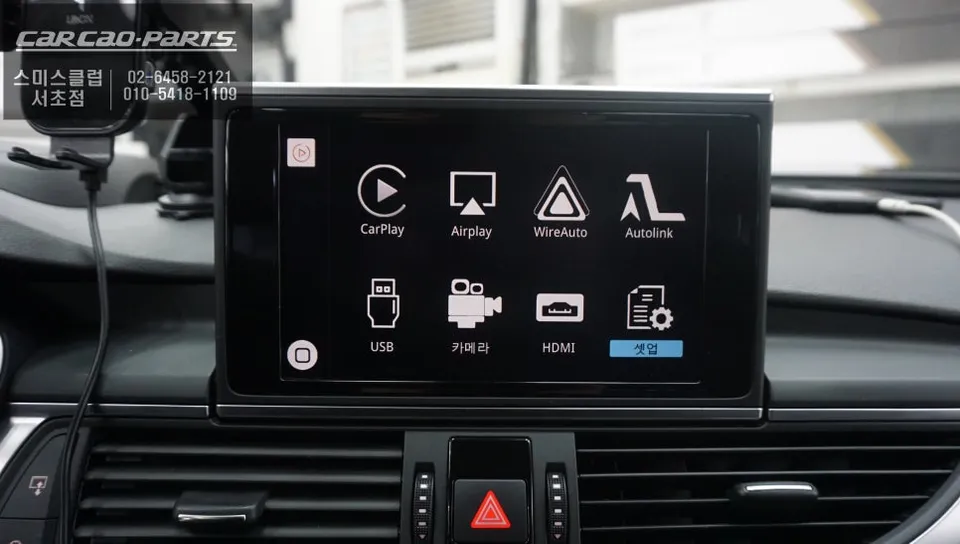
Audi A6 CarPlay retrofit integrates smartphone features onto the factory screen. Installation takes 2-3 hours, retaining original controls and display
Audi A6 CarPlay Module: Smart Upgrade, Retained Functionality
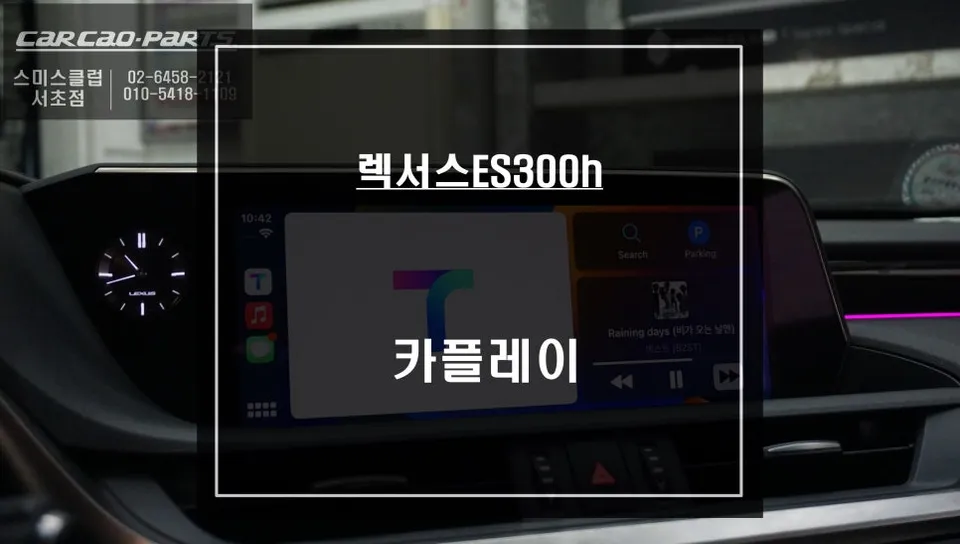
Many Audi A6 owners find the factory navigation system lacking. Slow map updates, inaccurate real-time traffic data, and a complex interface can be frustrating. Fortunately, a CarPlay module installation offers a smart solution, integrating your smartphone's familiar interface directly onto your car's original screen. This review details the process and benefits of adding CarPlay to an Audi A6, maintaining all original functions.
Seamless Integration with LVDS Technology
The key to a successful CarPlay retrofit lies in seamless integration without compromising the original system. For the Audi A6, this is achieved through a 'plug-and-play' method, meaning no permanent modifications to the vehicle's wiring harness are necessary. The system utilizes LVDS (Low-Voltage Differential Signaling) IN/OUT technology. Essentially, the CarPlay module intercepts the video signal destined for your factory monitor. It then displays the CarPlay interface and, when needed, seamlessly switches back to the original Audi infotainment system. This method ensures no damage to the original wiring, making it easy to revert if necessary.
Intuitive Control with Original MMI Buttons
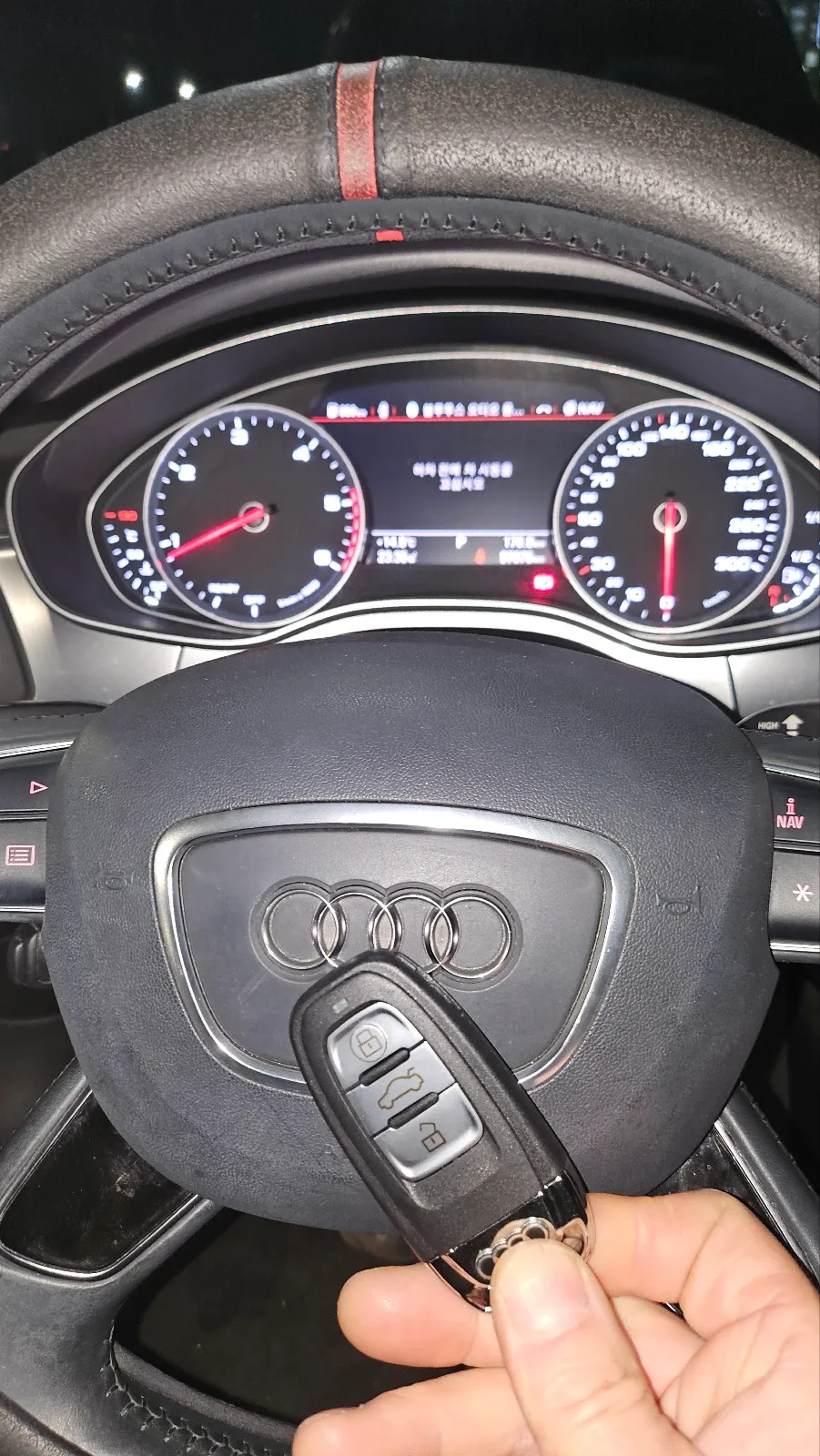
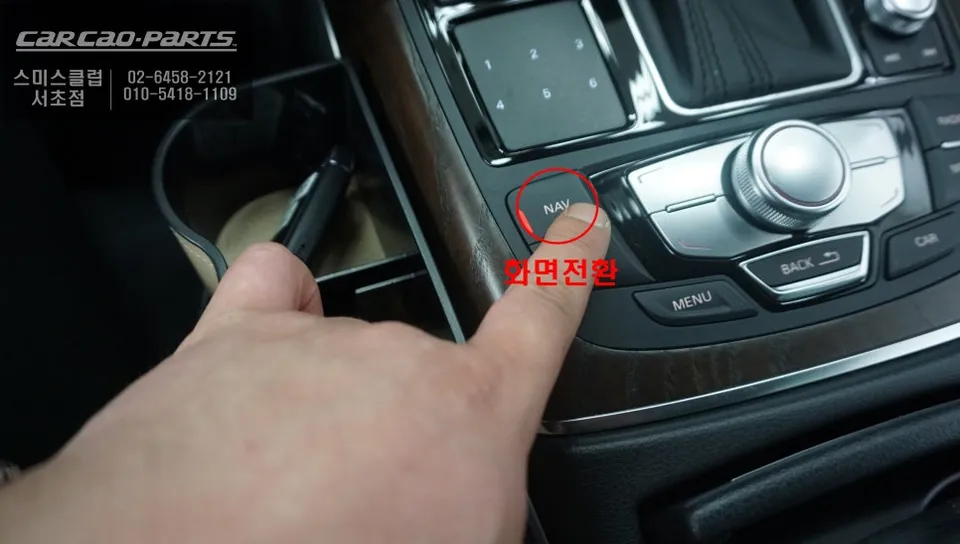
A common concern with aftermarket upgrades is usability. However, this Audi A6 CarPlay module is designed for intuitive control, leveraging the car's original MMI (Multi Media Interface) buttons. After starting the car, a simple two-second press of the MMI NAV button instantly switches the display to CarPlay. Connecting your smartphone via Bluetooth or USB provides immediate access to your favorite apps. To return to the factory system, simply press the same button again. Voice commands are also fully supported. Pressing the car's voice control button and issuing a command like "Navigate to work" will activate the CarPlay navigation. This integration works by connecting to the car's AUX input, allowing audio to play through the existing speakers without any need for additional sound system modifications.
Retain High-Definition Display and Access Popular Navigation Apps
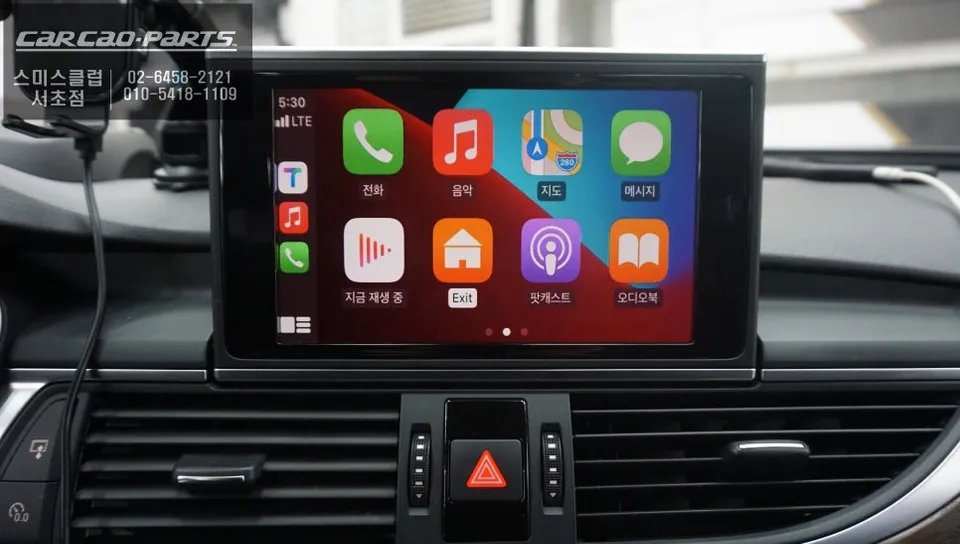
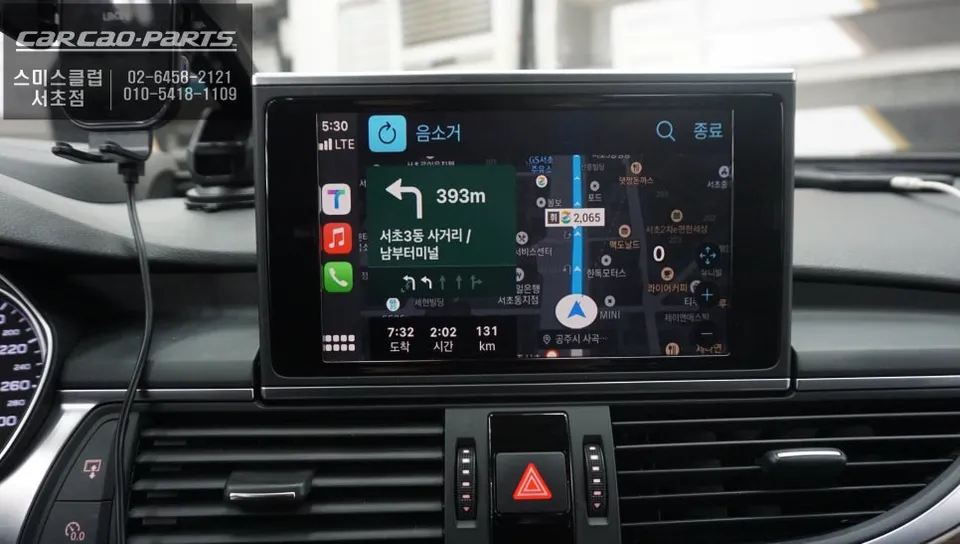
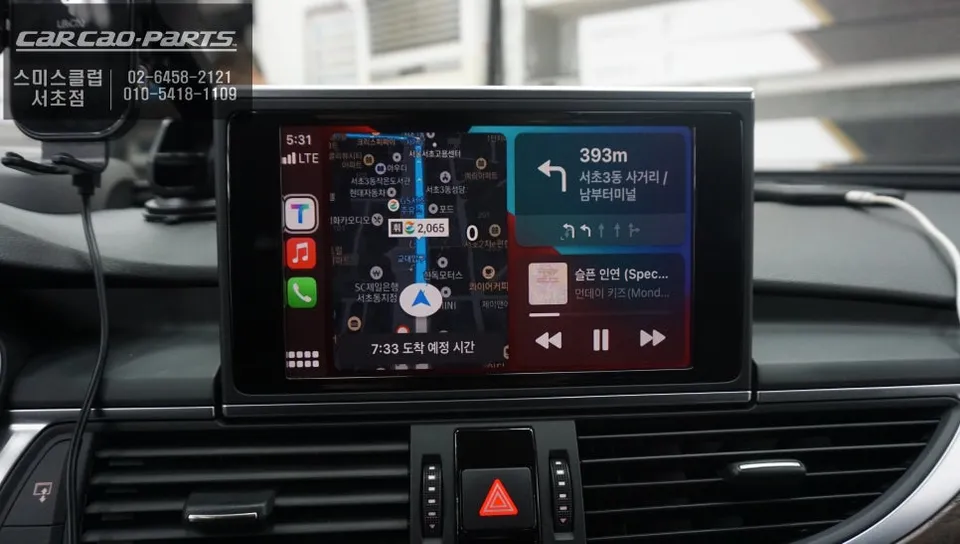
Audi A6 models typically feature a high-quality factory display, and this CarPlay module preserves that visual fidelity. Since the original screen isn't replaced, you benefit from its crisp resolution and clarity. The most significant advantage is the ability to use real-time navigation services like Google Maps, Waze, or Apple Maps directly on your car's screen. Unlike the often outdated factory navigation, these smartphone-based apps offer up-to-the-minute traffic data and frequent map updates, ensuring you always take the most efficient route. Music streaming apps like Spotify, Apple Music, and YouTube Music are also fully accessible, transforming your driving experience.
Installation Process:
- Disconnect the vehicle's battery for safety.
- Carefully remove trim pieces around the infotainment screen to access the factory display connectors.
- Disconnect the LVDS cable from the original display and connect it to the CarPlay module's input.
- Connect the CarPlay module's output LVDS cable back to the factory display.
- Connect the module's power and control harnesses, typically plugging into existing connectors (plug-and-play).
- Reconnect the battery, reassemble trim pieces, and test all functions.
The entire installation process for this Audi A6 CarPlay module typically takes between 2 to 3 hours. This upgrade offers a significant enhancement to your vehicle's infotainment system, providing modern functionality while retaining the premium feel of your Audi A6.
Frequently Asked Questions
Q. How much does an Android head unit or CarPlay installation cost for an Audi A6?
The cost for this specific CarPlay module installation on an Audi A6 in Korea was approximately ₩500,000 (around $360 USD). Typical US installation costs for similar CarPlay retrofits can range from $300 to $800, depending on the module and vehicle specifics.
Q. How long does Android head unit installation take on an Audi A6?
This CarPlay module installation for an Audi A6 typically takes 2 to 3 hours to complete. The module itself is designed for durability, and maintenance usually involves ensuring your smartphone's software is up-to-date.
Q. Is a CarPlay or Android Auto retrofit worth it for an Audi A6?
A CarPlay or Android Auto retrofit is highly recommended for Audi A6 owners who desire modern navigation and app integration. It offers a significant upgrade in functionality and user experience compared to the factory system.
Q. How is an Android head unit installed in an Audi A6?
Installation involves a plug-and-play process using LVDS technology. The CarPlay module intercepts the video signal to the factory screen, displaying the CarPlay interface without altering the original wiring. The process typically takes 2-3 hours.
Q. What is the difference between an Android head unit and a factory infotainment system for an Audi A6?
The primary difference is functionality: the factory system offers limited, often outdated navigation and features, while an Android head unit or CarPlay retrofit provides seamless access to modern smartphone apps like Google Maps, Waze, and streaming services.
Kakao Parts