Porsche Panamera Android Auto Full Screen Coding Review
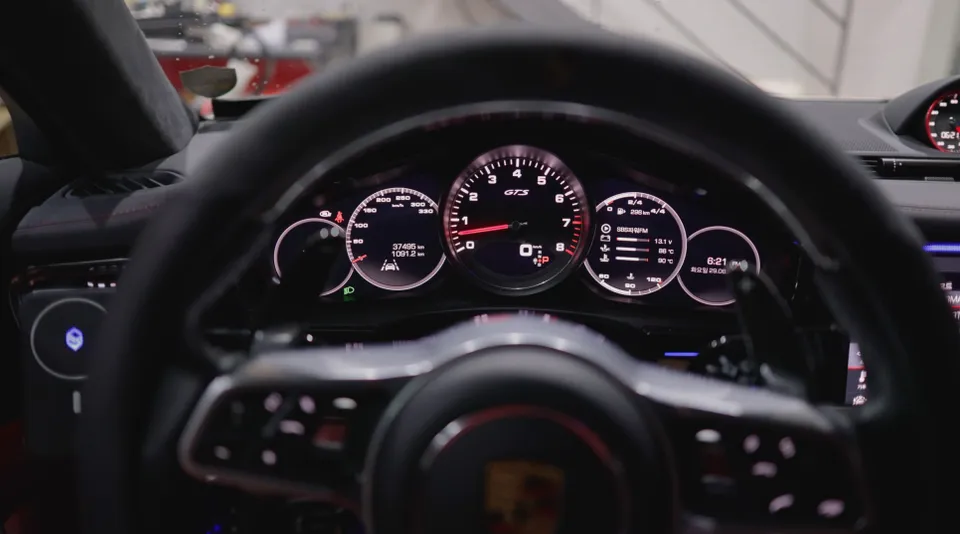
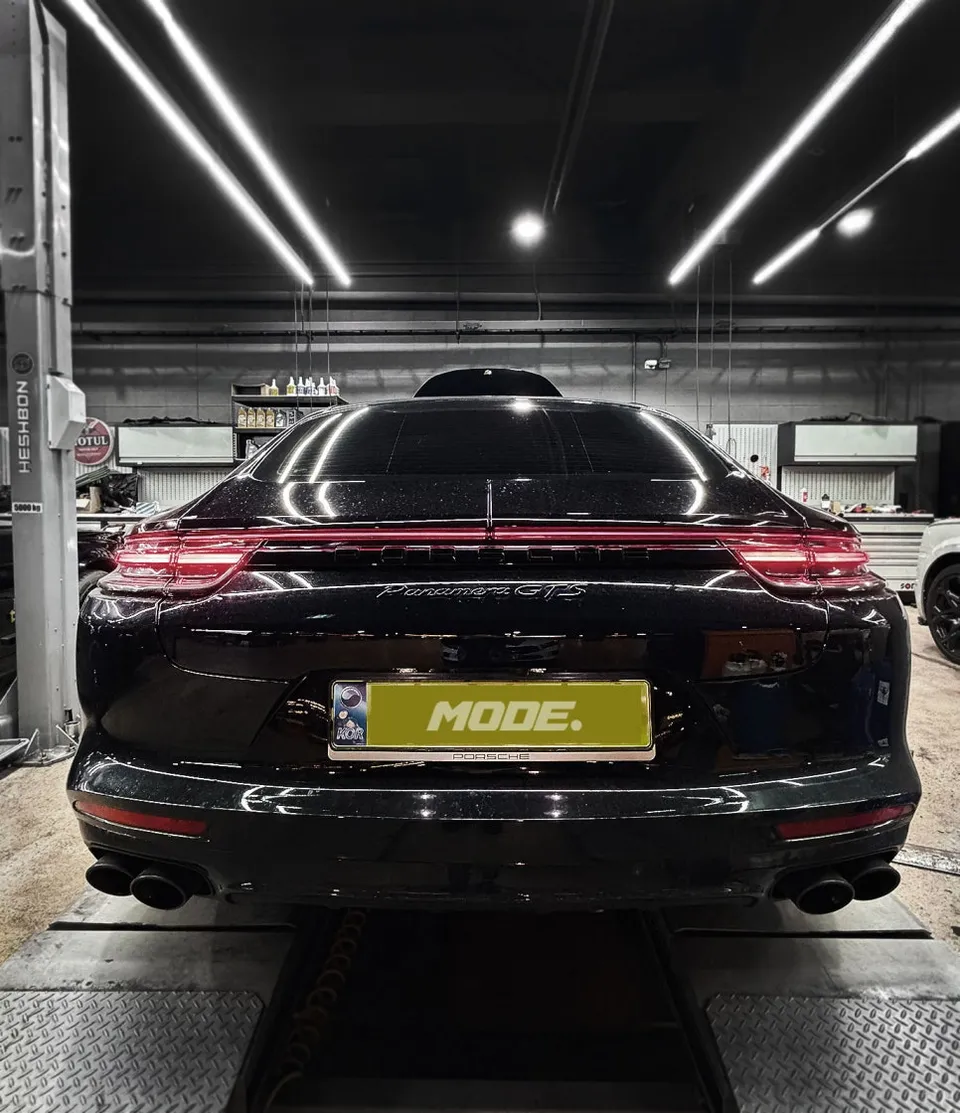
Porsche Panamera GTS Android Auto coding and full screen activation. Seamless smartphone integration for navigation and music.
Unlock Your Porsche Panamera's Android Auto Potential
Even high-end vehicles like the Porsche Panamera can sometimes ship without Android Auto functionality enabled. While many modern cars come equipped with Apple CarPlay and Android Auto, certain Porsche models may have this feature deactivated from the factory. This doesn't mean your car lacks the capability; it simply means the hidden feature needs to be activated through coding. Today, we'll walk through a real-world case of enabling Android Auto and performing a full-screen coding on a Porsche Panamera GTS.
How Android Auto Coding Works
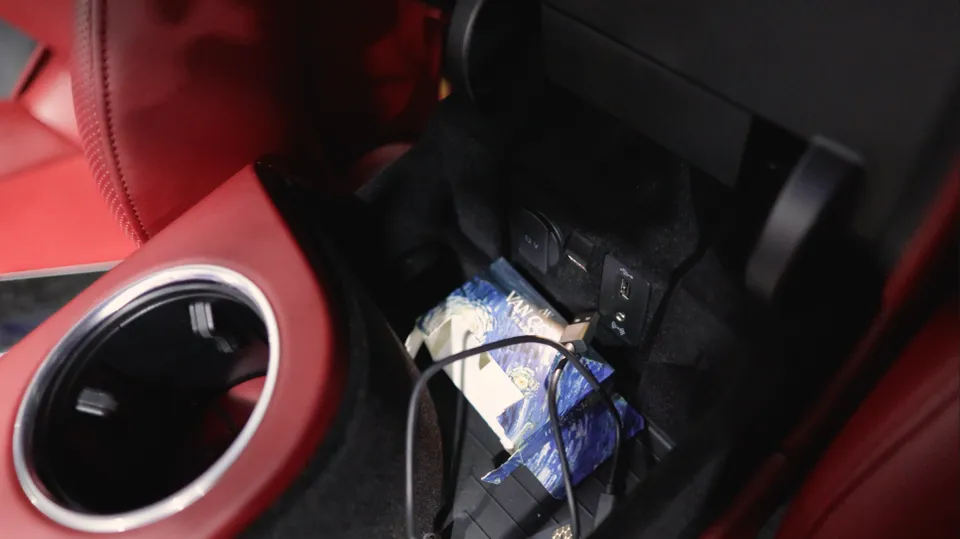
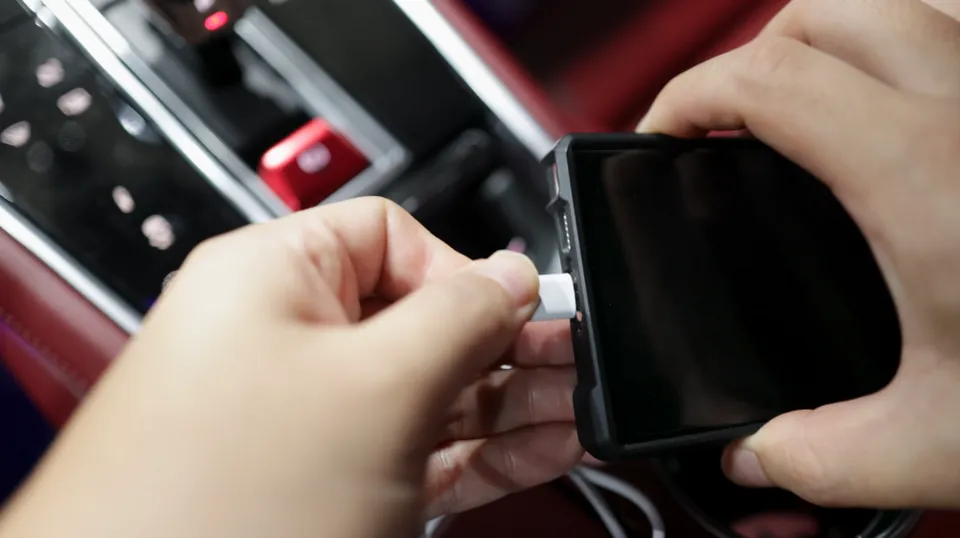
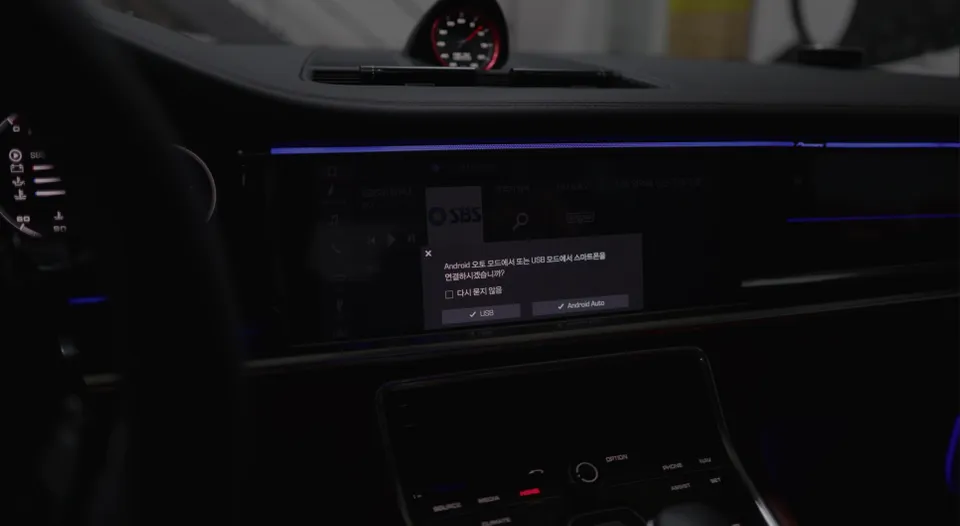
To use Android Auto, you'll connect your smartphone to the car via a USB cable. Upon the initial connection, the car's infotainment system recognizes the smartphone, and a few confirmation steps are required. Once this process is complete, Android Auto will automatically activate on subsequent connections.
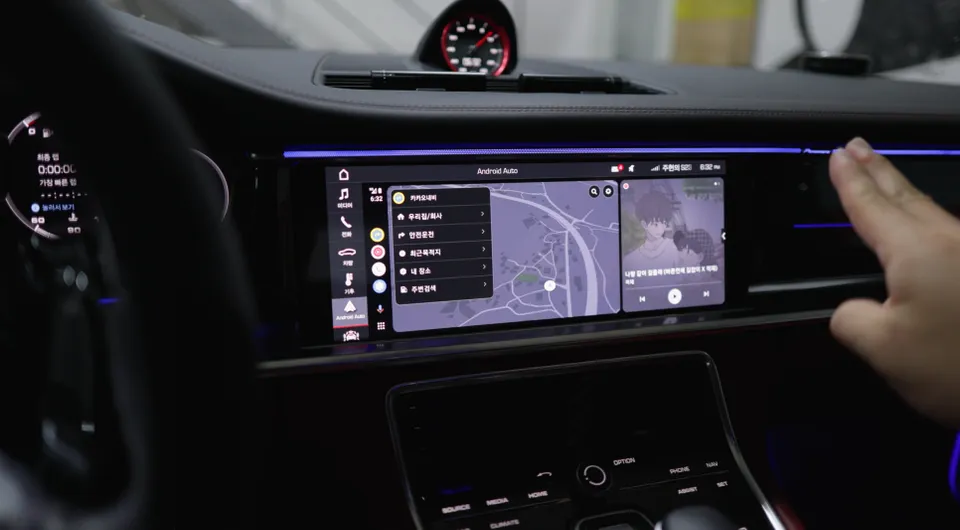
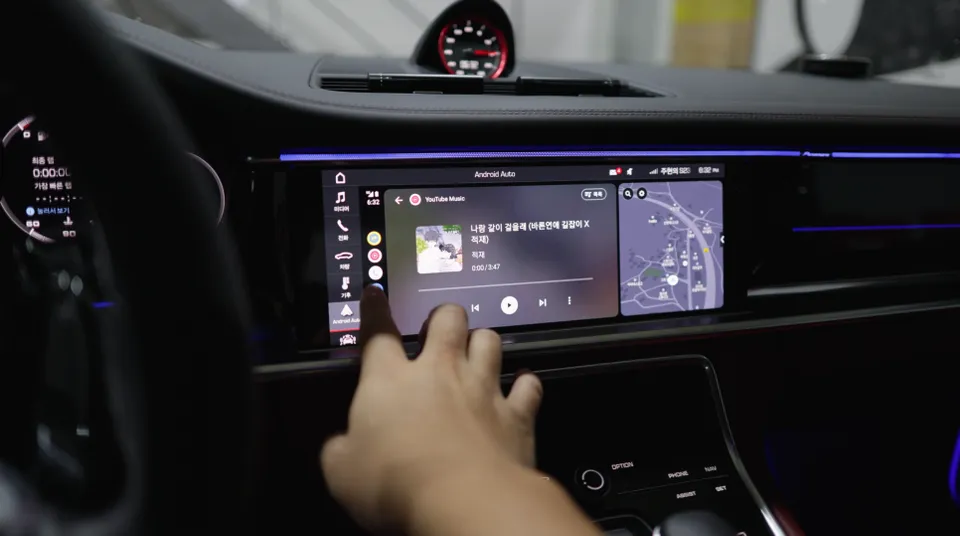
After coding, your smartphone's navigation and music apps will be mirrored directly onto the car's display. For instance, apps like KakaoMap and YouTube Music can be controlled using the car's touchscreen and voice commands. You can select apps and change basic settings directly from the vehicle, making it highly practical.
Upgrade Your Visuals with Full Screen Coding
While basic Android Auto activation provides full functionality, adding full-screen coding significantly enhances the visual experience. Because dashboard layouts vary between car models, full-screen coding is often customized to each vehicle.
The Porsche Panamera features a wide central display, making full-screen coding ideal for maximizing the benefits of Android Auto. A larger display improves map readability and makes controlling music playback more intuitive.
The Actual Coding Process
The first step in activating Android Auto coding for a Porsche Panamera GTS involves using diagnostic equipment to assess the current system settings. A coding specialist will check the infotainment system's software version and existing features, then update the software with the necessary codes to support Android Auto.
Next, a test connection is made using a smartphone. Connecting an Android device via USB will bring up the Android Auto interface on the car's screen. Several confirmation steps will follow, which are standard security procedures.
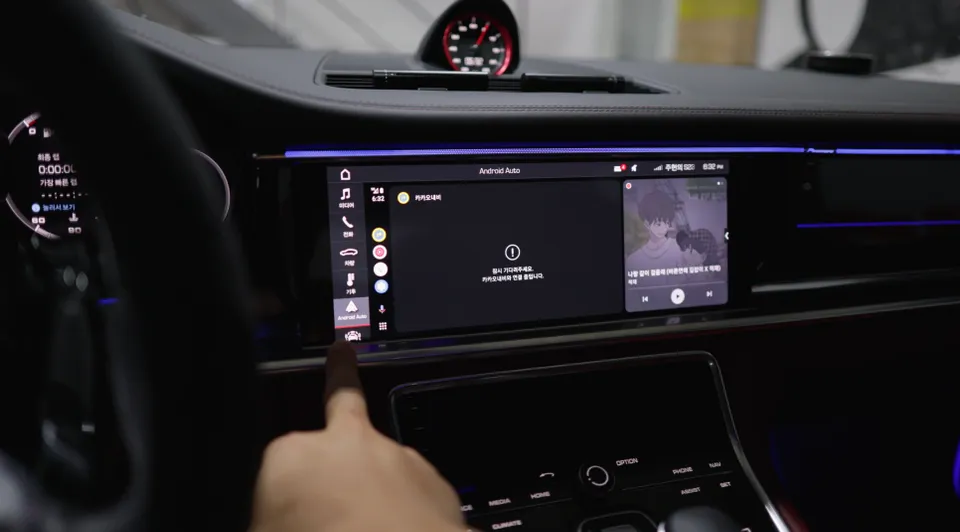
Once the smartphone is recognized, apps like KakaoMap, KakaoNavi, and YouTube Music will activate automatically. You can personalize your experience by selecting your preferred navigation and music apps, customizing the system to your smartphone environment.
Full Screen Coding Complete: The Final Result
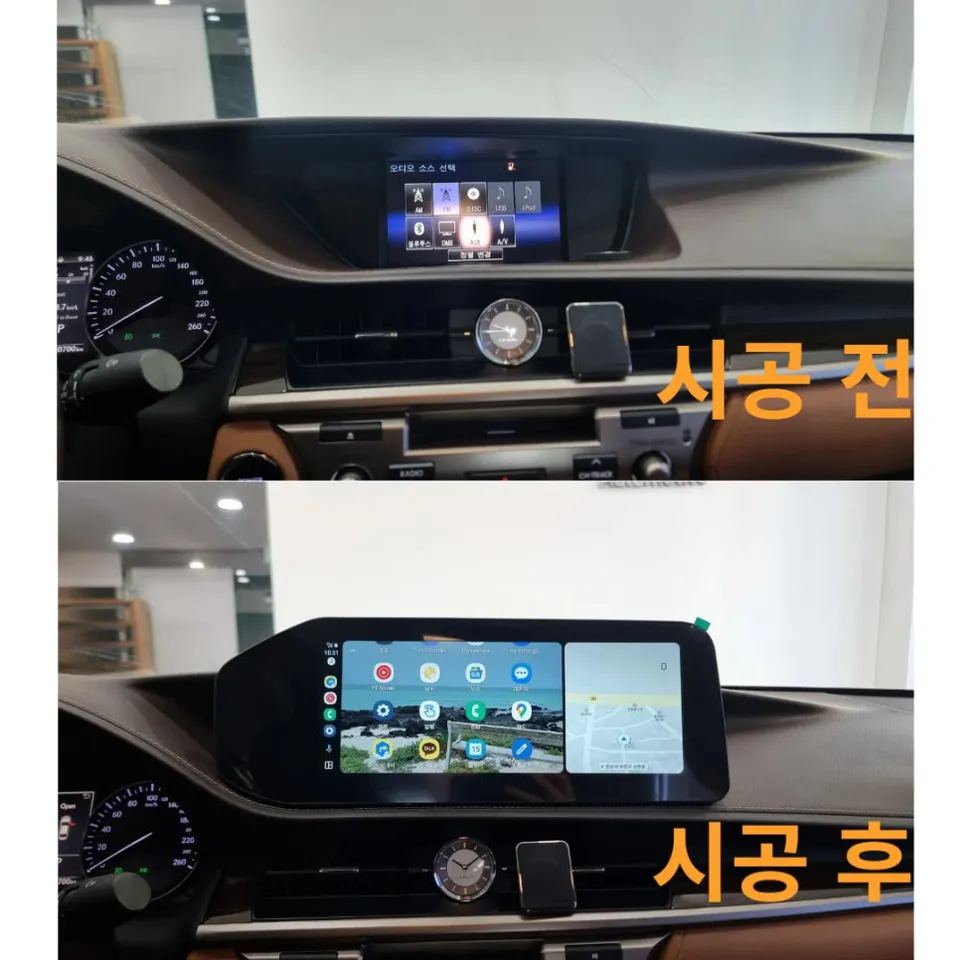
After the basic activation is complete, full-screen coding is performed. This process optimizes the car's display resolution and layout, ensuring Android Auto utilizes the maximum screen area possible.
For the Porsche Panamera, the large center touchscreen benefits greatly from full-screen coding. Navigation maps, music players, and call interfaces appear significantly larger and clearer, perfectly complementing the car's premium aesthetics.
Important Post-Coding Precautions
Android Auto and Apple CarPlay primarily support apps for navigation, music streaming, calls, and messaging.
Frequently Asked Questions
Q. How much does Android Auto coding cost for a Porsche Panamera GTS?
The cost for Android Auto coding on a Porsche Panamera GTS typically ranges from ₩200,000 to ₩400,000 in Korea. In the US, similar activation services can range from $150 to $300, depending on the provider and specific features.
Q. How long does Android Auto coding last on a Porsche Panamera GTS?
Once activated through coding, Android Auto functionality is permanent and should last the lifetime of the vehicle's infotainment system. Regular software updates for the car's system are generally compatible, but it's wise to ensure the coding specialist uses stable, tested software versions.
Q. Is Android Auto coding worth it for a Porsche Panamera GTS?
Android Auto coding is highly recommended for Porsche Panamera GTS owners who frequently use navigation and streaming apps, as it significantly enhances the usability and connectivity of the infotainment system. It transforms the car's display into a seamless extension of your smartphone.
Q. How is Android Auto coding done on a Porsche Panamera GTS?
Android Auto coding on a Porsche Panamera GTS involves connecting diagnostic tools to the vehicle's OBD-II port. 1. The system's software is analyzed for compatibility. 2. Necessary coding parameters are modified or updated within the infotainment unit. 3. A smartphone is connected via USB to confirm successful activation and full-screen display.
Q. What is the best Android Auto option for a Porsche Panamera GTS?
The best Android Auto option for a Porsche Panamera GTS is professional coding that enables full-screen display, maximizing the use of the wide infotainment screen. This offers a superior visual experience compared to standard screen modes or aftermarket head units.
OhCar Partner Shop