Mercedes-Benz GLC Android Head Unit Review — Enhanced Connectivit
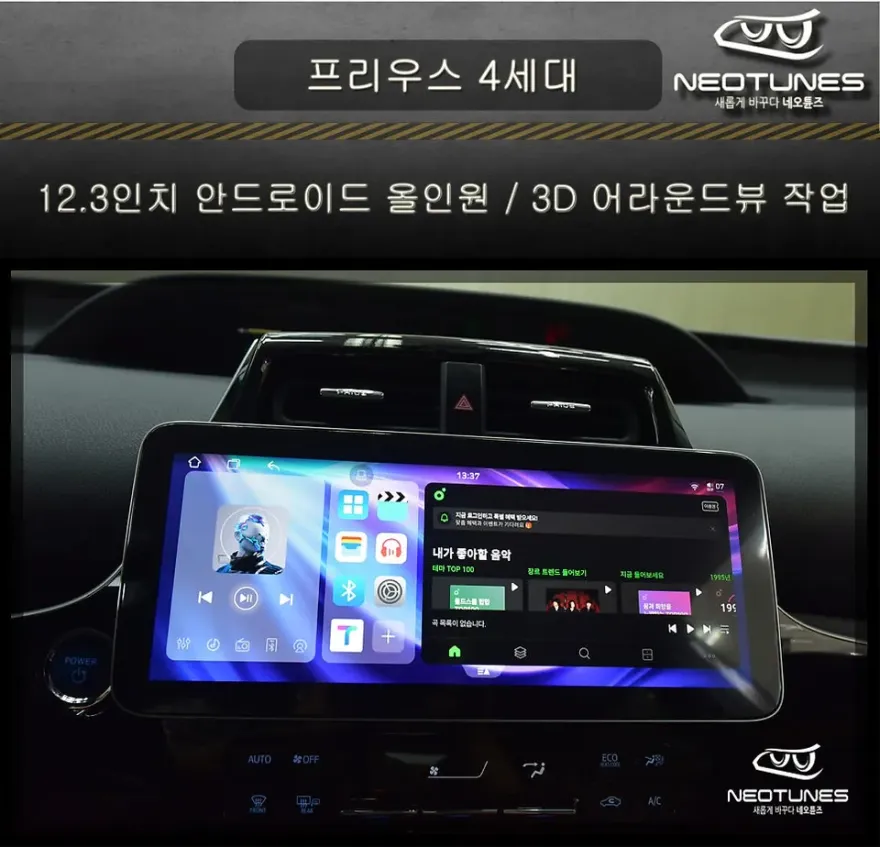
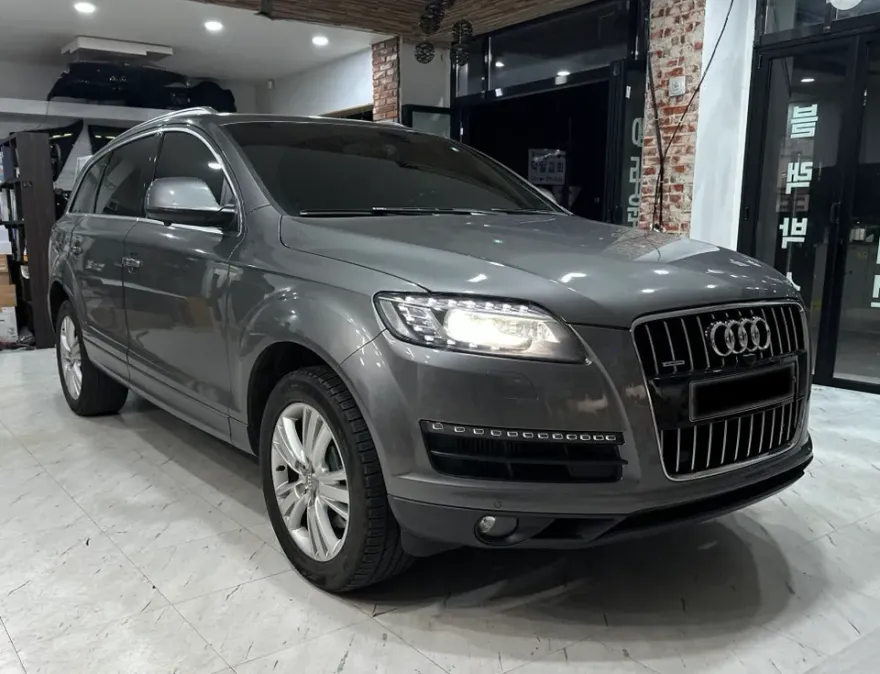
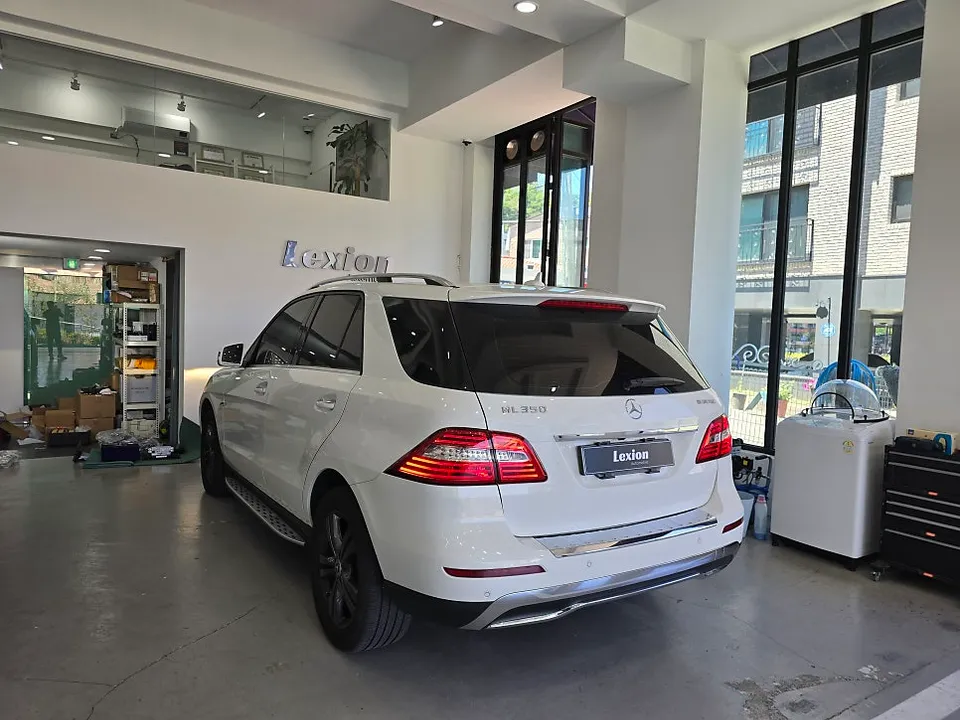
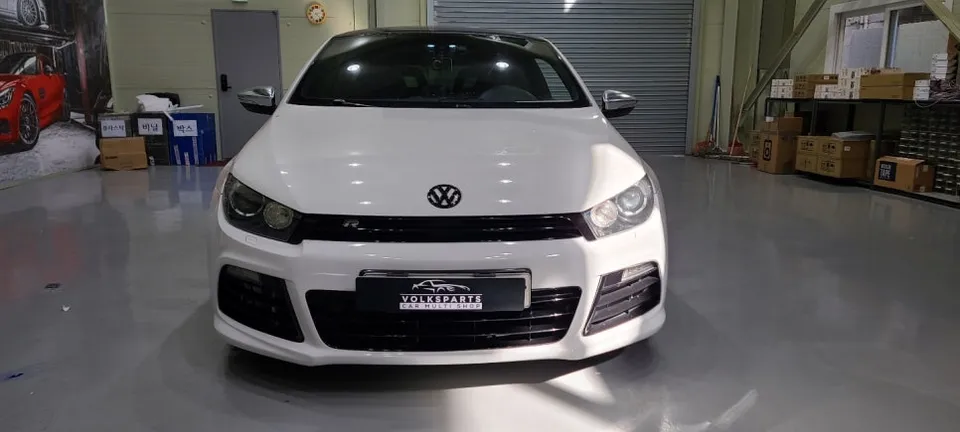
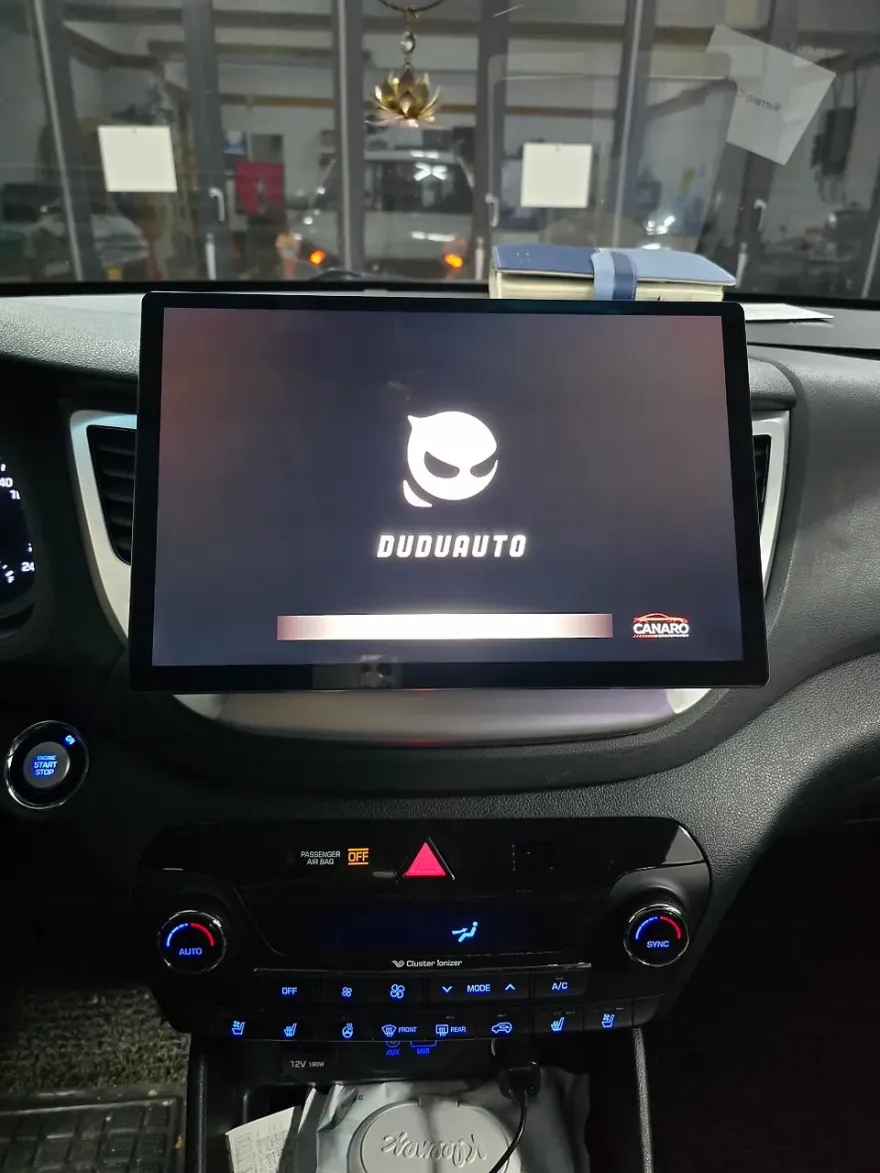
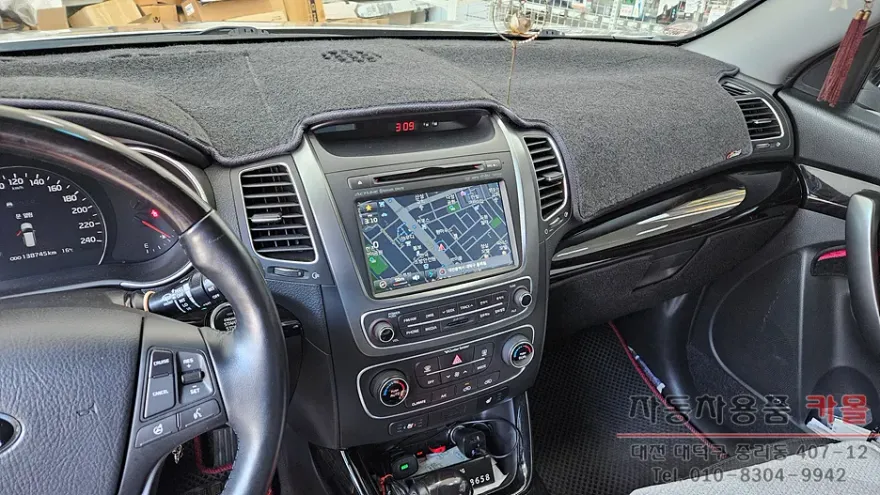
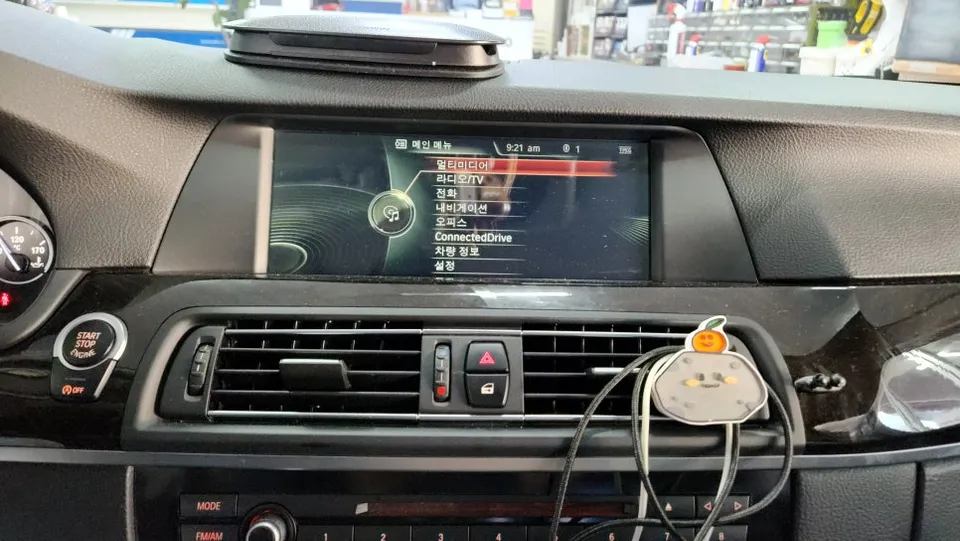
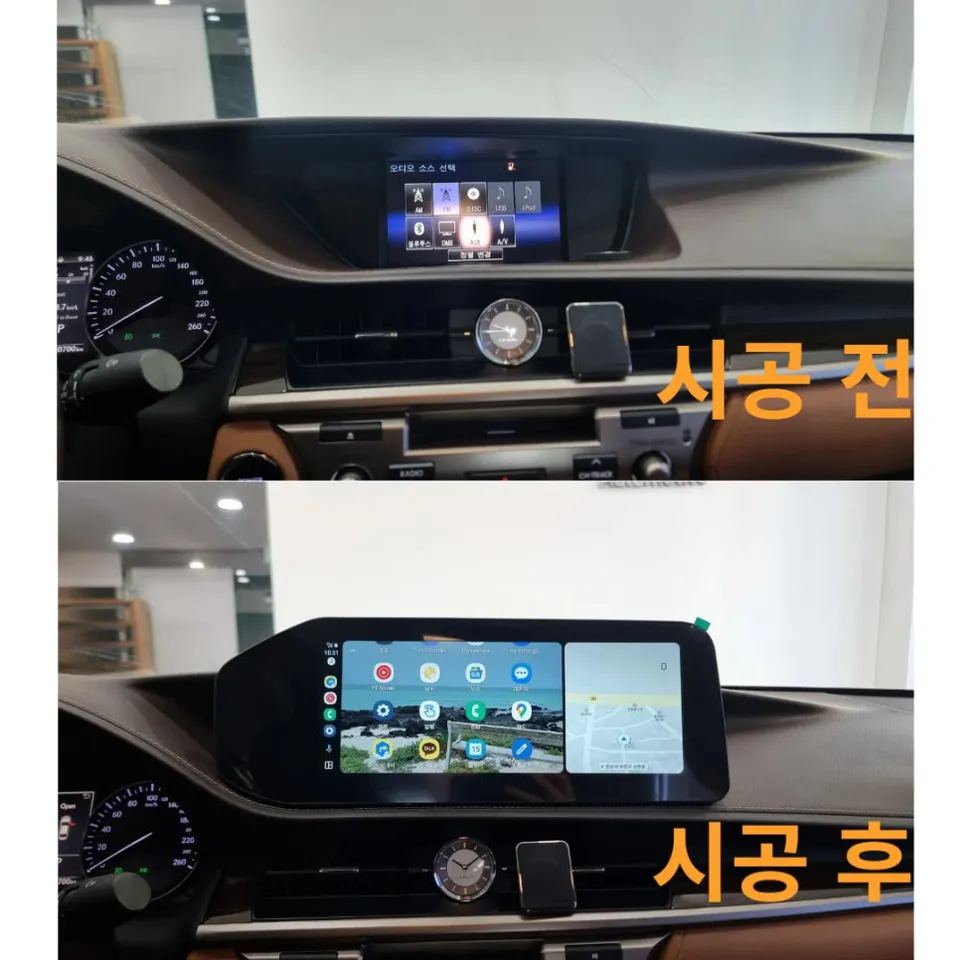
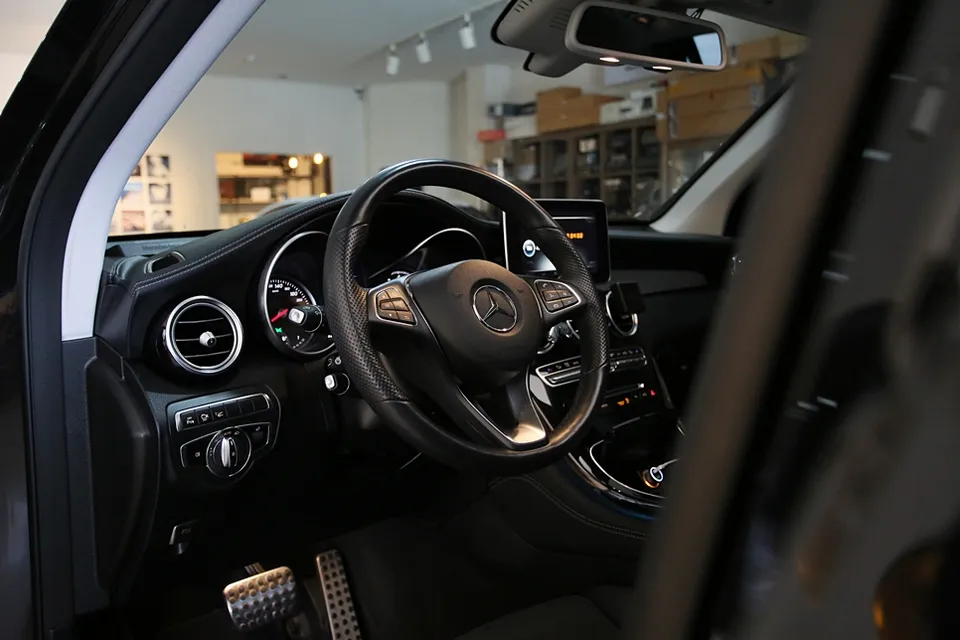
Before
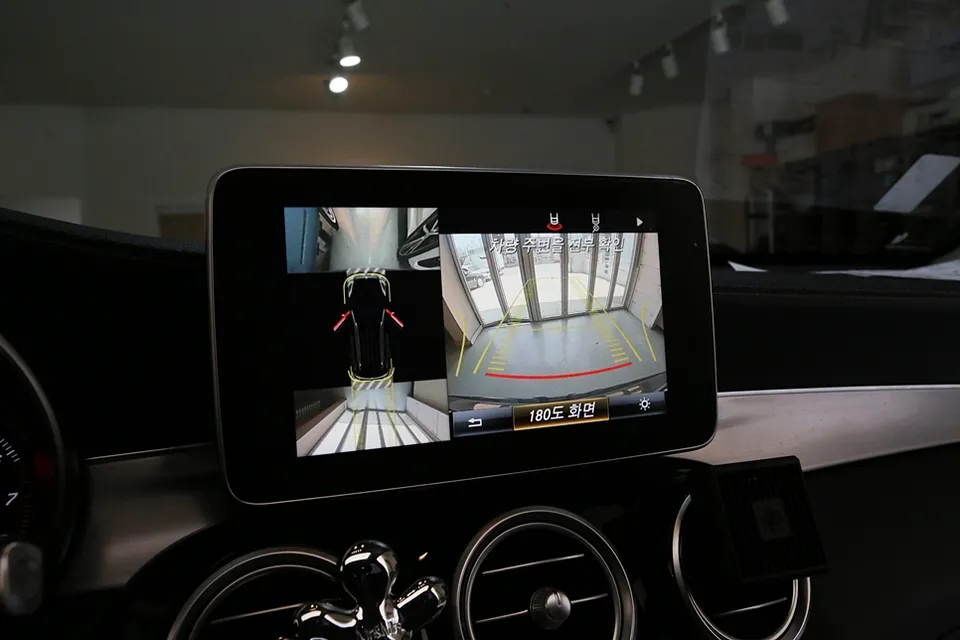
After
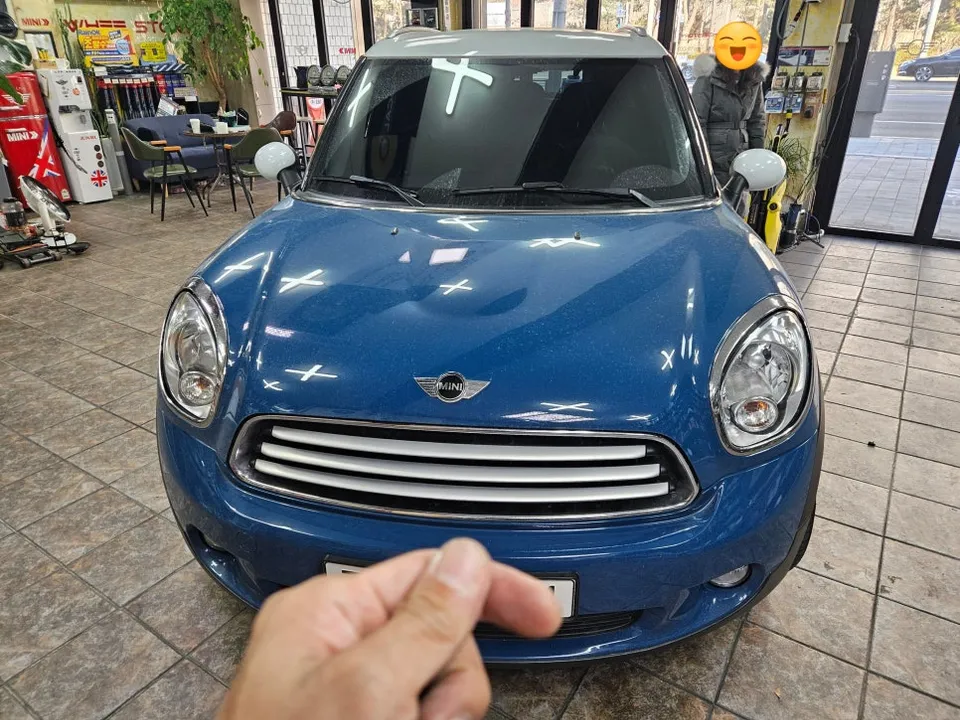
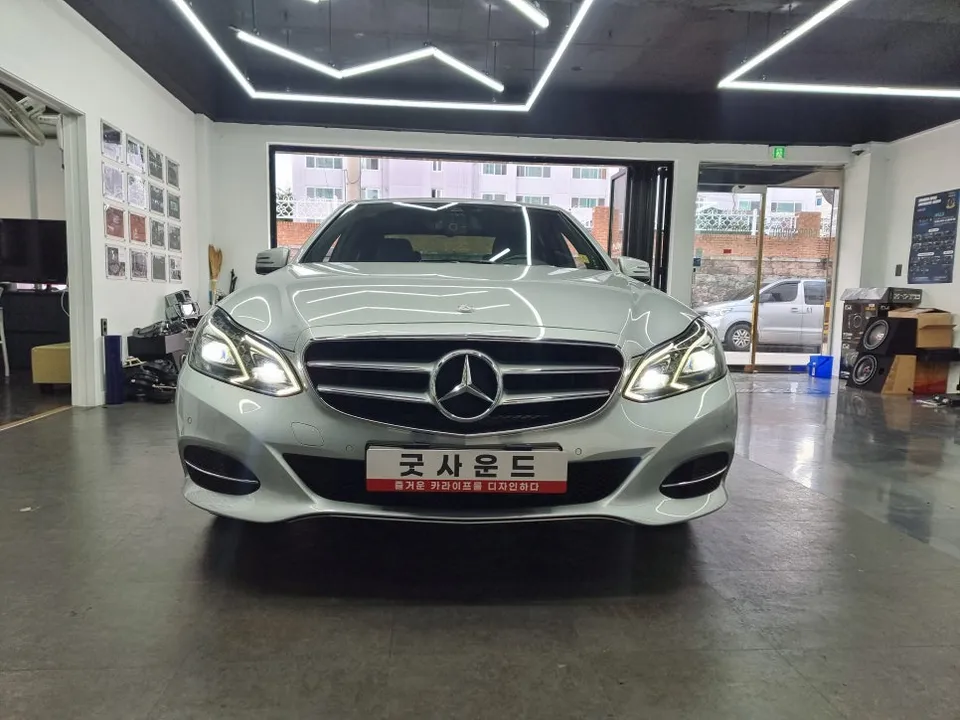
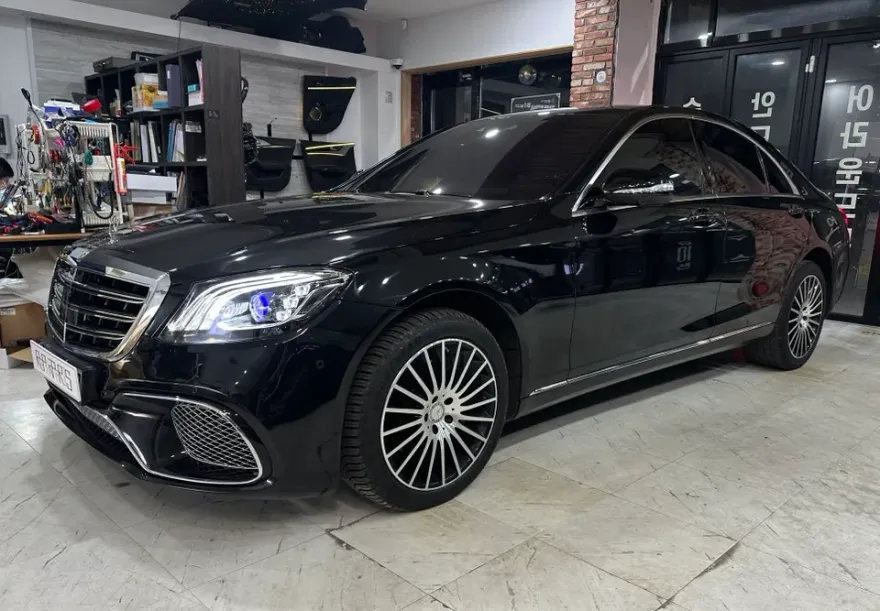
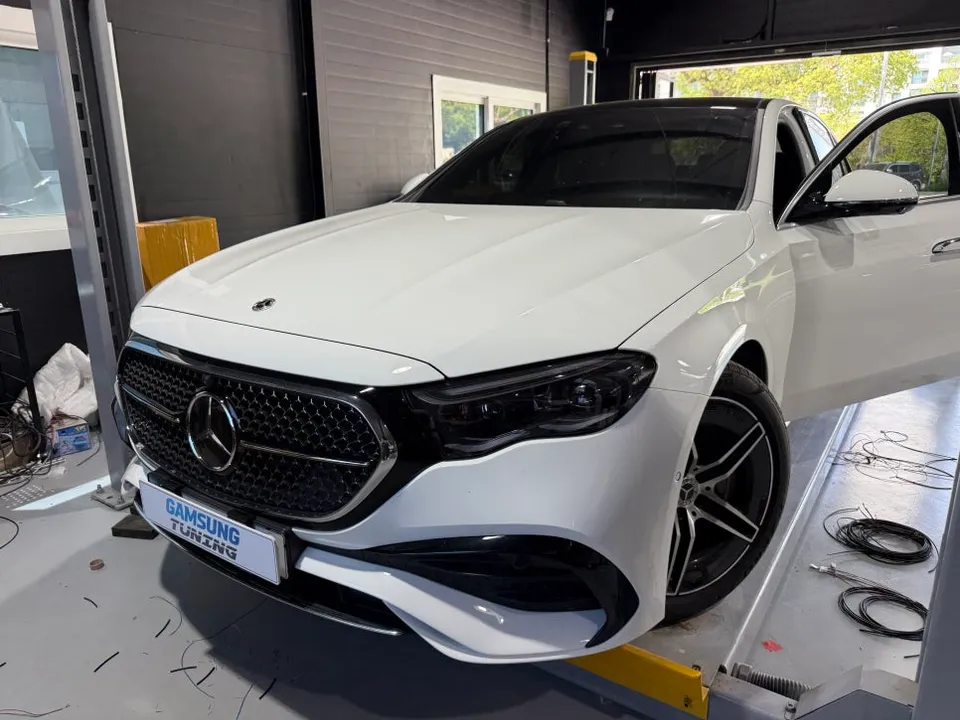
Process photos
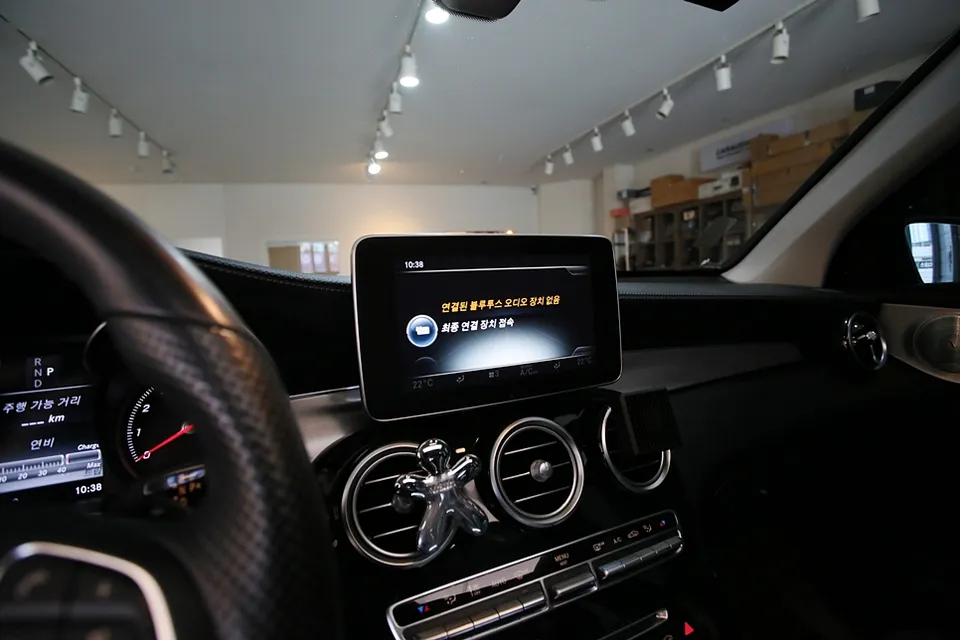
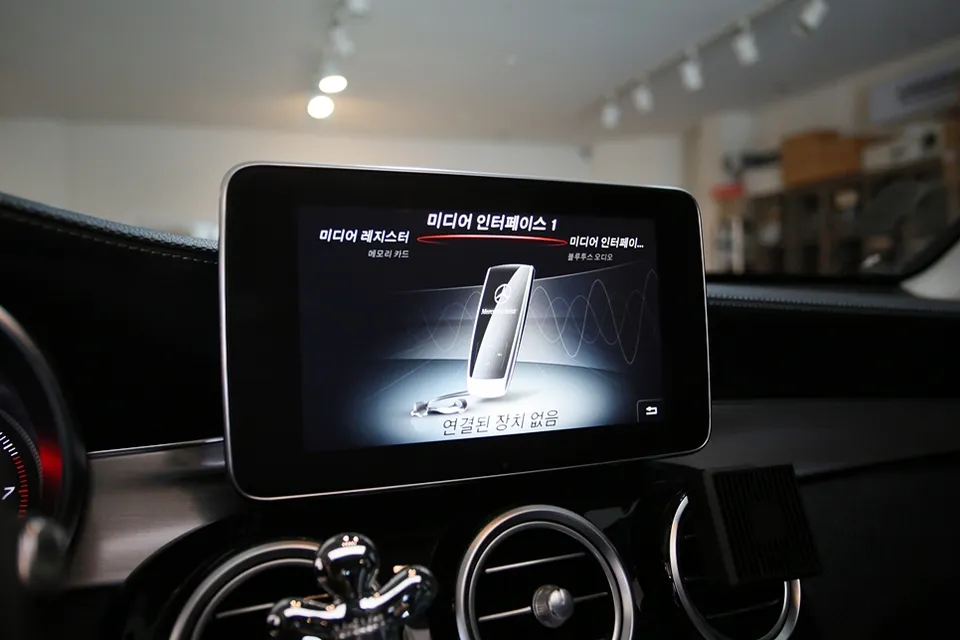
Mercedes-Benz GLC Android Head Unit installation: Enhanced connectivity with Android Auto & CarPlay. Seamless smartphone integration.
Upgrading Your Mercedes-Benz GLC with an Android Head Unit
This review details the process of integrating an Android Head Unit into a Mercedes-Benz GLC 300, focusing on enabling Android Auto, Apple CarPlay, and AUX activation. The upgrade aims to significantly enhance the vehicle's infotainment system, providing a more modern and user-friendly interface for navigation, music, and communication.
Installation Process and Results
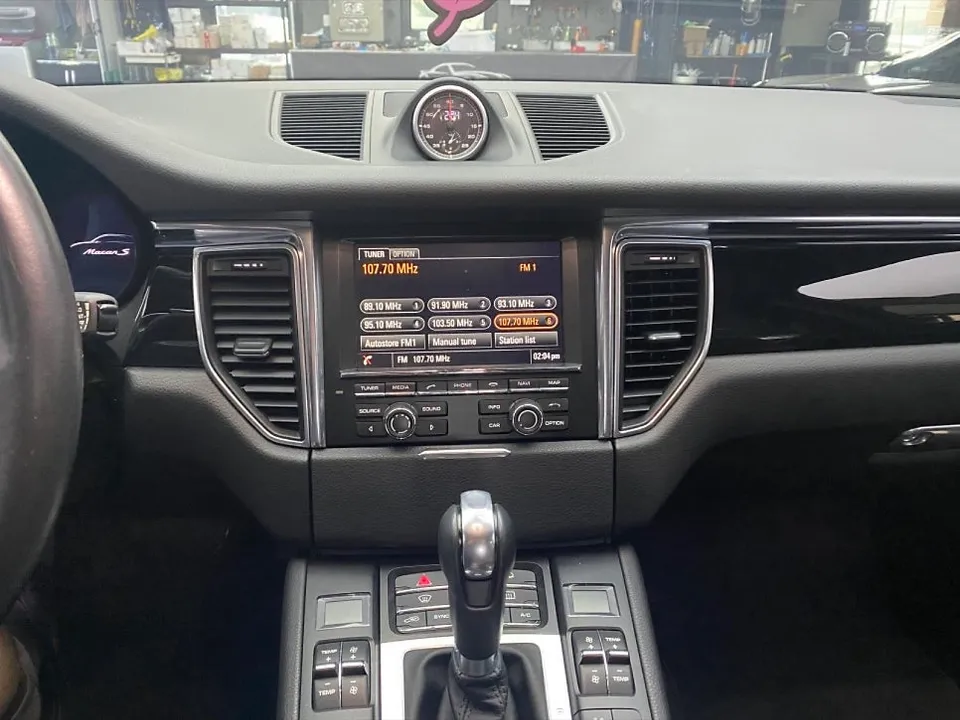
The installation of an Android Head Unit in the Mercedes-Benz GLC involves replacing the factory infotainment system with a new unit that runs the Android operating system. This allows for the seamless integration of popular smartphone mirroring technologies like Android Auto and Apple CarPlay. Additionally, the process often includes activating the AUX (Auxiliary) input, which can be useful for older audio devices or for specific audio routing needs. The result is a significantly modernized dashboard experience, offering access to a vast array of apps directly through the car's display. Navigation apps like Google Maps and Waze become readily available, alongside streaming services and communication tools.
Installation Process:
- Removal of the original Mercedes-Benz GLC head unit.
- Wiring and connection of the new Android Head Unit, ensuring all vehicle systems are compatible.
- Integration of smartphone mirroring software (Android Auto/Apple CarPlay).
- Activation of the AUX input for expanded audio options.
- Testing of all functions to ensure proper operation and display integration.
The visual output is crisp and responsive, with touch controls mirroring the intuitive nature of a smartphone. The ability to use familiar apps directly on the larger screen enhances both convenience and safety during drives. This upgrade transforms the GLC's interior, bringing it up to par with the latest automotive technology standards.
Frequently Asked Questions
Q. How much does an Android Head Unit cost for a Mercedes-Benz GLC?
The cost for this specific Android Head Unit installation on the Mercedes-Benz GLC was detailed in the original Korean context, with typical US installations ranging from $500 to $1500 depending on features and brand. Further pricing details were not provided in the source material.
Q. How long does an Android Head Unit last on a Mercedes-Benz GLC?
Android Head Units are generally designed to last the lifespan of the vehicle, typically 8-10 years or more with proper care. Regular software updates and avoiding extreme temperature exposure can help maintain longevity.
Q. Is an Android Head Unit worth it for a Mercedes-Benz GLC?
An Android Head Unit is highly beneficial for Mercedes-Benz GLC owners who frequently use navigation apps, streaming services, or desire a more modern infotainment experience. It significantly enhances connectivity and access to digital features compared to the factory system.
Q. How is an Android Head Unit installed on a Mercedes-Benz GLC?
Installation involves carefully removing the original head unit, connecting the new Android unit with appropriate wiring harnesses, and integrating its software. This process typically includes enabling features like Android Auto, Apple CarPlay, and AUX functionality, followed by thorough testing.
Q. What is the best Android Head Unit option for a Mercedes-Benz GLC?
The best option depends on individual needs, but units offering seamless integration with both Android Auto and Apple CarPlay, along with features like enhanced navigation and app support, are generally recommended. Prioritize units known for reliable performance and good customer support.
OhCar Partner Shop