Volvo V40 CarPlay Installation Review — Seamless Navigation
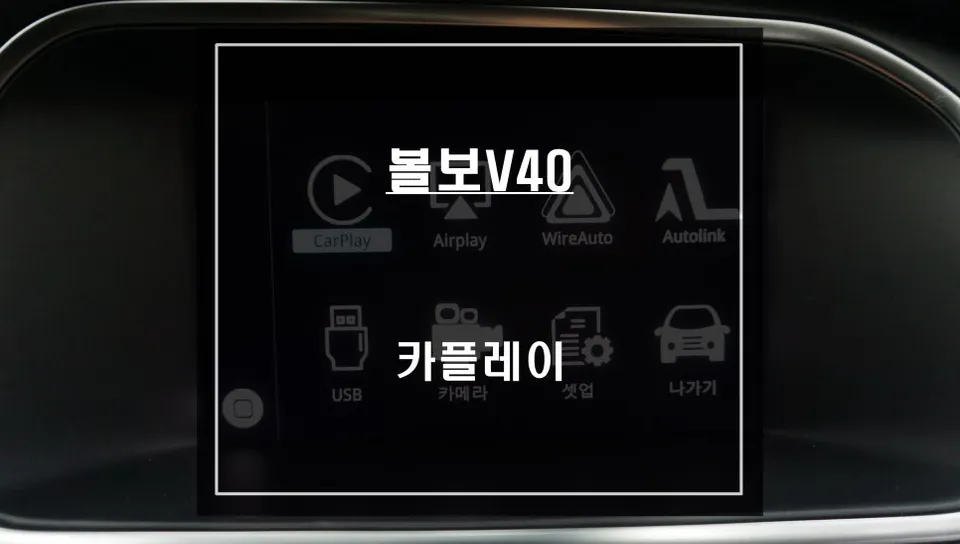
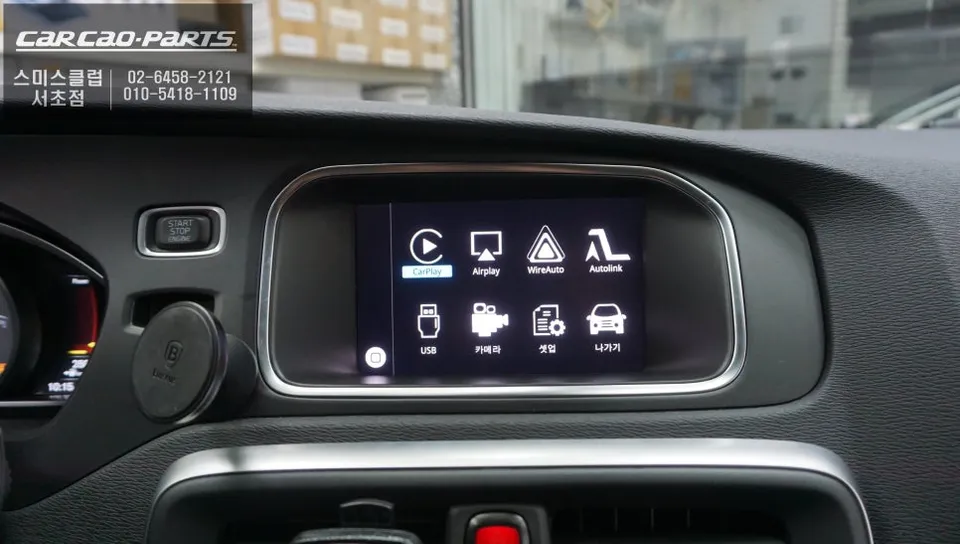
CarPlay installation on Volvo V40 adds wireless smartphone integration. Factory nav preserved, real-time mapping apps now accessible via dashboard scr
Upgrade Your Volvo V40 with CarPlay: Say Goodbye to Outdated Navigation
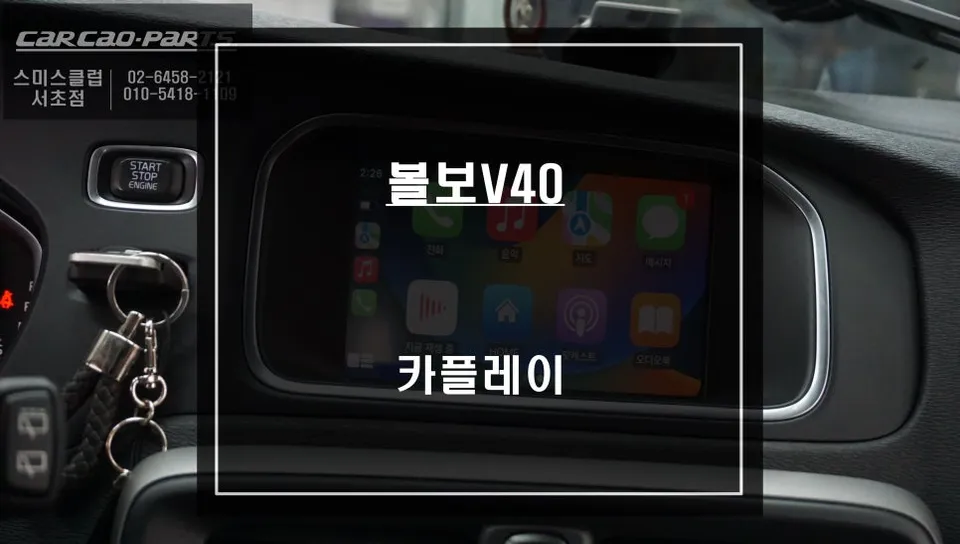
For owners of the 2016 Volvo V40, a common frustration is the limitations of the factory navigation system. Outdated map data and slow update speeds make relying on the built-in system impractical, especially when apps like Tmap and KakaoMap offer real-time traffic information crucial for safe driving. This review details a recent installation at O-Neul-Ui-Car (Today's Car) in Seocho, which perfectly addressed these issues. The service involved adding a CarPlay functionality to the existing infotainment system, allowing the driver to seamlessly integrate their smartphone's navigation apps directly onto the car's display without replacing the original unit.
Expert CarPlay Installation at O-Neul-Ui-Car Seocho
O-Neul-Ui-Car Seocho specializes in CarPlay installations for premium import brands like Volvo, BMW, and Audi. They have extensive experience with mid-2010s vehicles equipped with factory navigation, focusing on adding modern features without compromising original functionality. This delicate balance is their forte, ensuring a clean and effective upgrade. The Seocho branch is a popular choice for drivers in the Gangnam area, known for its proven equipment and skilled technicians. Key technical aspects, such as high-definition GVIF cable connections and the integration of USB AUX modules, are handled with precision.
Volvo V40 CarPlay Installation Process: Step-by-Step
The primary goal of this installation was to integrate the CarPlay module discreetly behind the original monitor, preserving the vehicle's factory look and feel. The process began with the careful removal of the trim pieces surrounding the original navigation unit. Volvo's interior components often utilize a snap-fit design, requiring careful handling to avoid damage and ensure a perfect reassembly.
- Trim Disassembly: Carefully remove the dashboard trim panels surrounding the factory infotainment screen using specialized tools to prevent scratches or breakage.
- Module Integration: Mount the new CarPlay module behind the OEM display. Connect it to the factory screen using a GVIF cable, which ensures high-definition video signal transmission for a crisp, clear image.
- Audio Connectivity: Since the 2016 V40 lacks a native AUX input, a USB to AUX converter module is installed. This module is connected to the vehicle's gateway or navigation backup input to route CarPlay audio through the car's speakers.
- Wiring and Reassembly: Systematically route all necessary cables, ensuring they are secured and hidden. Reassemble the dashboard trim panels, returning the interior to its original condition.
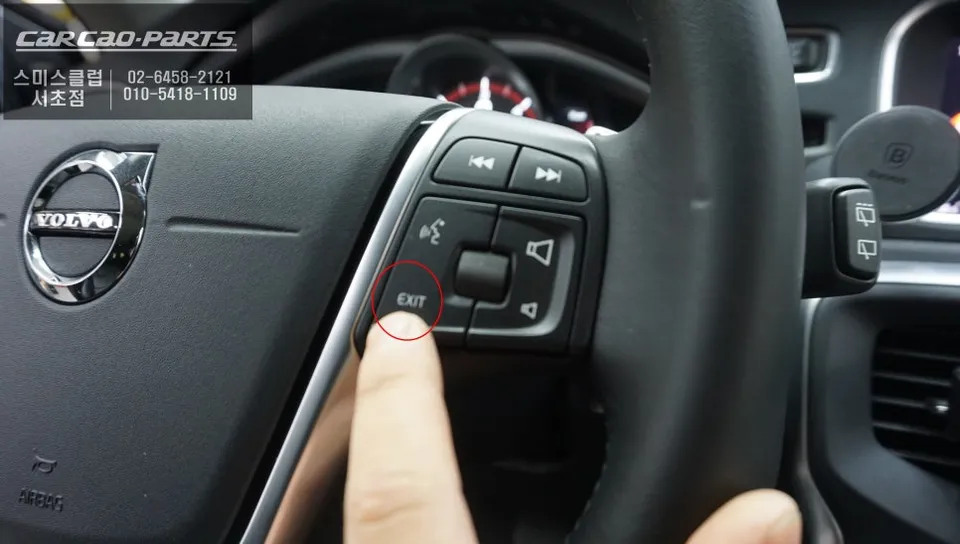
- System Activation and Testing: Power on the system, activate the CarPlay module, and test all functions, including navigation app audio and smartphone connectivity.
The Importance of the USB AUX Module and Wired Connection
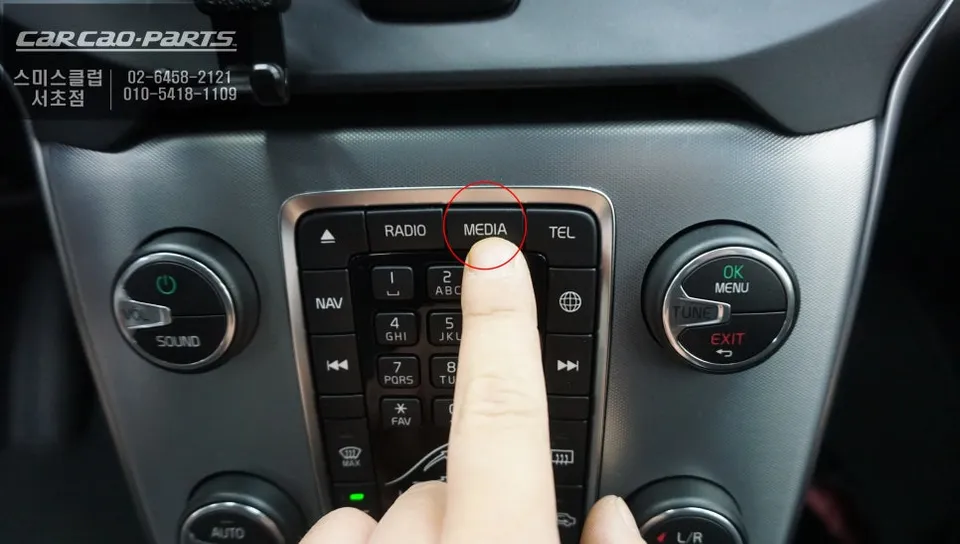
A unique challenge with the 2016 Volvo V40 is the absence of an external AUX input. To enable audio from CarPlay apps like Tmap or KakaoMap to play through the car's speakers, a dedicated USB to AUX converter module is essential. This module translates the digital USB audio signal into an analog signal compatible with the car's audio system, typically connected to the navigation unit's backup input. Once installed and activated, the system provides clear turn-by-turn directions through the factory speakers, matching the audio quality of the original radio. For optimal performance and reliability, a wired CarPlay connection was recommended and installed. While wireless CarPlay offers convenience, the wired method provides a more stable connection, crucial for uninterrupted navigation and voice commands, and it also charges the smartphone simultaneously.
Real-Time Navigation: The CarPlay Advantage
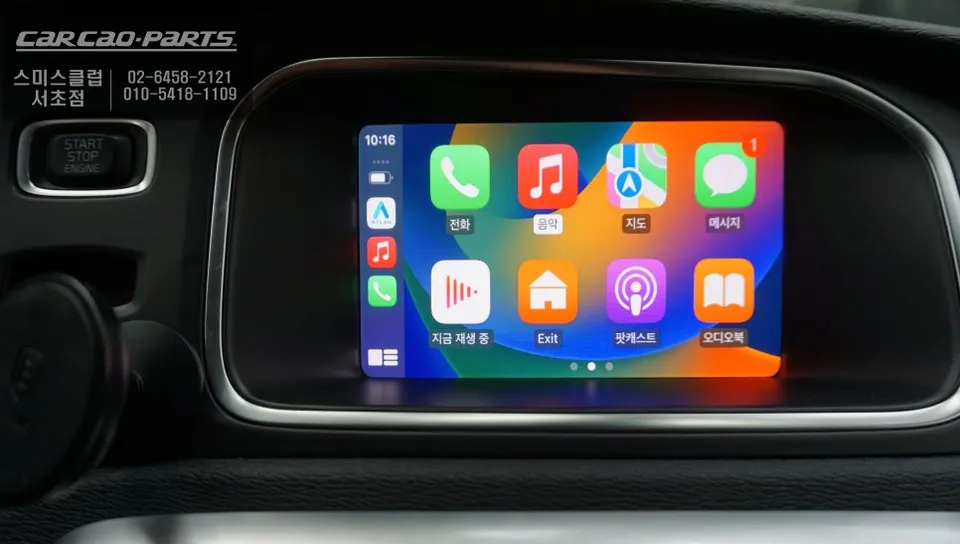
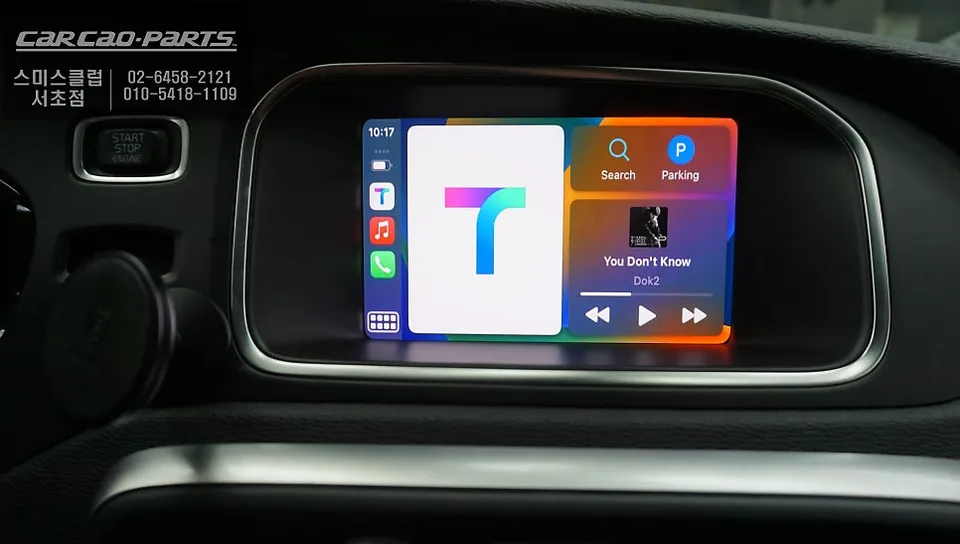
The difference between the factory navigation and a CarPlay-enabled system using apps like KakaoMap is stark. While the stock system might offer basic routing, it lacks the real-time traffic data, dynamic rerouting, and up-to-date points of interest that smartphone apps provide. With CarPlay, drivers benefit from instant map updates and accurate traffic predictions, ensuring they always take the most efficient route. This upgrade transforms the driving experience, making navigation effortless and significantly safer.
Frequently Asked Questions
Q. How much does CarPlay installation cost for a Volvo V40?
This Volvo V40 installation at Todaycar Seocho cost approximately ₩800,000–₩1,200,000 KRW depending on wiring complexity. In the US, similar CarPlay retrofits typically range $600–$1,500 depending on vehicle complexity and shop location.
Q. How long does a CarPlay installation last on a Volvo V40?
When professionally installed with GVIF cable and proper integration, CarPlay modules remain stable for 5+ years with correct component matching. Periodically restart the module and ensure phone software updates remain current to maintain compatibility.
Q. Is CarPlay installation worth it for a Volvo V40?
Yes, especially for 2016 V40 owners relying on dated factory navigation with slow map updates. Benefits drivers who use Tmap or Kakao Map daily—real-time traffic data and voice control eliminate unsafe handheld phone use while driving.
Q. Does CarPlay installation damage the Volvo V40's factory system?
Professional installation preserves all OEM features; the factory navigation remains fully functional alongside CarPlay. Expert shops use non-invasive wiring methods and GVIF connections to integrate without removing or modifying original components.
Q. Can I use wireless CarPlay after installation on a Volvo V40?
Most aftermarket CarPlay modules support wireless connectivity if your V40's infotainment system has Bluetooth capability and sufficient processing power. Confirm wireless functionality with your installer before scheduling, as some 2016 models may require wired-only setup initially.
Kakao Parts