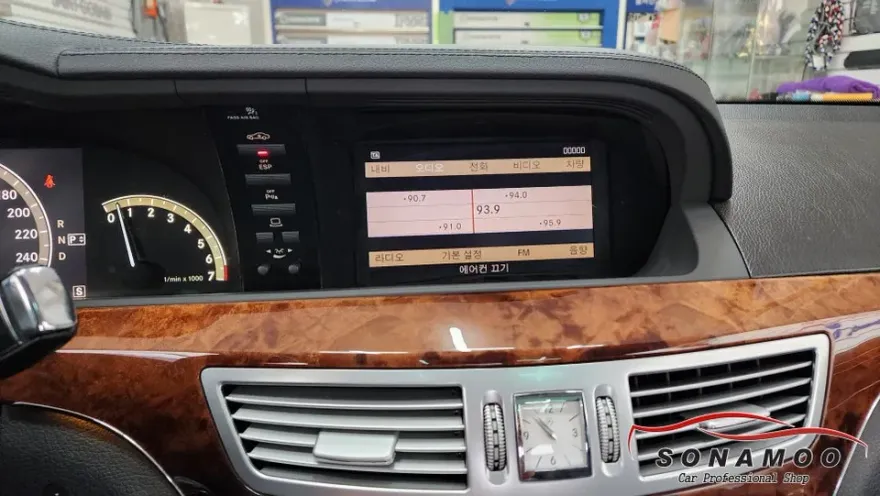
Audi A4 Android Head Unit Upgrade Review — Seamless Smartphone In
Service Price
$approx. $1,500+
Estimated price · Actual price may vary by shop
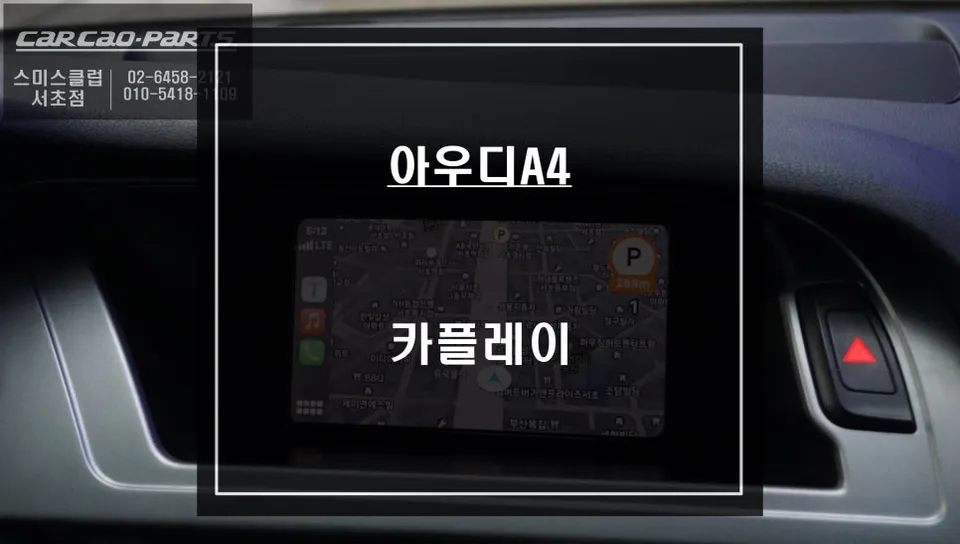
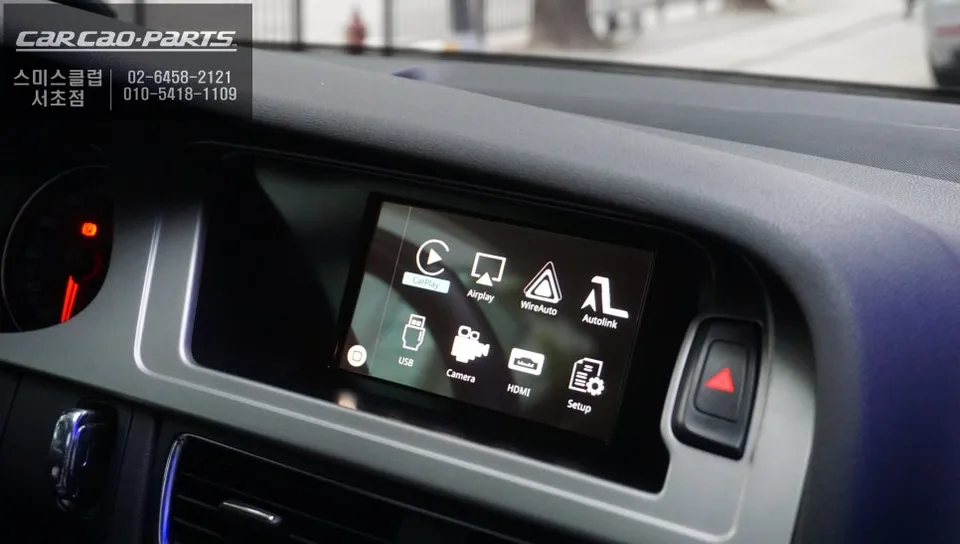
Upgrade 2010 Audi A4 with Android Head Unit for CarPlay/Android Auto. Seamless integration, real-time navigation, and music streaming. Approx. 1-2 hou
Revitalize Your 2010 Audi A4 with an Android Head Unit
Is your 2010 Audi A4's infotainment system feeling outdated? While the factory monitor might still be in great condition, the inability to use modern navigation apps like TMAP or KakaoMap, or stream music from services like Melon or YouTube Music, can be a significant drawback. Fortunately, integrating an Android Head Unit with Apple CarPlay and Android Auto support offers a powerful solution. This upgrade allows you to leverage your smartphone's capabilities directly through your car's existing display, bypassing the need for costly head unit replacements. This review explores the benefits and practical application of installing an Android Head Unit in a 2010 Audi A4.
Factory Navigation vs. Android Head Unit Integration
It's crucial to understand the distinction between your Audi A4's original built-in navigation system and an integrated Android Head Unit. The factory system relies on pre-loaded map data, which often becomes outdated quickly. In contrast, an Android Head Unit connects to your smartphone, mirroring its apps onto the car's screen. This means you gain access to real-time traffic information, live map updates, and diverse routing options from your favorite navigation apps. For older models like the 2010 A4, which may lack advanced MMI features, this integration transforms the factory screen into a smart display. Both iPhone (Apple CarPlay) and Android users can benefit from this versatile upgrade.
Seamless Integration and Operation
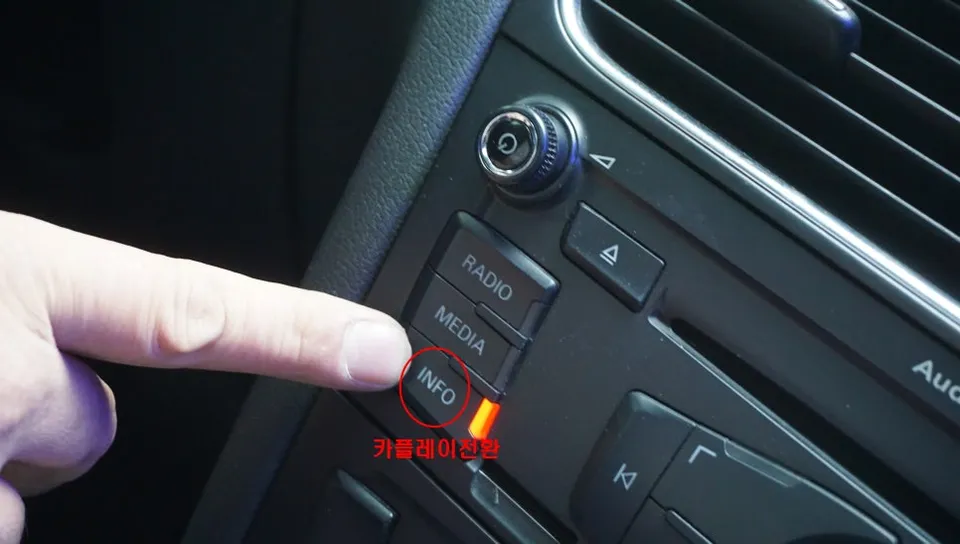
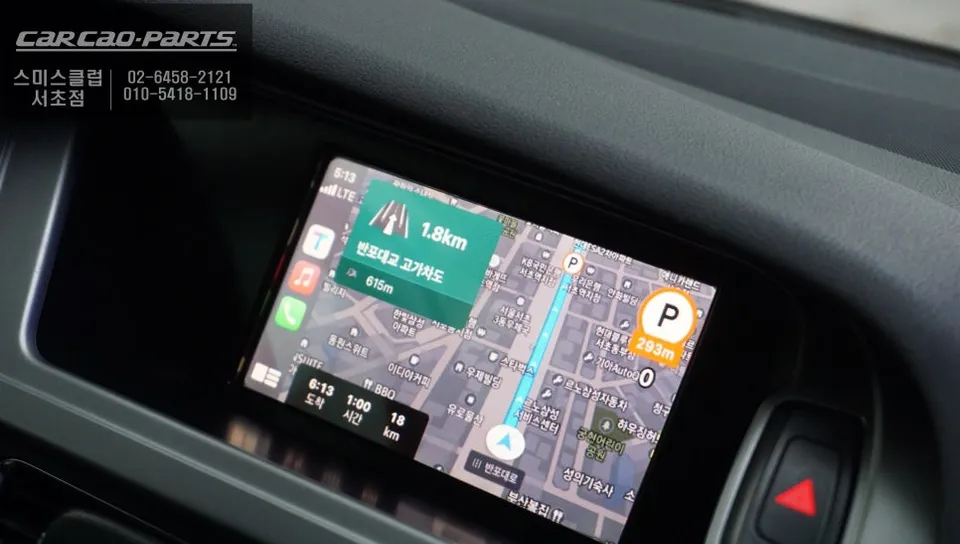
The installation process for an Android Head Unit in an Audi A4 is designed to be non-invasive. Utilizing a plug-and-play system, the module connects directly to the car's original wiring harness without requiring any modifications. This preserves the factory wiring and ensures the integrity of your vehicle's electrical system. The installation typically takes about 1 to 2 hours and can be completed within the same day. Once installed, accessing the Android Head Unit interface is straightforward. Often, a simple long press of a factory button (like the INFO button) switches the display from the original Audi interface to the CarPlay or Android Auto screen. Connecting your smartphone via a USB cable then activates the system, allowing immediate use of your phone's apps.
Key Features and Benefits
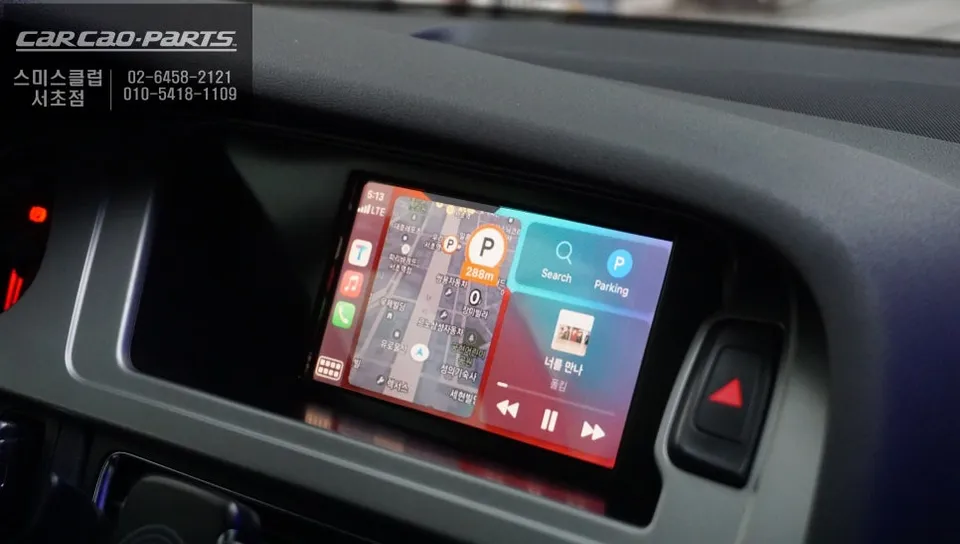
The most significant advantage of this upgrade is access to real-time navigation. Apps like TMAP and KakaoMap provide up-to-the-minute traffic data and optimal route suggestions, a stark contrast to the static maps of older factory systems. Beyond navigation, you can enjoy seamless integration with music streaming services, podcasts, and even hands-free calling and messaging, all controlled via voice commands or the car's existing steering wheel controls. While direct touchscreen control might not be available on all factory screens, voice commands and button controls offer a safe and convenient way to manage your apps while driving. The system leverages the car's AUX input for audio output, ensuring sound quality through the vehicle's speakers.
Frequently Asked Questions
Q. How much does an Android Head Unit upgrade cost for an Audi A4?
The cost for an Android Head Unit upgrade for an Audi A4 can vary, but typically ranges from ₩500,000 to ₩1,000,000 in Korea. In the US, similar upgrades often fall between $300 and $800, depending on the specific module and features.
Q. How long does the Android Head Unit installation take for an Audi A4?
Installation of an Android Head Unit in an Audi A4 usually takes between 1 to 2 hours. Regular maintenance involves keeping your smartphone's operating system and apps updated for optimal performance.
Q. Is an Android Head Unit upgrade worth it for an Audi A4?
An Android Head Unit upgrade is highly recommended for Audi A4 owners seeking modern infotainment features without replacing the entire system. It offers significant value by enabling access to up-to-date navigation, streaming services, and smartphone integration on the factory screen.
Q. How is an Android Head Unit installed in an Audi A4?
1. Connect the CarPlay module to the vehicle's original wiring harness using plug-and-play connectors. 2. Route the necessary cables for USB and microphone connections. 3. Integrate the module with the factory MMI system, often activated by a specific button press. 4. Connect your smartphone via USB to activate CarPlay or Android Auto.
Q. What is the difference between an Android Head Unit and the factory navigation in an Audi A4?
An Android Head Unit mirrors your smartphone's apps (like Google Maps or Waze) onto your car's screen, providing real-time updates and a vast app ecosystem. The factory navigation uses outdated, pre-loaded map data and lacks modern features. The Android Head Unit offers a significantly more current and versatile user experience.
Kakao Parts