BMW 520d F10 CarPlay Retrofit Review
Service Price
$115–150
Estimated price · Actual price may vary by shop
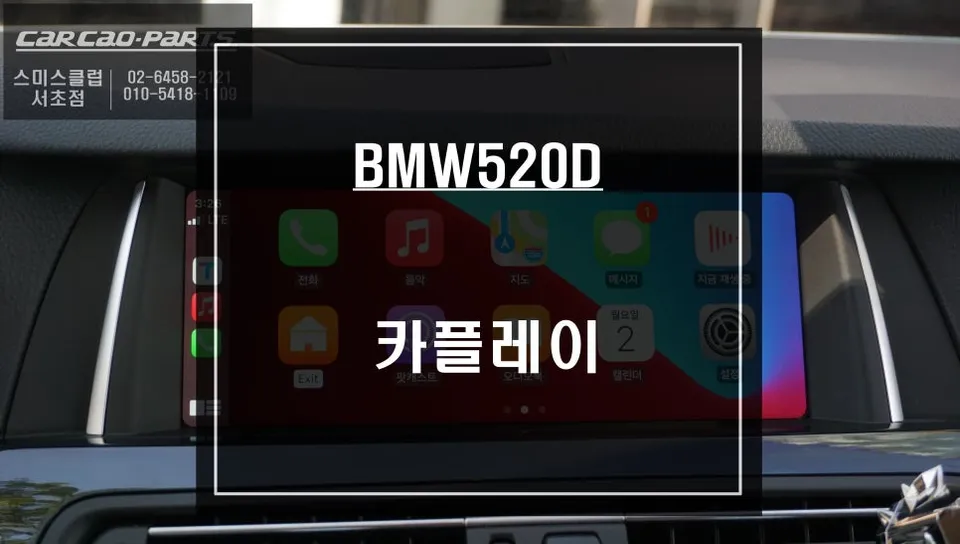
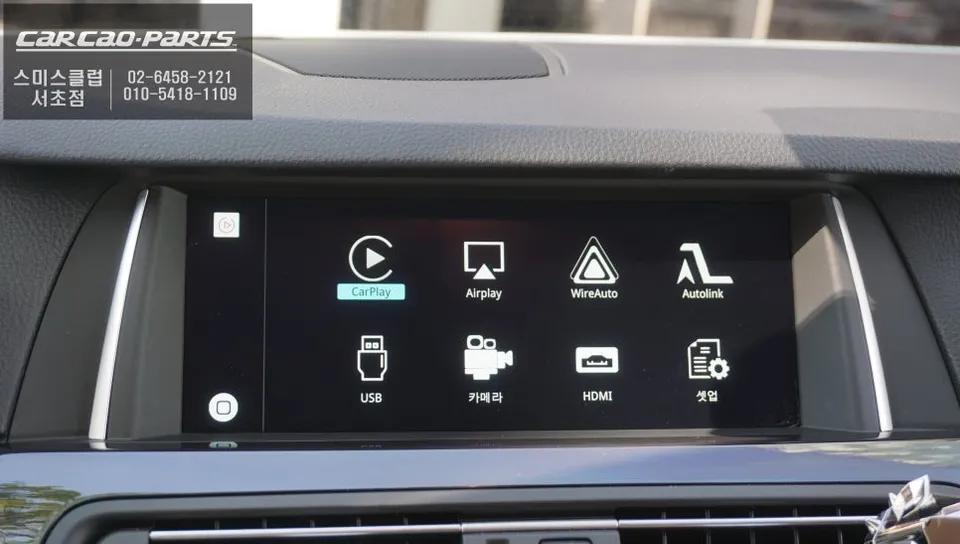
BMW 520d F10 CarPlay retrofit: ~$115-150. Seamless smartphone integration, real-time navigation, and voice control.
Overcoming BMW 520D's Stock Navigation Limitations with CarPlay
Many BMW 520D (F10) owners find their factory navigation system sluggish and slow to update. To address this, a CarPlay module was installed at the Today's Car Gangnam branch. This upgrade seamlessly integrates smartphone navigation apps like TMAP and KakaoMap onto the original monitor, providing real-time traffic information and optimal routing directly on your car's display.
BMW-Specific CarPlay Module: Safe, Plug-and-Play Installation
A key advantage of this installation is that it requires no modification to the original wiring. Using a BMW-specific, plug-and-play module, the system is integrated without cutting or splicing any wires. This means the vehicle can easily be restored to its original state if desired. The technology uses an LVDS IN/OUT method to communicate with the factory monitor, ensuring high-definition video output. LVDS, a low-voltage differential signaling method, minimizes signal loss, resulting in a crisp and clear image for your navigation apps.
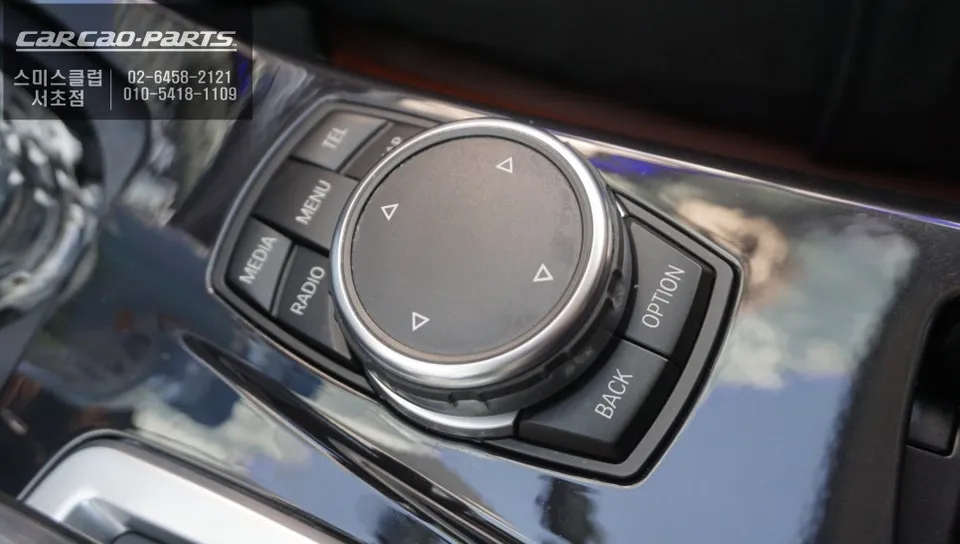
Activating CarPlay with the iDrive Controller
Operating the new system is intuitive. A simple two-second press of the MENU button on the iDrive controller switches the display to the CarPlay interface. After pairing your smartphone via Bluetooth, Apple CarPlay and Android Auto functions are immediately available. The system is designed for immediate use without complex setup procedures.
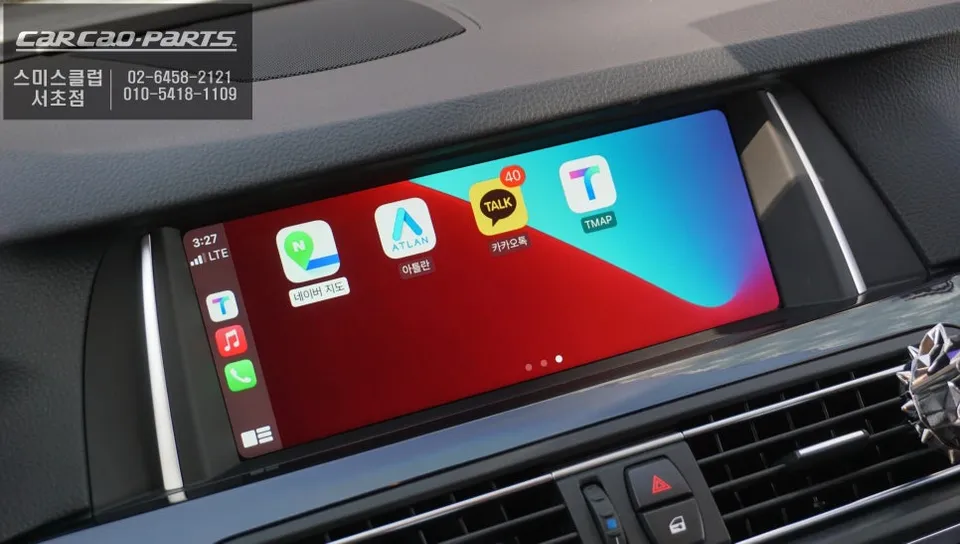
The Advantage of Real-Time Navigation
Using navigation apps like TMAP or KakaoMap via CarPlay significantly enhances the driving experience. Unlike the factory system, it offers real-time traffic updates and immediate rerouting around congestion or accidents. This ensures you always have the most efficient route, especially during peak commute times. A notable limitation is the lack of touchscreen control, but this is effectively compensated for by voice commands and the iDrive controller. The controller allows for easy map zooming and quick selection of frequent destinations.
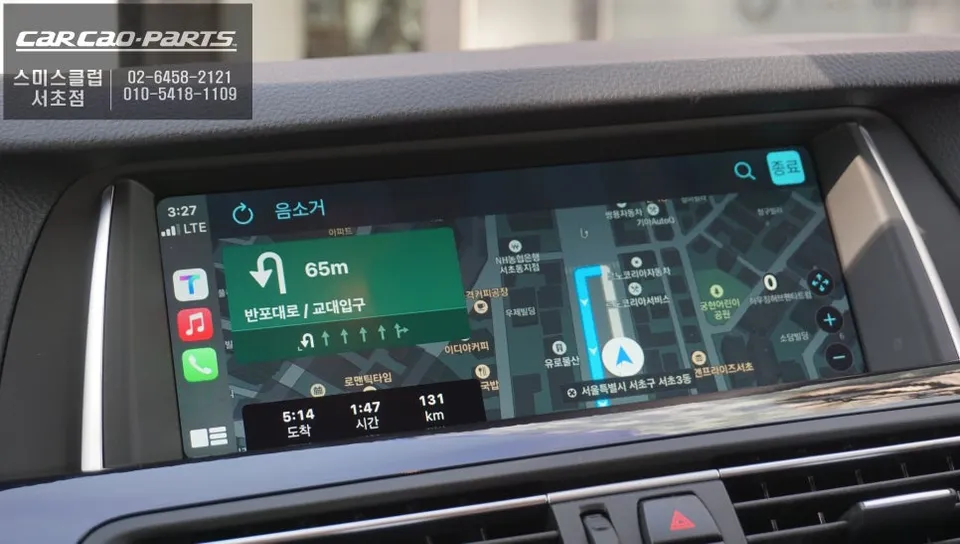
Voice Control and Multimedia Integration
CarPlay's voice control is another major benefit. You can issue commands like "Hey Google, open Waze" or "Siri, change destination" and the system responds instantly, enhancing safety by minimizing the need to interact with the screen. Audio is routed through the car's AUX input, ensuring all sound, including music from apps like Melon or YouTube Music, plays clearly through the vehicle's speakers without the need for separate Bluetooth speakers.
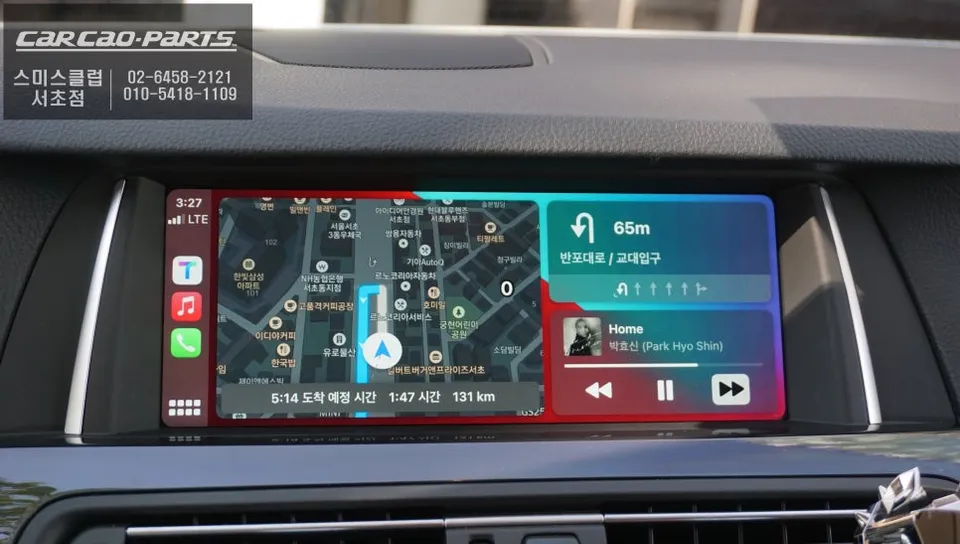
Expanding Your Display with Mirroring
An additional feature is screen mirroring, which allows you to display your smartphone's screen content on the car's monitor. This enables viewing of YouTube videos, movies, or even photo albums on the larger display. While safety dictates focusing on driving during transit, this feature can be enjoyed during stops.
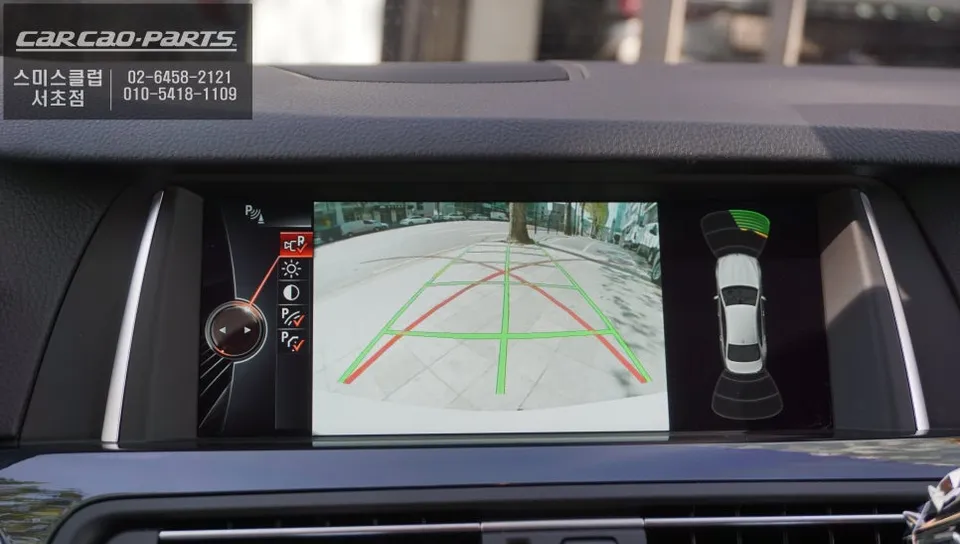
Installation Specifications
Vehicle: BMW 520D (F10)
Work Performed: CarPlay Module Integration
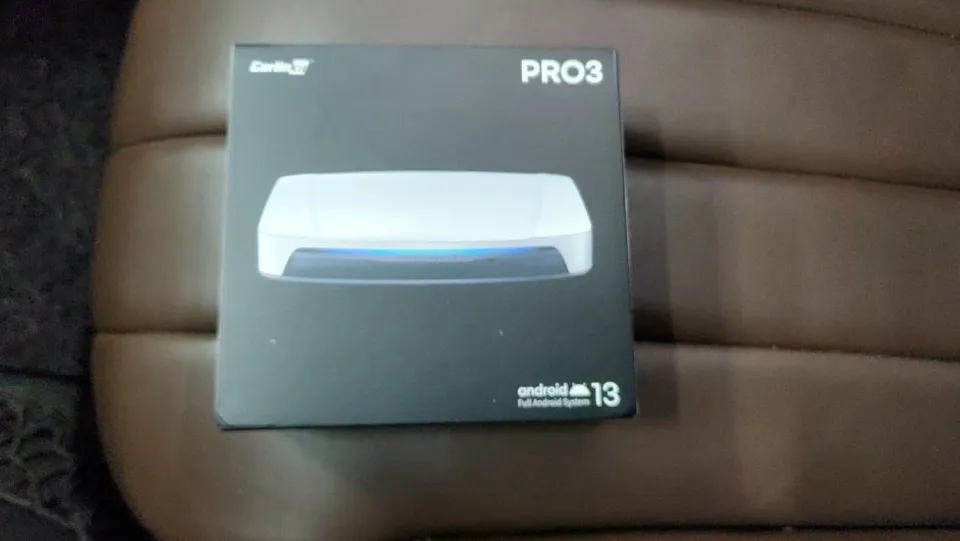
Product Used: BMW-Specific CarPlay Module (Plug-and-Play, LVDS)
Frequently Asked Questions
Q. How much does Android head unit or CarPlay installation cost for a BMW 520d F10?
The installation cost for a CarPlay module in a BMW 520d F10 is approximately $115–150 USD. Professional installation ensures proper integration and functionality.
Q. How long does Android head unit installation take on a BMW 520d F10?
The installation process for a CarPlay module is typically completed within a few hours. Regular maintenance involves keeping your smartphone's operating system and navigation apps updated for optimal performance.
Q. Is a CarPlay or Android Auto retrofit worth it for a BMW 520d F10?
A CarPlay or Android Auto retrofit is highly recommended for BMW 520d F10 owners seeking modern navigation and infotainment features. It significantly enhances the user experience by providing access to familiar smartphone apps and real-time traffic data.
Q. How is an Android head unit installed in a BMW 520d F10?
Installation involves a plug-and-play process using a BMW-specific module that connects to the existing wiring without modification. 1. The module is connected via LVDS cables to the factory monitor. 2. The smartphone is paired via Bluetooth. 3. The system is activated by pressing the MENU button on the iDrive controller.
Q. What is the difference between an Android head unit and a factory infotainment system for a BMW 520d F10?
The primary difference is functionality: the factory system is limited, while an Android head unit or CarPlay retrofit provides access to modern smartphone apps, real-time navigation, and voice control. This upgrade offers a significantly more versatile and up-to-date infotainment experience.
Kakao Parts