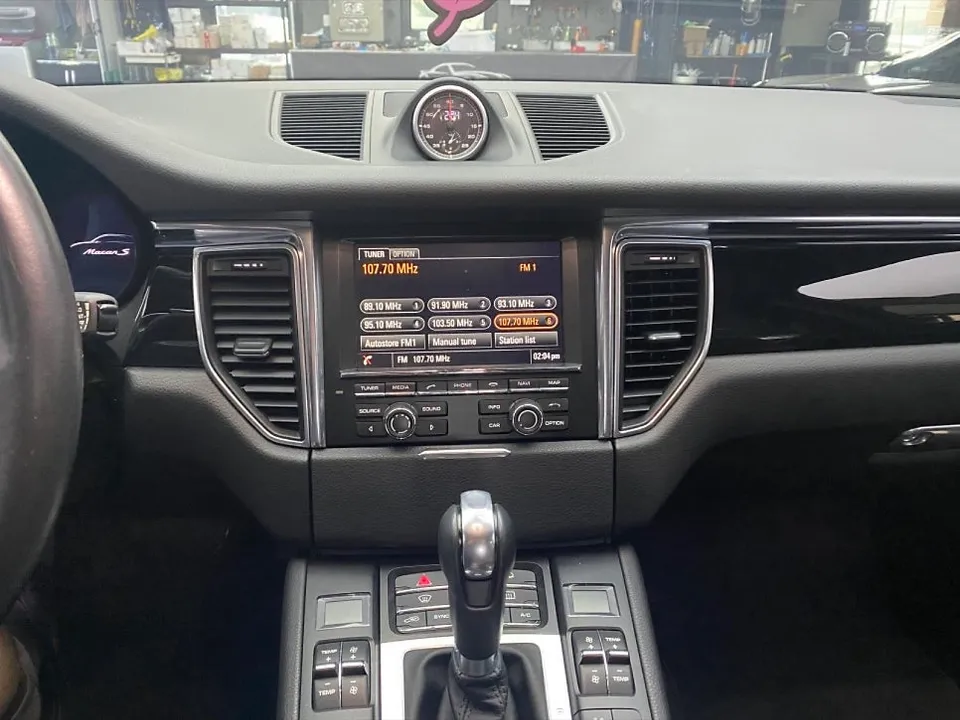
Hyundai Kona Android Head Unit Review: Big Screen Upgrade
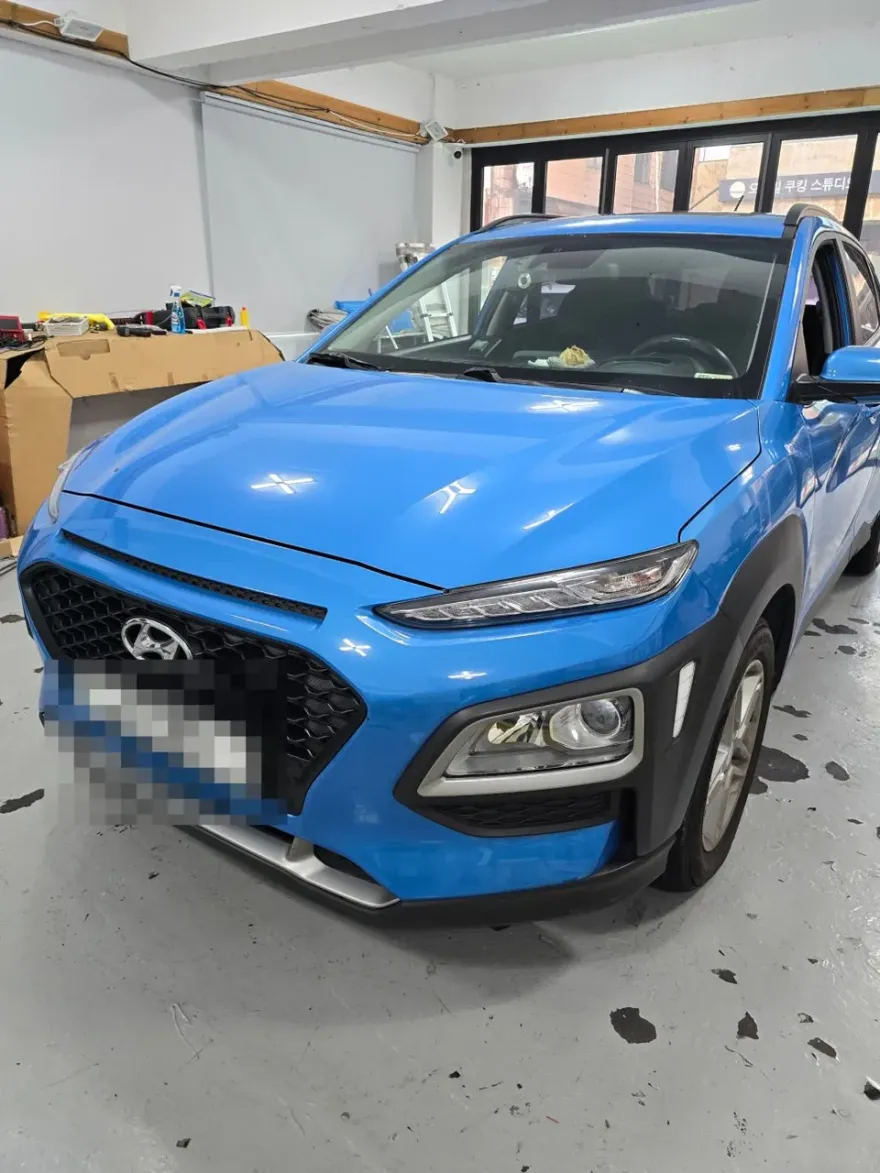
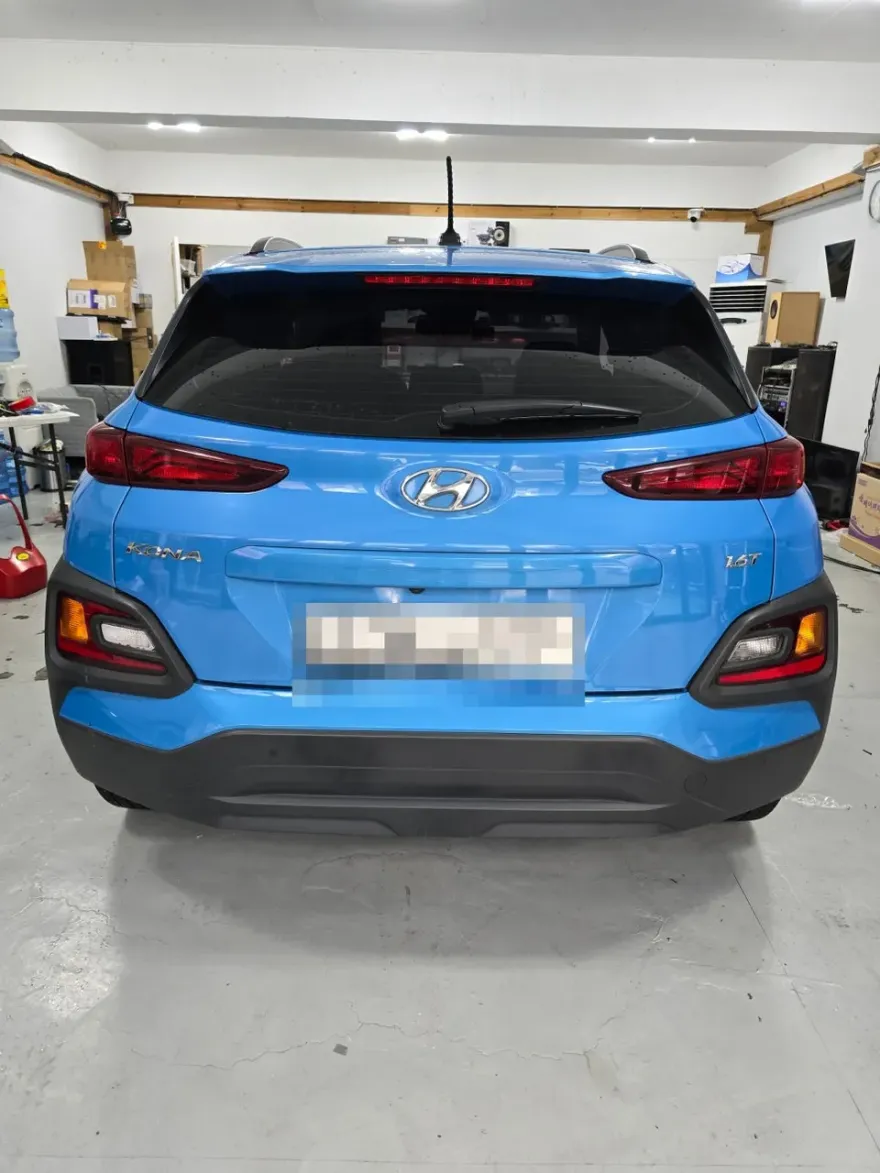
Hyundai Kona 13-inch Android Head Unit upgrade: Approx. $300-$600. Offers modern interface, enhanced navigation, and app integration.
Upgrading Your Hyundai Kona's Infotainment
Many Hyundai Kona owners are looking to enhance their driving experience with modern technology. One popular upgrade is replacing the factory infotainment system with a larger, more feature-rich Android head unit. This review focuses on a specific 13-inch Android all-in-one navigation system, similar to what's available from brands like YING Korea. These units offer a significant visual and functional improvement over stock systems, bringing smartphone integration and advanced navigation capabilities directly into your dashboard.
Before and After: A Dramatic Transformation
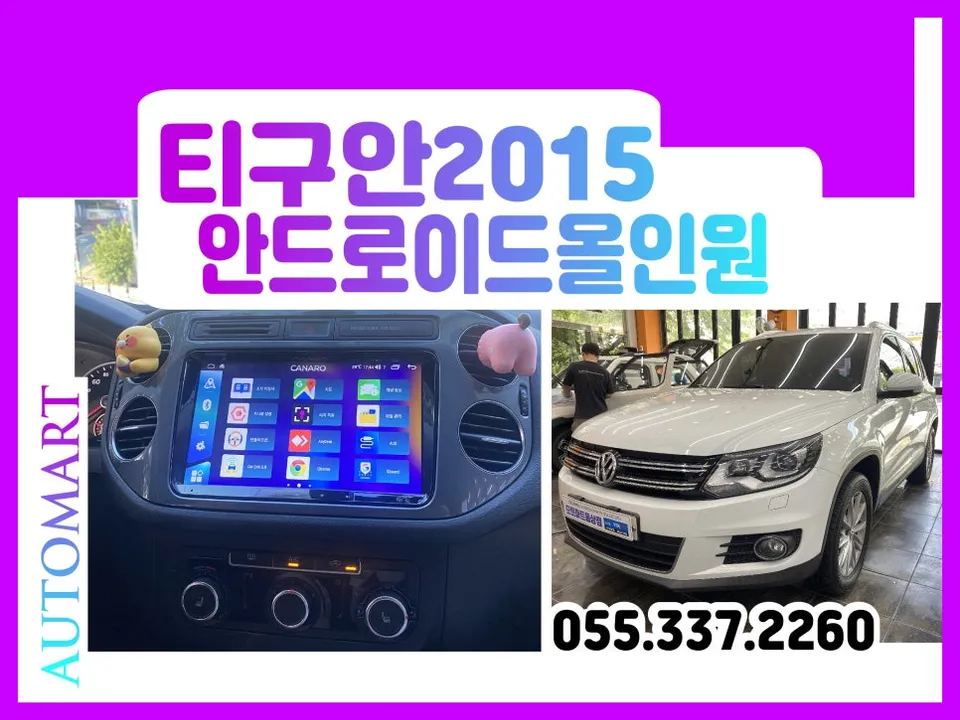
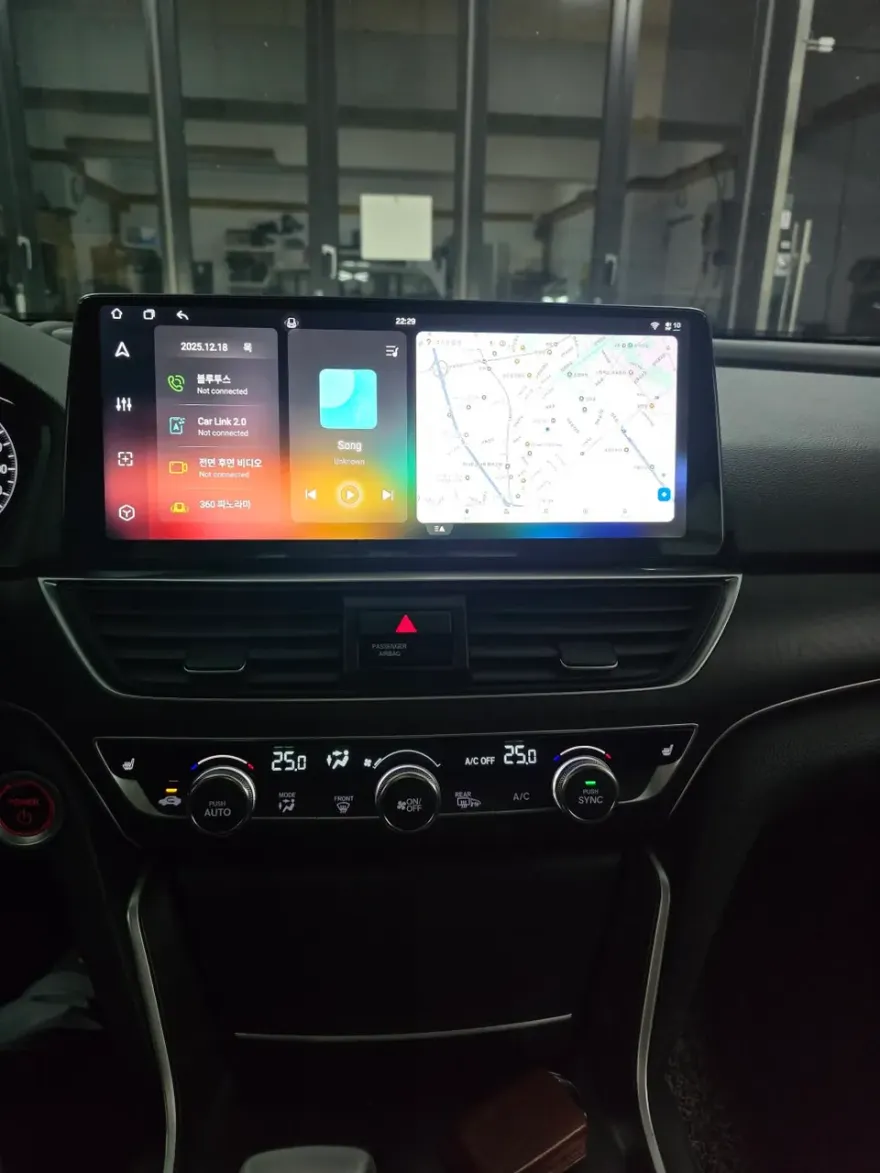
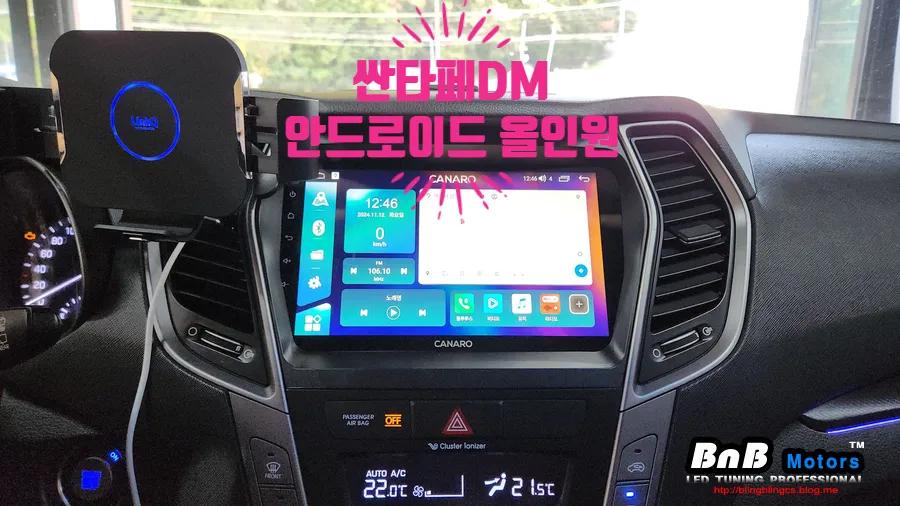
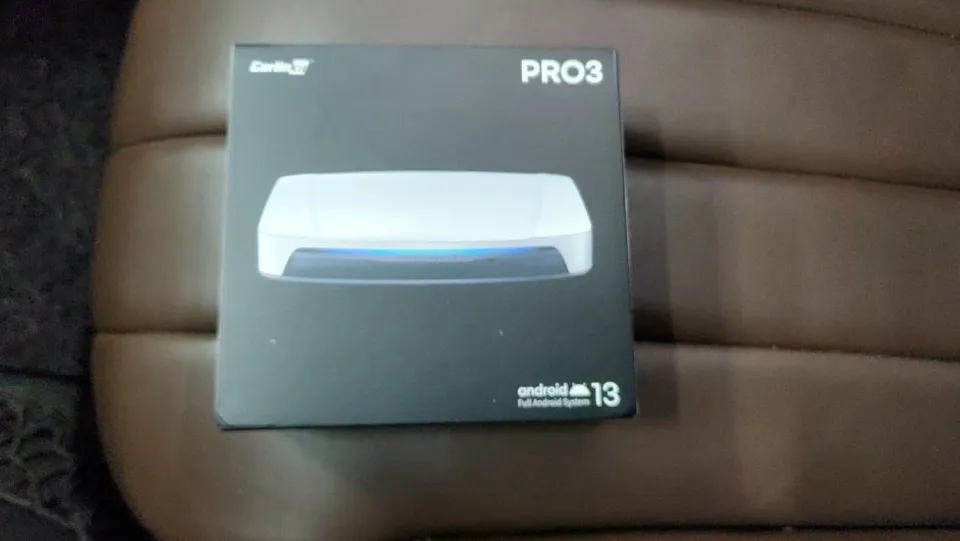
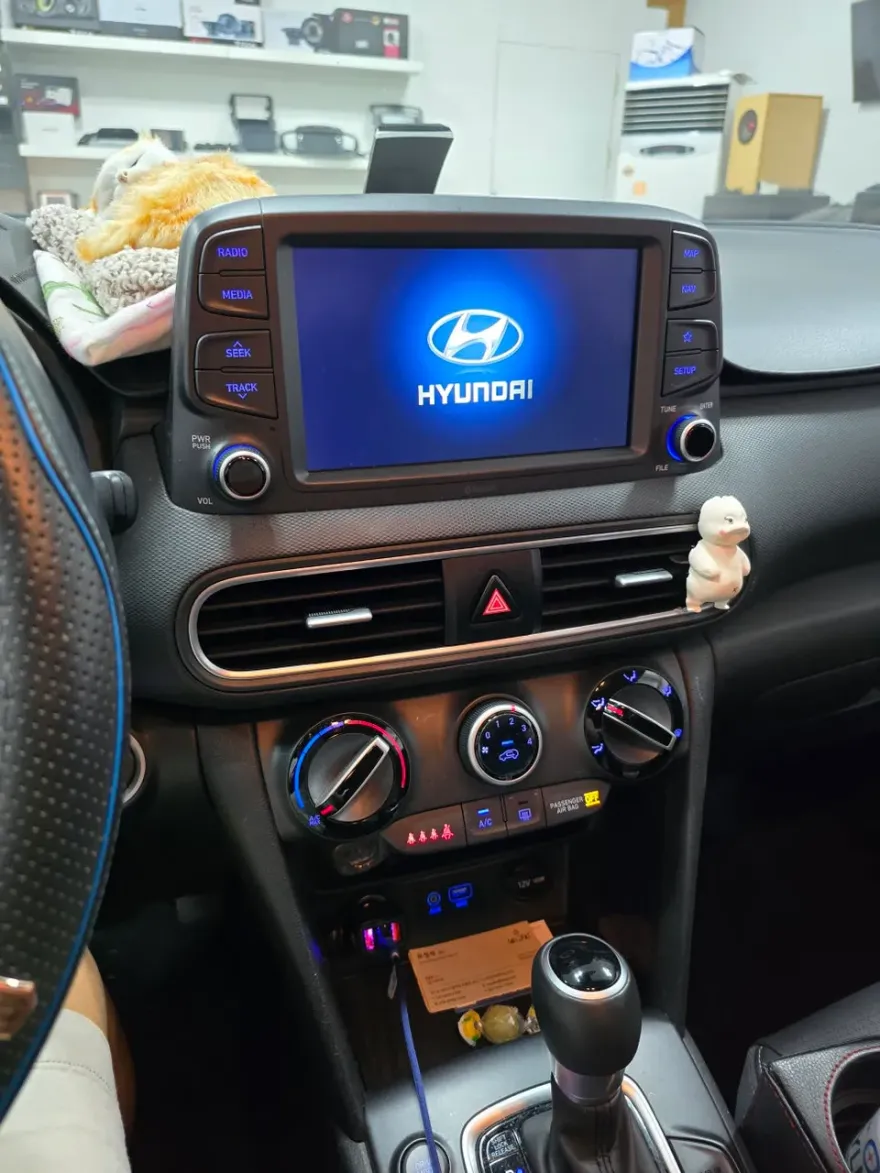
The most striking change is the visual impact. The factory screen, often smaller and less responsive, is replaced by a vibrant, high-resolution 13-inch display. This larger screen makes navigation apps, media playback, and even reversing camera feeds much clearer and easier to view. Functionally, the Android head unit provides access to a vast ecosystem of apps via the Google Play Store. This means you can run Waze, Google Maps, Spotify, YouTube, and more directly on your car's display, often without needing to connect your smartphone. For those seeking a seamless CarPlay retrofit or Android Auto upgrade, these all-in-one units often include these features built-in, offering a true infotainment upgrade. The installation process, while requiring professional attention, transforms the Kona's interior from dated to cutting-edge.
Installation Process and Durability
Installing an Android head unit in a Hyundai Kona typically involves removing the original dashboard trim and factory radio. The new unit is designed to fit into the existing space, often requiring custom wiring harnesses to integrate with the car's electrical system. While the exact process can vary by specific model and installer, here’s a general overview:
- Removal of Factory Unit: Carefully detach the original dashboard trim and disconnect the factory radio and associated wiring.
- Wiring Integration: Connect the new Android head unit's wiring harness to the vehicle's existing connectors, ensuring all functions like steering wheel controls and power are properly linked.
- Mounting the New Unit: Secure the 13-inch display into the dashboard, ensuring a snug and flush fit.
- Testing and Reassembly: Power on the unit to test all functions, then carefully reassemble the dashboard trim pieces.
Regarding durability, these units are generally built to withstand the vibrations and temperature fluctuations of daily driving. However, like any electronic component, they are not immune to issues. Proper installation is key to ensuring longevity. Maintenance usually involves keeping the software updated and cleaning the screen with appropriate materials. The materials used are typically high-quality plastics and glass, designed to match the interior aesthetic of the vehicle.
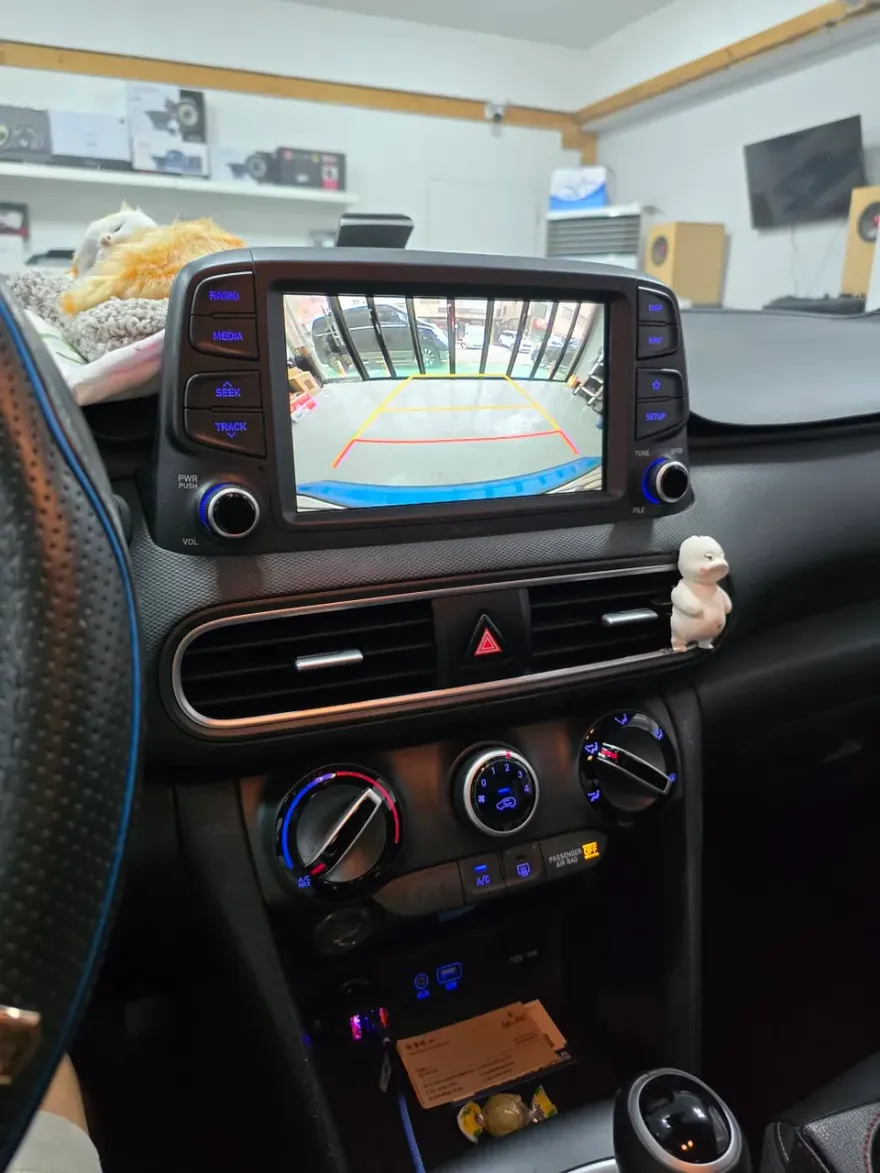
Is the Android Head Unit Upgrade Worth It?
For Hyundai Kona owners who feel their current infotainment system is lacking, an Android head unit offers a compelling solution. The cost of such an upgrade in Korea can range from approximately ₩400,000 to ₩800,000 (around $300-$600 USD), depending on the specific unit and installation complexity. This price point makes it a significant investment, but the benefits—a modern interface, enhanced navigation, and seamless app integration—often justify the expense for many users. If you frequently use navigation apps, stream music, or desire a more connected car experience, this infotainment upgrade can significantly improve your daily drives. However, if your needs are basic, the factory system might suffice.
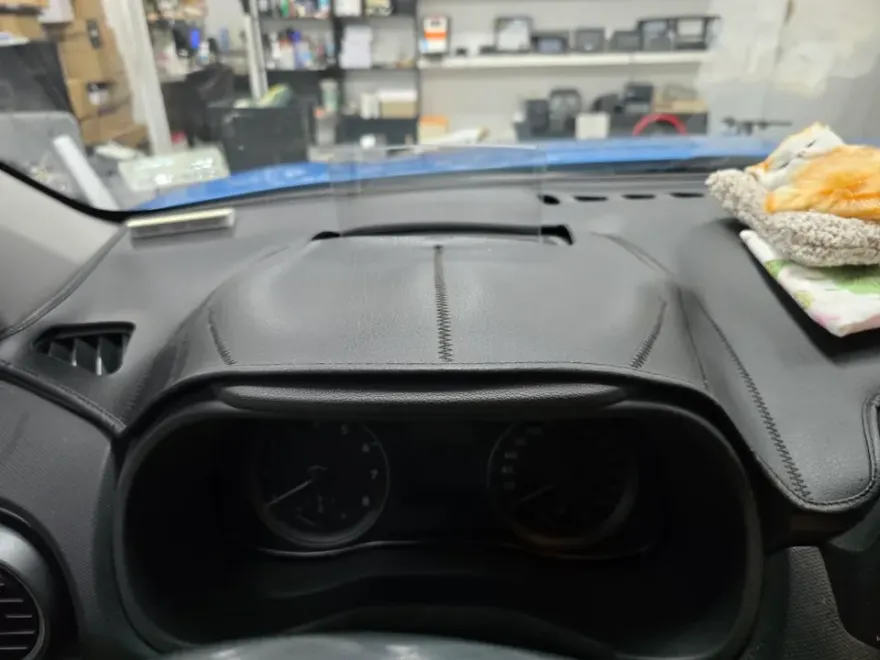
Frequently Asked Questions
Q. How much does Android head unit or CarPlay installation cost for a Hyundai Kona?
In Korea, this Android head unit upgrade typically costs between ₩400,000 and ₩800,000 (roughly $300-$600 USD). Prices in the US can vary widely based on the unit's features and installation shop rates.
Q. How long does Android head unit installation take on a Hyundai Kona?
Installation usually takes a few hours, depending on the complexity and the installer's experience. For durability, ensure the unit is securely fitted and all wiring is properly managed to prevent future issues.
Q. Is a CarPlay or Android Auto retrofit worth it for a Hyundai Kona?
This upgrade is most beneficial for drivers who frequently use navigation apps or streaming services and find their factory system limiting. It provides a significant boost in functionality and a modern user experience for a reasonable investment.
Q. How is an Android head unit installed in a Hyundai Kona?
Installation involves removing the original dashboard trim and factory radio, then connecting a new wiring harness for the Android unit. The new display is then mounted securely, followed by testing all functions before reassembling the trim.
Q. What is the difference between an Android head unit and a factory infotainment system for a Hyundai Kona?
The primary difference is functionality and screen size; Android units offer larger, higher-resolution displays and direct access to apps like Google Maps and Spotify. For most users seeking modern features, the Android head unit provides a superior and more integrated experience.
OhCar Partner Shop