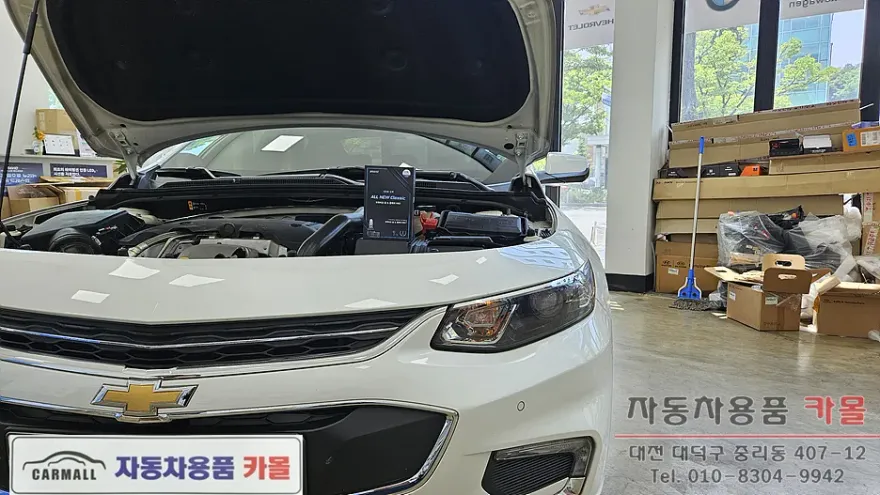
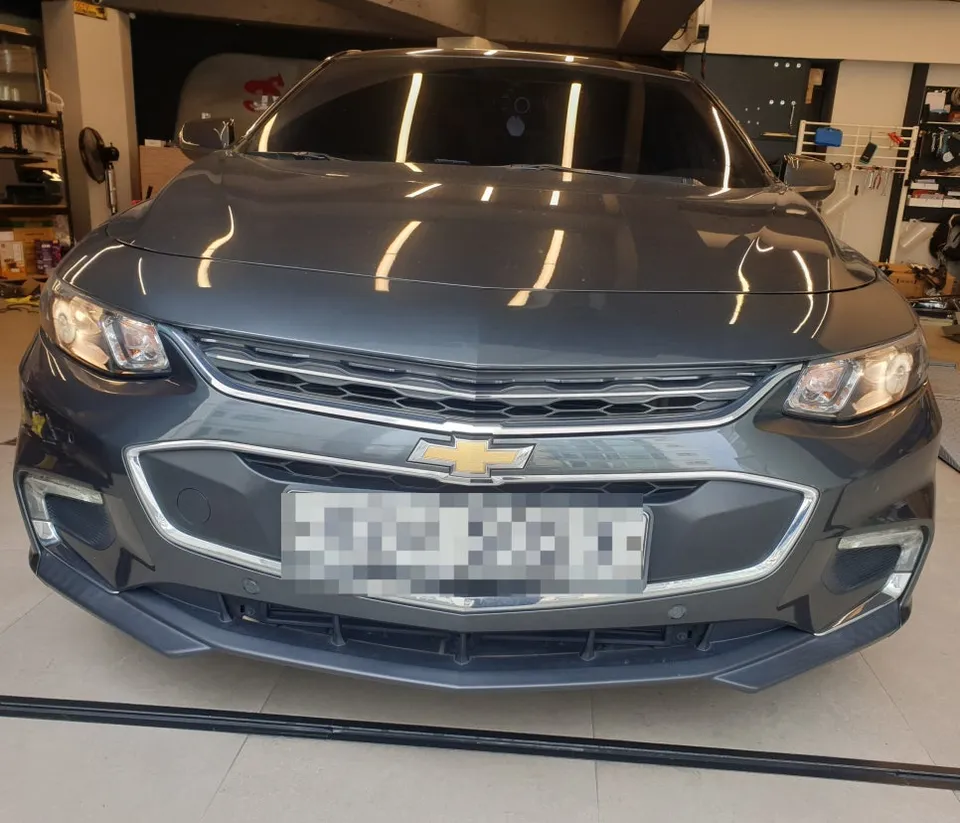
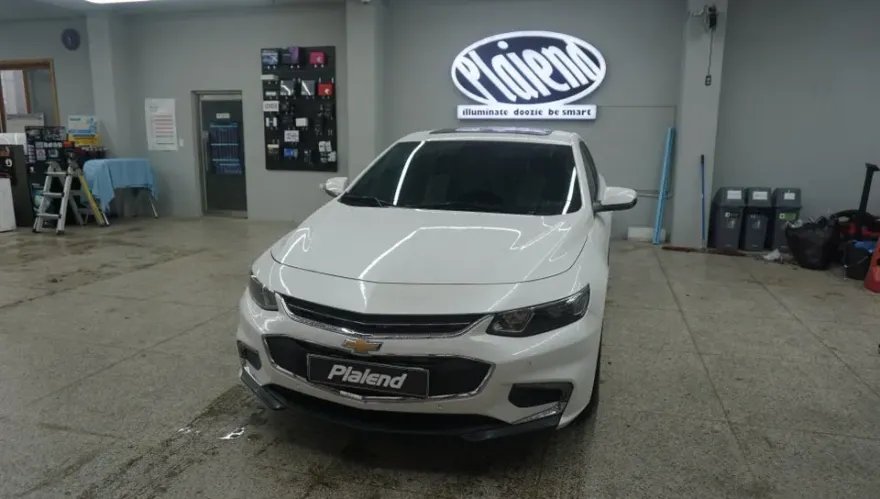
2018 Chevrolet Malibu Android Head Unit Review

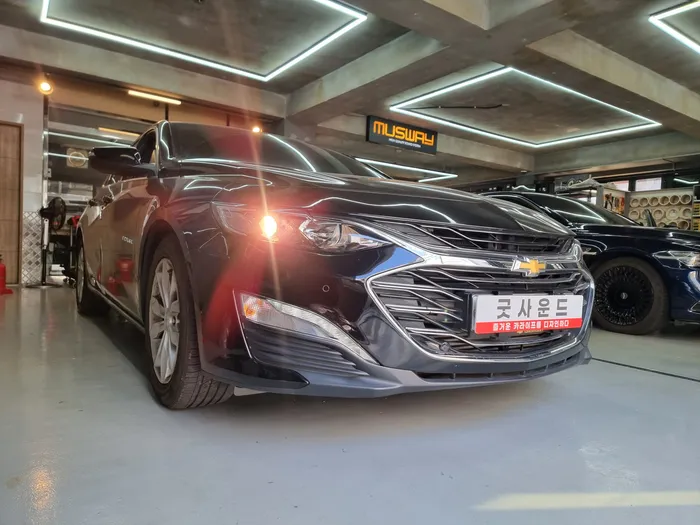
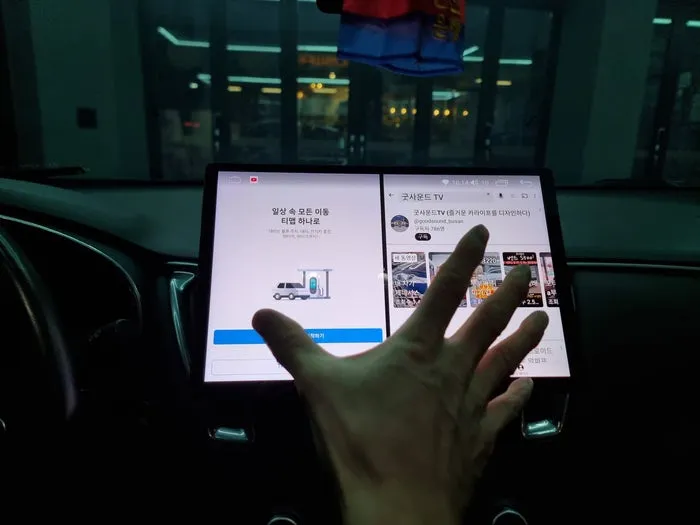
2018 Chevrolet Malibu Android All-in-One head unit upgrade. Replaces MyLink with a 13-inch screen and modern app access.
Upgrade Your 2018 Chevrolet Malibu with a 13-inch Android All-in-One Head Unit
The 2018 Chevrolet Malibu, while a capable vehicle, can feel dated with its original infotainment system. This review explores the benefits of replacing the factory MyLink system with a large 13-inch Android All-in-One head unit. This upgrade offers a significant leap in functionality, user experience, and modern features, effectively saying goodbye to the limitations of the stock audio system.
Enhanced Features and User Experience
The primary advantage of installing an Android head unit is the vastly improved interface and feature set. Unlike the often clunky and limited factory systems, these Android units provide a familiar smartphone-like experience. You gain access to a multitude of apps through the Google Play Store, including navigation (Google Maps, Waze), streaming services (Spotify, YouTube), and more. The larger 13-inch screen offers a more immersive visual experience, making it easier to view maps, media, and other information. Furthermore, these units typically come with integrated features like Bluetooth for hands-free calling and audio streaming, Wi-Fi connectivity, and often support for high-resolution video playback. The responsiveness and processing power of modern Android head units far surpass older factory systems, leading to a smoother and more enjoyable interaction every time you get behind the wheel.
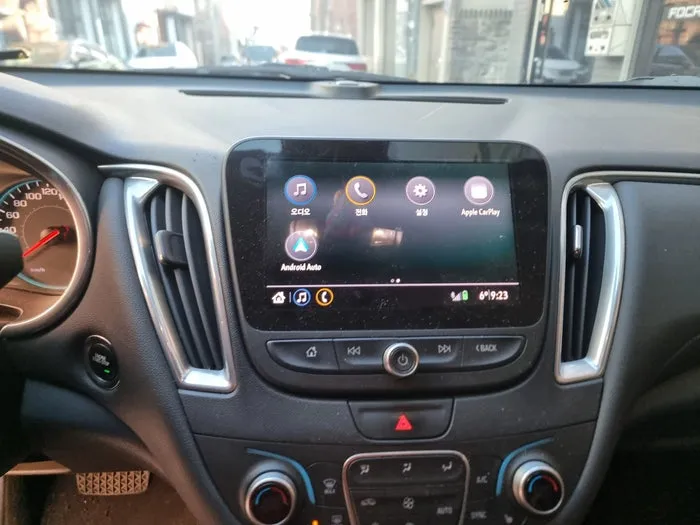
Installation Process:
- Carefully remove the original Chevrolet Malibu MyLink unit and surrounding trim pieces.
- Connect the wiring harness of the new Android head unit to the vehicle's existing connectors, ensuring all cables are securely plugged in.
- Mount the 13-inch Android head unit into the dashboard, using any provided brackets or adapters for a snug fit.
- Reassemble the dashboard trim pieces around the new unit.
- Power on the system and perform initial setup, including Wi-Fi connection and app installation.
This upgrade transforms the Malibu's interior, bringing it up to modern standards with a sleek, large-screen display and powerful Android capabilities.
Frequently Asked Questions
Q. How much does an Android Head Unit upgrade cost for a 2018 Chevrolet Malibu?
The cost for this Android head unit upgrade for your 2018 Chevrolet Malibu typically ranges from ₩500,000 to ₩1,000,000 (Korean Won), which translates to approximately $400-$800 USD. This price generally covers the unit itself and installation.
Q. How long does the Android Head Unit installation take for a 2018 Chevrolet Malibu?
Installation of an Android head unit in a 2018 Chevrolet Malibu usually takes between 2 to 4 hours. Proper installation ensures longevity and optimal performance, so it's recommended to have it done by a professional.
Q. Is an Android Head Unit upgrade worth it for a 2018 Chevrolet Malibu?
Yes, upgrading to a 13-inch Android head unit is highly recommended for the 2018 Chevrolet Malibu if you desire modern features and a better user experience. It significantly enhances navigation, entertainment, and connectivity compared to the original MyLink system.
Q. How is the Android Head Unit installed in a 2018 Chevrolet Malibu?
Installation involves removing the factory MyLink system, connecting the new unit's wiring harness, mounting the 13-inch display securely into the dashboard, and reassembling trim pieces. The system is then powered on for initial setup.
Q. What is the difference between the factory MyLink and an Android Head Unit for a 2018 Chevrolet Malibu?
The factory MyLink system offers basic infotainment functions, while an Android head unit provides a full Android operating system with access to countless apps, a larger touchscreen, and significantly more processing power. The Android unit offers a vastly superior and more versatile user experience.
OhCar Partner Shop