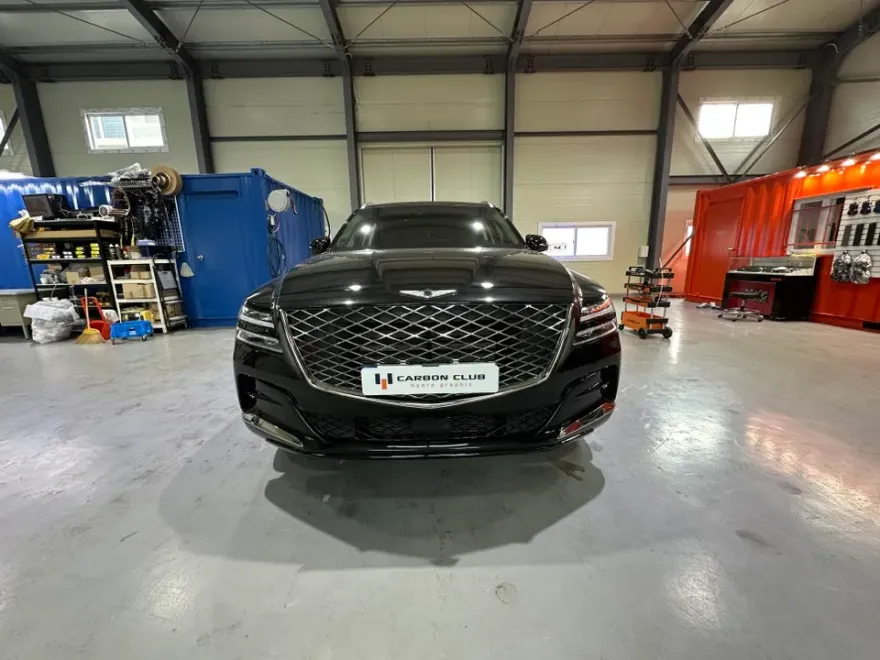
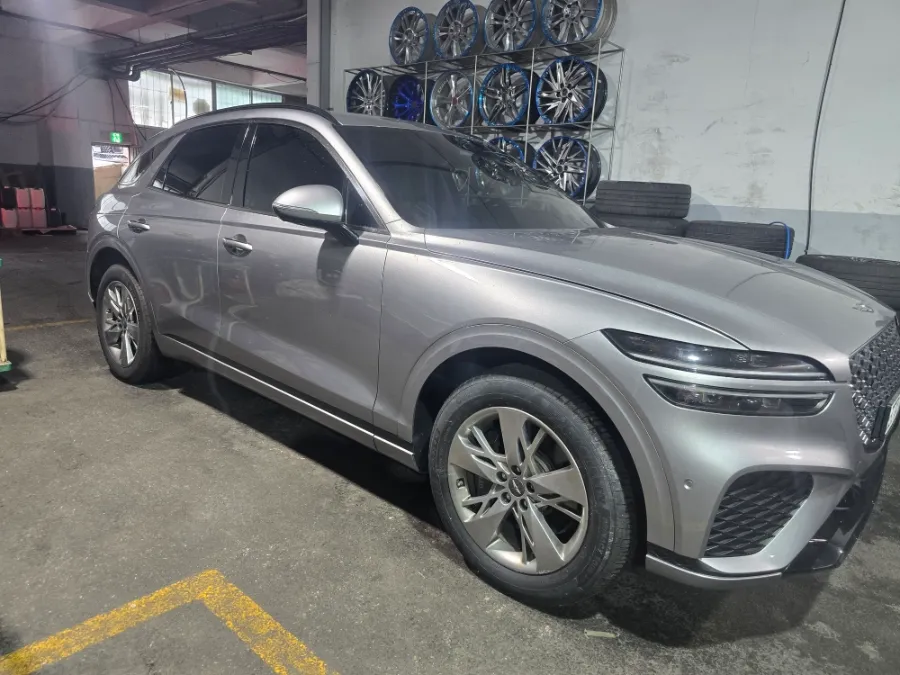
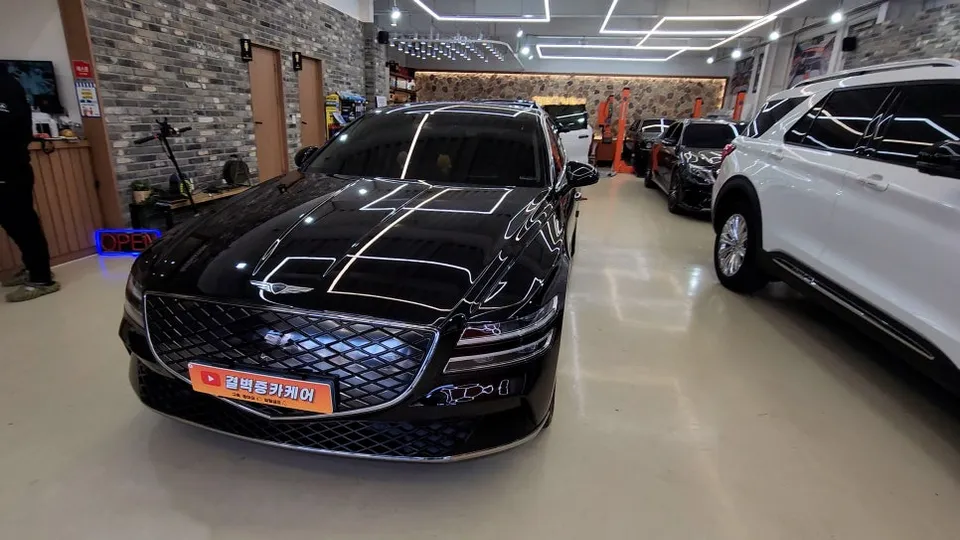
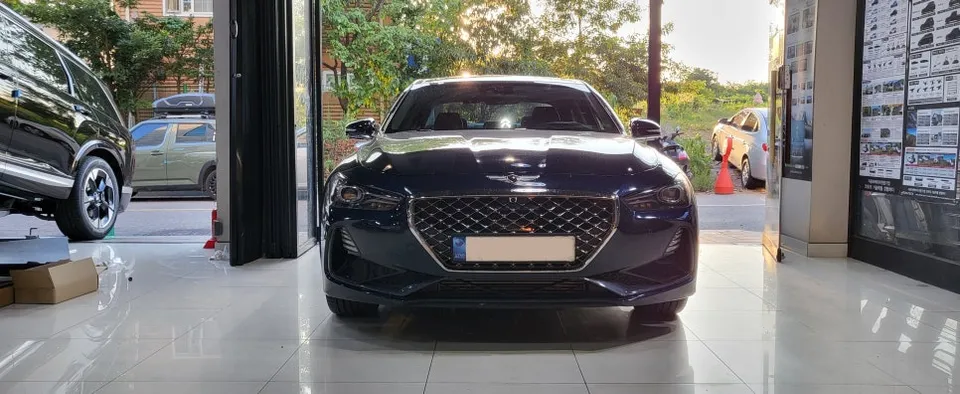
Genesis G80 Dash Cam Installation Review
Service Price
Est. $400–800
Estimated price · Actual price may vary by shop
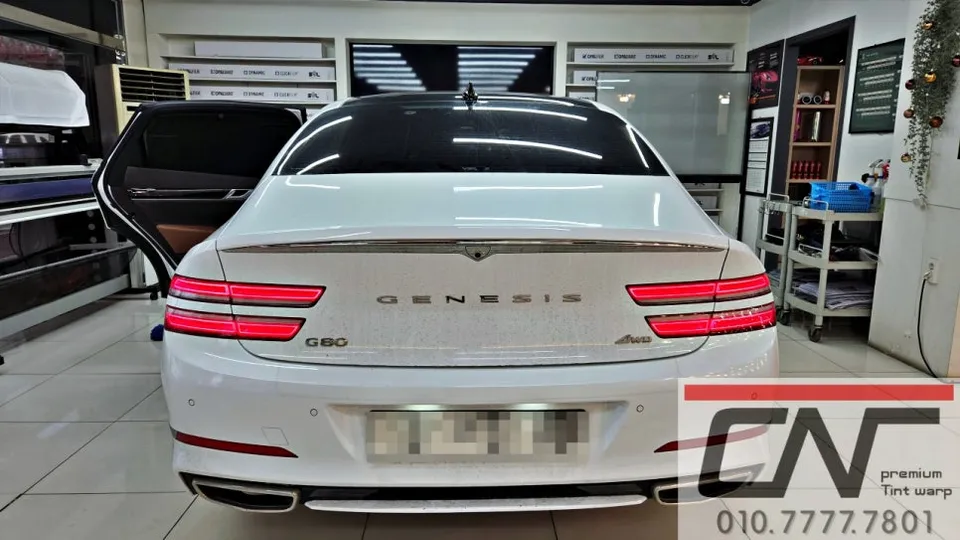
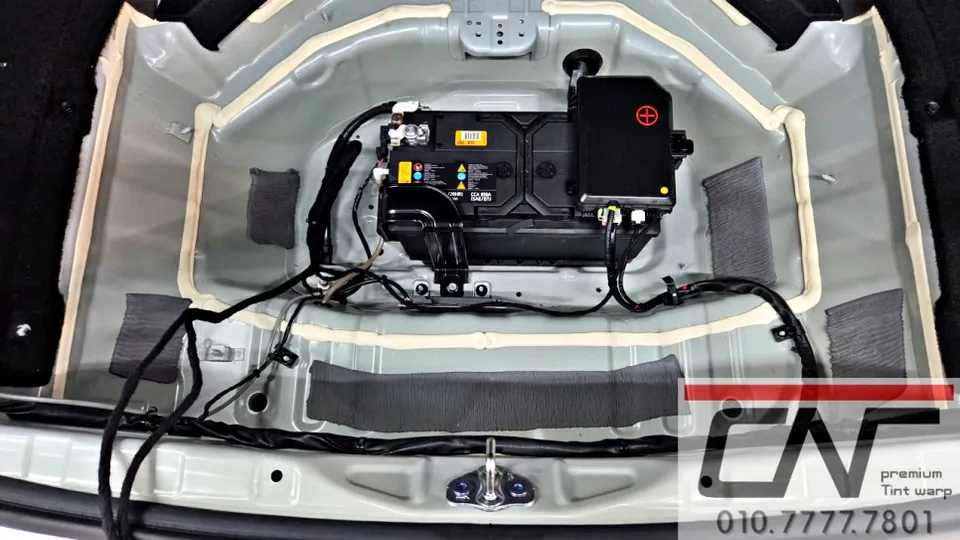
Dash cam installation for Genesis G80 with Carecell CZ-Plus: Prevents battery drain, enhances parking mode. Durable build.
Genesis G80 Dash Cam Installation: Is It Worth It?
Many Genesis G80 owners, especially those with hybrid or imported models, face concerns about battery drain, particularly during colder months. This is often exacerbated by the use of dash cams, sometimes referred to as 'black box cameras.' While a dash cam offers crucial recording capabilities, its power consumption can lead to battery issues if not managed correctly. This review delves into the professional installation of a dash cam system, focusing on a specific setup that addresses these concerns for your Genesis G80.
Why a Dash Cam Power Solution is Crucial for Hybrids and Imports
Winter weather often brings a surge in inquiries about auxiliary power solutions for vehicles. Hybrid and imported cars, in particular, can be susceptible to battery drain when running a dash cam, especially when parked. The original manufacturer's service centers sometimes even recommend installing an auxiliary battery to mitigate these issues. For a Genesis G80, which may have multiple electronic accessories, ensuring a stable power supply for your dash cam without compromising the main battery is essential. An auxiliary battery system, like the Carecell CZ-Plus reviewed here, effectively offloads the power demand from your car's primary battery, preventing unexpected discharges and ensuring your dash cam operates reliably, even in parking mode.
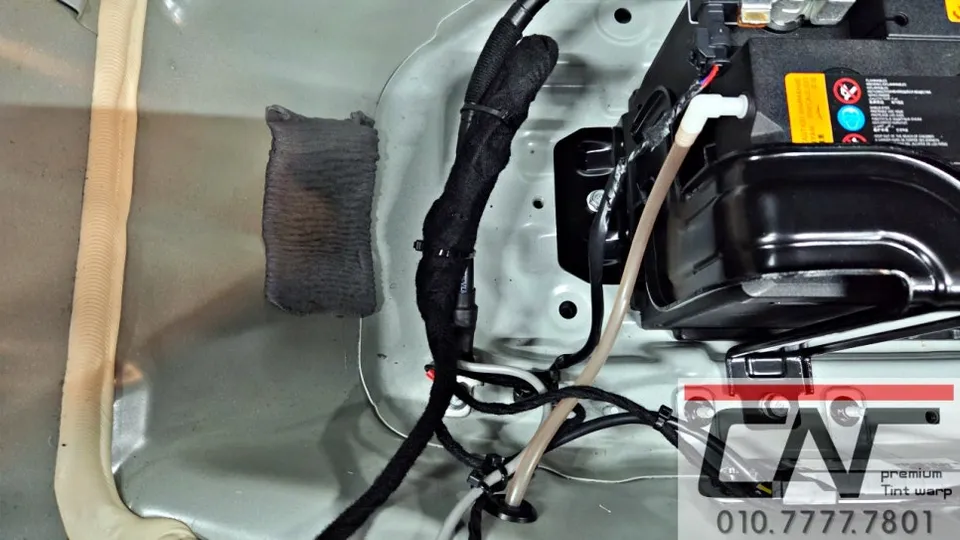
The Carecell CZ-Plus: Enhanced Durability and Features
The system we're examining is the 'Carecell CZ-Plus,' a recent upgrade in their product line. Available in 10A and 15A capacities (with a 5A model planned), this new version boasts improved performance and stability. It's a solution recommended by service centers to combat battery drain issues. The CZ-Plus features a robust construction, utilizing a coating method similar to powder coating, which enhances its durability and resistance to external impacts. A key feature is the integrated LCD screen, allowing real-time monitoring of the battery's status. For further power conservation, an LCD OFF function can be activated, minimizing energy consumption and extending parking mode recording duration. This makes it an optimized solution for vehicles like the Genesis G80 that may have additional electronic devices.
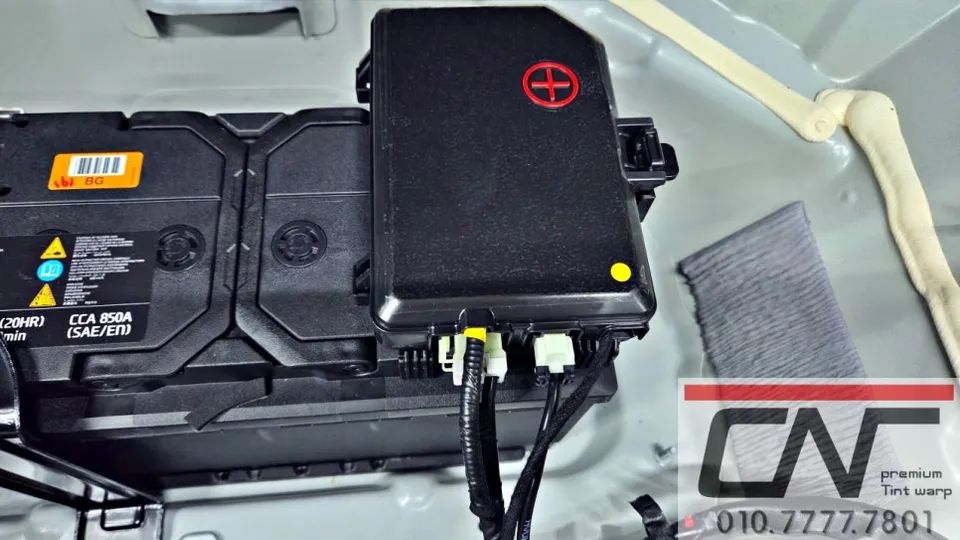
Genesis G80 Dash Cam Installation Process:
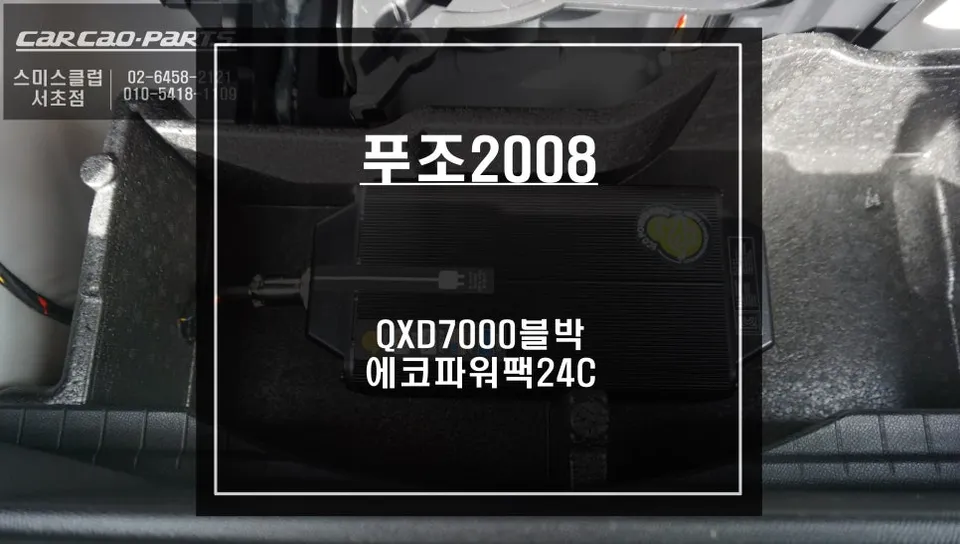
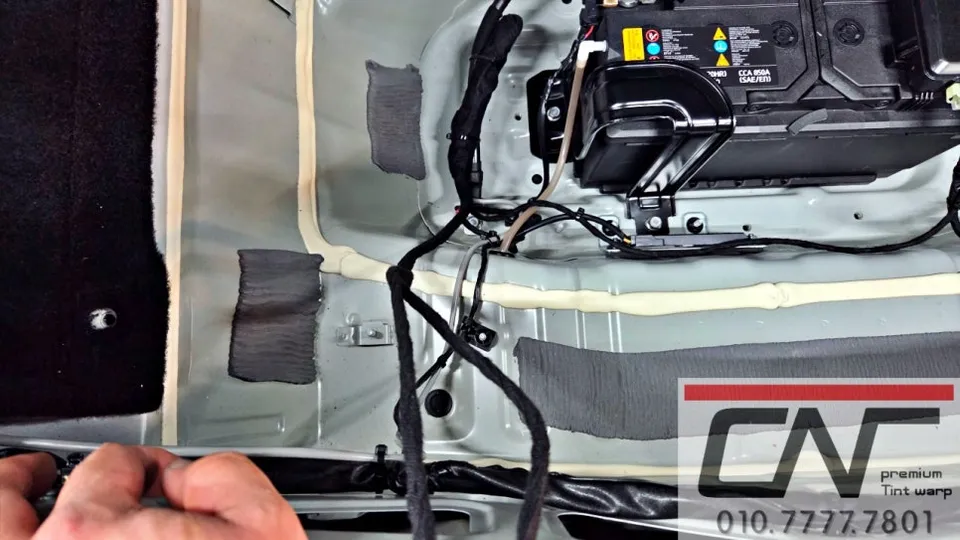
- Component Placement: For the Genesis G80, the auxiliary battery is typically installed in the lower section of the trunk. This location minimizes electrical resistance and ensures a clean installation.
- Wiring and Connection: The auxiliary battery is then carefully wired to the dash cam and connected to the vehicle's power system, ensuring a secure and stable connection.
- System Testing: After installation, the entire system is tested to confirm proper operation of the dash cam and the auxiliary battery, including checking the LCD display and parking mode functionality.
This installation process aims to integrate the dash cam and its power source seamlessly into your Genesis G80, providing peace of mind and reliable recording capabilities without the worry of battery depletion.
Frequently Asked Questions
Q. How much does dash cam installation cost for a Genesis G80?
The installation of the Carecell CZ-Plus auxiliary battery system for a Genesis G80 in Korea was performed as part of a service that typically costs around 200,000 KRW (approximately $150 USD). Professional dash cam installation costs in the US can range from $100 to $300 depending on the complexity and components used.
Q. How long does dash cam installation take on a Genesis G80?
The durability of the Carecell CZ-Plus is enhanced by its powder-coat-like finish, making it resistant to impacts. Regular maintenance involves checking connections annually to ensure optimal performance and longevity.
Q. Is a hardwired dash cam worth it over a self-install for a Genesis G80?
A professionally hardwired dash cam is highly recommended for Genesis G80 owners, especially those with hybrid or import models, to prevent battery drain and ensure stable parking mode recording. The value lies in the professional integration and the peace of mind it provides against potential electrical issues.
Q. How is a dash cam professionally installed on a Genesis G80?
Professional installation typically involves placing the auxiliary battery in a designated area, often the trunk, to minimize electrical resistance. 1. The auxiliary battery is securely mounted. 2. Wiring is routed neatly and connected to both the dash cam and the vehicle's power system. 3. The system is tested to ensure all functions, including parking mode, operate correctly.
Q. What is the difference between a front and rear dash cam for a Genesis G80?
A front-only dash cam records only the view ahead, while a front and rear dash cam provides comprehensive 360-degree coverage, recording both forward and backward views. For maximum security and evidence capture, a front and rear dash cam system is generally recommended for the Genesis G80.
OhCar Partner Shop