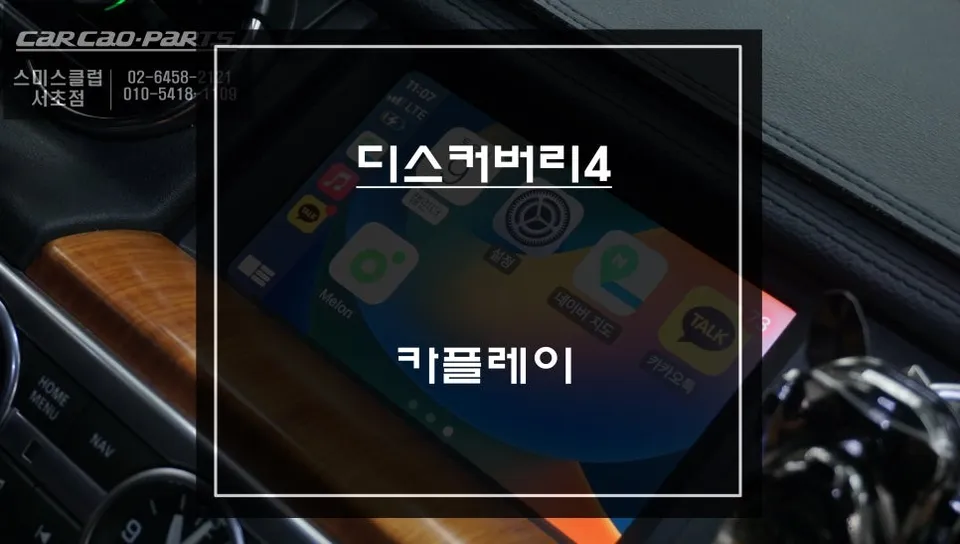
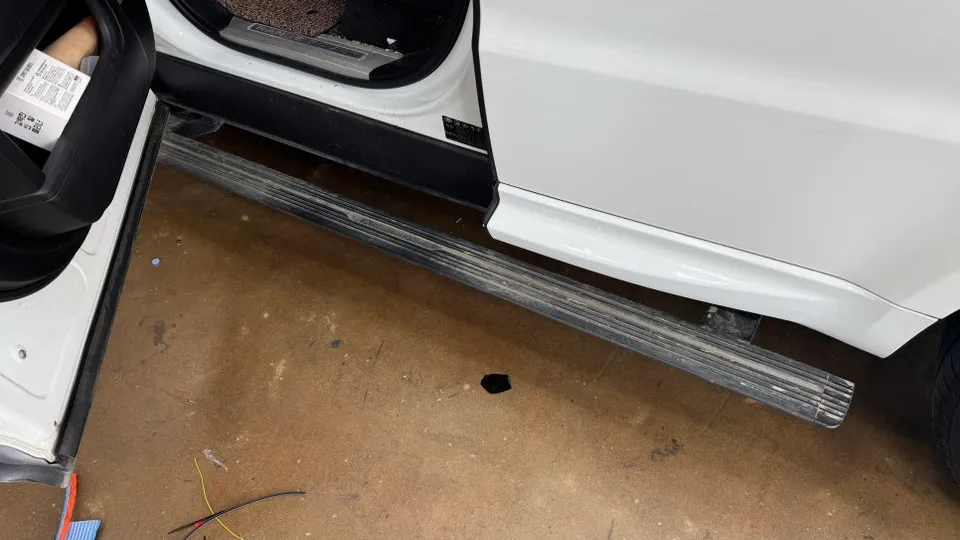
Land Rover Discovery 4 CarPlay Retrofit Review — Cost
Service Price
$75–115
Estimated price · Actual price may vary by shop
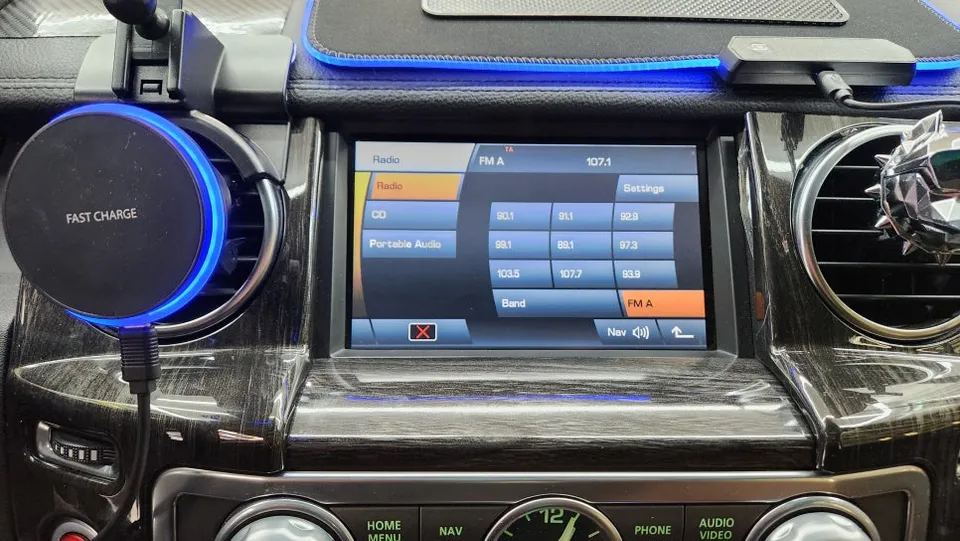
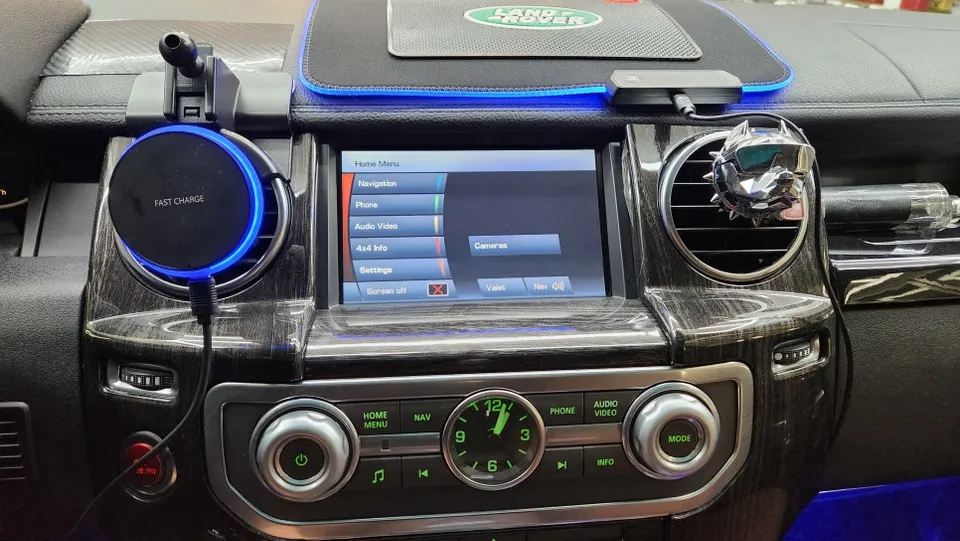
Land Rover Discovery 4 Android head unit upgrade: $75–115. Modernizes infotainment with apps like YouTube & navigation.
Revitalizing Your Land Rover Discovery 4's Infotainment
Many Land Rover Discovery 4 owners, especially those with models around 2010, find the original infotainment system lacking by today's standards. The factory navigation may be outdated, and crucial features like Apple CarPlay or Android Auto are often missing. This can make everyday tasks like streaming music or using modern navigation apps frustrating. In this case, the owner of a Discovery 4 decided to upgrade their vehicle's tech by installing an Android all-in-one head unit, seeking a more connected and convenient driving experience. This review details the process, the results, and considerations for this popular infotainment upgrade.
The Android Head Unit Transformation
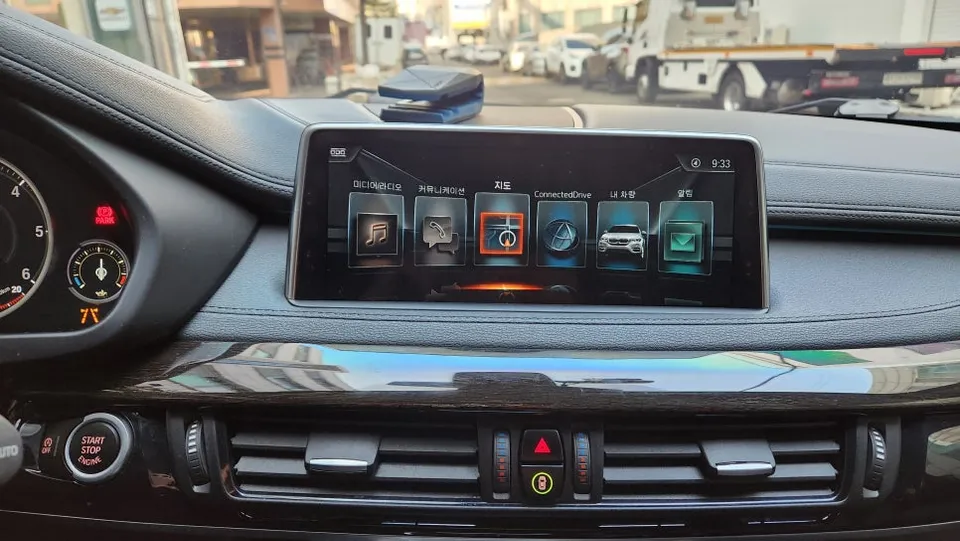
The original system in the Discovery 4 presented several limitations. The built-in navigation, often a system like GenieNavi, hadn't been updated in years, rendering it practically useless. Furthermore, the absence of Bluetooth connectivity meant that enjoying music from a smartphone was cumbersome. While the factory reverse camera still functioned, the owner sought a significant leap in functionality and aesthetics. They opted to provide their own Android all-in-one unit, purchased directly from overseas, for installation. It's important to note that the aftermarket reverse camera provided was a standard CMOS type, not the higher-definition AHD, which would result in a less crisp image compared to what might be expected from a premium setup.
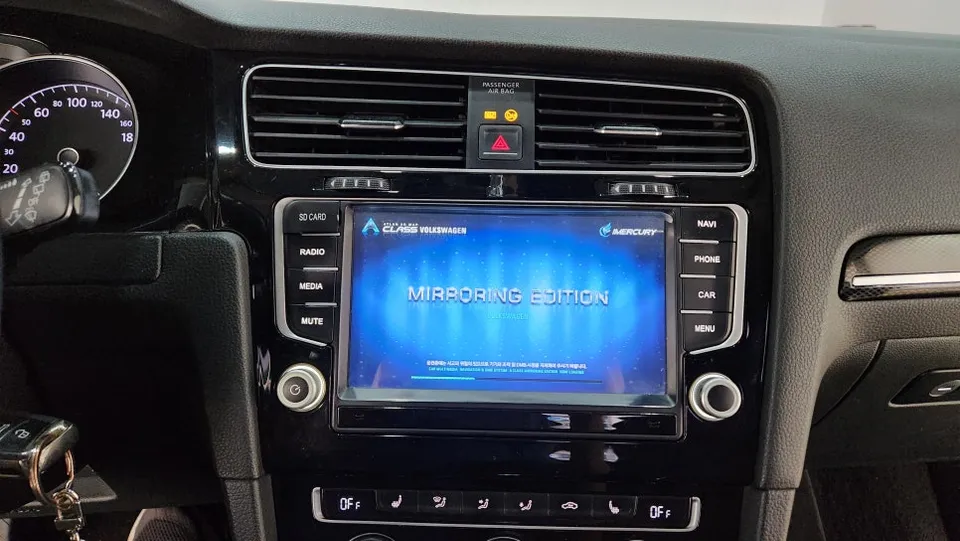
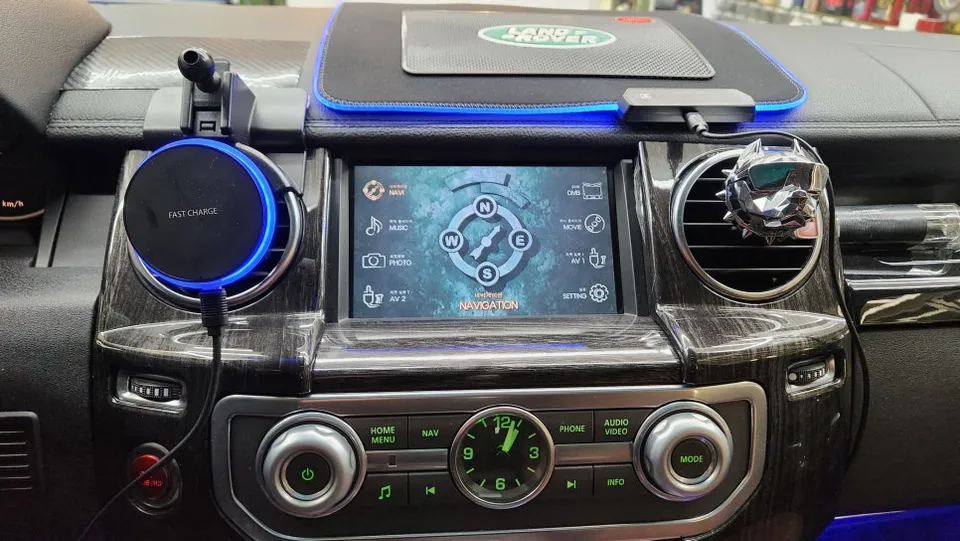
The installation transformed the vehicle's center console. The new Android head unit features a larger, more modern display and a sleeker dashboard appearance. The primary advantage of an Android all-in-one unit is its ability to run a wide range of applications, much like a smartphone. By connecting to a mobile hotspot or using a SIM card, users can access apps like YouTube, T-Map, and other streaming services directly on the unit. However, installing units sourced internationally can be complex. Issues with wiring compatibility and potential software glitches are common, making professional installation and setup crucial. Many of these units lack detailed manuals, and specific settings, like factory passwords, vary by model, requiring specialized knowledge.
While the allure of a lower price point for imported units is understandable, they often come with a higher risk of compatibility and stability problems compared to units certified for domestic markets (like those with a Korean KC certification). The owner was advised to consider a locally certified product, but ultimately chose to proceed with their self-purchased unit.
Smart Features and Performance
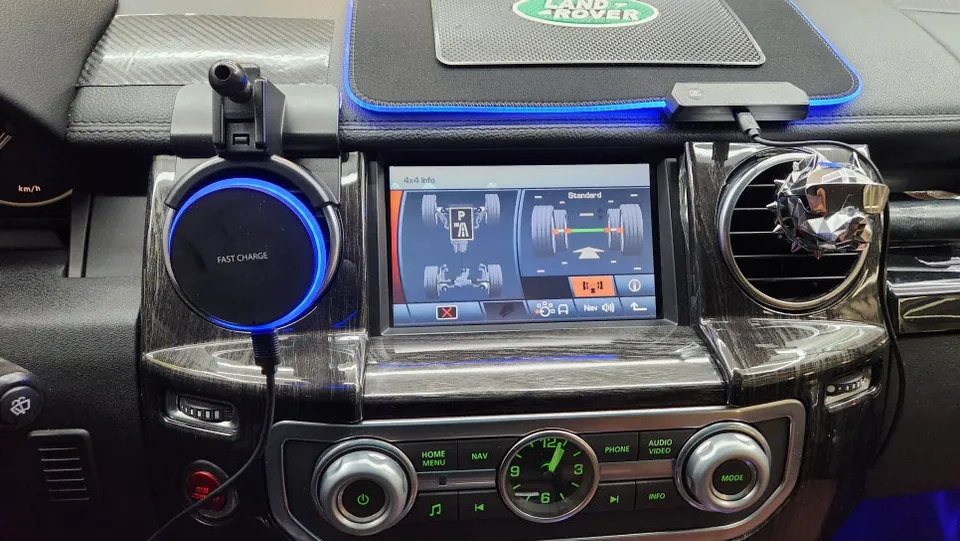
Post-installation, the first step was logging into the Google Play Store to update essential applications like T-Map and YouTube. Ensuring apps are on their latest versions is vital for smooth operation. With the updates complete, the owner could enjoy seamless YouTube browsing and video playback. A key aspect of the setup was integrating the new head unit with the vehicle's existing amplifier and speakers. This ensures that audio from the Android unit is routed through the car's sound system, providing high-quality audio for music and videos. Beyond YouTube, the unit also supports Apple CarPlay and Android Auto via Bluetooth connection to a smartphone, significantly expanding its utility and offering a familiar interface for many users.
Regarding the reverse camera, the CMOS unit installed provided a clearer view than the original but didn't quite meet the high-definition expectations. This was a point of mild disappointment for the owner. Overall, while Android all-in-one units offer a wealth of modern features, choosing an imported unit requires careful consideration of potential installation and operational challenges. For those prioritizing stability and ease of use, a domestically certified product is often the safer bet.
Frequently Asked Questions
Q. How much does Android head unit or CarPlay installation cost for a Land Rover Discovery 4?
The cost for this specific Android head unit installation in Korea was approximately $75–115 USD. Typical US installation costs can range from $500 to $1500 depending on the unit and vehicle complexity.
Q. How long does Android head unit installation take on a Land Rover Discovery 4?
Installation typically takes a few hours, but the exact time can vary. Durability is generally good for certified units, but maintenance might involve occasional software updates or troubleshooting compatibility issues.
Q. Is a CarPlay or Android Auto retrofit worth it for a Land Rover Discovery 4?
A CarPlay or Android Auto retrofit is highly beneficial for Discovery 4 owners who want modern navigation and entertainment features. It significantly enhances the user experience, making the vehicle feel more up-to-date and convenient.
Q. How is an Android head unit installed in a Land Rover Discovery 4?
Installation involves carefully removing the original head unit, connecting the new Android unit's wiring harness to the vehicle's loom, mounting the new unit, and configuring the software. This process requires specialized tools and knowledge to ensure all functions, including steering wheel controls and cameras, work correctly.
Q. What is the difference between an Android head unit and a factory infotainment system for a Land Rover Discovery 4?
An Android head unit offers access to a vast library of apps and modern features like CarPlay/Android Auto, unlike the limited, often outdated, factory system. For most users seeking enhanced functionality, an Android head unit upgrade is recommended.
OhCar Partner Shop