MINI Countryman Android Head Unit Upgrade Review
Service Price
$approx. $1,500+
Estimated price · Actual price may vary by shop

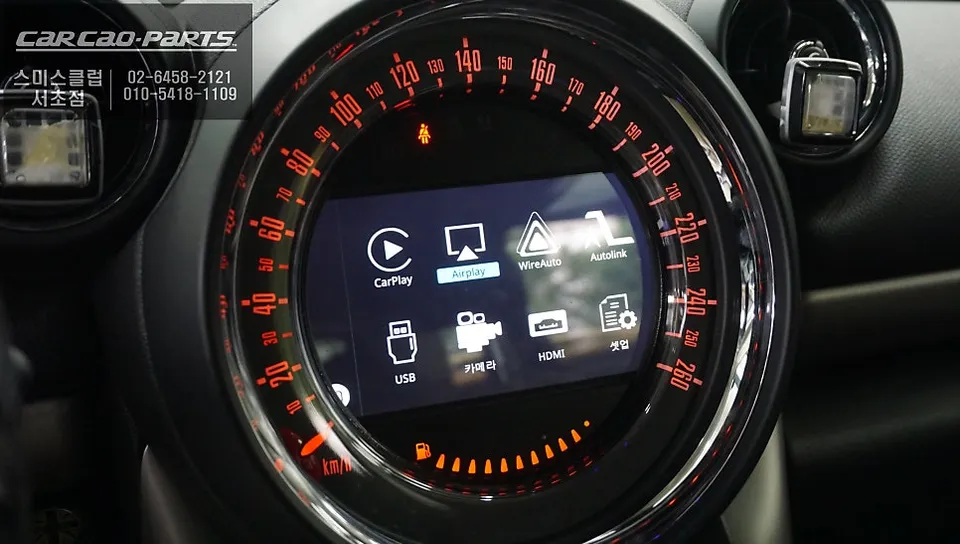
MINI Countryman Android Head Unit upgrade resolves M-BOX issues, offering smart navigation and enhanced features. Approx. 3-4 hours.
MINI Countryman Navigation Upgrade: From M-BOX Failure to Smart Navigation
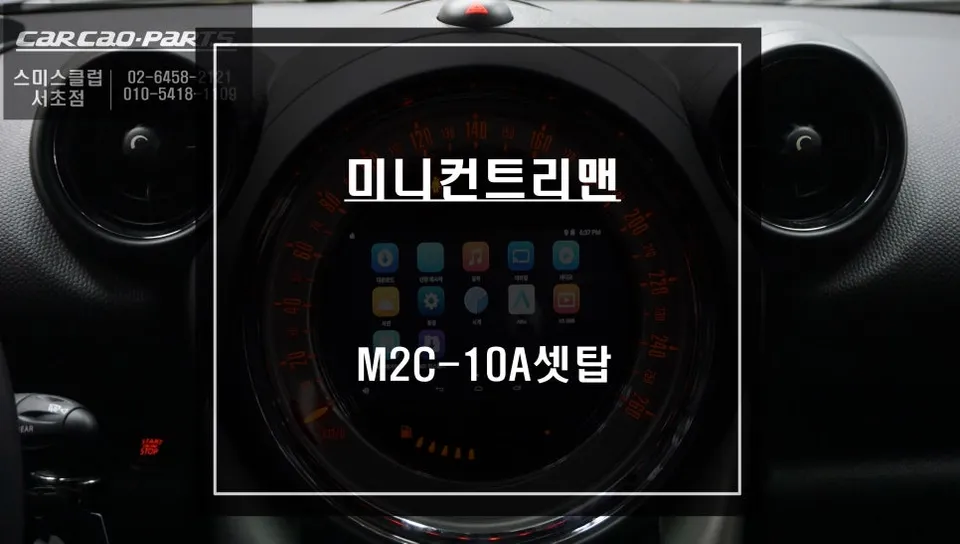
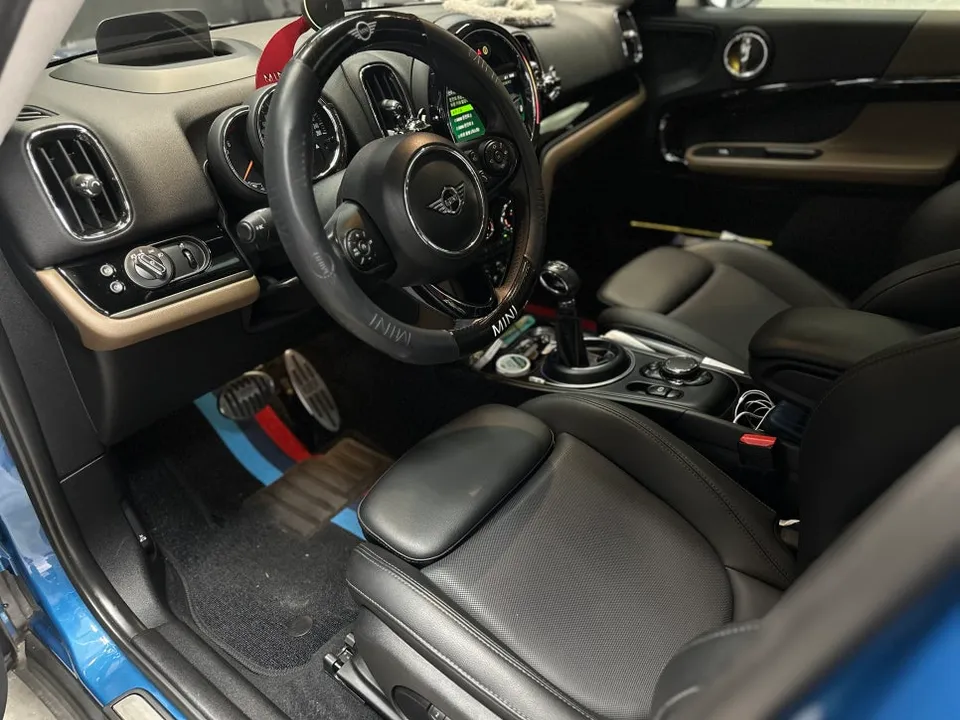
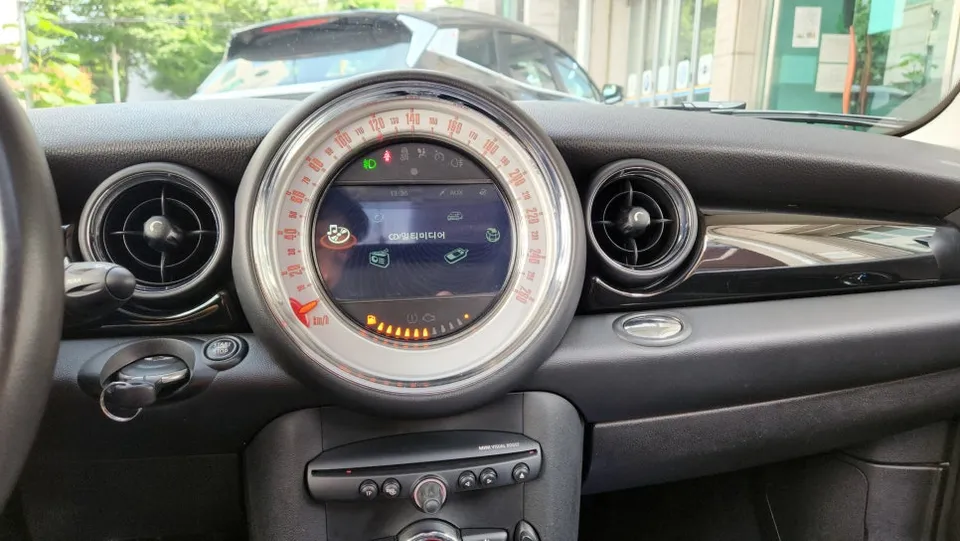
A customer with a 2016 MINI Countryman visited us experiencing issues with their original navigation system and rear-view camera. Diagnosis revealed a faulty M-BOX module. Instead of a simple repair, we proposed a more intelligent solution: replacing it with a modern Android-compatible CarPlay module. This upgrade breathes new life into the vehicle's infotainment system, offering a significantly enhanced user experience.
Replacing the M-BOX Module with a Smart CarPlay Interface
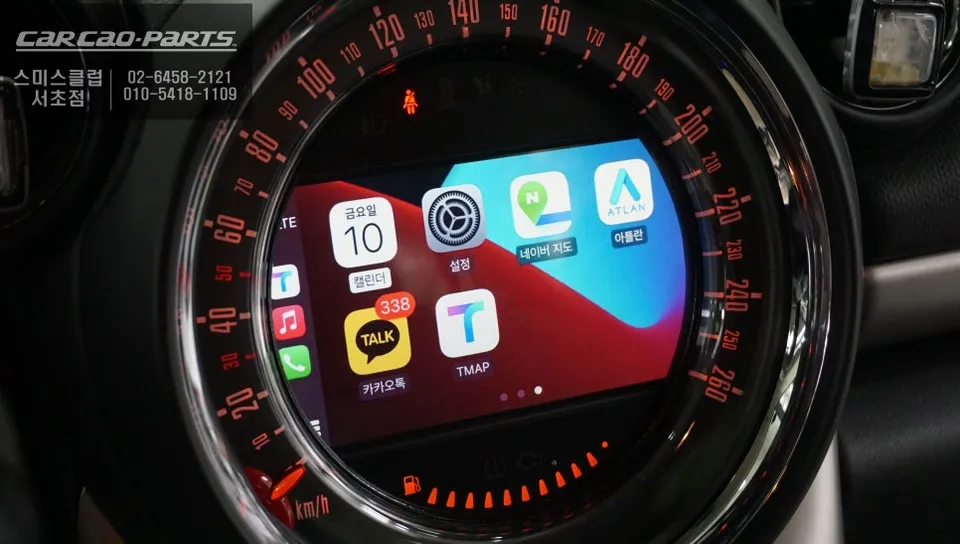
The process began with the careful removal of the original M-BOX module. Given its integration with the car's core systems, the wiring can be intricate. However, by opting for a MINI-specific CarPlay interface, we could utilize a straightforward connector-based installation. This plug-and-play approach ensures the vehicle's original wiring remains untouched and undamaged. The most significant advantage of this upgrade is the ability to use familiar smartphone navigation apps directly on the car's display. Applications like TMAP, KakaoMap, and Melon can be accessed via Android Auto or Apple CarPlay. Since these apps receive real-time map data and traffic updates, your MINI Countryman, regardless of its age, will always provide the most current navigation guidance.
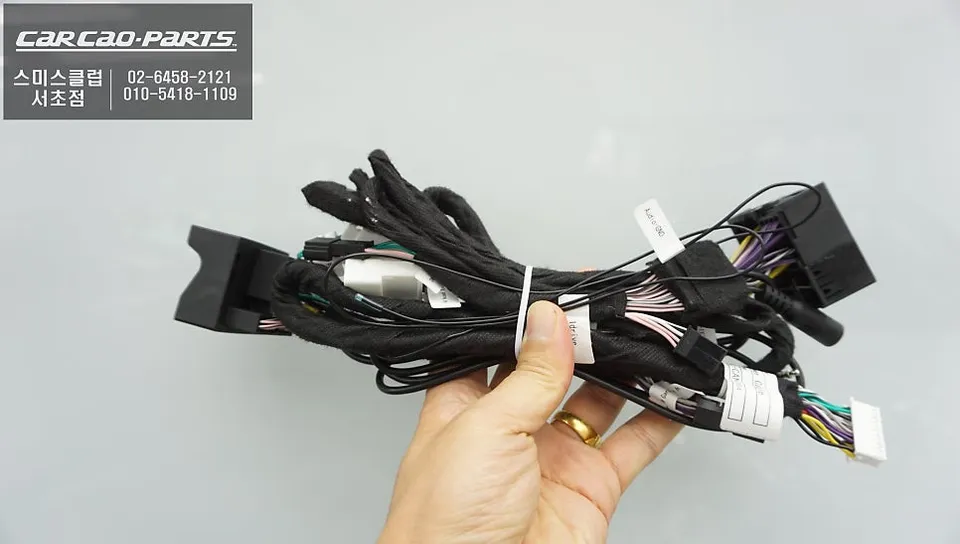
CarPlay Module Installation: Wiring and Control Methods
Ensuring a stable smartphone connection is paramount during installation. While both wired and wireless connections are supported, we generally recommend a wired setup for maximum reliability. Wireless connections can drain smartphone batteries faster and are more prone to disconnection. The wiring path for this MINI-specific product is already optimized, simplifying the installation. Although the module doesn't feature touch input, all functions are conveniently controlled via voice commands and the original steering wheel iDrive controller. Many users initially worry about the lack of touch, but quickly find that voice and dial control are perfectly adequate and can even enhance safety by reducing the need to look away from the road.
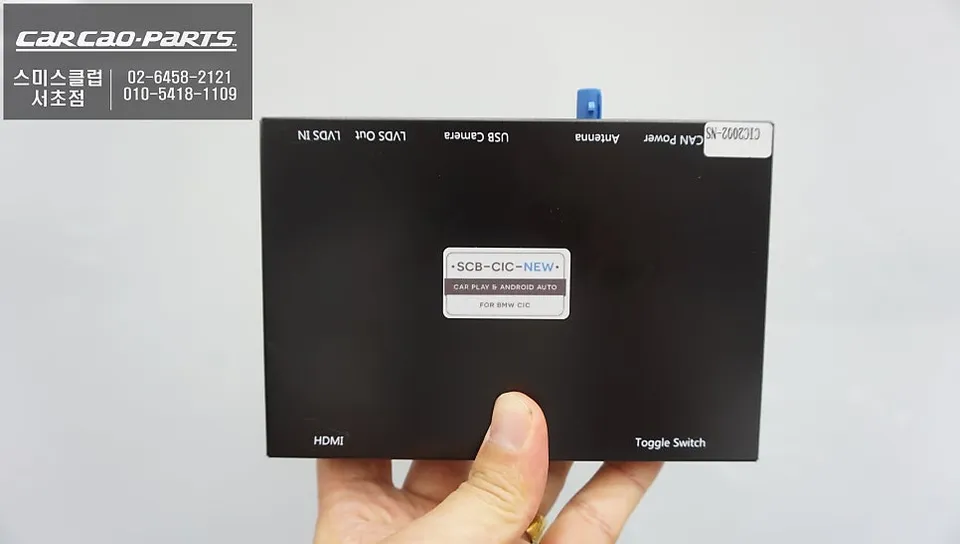
Real-World Performance: Live Maps and Traffic Information
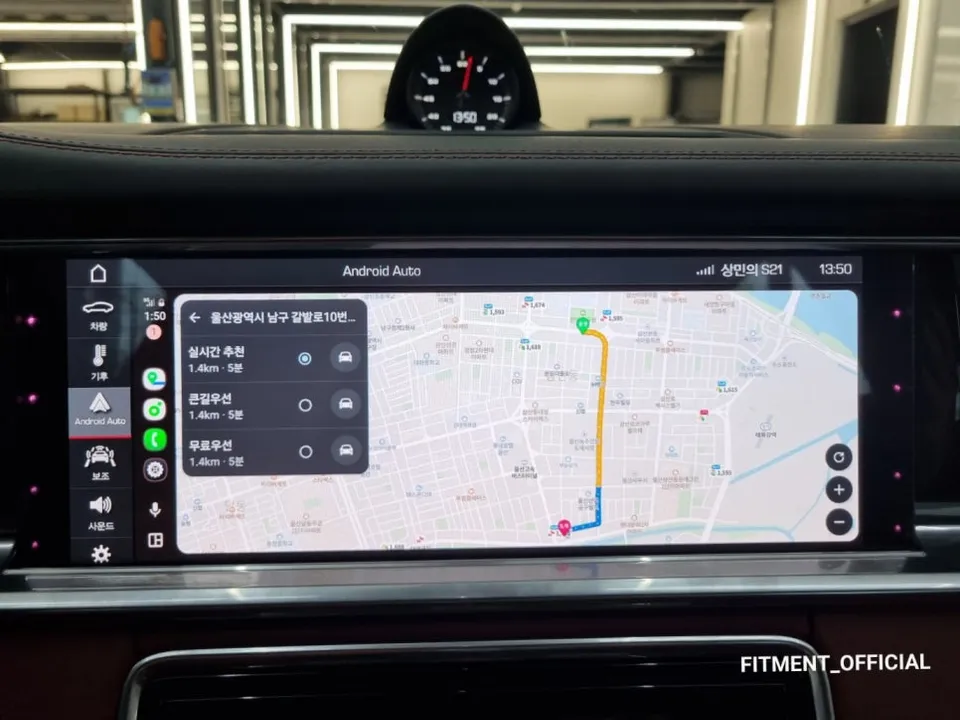
The most noticeable improvement after installing the CarPlay module is the accuracy and up-to-date nature of the maps. Unlike factory navigation systems that have slow update cycles, CarPlay synchronizes with your smartphone apps, providing always-current information. Route recalculations based on real-time traffic congestion are notably faster and more precise. Beyond navigation, the module unlocks a variety of apps, allowing you to control music streaming services, read messages, and access contacts through the car's monitor and voice commands. This integration is the true value of a CarPlay system.
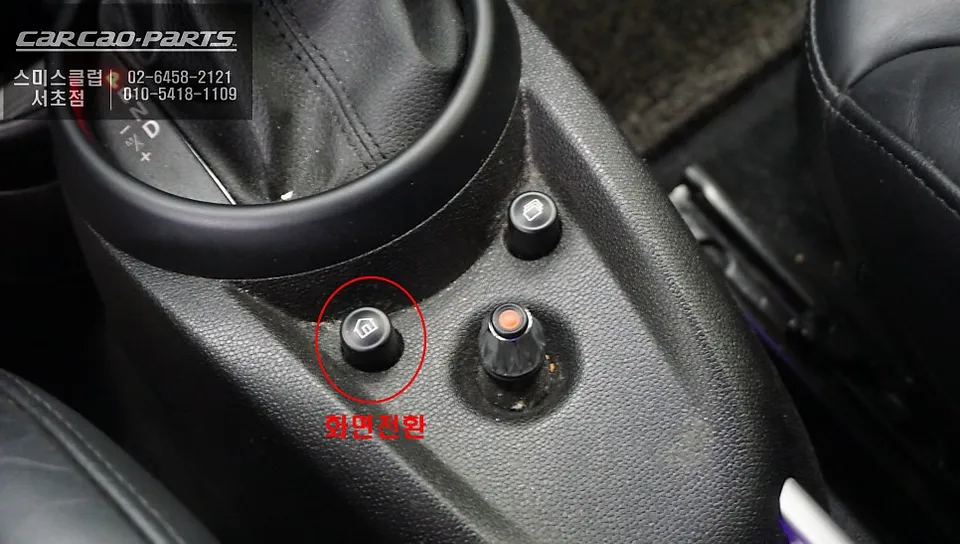
Rear-View Camera PAS Functionality Upgrade
A special addition to this MINI Countryman's upgrade was enhancing the rear-view camera with PAS (Parking Assist Steering) functionality. Standard rear-view cameras display static parking lines, but with PAS integration, the guide lines dynamically adjust to the steering wheel's angle. This feature is incredibly useful in tight parking spaces or complex maneuvers. With the CarPlay module, rear-view camera, and PAS sensor all working in sync, parking safety is significantly improved.
The entire process, from removing the M-BOX module to installing the CarPlay module on this 2016 MINI Countryman, typically takes approximately 3 to 4 hours.
Frequently Asked Questions
Q. How much does an Android Head Unit upgrade cost for a MINI Countryman?
The cost for this Android Head Unit upgrade on a MINI Countryman, including installation and the CarPlay module, was performed in Korean Won, with typical US installations ranging from $500 to $1500 depending on the module and vehicle specifics.
Q. How long does an Android Head Unit installation take on a MINI Countryman?
The installation process for an Android Head Unit on a MINI Countryman typically takes about 3 to 4 hours to complete. Regular maintenance involves ensuring software is up-to-date and checking connections periodically for optimal performance.
Q. Is an Android Head Unit upgrade worth it for a MINI Countryman?
An Android Head Unit upgrade is most beneficial for MINI Countryman owners whose original navigation system is outdated or malfunctioning, offering a significant value proposition by modernizing the infotainment system with smart features.
Q. How is an Android Head Unit installed on a MINI Countryman?
Installation involves: 1. Safely removing the original M-BOX module. 2. Connecting the new Android-compatible CarPlay interface using plug-and-play connectors. 3. Integrating with existing systems like the rear-view camera and steering controls. 4. Testing for stable wired or wireless smartphone connectivity.
Q. What is the difference between an Android Head Unit and the original navigation for a MINI Countryman?
An Android Head Unit allows the use of familiar smartphone apps like Google Maps or Waze with real-time updates, unlike the often outdated factory navigation. It provides a much more versatile and up-to-date infotainment experience.
Kakao Parts