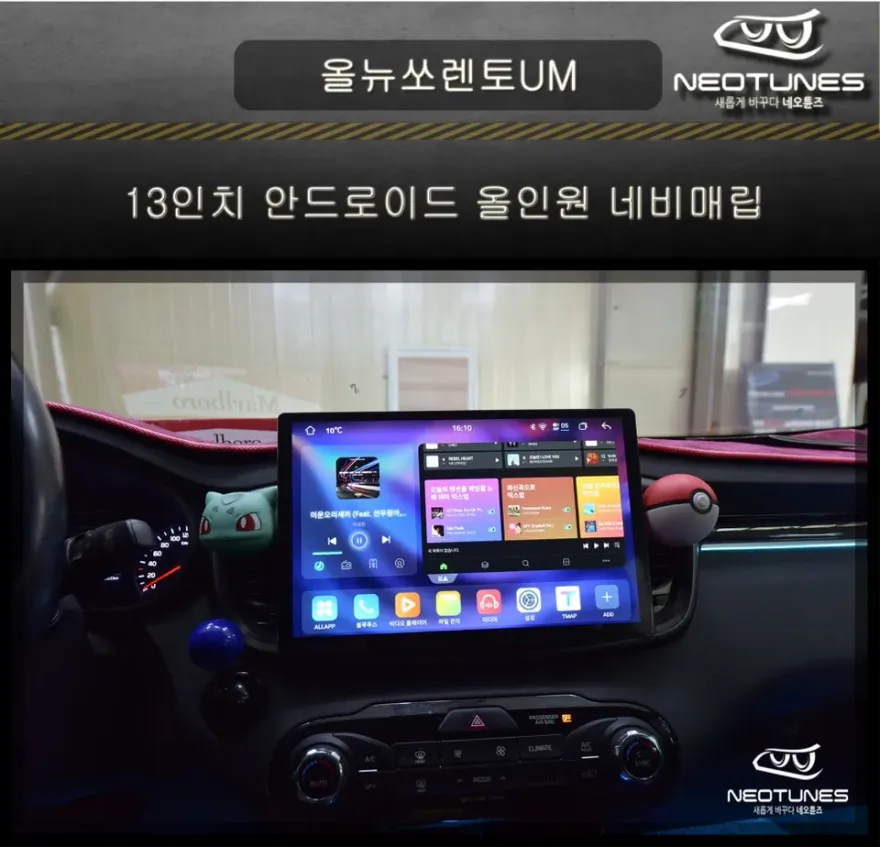
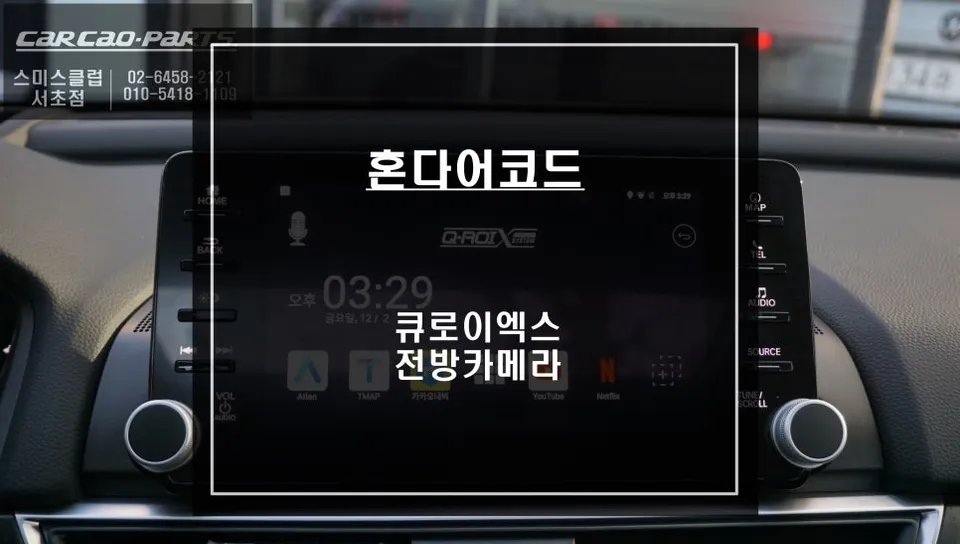
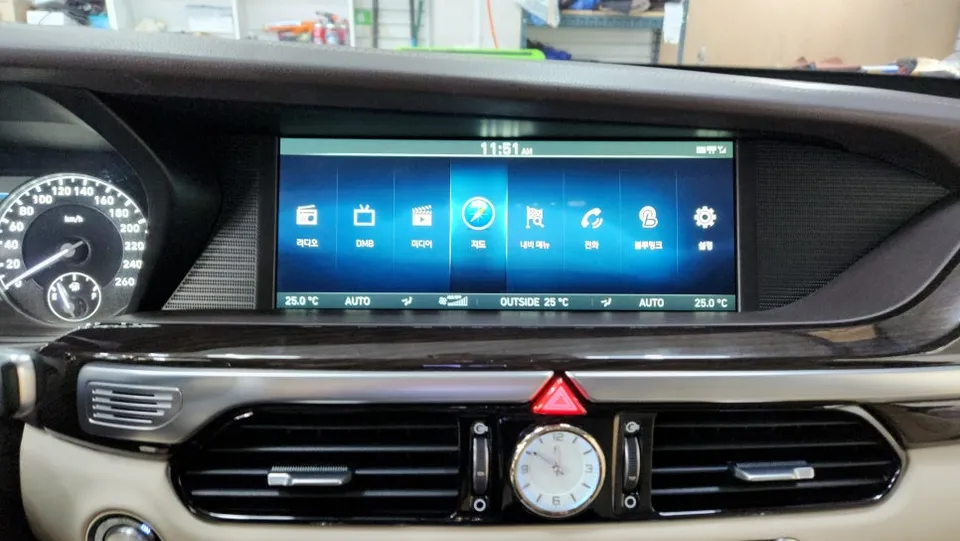
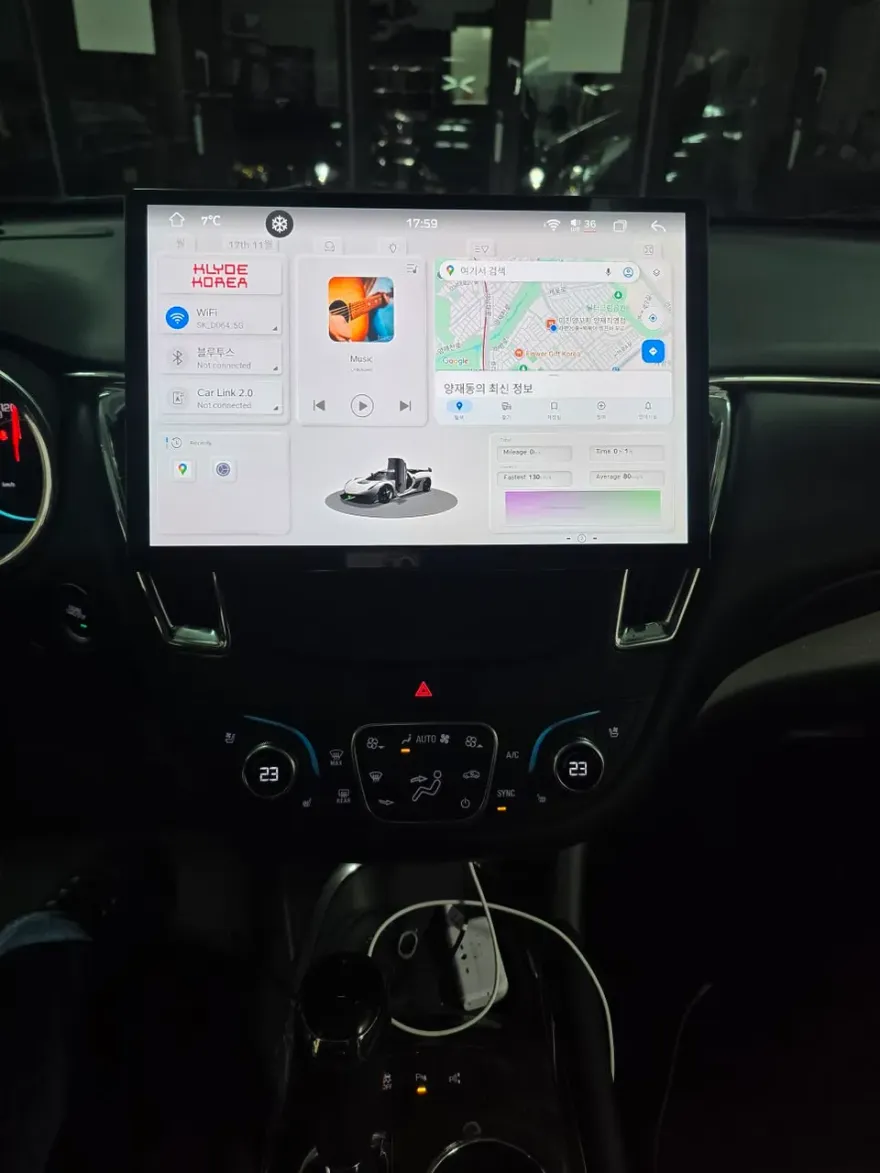
BMW 5GT Android Head Unit Upgrade Review — Seamless Integration
Service Price
$150+
Estimated price · Actual price may vary by shop
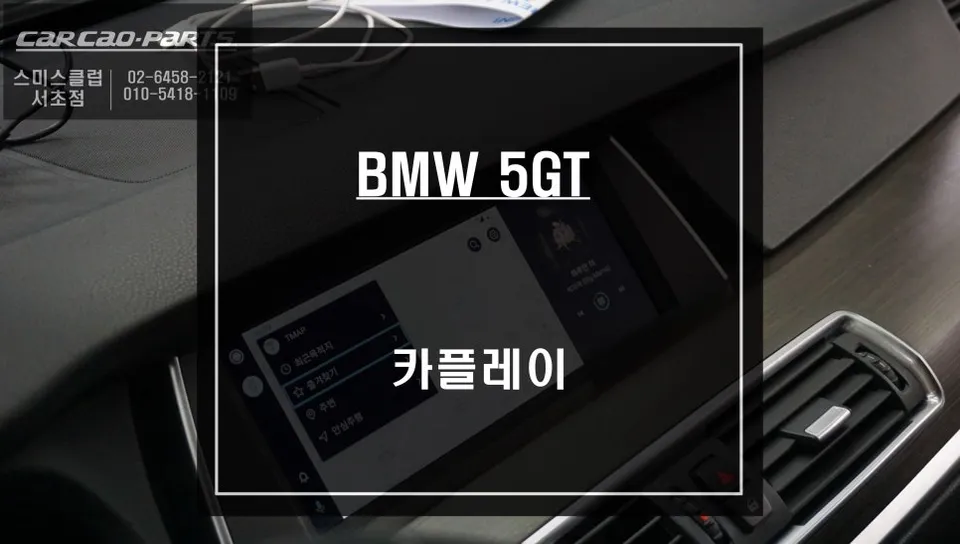
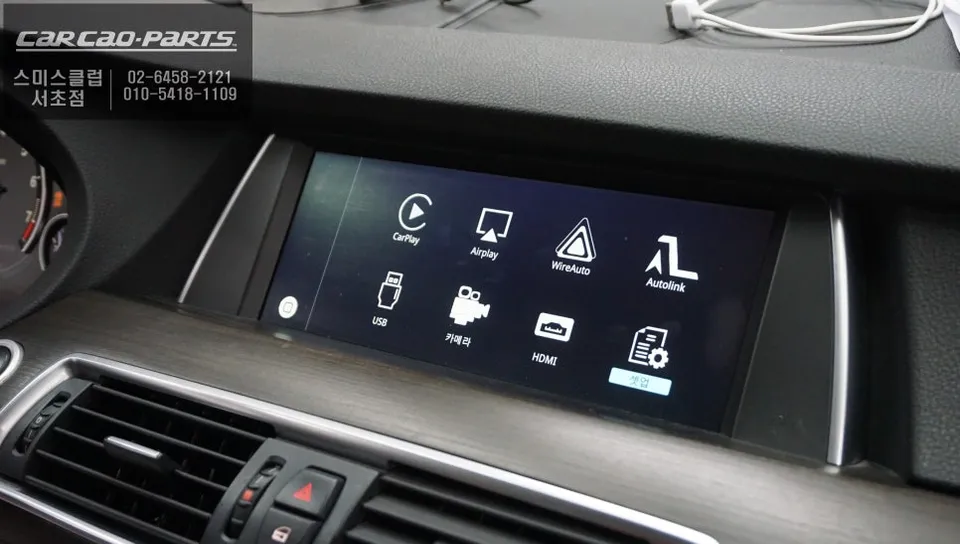
BMW 5 Series GT F07 Android Head Unit upgrade offers seamless smartphone integration. Enjoy real-time navigation and enhanced features via LVDS cable.
Upgrade Your BMW 5GT's Infotainment with an Android Head Unit
Many BMW 5 Series GT F07 owners find the limitations of the factory navigation system frustrating, particularly slow map updates and delayed traffic information. This review details a solution that overcomes these issues: a CarPlay/Android Auto module that integrates with your car's original monitor. This upgrade brings the real-time navigation experience of smartphone apps like TMAP or KakaoMap directly to your BMW's screen, ensuring you always have the latest maps and traffic data. It's like getting a navigation system that's always up-to-date, just like your online shopping.
Specializing in high-end vehicle electronics, we ensure that advanced modules are installed without damaging the original BMW interior. Our extensive experience with BMW's iDRIVE system means that wiring is handled meticulously, preserving the factory system while adding modern functionality. This attention to detail is why discerning car owners in the Gangnam area trust us with their vehicles.
How the BMW 5GT Android Head Unit Module Works
The core of this upgrade is a dedicated CarPlay/Android Auto module designed specifically for BMW vehicles. It functions as an integrated interface, automatically switching to your smartphone's interface when connected. This system works by overlaying the new functionality onto the existing BMW navigation structure, essentially opening a new pathway without replacing your original screen.
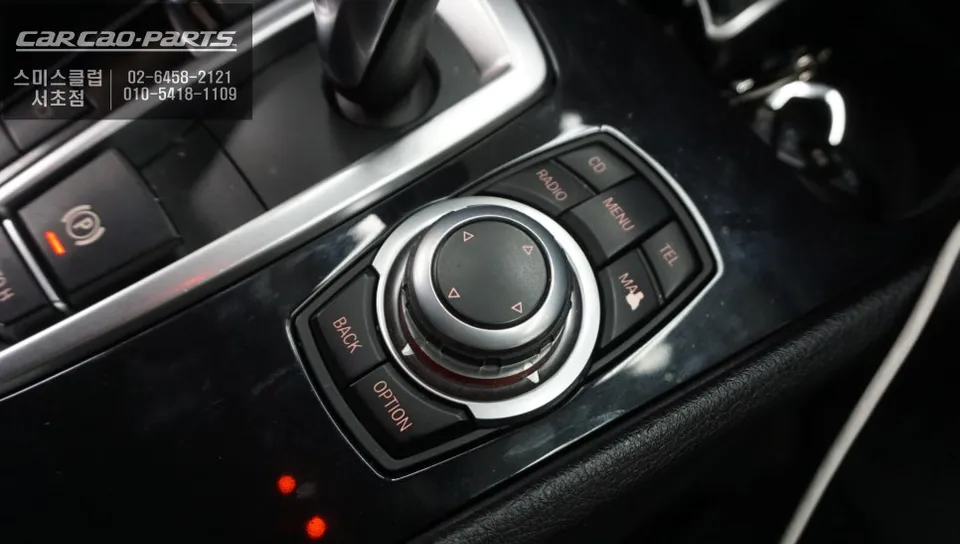
Using the system is intuitive. A simple two-second press of the iDRIVE menu button seamlessly transitions the display from the native BMW interface to the CarPlay or Android Auto screen. Pressing the button again instantly returns you to the original navigation. Once your smartphone is connected, you can choose between Android Auto or Apple CarPlay, and the system integrates flawlessly with your BMW's setup.
Installation Process:
- Connect the dedicated CarPlay/Android Auto module to the vehicle's existing wiring harness using plug-and-play connectors.
- Route the module's cables discreetly behind the dashboard panels.
- Connect the module's output to the BMW's original display unit via the LVDS cable.
- Integrate the audio signal by connecting to the car's AUX input for sound output through the vehicle's speakers.
- Test the system by activating CarPlay/Android Auto via the iDRIVE controller and ensuring all functions operate correctly.
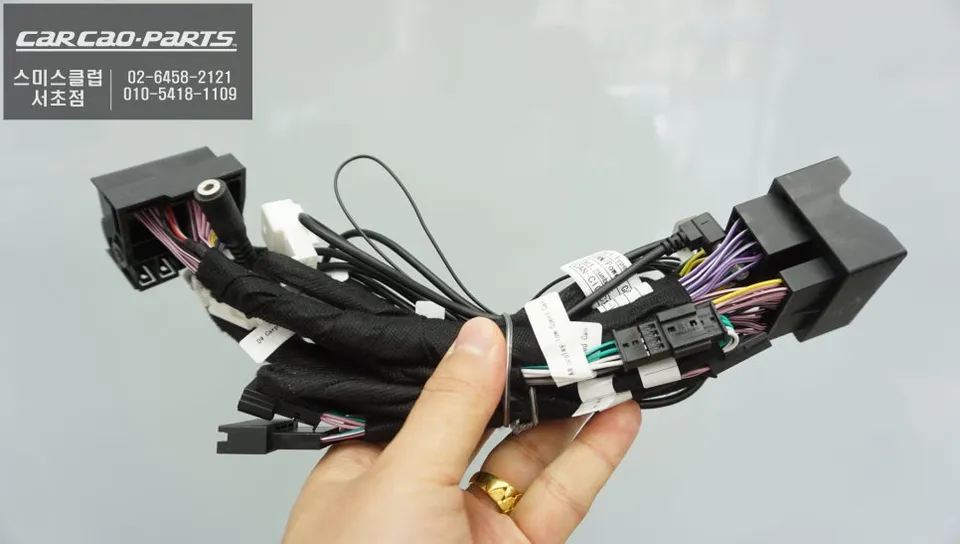
High-Definition Display via LVDS Cable
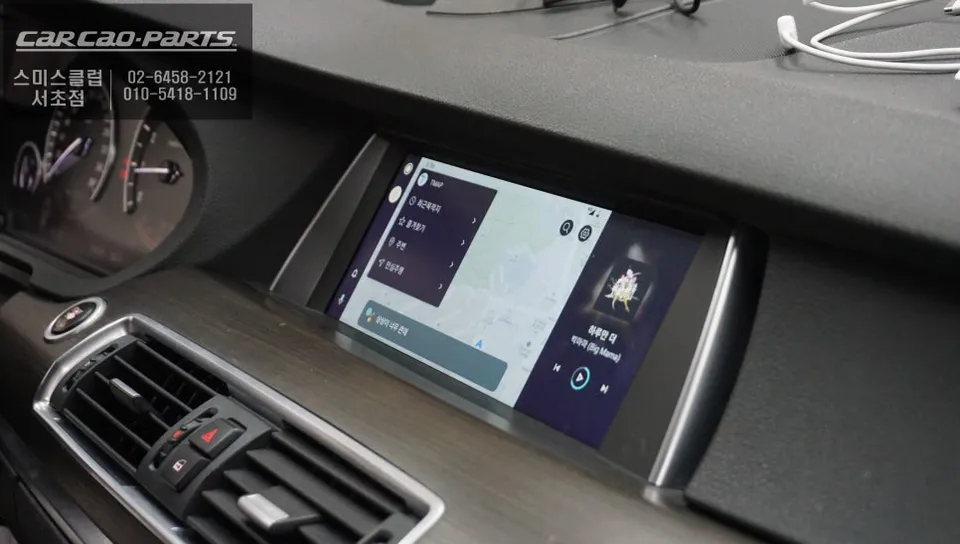
What sets this installation apart from typical aftermarket solutions is the use of an LVDS (Low-Voltage Differential Signaling) cable. Unlike many systems that rely on compressed signals via HDMI or USB, this direct connection to the BMW's original monitor ensures that your smartphone's high-definition video is displayed without loss of quality. This results in crisp, smooth map rendering, indistinguishable from the factory navigation.
Furthermore, the wiring utilizes a 'snap-by-snap' connection method. This means no original wiring is cut or modified; the module simply plugs into existing connectors. This preserves the car's original state, making it easy to revert to factory settings if needed for future servicing or warranty claims – a crucial principle for high-end vehicle electronics installations.
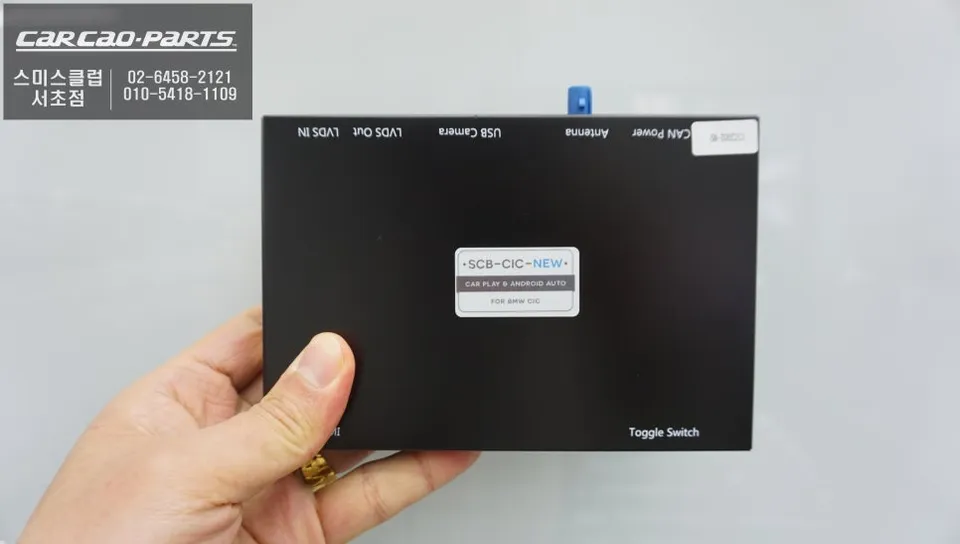
Safe Operation with Voice Control and iDRIVE Controller
While direct touchscreen control isn't available for the CarPlay/Android Auto interface, this is by design for safety. BMW's built-in voice control and the intuitive iDRIVE controller allow you to operate navigation, music, and calls without taking your eyes off the road. You can dictate destinations or navigate menus using the familiar rotary dial near the gear shifter.
Audio signals, including navigation prompts, phone calls, and music streaming from apps like Melon or YouTube Music, are routed through the car's AUX input. This integrates seamlessly with the BMW's audio system, delivering sound through the factory speakers. This comprehensive integration reduces reliance on your smartphone for basic functions, enhancing both convenience and safety.
The True Value: Real-Time Navigation Updates
The primary motivation for many customers choosing this upgrade is the obsolescence of factory navigation maps. After a few years, the original BMW 5GT navigation data becomes outdated, failing to reflect new roads, closures, or changes in local infrastructure. This module provides a constant stream of up-to-date information, mirroring the dynamic nature of smartphone navigation services and ensuring you're never lost due to outdated maps.
Frequently Asked Questions
Q. How much does an Android Head Unit cost for a BMW 5 Series GT F07?
The specific cost for this Android Head Unit module for a BMW 5 Series GT F07 was not detailed in the original Korean context, but similar upgrades in the US typically range from $500 to $1500 depending on features and installation complexity.
Q. How long does an Android Head Unit last on a BMW 5 Series GT F07?
These modules are designed for long-term use, often lasting the lifespan of the vehicle's infotainment system, provided they are installed correctly. Regular software updates for the module itself can help maintain optimal performance and compatibility.
Q. Is an Android Head Unit worth it for a BMW 5 Series GT F07?
An Android Head Unit is highly recommended for BMW 5 Series GT F07 owners who frequently use smartphone navigation and desire real-time map updates. It significantly enhances the infotainment system's functionality and usability, offering a modern experience on the original screen.
Q. How is an Android Head Unit installed on a BMW 5 Series GT F07?
Installation involves connecting a dedicated CarPlay/Android Auto module using plug-and-play wiring harnesses that integrate with the factory system. The module's video output connects via an LVDS cable to the original monitor, and audio is routed through the car's AUX input, ensuring a non-destructive installation.
Q. What is the best Android Head Unit option for a BMW 5 Series GT F07?
The best option is a module that utilizes an LVDS connection for high-definition video output and offers seamless integration with the iDRIVE controller and voice commands. This ensures a factory-like experience with the benefits of modern smartphone connectivity.
Kakao Parts