Land Rover Range Rover Sport Android Head Unit Review — Enhanced
Service Price
$150+
Estimated price · Actual price may vary by shop
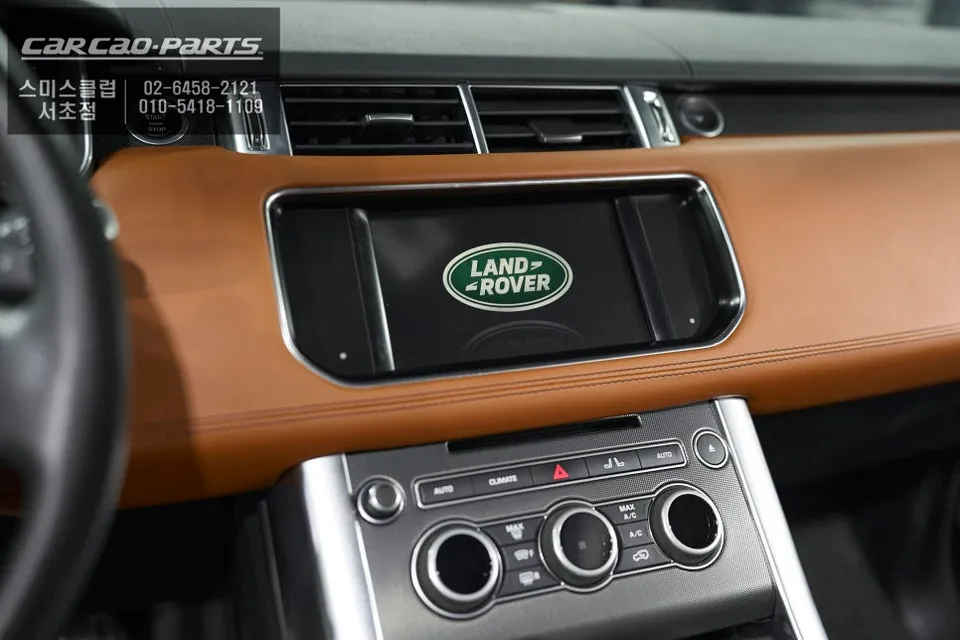
Land Rover Range Rover Sport Android Head Unit upgrade: High-definition CarPlay/Android Auto integration. Seamless smartphone connectivity for navigat
Upgrade Your Range Rover Sport's Infotainment with CarPlay/Android Auto
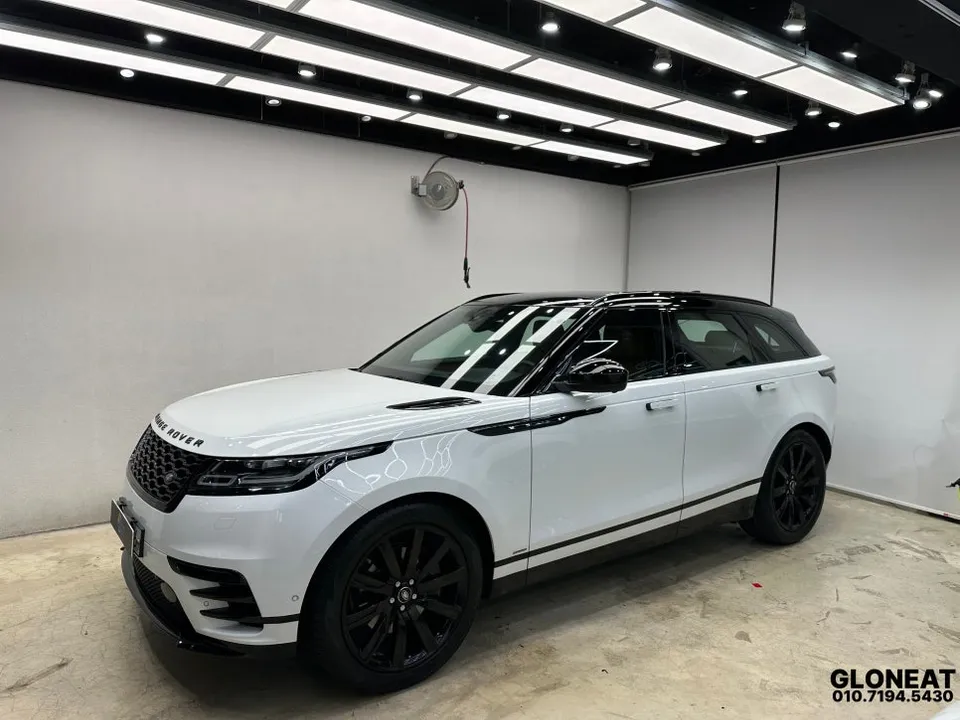
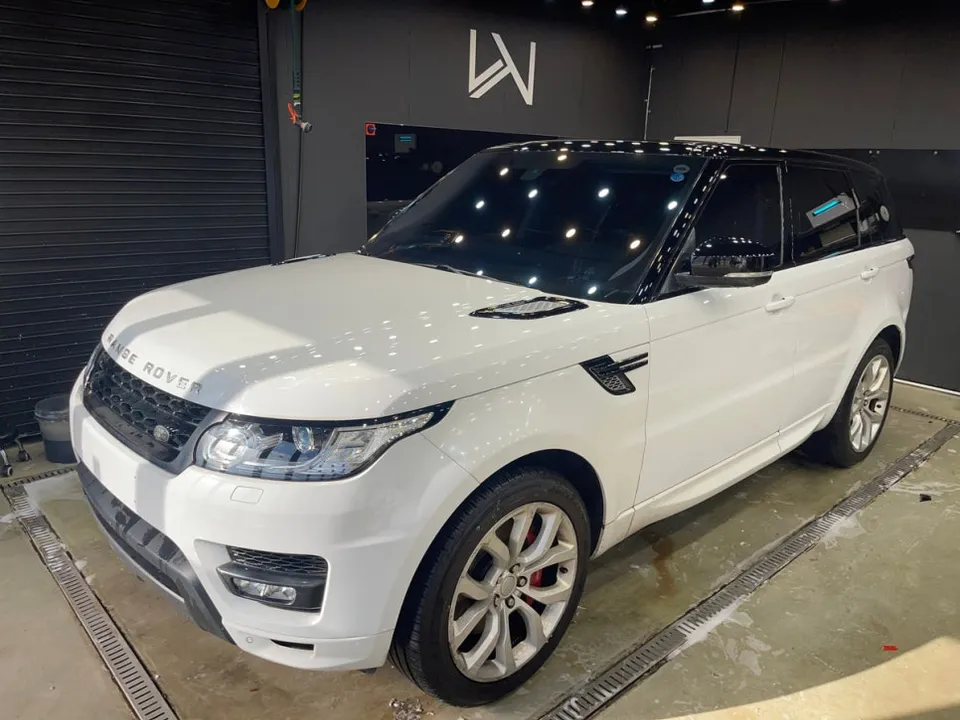
Are you a proud owner of an older Land Rover Range Rover Sport and find its built-in navigation system lacking? The most significant drawback of traditional car navigation is the hassle of map updates. You often face the need to purchase new maps every few years, and real-time traffic information is frequently unavailable. This can be particularly frustrating for owners of imported vehicles. This review details a recent installation of an Android Head Unit system, specifically Apple CarPlay, at our facility for a Range Rover Sport.
Our expertise lies in enhancing the infotainment systems of luxury imported cars, with extensive experience in installing CarPlay and Android Auto modules. We are a popular choice for import car owners seeking comprehensive upgrades, from navigation system replacements to audio enhancements and voice control integration.
Transforming the Stock Navigation with High-Definition CarPlay
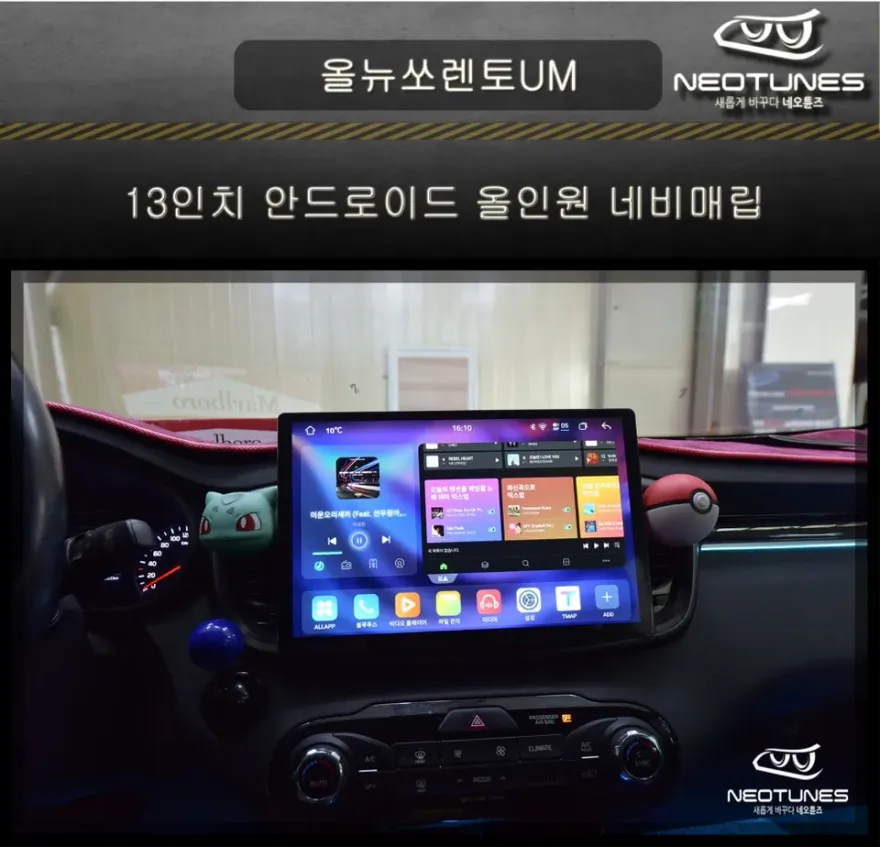
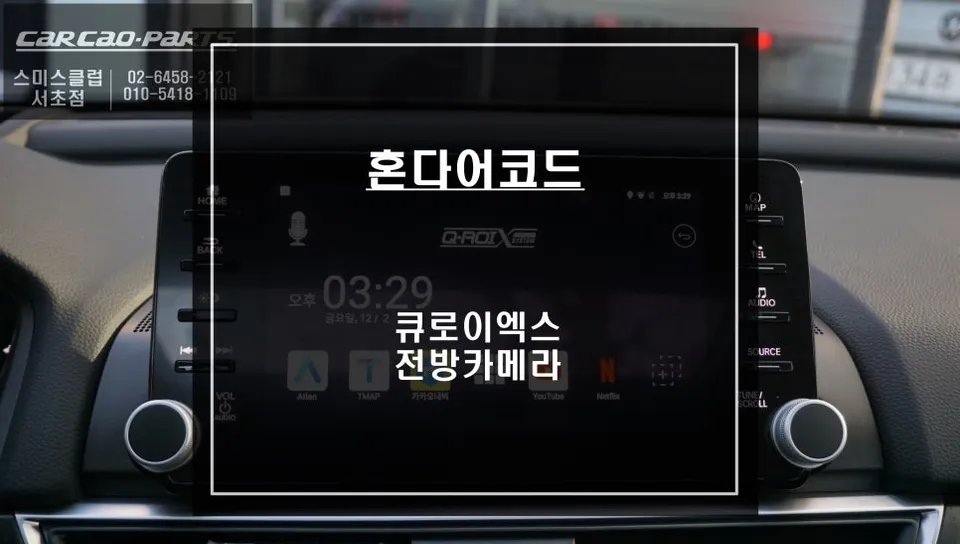
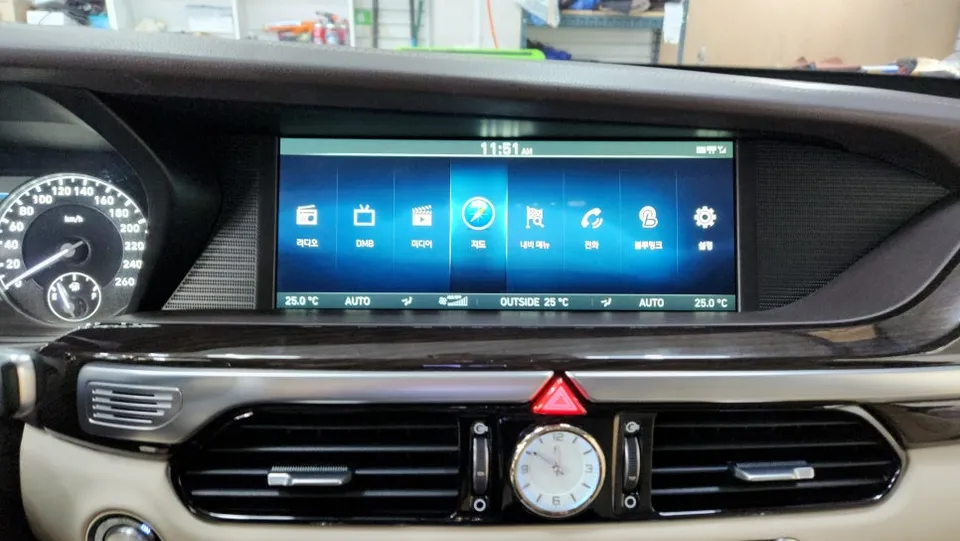
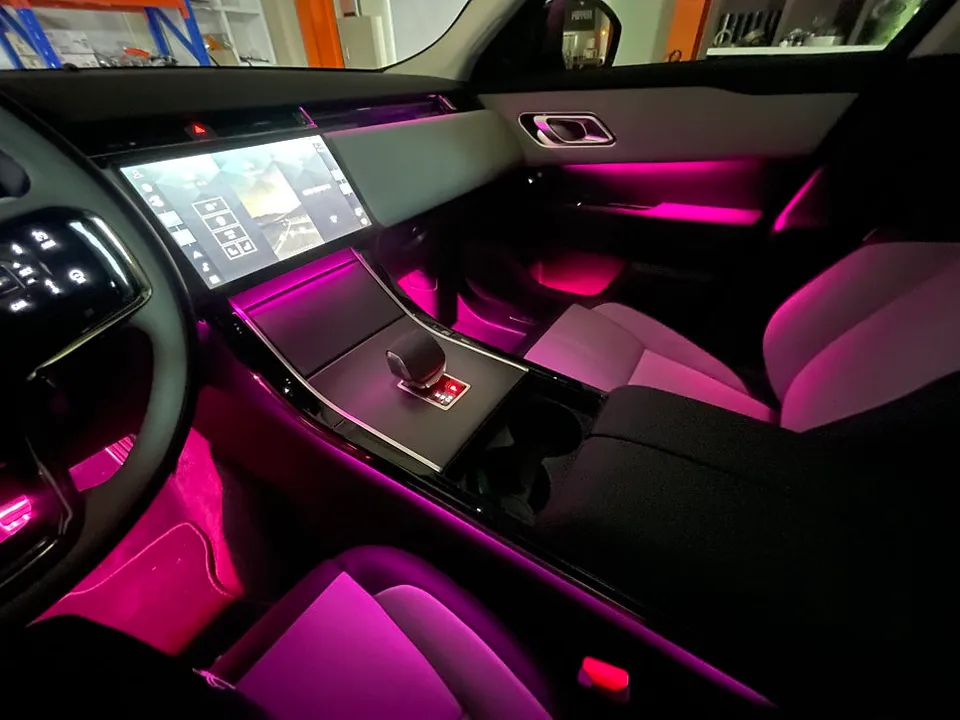
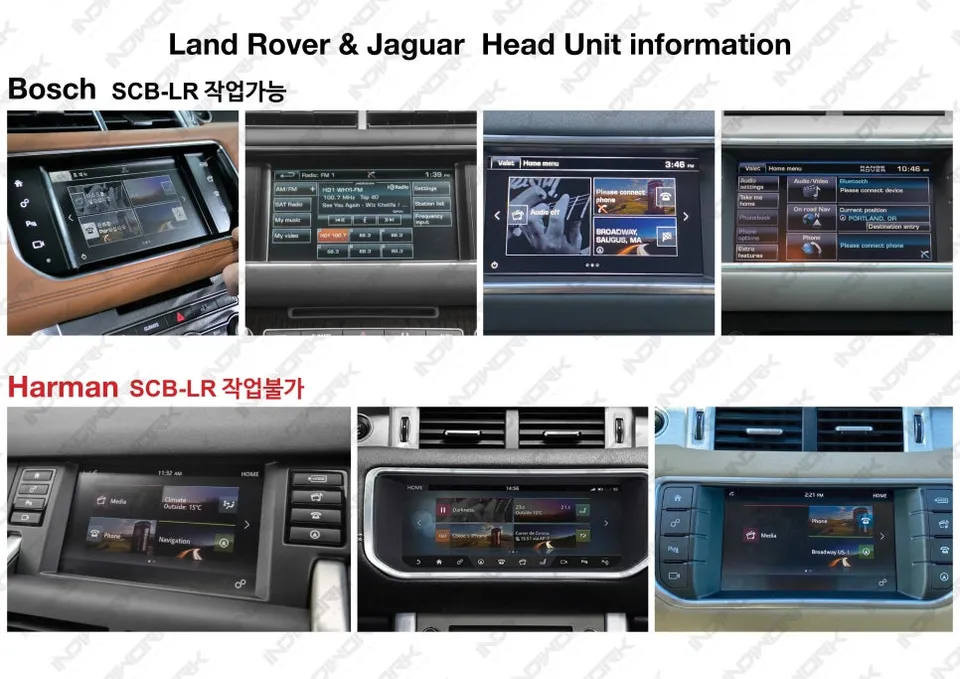
The Range Rover Sport featured in this review originally came equipped with a German-style navigation system. While known for its precision, its Achilles' heel is the slow update of Korean road information. In this installation, we replaced the original navigation unit with a CarPlay module that seamlessly integrates with your smartphone.
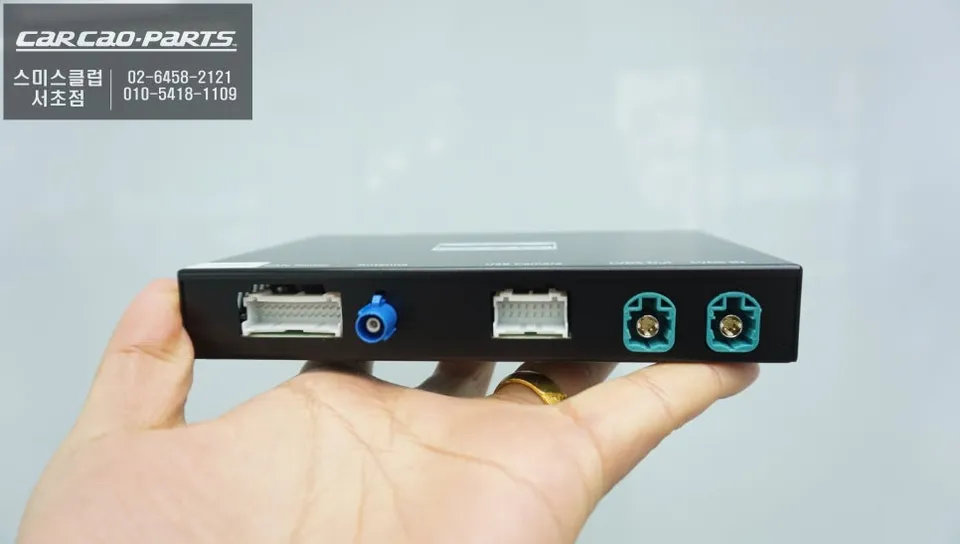
The key to this upgrade is the LVDS IN/OUT connection method. Unlike low-resolution mirroring, this technique directly interfaces with the original monitor's signal, delivering a high-definition (Full HD) display of your smartphone's interface. This results in a fluid touch response and crystal-clear map visuals, indistinguishable from native functionality.
Dual Support for Android Auto and Apple CarPlay
A significant advantage of this system is its OS flexibility. It functions flawlessly with Apple CarPlay for iPhone users and Android Auto for Android phone users. This ensures compatibility even if you switch phone brands in the future.
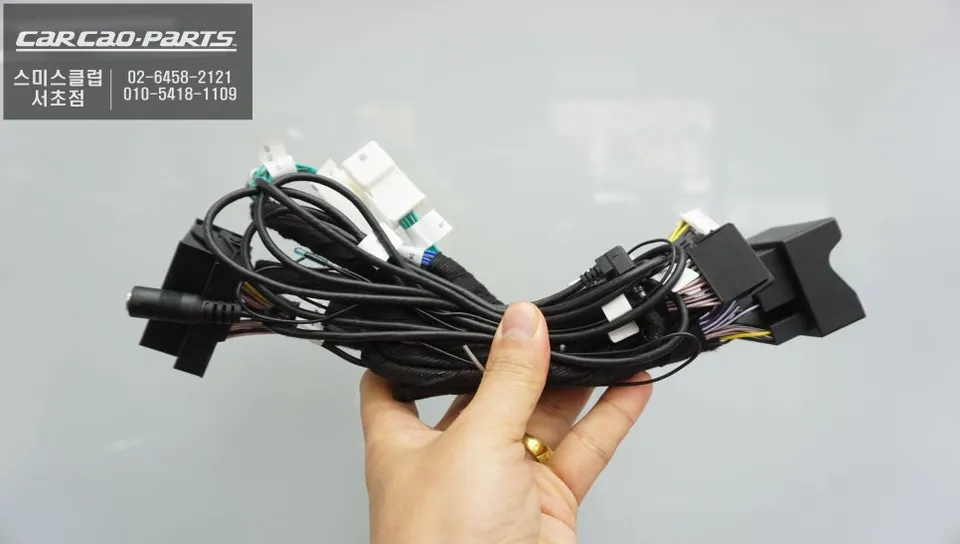
The installation process is equally user-friendly, utilizing a Plug & Play system that avoids any damage to the original wiring. This minimizes installation time and allows for a straightforward return to the original setup if ever desired.
Key Benefits of Upgrading to CarPlay
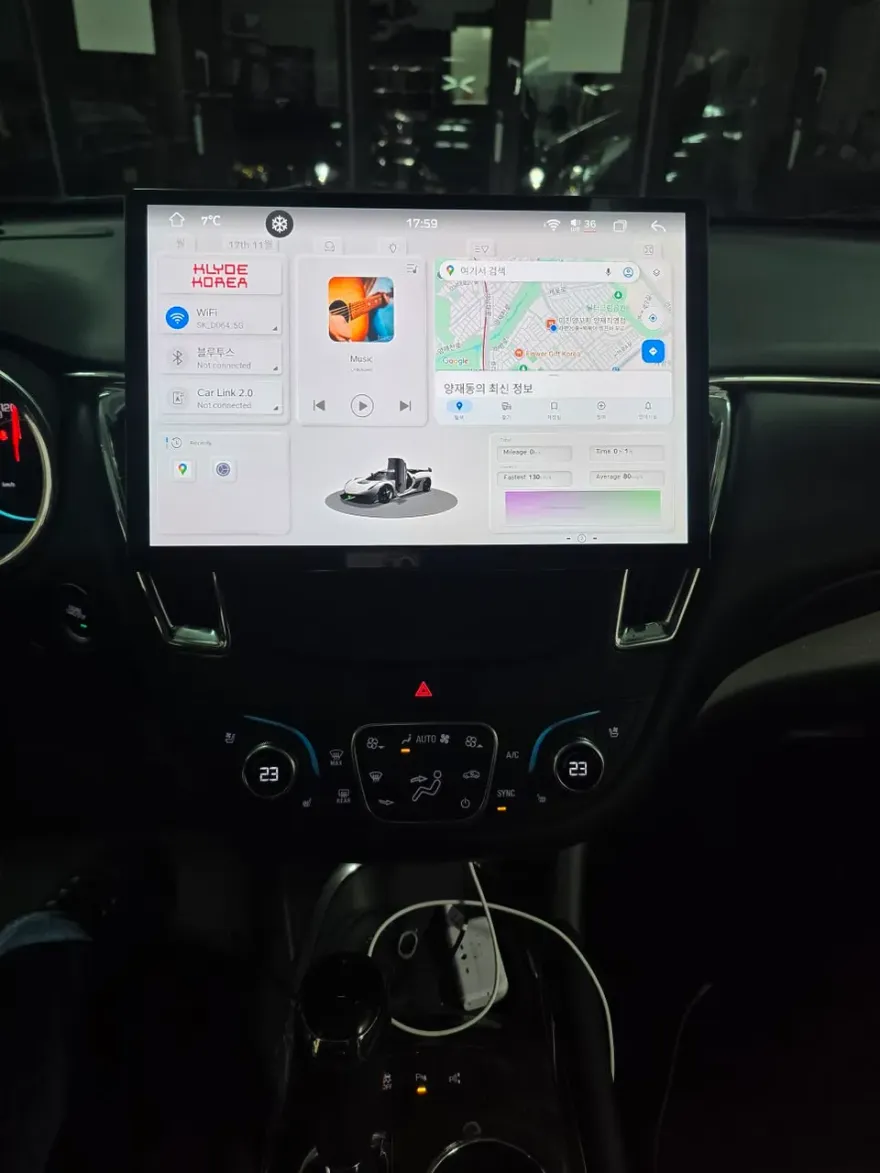
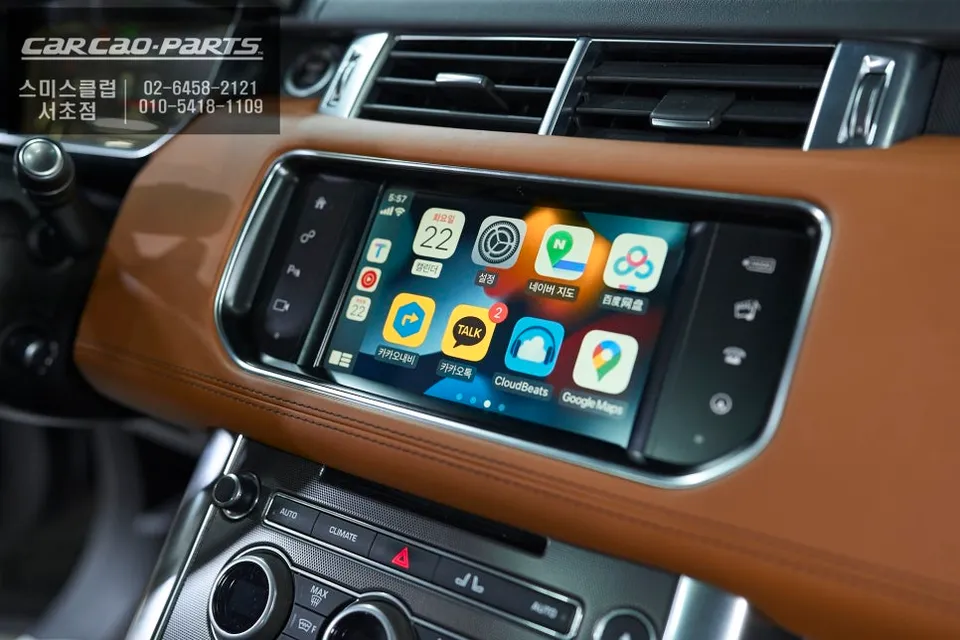
1. Real-Time Map Updates: Access T Map and Kakao Map directly, ensuring immediate reflection of new road constructions or closures. Say goodbye to outdated map information. Traffic congestion data is also updated in real-time, providing optimized routes.
2. Voice Control Convenience: Utilize your smartphone's voice assistant (Siri or Google Assistant) through the car's speakers. No need to pick up your phone to issue commands. The system integrates with the AUX input, preserving the original speaker quality.
3. Integrated Music Streaming: Control music streaming apps like Melon, YouTube Music, and Spotify directly from the car's monitor. Change tracks via touch or request playlists using voice commands, all without touching your phone.
Enhanced Multimedia with Mirroring Functionality
Another compelling feature of CarPlay is its mirroring capability. This allows you to display all your smartphone apps on the original car monitor, including video streaming apps like YouTube, photo albums, and weather applications. Please note that usage may be restricted while driving for safety reasons, primarily intended for use when stationary.
Voice commands are also significantly improved. Instead of the rigid recognition of older systems, you can use natural, everyday language. For instance, you can simply say, "Navigate me to my meeting location next Monday," and the system will access your calendar and location data.
Installation Process:
- Disconnect the vehicle's battery.
- Carefully remove the original head unit trim panels.
- Connect the CarPlay module using the provided Plug & Play harnesses.
- Route and connect the LVDS cables for high-definition video output.
- Reassemble the trim panels and reconnect the battery.
Frequently Asked Questions
Q. How much does an Android Head Unit cost for a Land Rover Range Rover Sport?
The specific cost for this installation was not detailed in Korean Won, but similar high-definition LVDS CarPlay/Android Auto integration systems in the US typically range from $600 to $1500, depending on the vehicle and specific features.
Q. How long does an Android Head Unit last on a Land Rover Range Rover Sport?
These integrated systems are designed for the lifespan of the vehicle, offering years of reliable use. Regular software updates for the head unit and connected smartphone apps are recommended to ensure optimal performance and security.
Q. Is an Android Head Unit worth it for a Land Rover Range Rover Sport?
An Android Head Unit is highly recommended for Range Rover Sport owners seeking to modernize their infotainment, especially those frustrated with outdated factory navigation. It provides significant value by offering real-time navigation, seamless app integration, and enhanced convenience.
Q. How is an Android Head Unit installed on a Land Rover Range Rover Sport?
Installation involves connecting a CarPlay/Android Auto module via a high-definition LVDS IN/OUT interface, ensuring a Full HD display. The process uses Plug & Play harnesses, preserving original wiring, and typically takes a few hours.
Q. What is the best Android Head Unit option for a Land Rover Range Rover Sport?
For a Land Rover Range Rover Sport, an LVDS-based CarPlay/Android Auto module offering Full HD output and Plug & Play installation is the best option for seamless integration. This provides superior visual quality and ease of use compared to standard mirroring solutions.
Kakao Parts