Audi A6 Android Head Unit Review — Seamless Smartphone Integratio
Service Price
$150+
Estimated price · Actual price may vary by shop
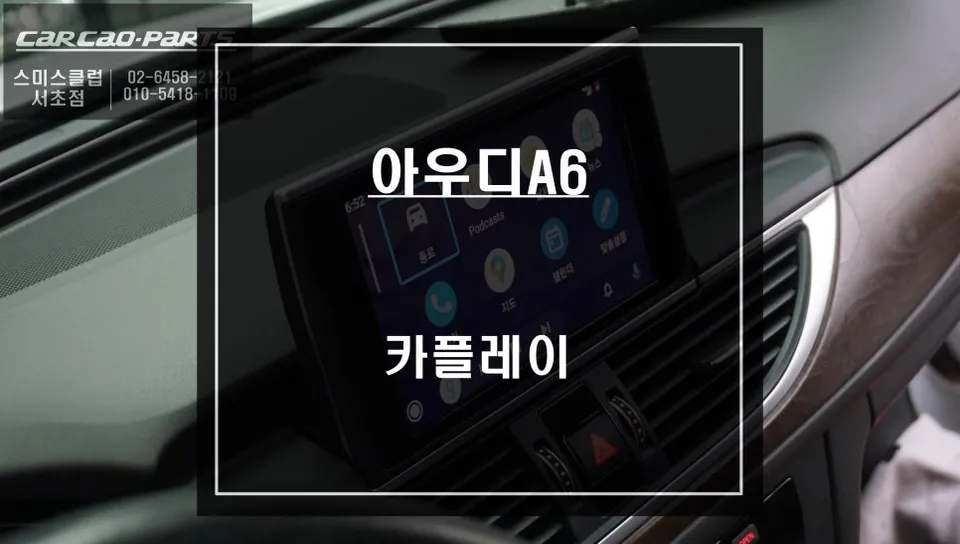
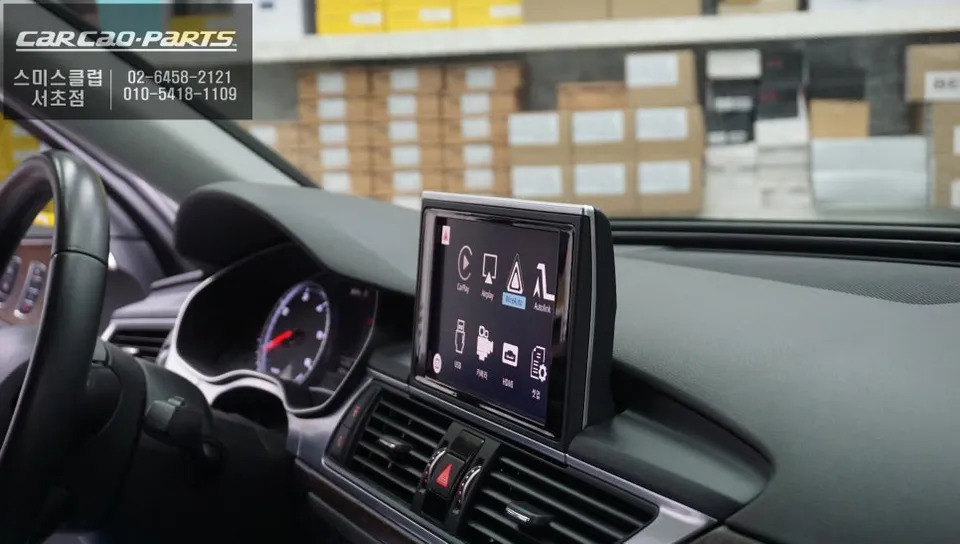
Audi A6 Android Head Unit installation provides seamless Tmap/KakaoNavi integration via USB for enhanced navigation and entertainment.
Upgrade Your Audi A6 Navigation with an Android Head Unit
The factory navigation system in the Audi A6, while functional, often falls short for drivers accustomed to the real-time traffic data and user-friendly interfaces of smartphone navigation apps like Tmap and KakaoNavi. Updates can be slow, and real-time traffic information isn't always as accurate or immediate as preferred. This review details the installation of an Android Head Unit interface module, designed to bridge this gap and bring the convenience of your smartphone's navigation directly to your car's integrated display.
Why an Android Head Unit is Essential for Your Audi A6
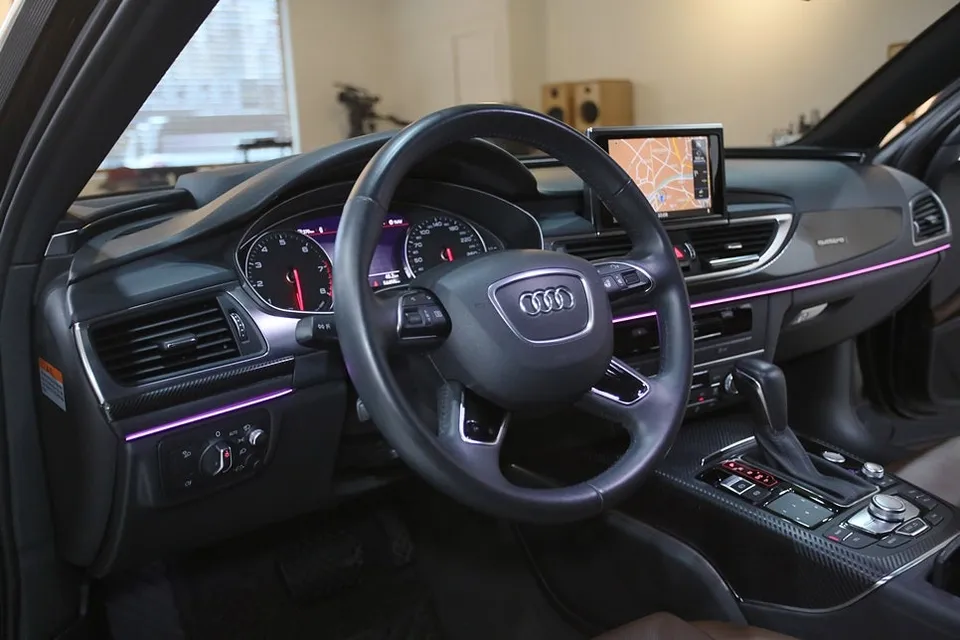
While higher-end Audi models might feature more advanced navigation, the standard system can feel restrictive. The primary limitations include infrequent map updates and delayed reflection of new roads or businesses. More critically, real-time traffic information provided by the stock system often pales in comparison to the dynamic routing offered by apps like Tmap or KakaoNavi, which can save significant time by avoiding congestion. An Android Head Unit interface module overcomes these limitations by leveraging your smartphone's capabilities. It mirrors your phone's navigation apps onto the car's existing high-resolution screen, providing a familiar and efficient interface. The system typically operates via a stable USB connection, ensuring reliability.
The Installation Process: Integrating the Interface Module
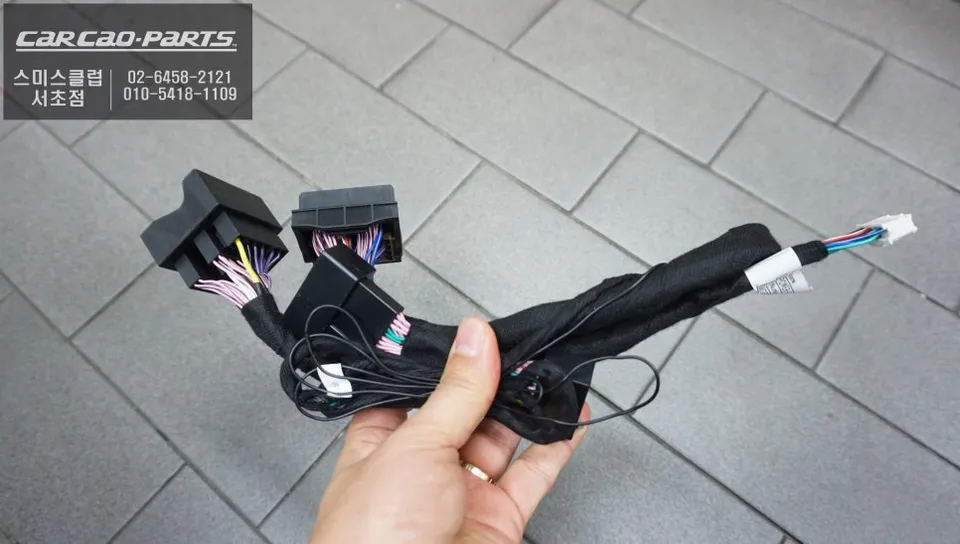
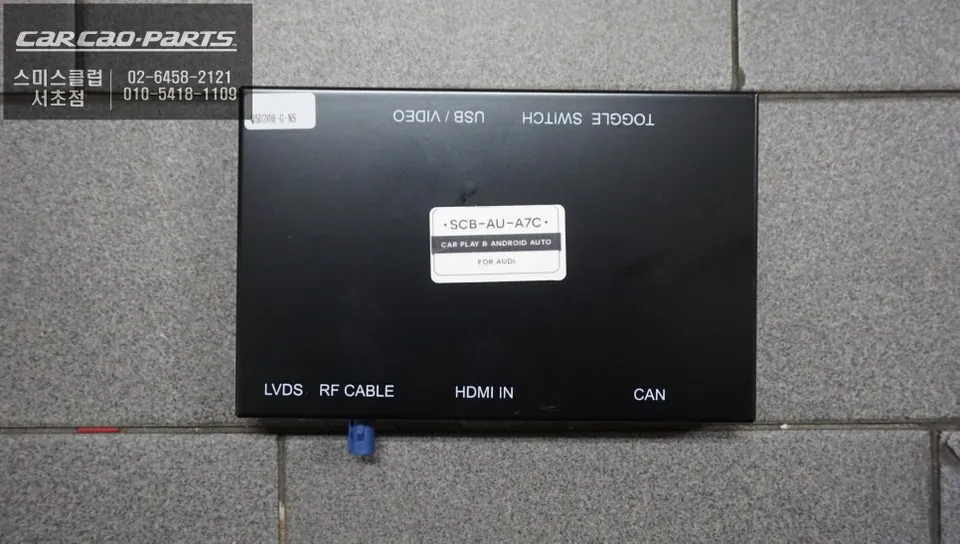
The core of the Android Head Unit upgrade is a specialized interface box. This module is designed for a plug-and-play installation, connecting in parallel to the existing wiring harness without altering the original system. This means all factory functions remain fully accessible, with the new interface simply overlaying the CarPlay or Android Auto display onto the original monitor. The installation process generally involves:
- Carefully disassembling parts of the dashboard and center console to access the necessary wiring.
- Connecting the interface module using the provided plug-and-play harnesses.
- Installing a new USB port, which serves as the connection point for your smartphone.
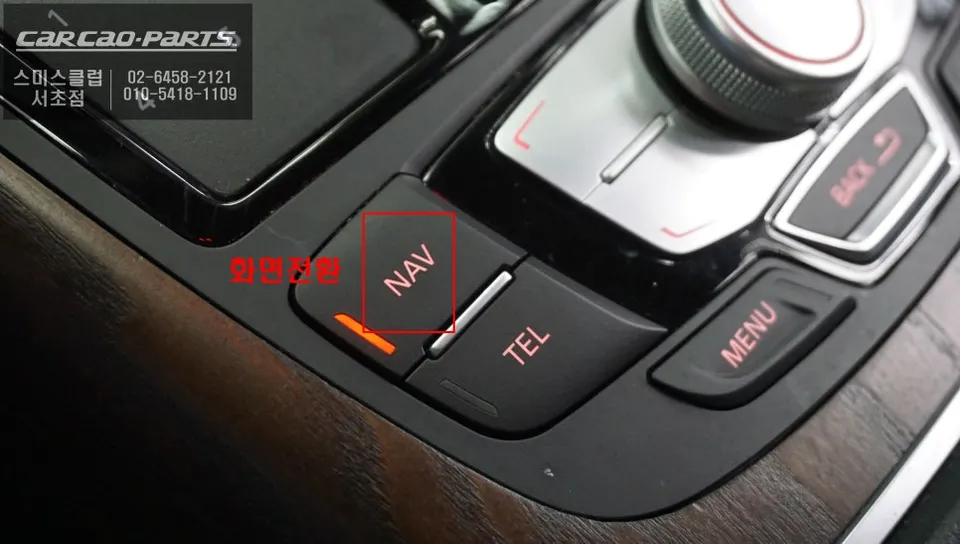
- Configuring the system, often allowing a factory button (like 'NAV') to be repurposed for switching between the original interface and the new smartphone mirroring display.
Audio integration is also seamless. The module routes audio signals through the car's AUX input, ensuring that navigation prompts and music from your smartphone are played through the factory speakers. The entire installation typically takes about 2 to 3 hours, including the time needed to familiarize the installer with the specific vehicle's interior layout.
Post-Installation: Enhanced Navigation and Entertainment
Once installed, switching to the Android Head Unit interface is usually as simple as pressing and holding the designated factory button for a couple of seconds. The original navigation screen will be replaced by your smartphone's interface, displaying apps like Tmap or KakaoNavi in high definition. This provides access to real-time traffic data, optimized routing, and a much more intuitive user experience. The system supports both Apple CarPlay for iPhone users and Android Auto for Android users. While wireless connectivity is an option, a wired USB connection is highly recommended for maximum stability during driving, minimizing the risk of disconnections. Beyond navigation, streaming music apps like Melon or YouTube Music are also fully integrated, allowing you to enjoy your favorite playlists directly through the car's audio system.
Frequently Asked Questions
Q. How much does an Android Head Unit installation cost for an Audi A6?
The cost for an Android Head Unit installation in an Audi A6 typically ranges from 400,000 to 600,000 Korean Won, which is approximately $300-$450 USD. US pricing for similar aftermarket head unit installations can vary widely, often starting from $500 and going up depending on the unit's features and complexity.
Q. How long does an Android Head Unit installation take on an Audi A6?
The installation process for an Android Head Unit interface module on an Audi A6 usually takes between 2 to 3 hours. Proper installation ensures long-term reliability, so it's important to allow adequate time for the technician to complete the work meticulously.
Q. Is an Android Head Unit worth it for an Audi A6?
An Android Head Unit is highly recommended for Audi A6 owners who frequently use smartphone navigation apps like Tmap or KakaoNavi. It significantly enhances the driving experience by providing real-time traffic data and a more intuitive interface directly on the car's display, offering excellent value for improved convenience.
Q. How is an Android Head Unit installed on an Audi A6?
Installation involves connecting a specialized interface module via plug-and-play harnesses behind the dashboard, without altering the original wiring. A new USB port is added for smartphone connection, and audio is routed through the car's AUX input. The system is then configured, often repurposing a factory button for easy switching between interfaces.
Q. What is the difference between Android Auto and a full Android Head Unit for an Audi A6?
Android Auto is a smartphone mirroring system that displays specific apps on your car's screen, while a full Android Head Unit is a standalone system with its own operating system and apps. This review focuses on an interface that enables Android Auto (and Apple CarPlay) functionality on the Audi A6's existing screen.
Kakao Parts