Audi A7 Android Head Unit Upgrade Review — Enhanced Infotainment
Service Price
$40–80
Estimated price · Actual price may vary by shop
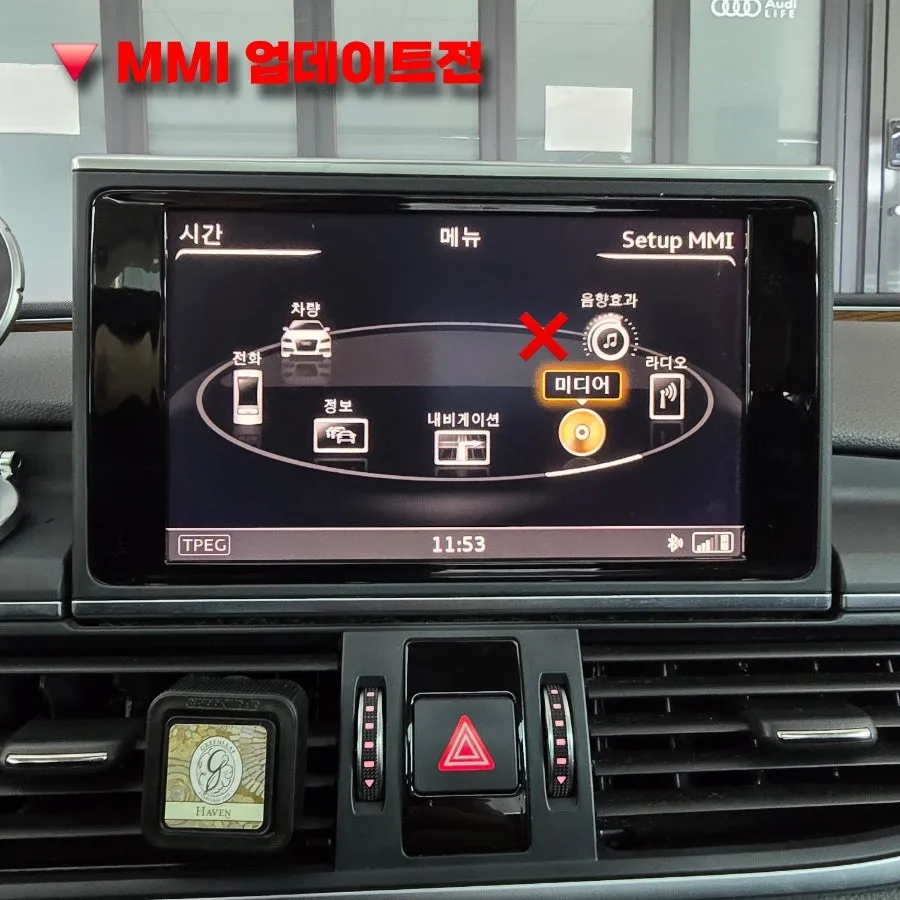
Before
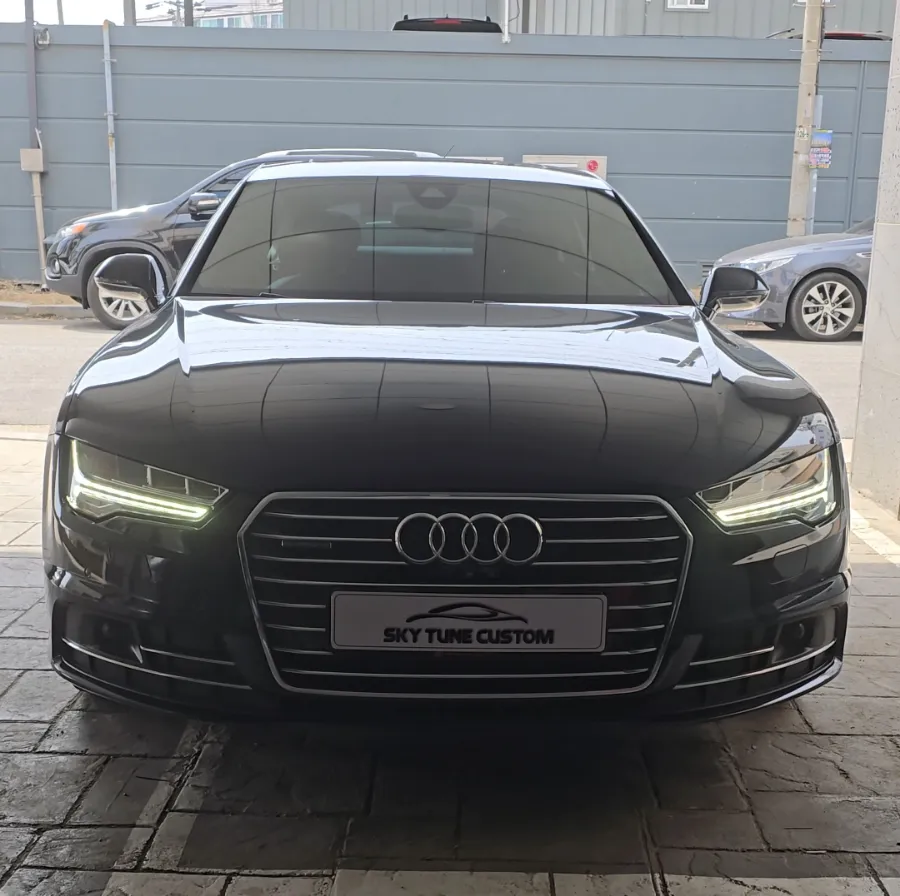
After
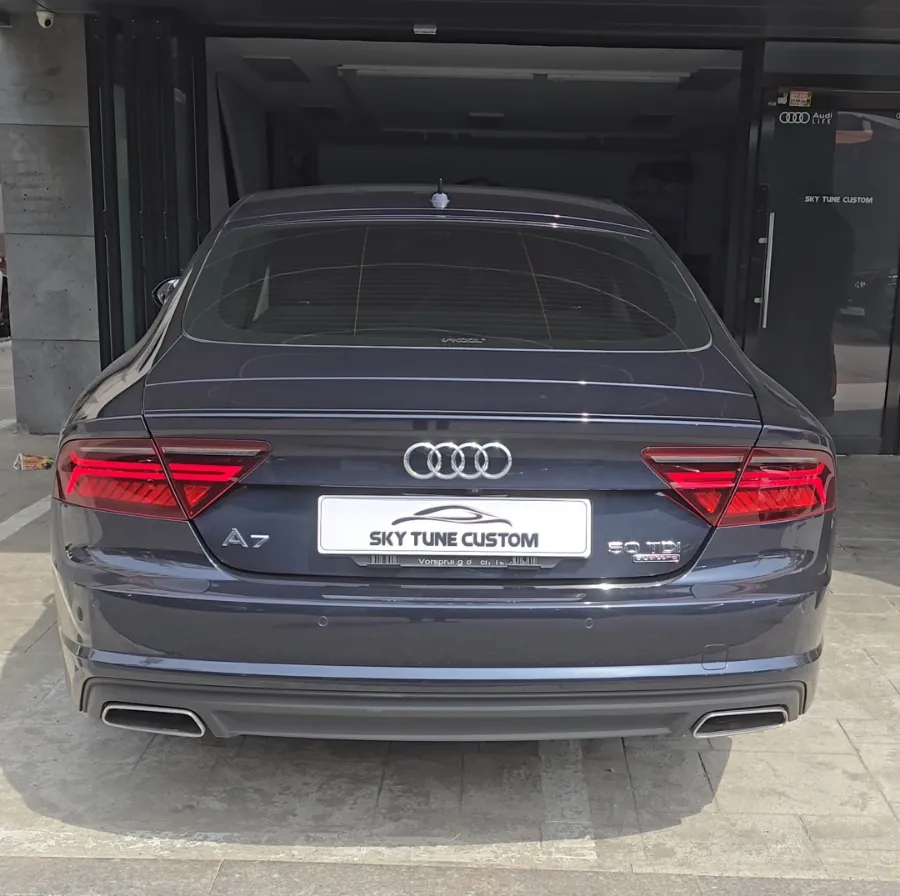
Process photos
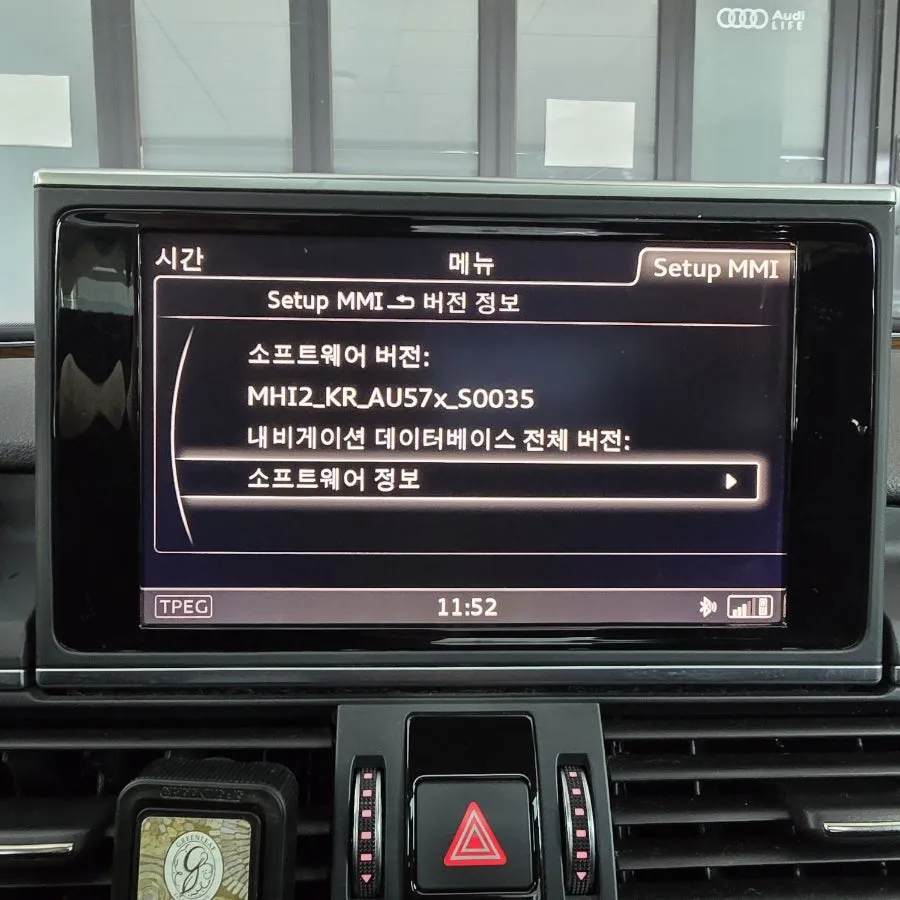
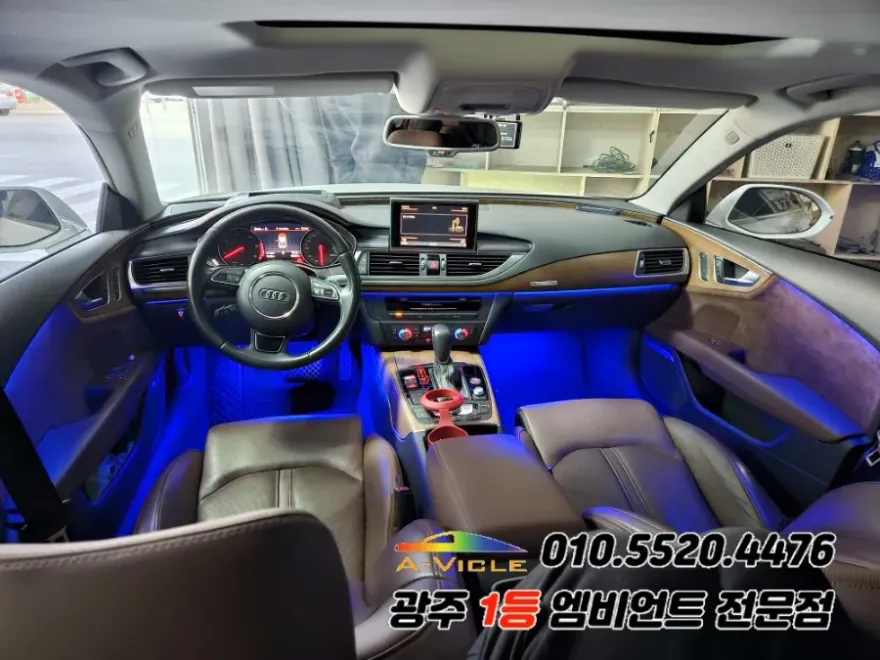
Audi A7 Android Auto/CarPlay upgrade via MMI update. Seamless smartphone integration for navigation and music. Enhanced infotainment experience.
Audi A7 MMI Update for Android Auto & CarPlay
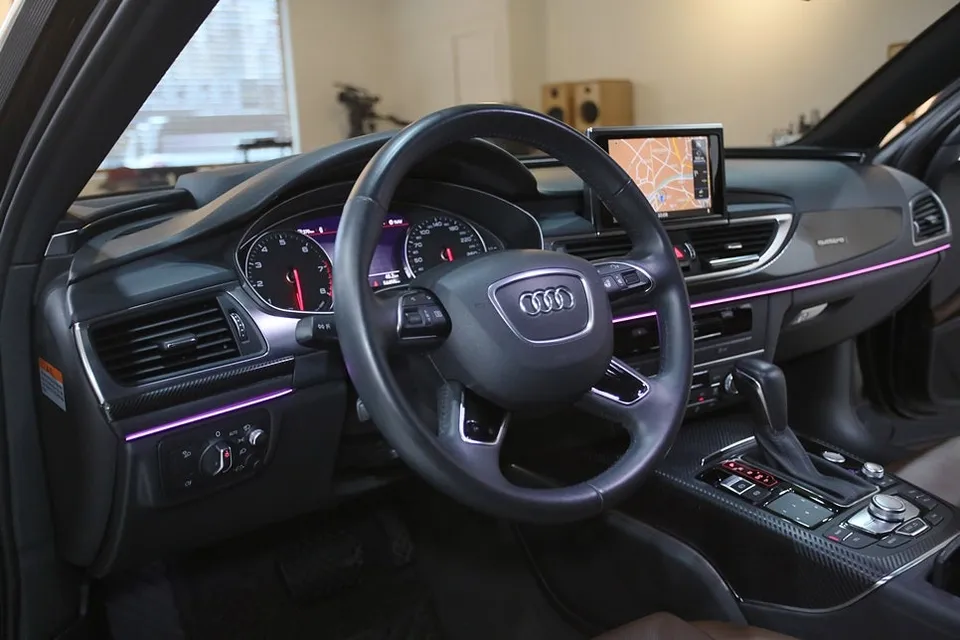
For owners of the 2016 Audi A7, particularly the 50TDI Quattro Premium model, the native MMI navigation system can sometimes feel outdated. If you find yourself wishing for the convenience of smartphone navigation apps and streaming services directly on your car's display, an MMI software update to enable native Android Auto and Apple CarPlay is an excellent solution. This upgrade offers a significant boost to your vehicle's infotainment capabilities without the need for costly aftermarket installations. It's an efficient way to modernize your A7's interface, especially if you primarily use your smartphone for navigation and entertainment.
Seamless Integration via MMI Software Update
The 2016 model year Audi A7 is equipped with an MMI system (specifically the MHI2 version) that supports the activation of Android Auto and Apple CarPlay through a straightforward software update. This process leverages your car's existing hardware, making it a cost-effective and integrated solution. Unlike external devices, this update ensures a factory-like experience, providing a clean and intuitive interface for your smartphone apps. The update is recommended for those who prefer using familiar apps like Google Maps, Waze, Spotify, or Apple Music directly through their car's screen.
Installation Process:
- MMI Version Check: Before proceeding, the current MMI software version is verified to ensure compatibility. The system must be running a compatible MHI2 version.
- Software Update: The MMI software is updated to the latest version that enables the smartphone interface. This typically takes about 15-20 minutes.
- Functionality Test: After the update, the system is checked for the new 'Audi Smartphone Interface' option, and a smartphone is connected via USB to confirm Android Auto and CarPlay functionality.
Results and Additional Features
Upon completion of the MMI software update, a new menu option, 'Audi Smartphone Interface,' appears on the MMI screen. Connecting your Android or iOS device via the USB port in the center console instantly activates Android Auto or Apple CarPlay, respectively. Both systems demonstrated stable connectivity and full functionality during testing. This allows for seamless use of navigation apps such as TMAP, Kakao Navi, and Google Maps, as well as music streaming services like Melon, YouTube Music, and Apple Music. Beyond the core functionality, several additional coding options were performed free of charge upon the owner's request. These included activating the welcome ceremony, enabling the lap timer, adjusting the start-stop system settings, adding a DRL (Daytime Running Light) ON/OFF menu, disabling the headlight washer fluid reminder, enabling beep sounds for door lock/unlock, and expanding the heated steering wheel temperature range from 34°C to 38°C. These enhancements further personalize the driving experience in the Audi A7.
Frequently Asked Questions
Q. How much does an Android Auto/CarPlay activation for an Audi A7 cost?
The MMI software update to activate Android Auto and CarPlay on this Audi A7 was performed for a minimal cost, essentially a software upgrade fee. Typical US pricing for similar activations can range from $200 to $500, depending on the specific model year and dealership.
Q. How long does the Android Auto/CarPlay activation take for an Audi A7?
The MMI software update process for enabling Android Auto and CarPlay on an Audi A7 is relatively quick, usually taking around 15 to 20 minutes to complete. Regular maintenance involves keeping your smartphone's operating system and apps updated for optimal performance.
Q. Is activating Android Auto/CarPlay worth it for an Audi A7?
Activating Android Auto and CarPlay is highly recommended for 2016 Audi A7 owners who frequently use their smartphones for navigation and entertainment. It significantly enhances the infotainment system's usability and value by providing seamless integration with familiar apps.
Q. How is Android Auto/CarPlay activated on an Audi A7?
Activation is achieved through an MMI software update. 1. The current MMI version is checked for compatibility. 2. The software is updated to enable the smartphone interface. 3. The system is tested by connecting a smartphone via USB to confirm functionality.
Q. What's the difference between MMI software update activation and an aftermarket Android head unit for an Audi A7?
The MMI software update integrates Android Auto/CarPlay directly into the car's original system for a seamless factory look and feel, whereas an aftermarket Android head unit replaces the entire original unit, offering a different interface and potentially more features but altering the original dashboard aesthetics.
OhCar Partner Shop