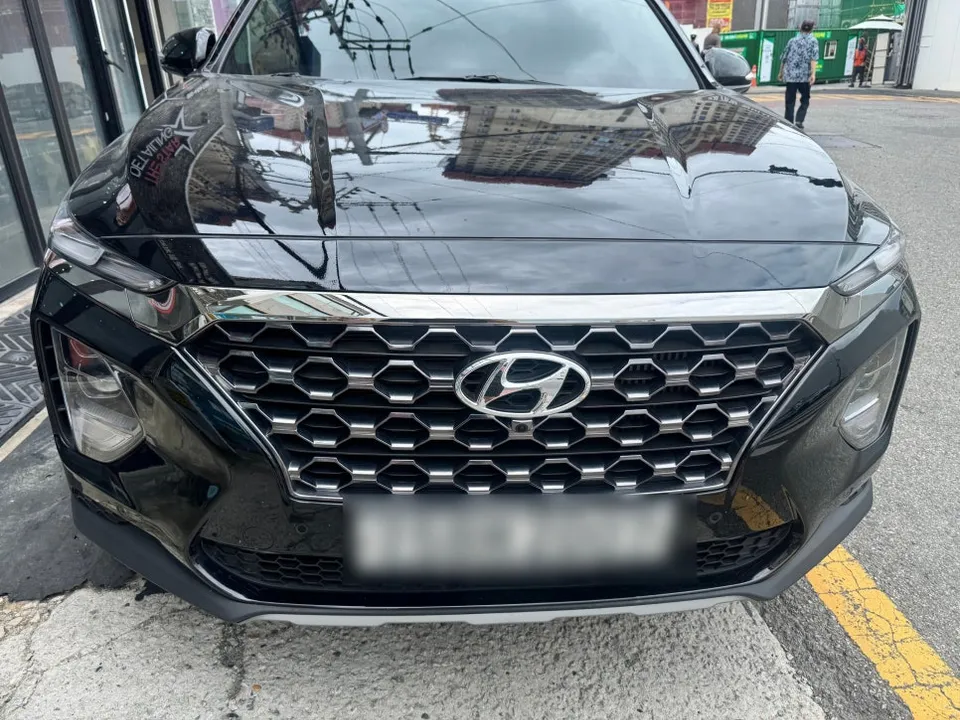
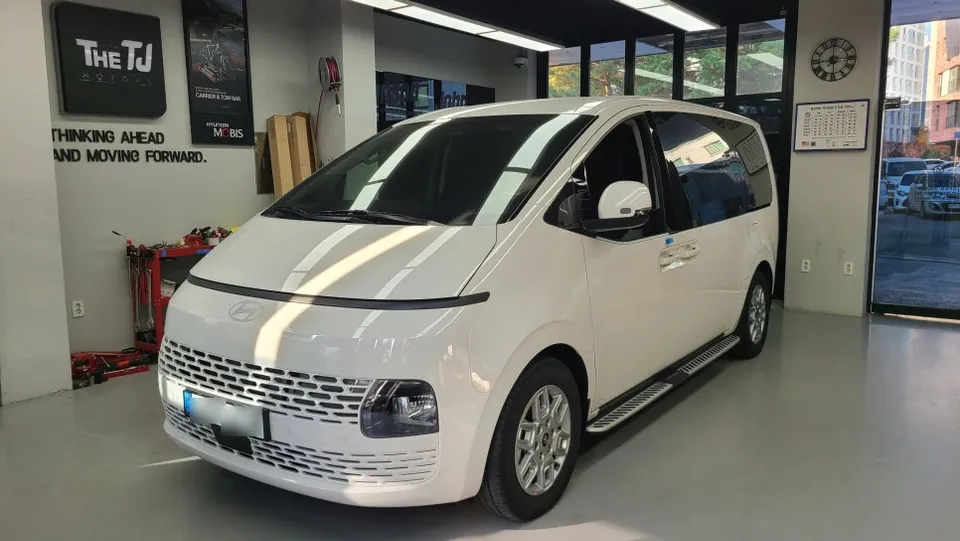
Hyundai Elantra MD Android Head Unit Upgrade Review
Service Price
$approx. $400–800
Estimated price · Actual price may vary by shop
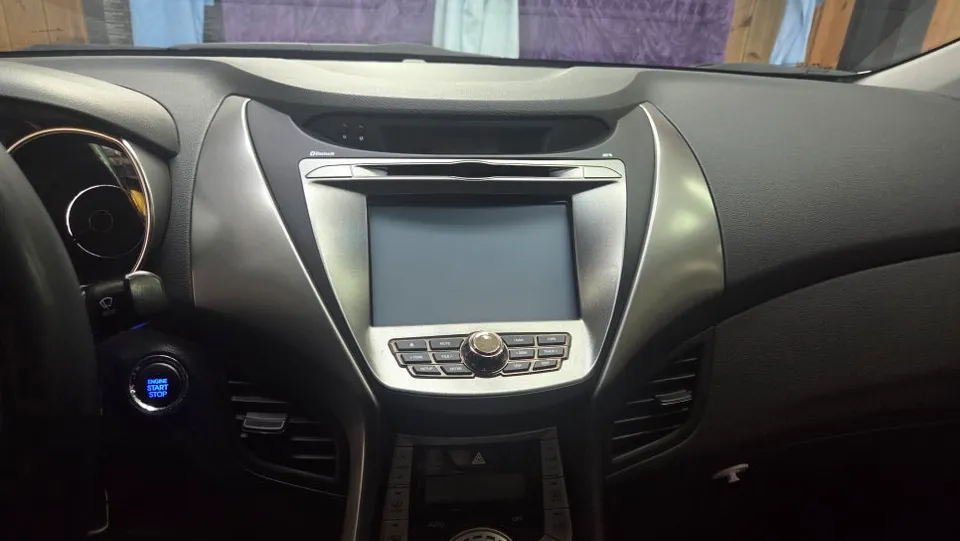
Before
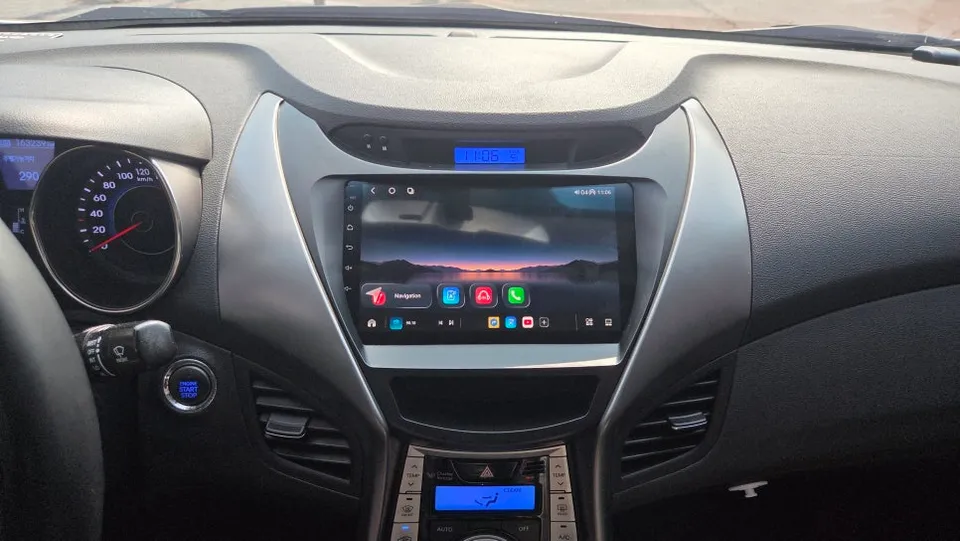
After
Process photos
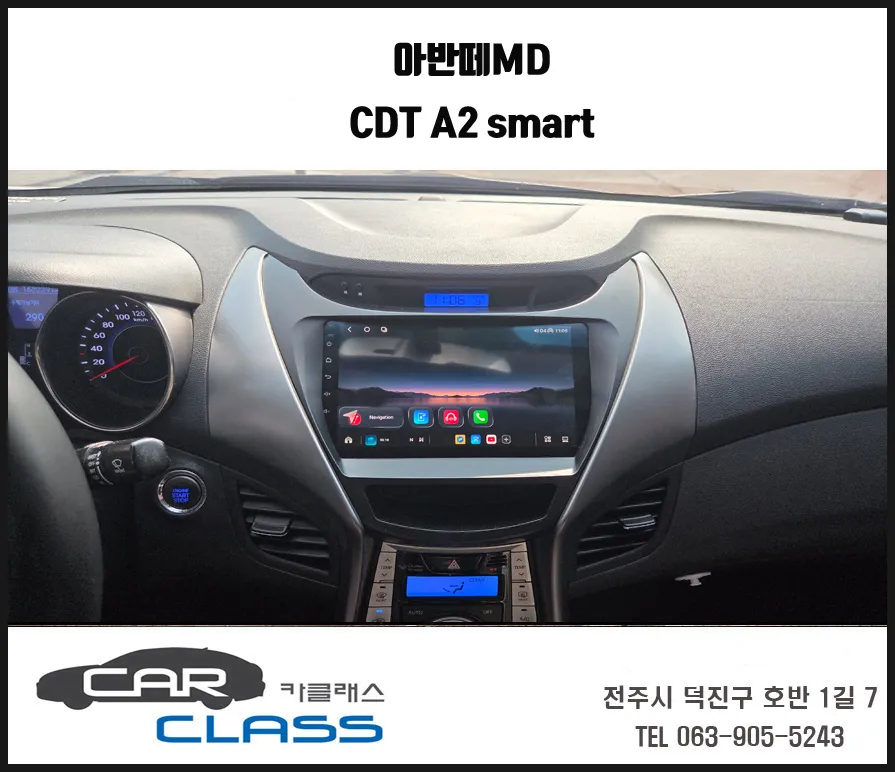
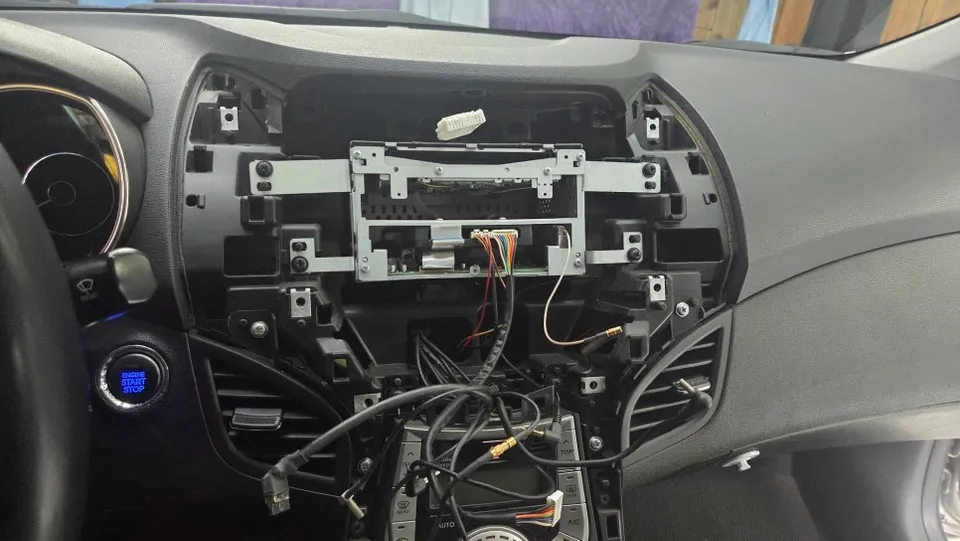
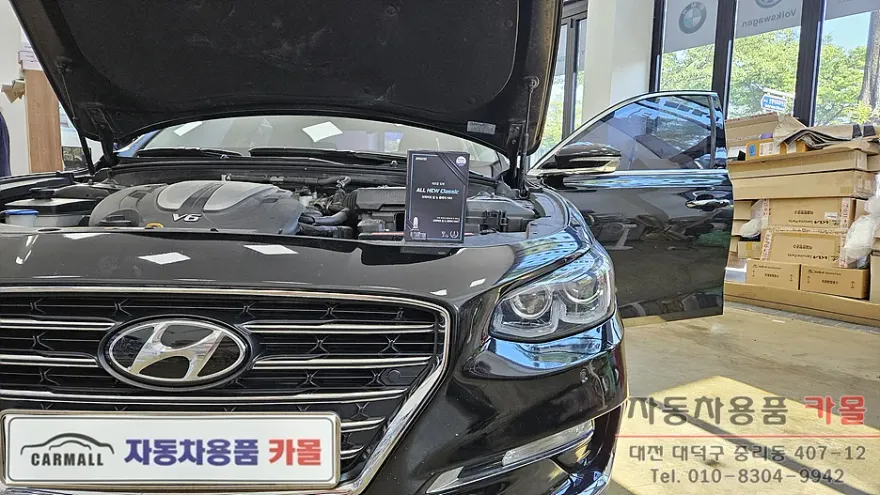
Hyundai Elantra MD Android Head Unit upgrade with CDT A2. Replaces faulty navigation with Android 14, enhanced camera, and customizable interface.
Upgrade Your Hyundai Elantra MD with a Smart Android Head Unit
Many Hyundai Elantra MD owners experience issues with their aging factory-installed navigation systems, such as black screen errors or malfunctioning backup cameras. If your Elantra MD's navigation is causing frustration, upgrading to a modern Android All-in-One (AIO) system is an excellent solution. This review details the installation of the CDT A2 Smart All-in-One, offering a significant technological leap for your vehicle.
The CDT A2 Smart All-in-One: Features and Benefits
The CDT A2 Smart All-in-One runs on the latest Android 14 operating system, powered by a high-performance 7865 octa-core CPU built on a 12nm process. This ensures smooth multitasking and responsive performance. Its advanced cooling system guarantees stability even during extended use. Key features include built-in Android Auto and Apple CarPlay, allowing seamless smartphone integration. You can personalize your experience by downloading your favorite apps and customizing the wallpaper. A standout feature is the flexible screen split functionality, supporting up to a 7:3 ratio, which is ideal for simultaneously viewing navigation and media content, surpassing the typical 5:5 split.
Installation Process:
- Carefully remove the existing navigation unit and dashboard trim pieces.
- Disconnect and neatly organize all wiring harnesses connected to the old system.
- Install the new CDT A2 Android All-in-One unit, ensuring a secure fit.
- Connect the wiring for the new head unit, including the AHD backup camera.
- Test all functions, including navigation, media playback, and the backup camera display.
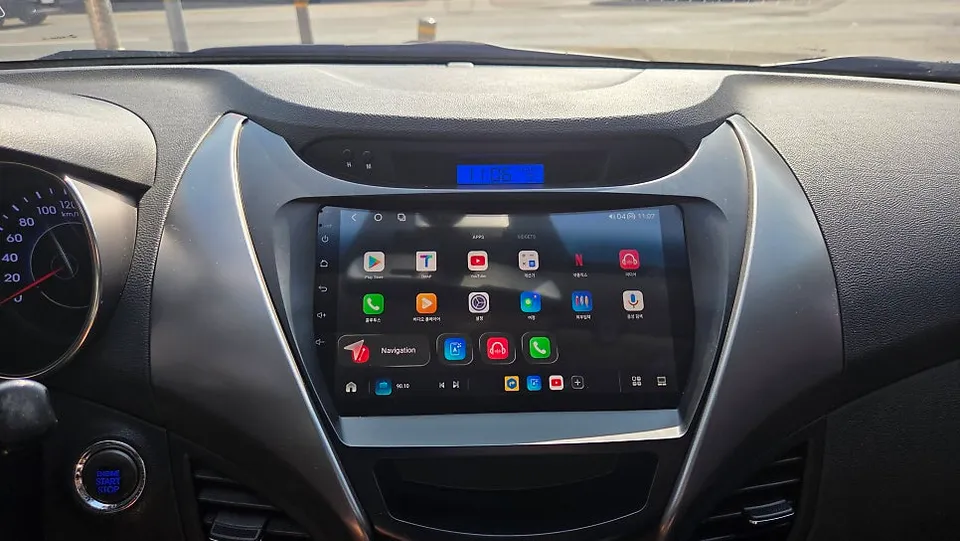
The installation concludes with setting up the new home screen, allowing you to arrange apps and backgrounds to your preference. An AHD backup camera is also integrated, providing a clearer and wider rear view with adjustable parking assist lines for safer parking.
Enhanced Driving Experience
After the upgrade, the Hyundai Elantra MD transforms into a more connected and user-friendly vehicle. The frustrations of a faulty navigation system are replaced with the capabilities of a modern Android device. The 7:3 screen split is particularly beneficial, allowing drivers to monitor GPS directions while enjoying music or other media. The improved clarity of the backup camera significantly enhances safety during reversing and parking maneuvers.
Frequently Asked Questions
Q. How long does the Android Head Unit installation take for a Hyundai Elantra MD?
The installation process for the Android Head Unit, including removing the old unit and integrating the new system with a backup camera, typically takes around 3-4 hours. This timeframe ensures a thorough and professional installation without rushing the complex wiring and fitting.
Q. What are the benefits of upgrading to an Android Head Unit in a Hyundai Elantra MD?
Upgrading to an Android Head Unit provides access to modern features like GPS navigation apps, streaming services, and smartphone integration (Android Auto/Apple CarPlay), significantly enhancing entertainment and convenience. It also resolves issues with older, malfunctioning factory navigation systems.
Q. Can I install apps on the Android Head Unit for my Hyundai Elantra MD?
Yes, the Android Head Unit runs on the Android operating system, allowing you to download and install a wide variety of apps directly from the Google Play Store, just like on a smartphone or tablet. This enables extensive customization for navigation, entertainment, and productivity.
Q. How is the Android Head Unit installed in a Hyundai Elantra MD?
Installation involves carefully removing the original navigation system and dashboard trim. Then, all wiring is disconnected and organized before the new Android Head Unit is securely fitted. Finally, the wiring harnesses are connected, including for any new components like a backup camera, and the system is tested.
Q. What is the difference between an Android Head Unit and the factory navigation in a Hyundai Elantra MD?
The factory navigation is often limited in features and can become outdated or malfunction over time, whereas an Android Head Unit offers a modern, versatile platform with access to current apps, faster processing, and customizable interfaces. It essentially turns your car's infotainment system into a tablet.
OhCar Partner Shop